
Blond Apron Man Serving Heart Omurice
Generates a warm anime fantasy-kitchen portrait of a blond apron-wearing man presenting heart-decorated omurice for romantic character art.
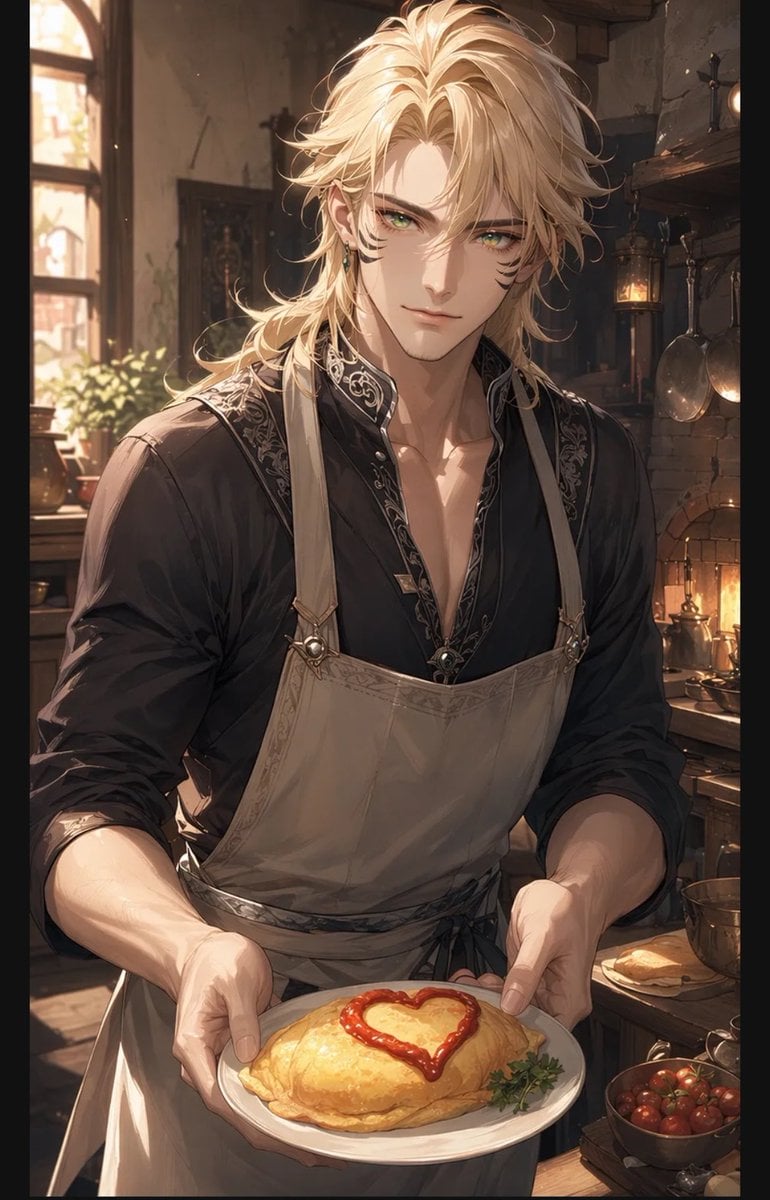
- Prompt included
- Model and format preset
- Free template
The prompt behind this image
Copy the exact prompt behind Blond Apron Man Serving Heart Omurice, or open it in the studio and make it yours.
Create a warm, romantic anime-style vertical illustration of {argument name="character name" default="a tall handsome blond man"} welcoming the viewer in a rustic fantasy kitchen, shown from mid-torso up and holding out a white plate with both hands. His face is covered by a plain centered square censor block in a skin-tone brown, while his long tousled {argument name="hair color" default="golden blond"} hair frames the block and catches the sunlight. He wears a black open-collar shirt with ornate silver embroidery along the collar and placket, sleeves rolled to the forearms, plus a beige apron with shoulder straps, metal rings, and a tied waist. On the plate is exactly one golden folded omurice, glossy and soft, decorated with exactly one red ketchup heart on top and a small green herb garnish at the side. The background is a cozy old-world kitchen with warm afternoon light streaming through one arched window on the left, potted greenery on the sill, a brick hearth glowing on the right, one hanging lantern, exactly two hanging metal pans, wooden shelves, bowls, copper cookware, and a bowl of small red tomatoes near the lower right. Use soft cinematic lighting, detailed painterly linework, delicate highlights, warm amber shadows, shallow depth of field, intimate welcoming composition, high-detail anime illustration, fantasy domestic atmosphere, vertical portrait aspect ratio.
How to use Blond Apron Man Serving Heart Omurice in 3 steps
- 1Upload ImagePNG, JPG or paste
Add your photo
Upload the photo the template builds on. The prompt, model and format are already set.
- 2…a portrait of your subject in softgolden-hour light, 85mm…
Personalize
Edit the subject and creative details for your destination.
- 3Generate
Generate
Press Generate — your image is created in PicX Studio, so you can compare it with the original and refine one variable at a time.
More like this
Templates with the same subject, style or setup. Open one to see its prompt.

Woman in Mall with Chanel Bag - Heart Gesture

Realistic Blonde Woman Bedroom Portrait
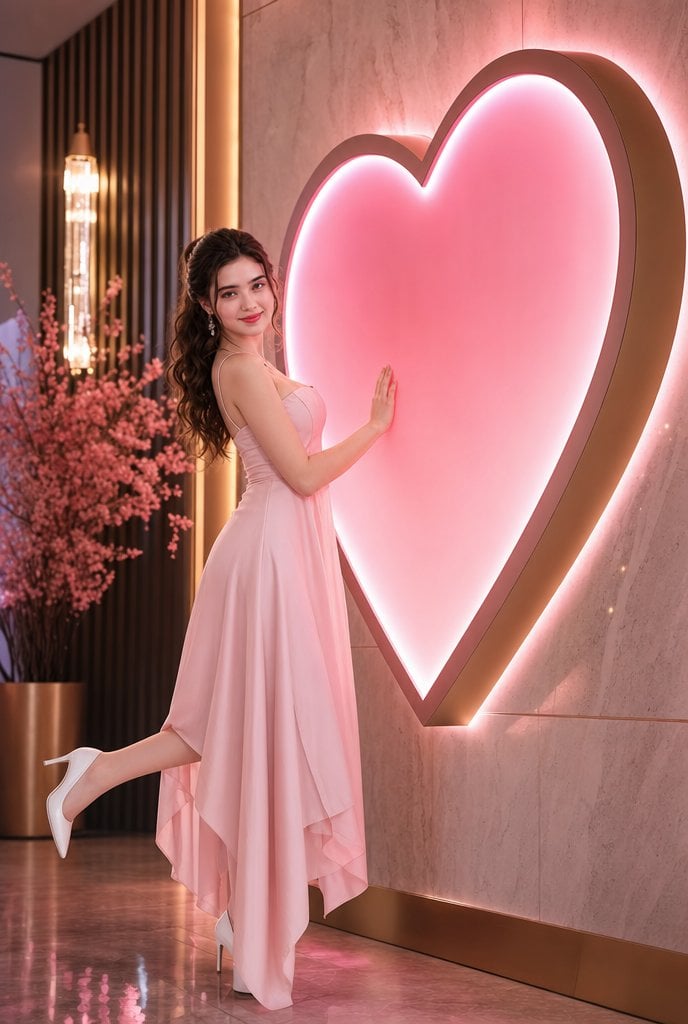
Romantic Pink Heart Fashion Portrait

Man Pouring Water on Magic Heart
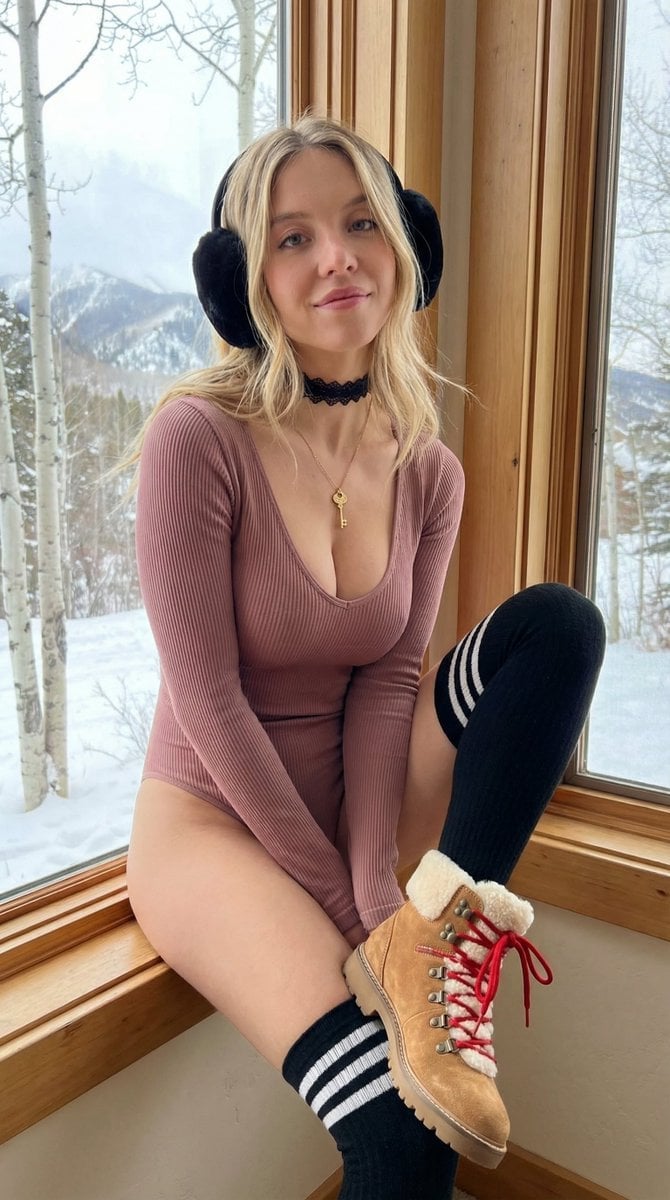
Cozy winter portrait of a blonde woman on a window sill

Natural Blonde Woman Portrait Prompts

Blonde Woman Backless Dress Portrait Prompt
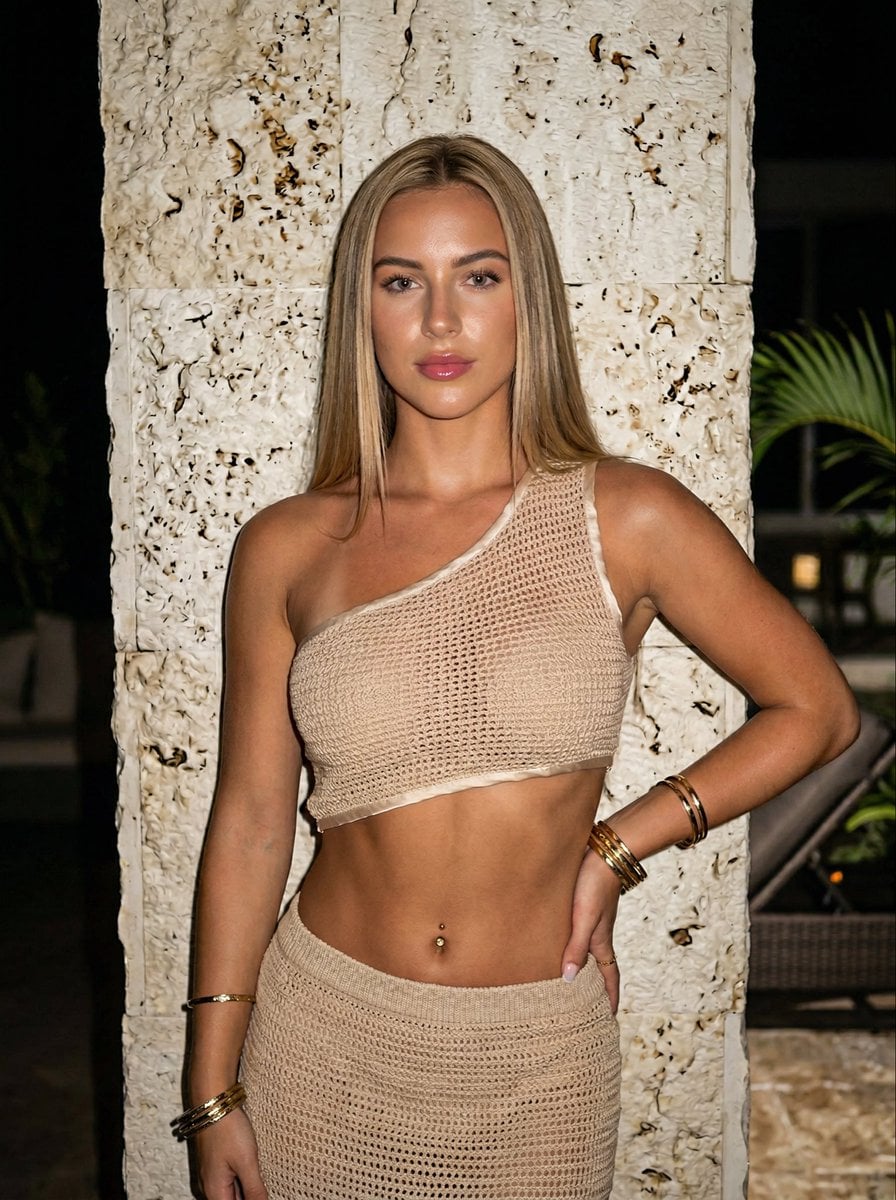
Ultra-realistic Portrait of a Blonde Woman in Crochet Outfit
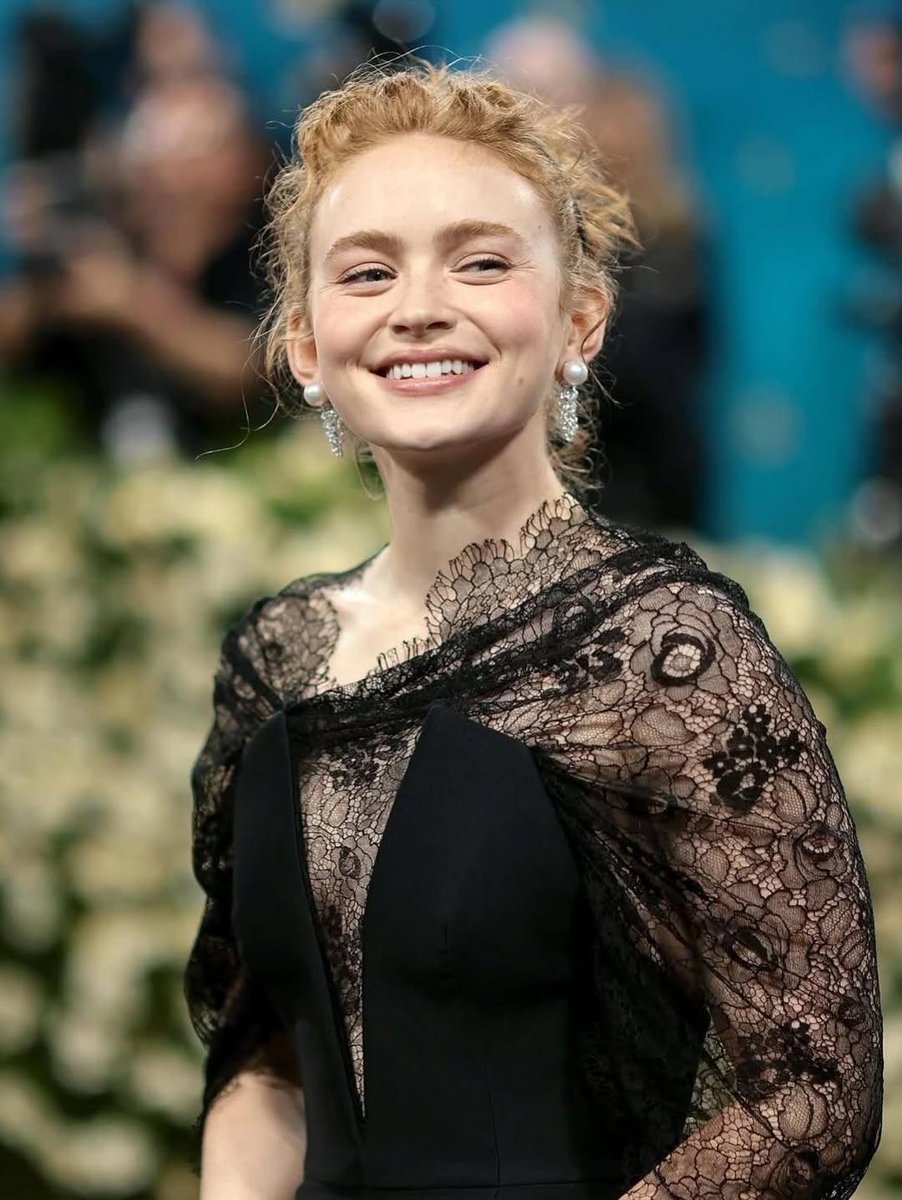
Elegant Red Carpet Portrait of a Blonde Woman

Two Hearts. One Scooter.

Quiet Hamster Manga Page
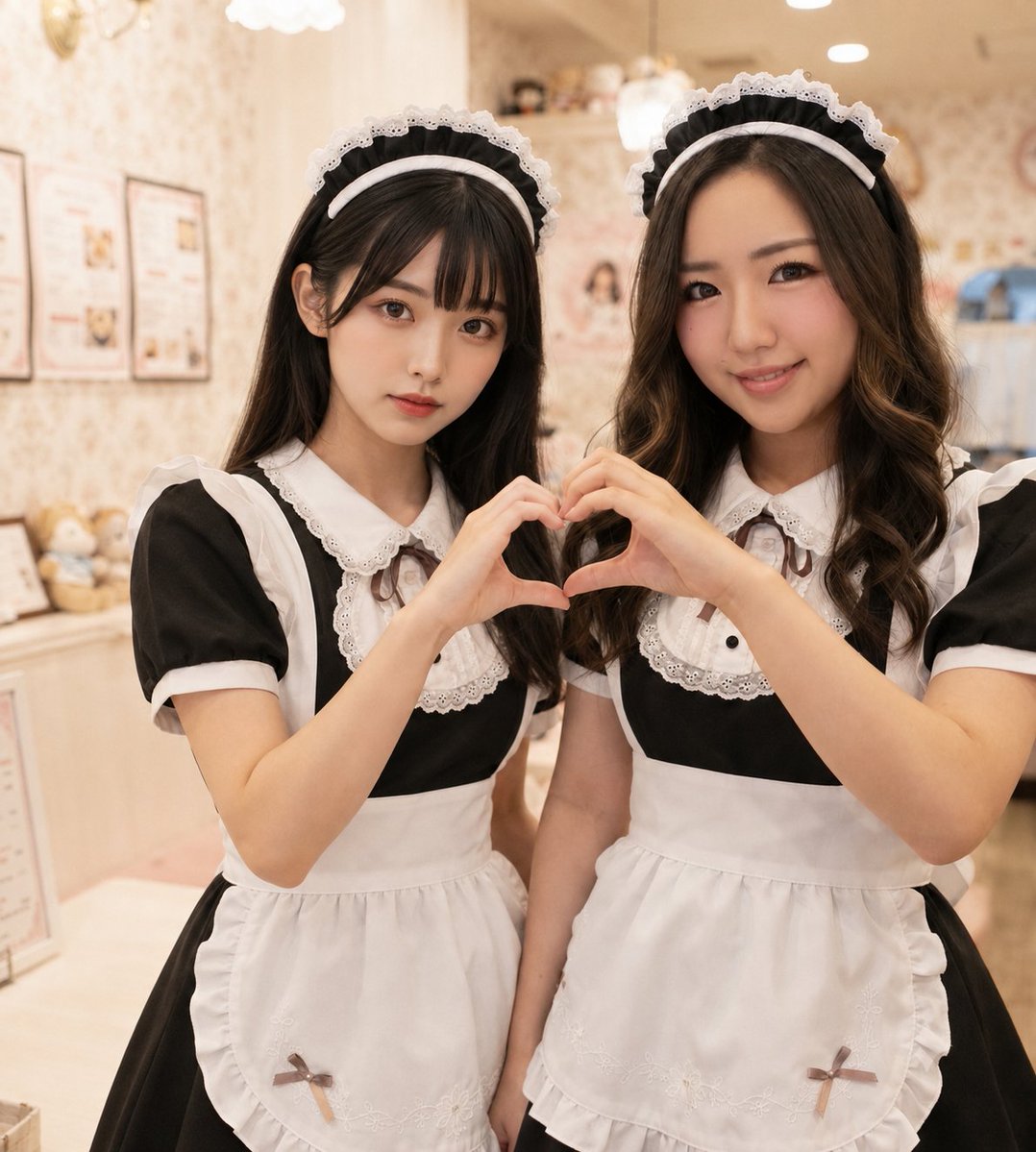
Two Maid Cafe Girls Making a Heart
Make it yours
Blond Apron Man Serving Heart Omurice works as-is. These are the safest ways to change it without losing the look.
Change one field
Copy a single group, rewrite it, and generate again so you can see what that field is doing.
Keep the frame, change the subject
Hold the composition and light of Blond Apron Man Serving Heart Omurice, then swap wardrobe, props or the person for a new take.
| If the result… | Why | Fix |
|---|---|---|
| The result drifts from the preview | Too many fields changed at once. | Reuse Blond Apron Man Serving Heart Omurice as-is first, then change one group — subject, light, or setting. |
| The model over-stylizes the scene | The prose prompt leaves finish and camera underspecified. | Add one camera or lighting sentence and stay on GPT Image 2. |
More GPT Image 2 templates
Other prompts made for GPT Image 2.

Six VTuber Japanese Logo Sheet

Realistic Portrait of Woman and Deer

The Vista Modular Condo Poster

AI Model Routing Comparison Infographic

2.5D Anime Art Board

Isometric Productivity Desk Scene

New York Double Exposure Poster

Four-Panel AI Landscape Comparison

Japanese Tatami Lifestyle Magazine Cover

NESCAFÉ Coffee Map Poster
More image prompts
Fresh picks from across the catalog.
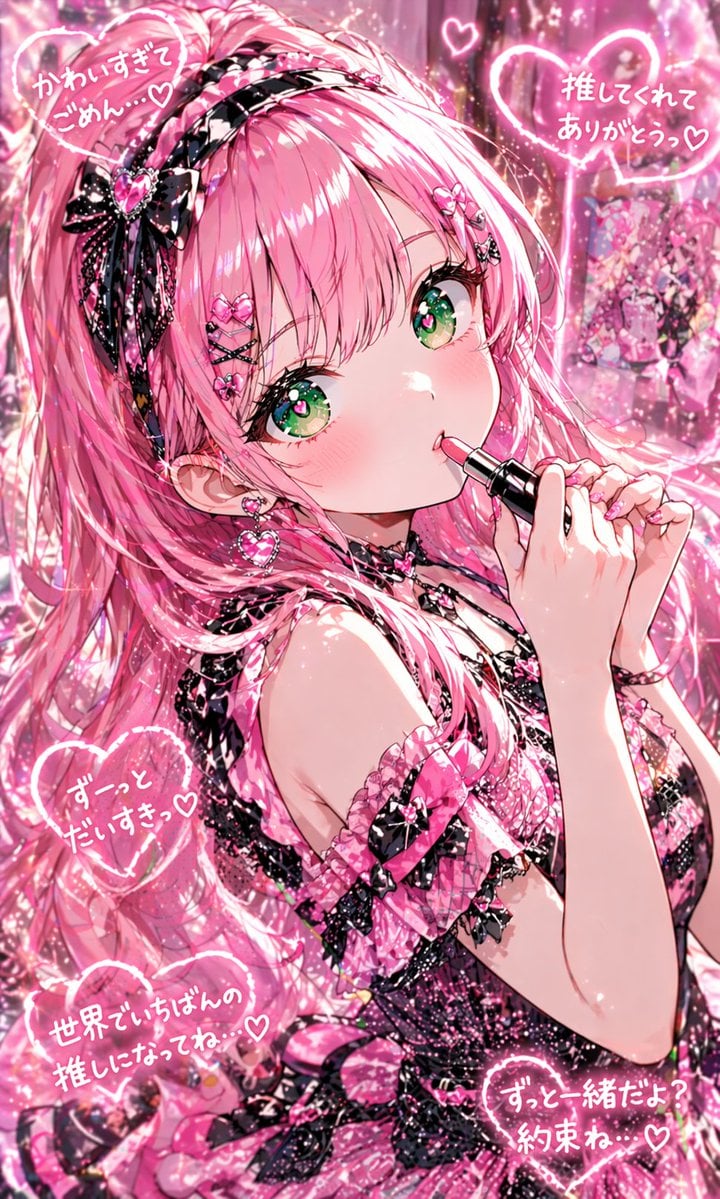
Pink Kawaii Idol Lipstick Portrait

Human Organ Health Infographic
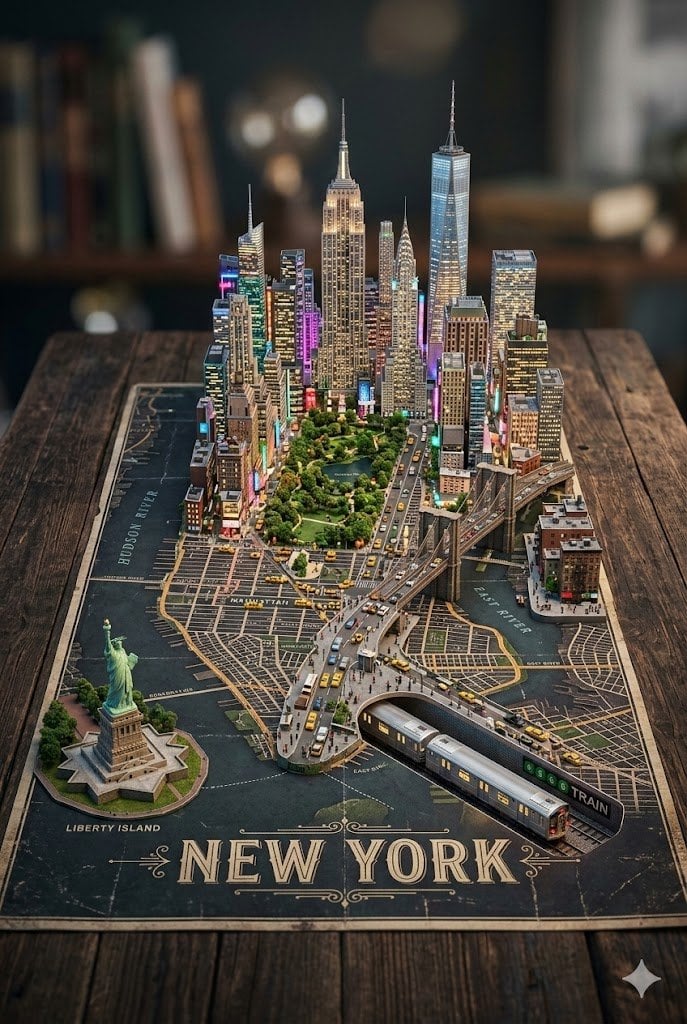
3D Miniature New York City Diorama
Sunlit Lifestyle Fashion Photography on a Bicycle

Autonomous Financial Artist Prompt for 3D Stock Visualization

Mount Fuji Street With Cloud Kanji

8K Cinematic Winter Adventure Photo on a Vintage Train

Warrior Princess Artistic Poster
Analog Street Photography Prompt with Reference Image Requirement
Documentary Portrait of Resilience in Protest
Browse template categories
Blond Apron Man Serving Heart Omurice questions
How do I use the Blond Apron Man Serving Heart Omurice template?
Add your photo if the template asks for one, edit the prompt if you like — the template's model and format are already selected — and press Generate. Your version opens in PicX Studio.
Can I customize the Blond Apron Man Serving Heart Omurice template?
Yes. You can change the subject, setting, lighting, mood, format, and available model controls before creating your image.
Is the Blond Apron Man Serving Heart Omurice template free?
Opening and editing this template is free. Generating uses credits, shown on the Generate button when you are signed in.
Which AI model should I use?
Start with GPT Image 2, which is the model associated with this template. You can compare another compatible model for a different finish.
Looking for something else? Browse all templates.

Your photo, any look
Thousands of ready templates for every top image and video model, from one credit balance.