
Two Maid Cafe Girls Making a Heart
A photorealistic portrait prompt for generating two Japanese maid cafe waitresses posing with a hand-heart in a warm pastel cafe interior.
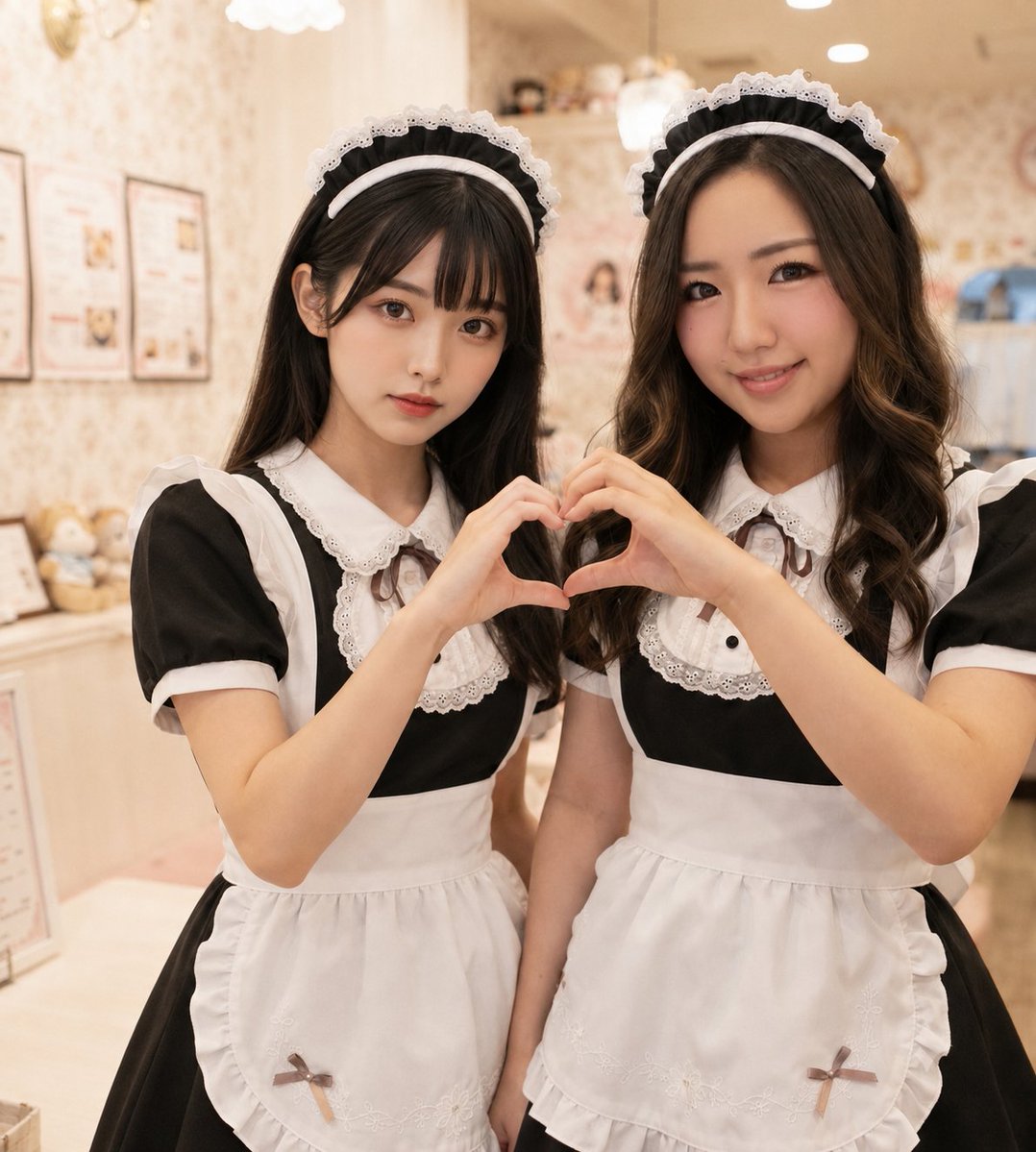
- Prompt included
- Model and format preset
- Free template
The prompt behind this image
Copy the exact prompt behind Two Maid Cafe Girls Making a Heart, or open it in the studio and make it yours.
Create a realistic, high-quality portrait photo of two young Japanese women dressed as cute maid cafe waitresses, standing close together inside a pastel kawaii maid cafe. Both wear matching classic black-and-white maid uniforms: black short-sleeve dresses, white puffed sleeves, white lace-trimmed collars and bib fronts, white aprons with ruffled edges and small bow details near the lower corners, and white lace maid headbands over dark hair. The woman on the left has {argument name="left woman hairstyle" default="long straight dark brown hair with soft bangs"}, a calm slightly serious expression, and looks directly at the camera. The woman on the right has {argument name="right woman hairstyle" default="long wavy dark brown hair parted to the side"}, a gentle friendly smile, and also looks at the camera. They raise their hands together in the center to form one heart shape with their fingers. Use a medium close-up vertical composition from about mid-thigh to above the head, with the two subjects filling most of the frame. Background: softly blurred warm cream and pastel pink interior with cute patterned wallpaper, menu boards or framed posters on the wall, plush toys and small decorative objects on shelves, and cozy ceiling lights or chandeliers creating a warm glow. Style: photorealistic Japanese maid cafe snapshot, natural skin texture, soft flattering lighting, shallow depth of field, warm beige-pink color grading, crisp focus on faces and hands, cute but realistic atmosphere. Avoid text overlays, watermarks, extra fingers, distorted hands, duplicate people, or exaggerated anime features.
How to use Two Maid Cafe Girls Making a Heart in 3 steps
- 1Upload ImagePNG, JPG or paste
Add your photo
Upload the photo the template builds on. The prompt, model and format are already set.
- 2…a portrait of your subject in softgolden-hour light, 85mm…
Personalize
Edit the subject and creative details for your destination.
- 3Generate
Generate
Press Generate — your image is created in PicX Studio, so you can compare it with the original and refine one variable at a time.
More like this
Templates with the same subject, style or setup. Open one to see its prompt.

Two Hearts. One Scooter.

Cat Photobomb Selfie — 0.5x Wide Angle Café Chaos

Trendy Cafe Drink Promo Poster

Nostalgic Digicam Café Afternoon Portrait

Delicate Japanese Café Lifestyle Illustration

Korean Cafe Courtyard Gold Frame Mirror Selfie
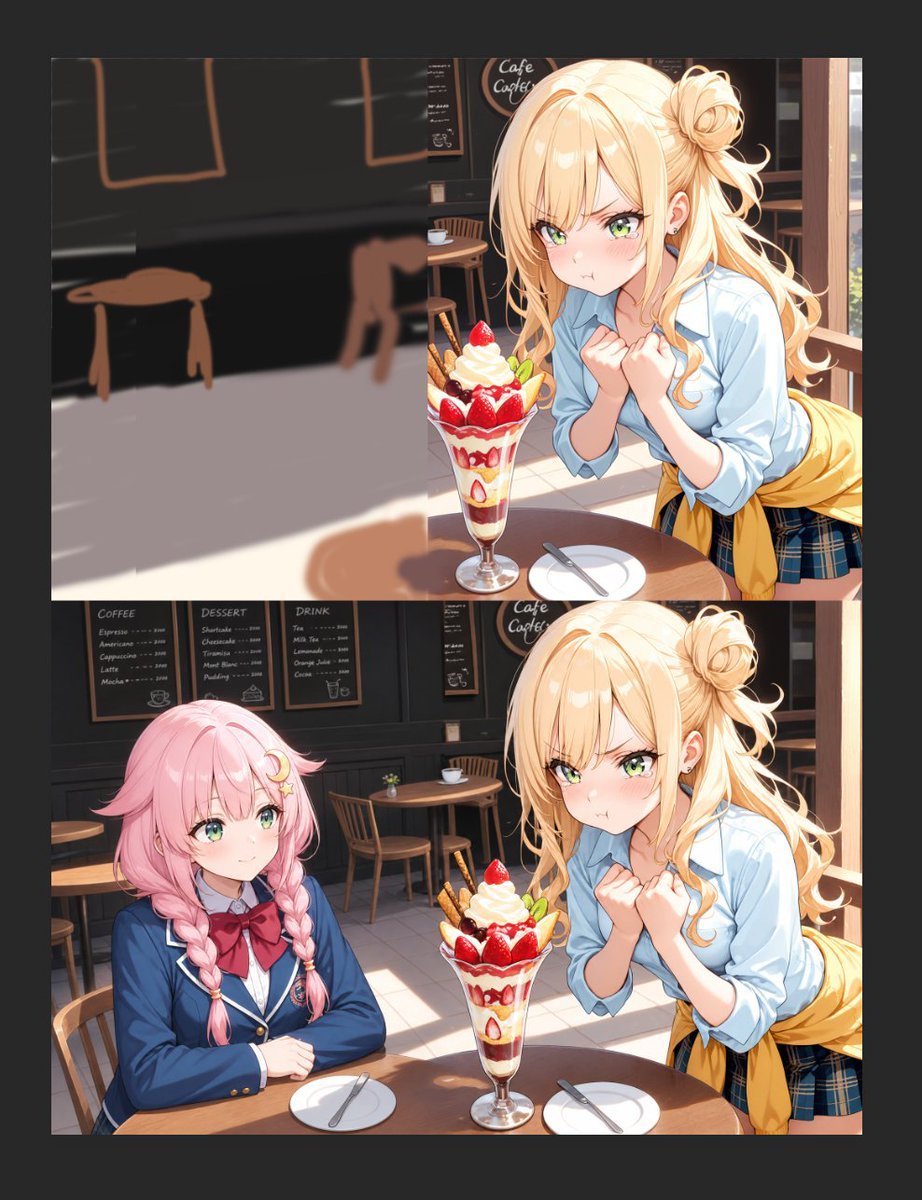
Anime Cafe Two-Panel Comparison
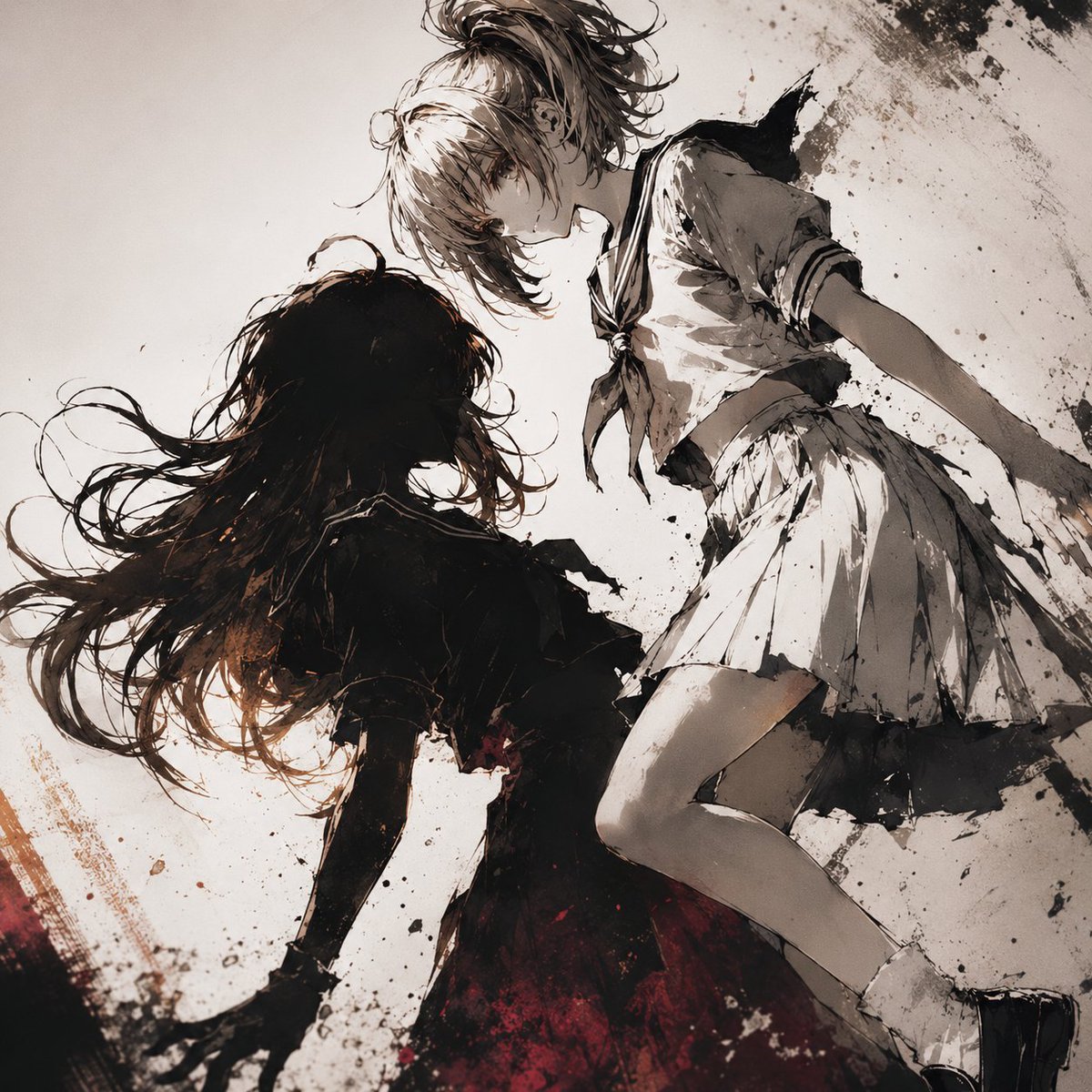
Two Girls in Ink Storm
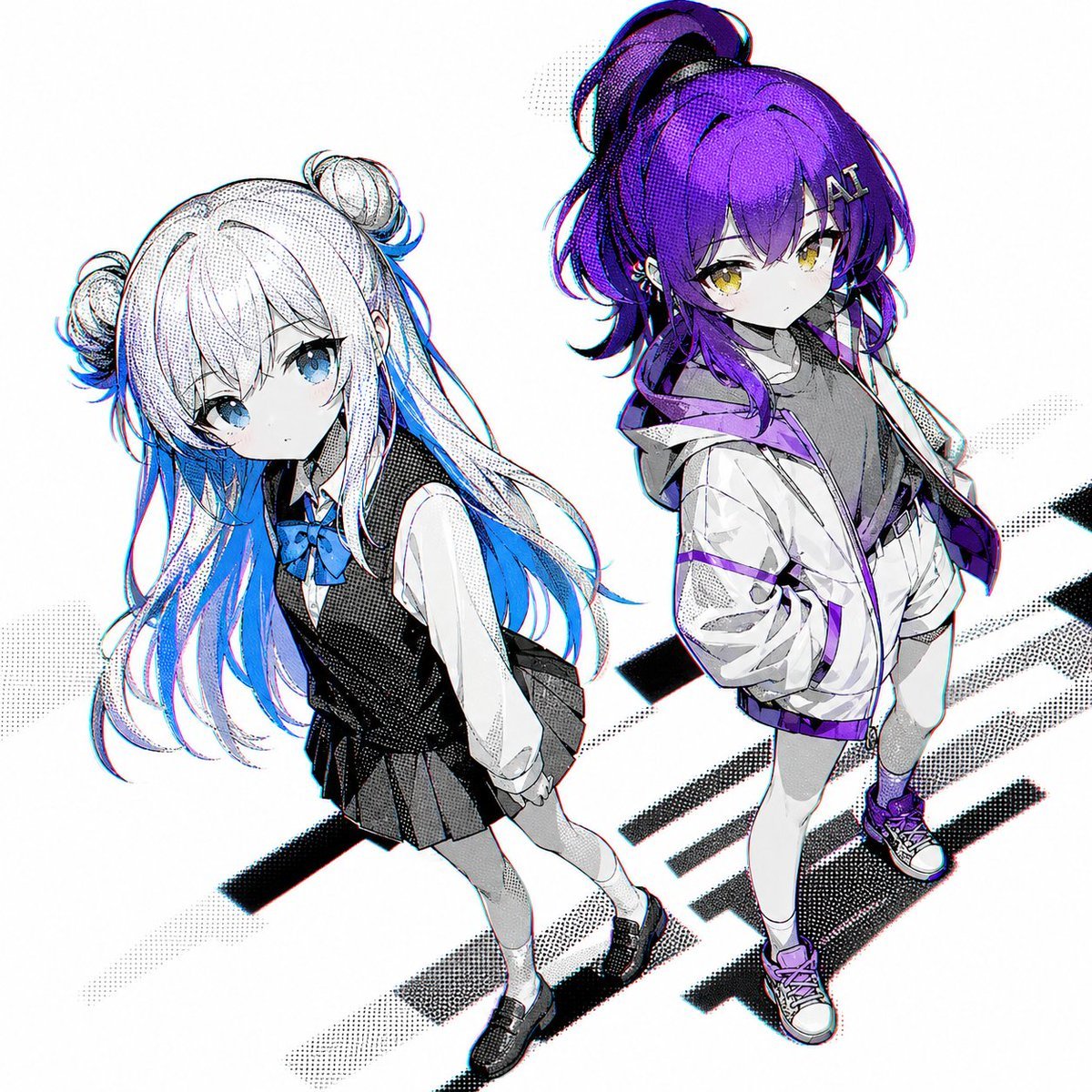
Two Anime Girls with Flashy Hair
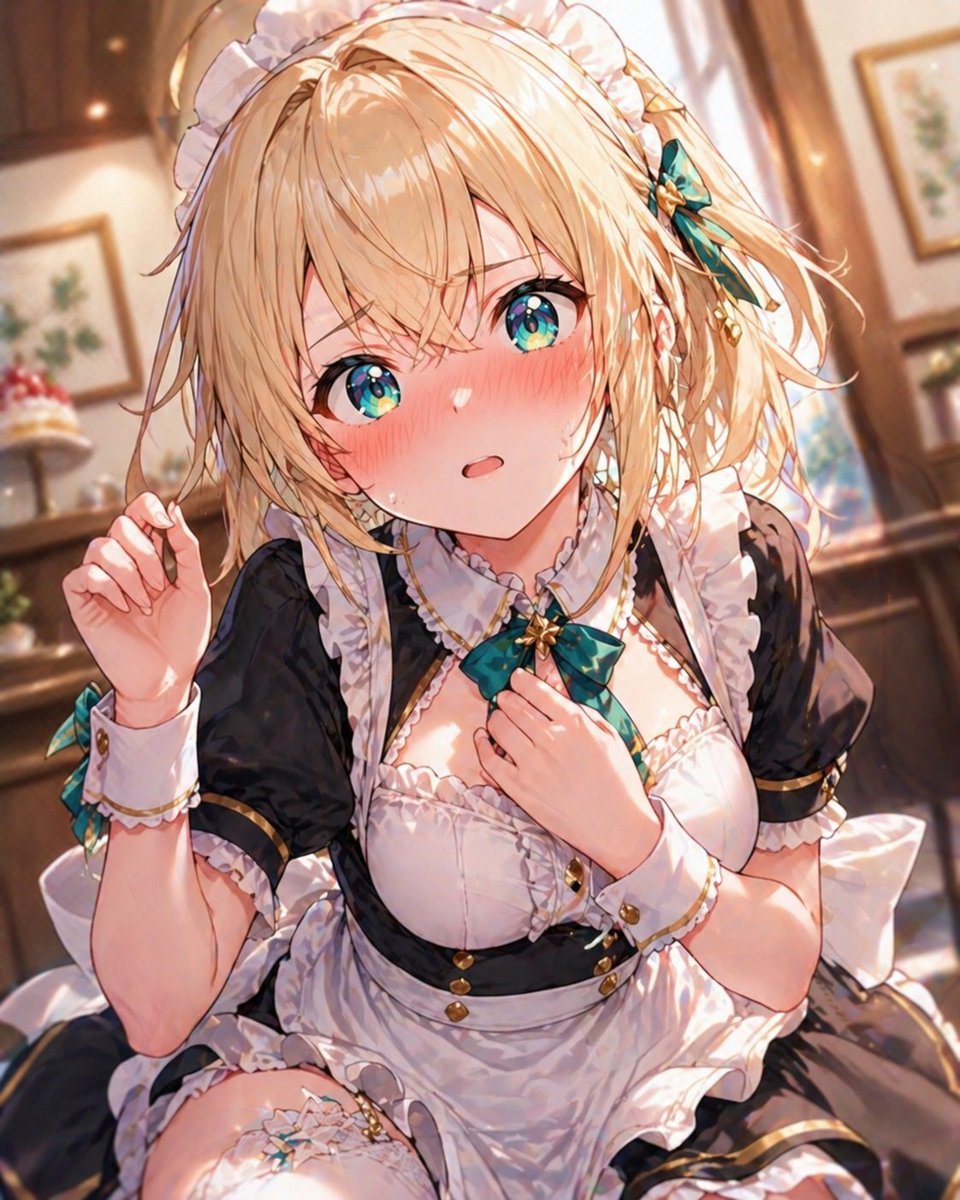
Blonde Maid in Warm Cafe

Anime Illustration of Two Girls

Woman in Mall with Chanel Bag - Heart Gesture
Make it yours
Two Maid Cafe Girls Making a Heart works as-is. These are the safest ways to change it without losing the look.
Change one field
Copy a single group, rewrite it, and generate again so you can see what that field is doing.
Keep the frame, change the subject
Hold the composition and light of Two Maid Cafe Girls Making a Heart, then swap wardrobe, props or the person for a new take.
| If the result… | Why | Fix |
|---|---|---|
| The result drifts from the preview | Too many fields changed at once. | Reuse Two Maid Cafe Girls Making a Heart as-is first, then change one group — subject, light, or setting. |
| The model over-stylizes the scene | The prose prompt leaves finish and camera underspecified. | Add one camera or lighting sentence and stay on GPT Image 2. |
More GPT Image 2 templates
Other prompts made for GPT Image 2.

Six VTuber Japanese Logo Sheet

Realistic Portrait of Woman and Deer

The Vista Modular Condo Poster

AI Model Routing Comparison Infographic

2.5D Anime Art Board

Isometric Productivity Desk Scene

New York Double Exposure Poster

Four-Panel AI Landscape Comparison

Japanese Tatami Lifestyle Magazine Cover

NESCAFÉ Coffee Map Poster
More image prompts
Fresh picks from across the catalog.

Universal Christmas Filter Prompt Template
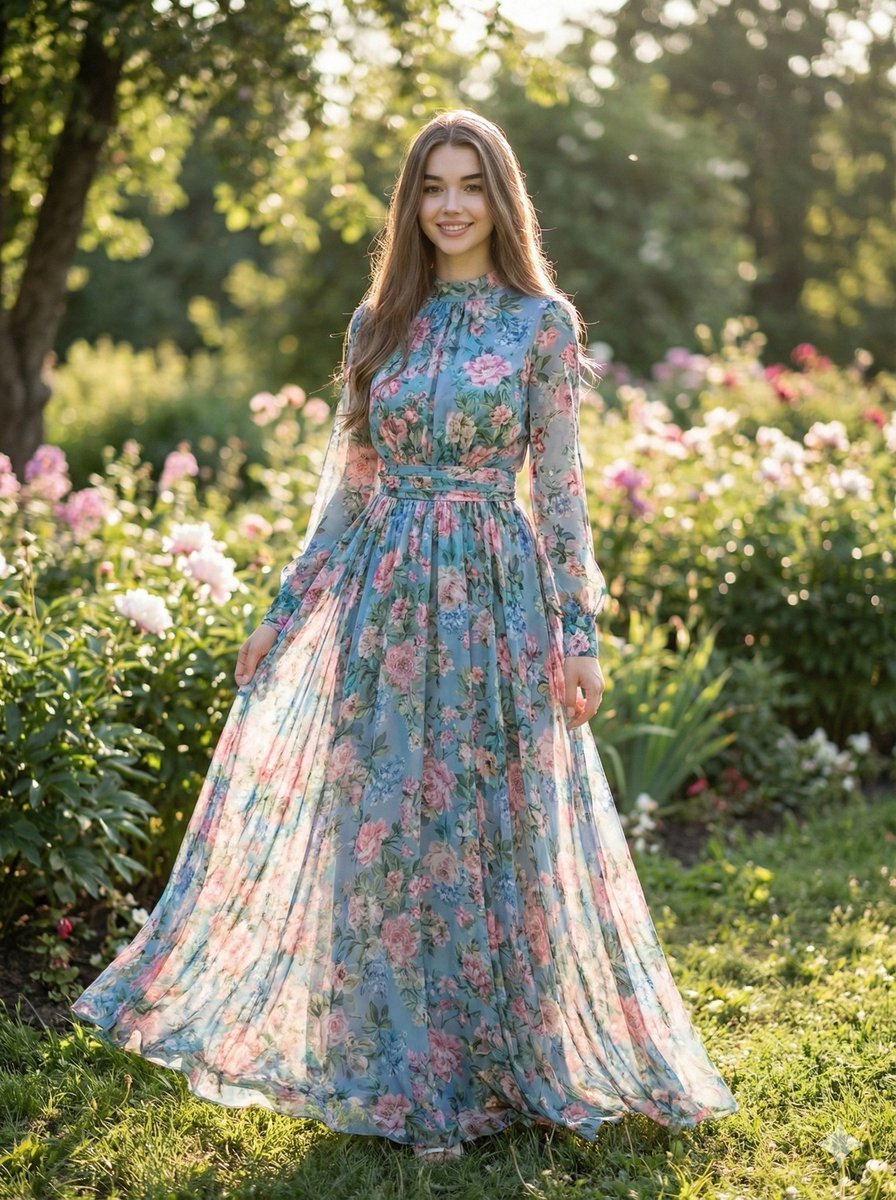
High-Fashion Street Style Portrait Prompt
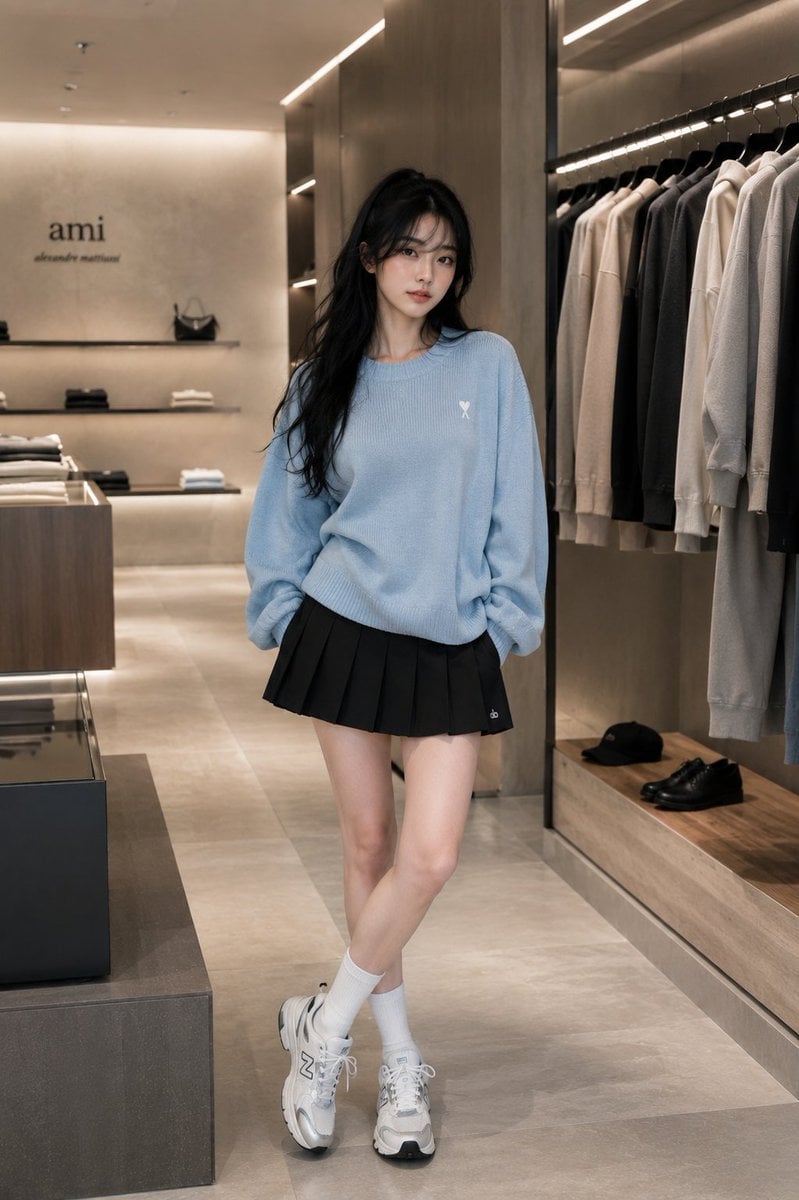
Minimalist Boutique Fashion Editorial
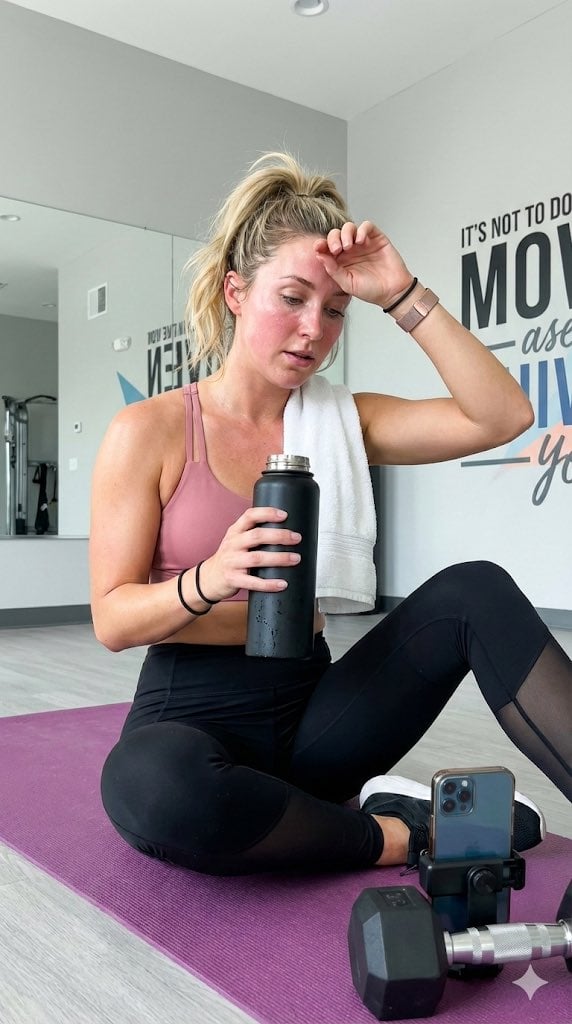
Gym selfie portrait of woman on yoga mat for Nano Banana Pro
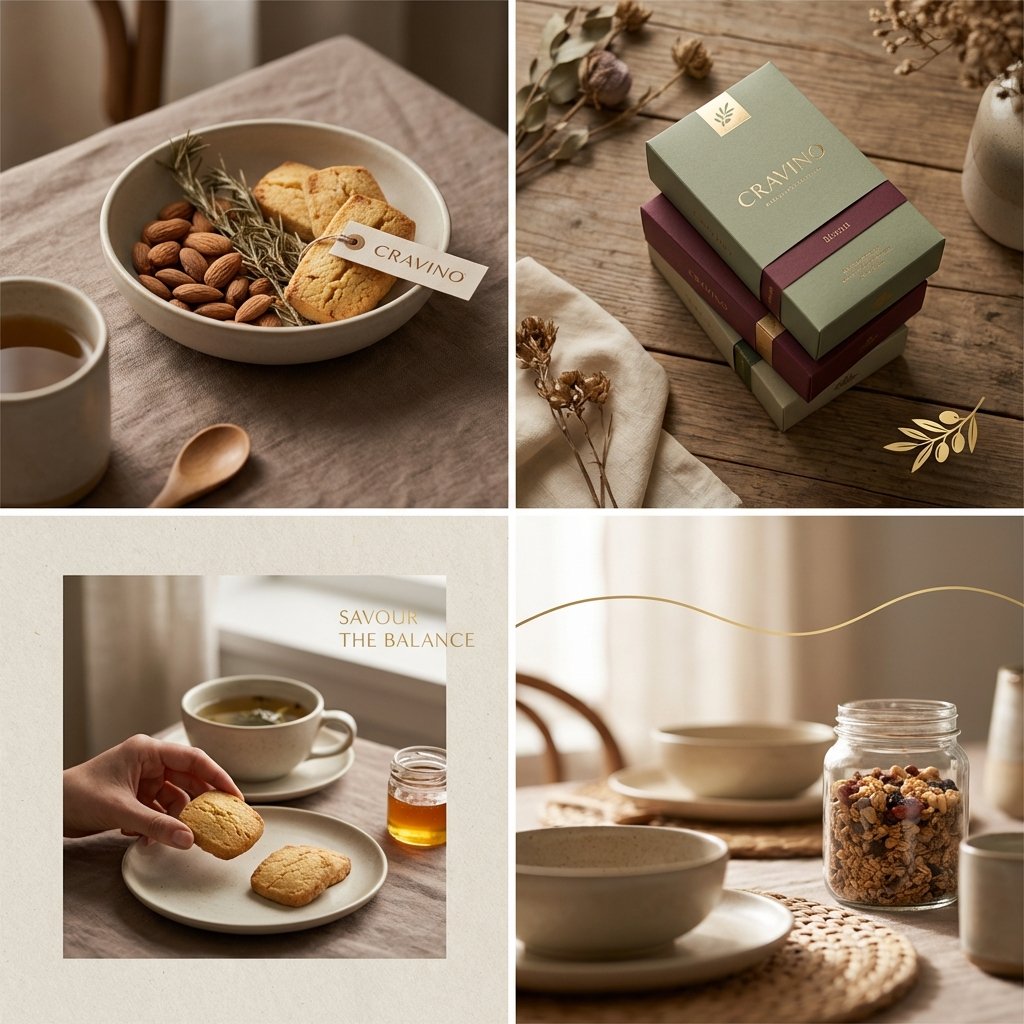
Editorial Background Visual Prompt for Premium Magazine Layouts
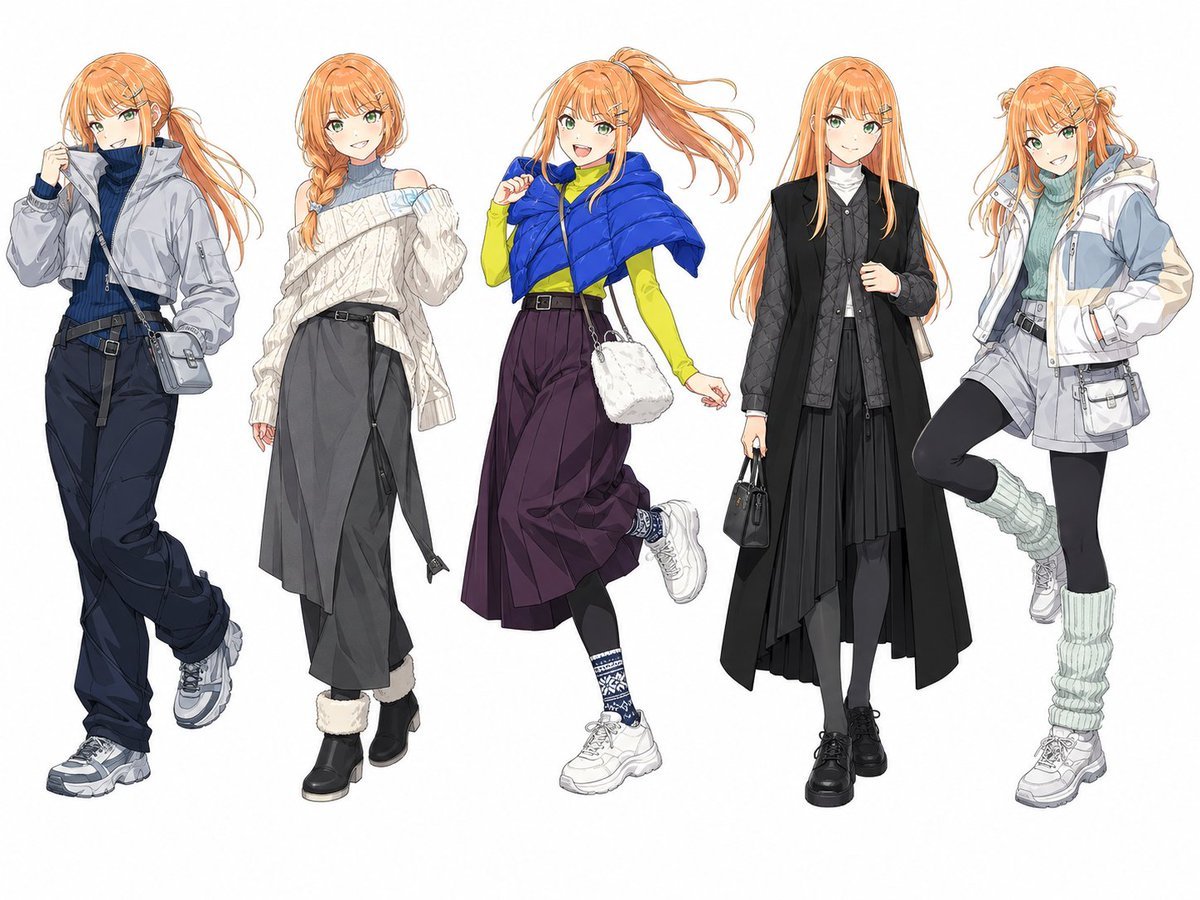
Anime Winter Fashion Lineup
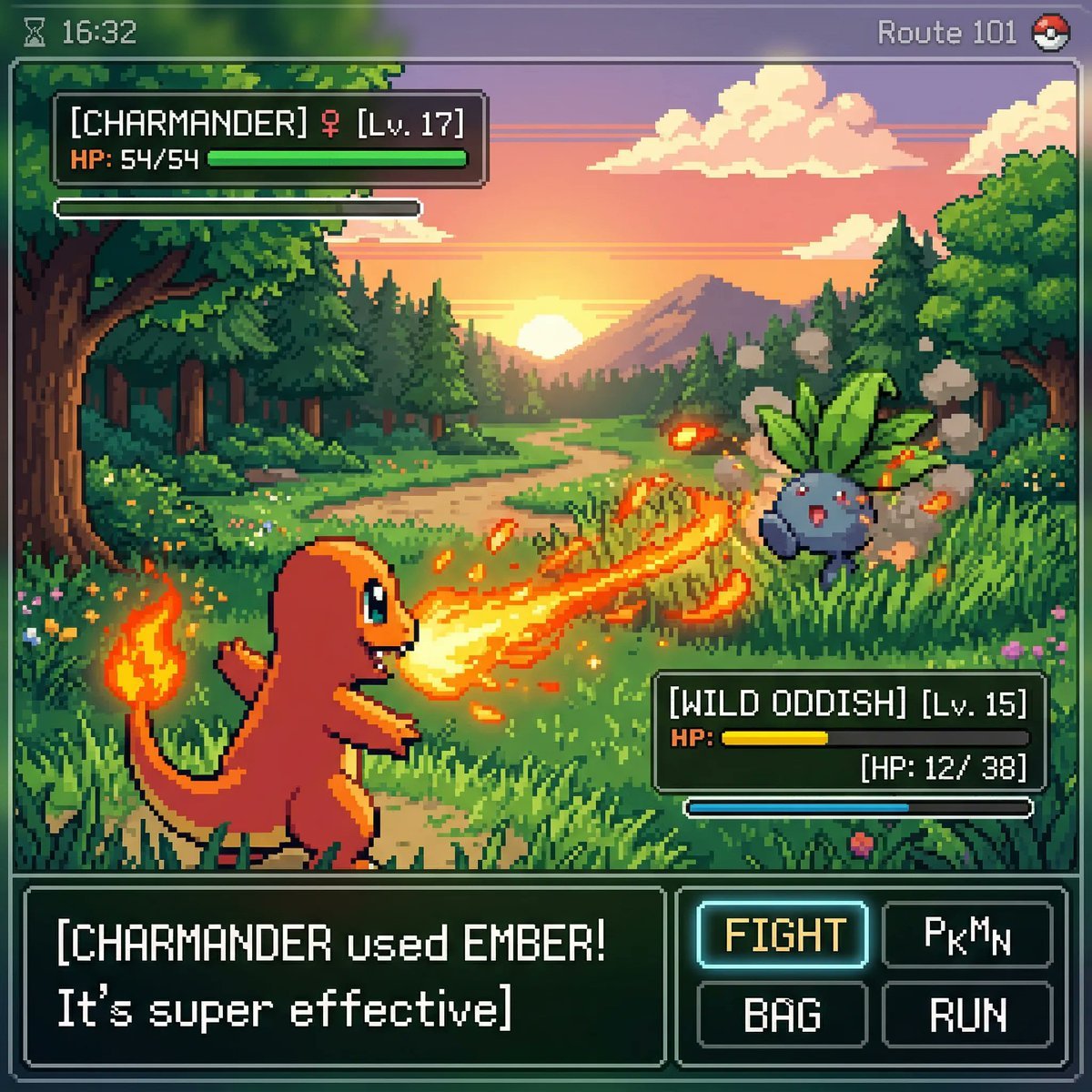
Retro Game Pixel Art Battle
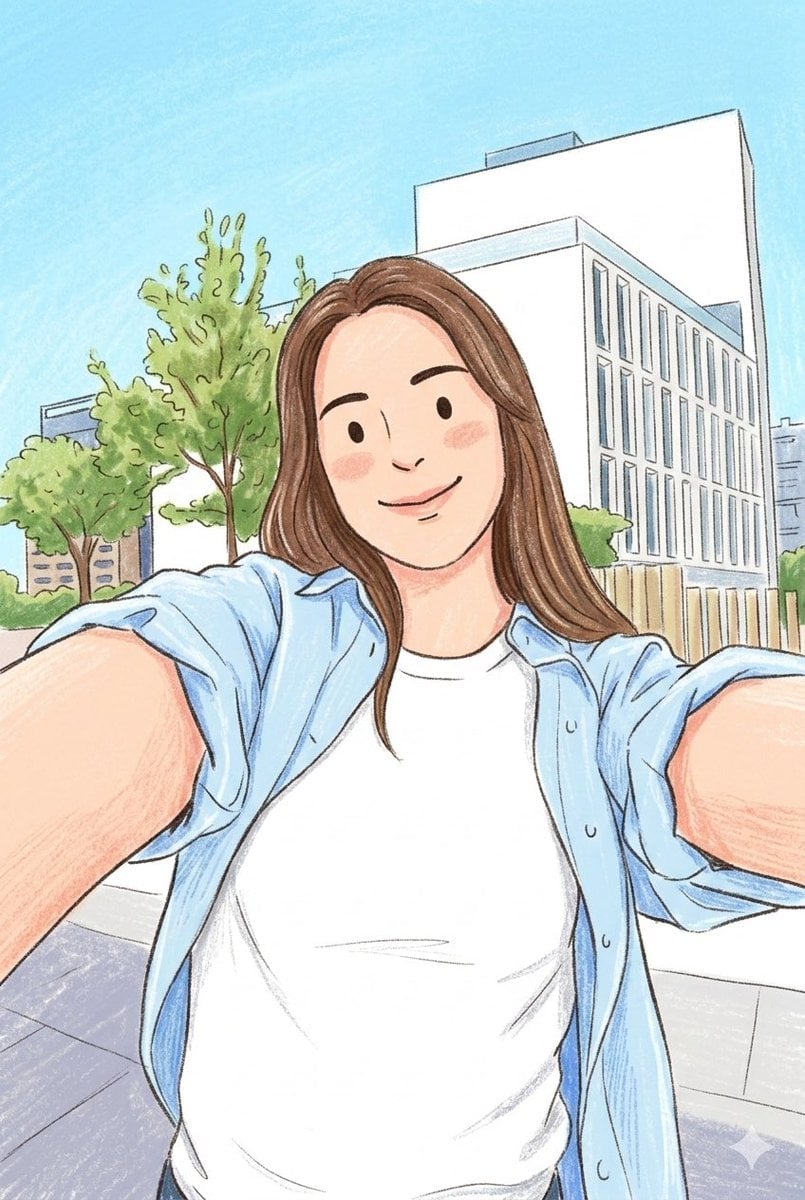
Children's Book Style Colored Pencil and Watercolor Illustration
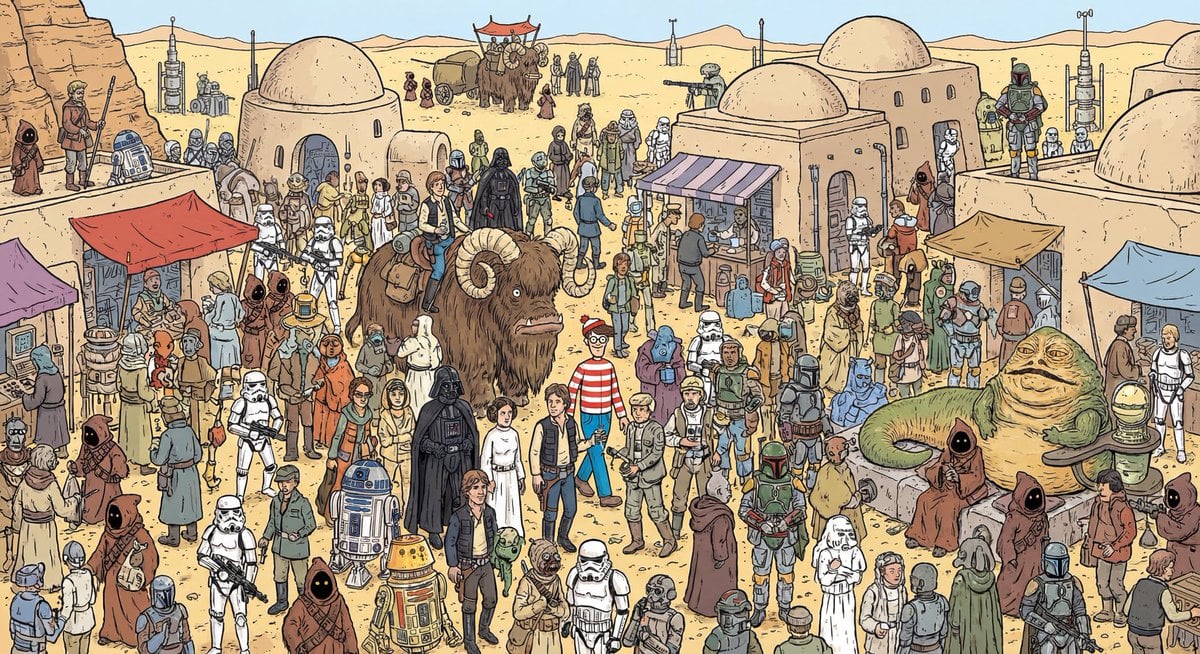
Where’s Waldo Star Wars scene

Golden Ship on Uncharted Waters
Browse template categories
Two Maid Cafe Girls Making a Heart questions
How do I use the Two Maid Cafe Girls Making a Heart template?
Add your photo if the template asks for one, edit the prompt if you like — the template's model and format are already selected — and press Generate. Your version opens in PicX Studio.
Can I customize the Two Maid Cafe Girls Making a Heart template?
Yes. You can change the subject, setting, lighting, mood, format, and available model controls before creating your image.
Is the Two Maid Cafe Girls Making a Heart template free?
Opening and editing this template is free. Generating uses credits, shown on the Generate button when you are signed in.
Which AI model should I use?
Start with GPT Image 2, which is the model associated with this template. You can compare another compatible model for a different finish.
Looking for something else? Browse all templates.

Your photo, any look
Thousands of ready templates for every top image and video model, from one credit balance.