
Anime Winter Fashion Lineup
Generates a five-look anime character fashion design sheet for winter streetwear outfit exploration.
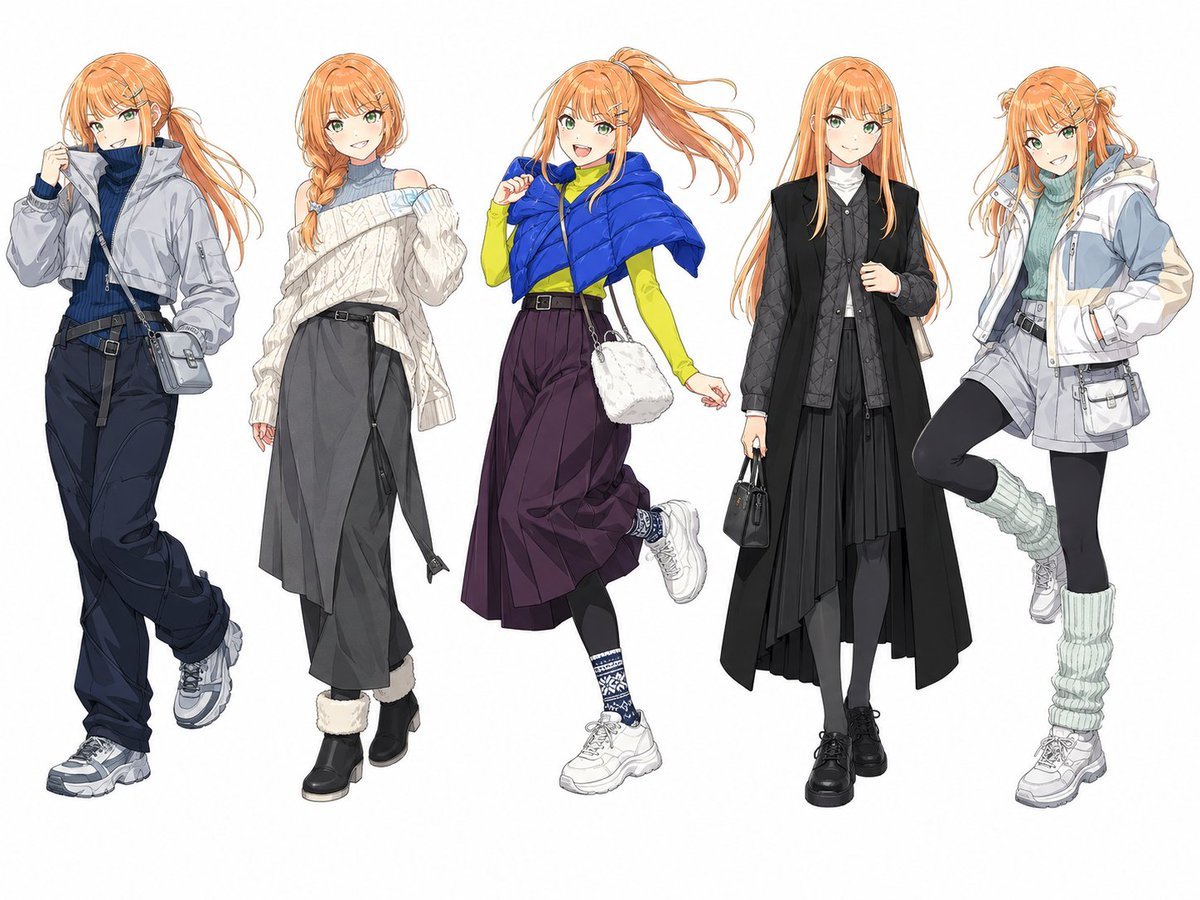
- Prompt included
- Model and format preset
- Free template
The prompt behind this image
Copy the exact prompt behind Anime Winter Fashion Lineup, or open it in the studio and make it yours.
Goal: Create a clean anime fashion lineup sheet featuring one tall slim young woman shown in exactly 5 full-body winter streetwear outfit variations, standing side by side on a plain white background. The character has {argument name="hair color" default="long orange hair"}, pale skin, a slim model-like build, and softly blurred/featureless faces with no detailed facial features. Use delicate Japanese anime illustration linework, high-detail clothing folds, layered fabrics, realistic accessories, and a polished character-design-sheet look. Canvas: Landscape 4:3 composition, full-body figures visible from head to shoes, evenly spaced across the width, no background props, no text, no logos, no watermark. Subject details: The same character appears 5 times with consistent height, body proportions, and hair color, but each pose and hairstyle is slightly different. Count and depict exactly 5 outfit variants: 1. Left outfit: Long orange hair in a loose side ponytail, cropped light gray bomber jacket over a dark navy ribbed turtleneck sweater, dark high-waisted cargo pants with belts and straps, chunky gray sneakers, small gray crossbody bag, one hand raised near the collar, casual confident stance. 2. Second outfit: Orange hair in a loose side braid, oversized off-white cable-knit one-shoulder sweater over a pale blue-gray turtleneck, charcoal wide cropped trousers with dangling belt strap, black ankle boots with cream fur cuffs, relaxed elegant winter look. 3. Center outfit: High orange ponytail blowing to the side, bright cobalt blue cropped puffer cape/jacket over a neon yellow fitted long-sleeve top, high-waisted deep plum wide culotte skirt or cropped pants, black leggings, patterned navy-and-white socks, chunky white sneakers, fluffy white crossbody bag, playful mid-step pose with one foot lifted. 4. Fourth outfit: Long straight orange hair, black layered avant-garde coat over a quilted black vest and black shirt, white high-neck inner layer, long asymmetrical pleated black skirt, gray tights, black platform lace-up shoes, carrying a small black handbag, calm upright pose, gothic minimalist fashion. 5. Right outfit: Orange hair in small twin buns with long loose strands, pale blue-green turtleneck sweater, white and light gray technical hooded jacket with pockets, gray belted shorts or mini skirt over black leggings, mint leg warmers, white chunky sneakers, small gray utility pouch, one leg bent upward in a lively pose. Visual style: High-resolution anime concept art, crisp clean outlines, subtle watercolor-like shading, fashionable Japanese idol/streetwear design, detailed textiles such as knit, puffer nylon, quilting, pleats, straps, belts, bags, socks, and sneakers. Keep the palette wintery with accents of navy, cream, cobalt blue, neon yellow, black, gray, mint, and plum. Constraints: Exactly 5 full-body figures, all the same character, no extra people, no captions, no background scene, no cropped feet, no visible facial details, no photorealism, no chibi proportions.
How to use Anime Winter Fashion Lineup in 3 steps
- 1Upload ImagePNG, JPG or paste
Add your photo
Upload the photo the template builds on. The prompt, model and format are already set.
- 2…a portrait of your subject in softgolden-hour light, 85mm…
Personalize
Edit the subject and creative details for your destination.
- 3Generate
Generate
Press Generate — your image is created in PicX Studio, so you can compare it with the original and refine one variable at a time.
More like this
Templates with the same subject, style or setup. Open one to see its prompt.




Make it yours
Anime Winter Fashion Lineup works as-is. These are the safest ways to change it without losing the look.
Change one field
Copy a single group, rewrite it, and generate again so you can see what that field is doing.
Keep the frame, change the subject
Hold the composition and light of Anime Winter Fashion Lineup, then swap wardrobe, props or the person for a new take.
| If the result… | Why | Fix |
|---|---|---|
| The result drifts from the preview | Too many fields changed at once. | Reuse Anime Winter Fashion Lineup as-is first, then change one group — subject, light, or setting. |
| The model over-stylizes the scene | The prose prompt leaves finish and camera underspecified. | Add one camera or lighting sentence and stay on GPT Image 2. |
More GPT Image 2 templates
Other prompts made for GPT Image 2.

Six VTuber Japanese Logo Sheet

Realistic Portrait of Woman and Deer

The Vista Modular Condo Poster

AI Model Routing Comparison Infographic

2.5D Anime Art Board

Isometric Productivity Desk Scene

New York Double Exposure Poster

Four-Panel AI Landscape Comparison

Japanese Tatami Lifestyle Magazine Cover

NESCAFÉ Coffee Map Poster
More image prompts
Fresh picks from across the catalog.
Cinematic Portrait of a Young Woman in a
Classical Chinese poem illustration with text
Four Seasons Panorama of Asakusa and Skytree
Moon Phase Mooncake Brand Hero Board
Floating Woman Above Cityscape with Notifications
Exquisite Relief Embroidery Illustration
Cinematic Melancholy Portrait in Turquoise
Black and White Fine-Art Doorway Portrait
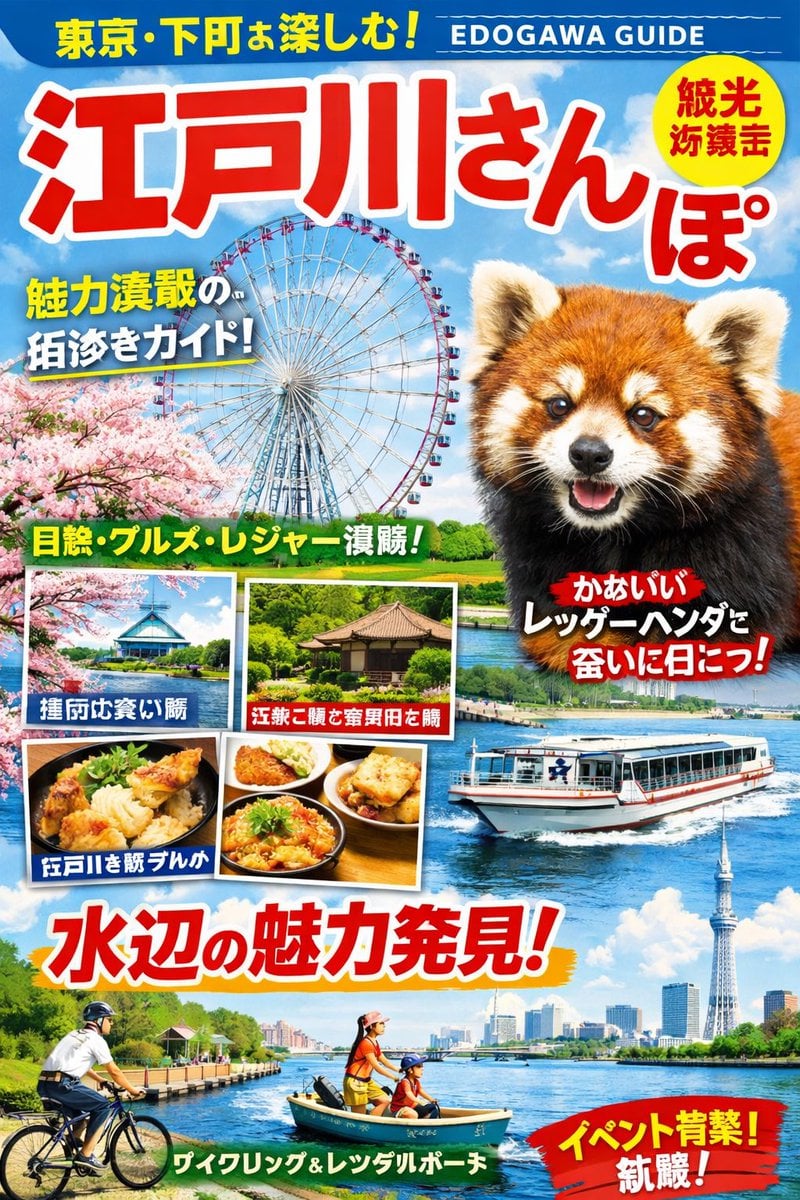
Generating a Magazine Cover for Edogawa Ward Tourism
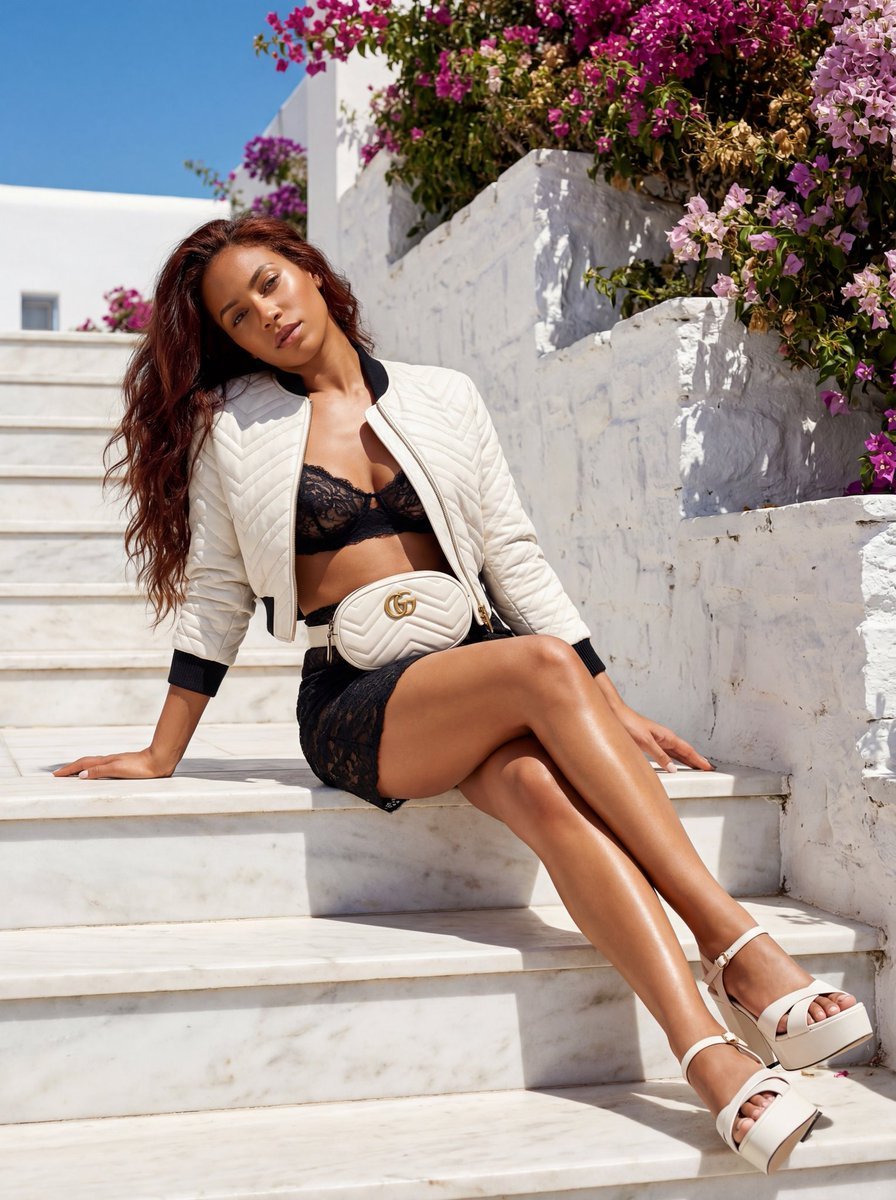
Gucci GG Marmont Fashion Shoot in Greece (JSON)
Browse template categories
Anime Winter Fashion Lineup questions
How do I use the Anime Winter Fashion Lineup template?
Add your photo if the template asks for one, edit the prompt if you like — the template's model and format are already selected — and press Generate. Your version opens in PicX Studio.
Can I customize the Anime Winter Fashion Lineup template?
Yes. You can change the subject, setting, lighting, mood, format, and available model controls before creating your image.
Is the Anime Winter Fashion Lineup template free?
Opening and editing this template is free. Generating uses credits, shown on the Generate button when you are signed in.
Which AI model should I use?
Start with GPT Image 2, which is the model associated with this template. You can compare another compatible model for a different finish.
Looking for something else? Browse all templates.

Your photo, any look
Thousands of ready templates for every top image and video model, from one credit balance.