
Black and White Fine-Art Doorway Portrait
A comprehensive structured prompt for Gemini Nano Banana Pro requesting a highly realistic black-and-white fine-art portrait of a subject standing in a narrow doorway, emphasizing cinematic lighting, high contrast, and…
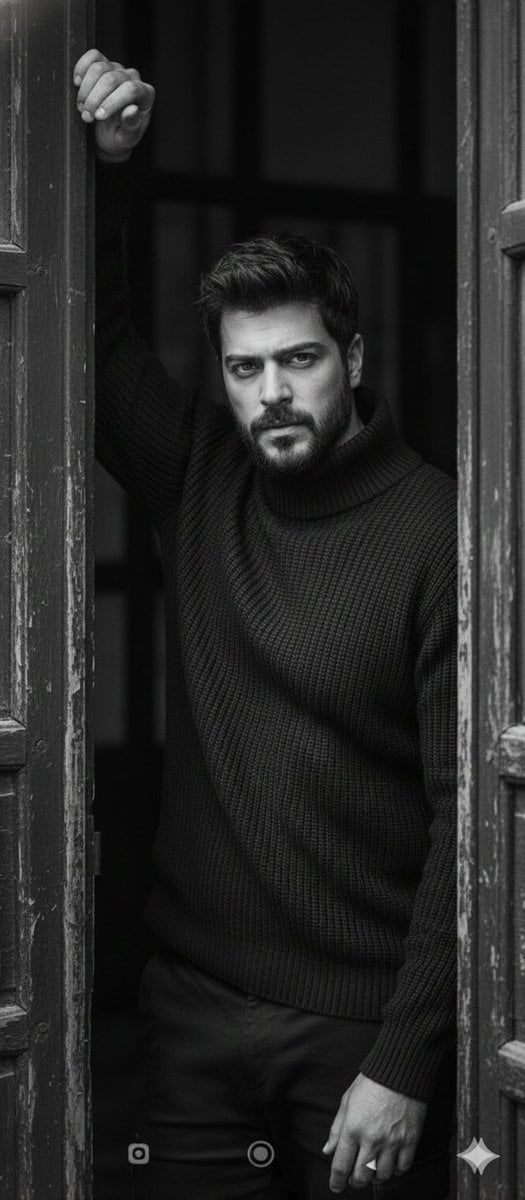
- Prompt included
- Model and format preset
- Premium template
The prompt behind this image
Copy the exact prompt behind Black and White Fine-Art Doorway Portrait, or open it in the studio and make it yours.
- Objective
- Generate a highly realistic black-and-white fine-art portrait with a cinematic, emotional, and intimate atmosphere.
- Image Type
- Photorealistic portrait photography
- Subject › Description
- A single person standing partially framed by a narrow doorway between two dark, weathered wooden door panels forming a strong vertical composition.
- Subject › Pose › Body Position
- Body slightly angled toward the camera, torso facing forward, weight subtly shifted onto one leg for a relaxed yet introspective stance.
- Subject › Pose › Arms › Primary Arm
- One arm raised above the head, bent at the elbow, hand resting against the upper edge of the door frame with loosely curled fingers.
- Subject › Pose › Arms › Secondary Arm
- Other arm hanging naturally close to the body, relaxed and slightly out of focus.
- Subject › Facial Expression › Emotion
- Calm, serious, slightly melancholic
- Subject › Facial Expression › Gaze
- Looking directly into the camera with a steady, intense, introspective gaze
- Subject › Face Accuracy › Requirement
- Face must remain identical to the real subject
- Subject › Face Accuracy › Details
- Realistic skin texture, Natural imperfections, Authentic facial proportions, Subtle, natural shadows
- Clothing › Garment
- Dark heavy knit sweater
- Clothing › Texture
- Thick ribbed knit, matte and tactile
- Clothing › Fit
- Slightly loose but well-fitted silhouette
- Clothing › Neckline
- High, structured neckline
- Clothing › Restrictions
- No logos, No patterns, No accessories
- Clothing › Style
- Minimalist, timeless, understated
- Environment › Setting
- Narrow doorway with dark, weathered wooden door panels
- Environment › Background
- Softly blurred wooden elements enhancing intimacy
- Lighting › Type
- Natural, directional side lighting
- Lighting › Effect
- Strong contrast, Deep shadows, Pronounced highlights across face and clothing
- Camera › Angle
- Eye-level
- Camera › Distance
- Close to subject
- Camera › Focal Length
- 85mm portrait lens
- Camera › Depth Of Field
- Shallow depth of field
Raw JSON
{
  "Objective": "Generate a highly realistic black-and-white fine-art portrait with a cinematic, emotional, and intimate atmosphere.",
  "Image_Type": "Photorealistic portrait photography",
  "Subject": {
    "Description": "A single person standing partially framed by a narrow doorway between two dark, weathered wooden door panels forming a strong vertical composition.",
    "Pose": {
      "Body_Position": "Body slightly angled toward the camera, torso facing forward, weight subtly shifted onto one leg for a relaxed yet introspective stance.",
      "Arms": {
        "Primary_Arm": "One arm raised above the head, bent at the elbow, hand resting against the upper edge of the door frame with loosely curled fingers.",
        "Secondary_Arm": "Other arm hanging naturally close to the body, relaxed and slightly out of focus."
      }
    },
    "Facial_Expression": {
      "Emotion": "Calm, serious, slightly melancholic",
      "Gaze": "Looking directly into the camera with a steady, intense, introspective gaze"
    },
    "Face_Accuracy": {
      "Requirement": "Face must remain identical to the real subject",
      "Details": [
        "Realistic skin texture",
        "Natural imperfections",
        "Authentic facial proportions",
        "Subtle, natural shadows"
      ]
    }
  },
  "Clothing": {
    "Garment": "Dark heavy knit sweater",
    "Texture": "Thick ribbed knit, matte and tactile",
    "Fit": "Slightly loose but well-fitted silhouette",
    "Neckline": "High, structured neckline",
    "Restrictions": [
      "No logos",
      "No patterns",
      "No accessories"
    ],
    "Style": "Minimalist, timeless, understated"
  },
  "Environment": {
    "Setting": "Narrow doorway with dark, weathered wooden door panels",
    "Background": "Softly blurred wooden elements enhancing intimacy"
  },
  "Lighting": {
    "Type": "Natural, directional side lighting",
    "Effect": [
      "Strong contrast",
      "Deep shadows",
      "Pronounced highlights across face and clothing"
    ]
  },
  "Camera": {
    "Angle": "Eye-level",
    "Distance": "Close to subject",
    "Focal_Length": "85mm portrait lens",
    "Depth_of_Field": "Shallow depth of field",
    "Focus": "Sharp focus on face and upper body"
  },
  "Color_Style": {
    "Mode": "Black and white",
    "Characteristics": [
      "Rich tonal depth",
      "High contrast",
      "Classic fine-art aesthetic"
    ]
  },
  "Mood_and_Style": {
    "Mood": [
      "Cinematic",
      "Raw",
      "Emotional",
      "Introspective"
    ],
    "Aesthetic": "Editorial and fine-art portrait photography",
    "Authenticity": "Unposed, natural, highly realistic"
  },
  "Negative_Prompt": [
    "Overly stylized or painterly effects",
    "Cartoon or illustration styles",
    "Artificial skin smoothing",
    "Distorted facial features",
    "Harsh artificial lighting",
    "Color photography",
    "Logos or accessories",
    "Wide-angle lens distortion"
  ]
}How to use Black and White Fine-Art Doorway Portrait in 3 steps
- 1
Open
The prompt is already in the box next to the preview, with the template's model and format selected.
- 2…a portrait of your subject in softgolden-hour light, 85mm…
Personalize
Edit the subject and creative details for your destination.
- 3Generate
Generate
Press Generate — your image is created in PicX Studio, so you can compare it with the original and refine one variable at a time.
More like this
Templates with the same subject, style or setup. Open one to see its prompt.
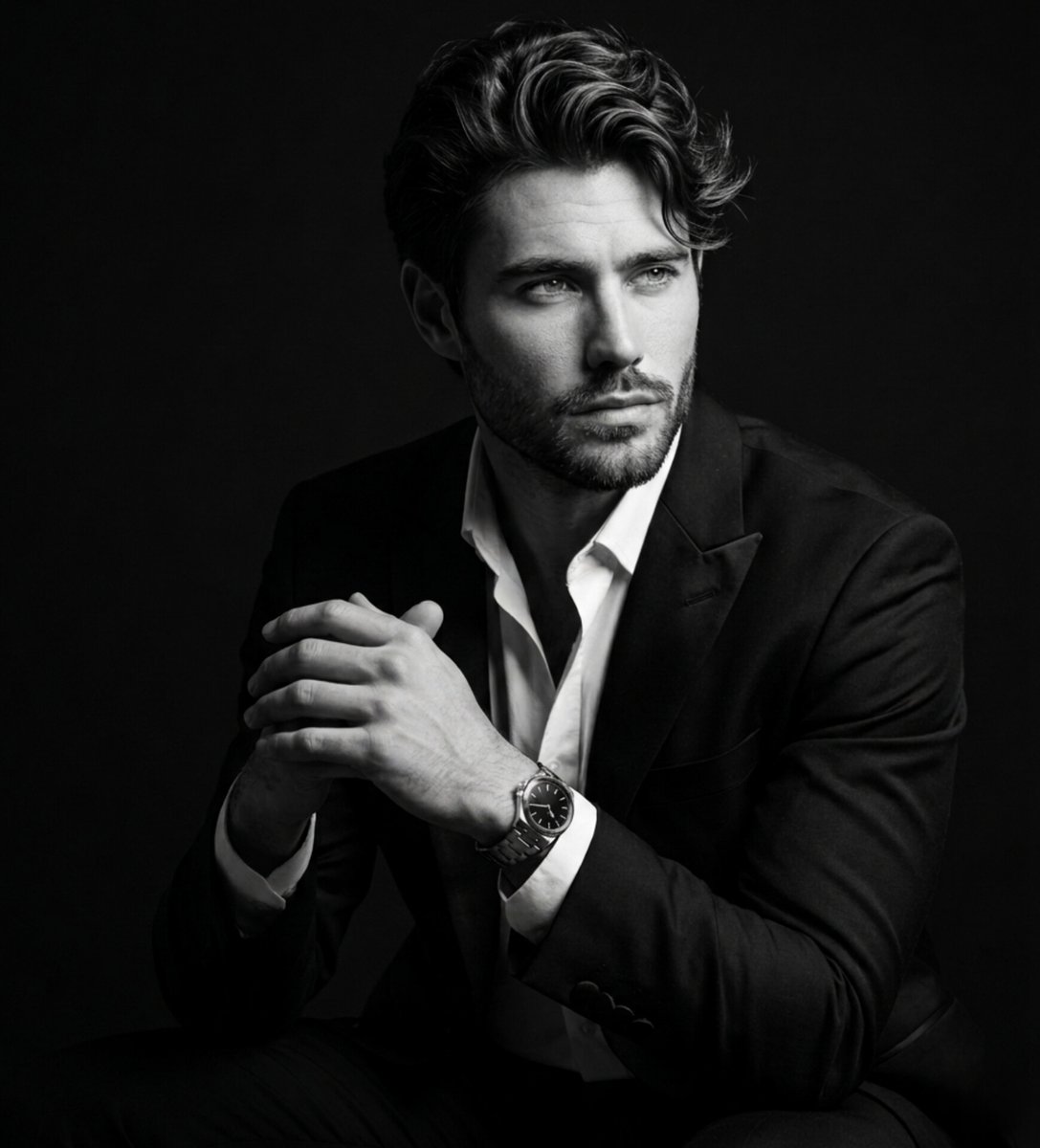
Fine Art Black and White Portrait
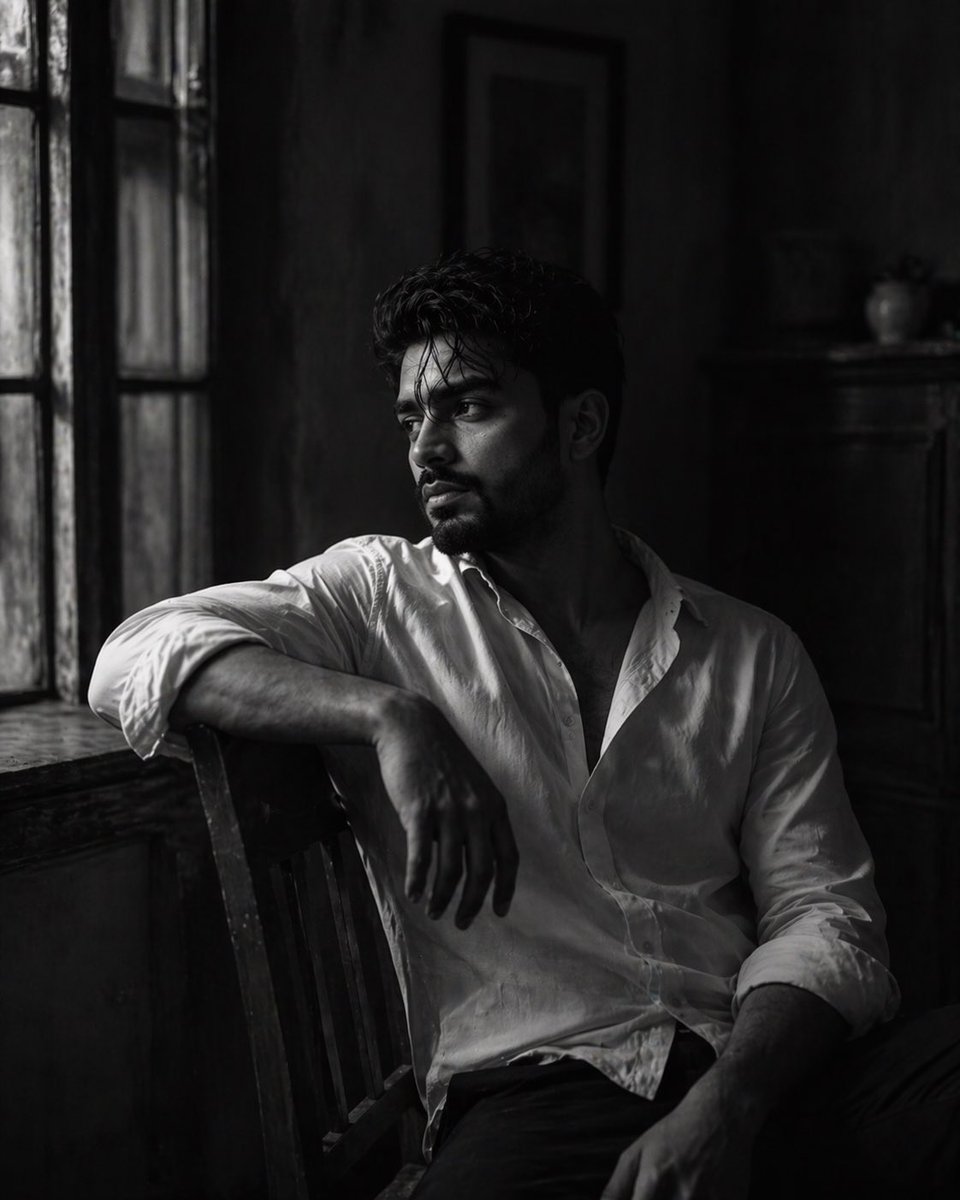
Black-and-White Fine Art Portrait
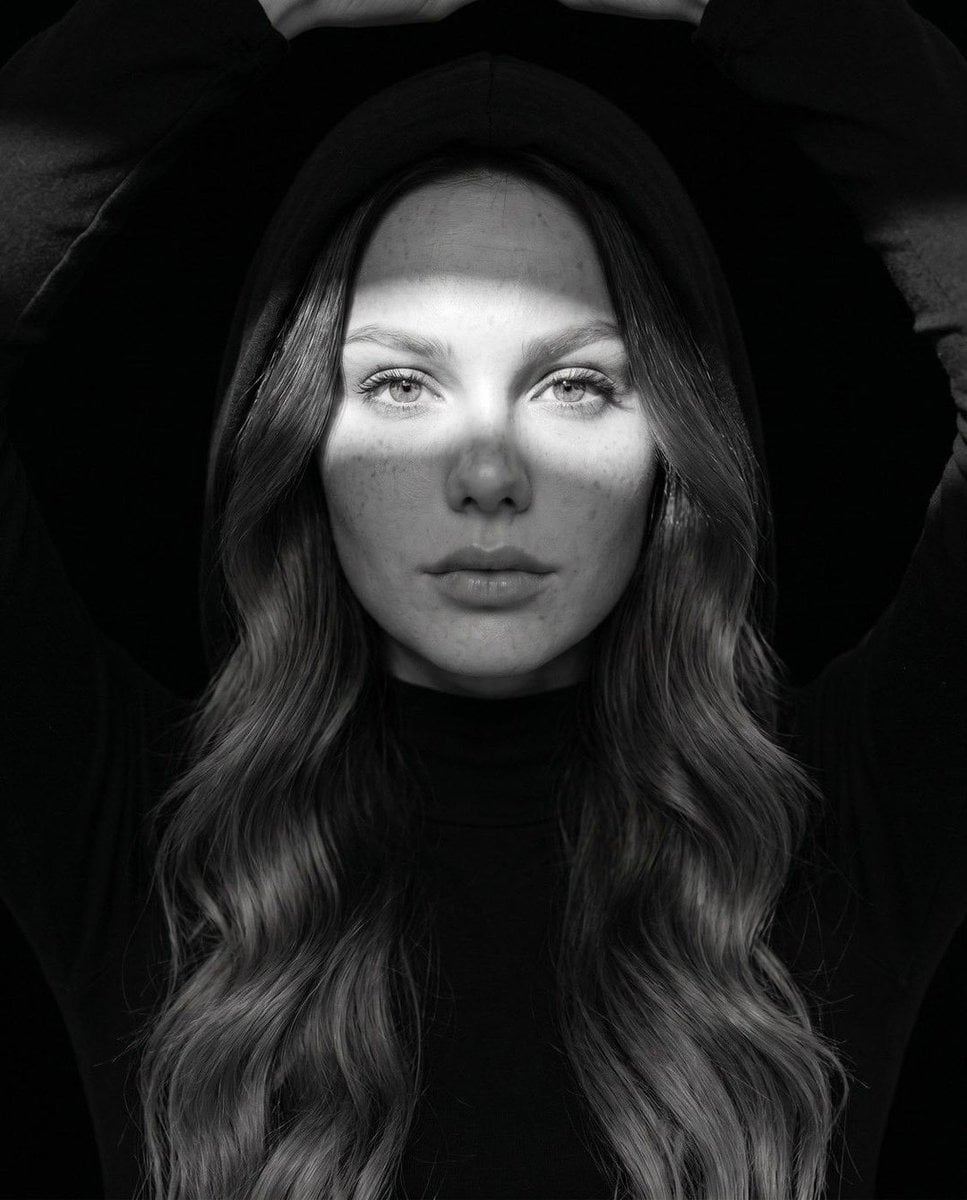
Fine Art Monochrome Fashion Portrait
Black and White Cafe Portrait
Black and White Urban Male Portrait
Cinematic Black-and-White Suit Portrait
Black and White Studio Portrait
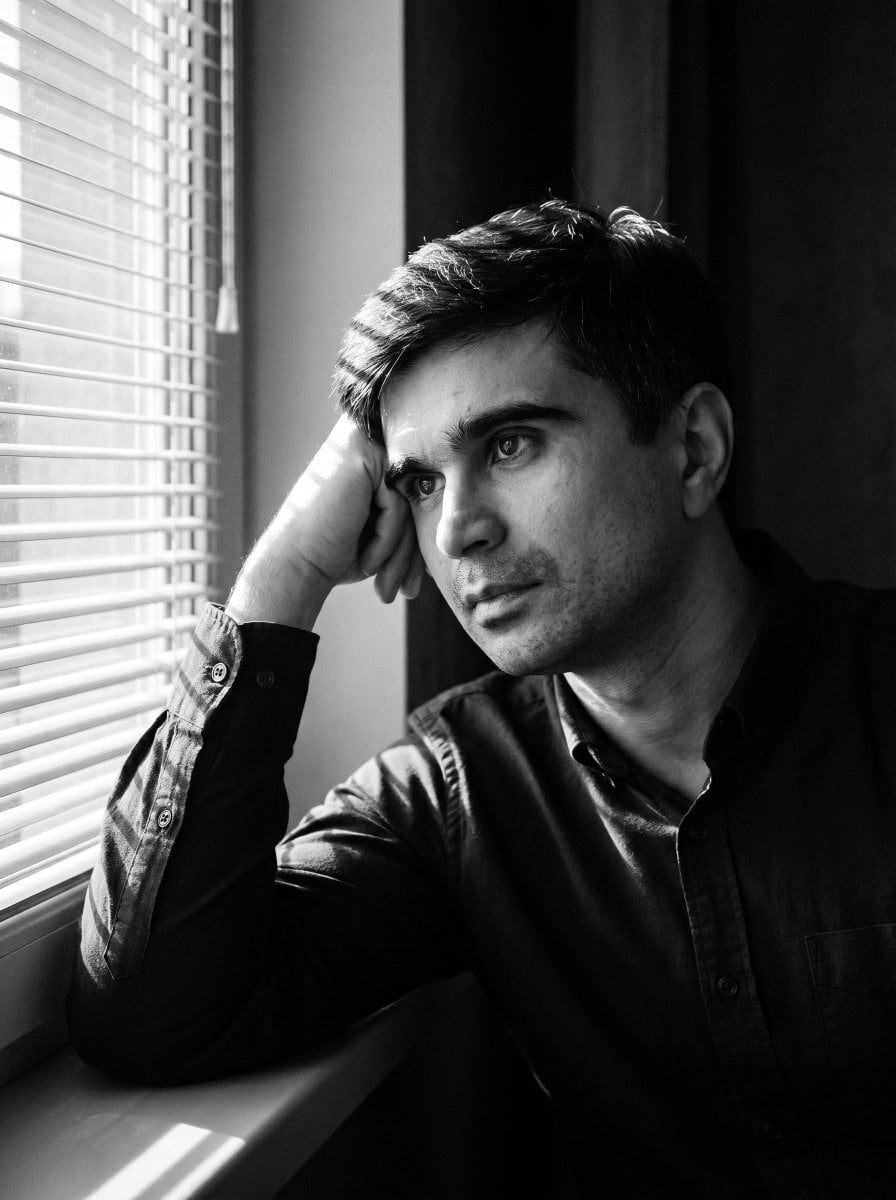
Moody Black and White Portrait
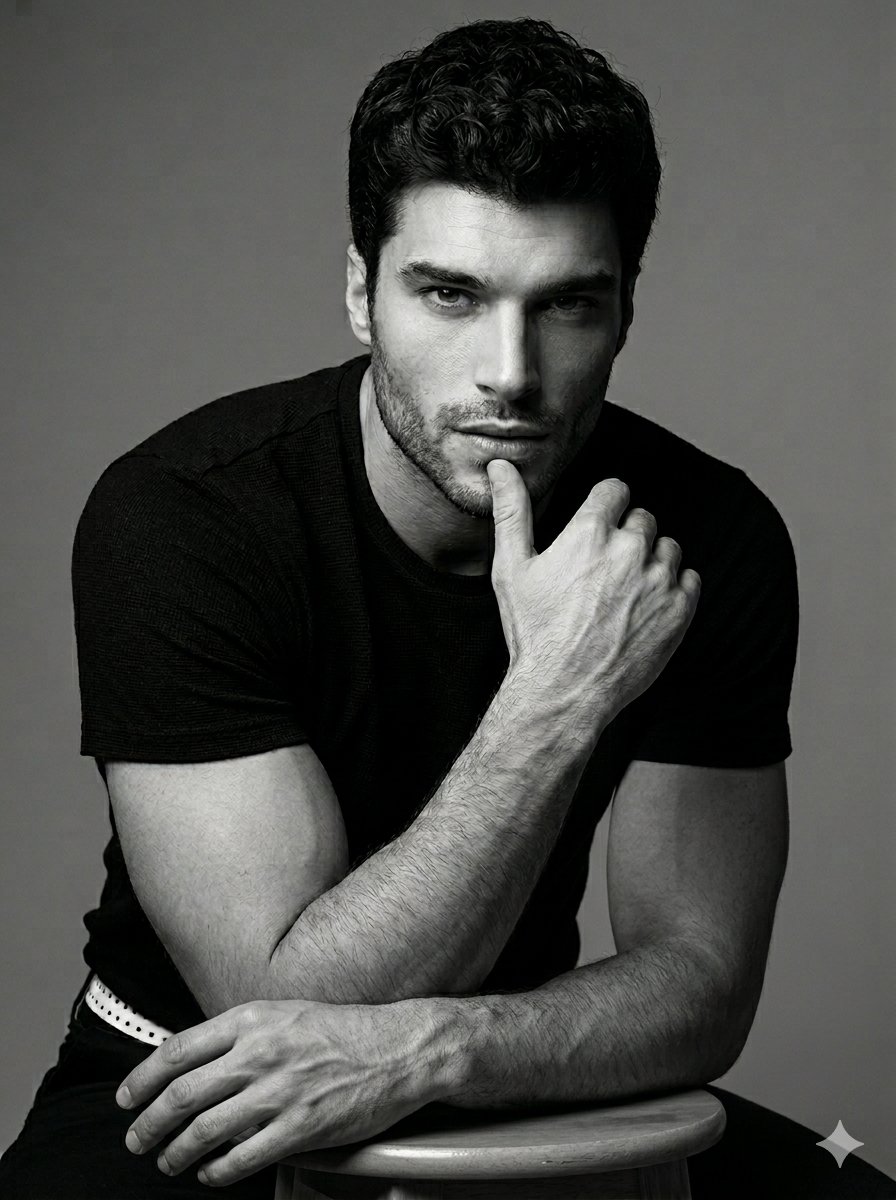
Black and White Male Studio Portrait
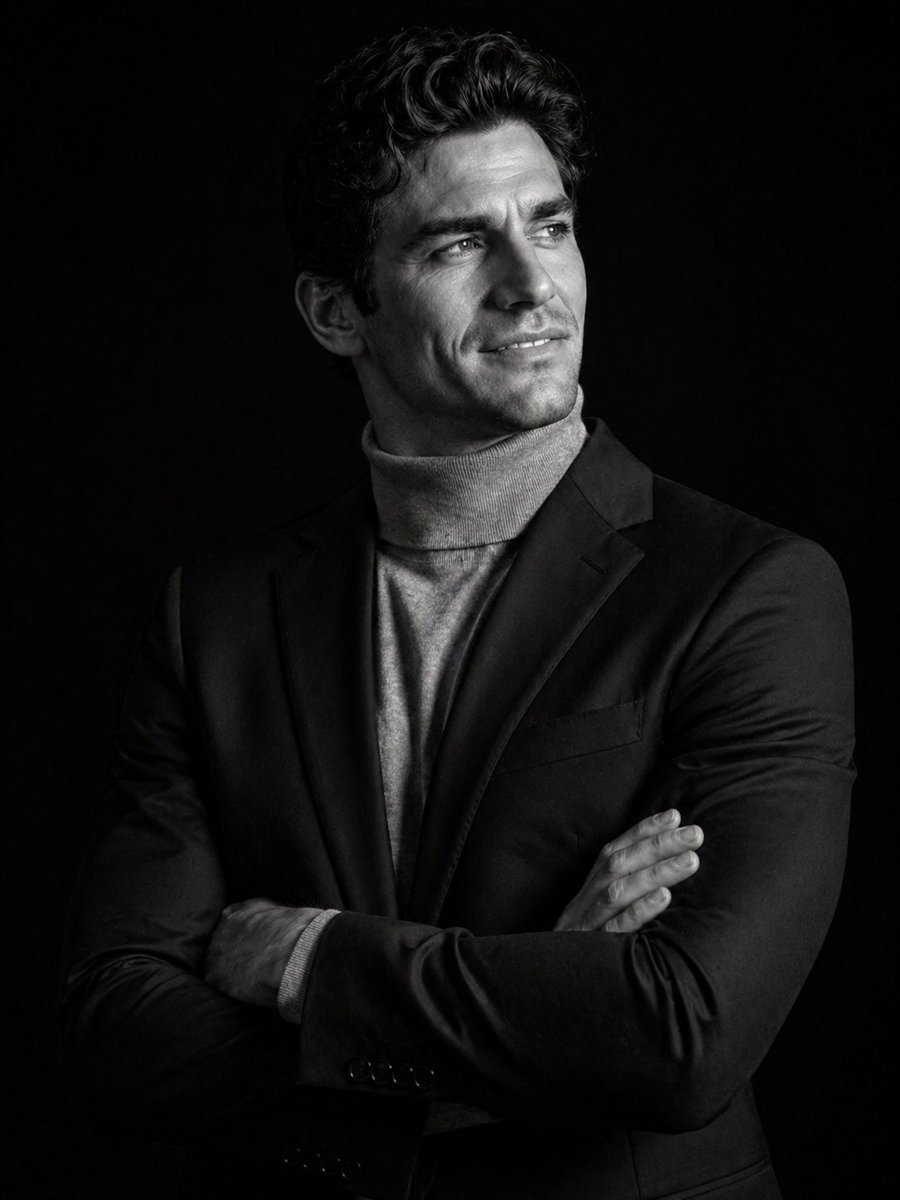
Cinematic Black and White Studio Portrait
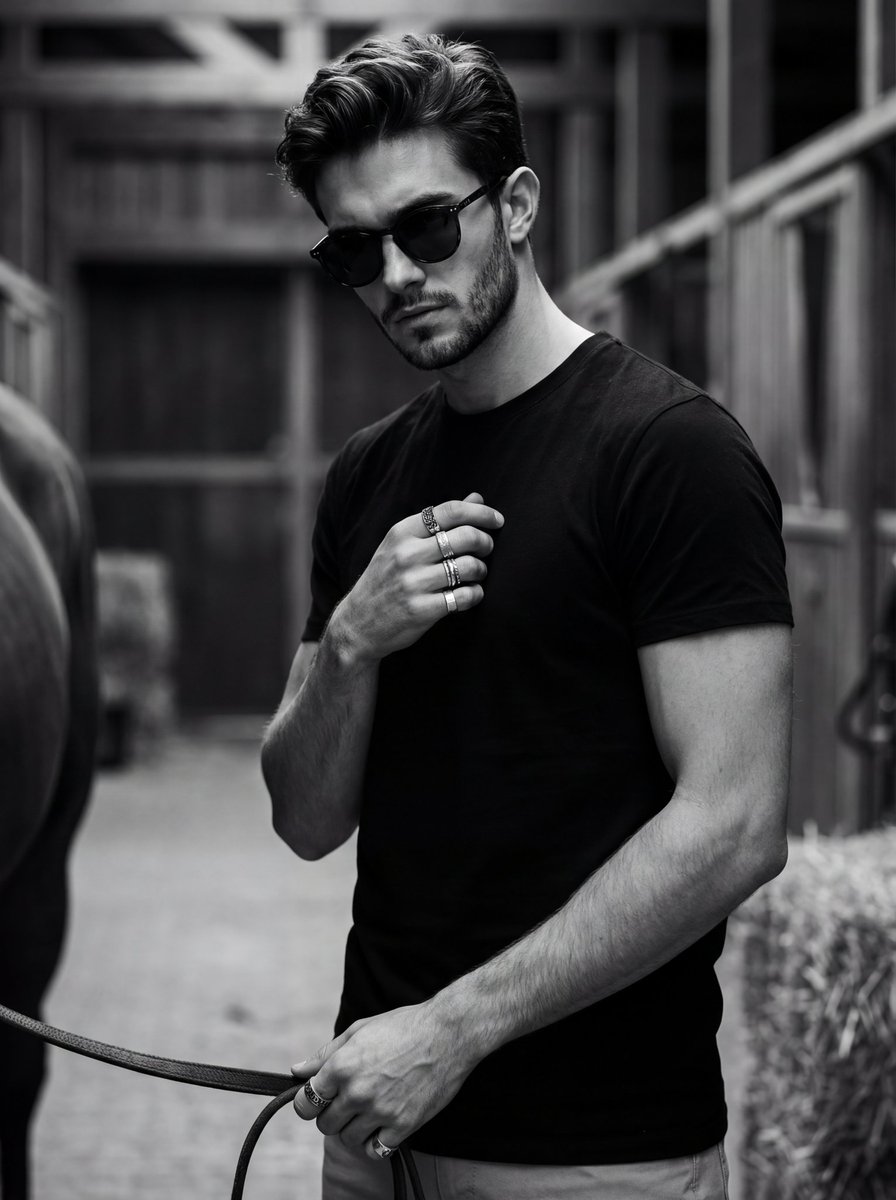
Ultra-Realistic Black and White Portrait with Identity Lock
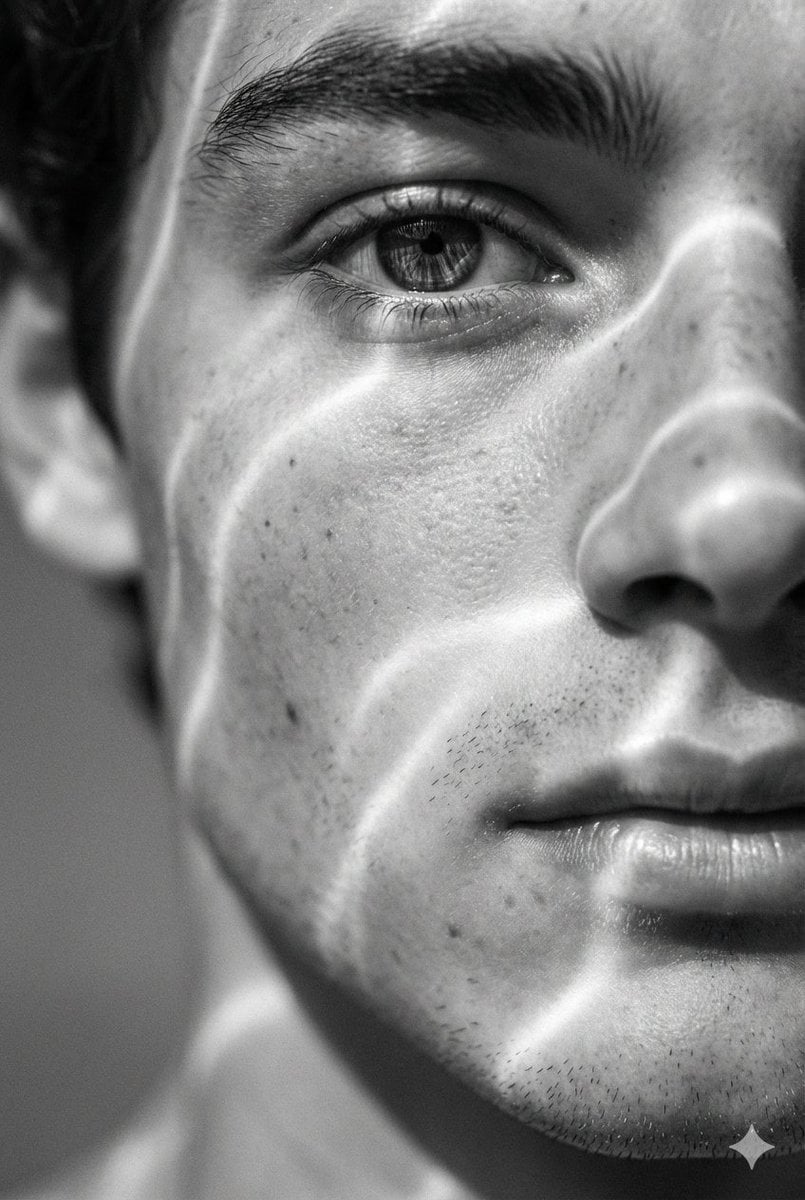
Surreal Black and White Close-Up Portrait with Luminous Lines
Make it yours
Black and White Fine-Art Doorway Portrait works as-is. These are the safest ways to change it without losing the look.
Change one field
Copy a single group, rewrite it, and generate again so you can see what that field is doing.
Keep the frame, change the subject
Hold the composition and light of Black and White Fine-Art Doorway Portrait, then swap wardrobe, props or the person for a new take.
| If the result… | Why | Fix |
|---|---|---|
| The result drifts from the preview | Too many fields changed at once. | Reuse Black and White Fine-Art Doorway Portrait as-is first, then change one group — subject, light, or setting. |
| Nano Banana 2 ignores part of the JSON | Some models flatten or skip nested keys. | Keep the same values and paste them as a short paragraph instead. |
More Nano Banana 2 templates
Other prompts made for Nano Banana 2.

Photorealistic Leaf Shaped Like a Dragon

K-Pop Idol Portrait Grid for Rapid Selection

Poetic Rain Forest Portrait During Golden Hour

Urban Street Portrait with Cartoon Inner Self Duo

Candid Nighttime Photo with Cat Prompt

High-Concept 3D Diorama Generation Prompt

Cinematic Futuristic Studio Portrait Template

Skincare Editorial Photography Collage Prompt

Hyper-Realistic Commercial Product Photography (Splash Effect)

Hyper-Realistic Nightclub Portrait Prompt
More image prompts
Fresh picks from across the catalog.
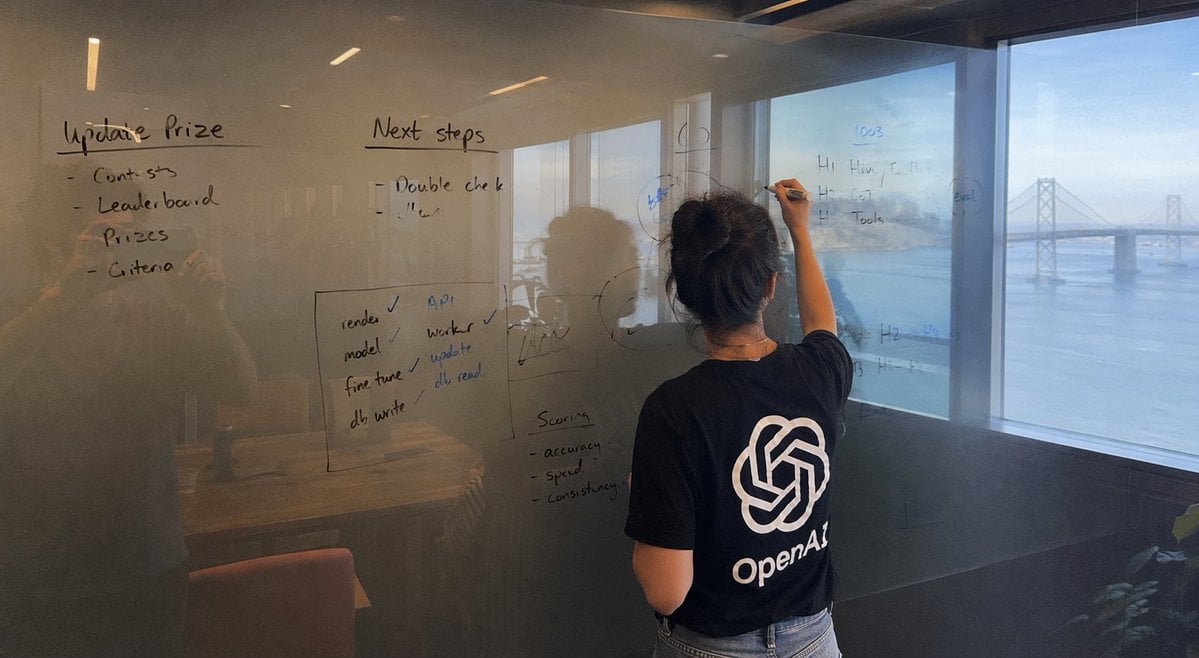
iPhone Photography Scene
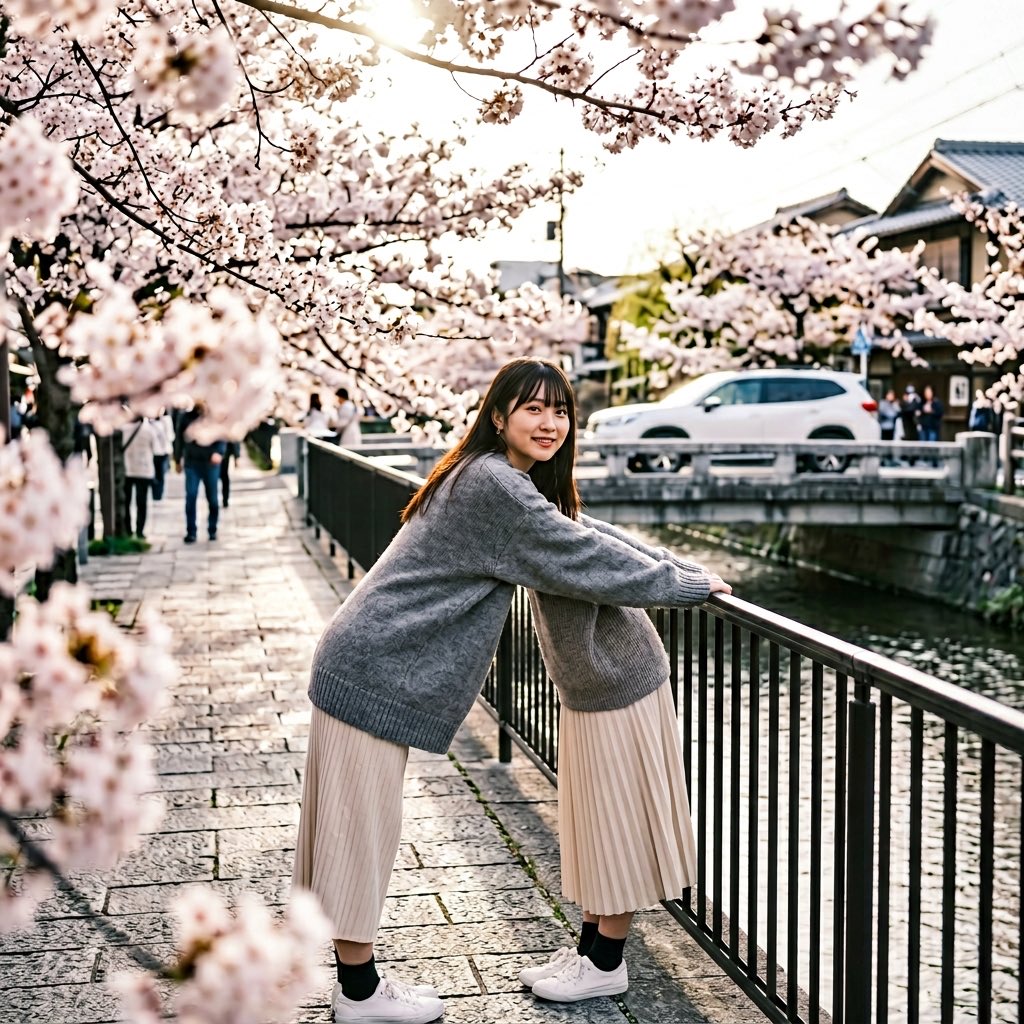
Anatomy Correction Prompt for Nano Banana 2
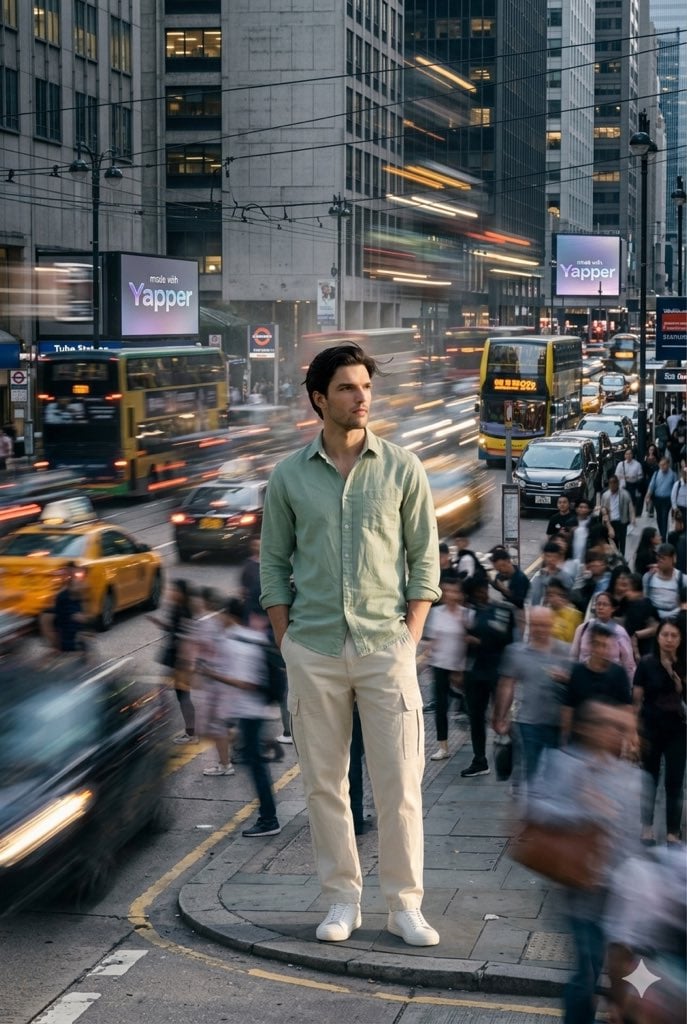
X Iamrealsnow Cinematic Motion Blur Photography Editorial
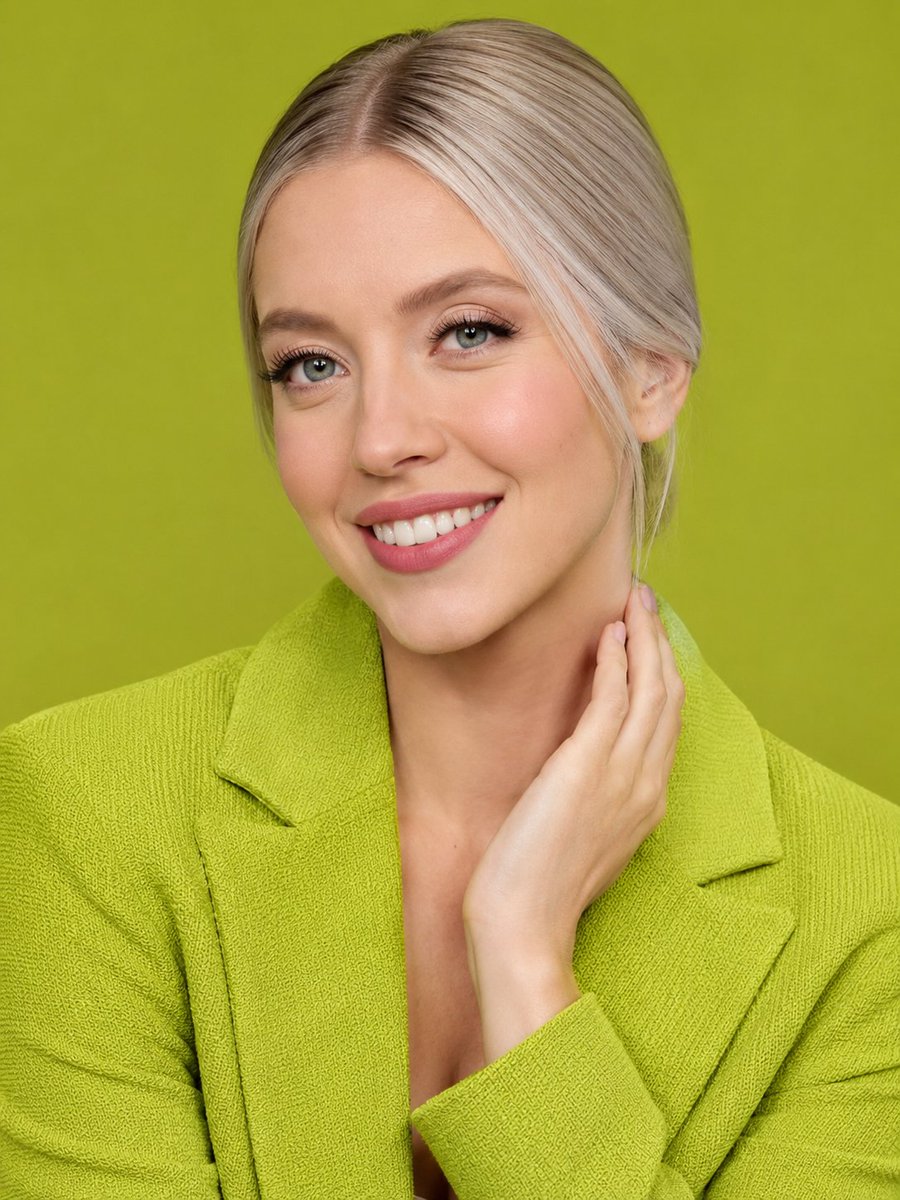
Lime Green Fashion Portrait
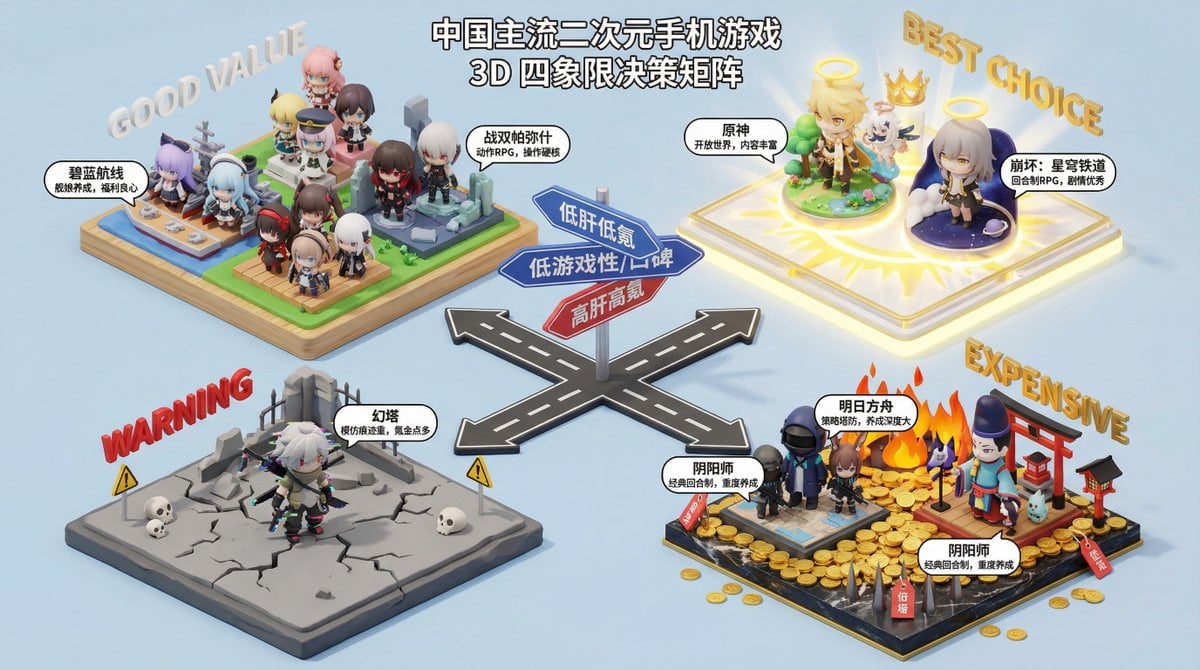
Nano Banana Pro Decision Making Prompt
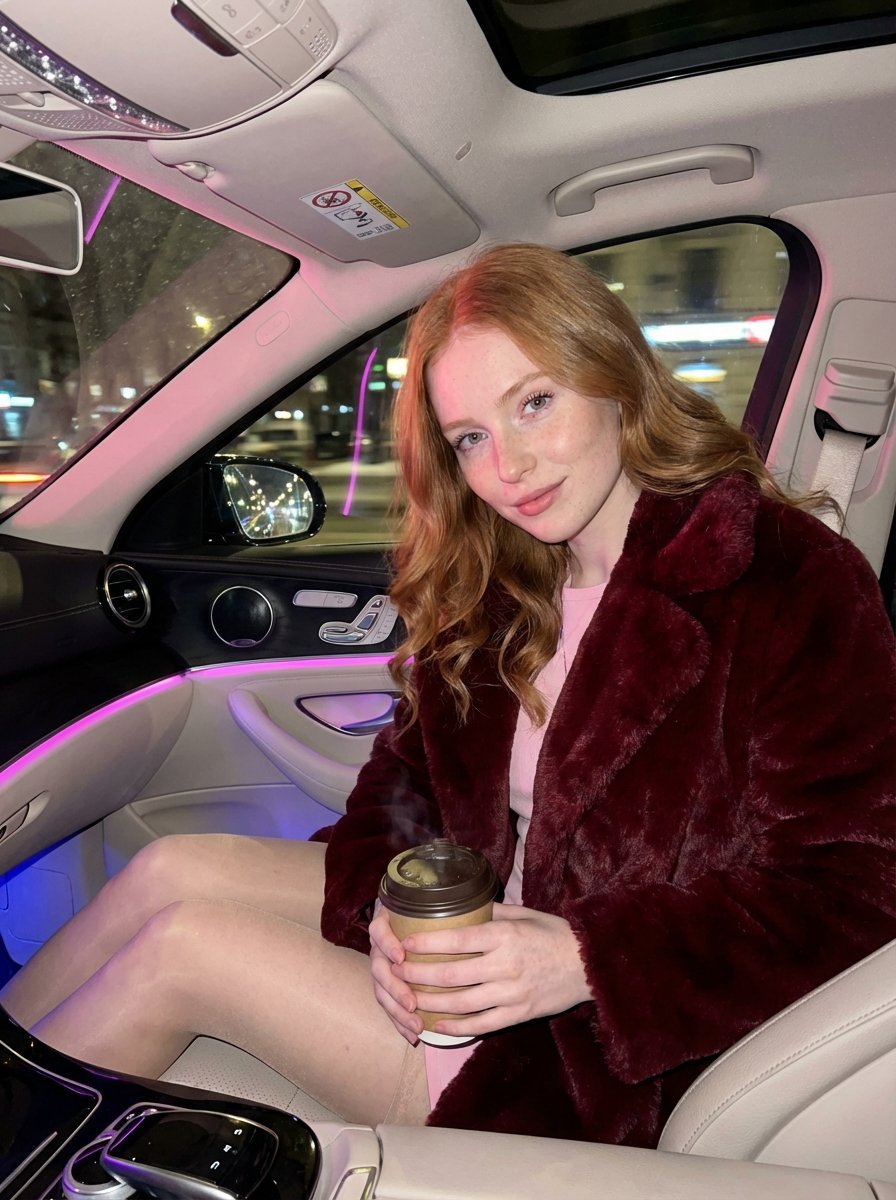
Intimate Luxury Car Interior Portrait
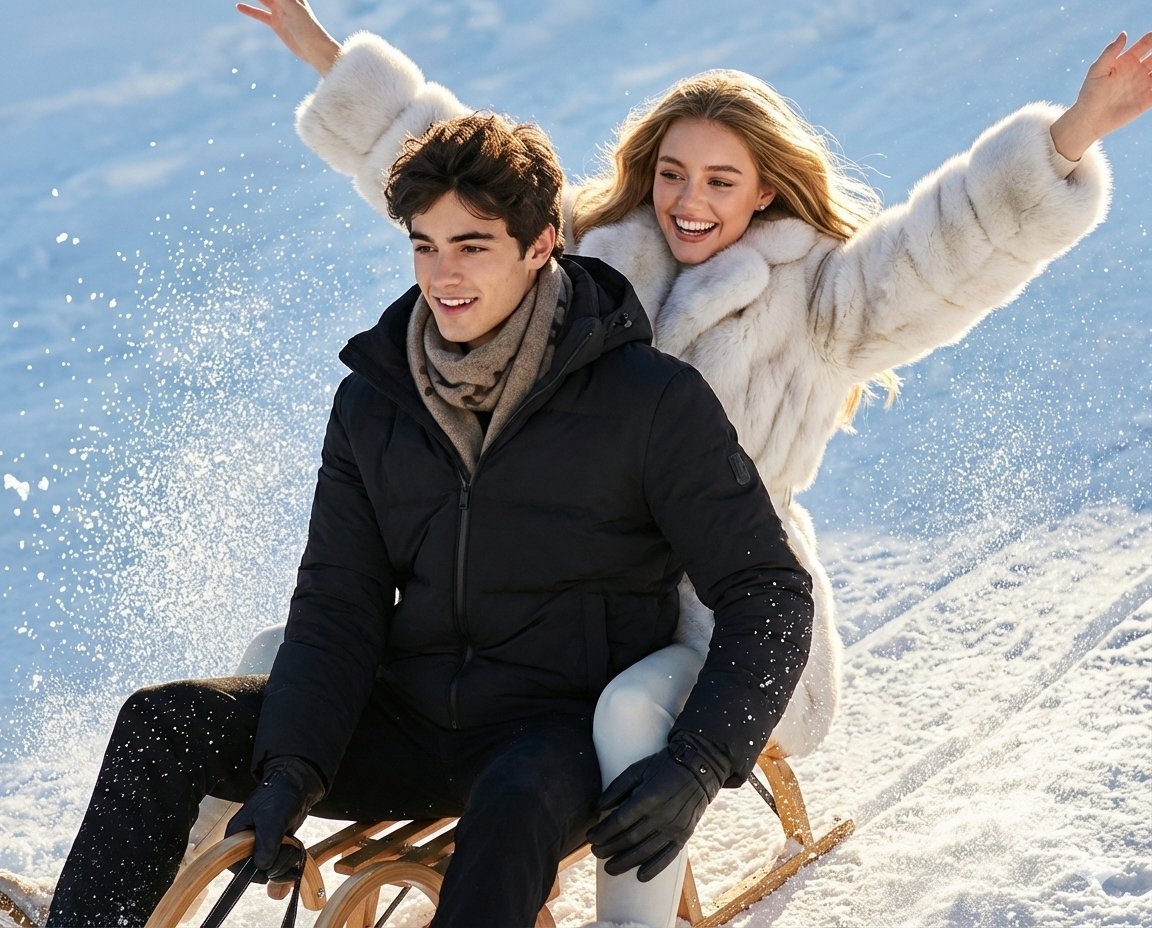
Luxury Russian Winter Sledding Scene Prompt
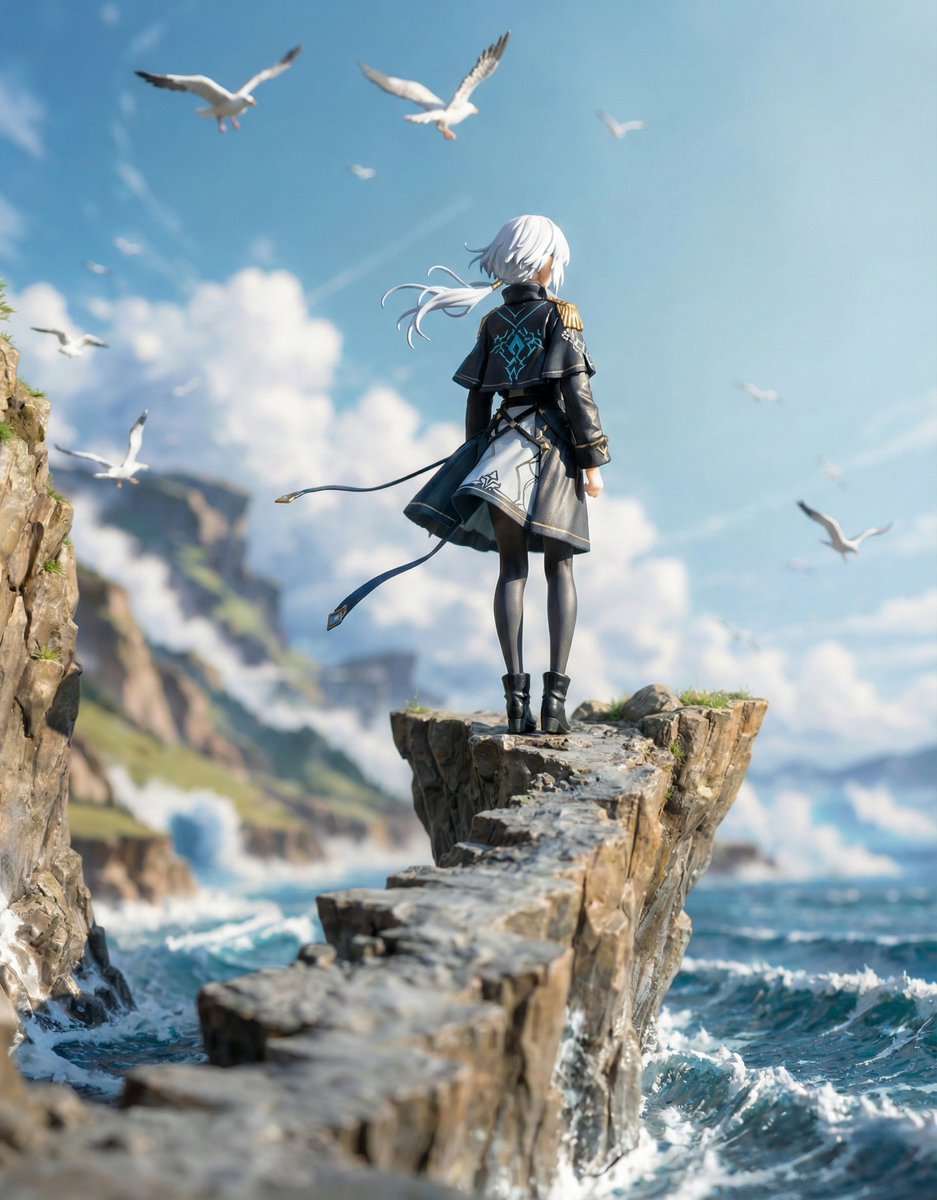
Structured Figure/Diorama Generation Prompt for Nano Banana Pro
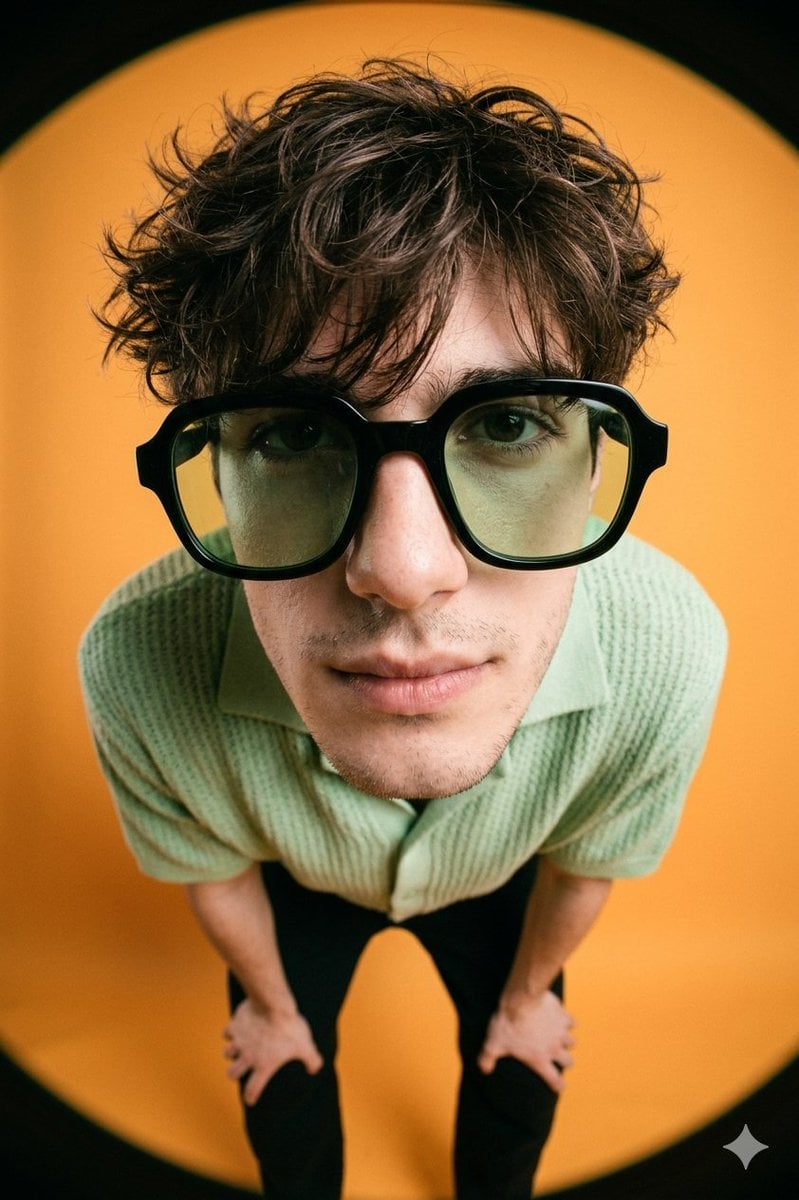
High-Fashion Editorial Image with Exaggerated Fisheye Distortion
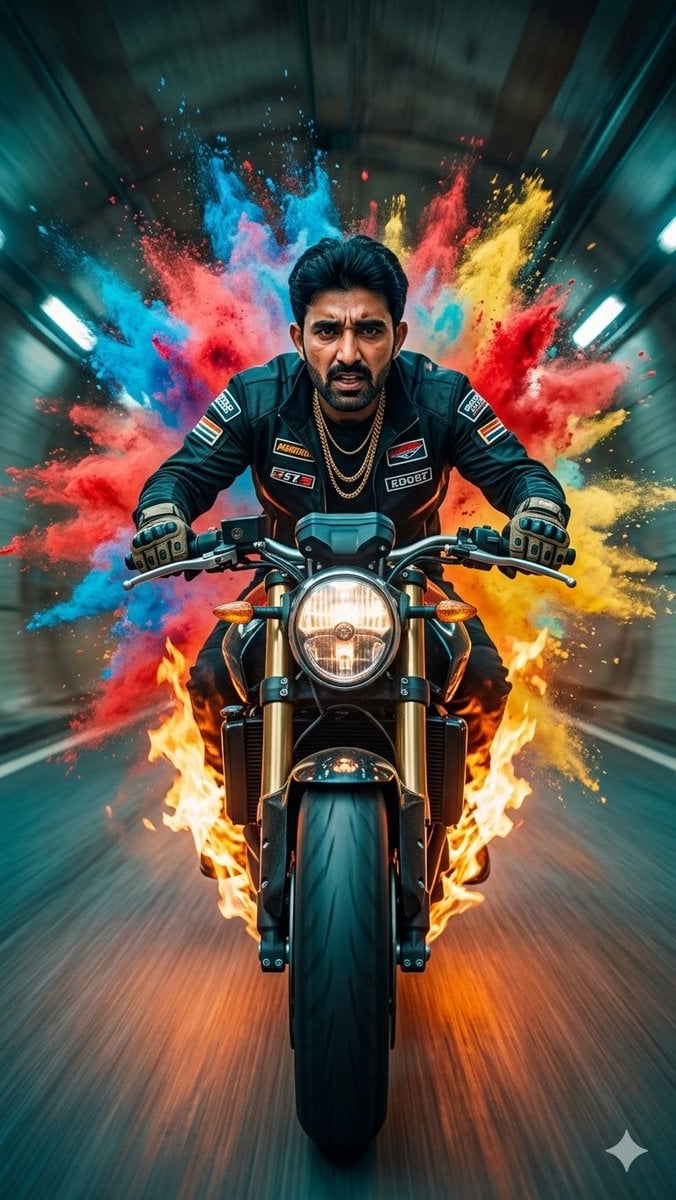
Cinematic Biker Powder Explosion
Browse template categories
Black and White Fine-Art Doorway Portrait questions
How do I use the Black and White Fine-Art Doorway Portrait template?
Add your photo if the template asks for one, edit the prompt if you like — the template's model and format are already selected — and press Generate. Your version opens in PicX Studio.
Can I customize the Black and White Fine-Art Doorway Portrait template?
Yes. You can change the subject, setting, lighting, mood, format, and available model controls before creating your image.
Is the Black and White Fine-Art Doorway Portrait template free?
Opening and editing this template is free. Generating uses credits, shown on the Generate button when you are signed in.
Which AI model should I use?
Start with Nano Banana 2, which is the model associated with this template. You can compare another compatible model for a different finish.
Looking for something else? Browse all templates.

Your photo, any look
Thousands of ready templates for every top image and video model, from one credit balance.