
Intimate Luxury Car Interior Portrait
A comprehensive prompt configuration for generating an ultra-photorealistic, intimate portrait of a young woman in a luxury car interior at night, detailing her appearance, outfit (faux fur coat, sheer stockings)…
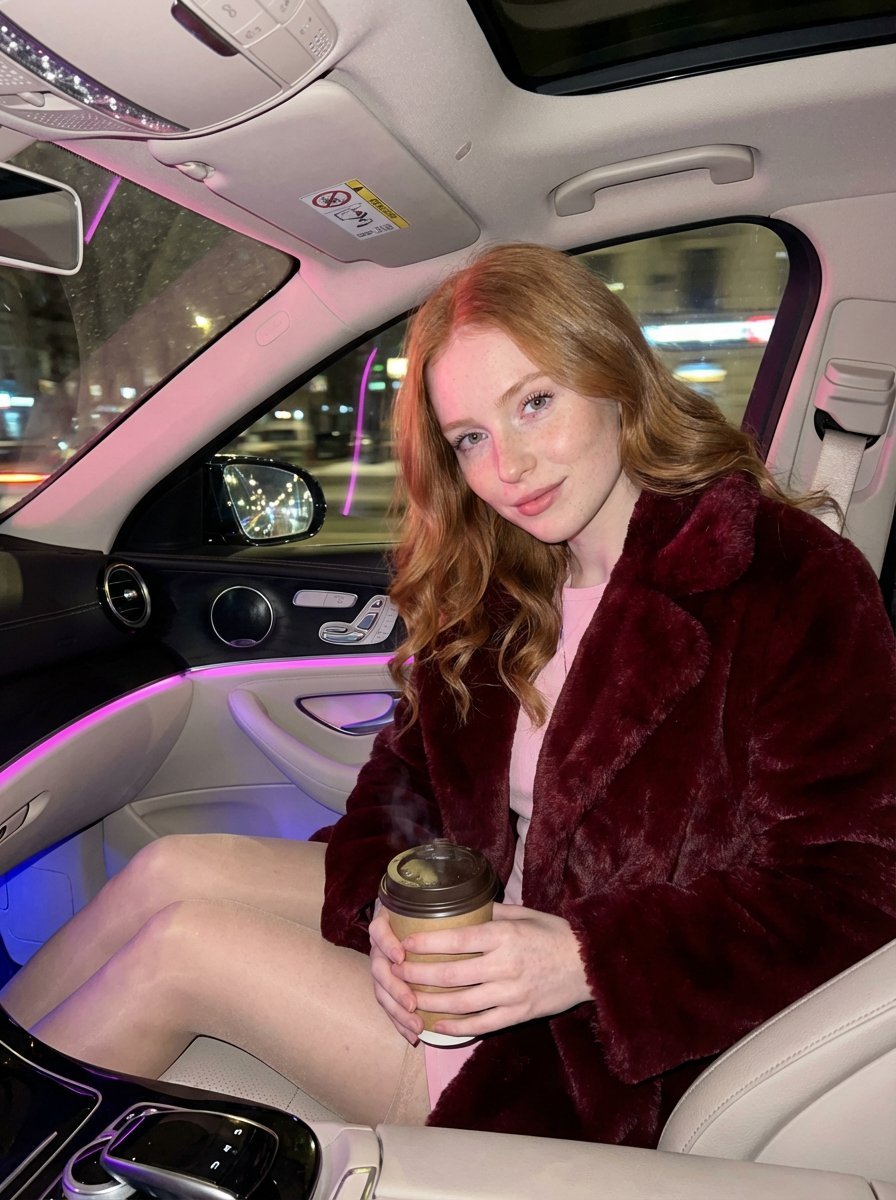
- Prompt included
- Model and format preset
- Free template
The prompt behind this image
Copy the exact prompt behind Intimate Luxury Car Interior Portrait, or open it in the studio and make it yours.
{ "meta": { "aspect_ratio": "9:16", "quality": "ultra_photorealistic", "resolution": "8k", "camera": "iPhone 17 Pro Max", "lens": "24mm", "style": "hyper-realistic luxury lifestyle, intimate but natural" }, "scene": { "location": "luxury car interior (Mercedes class)", "environment": [ "soft pink and blue ambient cabin lighting", "dashboard neon glow reflecting softly on skin", "city lights passing outside the windows", "warm, enclosed, late-night atmosphere" ], "lighting": { "type": "soft neon ambient", "key_light": "pink dashboard glow highlighting collarbones and neckline", "fill_light": "subtle blue ambient light shaping face and silhouette", "effect": "natural skin shine, realistic reflections" }, "time": "late night" }, "camera_perspective": { "pov": "casual handheld shot from passenger seat", "angle": "slightly low angle, flattering and intimate", "framing": "close lifestyle framing — face, upper body, hands, coffee cup visible", "energy": "caught-in-the-moment, candid luxury vibe" }, "subject": { "gender": "female", "age": "early 20s (clearly adult)", "appearance_style": "natural European beauty", "body": { "type": "soft feminine hourglass", "waist": "slim but natural", "hips": "gently rounded", "chest": "full, natural proportions" }, "skin": { "tone": "very fair porcelain", "details": [ "light freckles across nose and upper cheeks", "realistic skin texture", "soft natural blush" ] }, "hair": { "color": "natural copper red", "style": "long, softly waved", "behavior": "a few loose strands falling naturally around face and neckline" }, "face": { "expression": "relaxed, confident half-smile", "eyes": "light blue-grey, calm and engaging gaze", "lips": "natural glossy finish, softly parted", "makeup": "clean glam — subtle eyeliner, natural lashes, soft highlight" }, "pose": { "upper_body": "leaning slightly forward into the seat", "hands": { "right_hand": "holding a warm coffee cup near chest level", "left_hand": "resting naturally on upper thigh" }, "legs": "relaxed seated posture", "vibe": "effortless confidence, understated sensuality" }, "outfit": { "top": { "type": "luxury faux fur coat", "color": "dark crimson red with subtle dark accents", "style": "open at the front, revealing a fitted pastel top underneath", "fabric_behavior": "soft folds, natural drape" }, "bottom": { "type": "short skirt", "color": "pastel pink or soft lavender", "fit": "tailored, elegant, comfortable" }, "legs": { "details": "sheer stockings, smooth texture, natural sheen" } }
How to use Intimate Luxury Car Interior Portrait in 3 steps
- 1
Open
The prompt is already in the box next to the preview, with the template's model and format selected.
- 2…a portrait of your subject in softgolden-hour light, 85mm…
Personalize
Edit the subject and creative details for your destination.
- 3Generate
Generate
Press Generate — your image is created in PicX Studio, so you can compare it with the original and refine one variable at a time.
More like this
Templates with the same subject, style or setup. Open one to see its prompt.
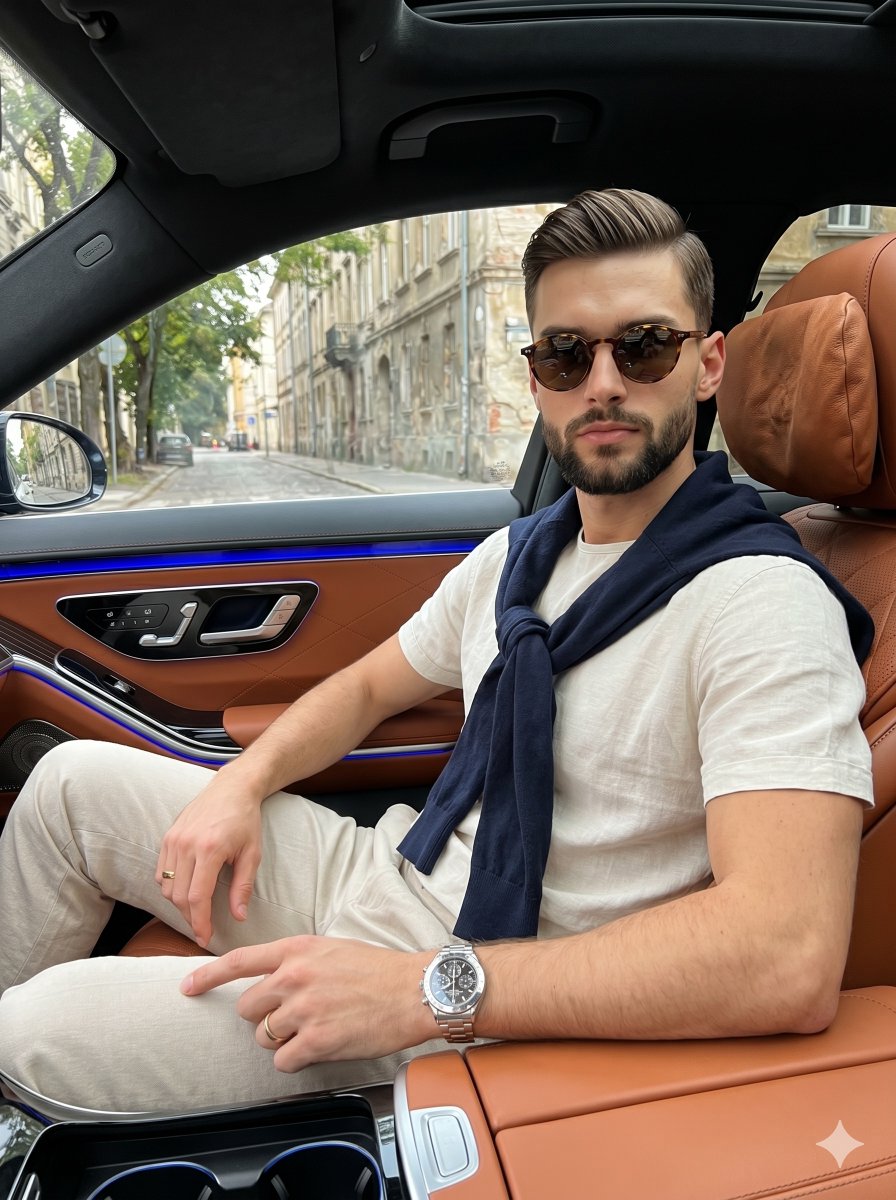
Luxury Car Interior Lifestyle Portrait
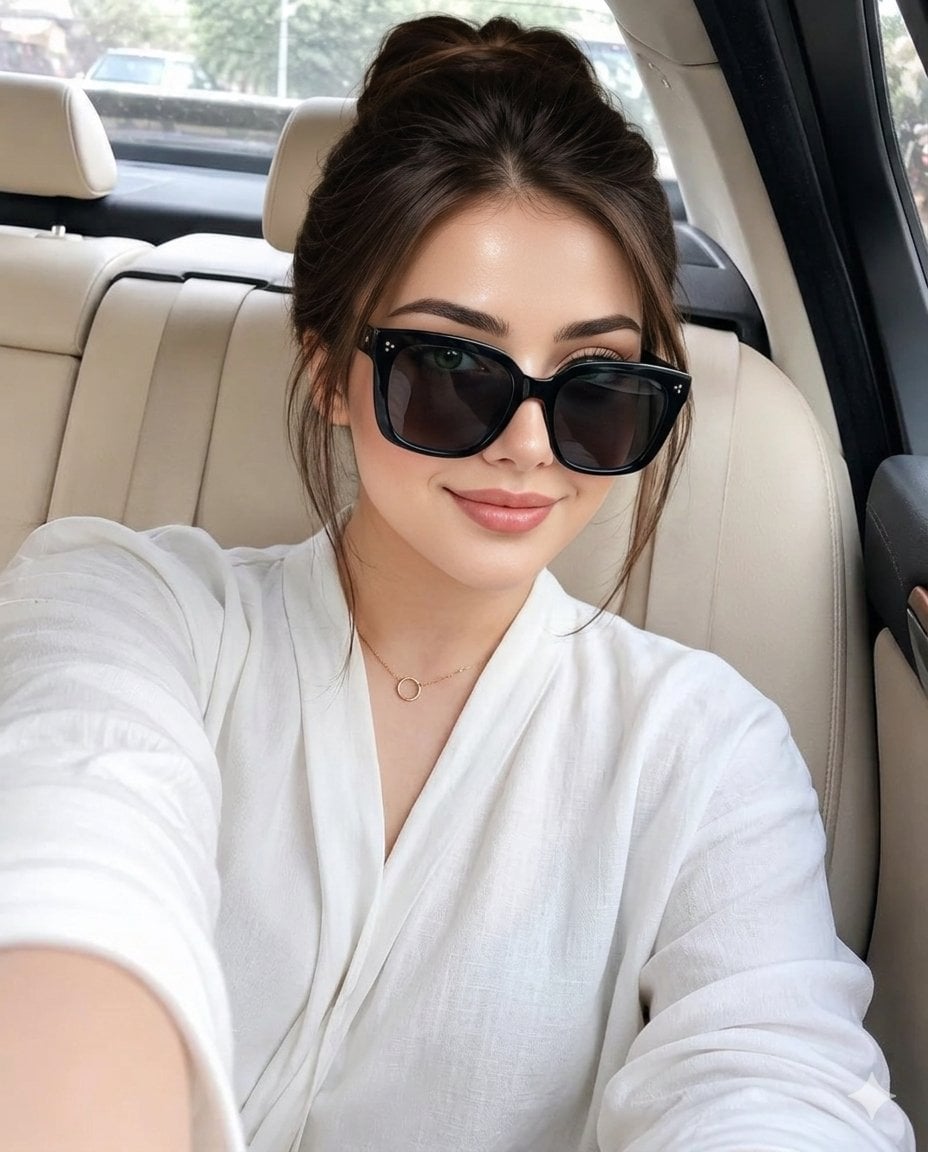
Luxury Car Interior Selfie

Ultra Detailed 3d Plush Cartoon Characte
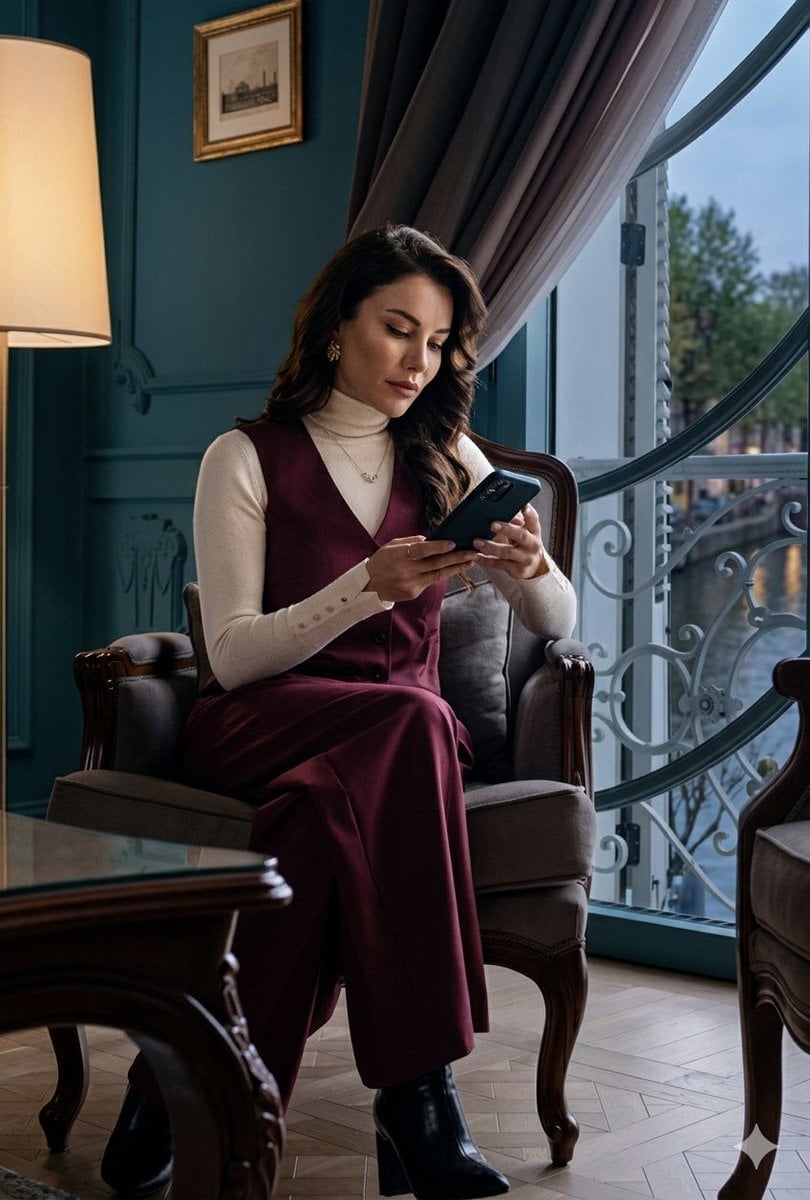
Sophisticated Luxury Interior Portrait
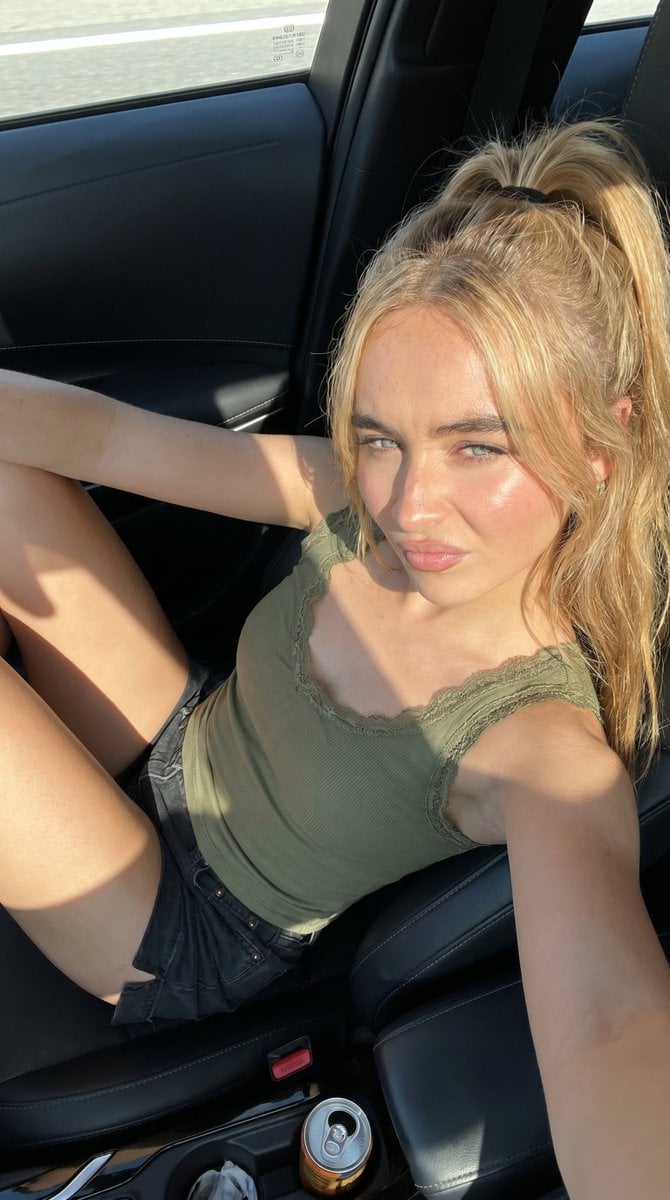
Candid Summer Car Interior Portrait
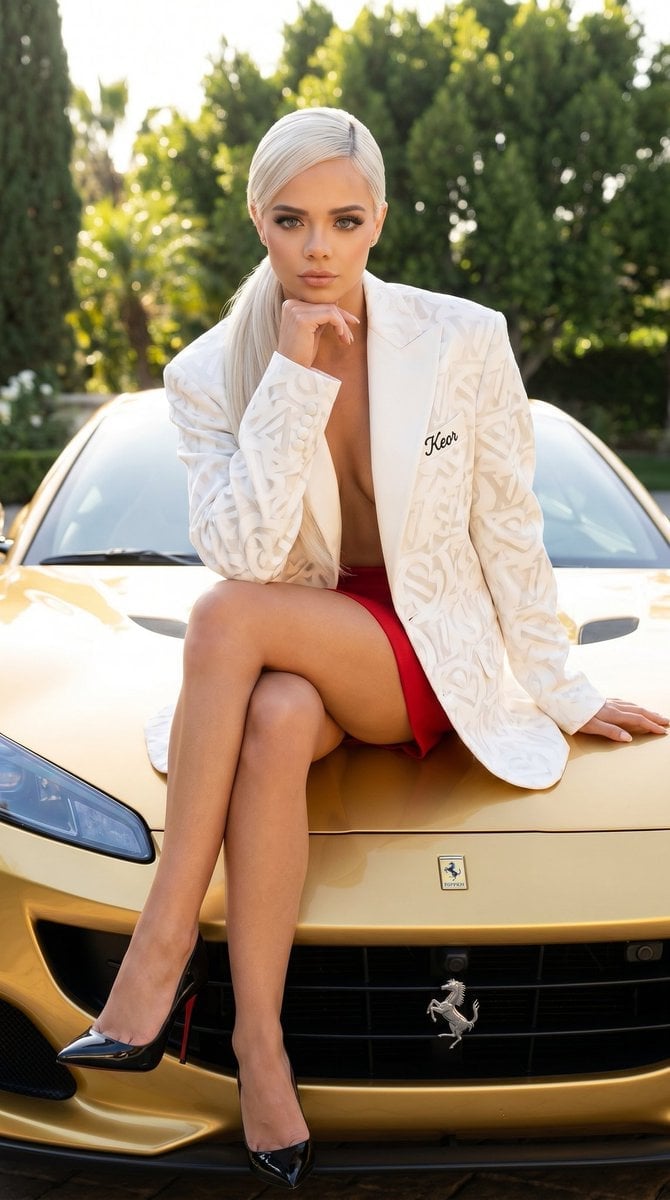
Luxury Car Fashion Portrait with Monogram Blazer
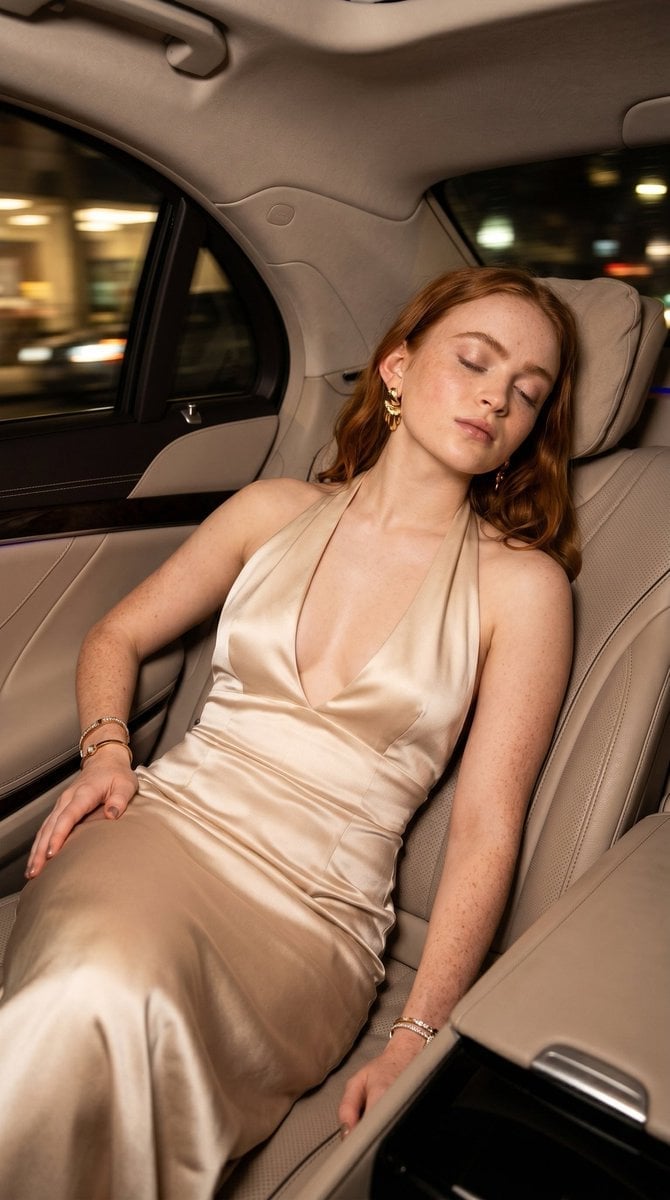
Luxury Car Night Editorial Portrait
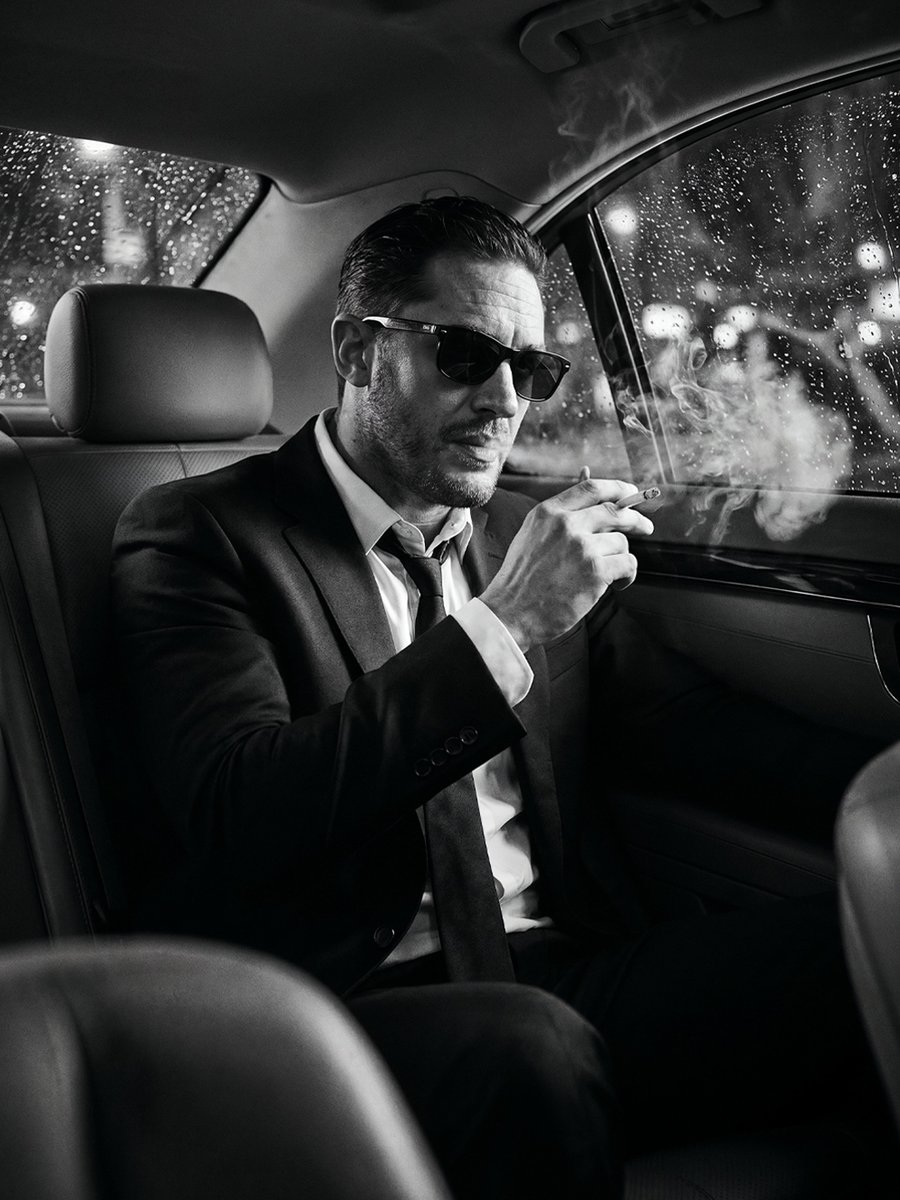
Cinematic Noir Luxury Car Portrait
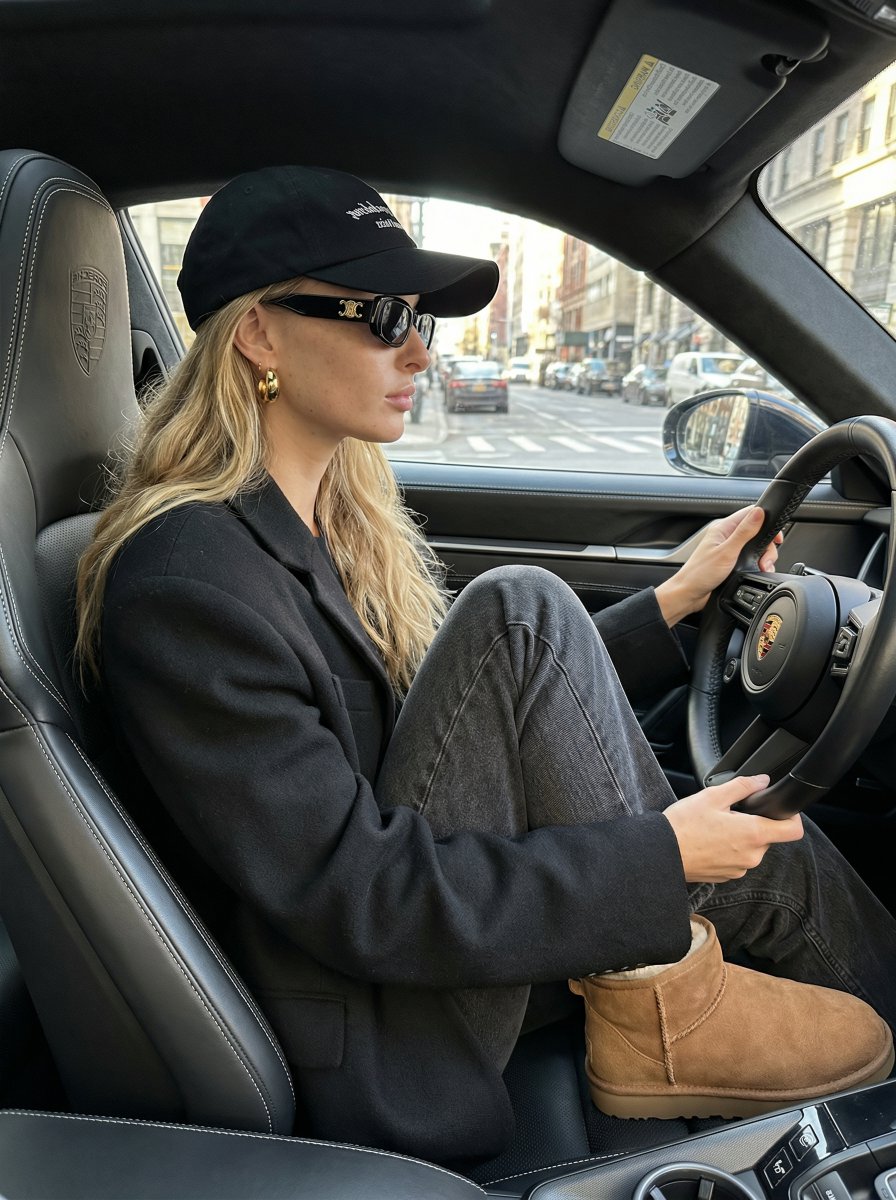
Luxury Street Style Portrait in a Porsche Interior

Found Photograph: Us, 1970

80s Couple Studio Portrait

80s Bollywood Star
Make it yours
Intimate Luxury Car Interior Portrait works as-is. These are the safest ways to change it without losing the look.
Change one field
Copy a single group, rewrite it, and generate again so you can see what that field is doing.
Keep the frame, change the subject
Hold the composition and light of Intimate Luxury Car Interior Portrait, then swap wardrobe, props or the person for a new take.
| If the result… | Why | Fix |
|---|---|---|
| The result drifts from the preview | Too many fields changed at once. | Reuse Intimate Luxury Car Interior Portrait as-is first, then change one group — subject, light, or setting. |
| The model over-stylizes the scene | The prose prompt leaves finish and camera underspecified. | Add one camera or lighting sentence and stay on Nano Banana 2. |
More Nano Banana 2 templates
Other prompts made for Nano Banana 2.

Photorealistic Leaf Shaped Like a Dragon

K-Pop Idol Portrait Grid for Rapid Selection

Poetic Rain Forest Portrait During Golden Hour

Urban Street Portrait with Cartoon Inner Self Duo

Candid Nighttime Photo with Cat Prompt

High-Concept 3D Diorama Generation Prompt

Cinematic Futuristic Studio Portrait Template

Skincare Editorial Photography Collage Prompt

Hyper-Realistic Commercial Product Photography (Splash Effect)

Hyper-Realistic Nightclub Portrait Prompt
More image prompts
Fresh picks from across the catalog.
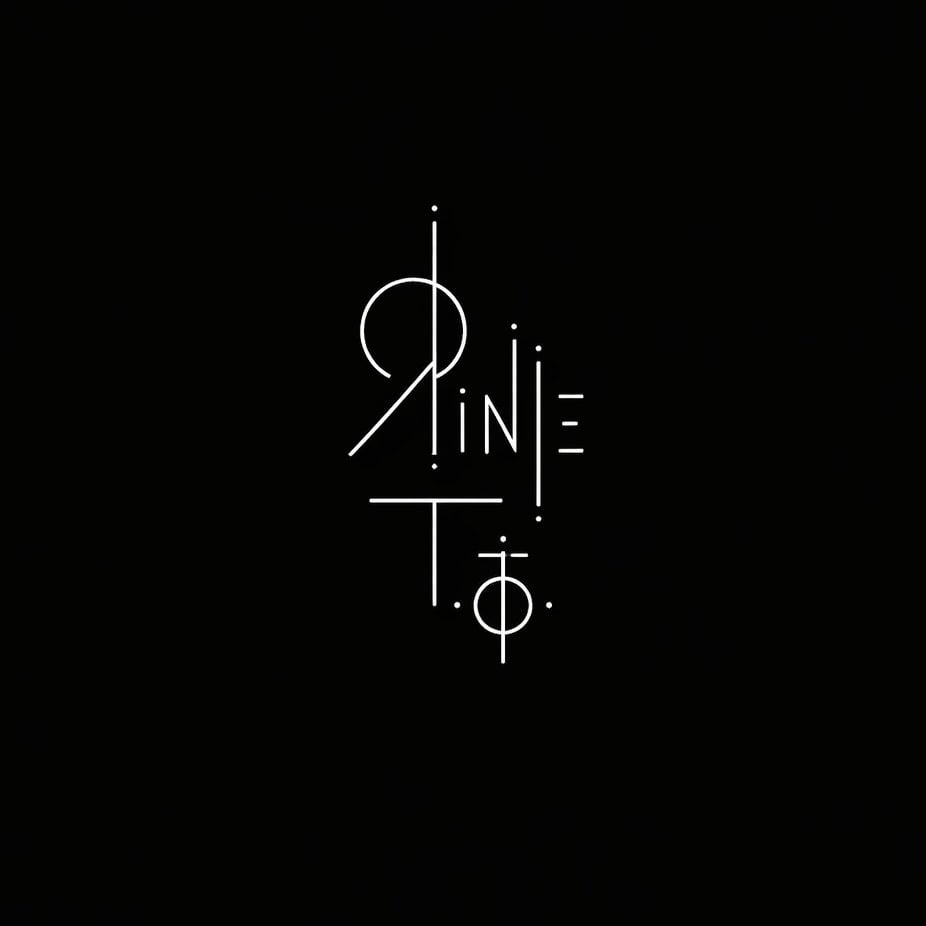
Minimalist Sigil Logo Design
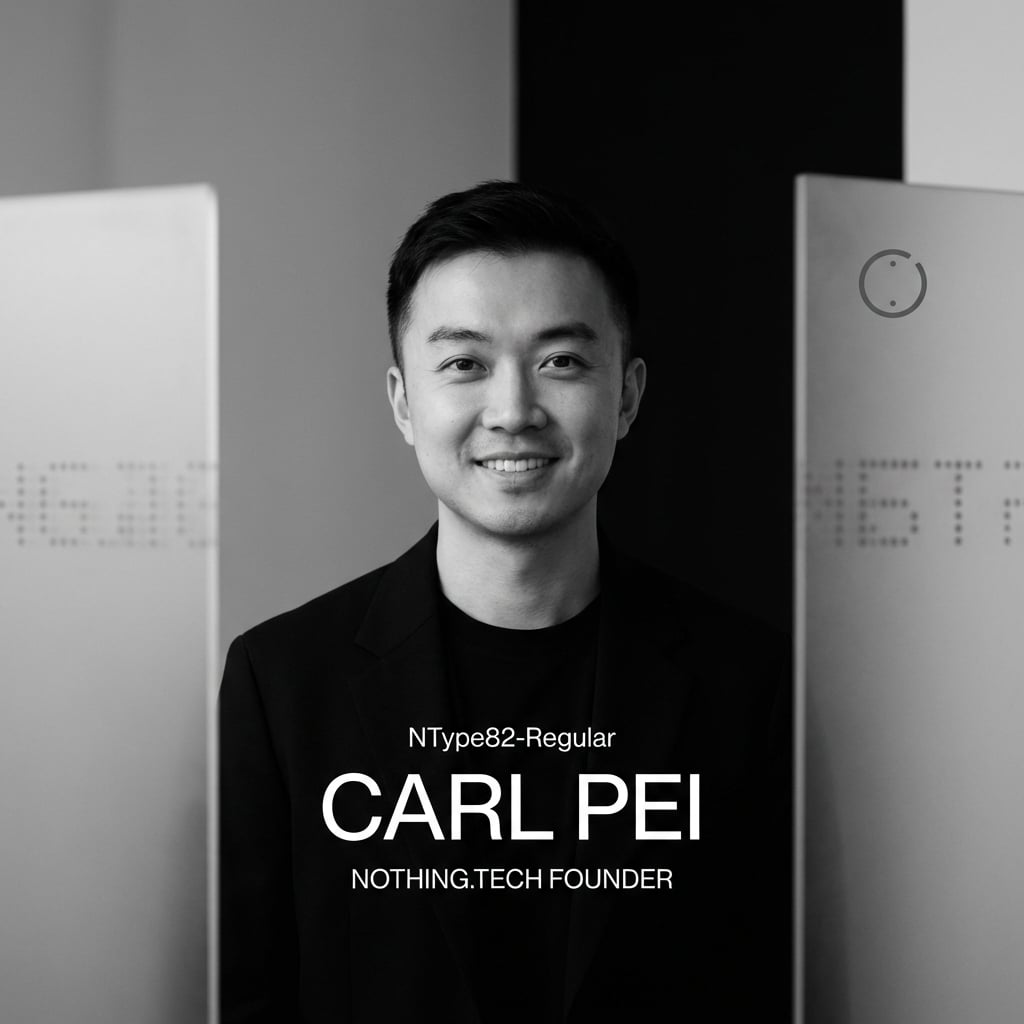
Editorial Visual for Modern Tech Founder
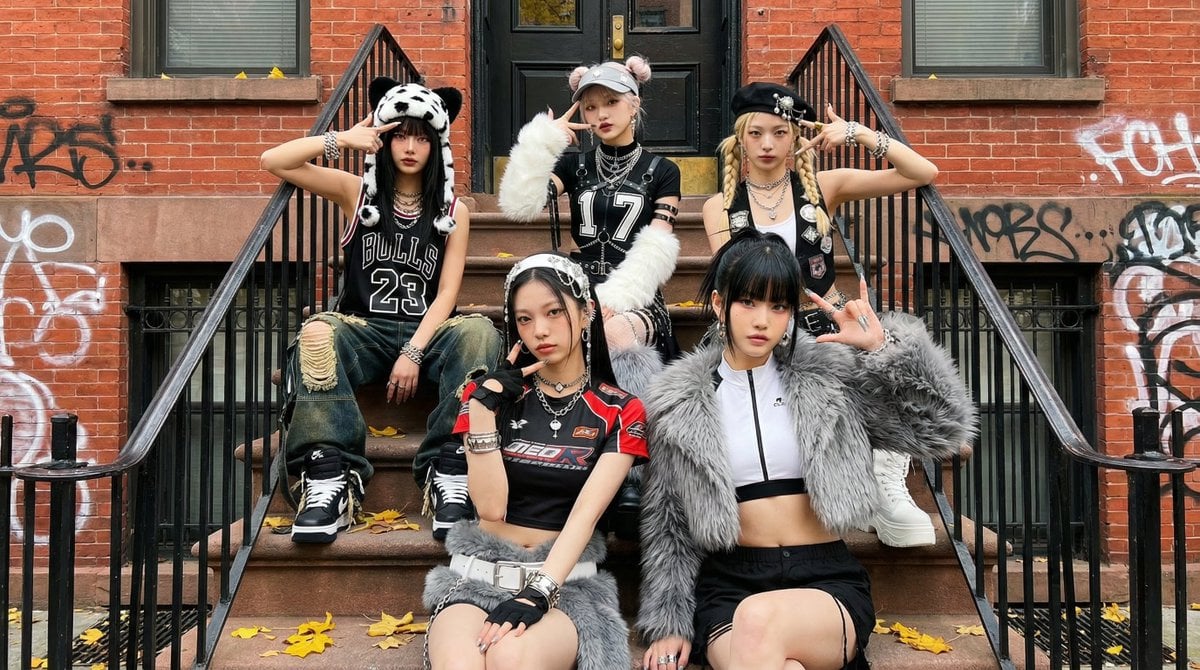
Fictional K-pop Artist Image Generation (Reference Based)
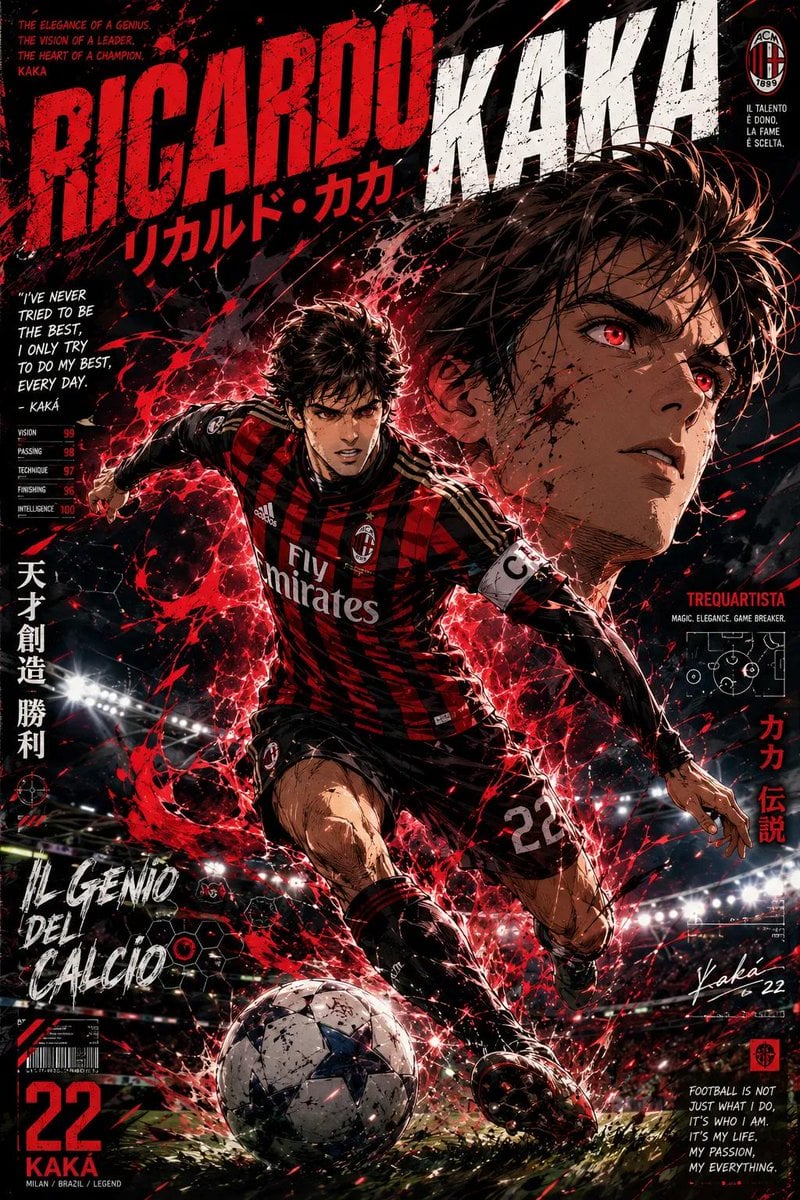
Anime Football Legend Poster
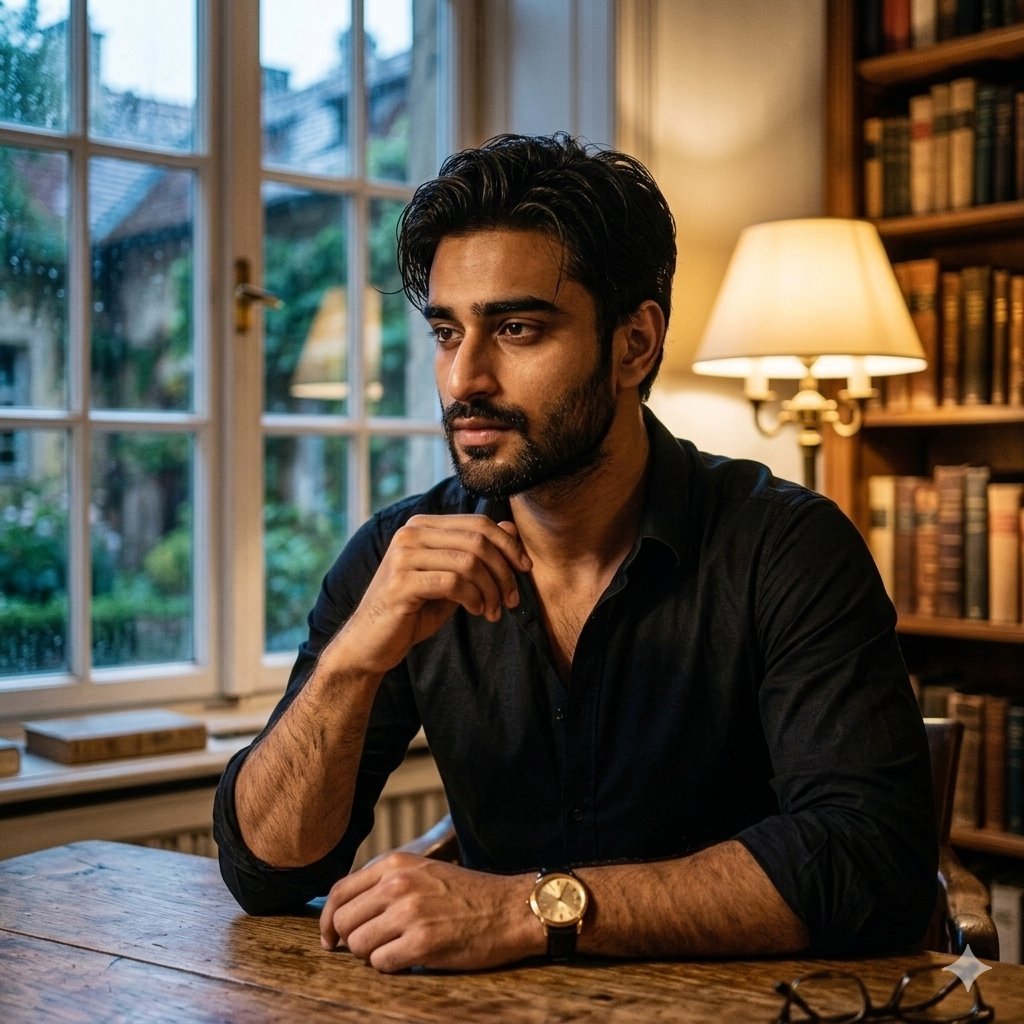
Cinematic Chiaroscuro Portrait of a South Asian Man in a Library
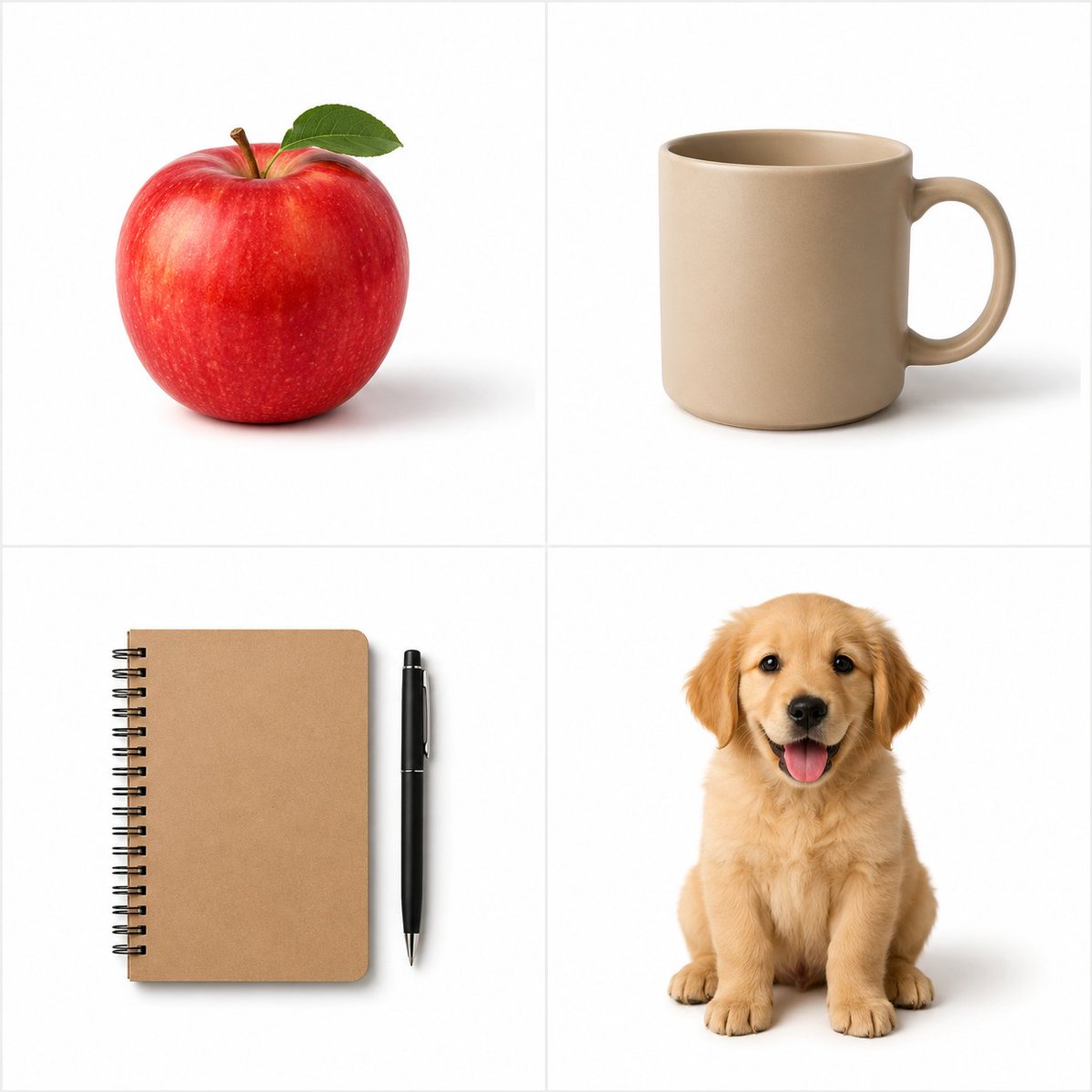
Minimalist Studio Object Photography
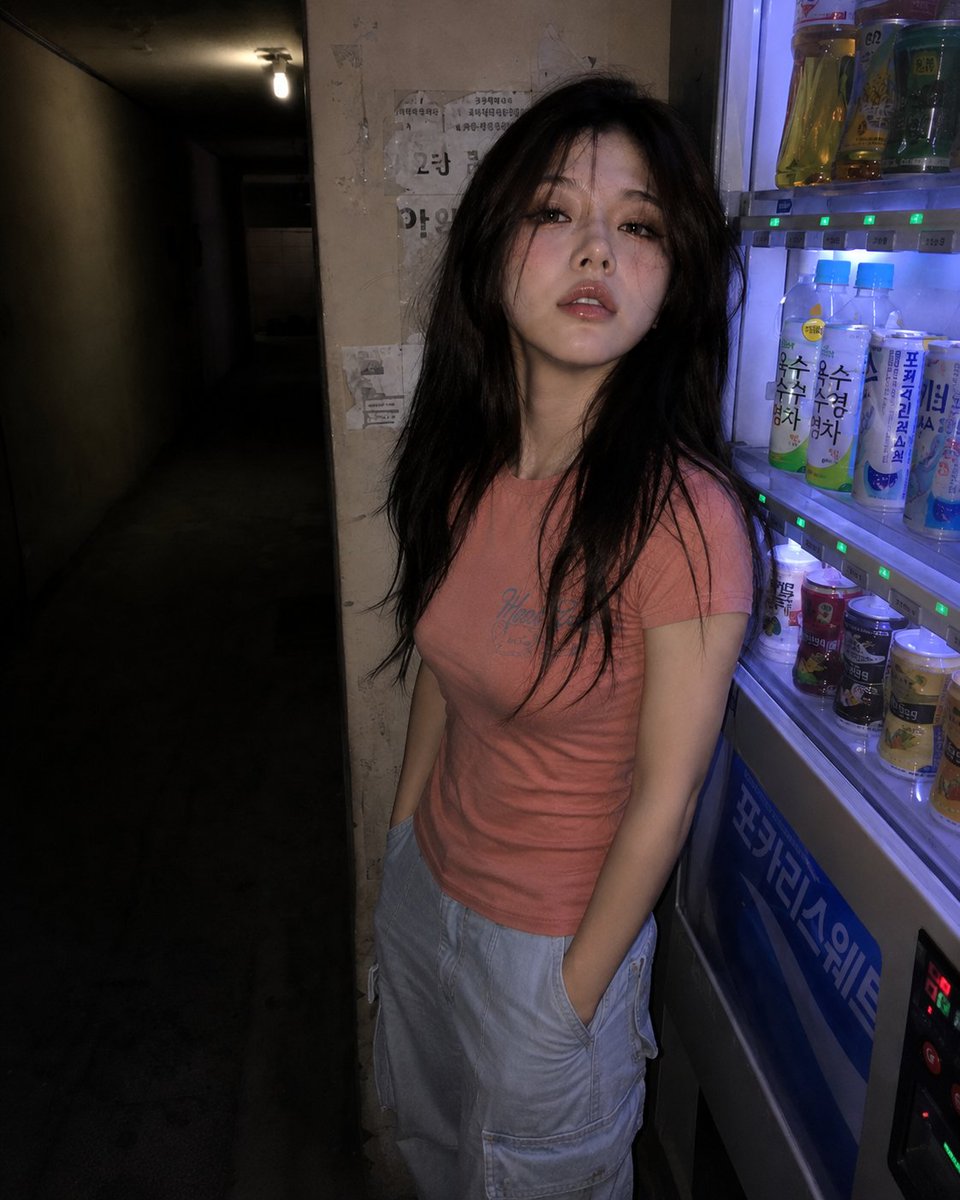
Nighttime Hallway Vending Machine Portrait
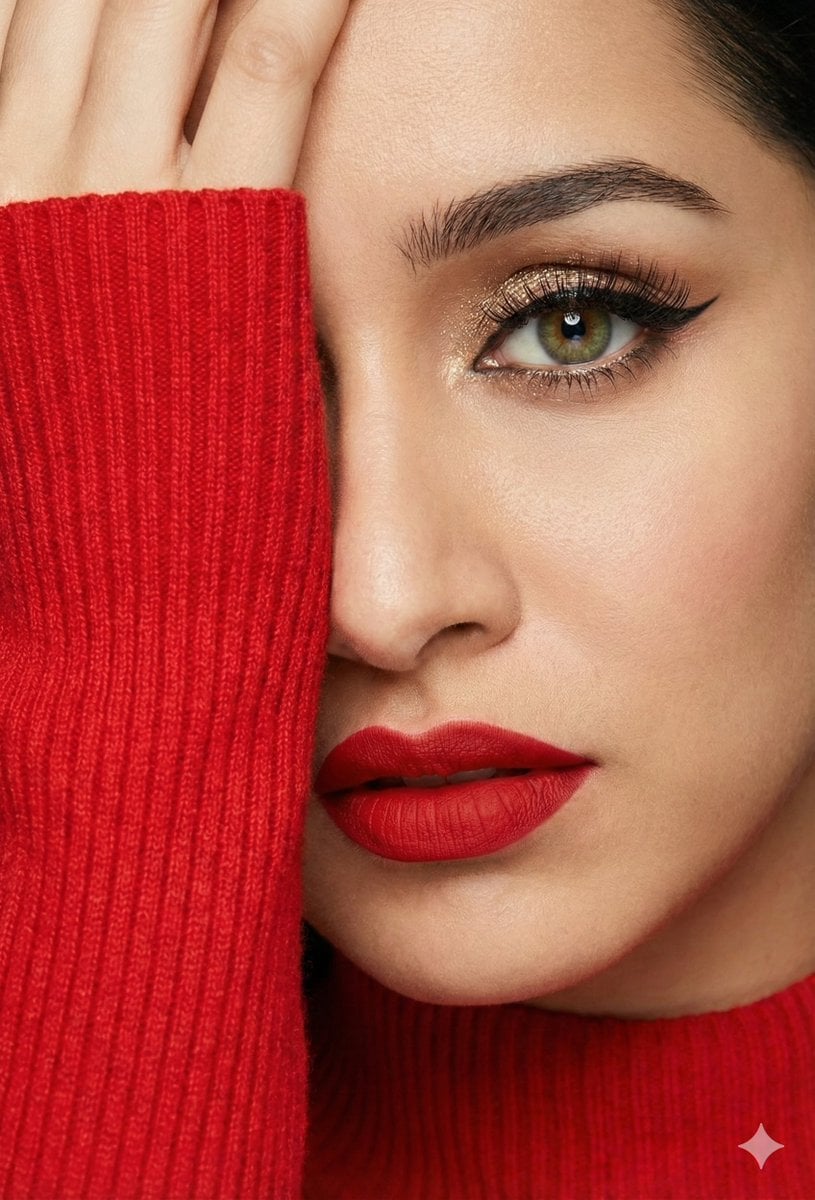
Three Identity-Locked Photorealistic Portraits

Kawaii Puppy Emotion Sticker Sheet
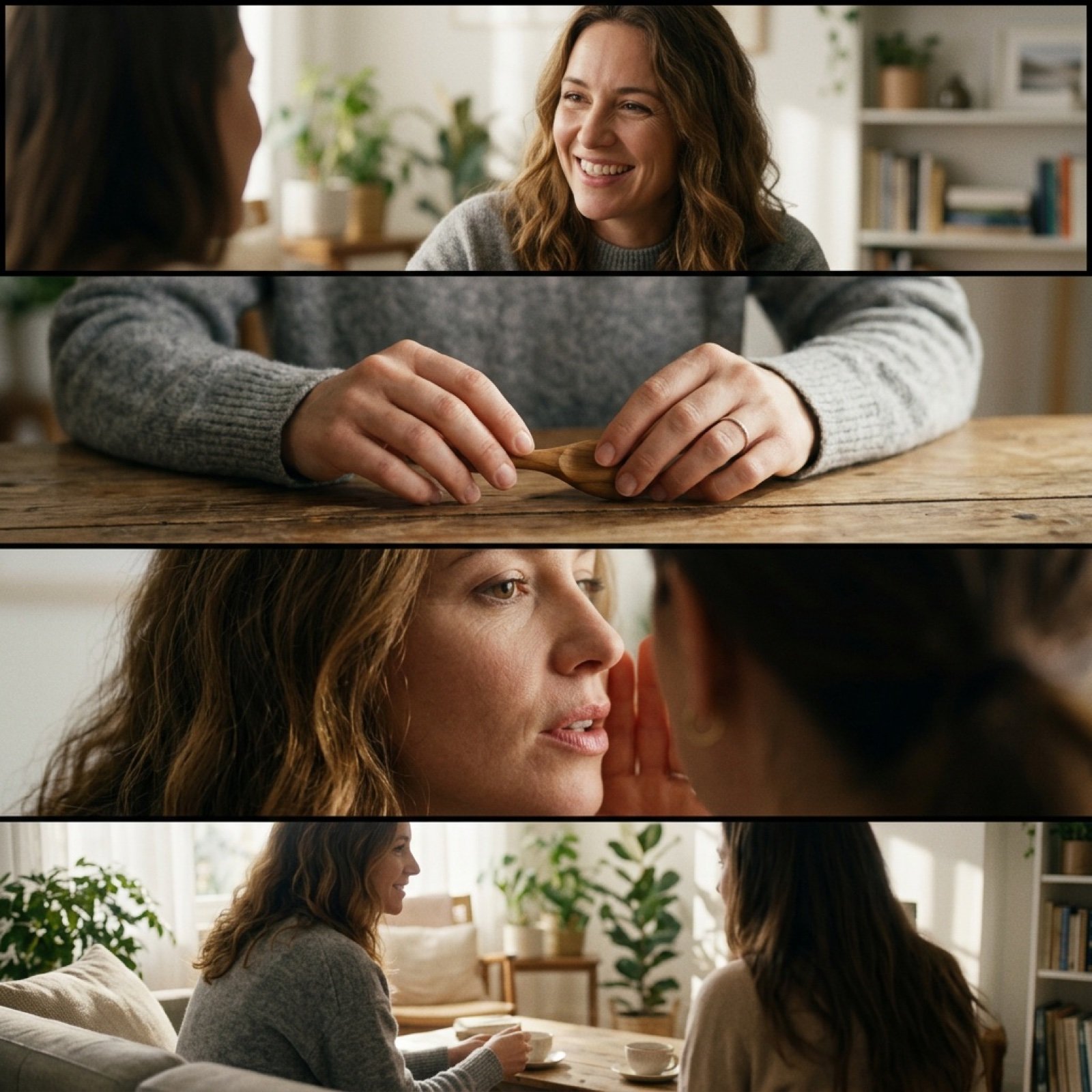
Cinematic 4-Cut Video Prompt of Women Chatting
Browse template categories
Intimate Luxury Car Interior Portrait questions
How do I use the Intimate Luxury Car Interior Portrait template?
Add your photo if the template asks for one, edit the prompt if you like — the template's model and format are already selected — and press Generate. Your version opens in PicX Studio.
Can I customize the Intimate Luxury Car Interior Portrait template?
Yes. You can change the subject, setting, lighting, mood, format, and available model controls before creating your image.
Is the Intimate Luxury Car Interior Portrait template free?
Opening and editing this template is free. Generating uses credits, shown on the Generate button when you are signed in.
Which AI model should I use?
Start with Nano Banana 2, which is the model associated with this template. You can compare another compatible model for a different finish.
Looking for something else? Browse all templates.

Your photo, any look
Thousands of ready templates for every top image and video model, from one credit balance.