How do I use the Candid Summer Car Interior Portrait template?
Choose the primary action to open PicX Studio with the available template settings. Review the model and format, personalize the creative direction, and generate when ready.
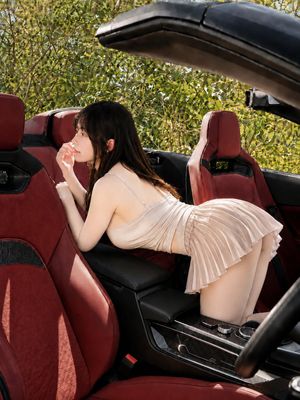
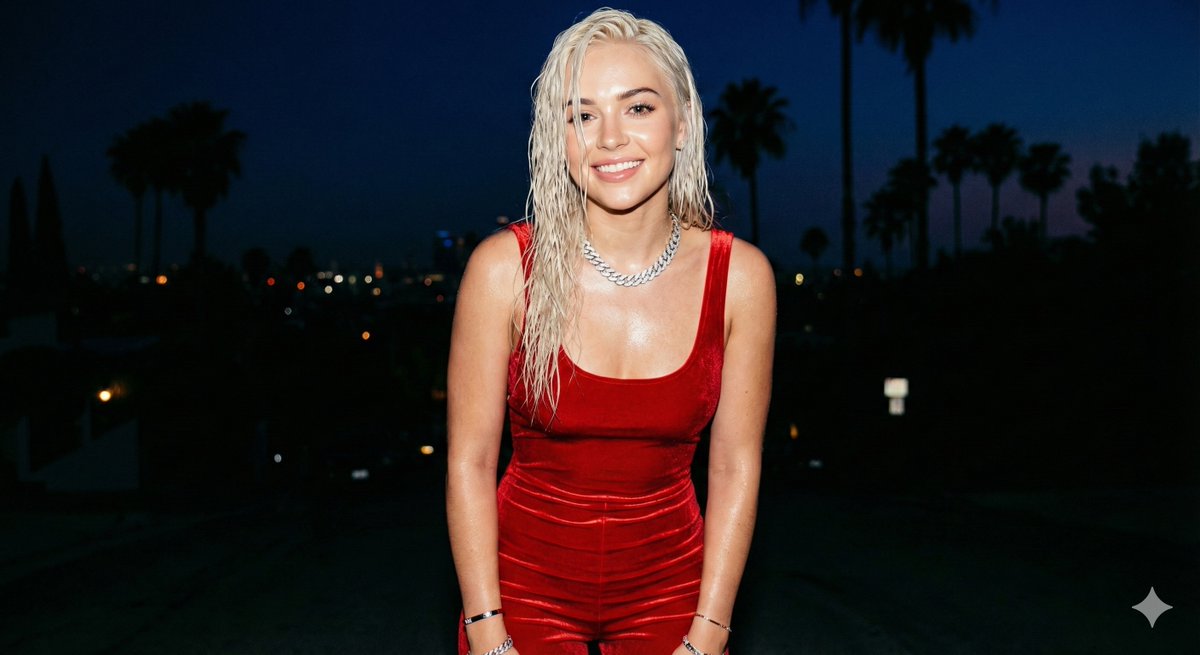
A detailed structured prompt for a candid lifestyle photo of a woman relaxing in a car seat under direct summer sunlight.
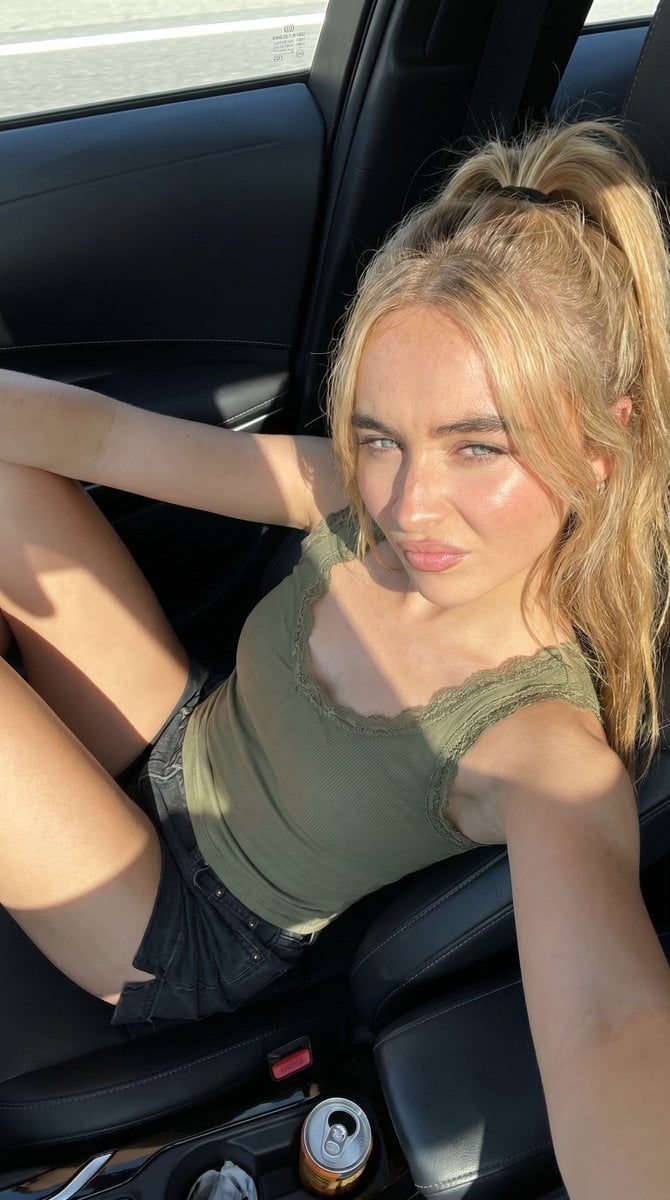
{ "image_prompt_data": { "subject": { "demographics": "{argument name="subject demographics" default="Young woman"}", "hair": { "style": "As reference as image mode" }, "appearance": { "skin_tone": "Fair with warm sunlit undertones", "skin_detail": "Ultra-realistic skin texture with visible pores, natural highlights from direct sunlight, subtle redness on cheeks and nose, soft natural imperfections, slight sheen due to strong light exposure", "makeup": "Minimal natural makeup — soft blush, lightly defined brows, subtle lashes, natural pink lips with soft matte finish" }, "facial_expression": { "eyes": "Looking directly toward camera with slight squint due to bright sunlight", "eyelids": "Partially narrowed from strong light exposure", "eyebrows": "Relaxed with a very slight inward tension from brightness", "cheeks": "Softly lifted due to natural facial tension in sunlight", "lips": { "position": "Gently closed", "shape": "Subtle soft curve with a faint hint of a confident smirk", "tension": "Relaxed but slightly engaged" }, "jaw": "Relaxed and natural", "overall_expression": "Calm, confident, slightly sun-reactive expression with a relaxed, candid vibe" } }, "attire": { "top": { "type": "{argument name="clothing type" default="Sleeveless fitted top"}", "color": "White", "style": "Soft fabric with delicate trim detail", "fit": "Body-fitted, natural contour" }, "bottom": { "type": "Shorts", "color": "Dark tone", "fit": "Casual fitted" } }, "accessories": { "jewelry": "Minimal bracelet", "additional": "None" }, "environment": { "location": "{argument name="setting" default="Inside a car (front passenger seat)"}", "details": { "interior": "Dark car interior with dashboard and air vents visible", "objects": "Drink can placed near center console", "window": "Open car window allowing strong sunlight to enter", "atmosphere": "Casual candid summer moment" } }, "composition": { "type": "Candid lifestyle shot", "camera_angle": "Slightly above eye level, angled downward into car", "framing": "Mid-body framing including legs and upper torso", "pose": { "body_position": "Reclined sideways inside the car seat", "torso": "Leaning slightly back against seat", "legs": "Bent and positioned toward the camera, relaxed", "arms": "Resting naturally along body", "head": "Facing camera with slight tilt", "posture": "Relaxed, natural, candid lounging pose" } }, "lighting": { "type": "Natural harsh daylight", "source": "Direct sunlight entering from car window", "direction": "Side lighting hitting face and body " } } }
Choose the primary action to open PicX Studio with the available template settings. Review the model and format, personalize the creative direction, and generate when ready.
Yes. You can change the subject, setting, lighting, mood, format, and available model controls before creating your image.
This template is free to open and customize. Generation usage is shown in PicX Studio before you create.
Start with Nano Banana 2, which is the model associated with this template. You can compare another compatible model for a different finish.
Follow a topic to a crawlable collection of related PicX Studio templates.