
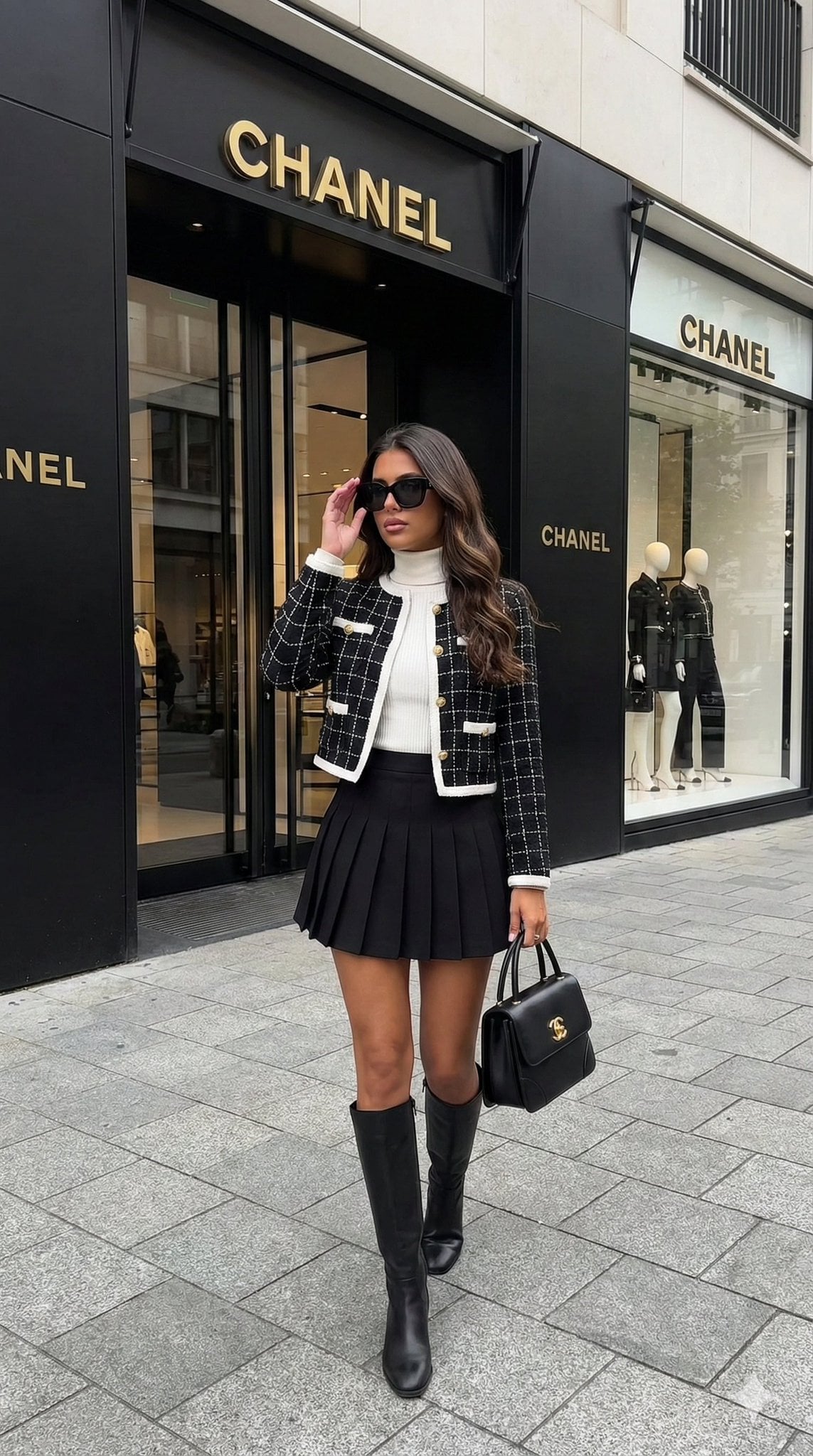
Hyper-realistic street-style lifestyle photo
A structured prompt for generating a high-end street-style fashion photo with a luxury brand storefront backdrop.
- Prompt included
- Model and format preset
- Free template
The prompt behind this image
Copy the exact prompt behind Hyper-realistic street-style lifestyle photo, or open it in the studio and make it yours.
- Prompt Type
- visual_description
- Style
- luxury_fashion_photography
- Subject › Demographic
- Young woman
- Subject › Appearance › Skin Tone
- Tanned / Bronzed
- Subject › Appearance › Hair › Color
- Dark brown
- Subject › Appearance › Hair › Style
- Long, voluminous, wavy, loose
- Subject › Appearance › Hair › Parting
- Side part
- Subject › Appearance › Expression
- Neutral, chic, confident
- Attire › Outerwear › Item
- Cropped tweed jacket
- Attire › Outerwear › Color
- Black with white grid/check pattern
- Attire › Outerwear › Details
- Gold buttons, White trim/piping, Collarless, Structured shoulders
- Attire › Top › Item
- Turtleneck sweater
- Attire › Top › Color
- White
- Attire › Top › Material
- Fitted knit
- Attire › Bottom › Item
- Pleated mini skirt
- Attire › Bottom › Color
- Black
- Attire › Bottom › Style
- High-waisted, tennis skirt style
- Attire › Footwear › Item
- Knee-high boots
- Attire › Footwear › Color
- Black
- Attire › Footwear › Material
- Leather
- Accessories › Eyewear › Item
- Sunglasses
- Accessories › Eyewear › Style
- Black, oversized, rectangular/cat-eye hybrid
- Accessories › Handbag › Item
- Top-handle handbag
- Accessories › Handbag › Brand Indicator
- Gold interlocking 'CC' logo
Raw JSON
{
  "prompt_type": "visual_description",
  "style": "luxury_fashion_photography",
  "subject": {
    "demographic": "Young woman",
    "appearance": {
      "skin_tone": "Tanned / Bronzed",
      "hair": {
        "color": "Dark brown",
        "style": "Long, voluminous, wavy, loose",
        "parting": "Side part"
      },
      "expression": "Neutral, chic, confident"
    }
  },
  "attire": {
    "outerwear": {
      "item": "Cropped tweed jacket",
      "color": "Black with white grid/check pattern",
      "details": [
        "Gold buttons",
        "White trim/piping",
        "Collarless",
        "Structured shoulders"
      ]
    },
    "top": {
      "item": "Turtleneck sweater",
      "color": "White",
      "material": "Fitted knit"
    },
    "bottom": {
      "item": "Pleated mini skirt",
      "color": "Black",
      "style": "High-waisted, tennis skirt style"
    },
    "footwear": {
      "item": "Knee-high boots",
      "color": "Black",
      "material": "Leather"
    }
  },
  "accessories": {
    "eyewear": {
      "item": "Sunglasses",
      "style": "Black, oversized, rectangular/cat-eye hybrid"
    },
    "handbag": {
      "item": "Top-handle handbag",
      "brand_indicator": "Gold interlocking 'CC' logo",
      "material": "Black leather",
      "shape": "Structured, rectangular"
    },
    "jewelry": "Minimal/Not visible"
  },
  "pose": {
    "stance": "Standing walking pose",
    "left_hand": "Touching sunglasses/hair lightly",
    "right_hand": "Holding handbag by the handle at side",
    "orientation": "Facing forward"
  },
  "environment": {
    "location": "Luxury storefront exterior",
    "architecture": {
      "facade": "Black wood/metal with large glass windows",
      "signage": "Gold 'CHANEL' lettering above door and on windows"
    },
    "elements": [
      "Mannequins in window display wearing black",
      "Grey paved sidewalk/stone tiles"
    ]
  },
  "lighting_and_atmosphere": {
    "lighting": "Natural daylight, soft, even illumination",
    "mood": "Elegant, expensive, high-fashion, street style",
    "color_palette": [
      "Black",
      "White",
      "Gold",
      "Beige (skin tone)"
    ]
  }
}How to use Hyper-realistic street-style lifestyle photo in 3 steps
- 1
Open
The prompt is already in the box next to the preview, with the template's model and format selected.
- 2…a portrait of your subject in softgolden-hour light, 85mm…
Personalize
Edit the subject and creative details for your destination.
- 3Generate
Generate
Press Generate — your image is created in PicX Studio, so you can compare it with the original and refine one variable at a time.
More like this
Templates with the same subject, style or setup. Open one to see its prompt.
Golden Hour Street Hoodie Lifestyle Portrait

Two Tickets, One Night

Meet Me When It Rains

Two Hearts. One Scooter.

1986 Street Couple

1985 Street Scene

Mirror Selfie Chibi Characters Pixar Style

A k.pop idol on the stage with mic

Minimalist Fashion Editorial Split Layout

Cinematic Street Fashion Portrait Motion Blur Crowd
Warm Window Side Café Studio Portrait

Blue Hour Editorial Fashion Portrait
Make it yours
Hyper-realistic street-style lifestyle photo works as-is. These are the safest ways to change it without losing the look.
Swap the setting
Keep the rest of the prompt and replace the location block. The current setting is “Luxury storefront exterior”.
Swap the light
One lighting change is enough to compare takes. Current light: “Natural daylight, soft, even illumination”.
Change one field
Copy a single group, rewrite it, and generate again so you can see what that field is doing.
| If the result… | Why | Fix |
|---|---|---|
| The result drifts from the preview | Too many fields changed at once. | Reuse Hyper-realistic street-style lifestyle photo as-is first, then change one group — subject, light, or setting. |
| Nano Banana 2 ignores part of the JSON | Some models flatten or skip nested keys. | Keep the same values and paste them as a short paragraph instead. |
More Nano Banana 2 templates
Other prompts made for Nano Banana 2.

Photorealistic Leaf Shaped Like a Dragon

K-Pop Idol Portrait Grid for Rapid Selection

Poetic Rain Forest Portrait During Golden Hour

Urban Street Portrait with Cartoon Inner Self Duo

Candid Nighttime Photo with Cat Prompt

High-Concept 3D Diorama Generation Prompt

Cinematic Futuristic Studio Portrait Template

Skincare Editorial Photography Collage Prompt

Hyper-Realistic Commercial Product Photography (Splash Effect)

Hyper-Realistic Nightclub Portrait Prompt
More image prompts
Fresh picks from across the catalog.
Kawaii Mother's Day Bento Food Art
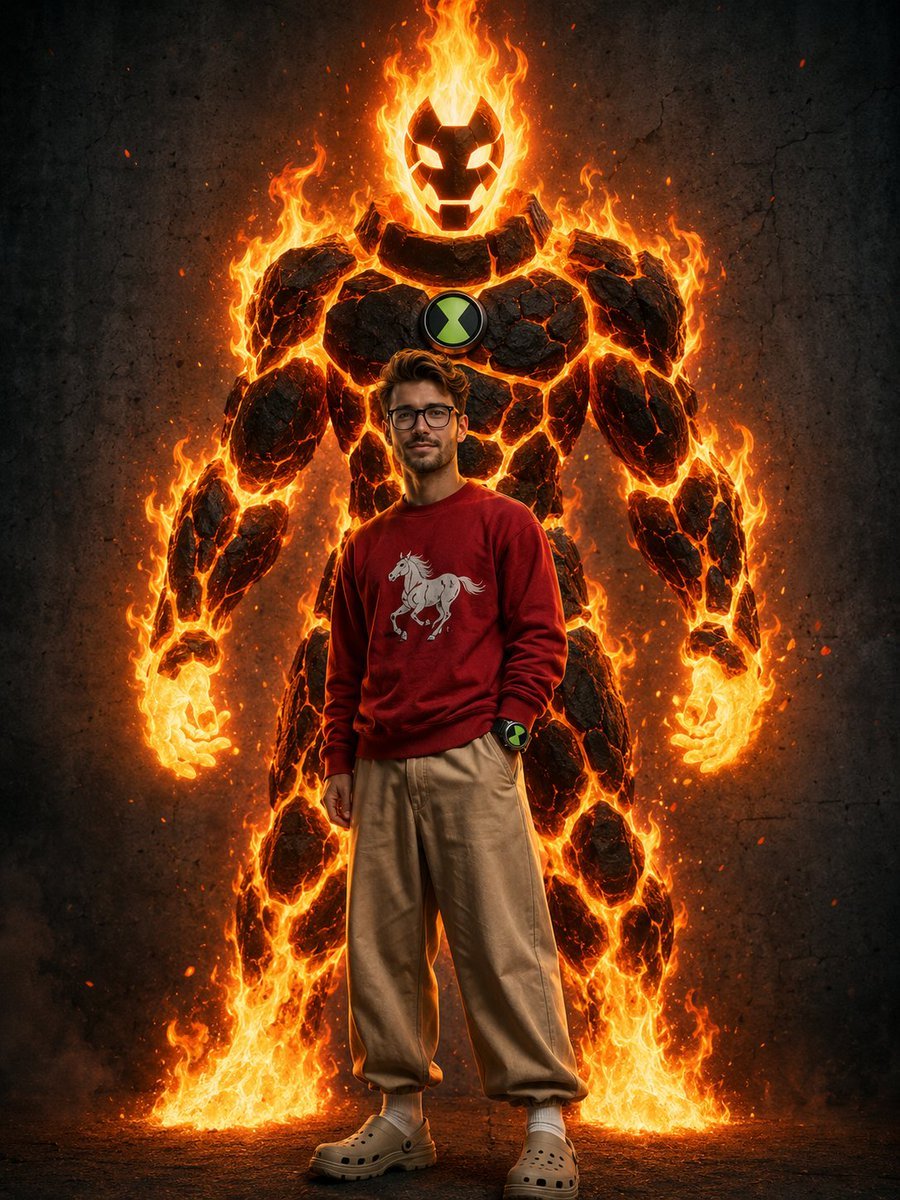
Heatblast Ben 10 Streetwear Portrait
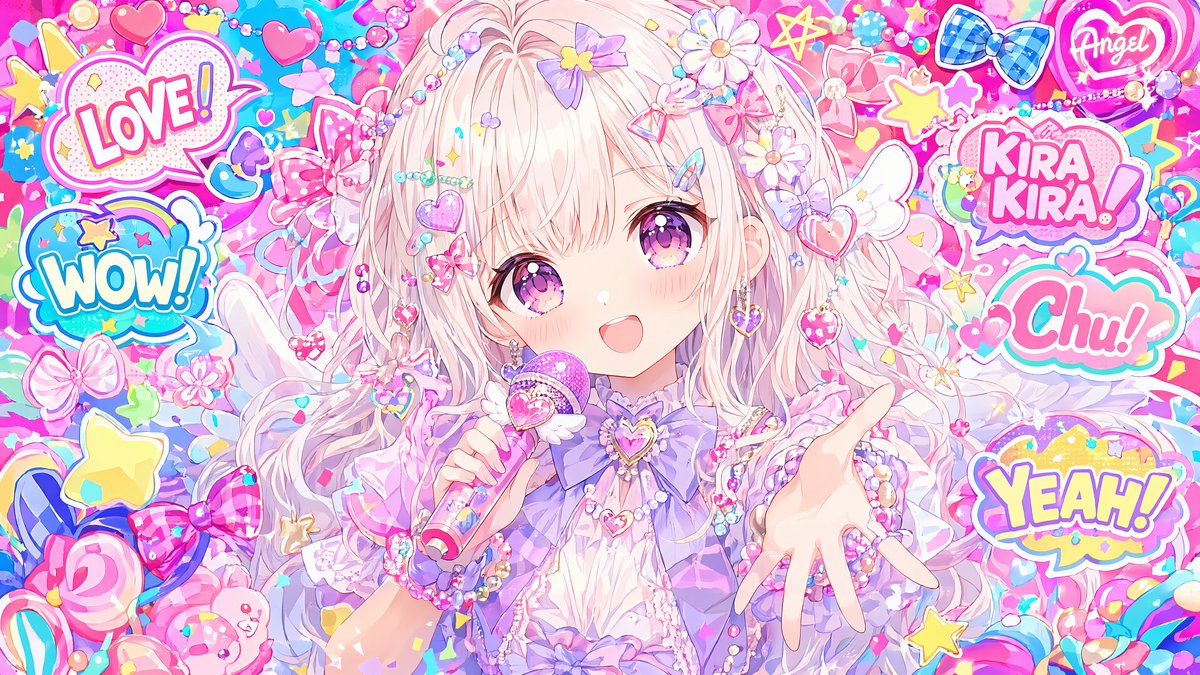
Maximalist Kawaii Angel Sticker Collage
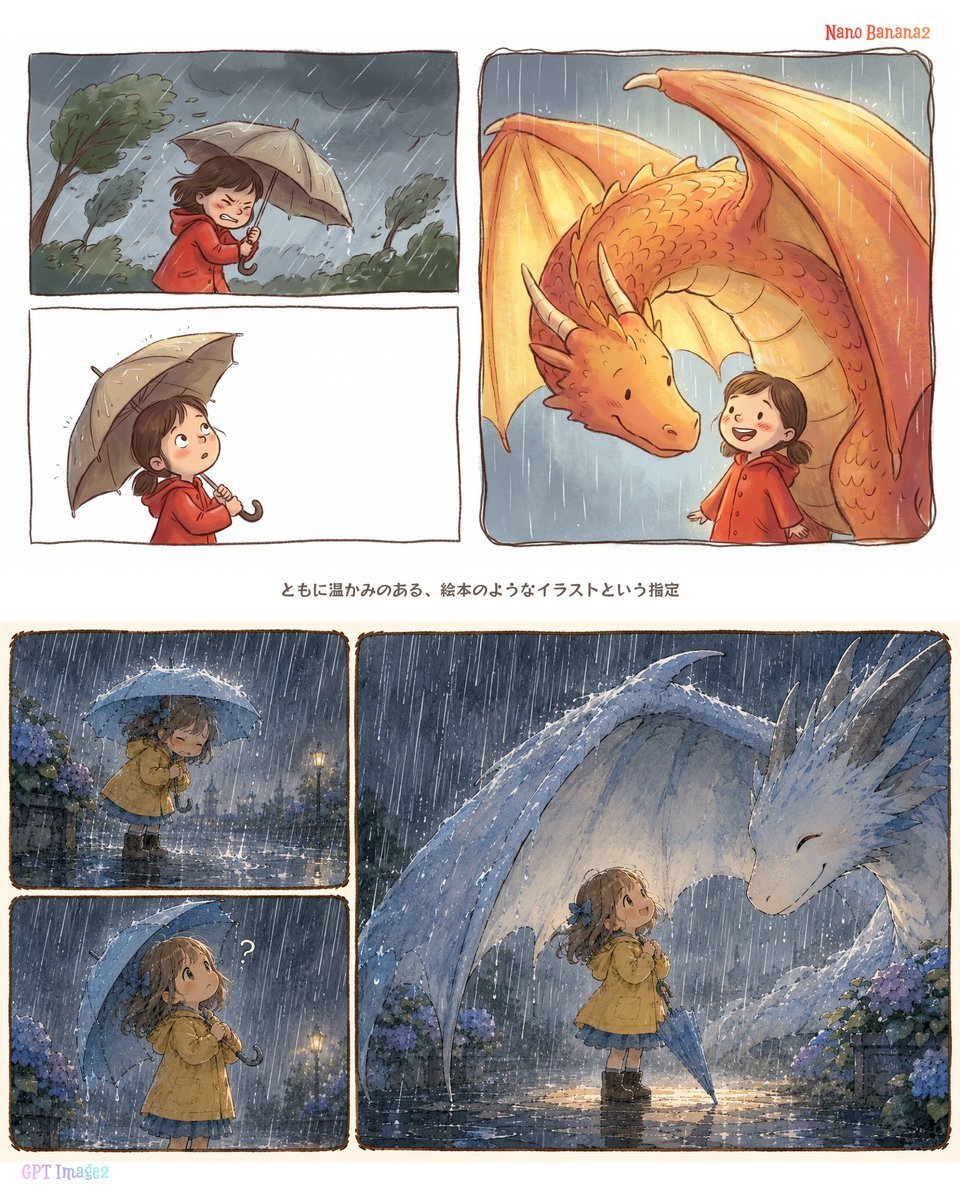
Rainy Dragon Comparison Sheet
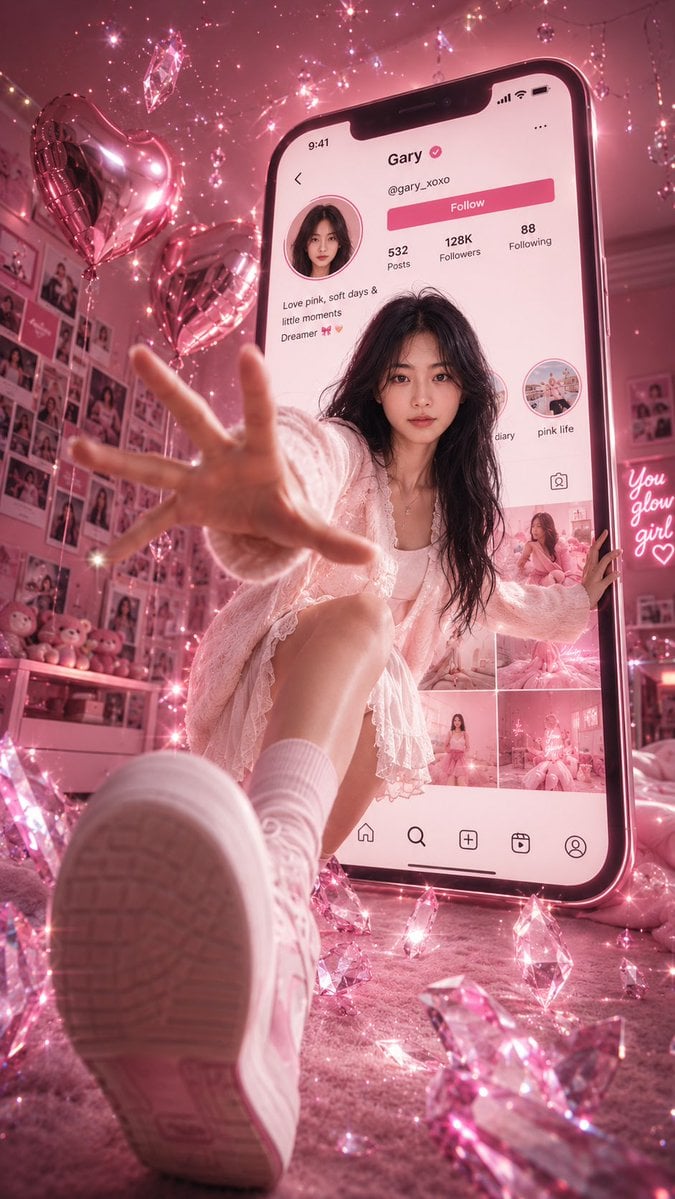
Surreal Pink Social Media Poster
Tropical Balcony Full Body Shot Prompt
Character Sheet for Deep-Sea Creature with Bioluminescent Skeleton
Dual Persona Fashion and Lifestyle Prompts
Food Action Photography Prompts for Melted Cheese and Gooey Textures
Gas Giant Descent Storyboard
Browse template categories
Hyper-realistic street-style lifestyle photo questions
How do I use the Hyper-realistic street-style lifestyle photo template?
Add your photo if the template asks for one, edit the prompt if you like — the template's model and format are already selected — and press Generate. Your version opens in PicX Studio.
Can I customize the Hyper-realistic street-style lifestyle photo template?
Yes. You can change the subject, setting, lighting, mood, format, and available model controls before creating your image.
Is the Hyper-realistic street-style lifestyle photo template free?
Opening and editing this template is free. Generating uses credits, shown on the Generate button when you are signed in.
Which AI model should I use?
Start with Nano Banana 2, which is the model associated with this template. You can compare another compatible model for a different finish.
Looking for something else? Browse all templates.

Your photo, any look
Thousands of ready templates for every top image and video model, from one credit balance.