
Golden Hour Street Hoodie Lifestyle Portrait
ChatGPT Image 2 golden-hour street lifestyle portrait.
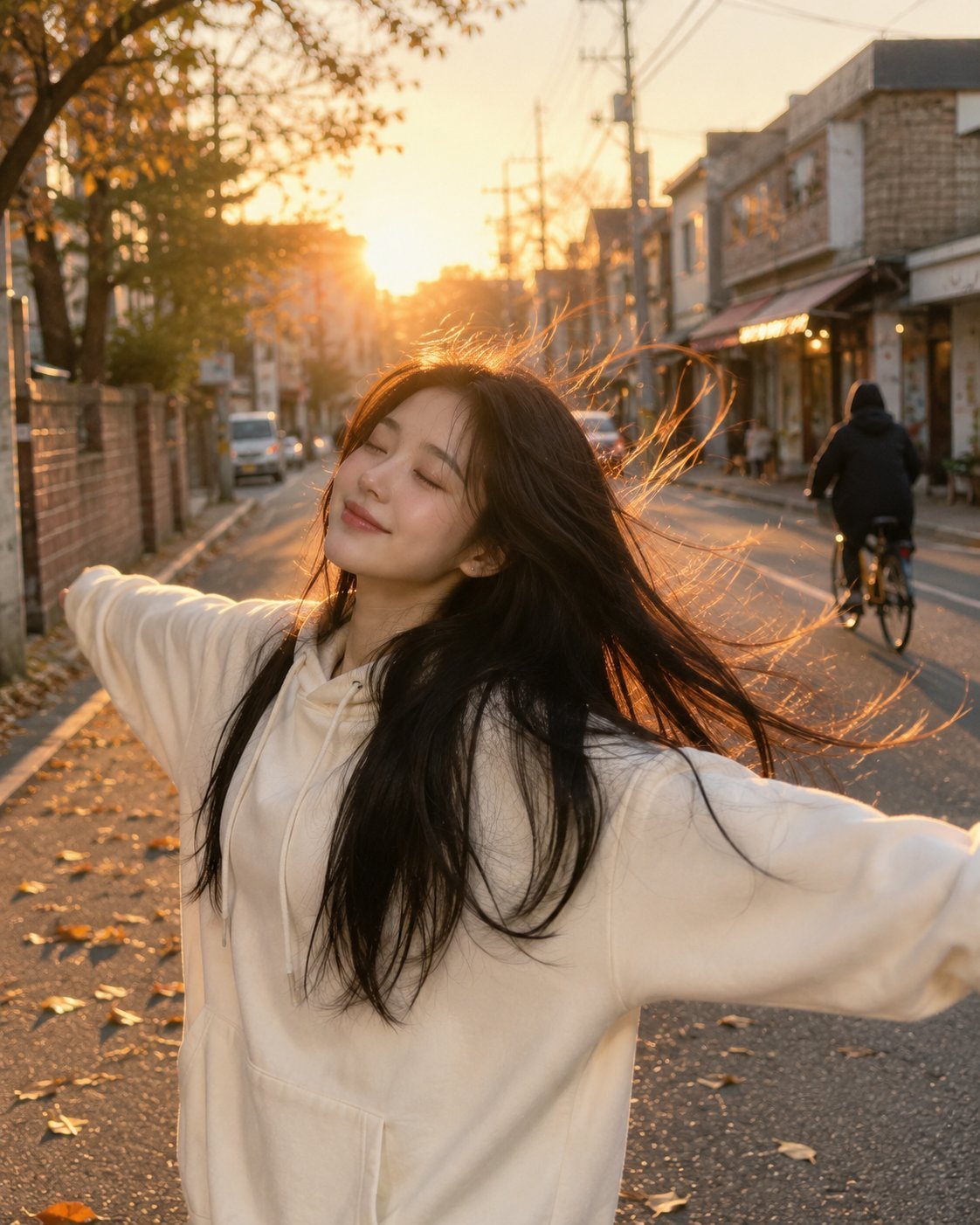
- Prompt included
- Model and format preset
- Free template
The prompt behind this image
Copy the exact prompt behind Golden Hour Street Hoodie Lifestyle Portrait, or open it in the studio and make it yours.
Beautiful young woman with long flowing black hair, wearing an oversized cream-white hoodie, standing on a quiet urban street during golden hour. She smiles softly with eyes closed, arms stretched wide in a carefree pose, wind blowing through her hair. Warm sunlight creates a glowing rim light around her face and hair, candid lifestyle photography, natural happiness, cozy autumn atmosphere, fallen leaves on the road, small local shops and a cyclist in the background, shallow depth of field, soft cinematic colors, realistic skin texture, high detail, dreamy mood, ultra-realistic portrait, street photography, 85mm lens, f/1.8, bokeh, HDR, 8K quality.
How to use Golden Hour Street Hoodie Lifestyle Portrait in 3 steps
- 1
Open
The prompt is already in the box next to the preview, with the template's model and format selected.
- 2…a portrait of your subject in softgolden-hour light, 85mm…
Personalize
Edit the subject and creative details for your destination.
- 3Generate
Generate
Press Generate — your image is created in PicX Studio, so you can compare it with the original and refine one variable at a time.
More like this
Templates with the same subject, style or setup. Open one to see its prompt.

80s Golden Hour Cinema

80s Bollywood Star

1985 Street Scene

Rooftop Fisheye — Cat-Ear Balaclava at Golden Hour

Toddler Version of a Person in 3d Pixar

Ultra Detailed 3d Plush Cartoon Characte

Studio Quality Portrait Generation Using

Nano Banana 2

Nano Banana 2 Gourmet Ice Cream Commerci
Seedance - Street Bull Incident

Cinematic Sport Logo Render in Midjourne

Ultra Cinematic Vfx Transformation Seque
Make it yours
Golden Hour Street Hoodie Lifestyle Portrait works as-is. These are the safest ways to change it without losing the look.
Change one field
Copy a single group, rewrite it, and generate again so you can see what that field is doing.
Keep the frame, change the subject
Hold the composition and light of Golden Hour Street Hoodie Lifestyle Portrait, then swap wardrobe, props or the person for a new take.
| If the result… | Why | Fix |
|---|---|---|
| The result drifts from the preview | Too many fields changed at once. | Reuse Golden Hour Street Hoodie Lifestyle Portrait as-is first, then change one group — subject, light, or setting. |
| The model over-stylizes the scene | The prose prompt leaves finish and camera underspecified. | Add one camera or lighting sentence and stay on Chatgpt Image 2. |
More image prompts
Fresh picks from across the catalog.
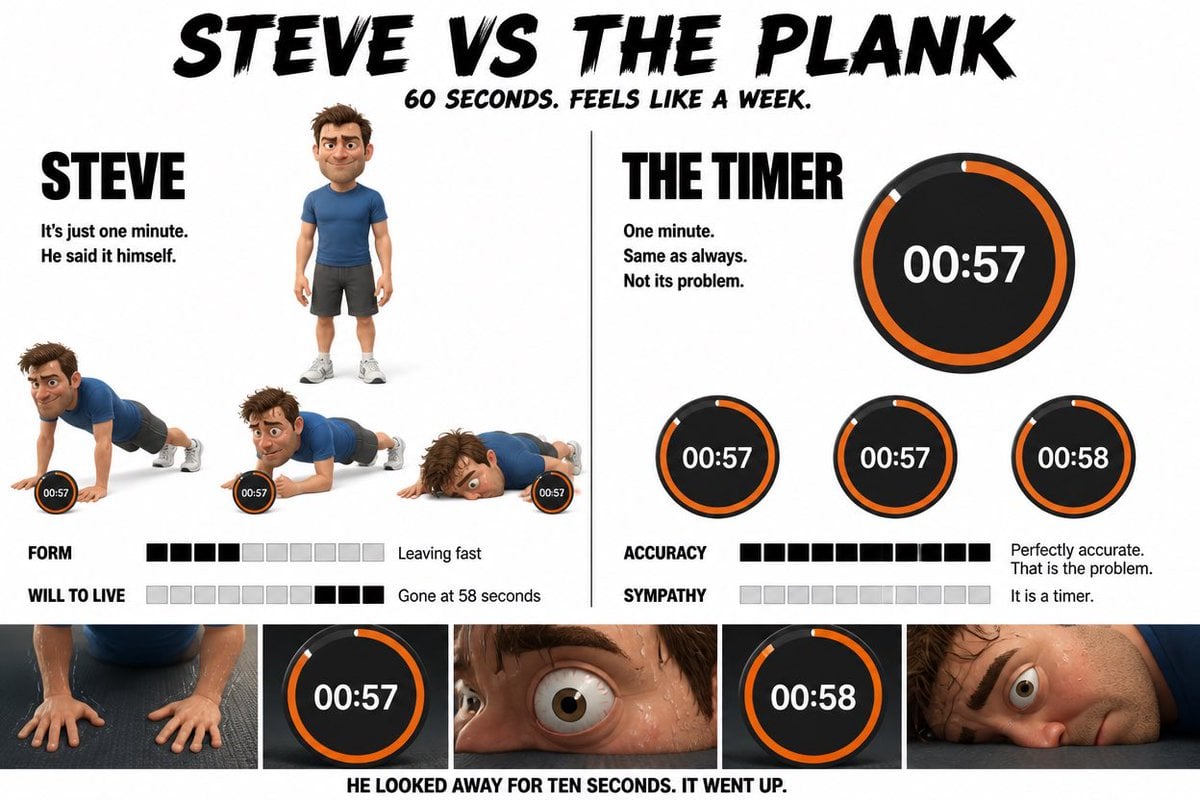
Pixar Style Character Storyboard
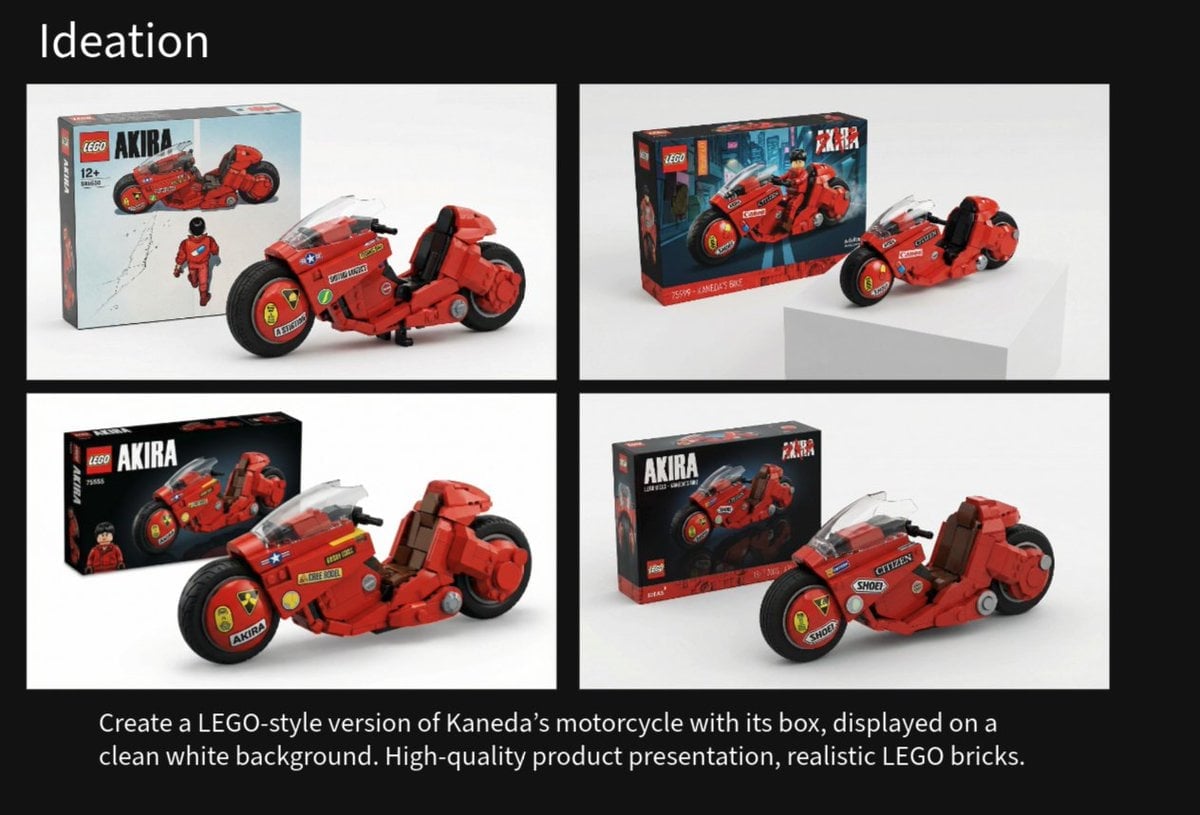
LEGO Kaneda's Motorcycle Product Shot Prompt
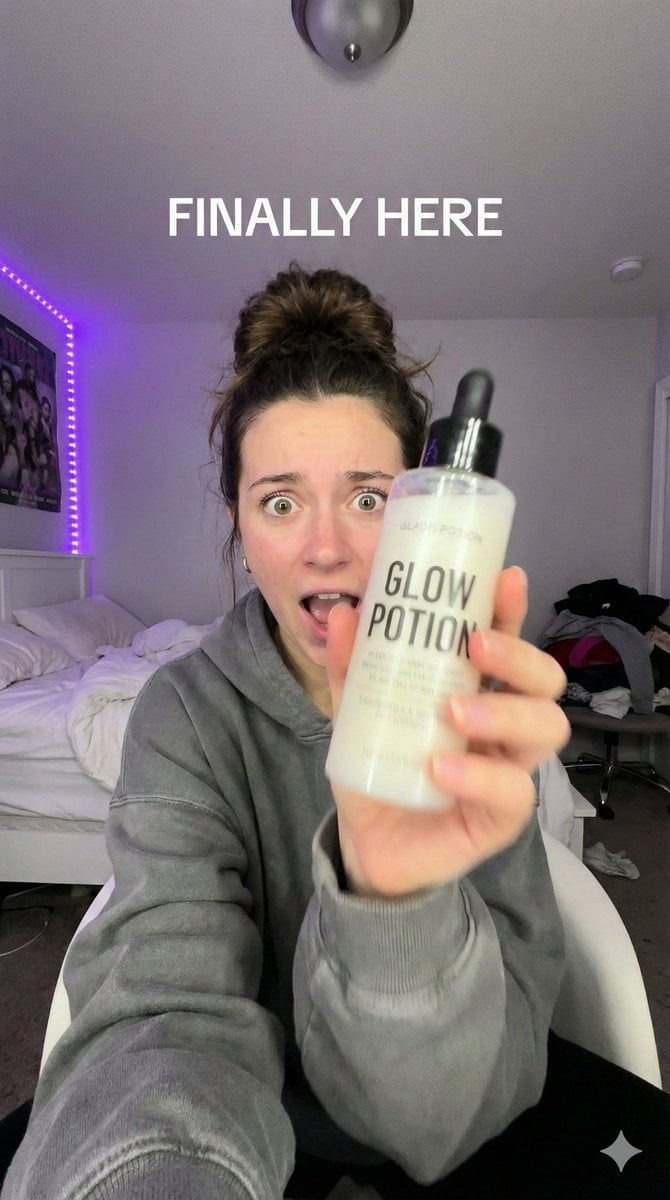
UGC Ad Creative Prompt (TikTok/Reels Style)
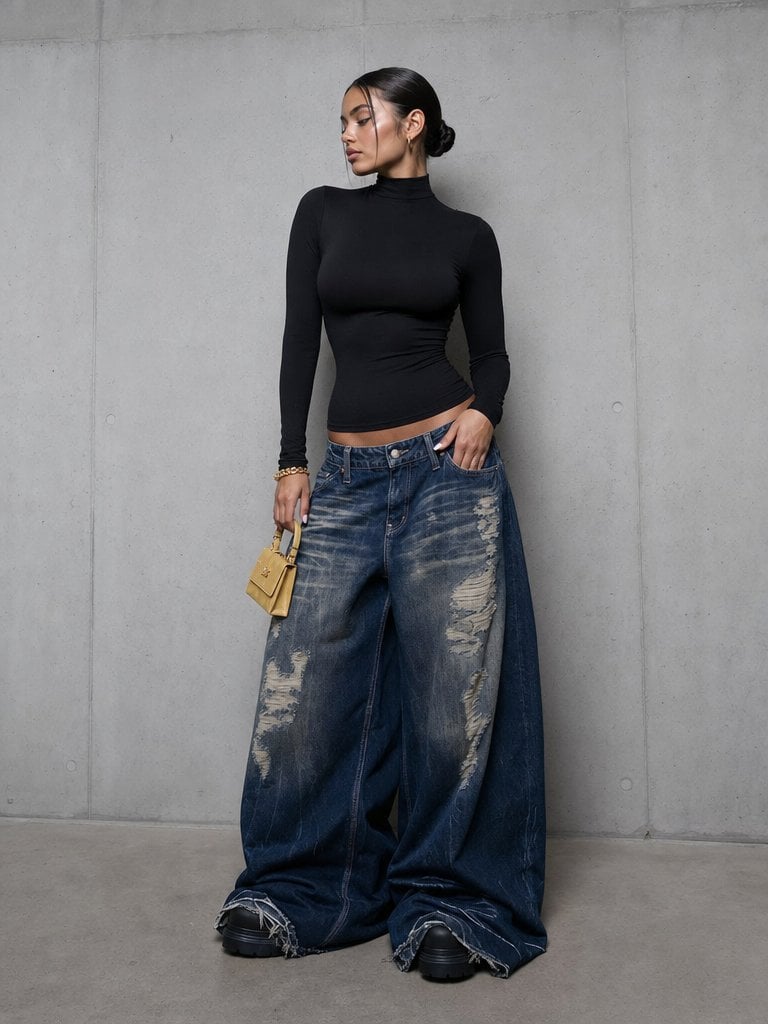
Editorial Portrait in Extreme Baggy Jeans
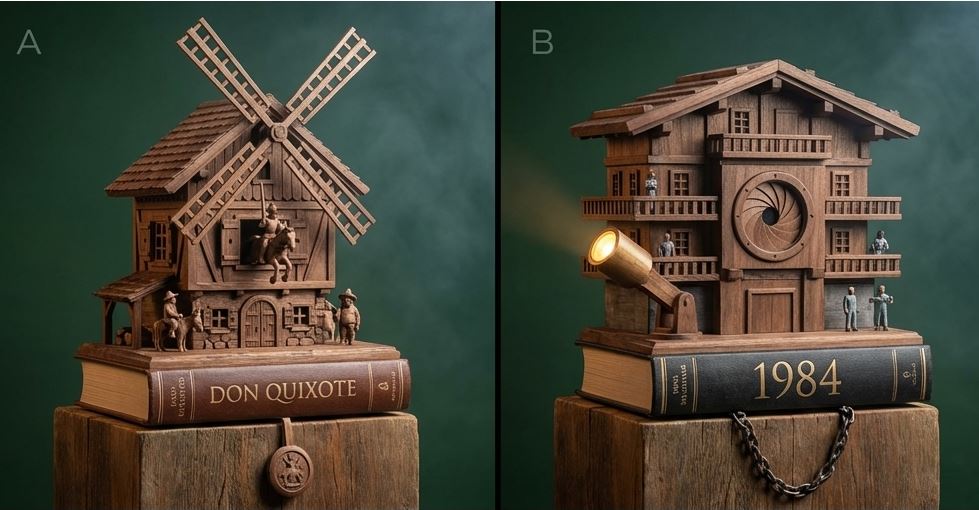
Cuckoo Clock Inspired Literary Mechanism Prompt
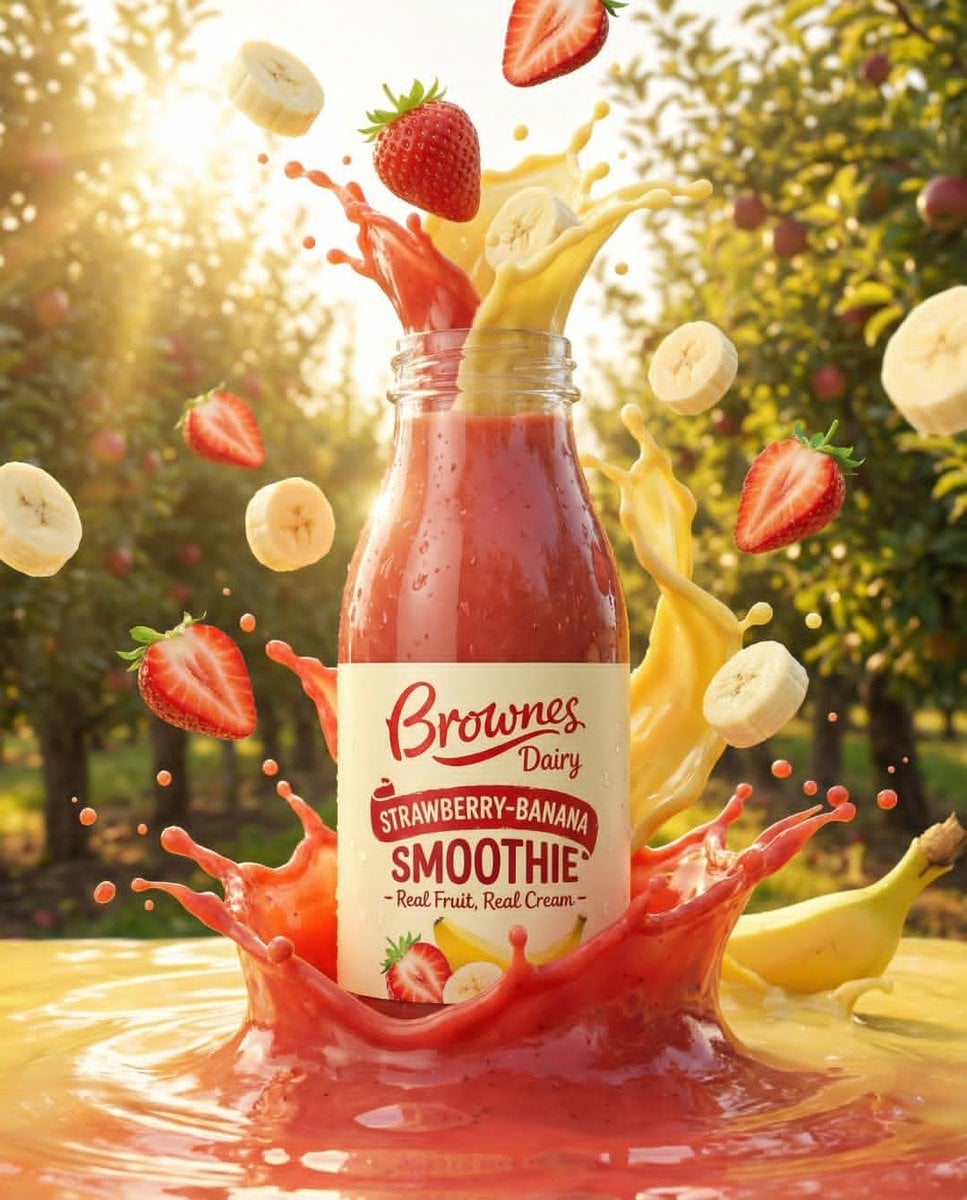
Dynamic Fruit Drink Product Ad
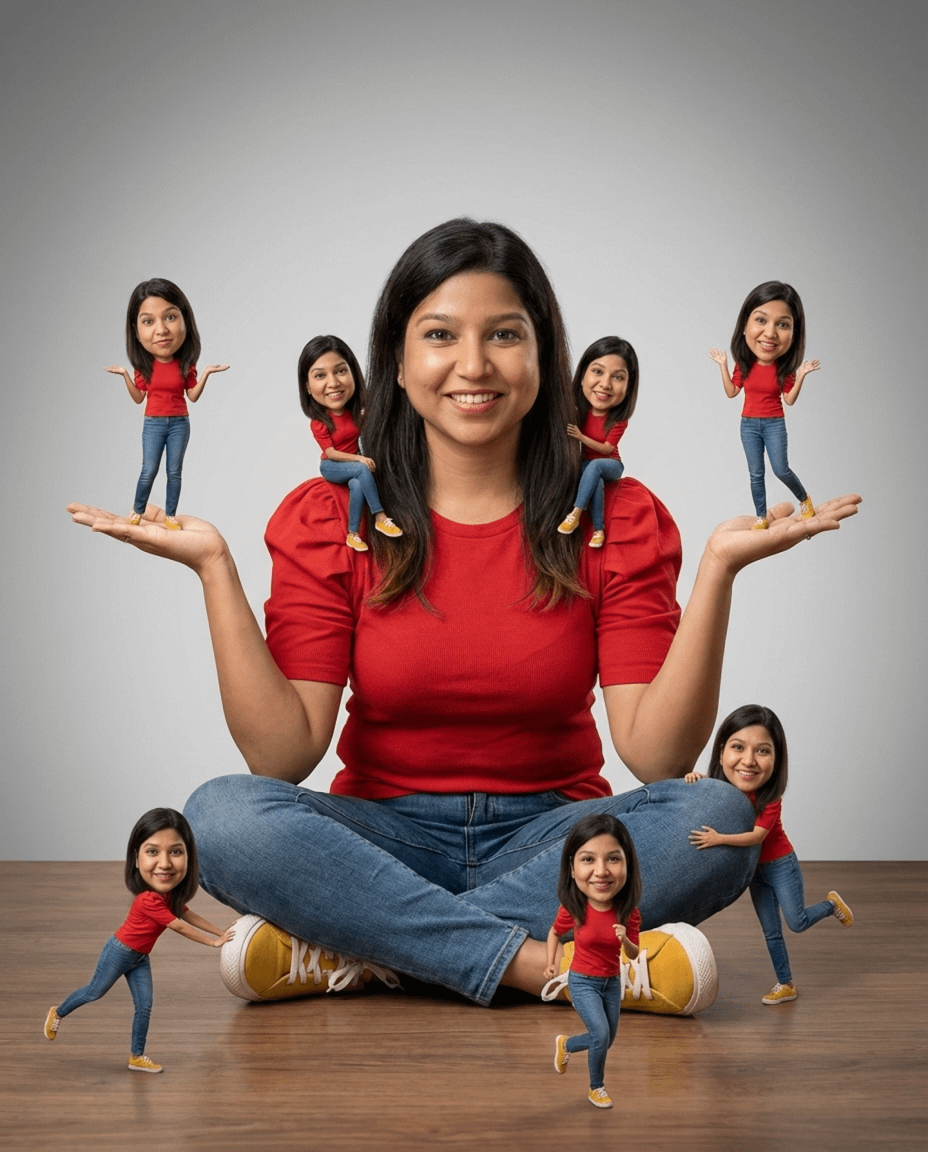
Photorealistic Cinematic Portrait with Miniature Clones

Hand-drawn style header image introducing Nano Banana Pro (Japanese)
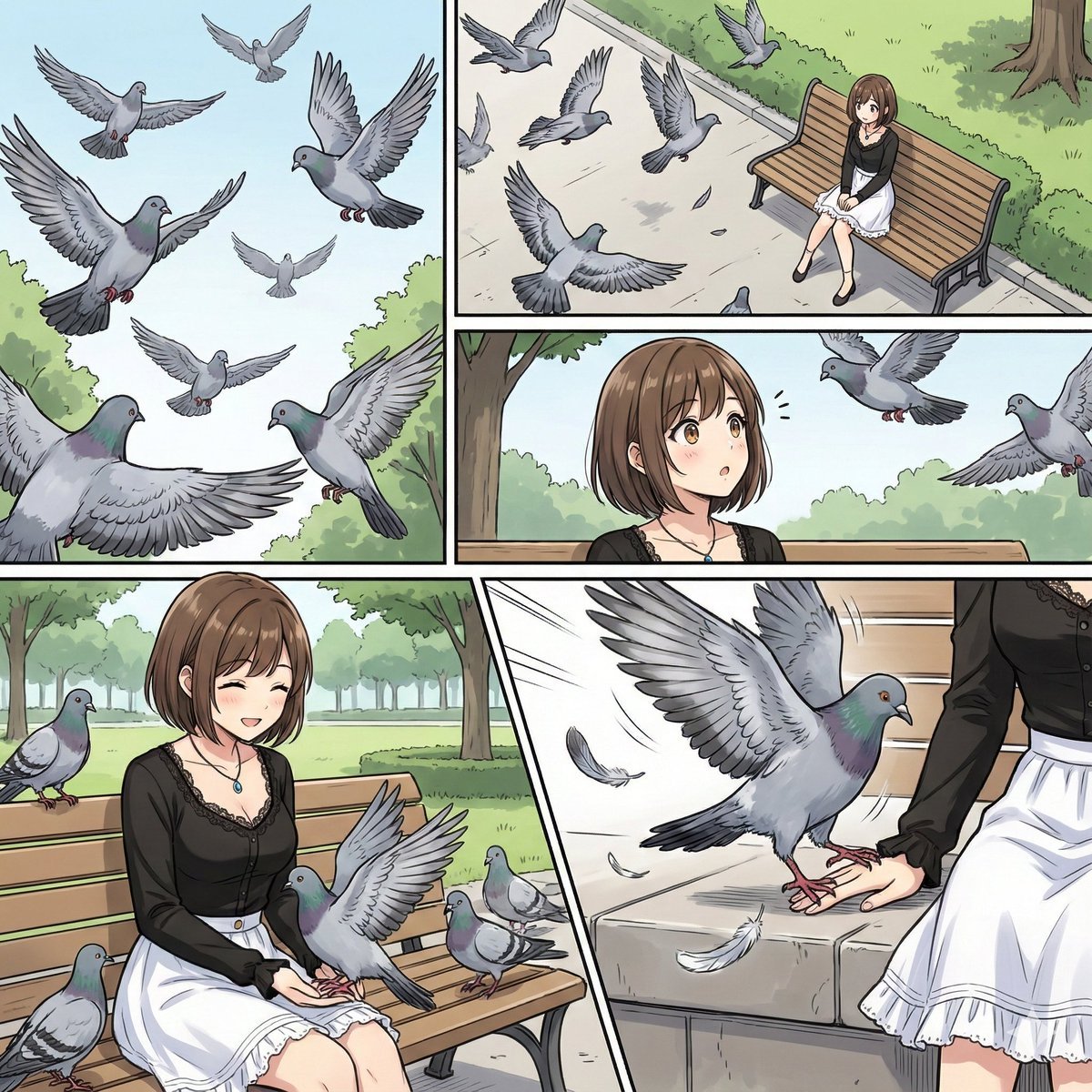
Cinematic Storyboard Generation Prompt
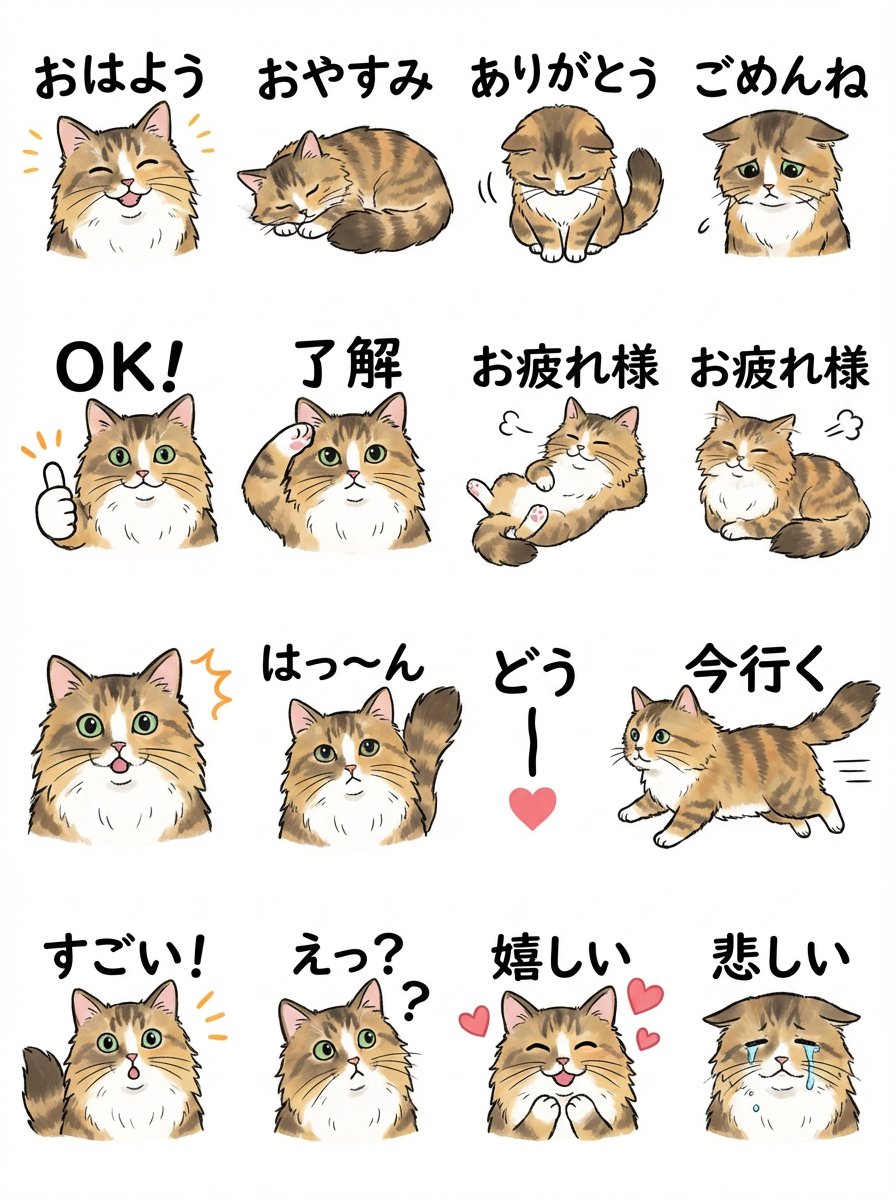
LINE Sticker Sheet Generation Prompt
Browse template categories
Golden Hour Street Hoodie Lifestyle Portrait questions
How do I use the Golden Hour Street Hoodie Lifestyle Portrait template?
Add your photo if the template asks for one, edit the prompt if you like — the template's model and format are already selected — and press Generate. Your version opens in PicX Studio.
Can I customize the Golden Hour Street Hoodie Lifestyle Portrait template?
Yes. You can change the subject, setting, lighting, mood, format, and available model controls before creating your image.
Is the Golden Hour Street Hoodie Lifestyle Portrait template free?
Opening and editing this template is free. Generating uses credits, shown on the Generate button when you are signed in.
Which AI model should I use?
Start with Chatgpt Image 2, which is the model associated with this template. You can compare another compatible model for a different finish.
Looking for something else? Browse all templates.

Your photo, any look
Thousands of ready templates for every top image and video model, from one credit balance.