
Ultra Cinematic Vfx Transformation Seque
Ultra Cinematic Vfx Transformation Seque is a ready photo look for Nano Banana.

- Prompt included
- Model and format preset
- Free template
The prompt behind this image
Copy the exact prompt behind Ultra Cinematic Vfx Transformation Seque, or open it in the studio and make it yours.
Ultra-cinematic 15-second VFX transformation sequence of a human evolving into a fire-powered superhero at night. 0–2s: Close-up of a normal human standing still, breathing steady, neutral lighting, slight camera push-in. 2–4s: Subtle heat distortion begins around the body, air shimmering, faint orange glow forming beneath the skin, eyes tightening with intensity. 4–6s: First ignition — small flames spark along the arms and shoulders, flickering upward, light reflecting on skin, expression shifting to focus. 6–8s: Energy surge — flames grow stronger, wrapping around the body in controlled streams, clothing begins to morph into a sleek, fire-resistant suit with glowing ember-like textures. 8–10s: Full body transformation — musculature sharpens, posture becomes powerful, eyes ignite with a bright internal glow, flames intensify around hands and back. 10–12s: Peak VFX — a burst of fire expands outward in a circular wave, sparks and embers flying in all directions, heat distortion bending the background. 12–14s: Stabilization — flames settle into a controlled aura, fire flowing upward continuously from shoulders and arms, subtle ember particles drifting. 14–15s: Final hero pose — character stands still, hand slightly raised with fire swirling above the palm, calm and dominant presence. Camera: slow cinematic push-in with slight handheld micro movement, no cuts, continuous shot. Lighting: transitions from neutral tones to intense warm fire glow, high contrast with dynamic highlights. Environment: dark urban or neutral background reacting to heat with light distortion and particle movement. Style: ultra-cinematic realism, high VFX fire simulation, smooth transformation, volumetric flames, heat distortion, no text, no overlays, stable proportions without stretch.
How to use Ultra Cinematic Vfx Transformation Seque in 3 steps
- 1
Open
The prompt is already in the box next to the preview, with the template's model and format selected.
- 2…a portrait of your subject in softgolden-hour light, 85mm…
Personalize
Edit the subject and creative details for your destination.
- 3Generate
Generate
Press Generate — your image is created in PicX Studio, so you can compare it with the original and refine one variable at a time.
More like this
Templates with the same subject, style or setup. Open one to see its prompt.

Transformation the Burger Seedance 2 0 a
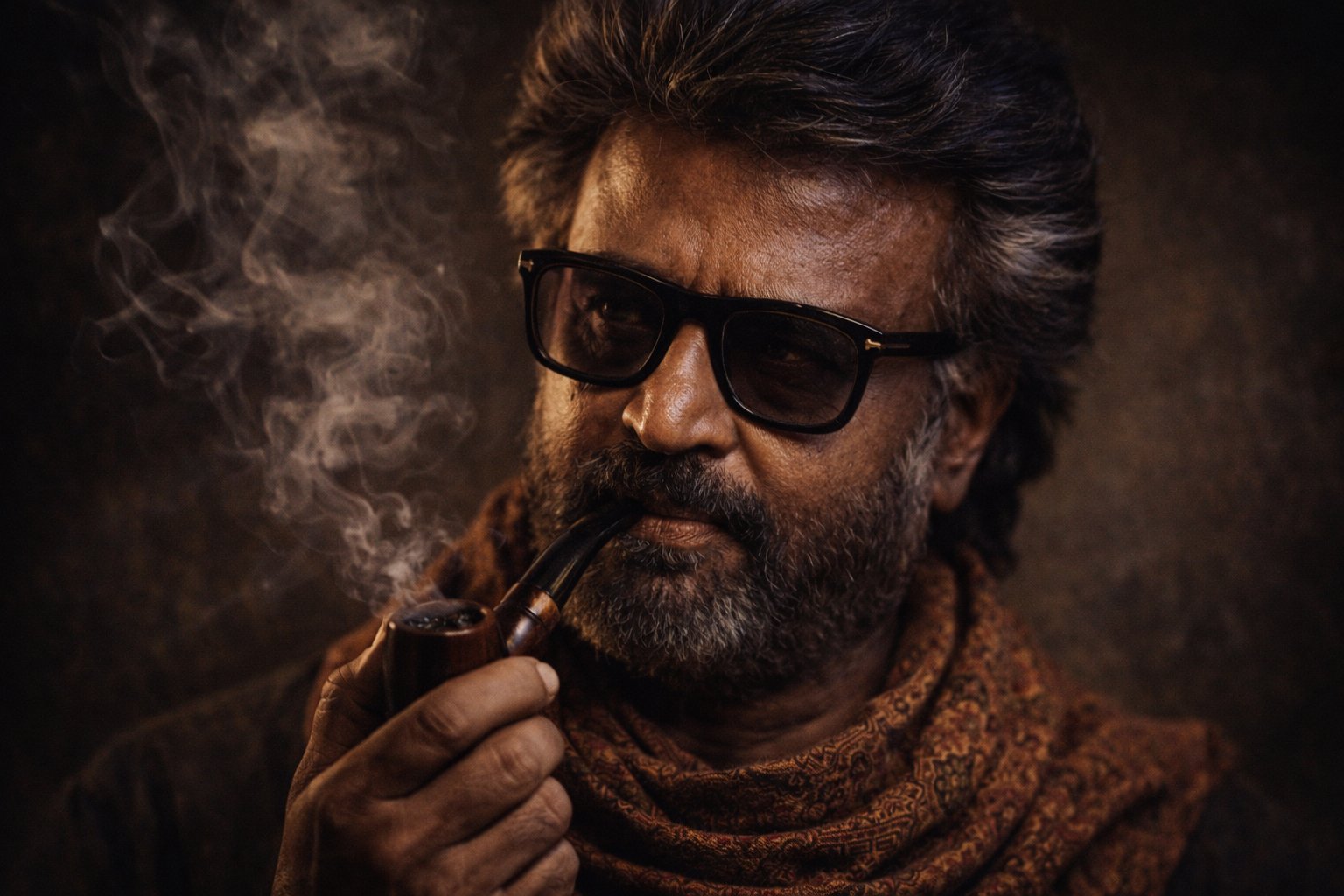
Cinematic Portrait Transformation

Found Photograph: Us, 1970

80s Couple Studio Portrait

80s Bollywood Star

80s Golden Hour Cinema

Me in 1985

1985 Studio Portrait

Rooftop Fisheye — Cat-Ear Balaclava at Golden Hour

untitled

2025 Aesthetic Photography

Nano Banana Is So Addictive
Make it yours
Ultra Cinematic Vfx Transformation Seque works as-is. These are the safest ways to change it without losing the look.
Change one field
Copy a single group, rewrite it, and generate again so you can see what that field is doing.
Keep the frame, change the subject
Hold the composition and light of 70-ultra-cinematic-vfx-transformation-seque, then swap wardrobe, props or the person for a new take.
| If the result… | Why | Fix |
|---|---|---|
| The result drifts from the preview | Too many fields changed at once. | Reuse 70-ultra-cinematic-vfx-transformation-seque as-is first, then change one group — subject, light, or setting. |
| The model over-stylizes the scene | The prose prompt leaves finish and camera underspecified. | Add one camera or lighting sentence and stay on Nano Banana. |
More Nano Banana templates
Other prompts made for Nano Banana.










More image prompts
Fresh picks from across the catalog.
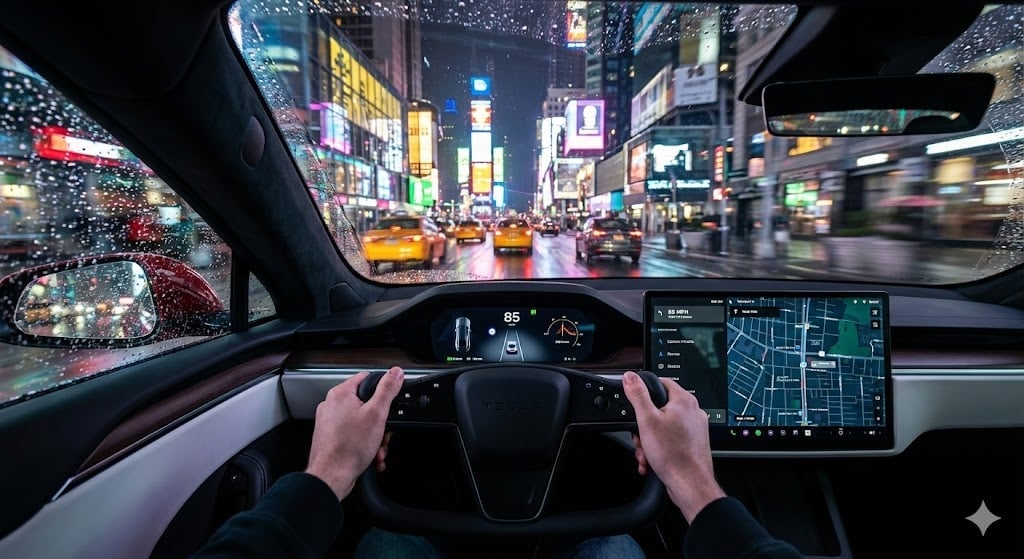
Cinematic First-Person Tesla Drive in Rain-Soaked Manhattan
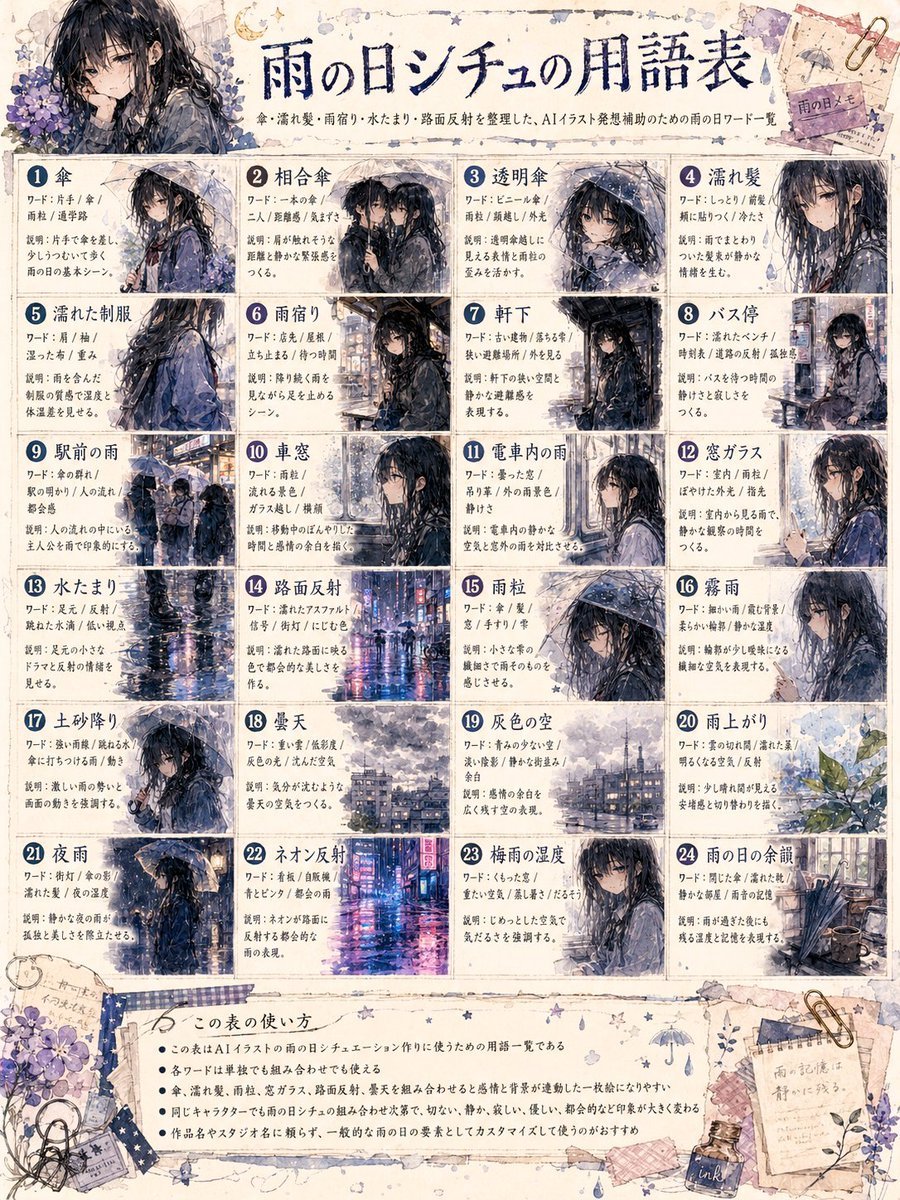
Rainy Day Anime Vocabulary Sheet
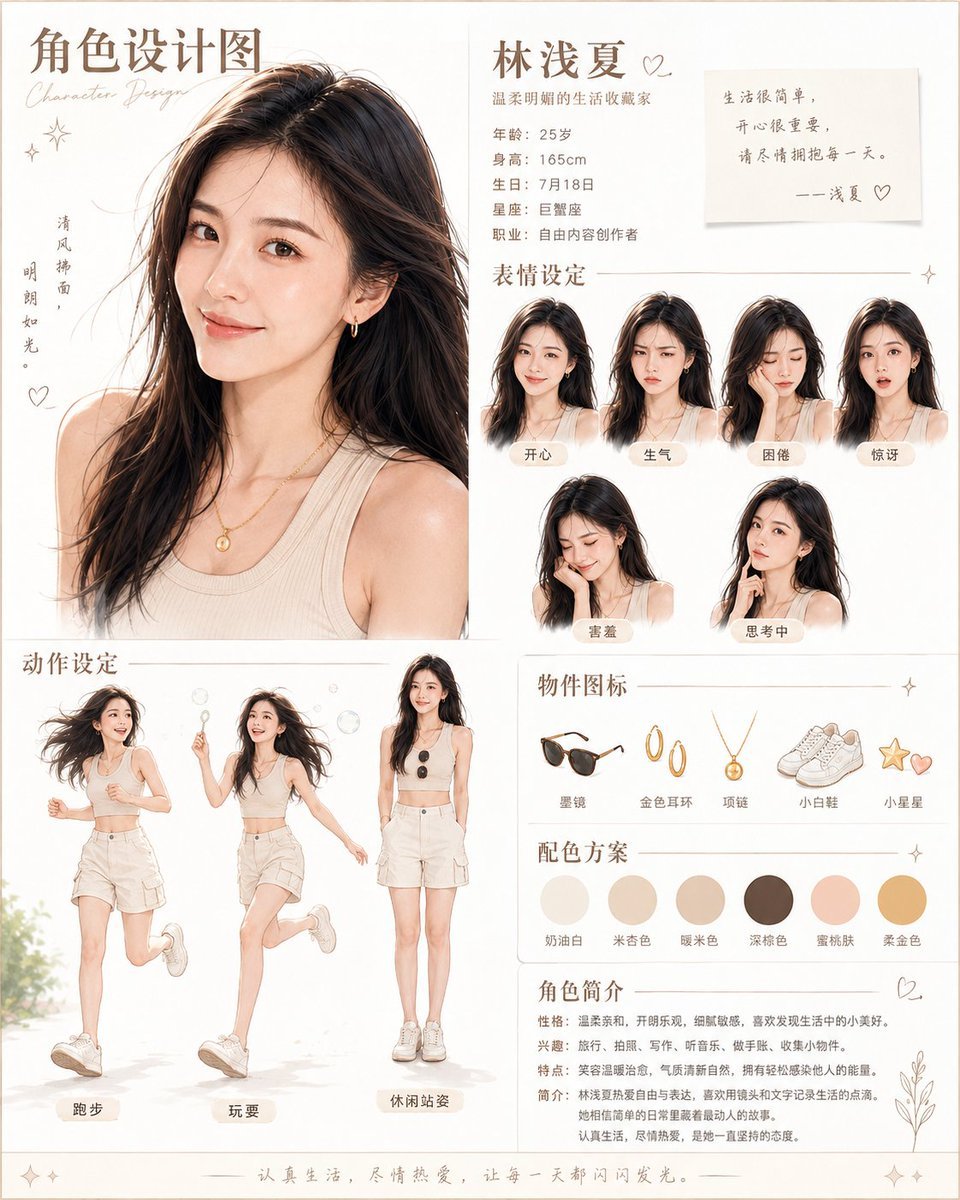
Warm Chinese Character Design Poster
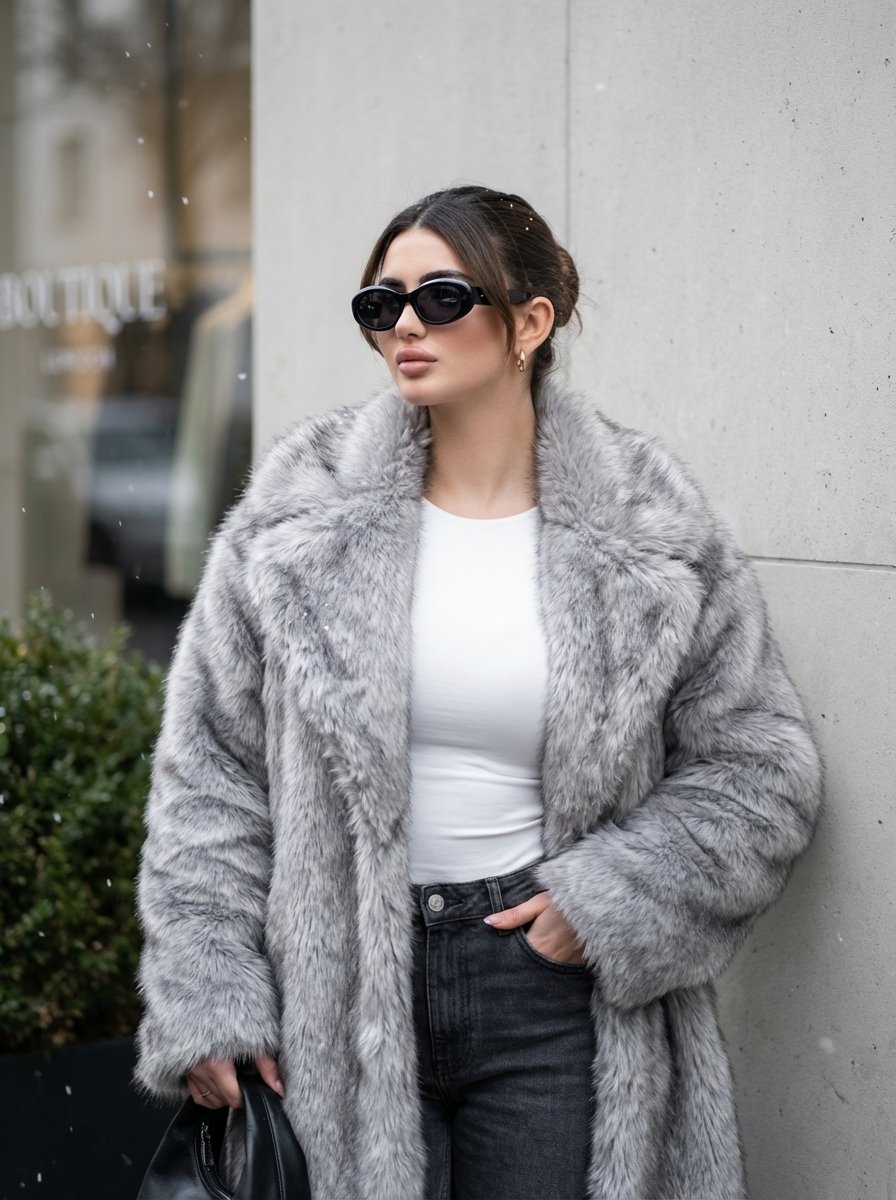
Quiet Luxury Winter Editorial Prompt
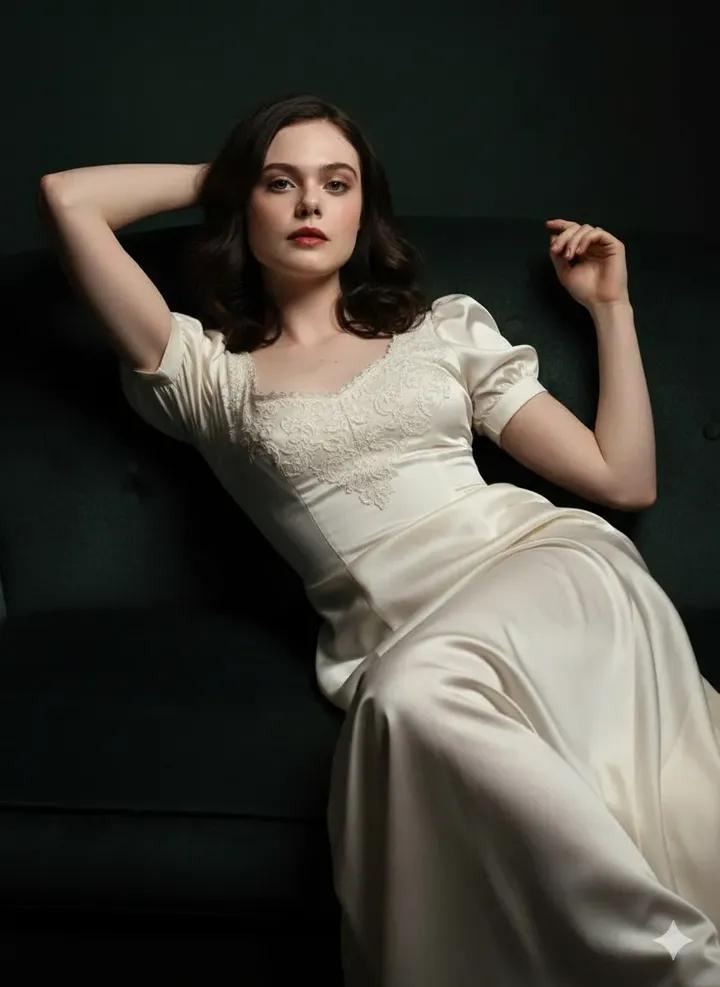
Fine Art Low-Key Portrait in Vintage Dress
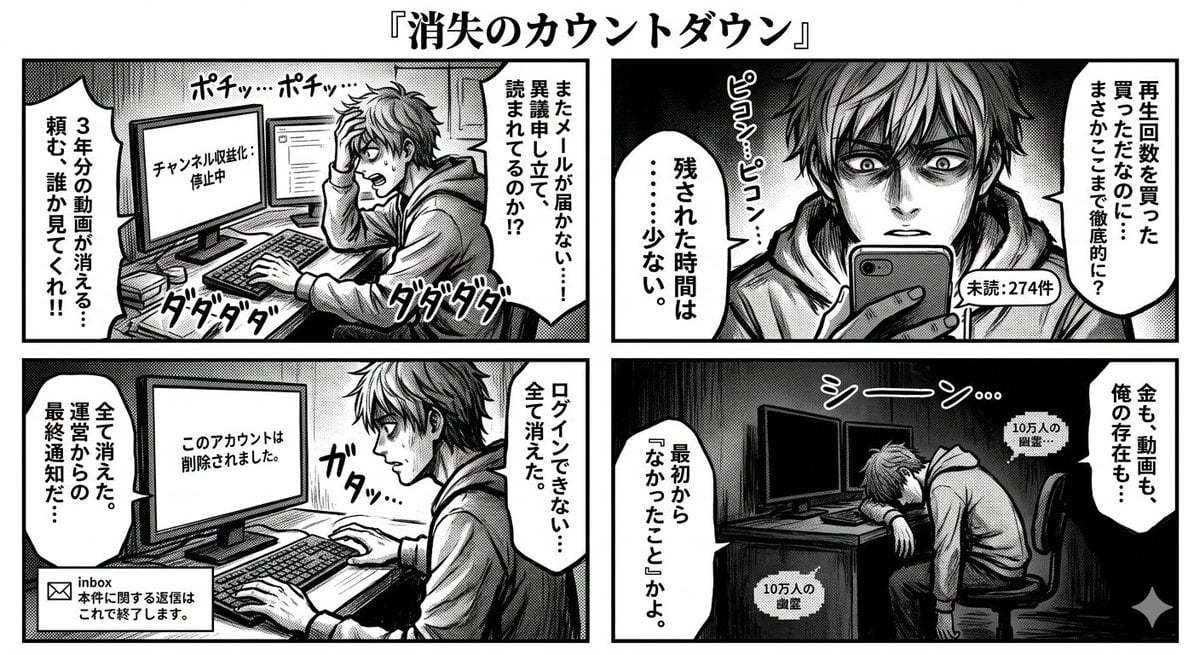
Four-Panel Manga: Countdown to Disappearance
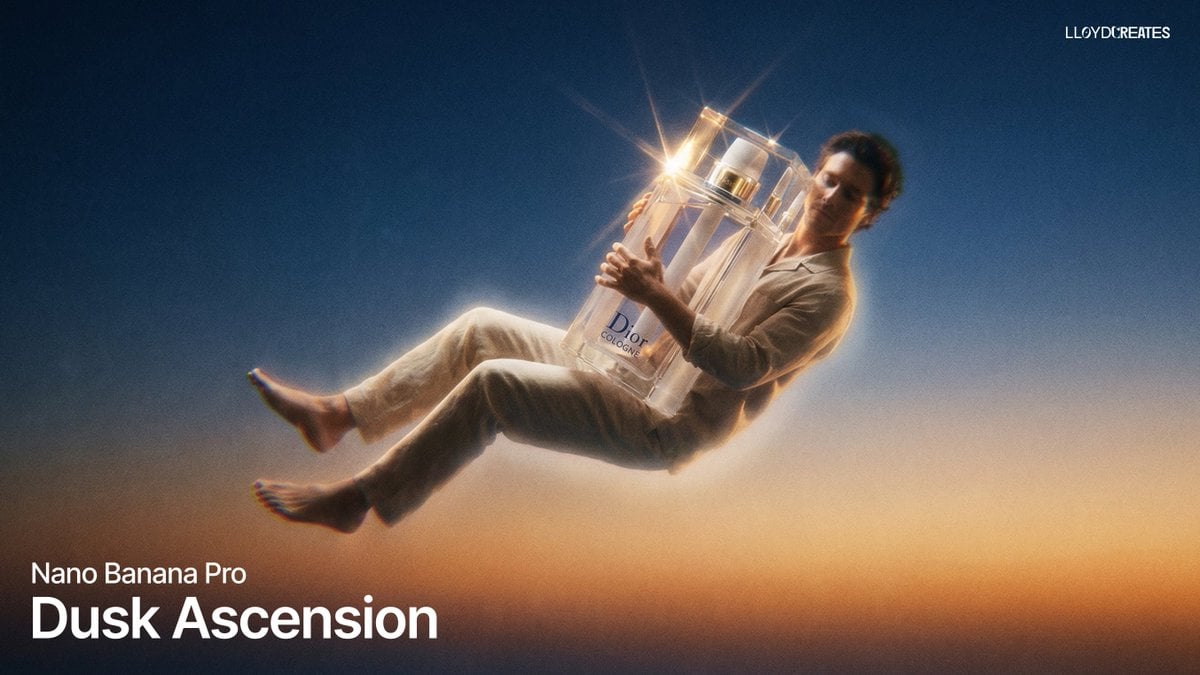
Dusk Ascension JSON Prompt for Nano Banana Pro
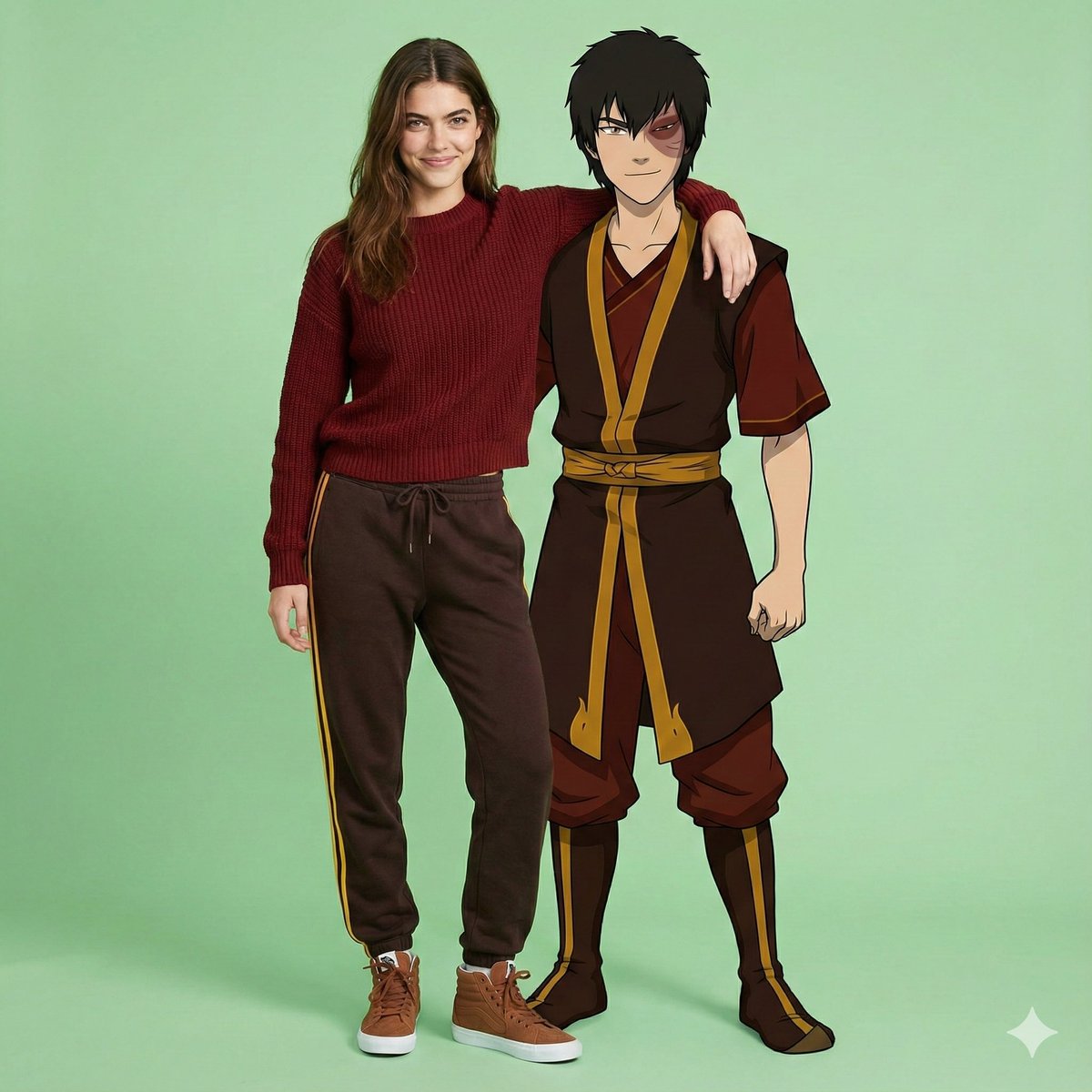
Avatar Zuko Fan Photo Prompt for Nano Banana Pro
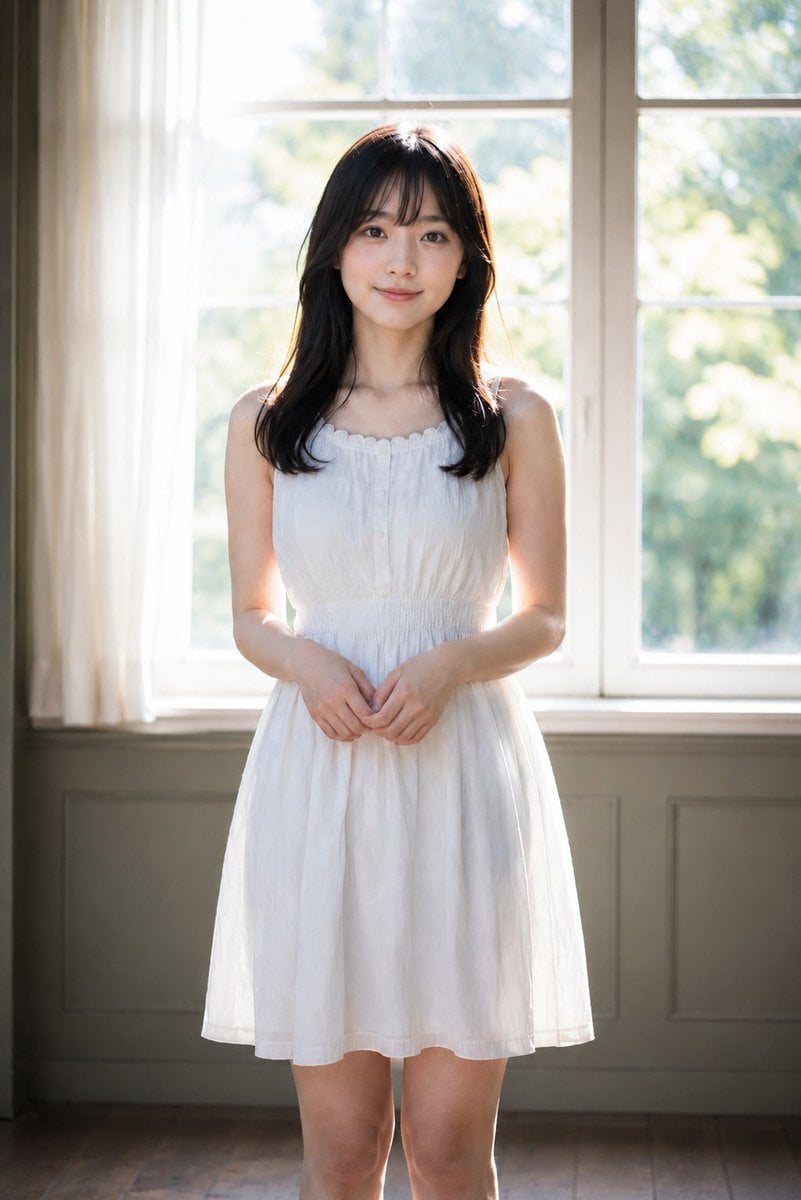
Backlit Indoor Window Portrait
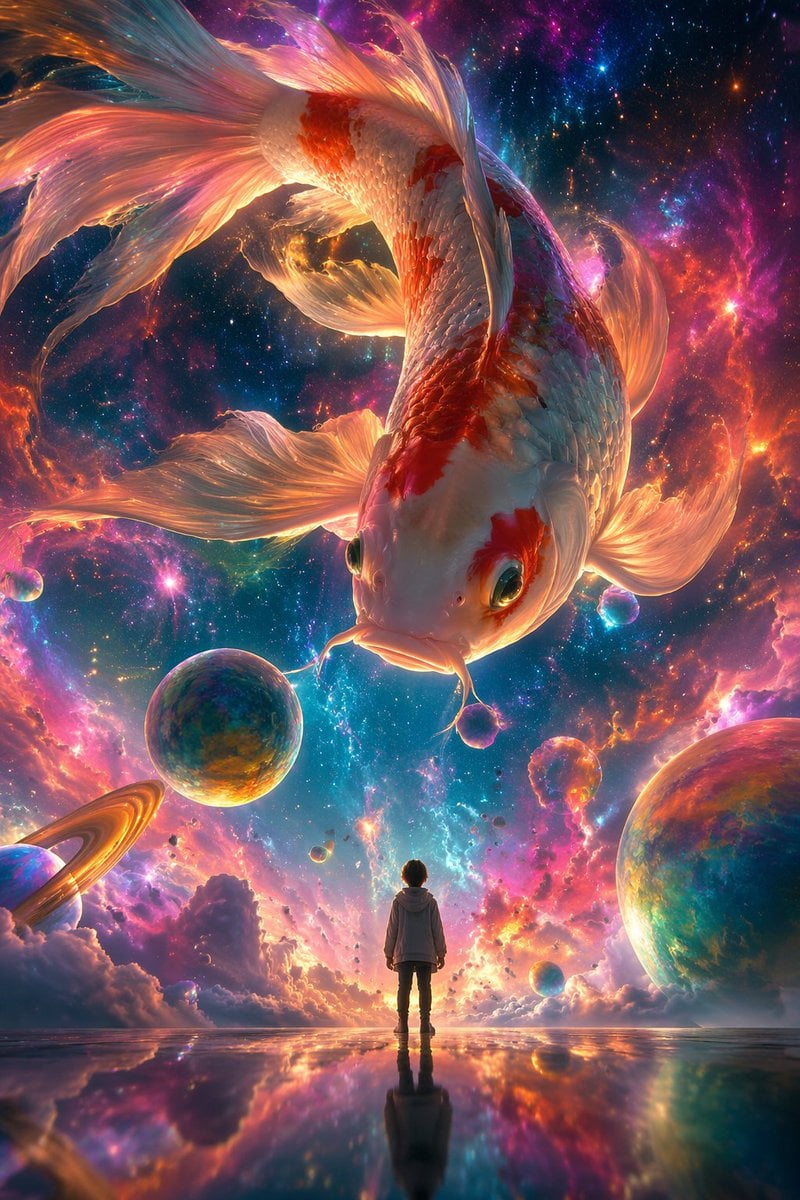
Surrealist Koi Fish Illustration
Browse template categories
Ultra Cinematic Vfx Transformation Seque questions
How do I use the 70-ultra-cinematic-vfx-transformation-seque template?
Add your photo if the template asks for one, edit the prompt if you like — the template's model and format are already selected — and press Generate. Your version opens in PicX Studio.
Can I customize the 70-ultra-cinematic-vfx-transformation-seque template?
Yes. You can change the subject, setting, lighting, mood, format, and available model controls before creating your image.
Is the 70-ultra-cinematic-vfx-transformation-seque template free?
Opening and editing this template is free. Generating uses credits, shown on the Generate button when you are signed in.
Which AI model should I use?
Start with Nano Banana, which is the model associated with this template. You can compare another compatible model for a different finish.
Looking for something else? Browse all templates.

Your photo, any look
Thousands of ready templates for every top image and video model, from one credit balance.