
Rainy Day Anime Vocabulary Sheet
Generates a scrapbook-style Japanese infographic of 24 rainy-day anime illustration prompt terms for artists and prompt writers.
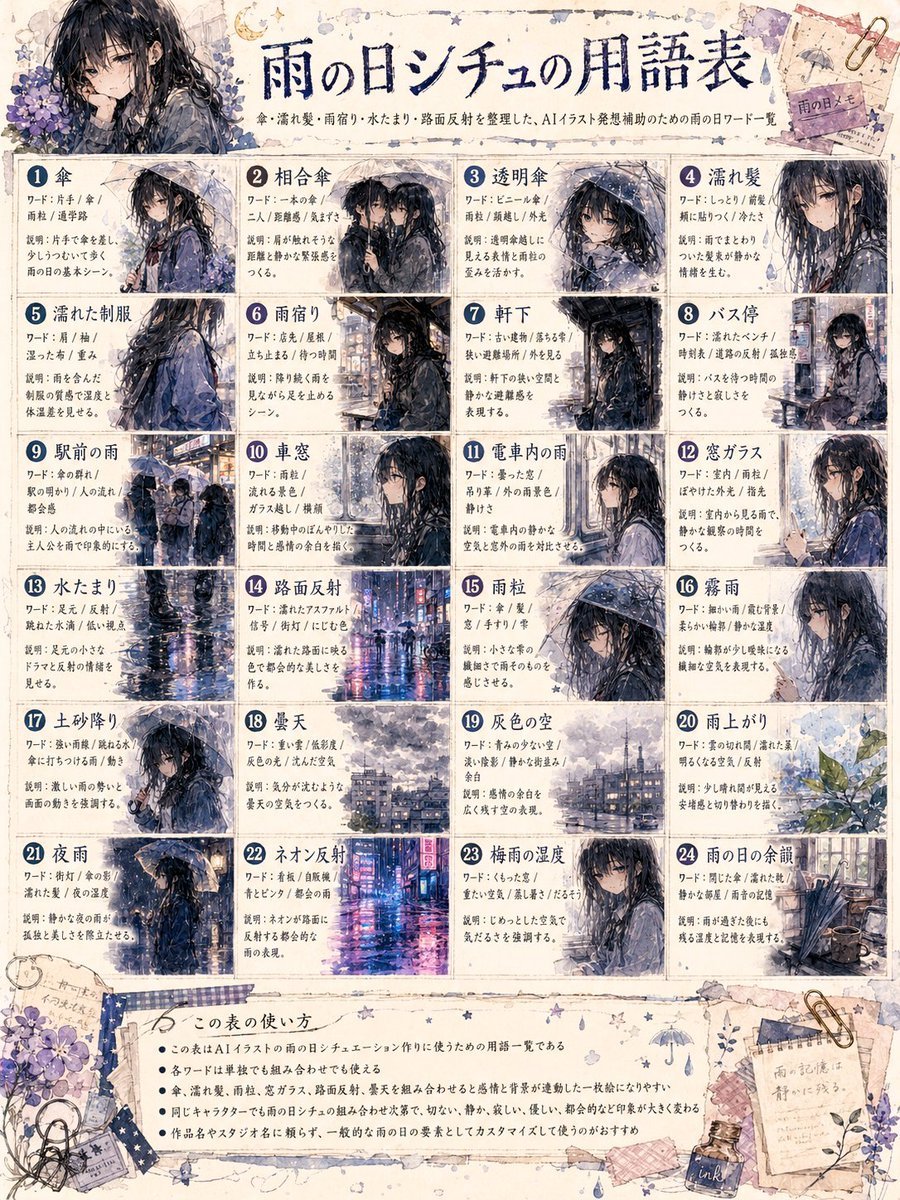
- Prompt included
- Model and format preset
- Free template
The prompt behind this image
Copy the exact prompt behind Rainy Day Anime Vocabulary Sheet, or open it in the studio and make it yours.
Goal: Create a detailed Japanese-style illustrated reference sheet infographic titled {argument name="headline text" default="雨の日シチュの用語表"}, explaining useful rainy-day scene vocabulary for AI illustration prompts. Canvas: Portrait 3:4 poster, aged cream watercolor paper with ink stains, tape, paperclips, torn memo scraps, tiny stars, raindrop doodles, umbrella doodles, and purple hydrangea decorations in the corners. Use a handmade scrapbook notebook aesthetic with thin navy divider lines and slightly worn edges. Overall visual style: Soft anime watercolor and ink wash, melancholic rainy atmosphere, muted navy, gray, lavender, and beige palette. The recurring subject is {argument name="main character" default="a black-haired anime girl in a dark raincoat"}, usually wet from rain, carrying or standing under {argument name="umbrella color" default="a transparent or black umbrella"}. Add reflective wet streets, mist, puddles, raindrops on glass, and blurred city lights. Keep the text dense but neatly organized like a prompt-writing cheat sheet. Header: Large centered brush-calligraphy Japanese headline using the headline text. Under it, add a smaller Japanese subtitle line explaining that the sheet organizes rain, rainy season, puddles, and road-reflection words for AI illustration prompt support. Place a large decorative character portrait at the upper left with hydrangeas; the face area is covered by a soft square blur, matching the generated look. At the upper right, add small taped memo papers and a decorative umbrella sketch. Main layout: A grid of exactly 24 numbered vocabulary cards, arranged 4 columns by 6 rows. Each card has a dark blue circular number badge, a bold Japanese term title, two or three short Japanese explanatory text lines, and a small anime rainy-scene thumbnail. Use thin navy borders and off-white card backgrounds. Count and label the 24 cards as follows, with these visible concepts: 1 umbrella, 2 shared umbrella, 3 transparent umbrella, 4 wet hair, 5 wet school uniform, 6 rain lodging or taking shelter from rain, 7 under the eaves, 8 bus stop, 9 rain in front of the station, 10 sudden shower, 11 rain inside a train car, 12 window glass, 13 puddle, 14 road surface reflection, 15 raindrops, 16 misty rain, 17 muddy ground, 18 cloudy sky, 19 gray sky, 20 after the rain, 21 night rain, 22 neon reflections, 23 rainy-season humidity, 24 rainy-day aftermath. Thumbnail details: Vary every card image while keeping the same rainy anime mood. Include close-up portraits, walking scenes, umbrellas, wet clothes, bus stop, station crowd, train window, puddle reflection, neon city street, hydrangea after rain, and rainy room or alley aftermath. Cards 10 and 11 should include soft gray square blurs over part of the character face area, echoing the original censored-looking artifacts. Bottom section: Add a wide bordered note panel titled in Japanese as a usage guide, with exactly 5 bullet points in small Japanese text explaining how to use the vocabulary list for AI illustration prompts. Decorate the bottom with washi tape, a fountain pen ink bottle, scattered clips, handwritten memo scraps, small flowers, and tiny rain icons. Constraints: The final image must feel like an information-dense printable reference sheet, not a single illustration. Use exactly 24 numbered cards and exactly 5 bottom bullet points. Keep the Japanese calligraphy headline prominent, maintain legible grid structure, and avoid adding logos or watermarks.
How to use Rainy Day Anime Vocabulary Sheet in 3 steps
- 1Upload ImagePNG, JPG or paste
Add your photo
Upload the photo the template builds on. The prompt, model and format are already set.
- 2…a portrait of your subject in softgolden-hour light, 85mm…
Personalize
Edit the subject and creative details for your destination.
- 3Generate
Generate
Press Generate — your image is created in PicX Studio, so you can compare it with the original and refine one variable at a time.
More like this
Templates with the same subject, style or setup. Open one to see its prompt.

Cel 2D Rainy Bus Stop

Ghibli Rainy Tram Interior

Pixar Anime Rainy Window

Anime Character Charm Analysis Sheet

Anime Lantern Girl Character Sheet

Nice Day Anime Poster

Anime Character Sheet Reference Prompt
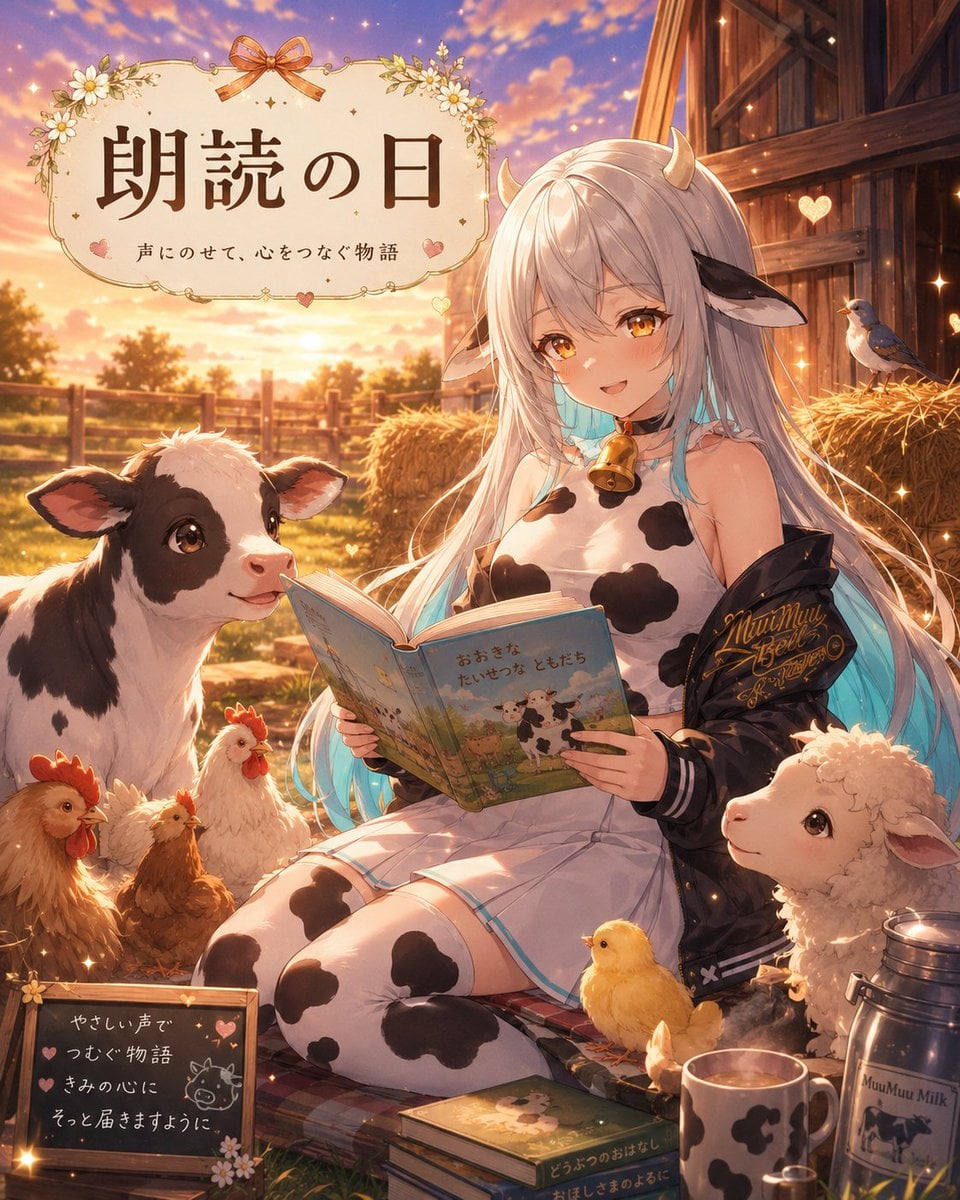
Anime Farm Storytelling Day
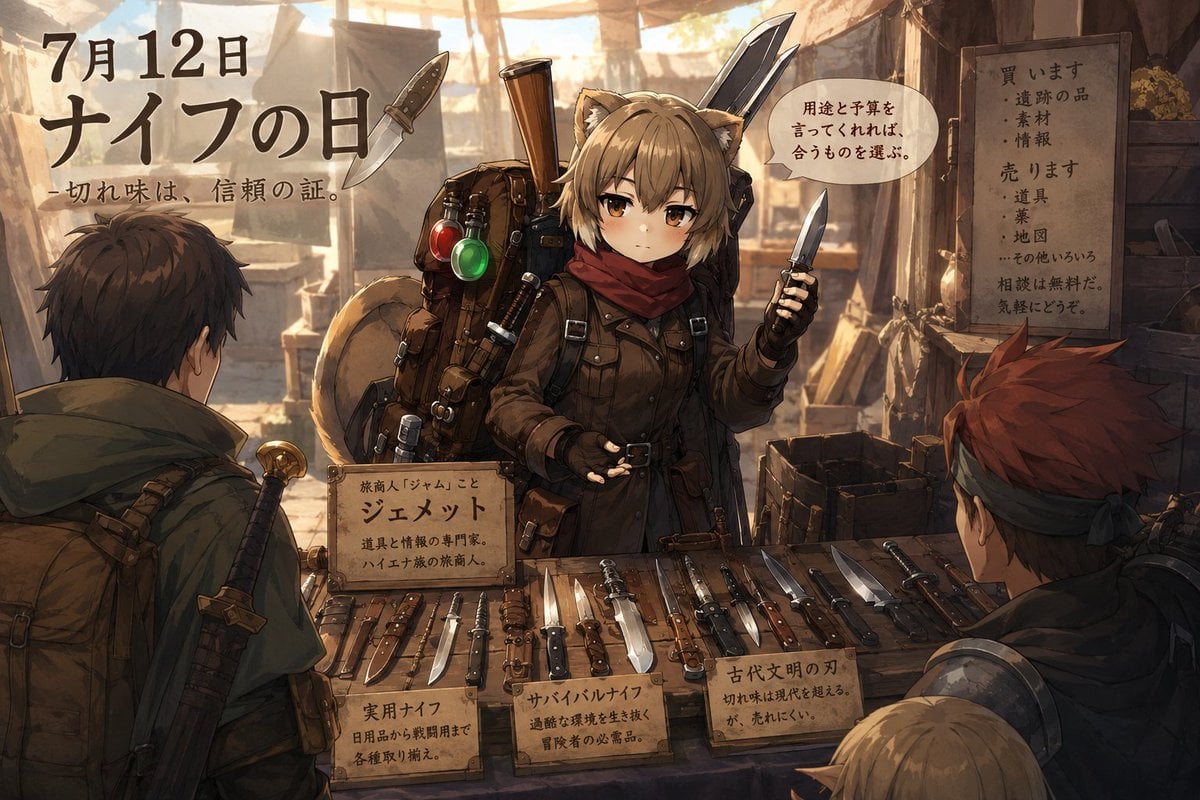
Anime Knife Day Merchant Stall

Cinematic Rainy Day Portrait Collage

Cel 2D Finale Fireworks

Cel 2D Garden Maze
Make it yours
Rainy Day Anime Vocabulary Sheet works as-is. These are the safest ways to change it without losing the look.
Change one field
Copy a single group, rewrite it, and generate again so you can see what that field is doing.
Keep the frame, change the subject
Hold the composition and light of Rainy Day Anime Vocabulary Sheet, then swap wardrobe, props or the person for a new take.
| If the result… | Why | Fix |
|---|---|---|
| The result drifts from the preview | Too many fields changed at once. | Reuse Rainy Day Anime Vocabulary Sheet as-is first, then change one group — subject, light, or setting. |
| The model over-stylizes the scene | The prose prompt leaves finish and camera underspecified. | Add one camera or lighting sentence and stay on GPT Image 2. |
More GPT Image 2 templates
Other prompts made for GPT Image 2.

Six VTuber Japanese Logo Sheet

Realistic Portrait of Woman and Deer

The Vista Modular Condo Poster

AI Model Routing Comparison Infographic

2.5D Anime Art Board

Isometric Productivity Desk Scene

New York Double Exposure Poster

Four-Panel AI Landscape Comparison

Japanese Tatami Lifestyle Magazine Cover

NESCAFÉ Coffee Map Poster
More image prompts
Fresh picks from across the catalog.
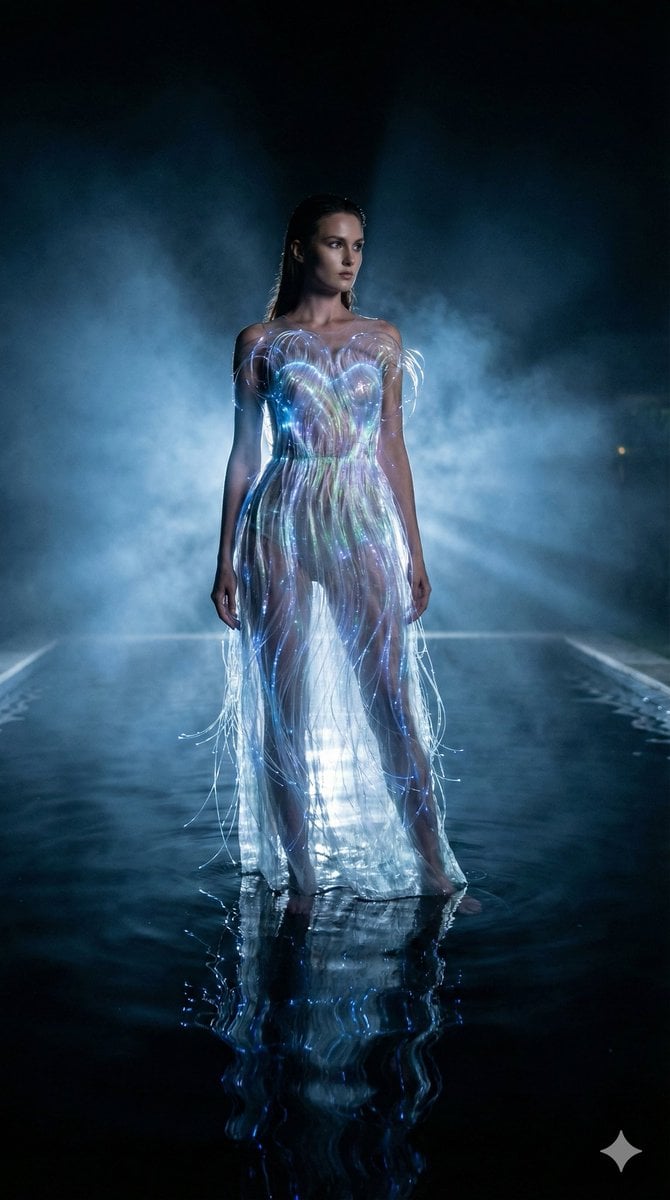
High-Fashion Sci-Fi Realism in Water
Lord Shiva Hand-Holding Cinematic Scene Prompt
Sleeping Calico on White Appliance
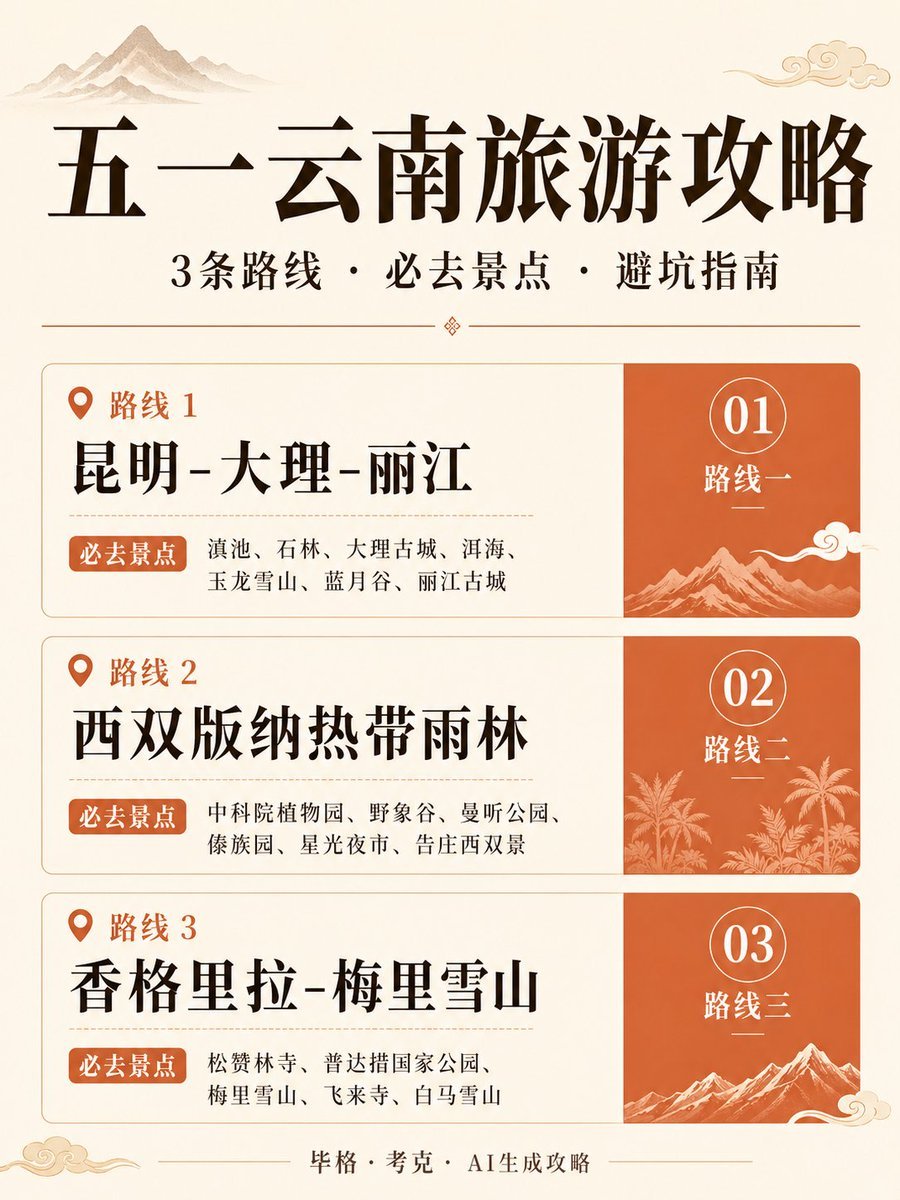
Chinese Yunnan Travel Guide Poster
Cyberpunk Muscle Car Cinematic Prompt
Einstein teaching at MIT with Hindi joke text

Gen-Z Aesthetic Doodle Portrait

Editorial Fashion Portrait Prompt

Cinematic Paris Fashion Shot

Western Outlaw Revolver Poster
Browse template categories
Rainy Day Anime Vocabulary Sheet questions
How do I use the Rainy Day Anime Vocabulary Sheet template?
Add your photo if the template asks for one, edit the prompt if you like — the template's model and format are already selected — and press Generate. Your version opens in PicX Studio.
Can I customize the Rainy Day Anime Vocabulary Sheet template?
Yes. You can change the subject, setting, lighting, mood, format, and available model controls before creating your image.
Is the Rainy Day Anime Vocabulary Sheet template free?
Opening and editing this template is free. Generating uses credits, shown on the Generate button when you are signed in.
Which AI model should I use?
Start with GPT Image 2, which is the model associated with this template. You can compare another compatible model for a different finish.
Looking for something else? Browse all templates.

Your photo, any look
Thousands of ready templates for every top image and video model, from one credit balance.