
Lord Shiva Hand-Holding Cinematic Scene Prompt
Two highly detailed, ultra-realistic cinematic image generation prompts for Nano Banana Pro, focusing on a dramatic scene where the user's hand is held by Lord Shiva's divine hand while standing in a stormy ocean.
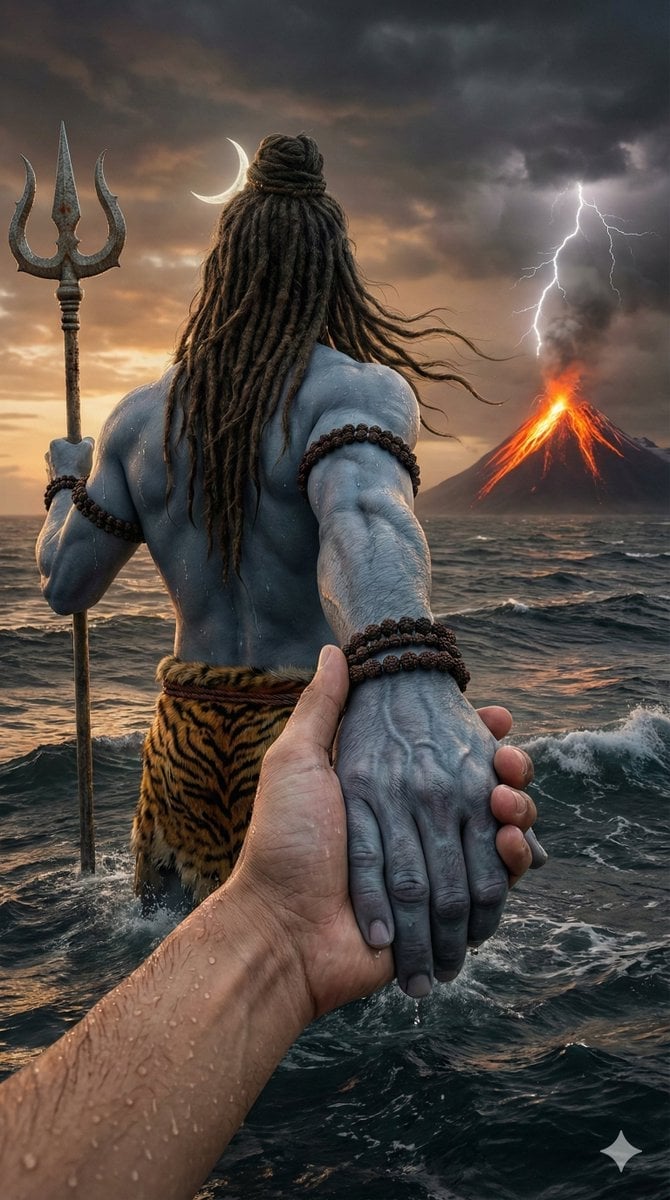
- Prompt included
- Model and format preset
- Free template
The prompt behind this image
Copy the exact prompt behind Lord Shiva Hand-Holding Cinematic Scene Prompt, or open it in the studio and make it yours.
Prompt 1: Upload Your Image & paste this Prompt👇 "Create an ultra-realistic, hyper-detailed cinematic scene in vertical 9:16 ratio. First-person(in reference image)POV perspective. In the foreground, a powerful divine masculine hand of Lord Shiva is tightly holding my hand, as if he is guiding me(reference image)forward through rough ocean water. Lord Shiva’s hand should look strong, broad, muscular, with visible veins, wet skin texture, realistic pores, water droplets dripping, and natural ash-blue tone: Natural ash-blue tone (muted greyish blue, not bright neon). He is wearing multiple dark brown rudraksha bead bracelets around his wrist. The beads are detailed, sacred, slightly wet, and highly realistic. The camera angle shows that I am standing waist-deep in turbulent ocean water. I am facing forward toward the viewer (reference image)Don't change my face structure. My hair is wet, slightly messy, stuck to my forehead due to rain and seawater. Water droplets are visible on my face, beard (if any), neck, and collarbone. I am wearing a white shirt completely soaked with water. The fabric is thin due to wetness, slightly transparent, clinging to my body naturally. My inner chest shape is subtly visible through the wet shirt in a realistic and tasteful way (not exaggerated). The shirt shows detailed wet fabric texture, folds, transparency variation, and water dripping from sleeves. The ocean is stormy and dramatic — strong waves crashing, splashes frozen mid-motion, cinematic lighting reflecting on water surface. The water surface should have realistic foam, reflections, depth, and motion blur. In the far background, distant land is visible at the edge of the ocean, slightly foggy and atmospheric — as if I walked from that land into the middle of the sea. The land appears small and far away, with subtle mist for depth. Behind everything, a dramatic volcanic mountain is erupting. Bright orange lava flows from the peak, with glowing cracks visible on the mountain surface. Lightning strikes the top of the volcano through dark storm clouds. The sky is cinematic with sunset tones blending into dark thunderclouds — warm orange near horizon, deep grey and purple storm clouds above. Lighting style: ultra-realistic cinematic lighting, HDR, volumetric fog, high dynamic range, dramatic contrast, no color grading change from reference, natural tones, realistic skin shading" Prompt 2: Direct Paste "Create an ultra-realistic, hyper-detailed cinematic scene in vertical 9:16 ratio. The scene shows a powerful, realistic depiction of Lord Shiva from behind, standing waist-deep in a stormy ocean. The camera perspective is first-person POV — a human hand in the foreground is tightly holding Lord Shiva’s right hand, as if being led forward through rough sea water. The human hand in foreground should be extremely realistic with visible skin texture, pores, wet water droplets,
How to use Lord Shiva Hand-Holding Cinematic Scene Prompt in 3 steps
- 1Upload ImagePNG, JPG or paste
Add your photo
Upload the photo the template builds on. The prompt, model and format are already set.
- 2…a portrait of your subject in softgolden-hour light, 85mm…
Personalize
Edit the subject and creative details for your destination.
- 3Generate
Generate
Press Generate — your image is created in PicX Studio, so you can compare it with the original and refine one variable at a time.
More like this
Templates with the same subject, style or setup. Open one to see its prompt.
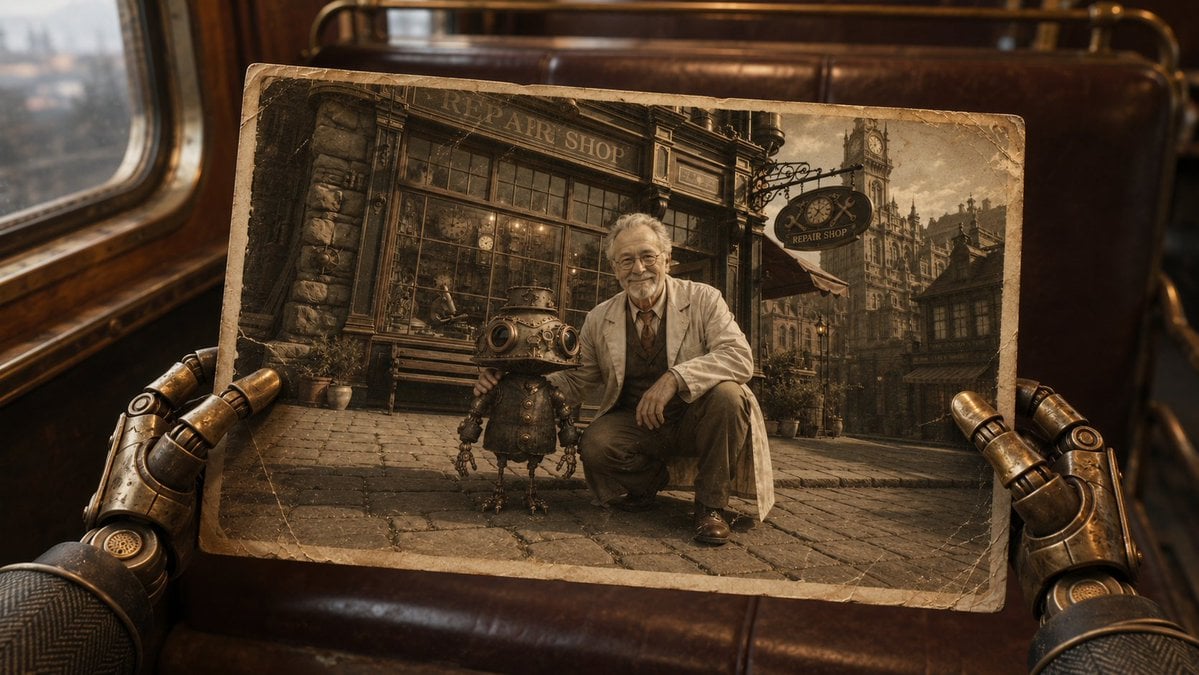
Steampunk Hands Holding Old Photo
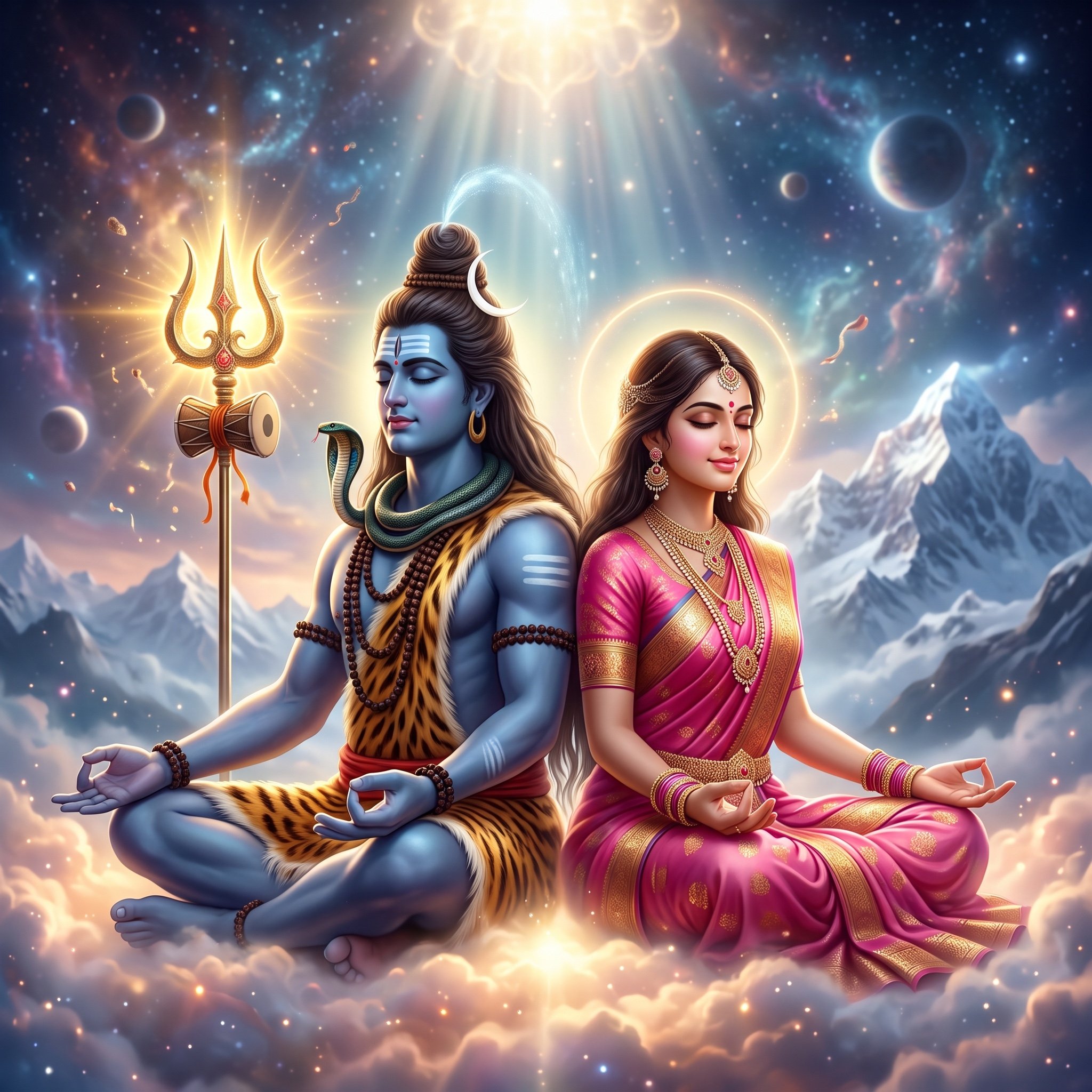
Divine Artwork of Lord Shiva and Goddess Parvati
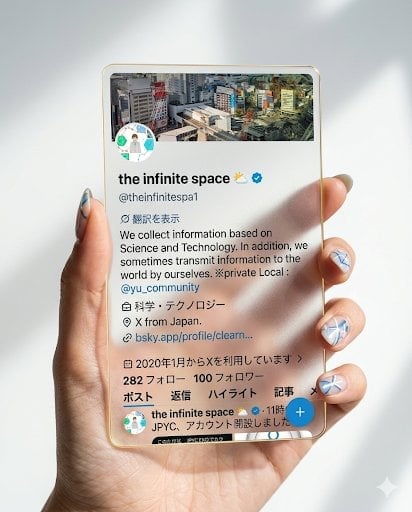
Photorealistic Hand Holding Transparent Acrylic Profile Card
Simple Hand-Drawn Koala Mascot
Anime Girl Holding Tabby Cat
Fluffy Hamster Holding Japanese Sign
Chibi Office Girl Holding 4-Panel Manga

Teal Japanese Handwritten Lyric Card

Handmade Torn Paper Poster Style

Hand-Drawn Doodle Grid Poster

Hand-drawn Breakfast Journal Aesthetic Poster
Acrylic Hand-Painted Style Poster Design
Make it yours
Lord Shiva Hand-Holding Cinematic Scene Prompt works as-is. These are the safest ways to change it without losing the look.
Change one field
Copy a single group, rewrite it, and generate again so you can see what that field is doing.
Keep the frame, change the subject
Hold the composition and light of Lord Shiva Hand-Holding Cinematic Scene Prompt, then swap wardrobe, props or the person for a new take.
| If the result… | Why | Fix |
|---|---|---|
| The result drifts from the preview | Too many fields changed at once. | Reuse Lord Shiva Hand-Holding Cinematic Scene Prompt as-is first, then change one group — subject, light, or setting. |
| The model over-stylizes the scene | The prose prompt leaves finish and camera underspecified. | Add one camera or lighting sentence and stay on Nano Banana 2. |
More Nano Banana 2 templates
Other prompts made for Nano Banana 2.

Photorealistic Leaf Shaped Like a Dragon

K-Pop Idol Portrait Grid for Rapid Selection

Poetic Rain Forest Portrait During Golden Hour

Urban Street Portrait with Cartoon Inner Self Duo

Candid Nighttime Photo with Cat Prompt

High-Concept 3D Diorama Generation Prompt

Cinematic Futuristic Studio Portrait Template

Skincare Editorial Photography Collage Prompt

Hyper-Realistic Commercial Product Photography (Splash Effect)

Hyper-Realistic Nightclub Portrait Prompt
More image prompts
Fresh picks from across the catalog.
AI Relationship Visualization Prompt
Casual Studio Portrait with Identity Preservation Prompt
Stylized 3D Caricature Image Generation Prompt
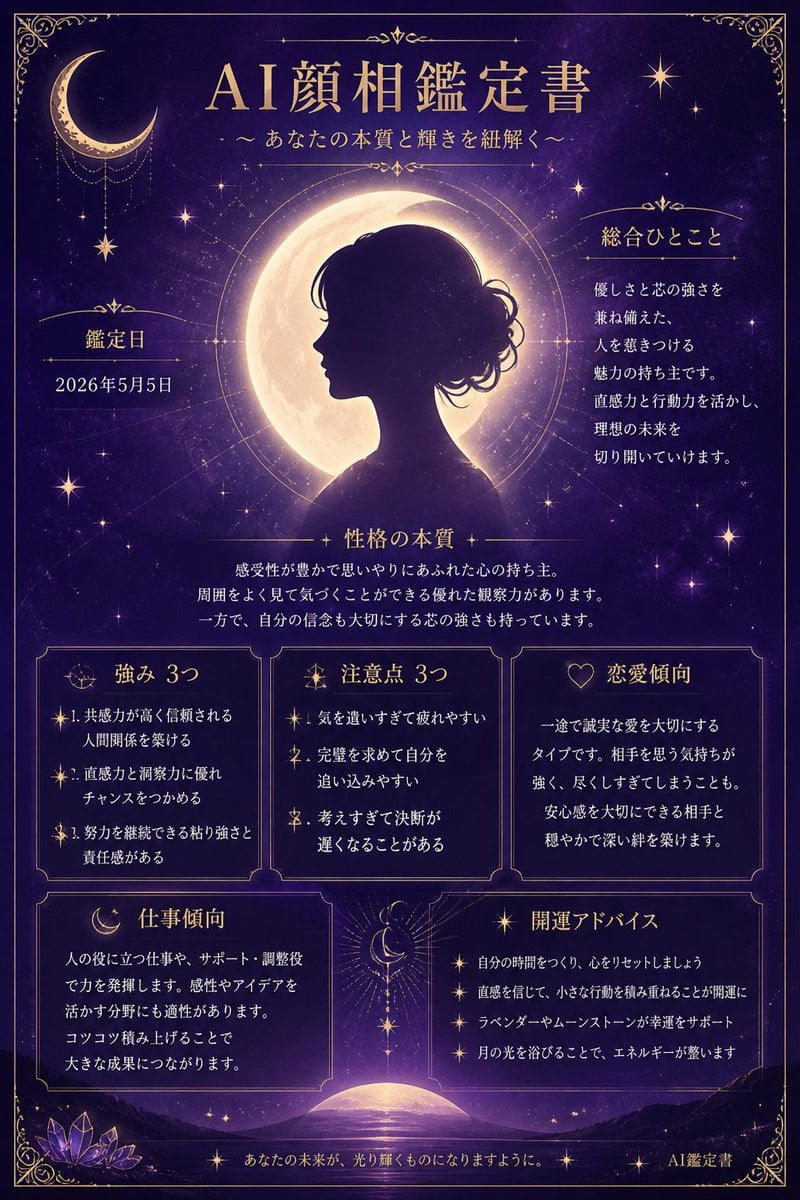
Mystical Japanese AI Face Reading Report
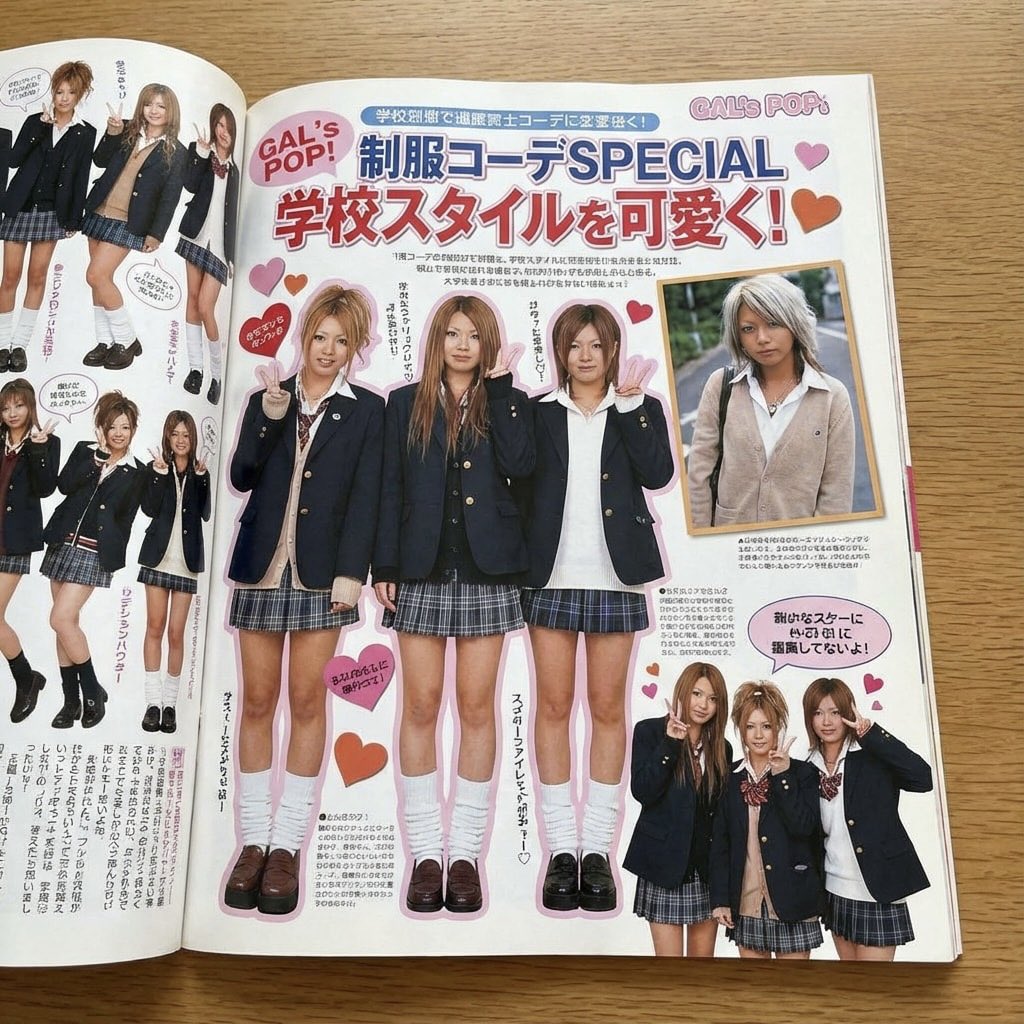
Japanese gyaru magazine spread on school uniforms
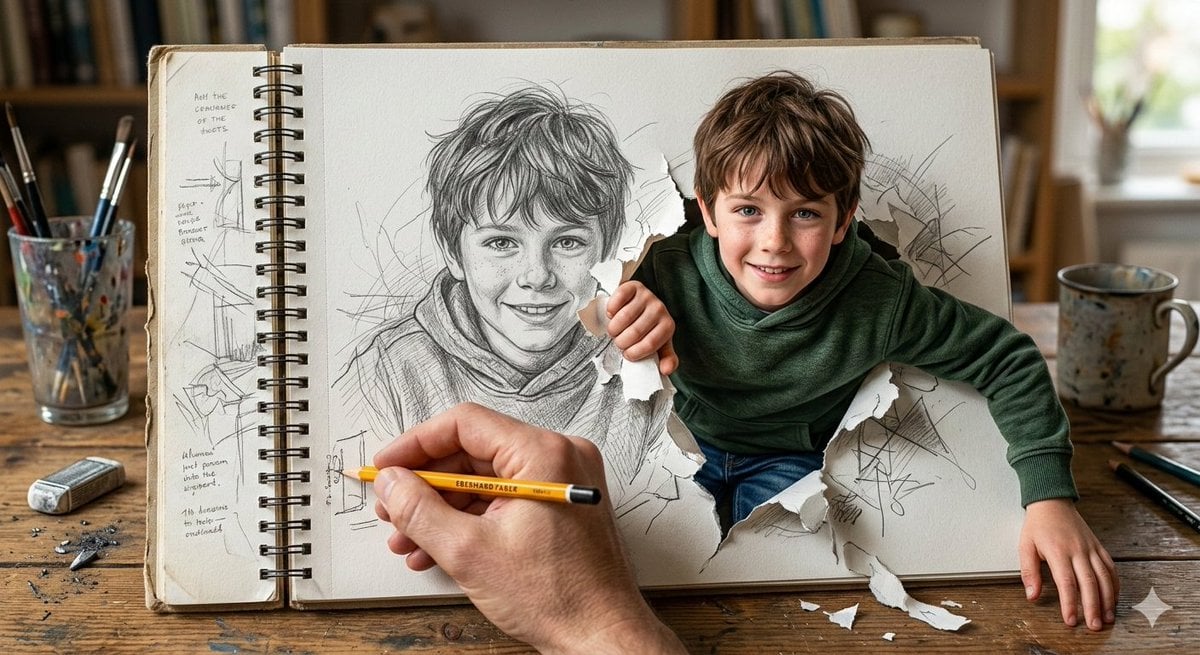
Cinematic 3D Illustration of a Boy Emerging from a Sketchbook
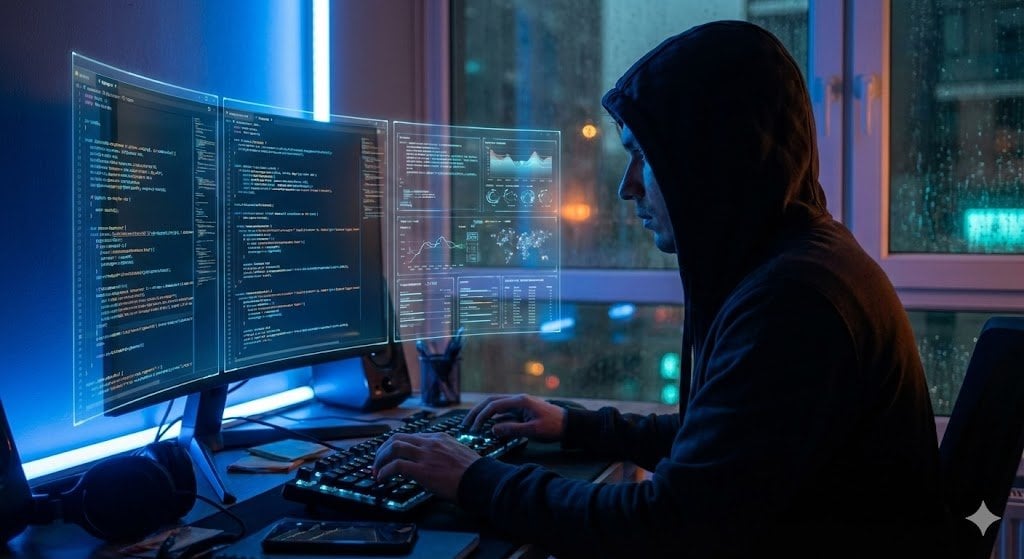
JSON Prompt Template for Camera and Lighting Control
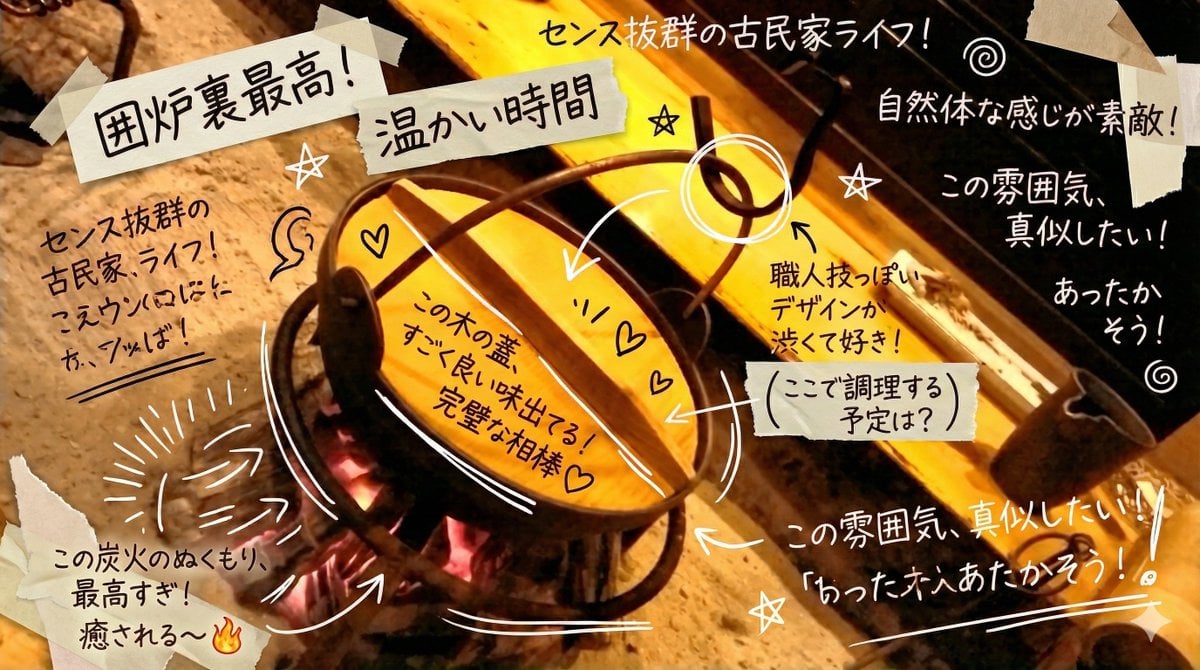
Prompt to Praise an Image's Emotional Quality
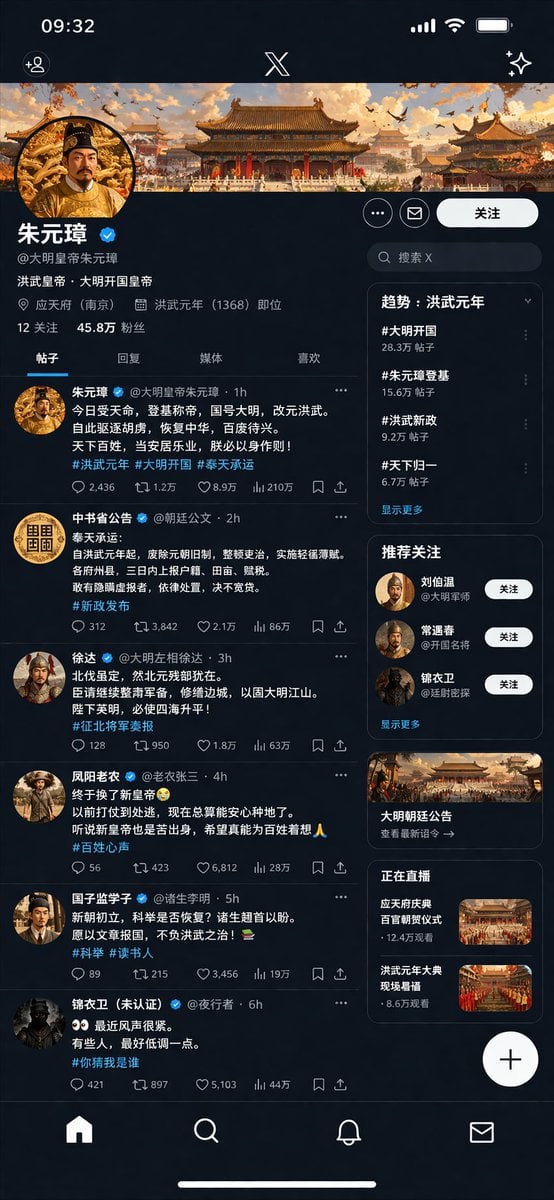
Historical Figure Social Media UI Mockup
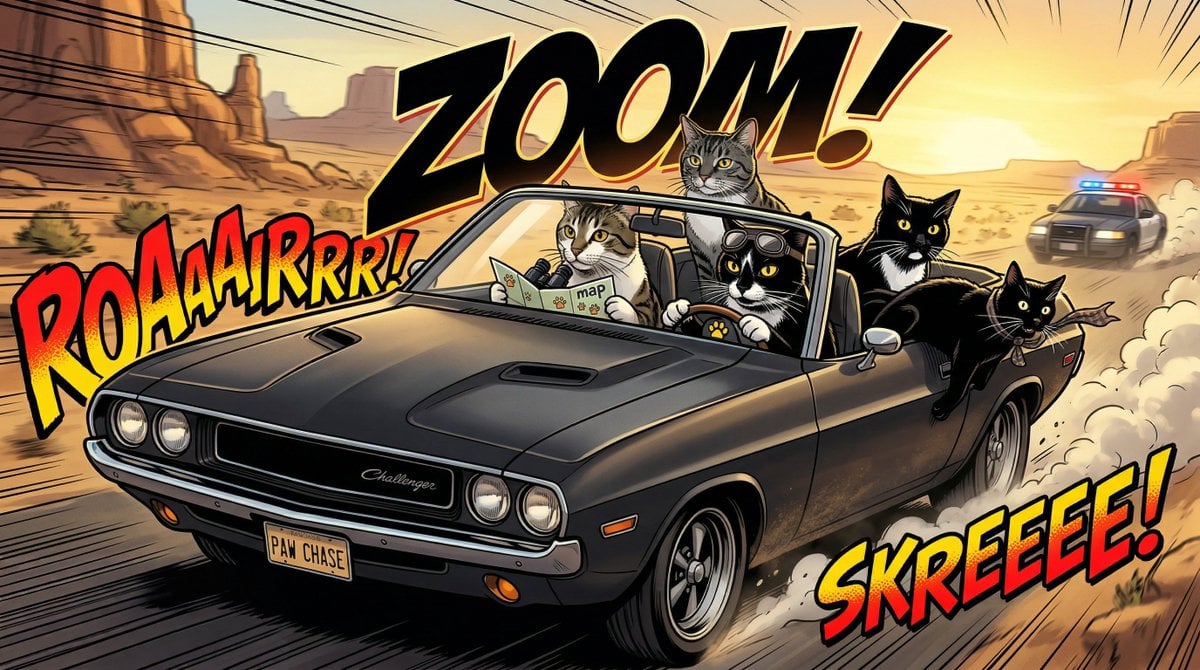
Epic Car Chase Action Shot
Browse template categories
Lord Shiva Hand-Holding Cinematic Scene Prompt questions
How do I use the Lord Shiva Hand-Holding Cinematic Scene Prompt template?
Add your photo if the template asks for one, edit the prompt if you like — the template's model and format are already selected — and press Generate. Your version opens in PicX Studio.
Can I customize the Lord Shiva Hand-Holding Cinematic Scene Prompt template?
Yes. You can change the subject, setting, lighting, mood, format, and available model controls before creating your image.
Is the Lord Shiva Hand-Holding Cinematic Scene Prompt template free?
Opening and editing this template is free. Generating uses credits, shown on the Generate button when you are signed in.
Which AI model should I use?
Start with Nano Banana 2, which is the model associated with this template. You can compare another compatible model for a different finish.
Looking for something else? Browse all templates.

Your photo, any look
Thousands of ready templates for every top image and video model, from one credit balance.