
Chibi Office Girl Holding 4-Panel Manga
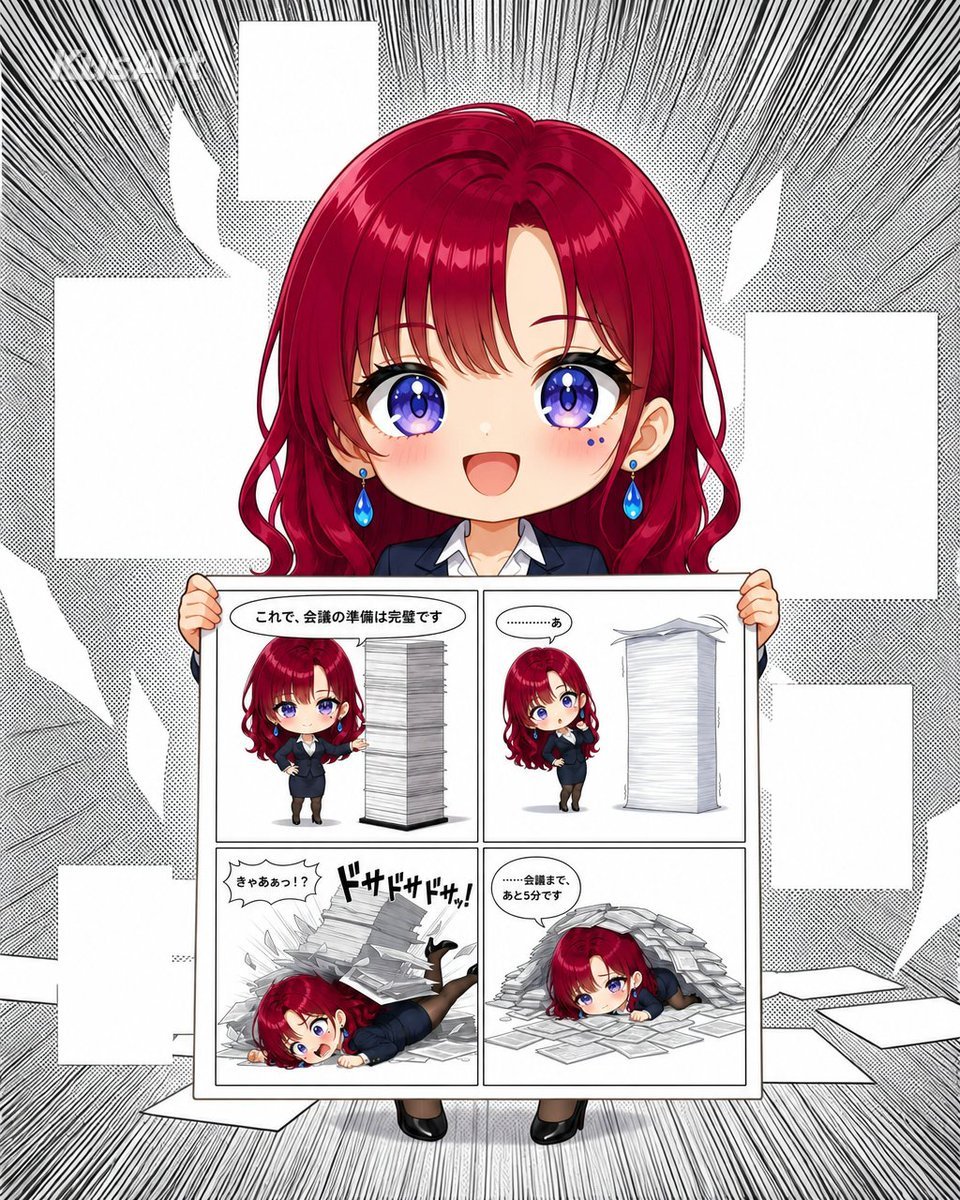
Generates a colorful chibi anime office woman presenting a comedic four-panel manga page against a dramatic monochrome manga background.
- Prompt included
- Model and format preset
- Free template
The prompt behind this image
Copy the exact prompt behind Chibi Office Girl Holding 4-Panel Manga, or open it in the studio and make it yours.
Goal: Create a polished anime-style meta illustration of a cheerful chibi office woman presenting a completed 4-panel manga page, like a cute tutorial/showcase cover for an AI-made comic. Canvas: Square vertical composition, portrait-oriented within a 4:5 feel. Use a black-and-white manga background with dramatic radial speed lines, halftone dots, scattered blank white comic panels and torn paper shapes around the edges. Keep the center character and held manga page in full color. Main subject: A large 2-head-tall chibi anime girl named {argument name="character name" default="Lamis"}, facing forward and smiling brightly. She has glossy deep {argument name="hair color" default="crimson red"} long wavy hair with bangs, oversized sparkling violet-blue eyes, rosy cheeks, tiny blue beauty marks under one eye, and blue teardrop earrings. She wears a dark navy business suit over a white collared shirt, black tights, and black heels. Her small hands grip the top left and top right corners of a large manga page held in front of her body; her shoes peek out below the page. Held manga page layout: The page is a clean white sheet with a thin black border and exactly 4 panels arranged in a 2 by 2 grid. Each panel contains the same chibi businesswoman and a tall stack of documents, drawn in cute anime manga style with light grayscale paper shading. Include Japanese speech bubbles and sound effects, but keep them legible and minimal. Four panel contents, exactly 4: 1. Top-left panel: The chibi woman stands proudly beside a very tall rectangular stack of papers, one hand on her hip and one hand presenting it. Speech bubble text: {argument name="first panel text" default="これで、会議の準備は完璧です"}. 2. Top-right panel: She notices the huge stack wobbling, looking worried beside the leaning pile. Small speech bubble text: {argument name="second panel text" default="…………あ"}. 3. Bottom-left panel: The paper stack collapses dramatically onto her; she is sprawled on the floor with papers flying everywhere. Add a jagged speech bubble saying {argument name="third panel text" default="きゃああっ!?"} and a bold Japanese sound effect reading 「ドサドサドサッ!」. 4. Bottom-right panel: She lies tired and flattened under a mound of documents, with loose sheets scattered around her. Speech bubble text: {argument name="fourth panel text" default="……会議まで、あと5分です"}. Visual style: High-quality glossy anime rendering for the main character, cute super-deformed proportions, clean line art, vibrant hair and eye highlights, soft blush, crisp white manga page, strong contrast between full-color character and monochrome manga texture background. Add a faint white logo-like mark in the upper left if desired, but no prominent watermark. Constraints: Use exactly one main character holding exactly one manga page with exactly 4 panels. Do not add extra characters. Keep the surrounding background panels blank without readable text so the held comic remains the focus.
How to use Chibi Office Girl Holding 4-Panel Manga in 3 steps
- 1Upload ImagePNG, JPG or paste
Add your photo
Upload the photo the template builds on. The prompt, model and format are already set.
- 2…a portrait of your subject in softgolden-hour light, 85mm…
Personalize
Edit the subject and creative details for your destination.
- 3Generate
Generate
Press Generate — your image is created in PicX Studio, so you can compare it with the original and refine one variable at a time.
More like this
Templates with the same subject, style or setup. Open one to see its prompt.

Cute Layered Paper Cut Chibi Girl
Chibi Girl Holding Japanese Notice Sign
Cute Sheep Girl Office Manga Page

Nano Banana Pro Pink Office Chibi

Anime Girl Holding Tabby Cat

Teen Girl Alpine Lake Mountain View
Demon Office Girl Morning Drink
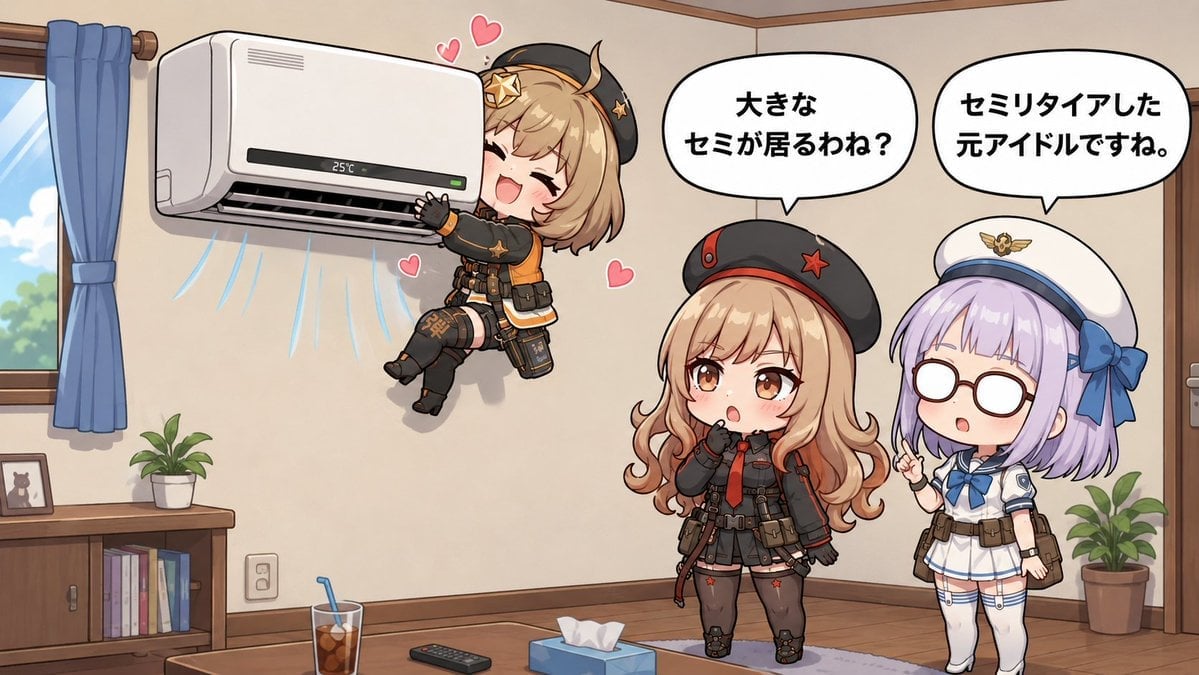
Chibi Girls Hugging Air Conditioner Comic

Lazy Day Chibi Manga Page
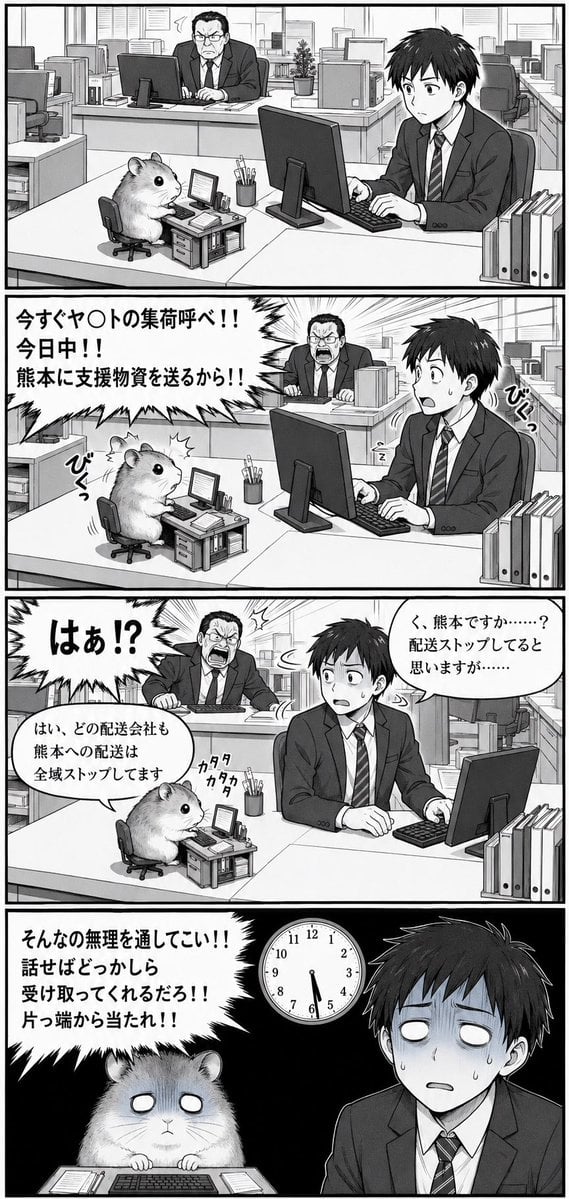
Hamster Office Manga Emergency

Seven-Panel Cyberpunk Manga Alley

Pixar-Style Chibi Café Morning Scene
Make it yours
Chibi Office Girl Holding 4-Panel Manga works as-is. These are the safest ways to change it without losing the look.
Change one field
Copy a single group, rewrite it, and generate again so you can see what that field is doing.
Keep the frame, change the subject
Hold the composition and light of Chibi Office Girl Holding 4-Panel Manga, then swap wardrobe, props or the person for a new take.
| If the result… | Why | Fix |
|---|---|---|
| The result drifts from the preview | Too many fields changed at once. | Reuse Chibi Office Girl Holding 4-Panel Manga as-is first, then change one group — subject, light, or setting. |
| The model over-stylizes the scene | The prose prompt leaves finish and camera underspecified. | Add one camera or lighting sentence and stay on GPT Image 2. |
More GPT Image 2 templates
Other prompts made for GPT Image 2.

Six VTuber Japanese Logo Sheet

Realistic Portrait of Woman and Deer

The Vista Modular Condo Poster

AI Model Routing Comparison Infographic

2.5D Anime Art Board

Isometric Productivity Desk Scene

New York Double Exposure Poster

Four-Panel AI Landscape Comparison

Japanese Tatami Lifestyle Magazine Cover

NESCAFÉ Coffee Map Poster
More image prompts
Fresh picks from across the catalog.
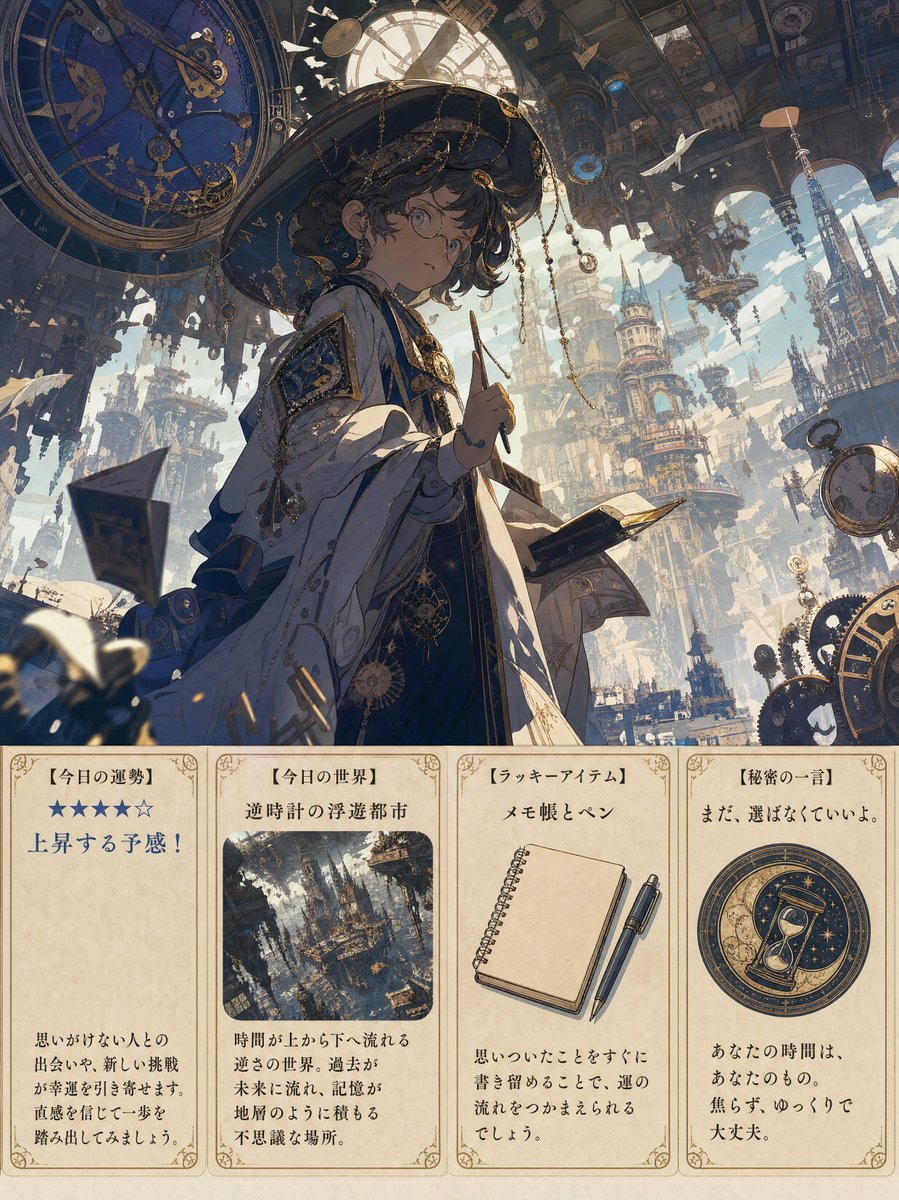
Steampunk Daily Fortune Cards
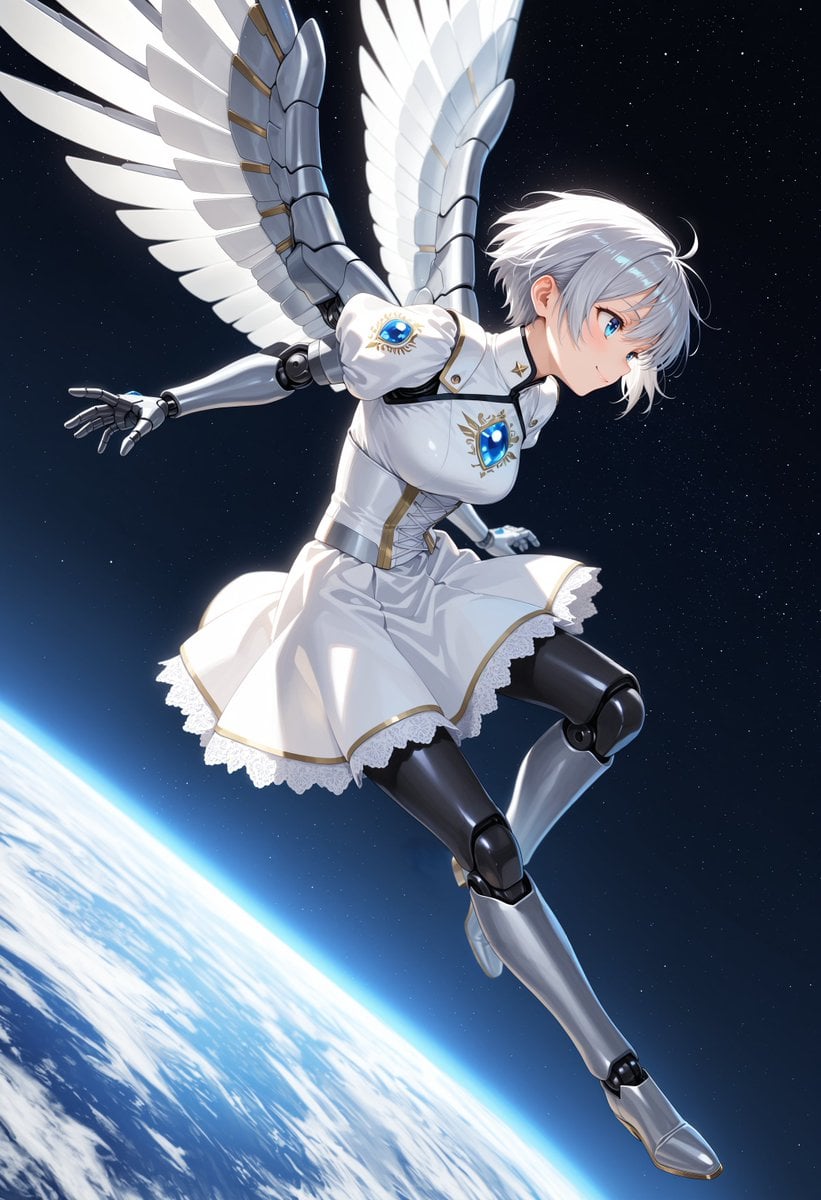
Angelic Android Girl Above Earth

Luxury Gucci-Style Fashion Ad Prompt
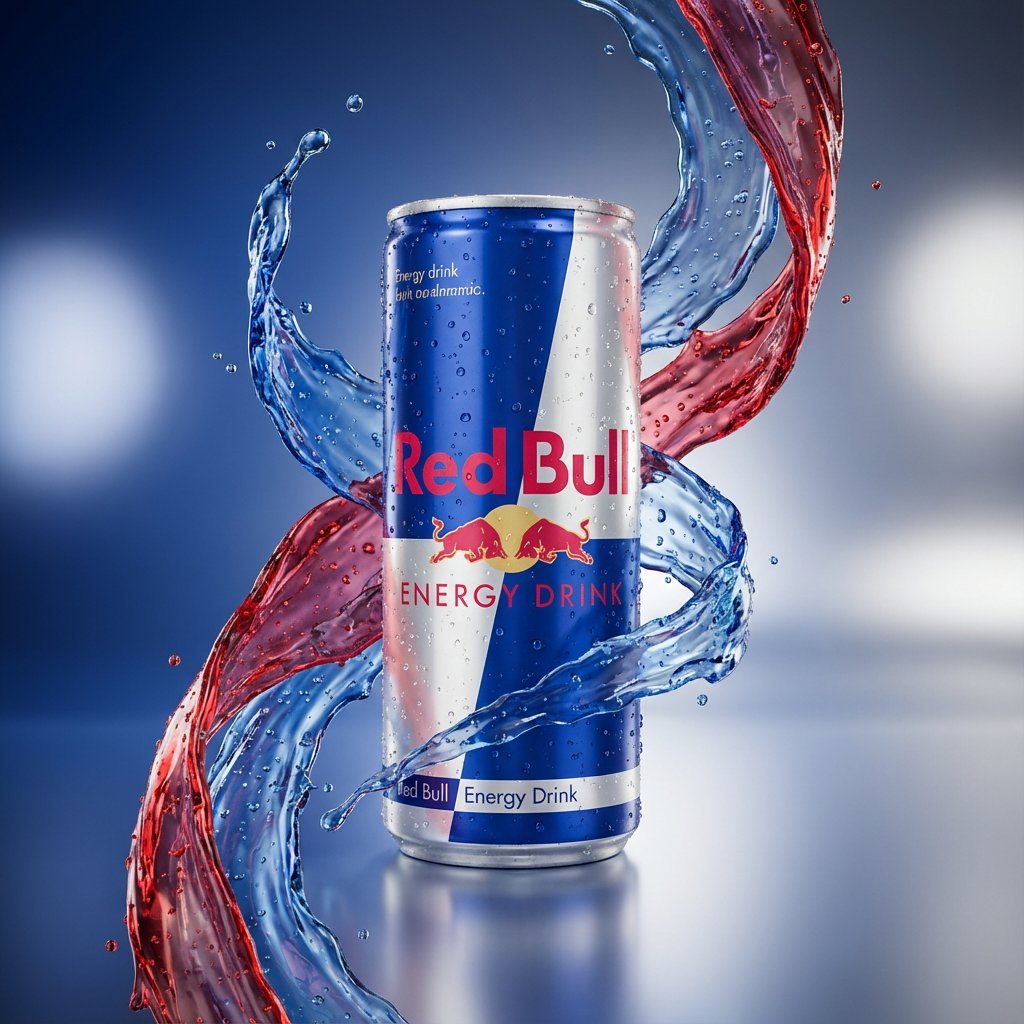
Hyper-Realistic Product Photography with Liquid Splash
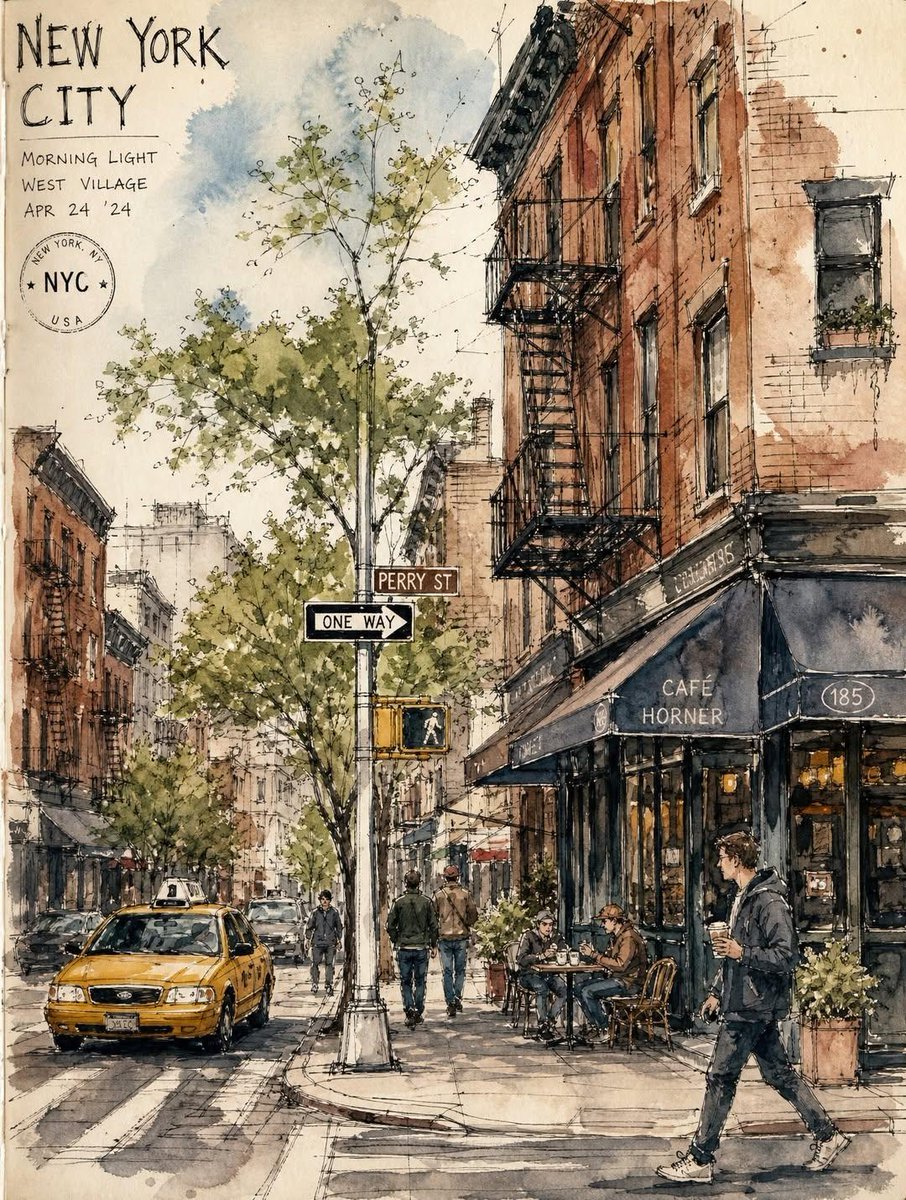
Vintage European Travel Sketchbook

Misty Heron Lake at Sunrise

DUMBO Bridge Desktop Wallpaper
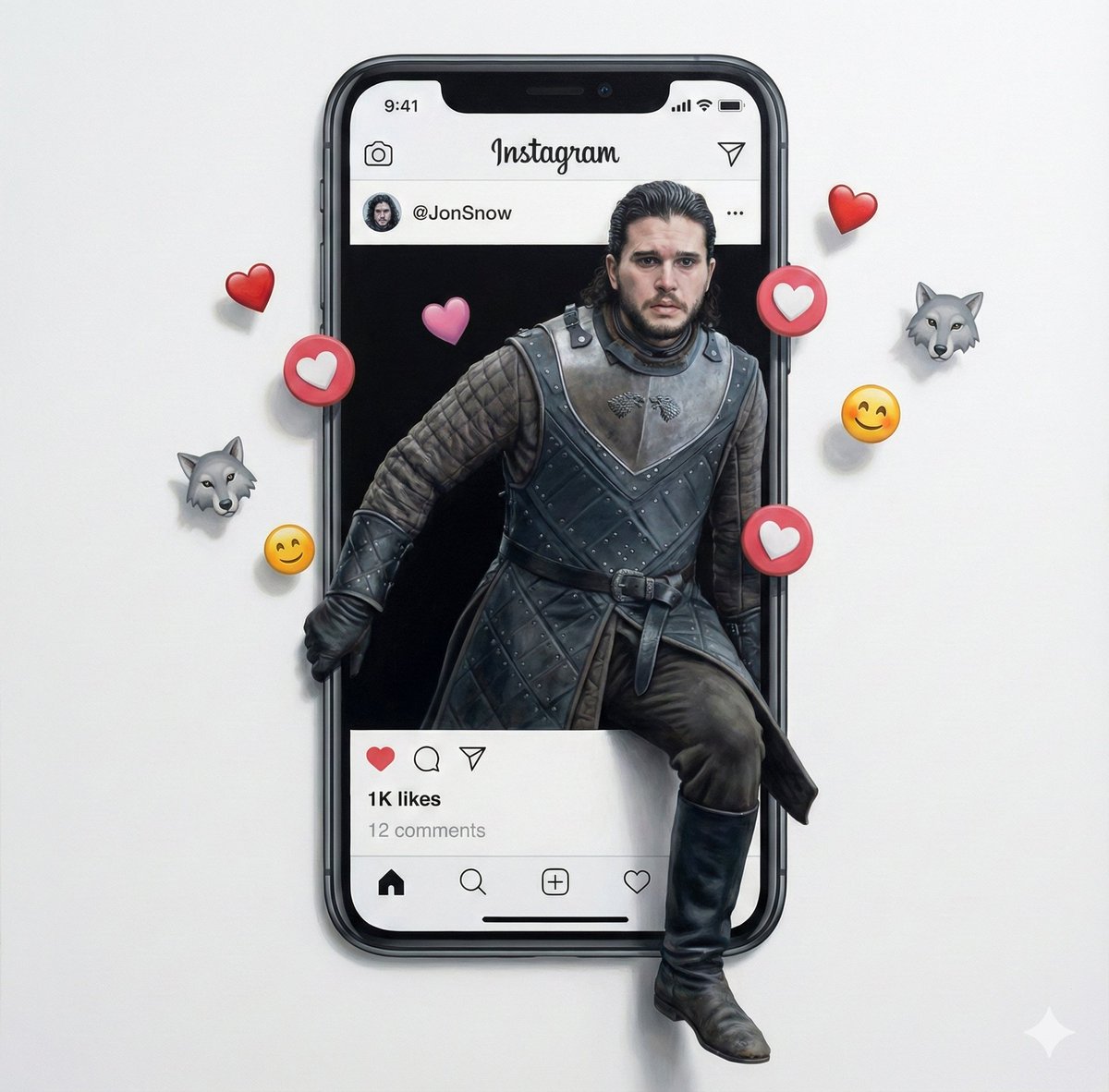
Trompe l'oeil subject stepping out of social media screen
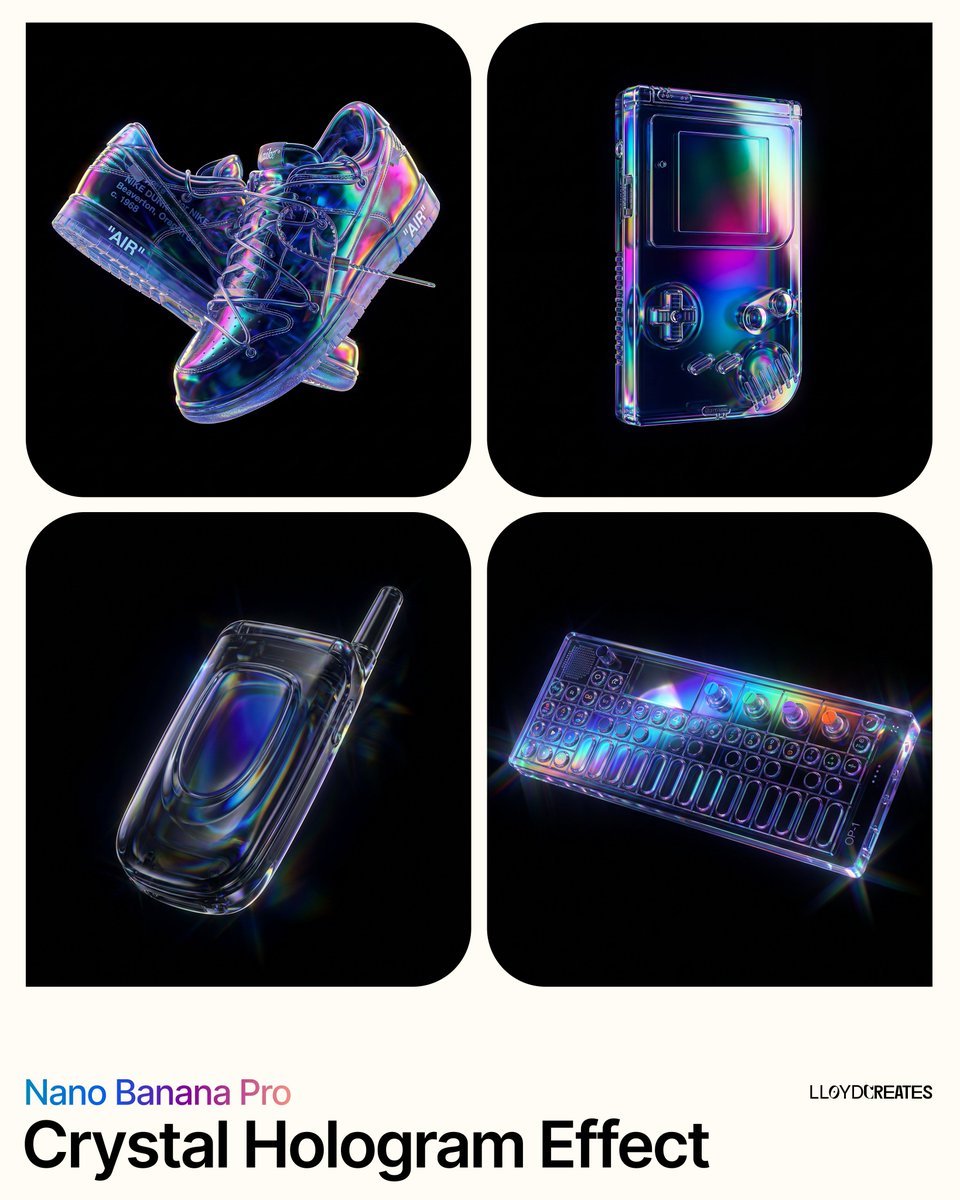
Crystal Hologram Product Photography Prompt

High-Speed Shattering Coffee Mug
Browse template categories
Chibi Office Girl Holding 4-Panel Manga questions
How do I use the Chibi Office Girl Holding 4-Panel Manga template?
Add your photo if the template asks for one, edit the prompt if you like — the template's model and format are already selected — and press Generate. Your version opens in PicX Studio.
Can I customize the Chibi Office Girl Holding 4-Panel Manga template?
Yes. You can change the subject, setting, lighting, mood, format, and available model controls before creating your image.
Is the Chibi Office Girl Holding 4-Panel Manga template free?
Opening and editing this template is free. Generating uses credits, shown on the Generate button when you are signed in.
Which AI model should I use?
Start with GPT Image 2, which is the model associated with this template. You can compare another compatible model for a different finish.
Looking for something else? Browse all templates.

Your photo, any look
Thousands of ready templates for every top image and video model, from one credit balance.