
Anime Girl Holding Tabby Cat
A cozy nighttime anime illustration of a glasses-wearing girl tenderly holding a gray tabby cat in her apartment bedroom.
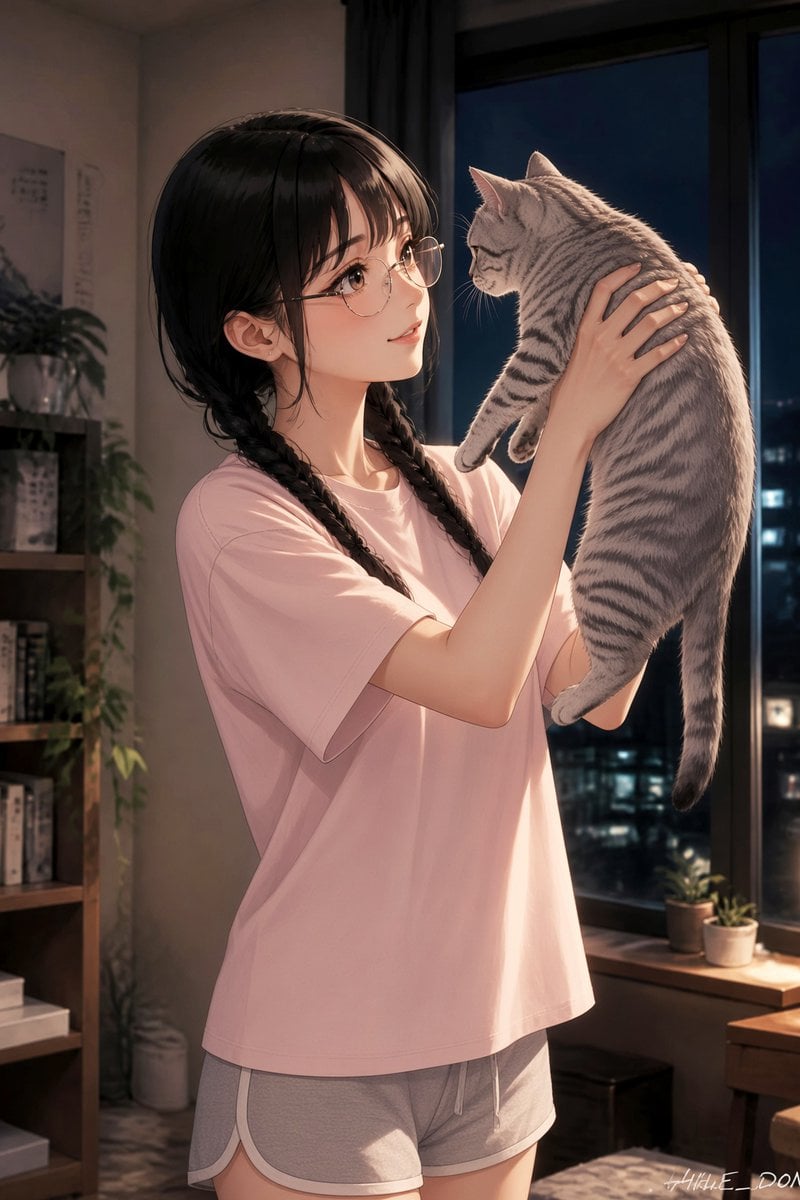
- Prompt included
- Model and format preset
- Free template
The prompt behind this image
Copy the exact prompt behind Anime Girl Holding Tabby Cat, or open it in the studio and make it yours.
Create a polished anime-style vertical illustration of {argument name="character name" default="a young woman"} standing in a cozy apartment bedroom at night, gently lifting and holding {argument name="pet description" default="a gray tabby cat with dark stripes"} in both hands at chest height. She has {argument name="hair color and style" default="long black hair in two loose braids with soft bangs and wispy side strands"}, large expressive brown eyes, delicate features, light blush, and round thin-rimmed glasses. She wears an oversized {argument name="shirt color" default="pale pink"} T-shirt and short gray lounge shorts with white trim, creating a relaxed indoor outfit. Her pose is tender and natural, arms raised as she looks affectionately at the cat; the cat hangs calmly with its tail down, body slightly curved, paws relaxed, and face turned toward her. The setting is a softly lit modern room with a tall dark window on the right showing a nighttime cityscape with blurred building lights, a wooden windowsill with exactly 2 small potted plants, a bookshelf on the left with books and decor, and a larger leafy plant in the background. Use warm indoor lighting from the left/front mixed with cool blue night light from the window, soft shadows, subtle rim light on hair and cat fur, detailed fabric folds, realistic cat fur texture, clean linework, high-quality Japanese anime rendering, romantic quiet slice-of-life mood, portrait composition, waist-up to mid-thigh framing, no visible text except a tiny artist-signature-like mark in the lower right.
How to use Anime Girl Holding Tabby Cat in 3 steps
- 1Upload ImagePNG, JPG or paste
Add your photo
Upload the photo the template builds on. The prompt, model and format are already set.
- 2…a portrait of your subject in softgolden-hour light, 85mm…
Personalize
Edit the subject and creative details for your destination.
- 3Generate
Generate
Press Generate — your image is created in PicX Studio, so you can compare it with the original and refine one variable at a time.
More like this
Templates with the same subject, style or setup. Open one to see its prompt.
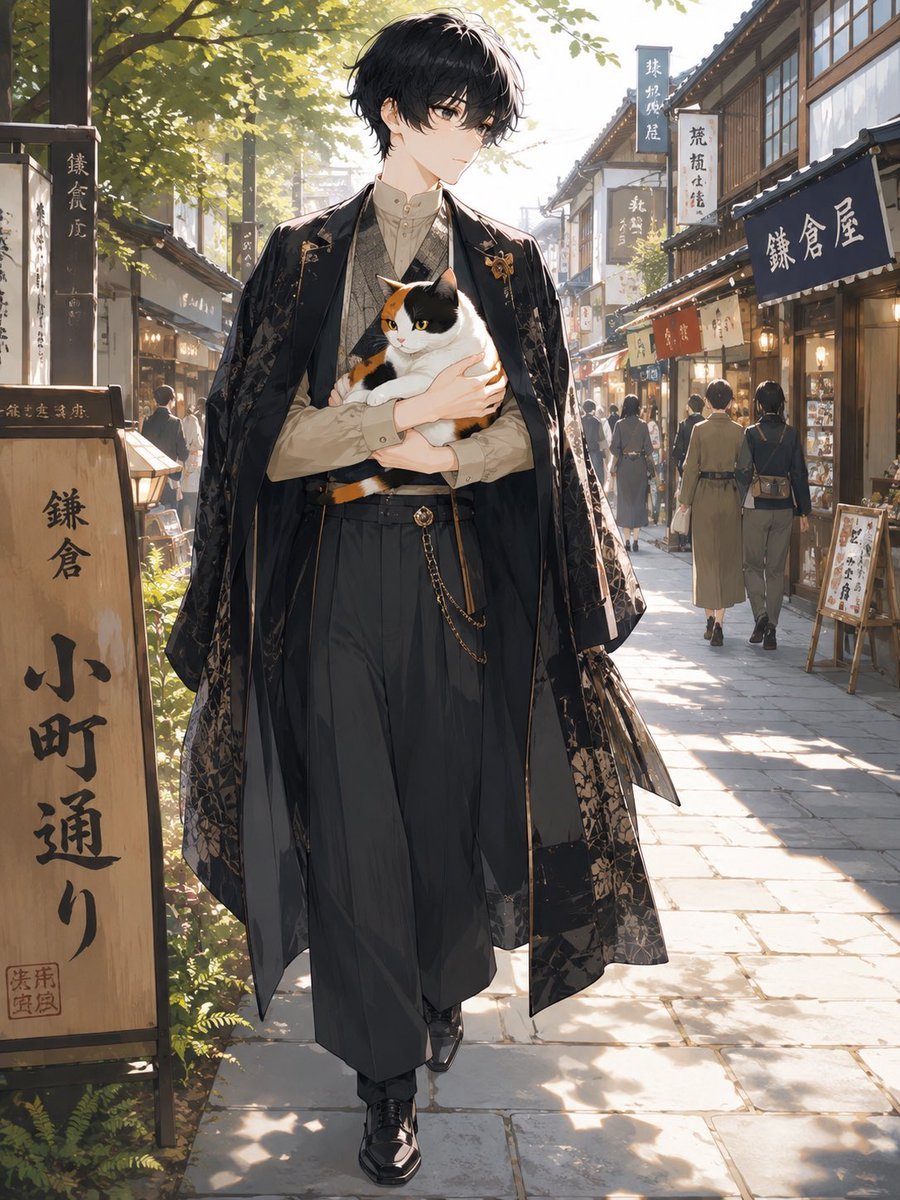
Faceless Anime Man Holding Calico Cat

Anime Catgirl in Chinese Ink Landscape
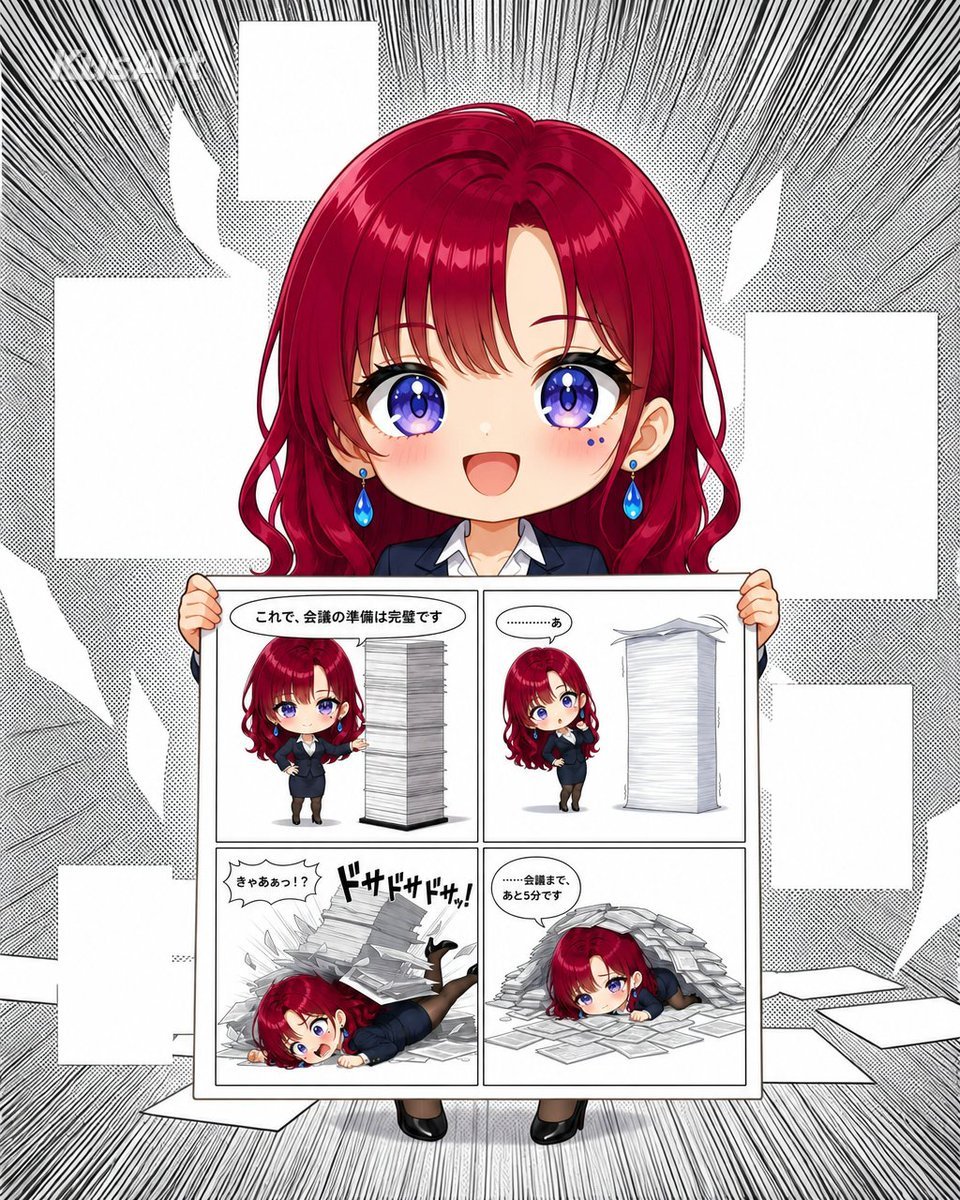
Chibi Office Girl Holding 4-Panel Manga
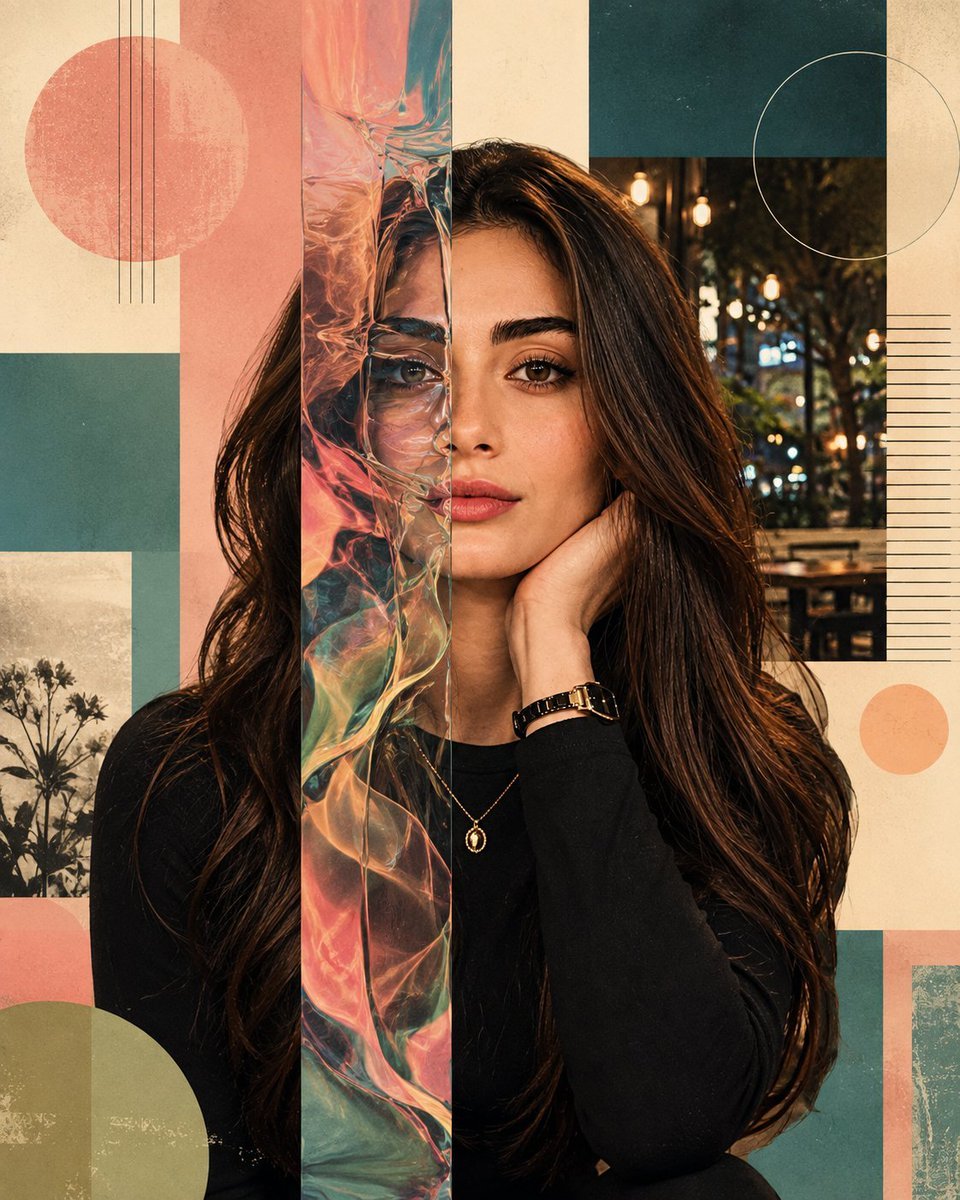
Surreal Iridescent Portrait with Tabby Cat
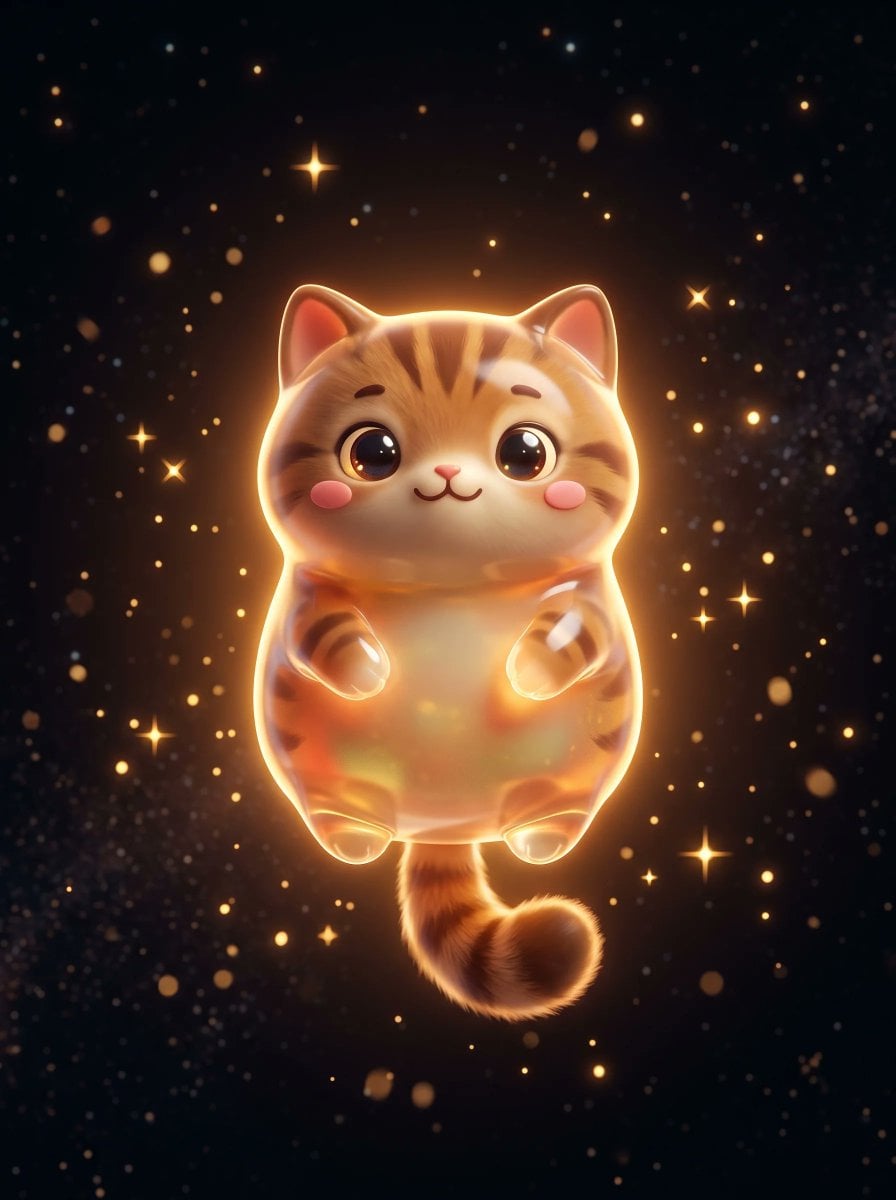
Cute Floating Glossy Space Tabby Cat

Teen Girl Alpine Lake Mountain View
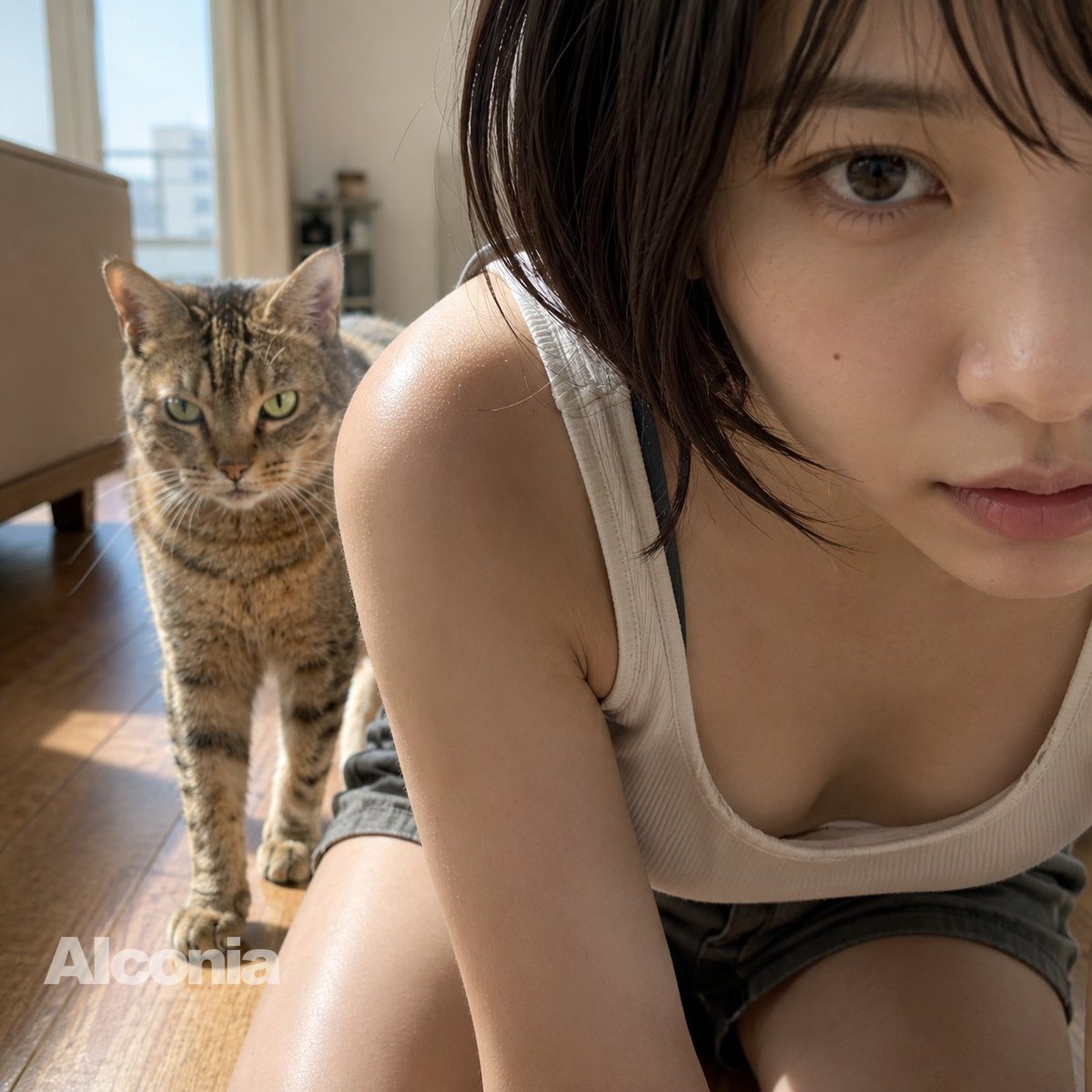
Morning Selfie With Tabby Cat

Cat-Eared Kimono Girl

Framed Quilling Anime Girl

Anime Lantern Girl Character Sheet

Anime Girl Generation Grid

Chaotic Anime Schoolgirl Fan Collage
Make it yours
Anime Girl Holding Tabby Cat works as-is. These are the safest ways to change it without losing the look.
Change one field
Copy a single group, rewrite it, and generate again so you can see what that field is doing.
Keep the frame, change the subject
Hold the composition and light of Anime Girl Holding Tabby Cat, then swap wardrobe, props or the person for a new take.
| If the result… | Why | Fix |
|---|---|---|
| The result drifts from the preview | Too many fields changed at once. | Reuse Anime Girl Holding Tabby Cat as-is first, then change one group — subject, light, or setting. |
| The model over-stylizes the scene | The prose prompt leaves finish and camera underspecified. | Add one camera or lighting sentence and stay on GPT Image 2. |
More GPT Image 2 templates
Other prompts made for GPT Image 2.

Six VTuber Japanese Logo Sheet

Realistic Portrait of Woman and Deer

The Vista Modular Condo Poster

AI Model Routing Comparison Infographic

2.5D Anime Art Board

Isometric Productivity Desk Scene

New York Double Exposure Poster

Four-Panel AI Landscape Comparison

Japanese Tatami Lifestyle Magazine Cover

NESCAFÉ Coffee Map Poster
More image prompts
Fresh picks from across the catalog.
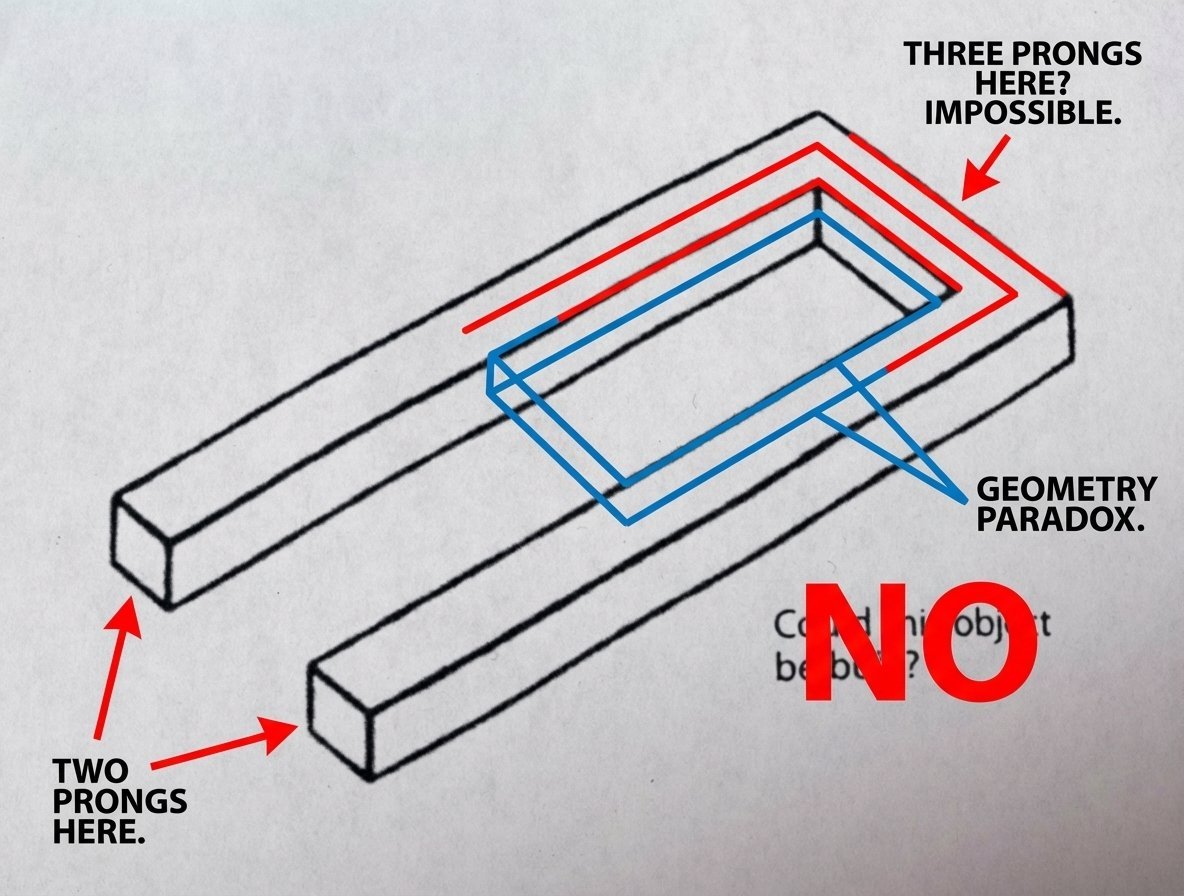
Conceptual Object Feasibility Image Prompt

Detailed Character Prompt: Young Woman Driving a Tractor

High-Fashion 'Old Money' Winter Scene
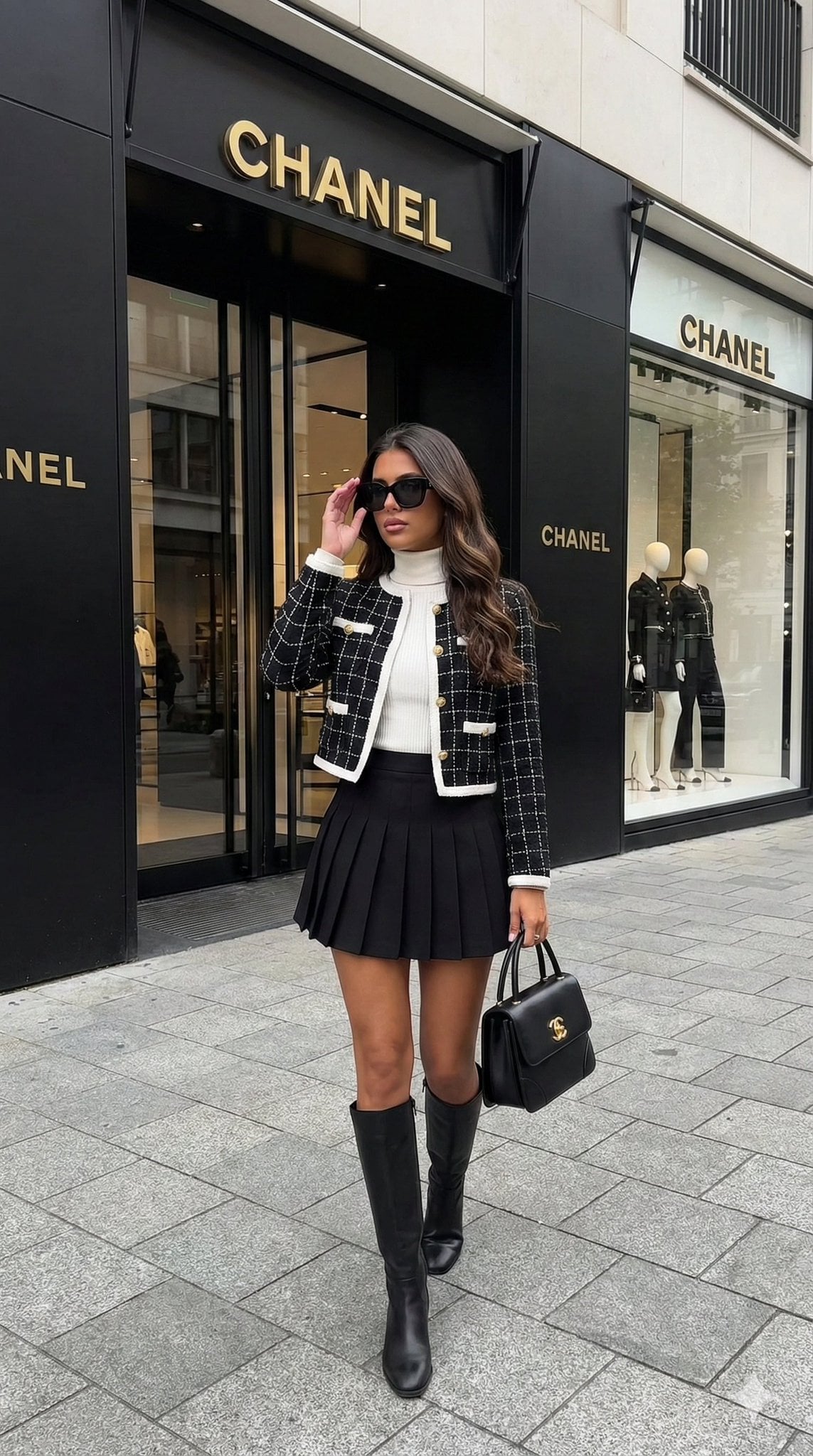
Hyper-realistic street-style lifestyle photo
Nostalgic K-Pop Idol Portrait in Hideaki Hamada Style
Kawaii Cafe Food Scrapbook Poster
Ancient Zombie (Kyonsi) in a Bamboo Forest
Luxury Sneaker Fashion Poster
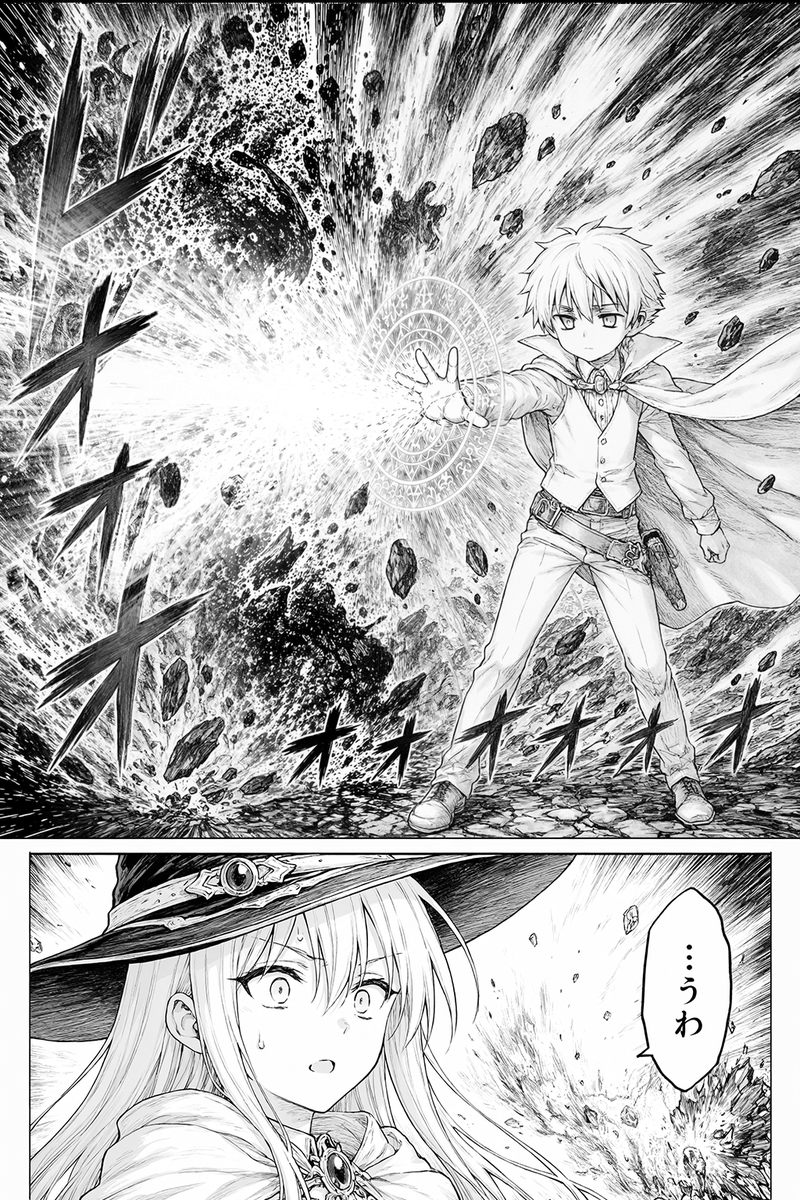
Fantasy Manga Spell Explosion Page
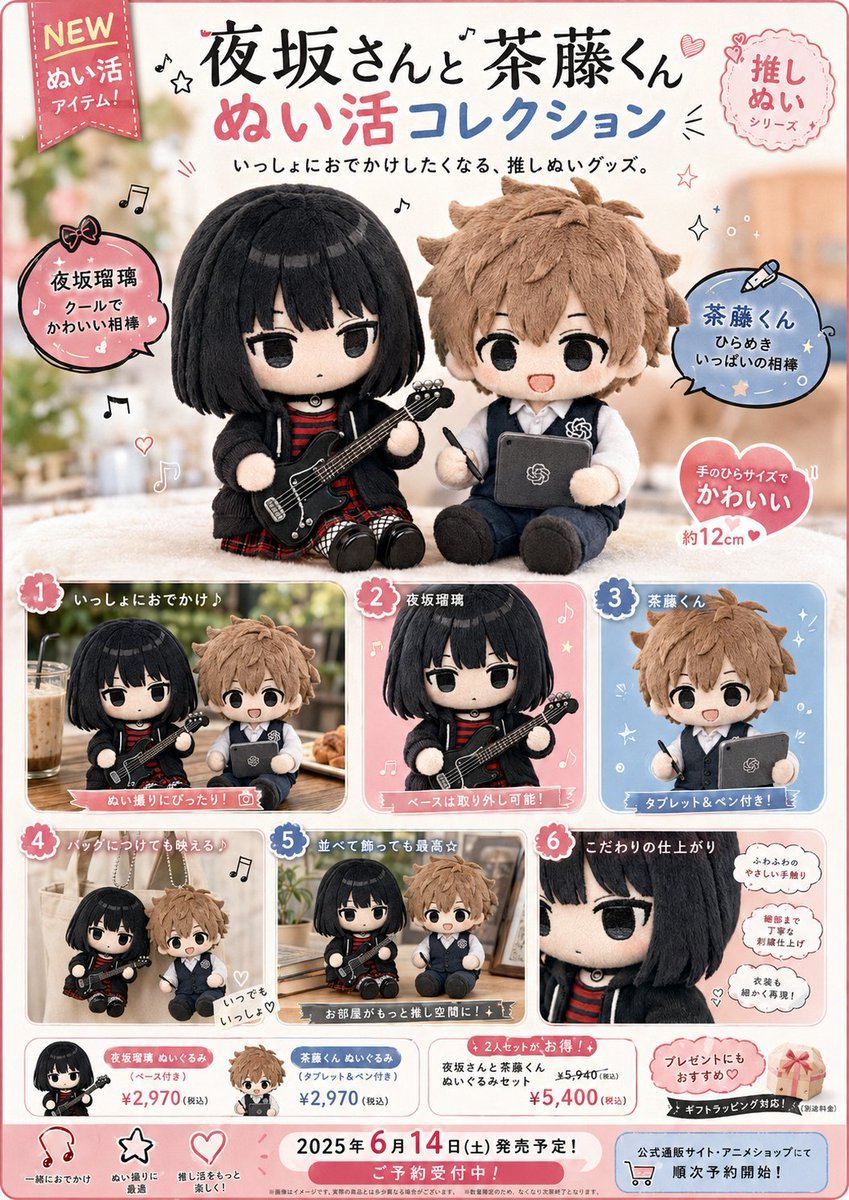
Japanese Plush Goods Ad Poster
Browse template categories
Anime Girl Holding Tabby Cat questions
How do I use the Anime Girl Holding Tabby Cat template?
Add your photo if the template asks for one, edit the prompt if you like — the template's model and format are already selected — and press Generate. Your version opens in PicX Studio.
Can I customize the Anime Girl Holding Tabby Cat template?
Yes. You can change the subject, setting, lighting, mood, format, and available model controls before creating your image.
Is the Anime Girl Holding Tabby Cat template free?
Opening and editing this template is free. Generating uses credits, shown on the Generate button when you are signed in.
Which AI model should I use?
Start with GPT Image 2, which is the model associated with this template. You can compare another compatible model for a different finish.
Looking for something else? Browse all templates.

Your photo, any look
Thousands of ready templates for every top image and video model, from one credit balance.