
High-Fashion 'Old Money' Winter Scene
A detailed JSON prompt for generating a high-fashion, 'Old Money' aesthetic photograph.
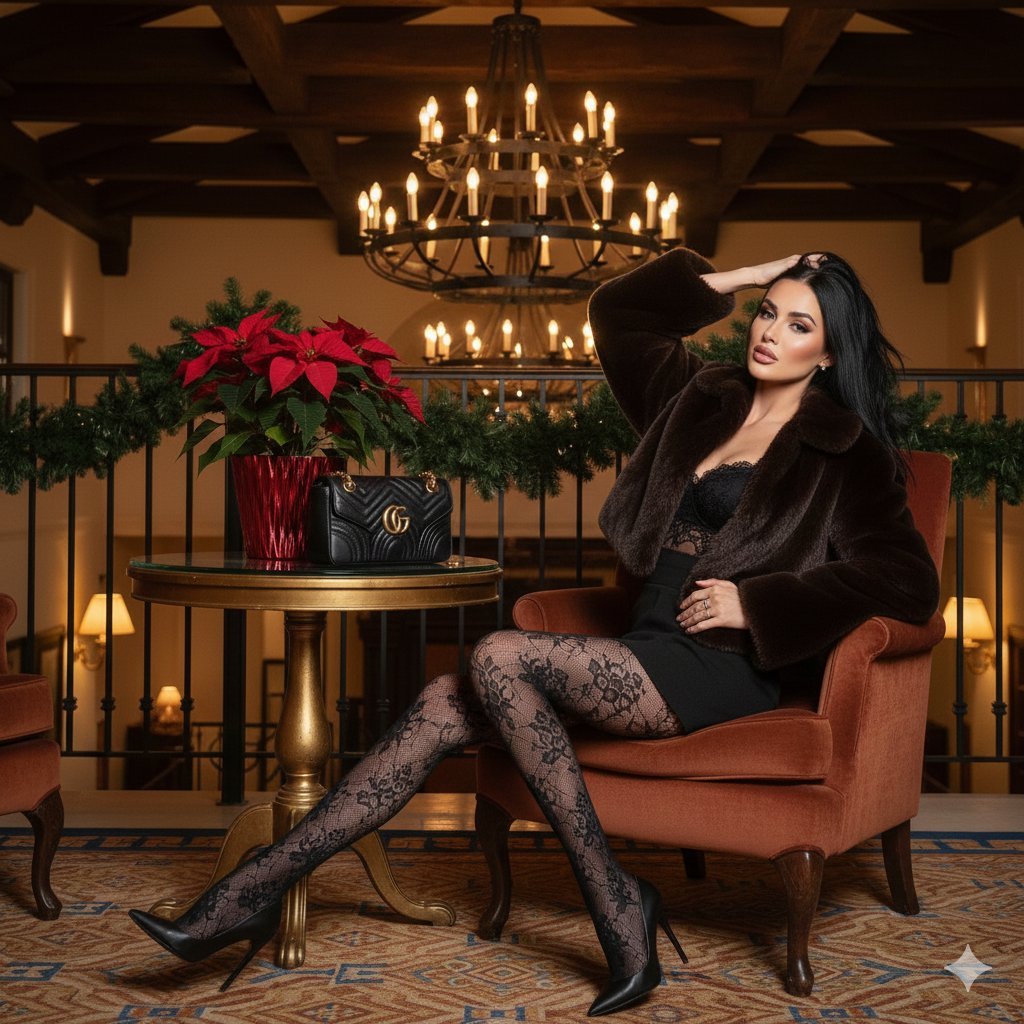
- Prompt included
- Model and format preset
- Free template
The prompt behind this image
Copy the exact prompt behind High-Fashion 'Old Money' Winter Scene, or open it in the studio and make it yours.
- Subject › Description
- A sophisticated woman with long, sleek black hair sitting cross-legged in an ornate hotel lobby.
- Subject › Pose
- Seated on a plush velvet chair, legs crossed, delicately applying lipstick while looking into a small hand mirror.
- Subject › Appearance › Hair
- Long, straight, raven-black hair with a middle part.
- Subject › Appearance › Makeup
- Soft glam, rosy cheeks, and defined lips.
- Subject › Appearance › Expression
- Focused and elegant.
- Subject › Outfit › Top
- Oversized, cropped dark chocolate brown faux-fur jacket with voluminous sleeves.
- Subject › Outfit › Bottom
- Black mini skirt or shorts.
- Subject › Outfit › Hosiery
- Intricate black floral lace patterned tights.
- Subject › Outfit › Footwear
- Classic black pointed-toe stiletto pumps.
- Environment › Setting
- Luxurious Mediterranean-style hotel interior or lodge during the winter season.
- Environment › Foreground
- A round gold pedestal table holding a vibrant red poinsettia plant in a red metallic pot and a black quilted Gucci Marmont handbag.
- Environment › Background
- Dark wood beamed ceilings, a wrought-iron balcony railing draped with pine garland, and a large tiered chandelier with glowing candle-style bulbs.
- Environment › Flooring
- Patterned vintage-style carpet with geometric blue and tan motifs.
- Technical Details › Lighting
- Warm, ambient indoor lighting with soft shadows; golden hour glow coming from background lamps.
- Technical Details › Camera Angle
- Eye-level, full-body shot.
- Technical Details › Composition
- The subject is slightly off-center to the right, balanced by the table and floral arrangement on the left.
- Technical Details › Color Palette
- Deep chocolate brown, Classic black, Poinsettia red, Warm gold, Creamy white
- Technical Details › Aesthetic
- High-fashion, holiday luxury, 'Old Money' winter style.
Raw JSON
{
  "subject": {
    "description": "A sophisticated woman with long, sleek black hair sitting cross-legged in an ornate hotel lobby.",
    "pose": "Seated on a plush velvet chair, legs crossed, delicately applying lipstick while looking into a small hand mirror.",
    "appearance": {
      "hair": "Long, straight, raven-black hair with a middle part.",
      "makeup": "Soft glam, rosy cheeks, and defined lips.",
      "expression": "Focused and elegant."
    },
    "outfit": {
      "top": "Oversized, cropped dark chocolate brown faux-fur jacket with voluminous sleeves.",
      "bottom": "Black mini skirt or shorts.",
      "hosiery": "Intricate black floral lace patterned tights.",
      "footwear": "Classic black pointed-toe stiletto pumps."
    }
  },
  "environment": {
    "setting": "Luxurious Mediterranean-style hotel interior or lodge during the winter season.",
    "foreground": "A round gold pedestal table holding a vibrant red poinsettia plant in a red metallic pot and a black quilted Gucci Marmont handbag.",
    "background": "Dark wood beamed ceilings, a wrought-iron balcony railing draped with pine garland, and a large tiered chandelier with glowing candle-style bulbs.",
    "flooring": "Patterned vintage-style carpet with geometric blue and tan motifs."
  },
  "technical_details": {
    "lighting": "Warm, ambient indoor lighting with soft shadows; golden hour glow coming from background lamps.",
    "camera_angle": "Eye-level, full-body shot.",
    "composition": "The subject is slightly off-center to the right, balanced by the table and floral arrangement on the left.",
    "color_palette": ["Deep chocolate brown", "Classic black", "Poinsettia red", "Warm gold", "Creamy white"],
    "aesthetic": "High-fashion, holiday luxury, 'Old Money' winter style."
  }
}How to use High-Fashion 'Old Money' Winter Scene in 3 steps
- 1
Open
The prompt is already in the box next to the preview, with the template's model and format selected.
- 2…a portrait of your subject in softgolden-hour light, 85mm…
Personalize
Edit the subject and creative details for your destination.
- 3Generate
Generate
Press Generate — your image is created in PicX Studio, so you can compare it with the original and refine one variable at a time.
More like this
Templates with the same subject, style or setup. Open one to see its prompt.
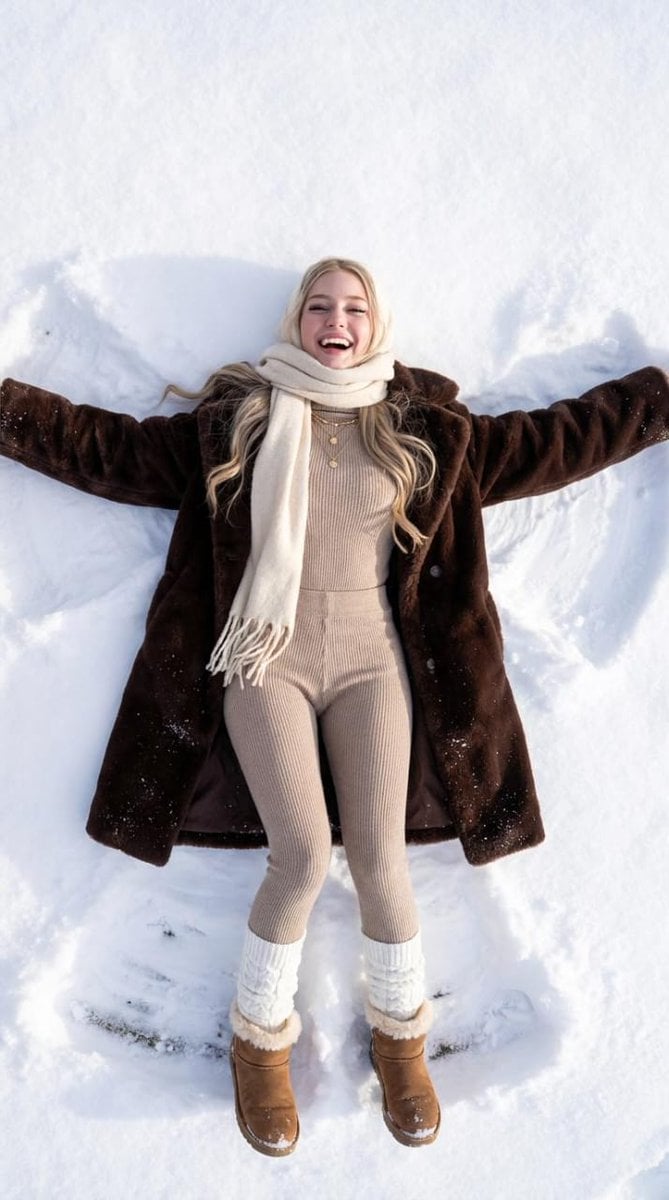
Joyful Snow Angel in 'Old Money' Winter Fashion
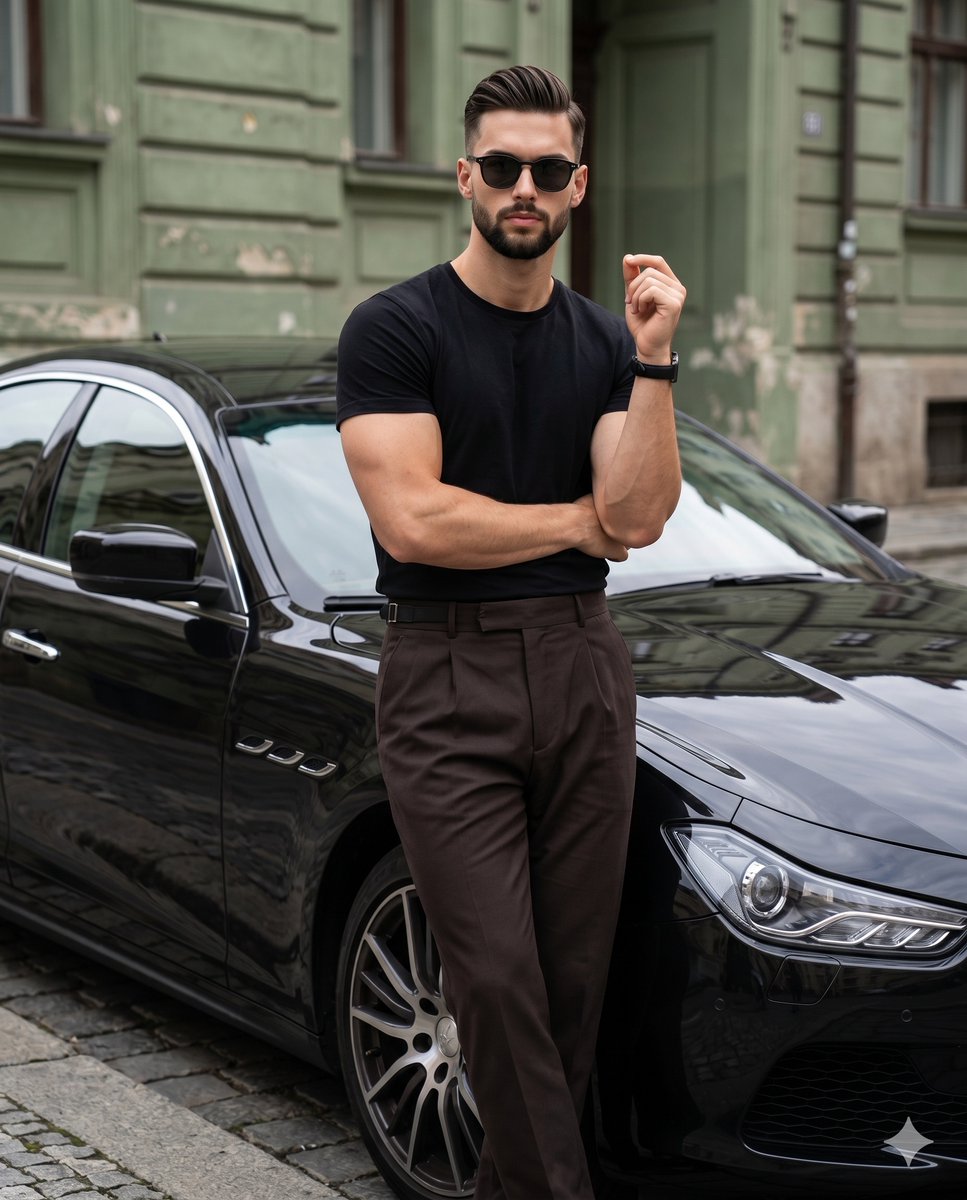
Old Money Editorial Fashion Portrait
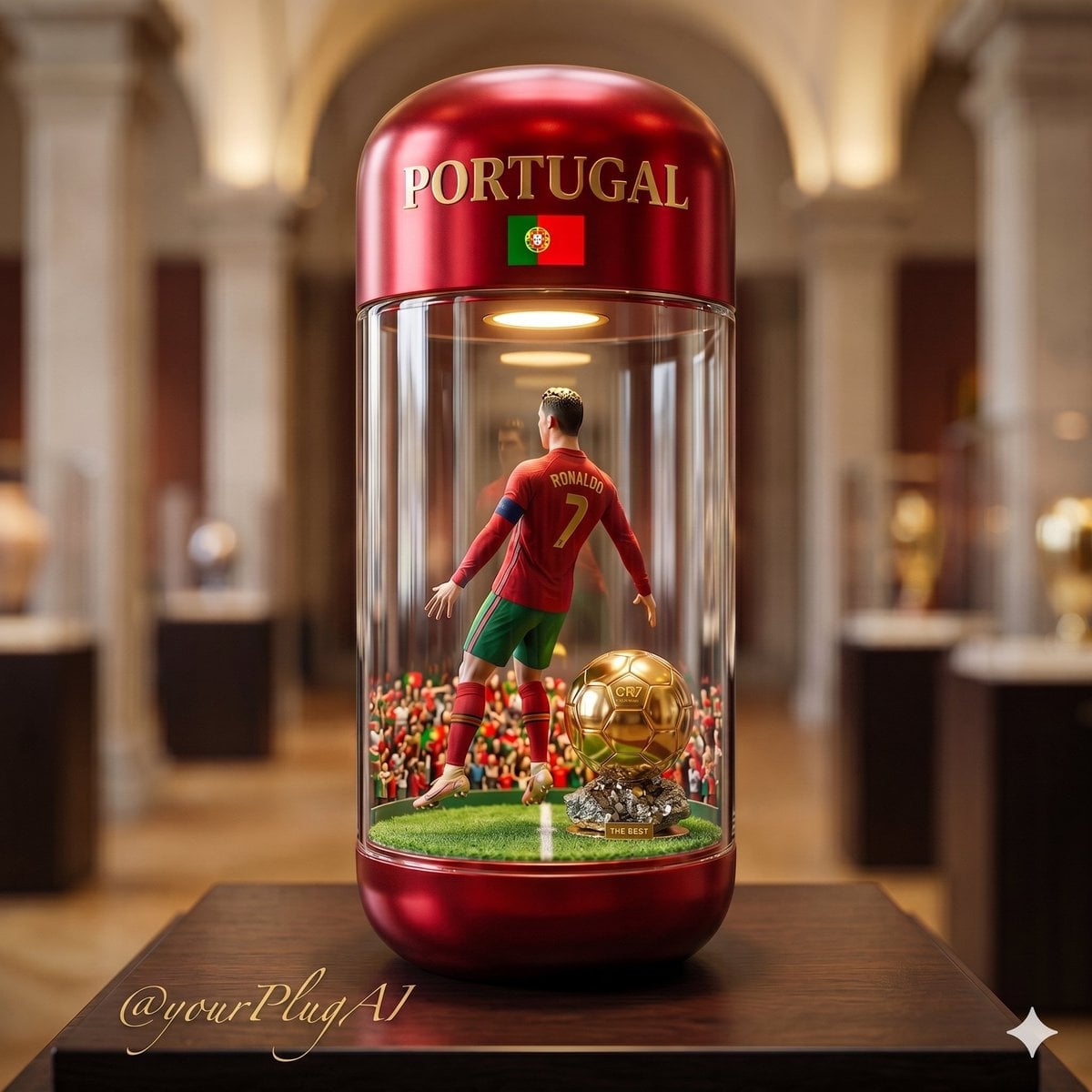
Gold Dust Hourglass
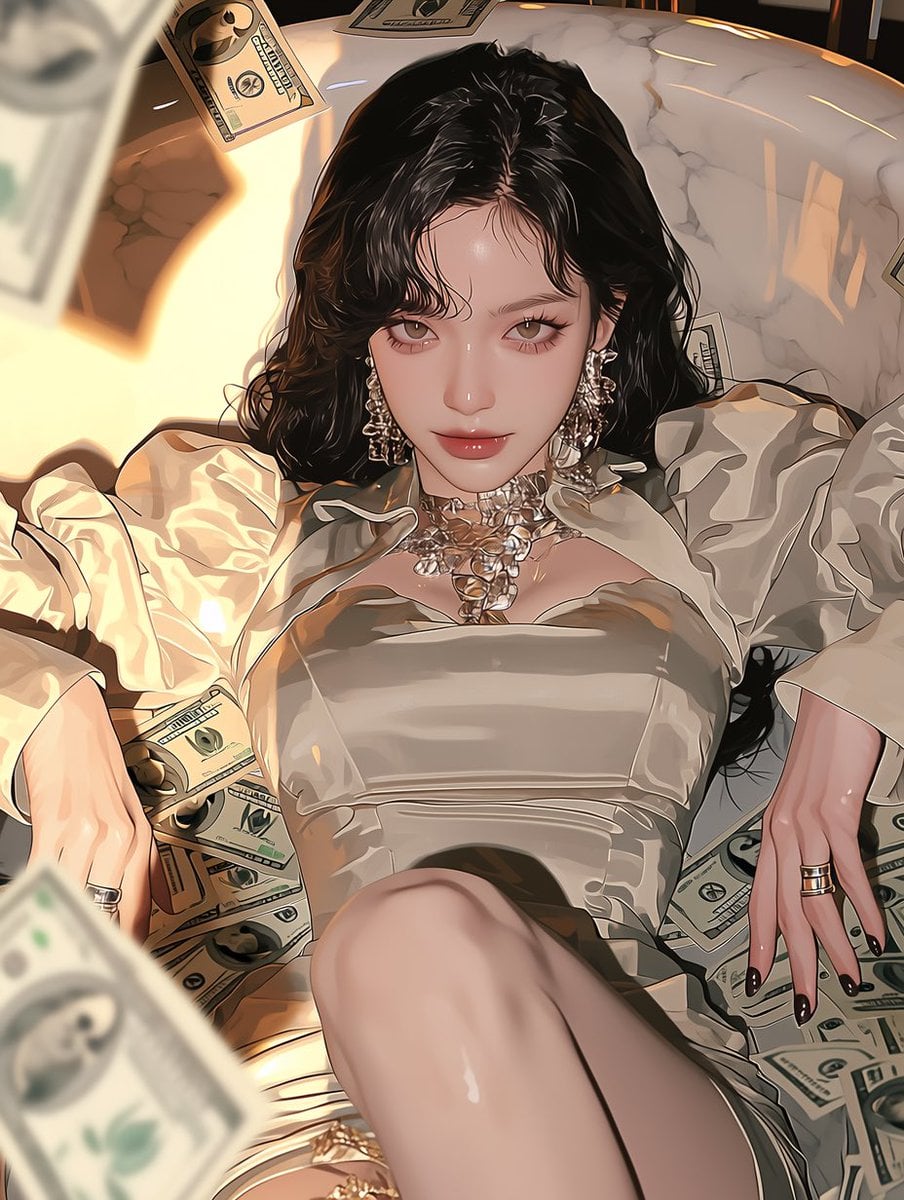
Money Tree Bonsai Gold
Gold Dust Makeup Money
Gold Coin Rain Umbrella
Old Money Desk Still Life
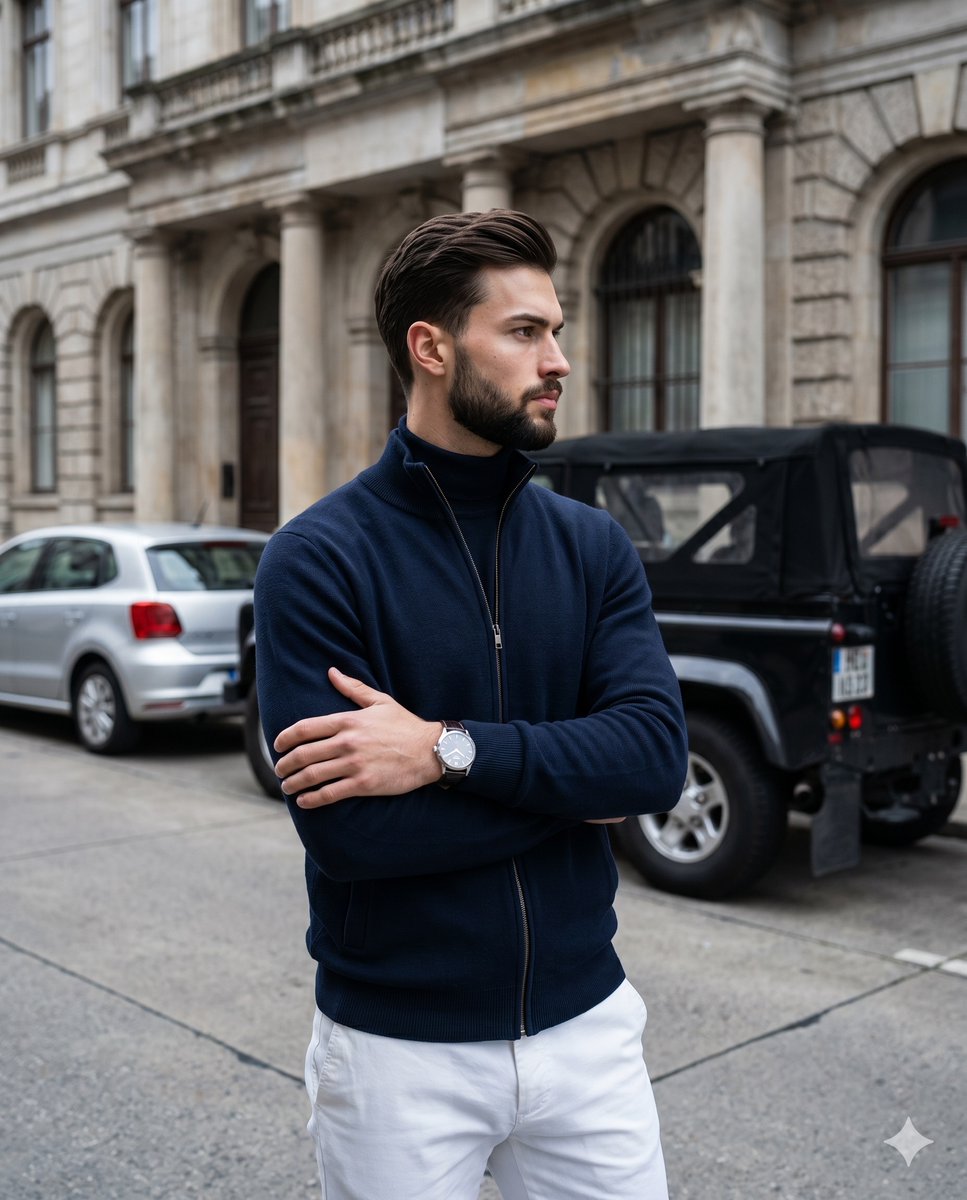
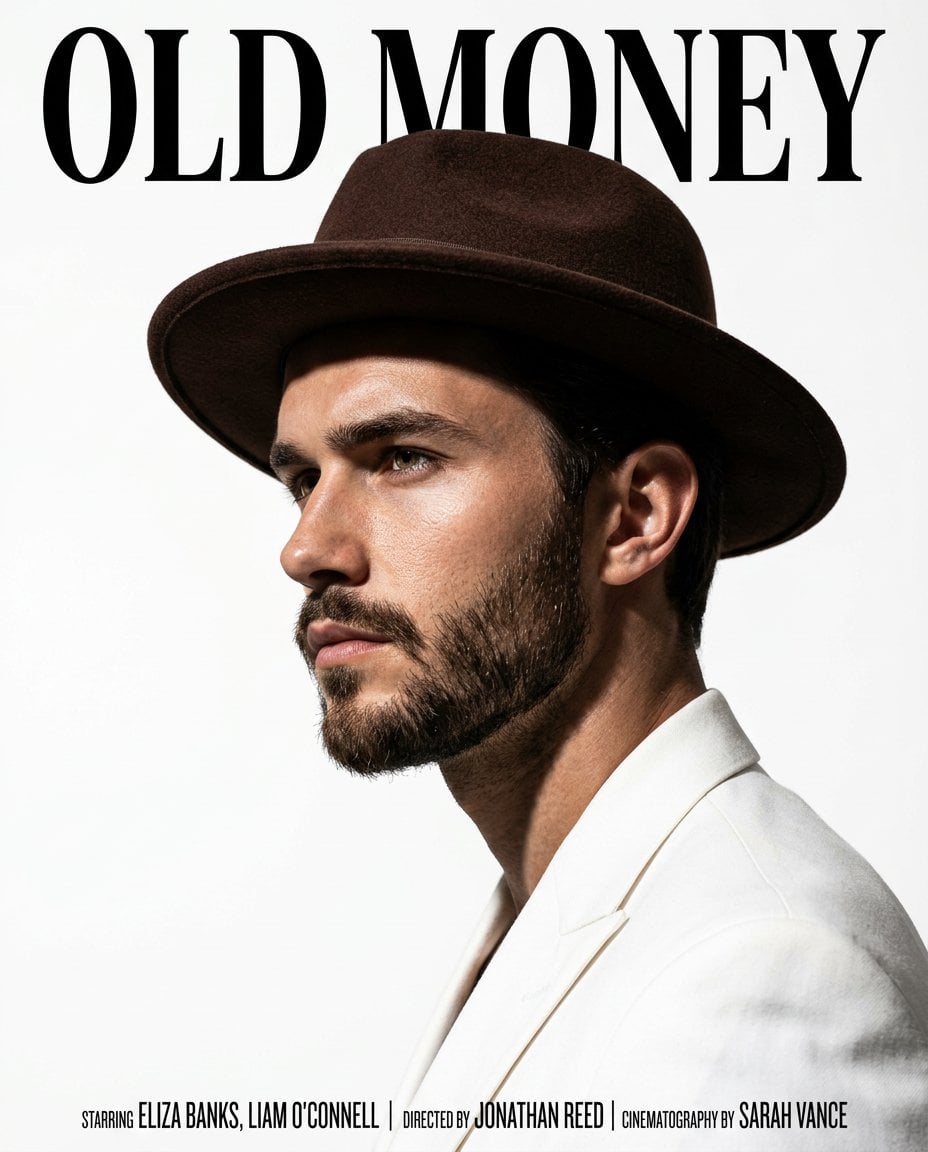
Old Money Men's Fashion Portrait

80s College Gate

1988 Mall Style

80s Polka Dot Saree
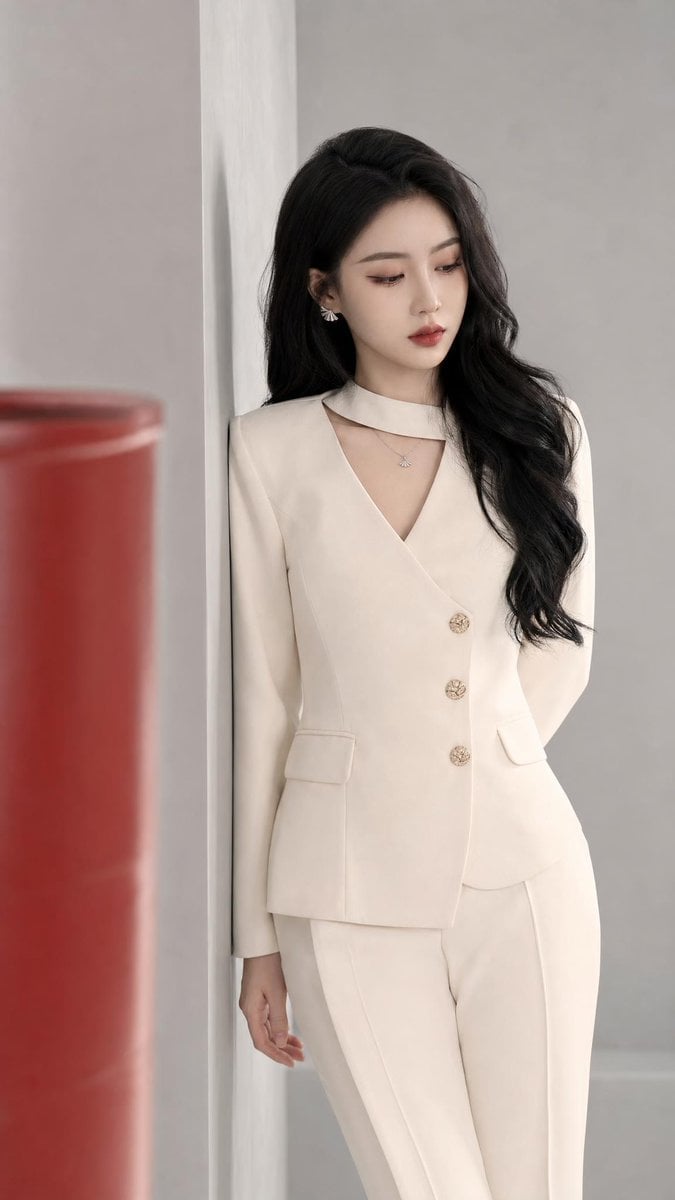
Old Money Aesthetic Asian Female Portrait
Make it yours
High-Fashion 'Old Money' Winter Scene works as-is. These are the safest ways to change it without losing the look.
Swap the setting
Keep the rest of the prompt and replace the location block. The current setting is “Luxurious Mediterranean-style hotel interior or lodge during the winter season.”.
Swap the light
One lighting change is enough to compare takes. Current light: “Warm, ambient indoor lighting with soft shadows; golden hour glow coming from ba”.
Change one field
Copy a single group, rewrite it, and generate again so you can see what that field is doing.
| If the result… | Why | Fix |
|---|---|---|
| The result drifts from the preview | Too many fields changed at once. | Reuse High-Fashion 'Old Money' Winter Scene as-is first, then change one group — subject, light, or setting. |
| Nano Banana 2 ignores part of the JSON | Some models flatten or skip nested keys. | Keep the same values and paste them as a short paragraph instead. |
More Nano Banana 2 templates
Other prompts made for Nano Banana 2.

Photorealistic Leaf Shaped Like a Dragon

K-Pop Idol Portrait Grid for Rapid Selection

Poetic Rain Forest Portrait During Golden Hour

Urban Street Portrait with Cartoon Inner Self Duo

Candid Nighttime Photo with Cat Prompt

High-Concept 3D Diorama Generation Prompt

Cinematic Futuristic Studio Portrait Template

Skincare Editorial Photography Collage Prompt

Hyper-Realistic Commercial Product Photography (Splash Effect)

Hyper-Realistic Nightclub Portrait Prompt
More image prompts
Fresh picks from across the catalog.
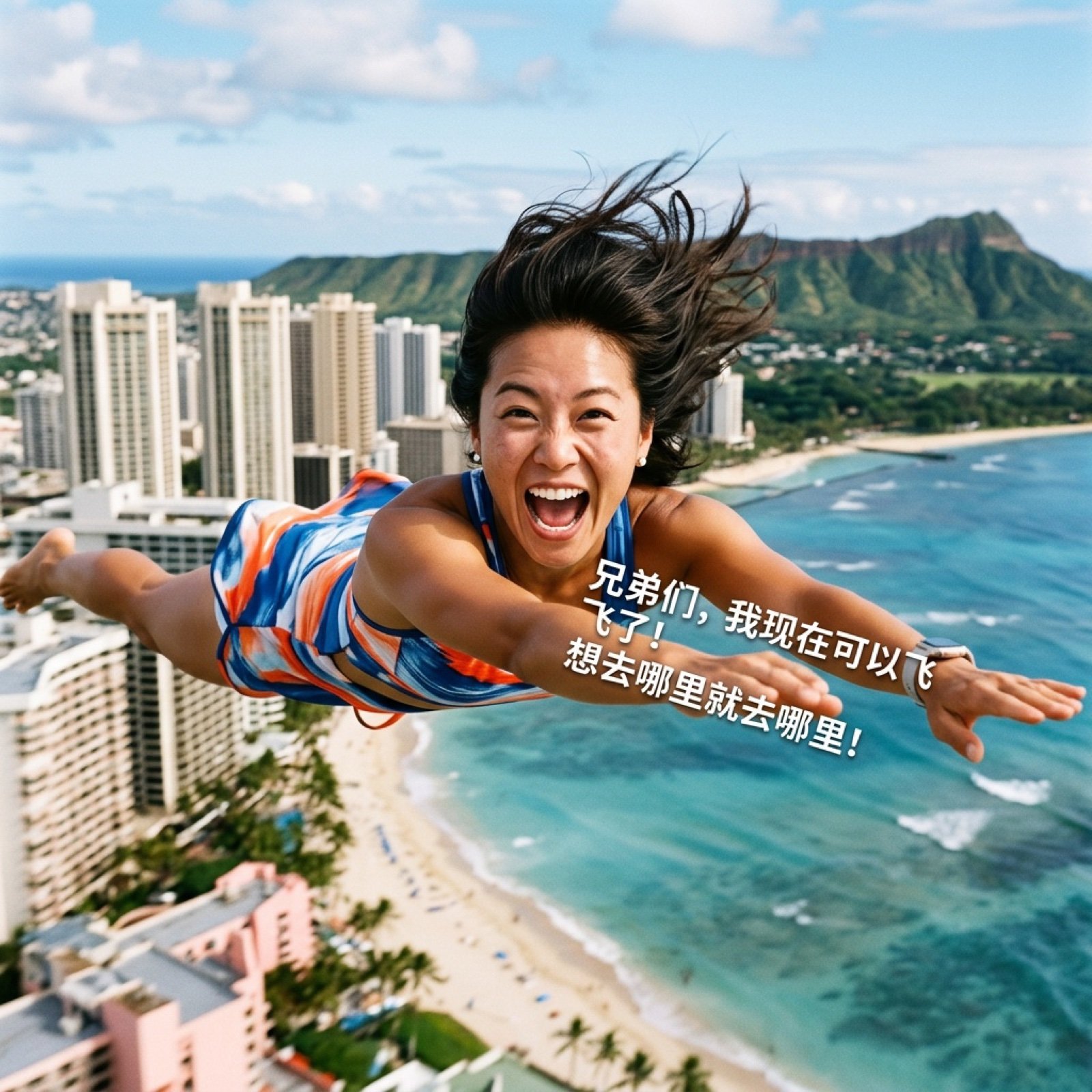
AI Video Generation Prompt for Flying Superhero
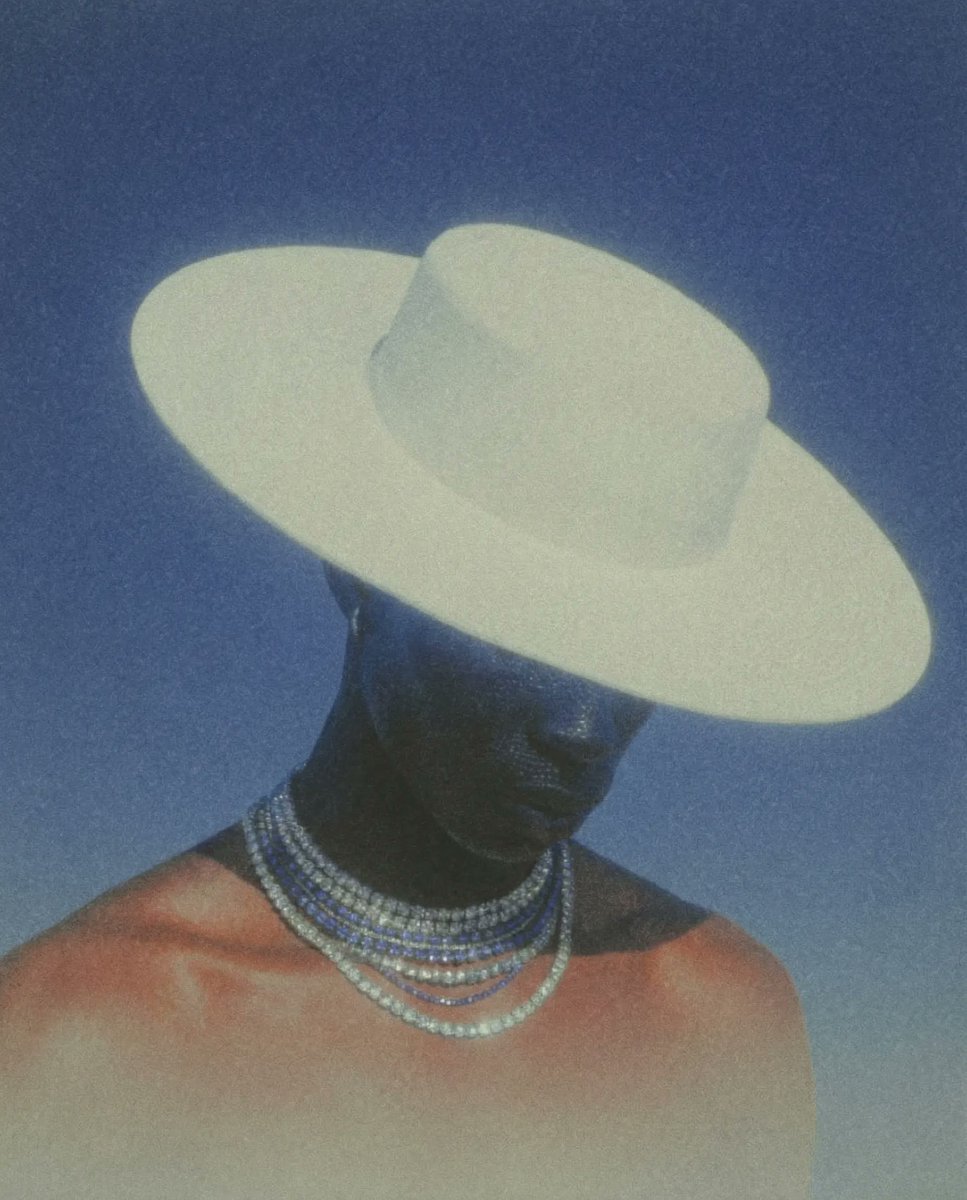
Image Consistency and Style Transfer Prompt
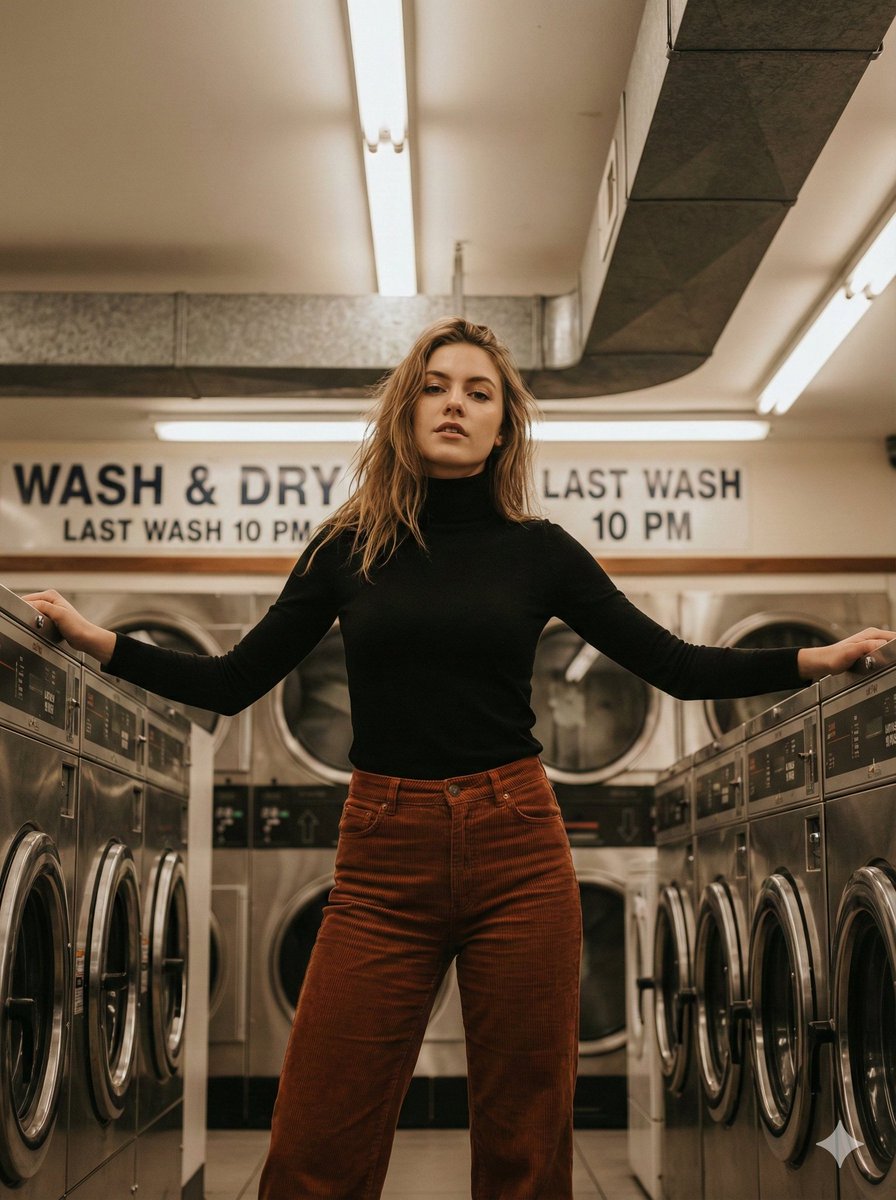
Editorial Lifestyle Portrait in an Urban Laundromat
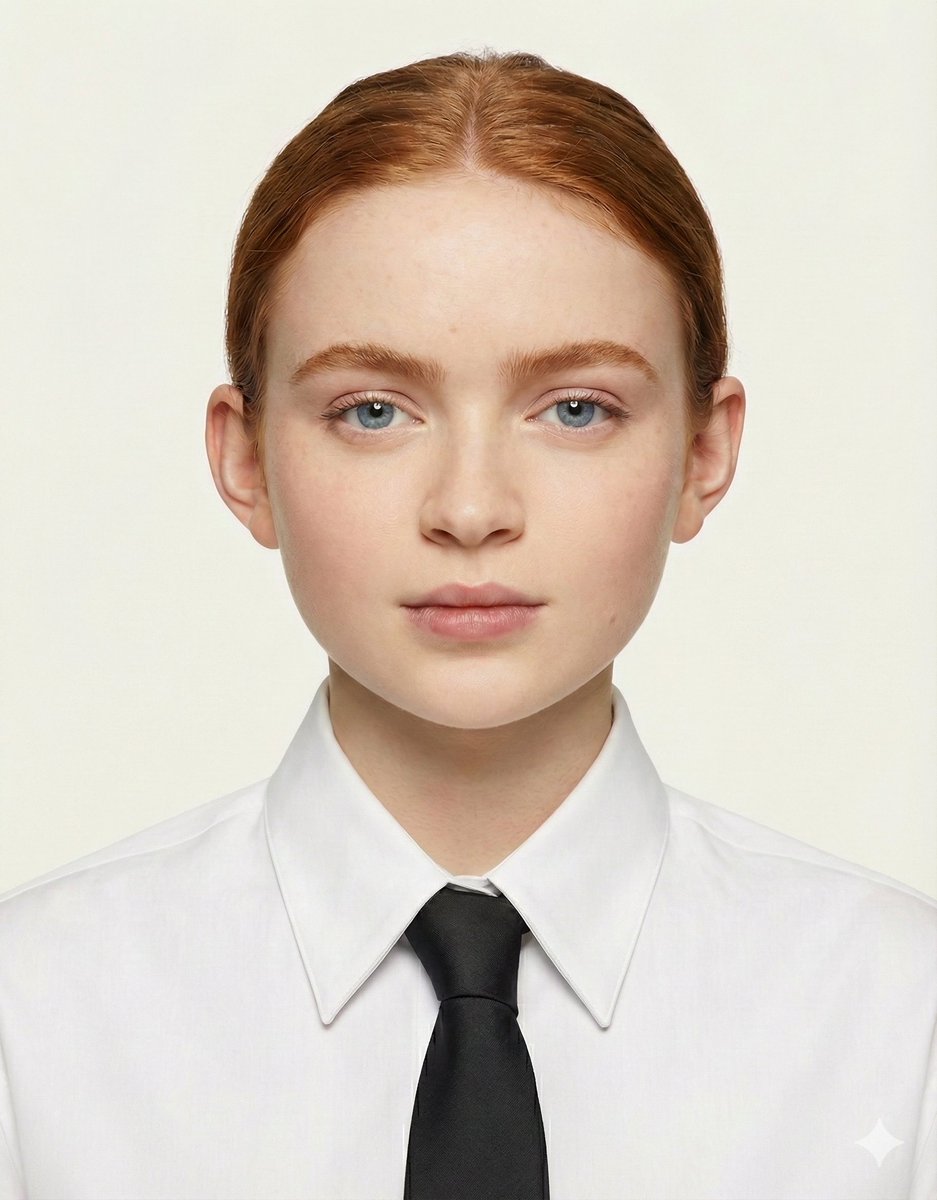
Passport Size Image Generator
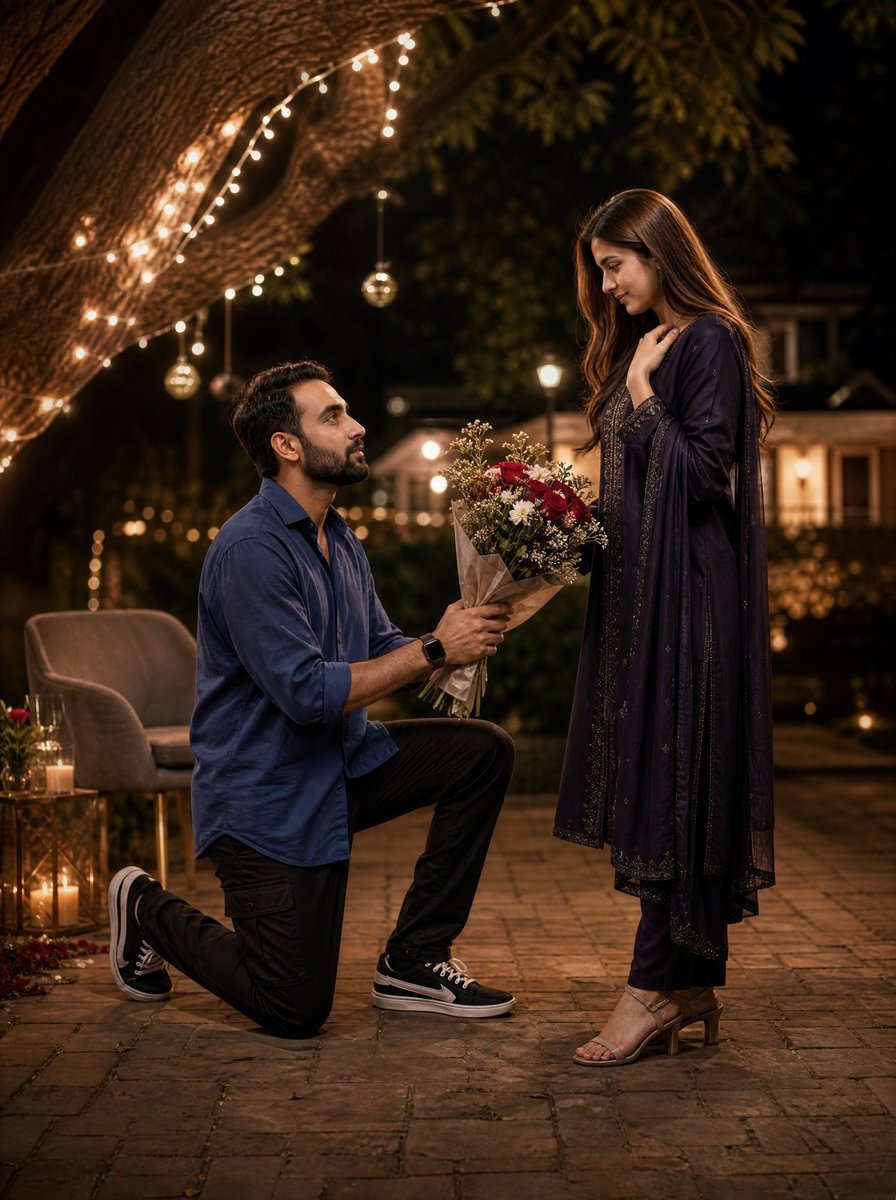
Night Park Proposal Portrait
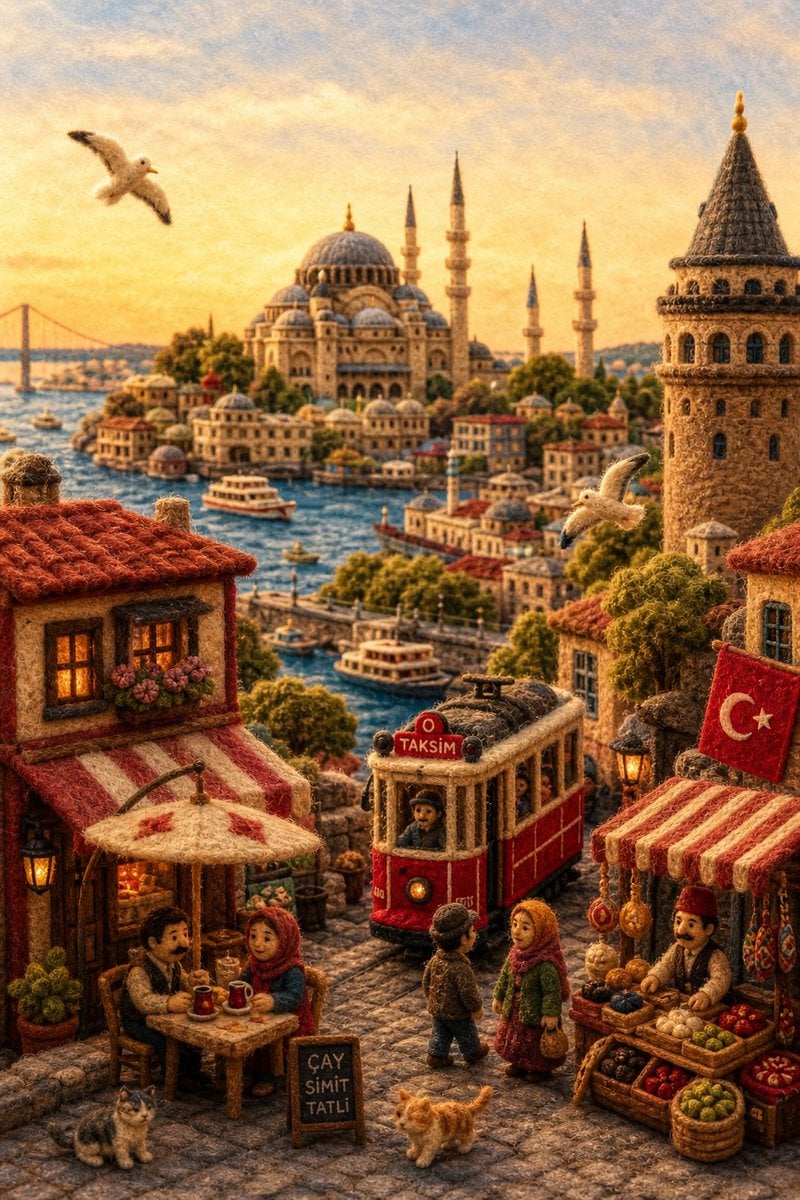
Needle-Felt Country Diorama
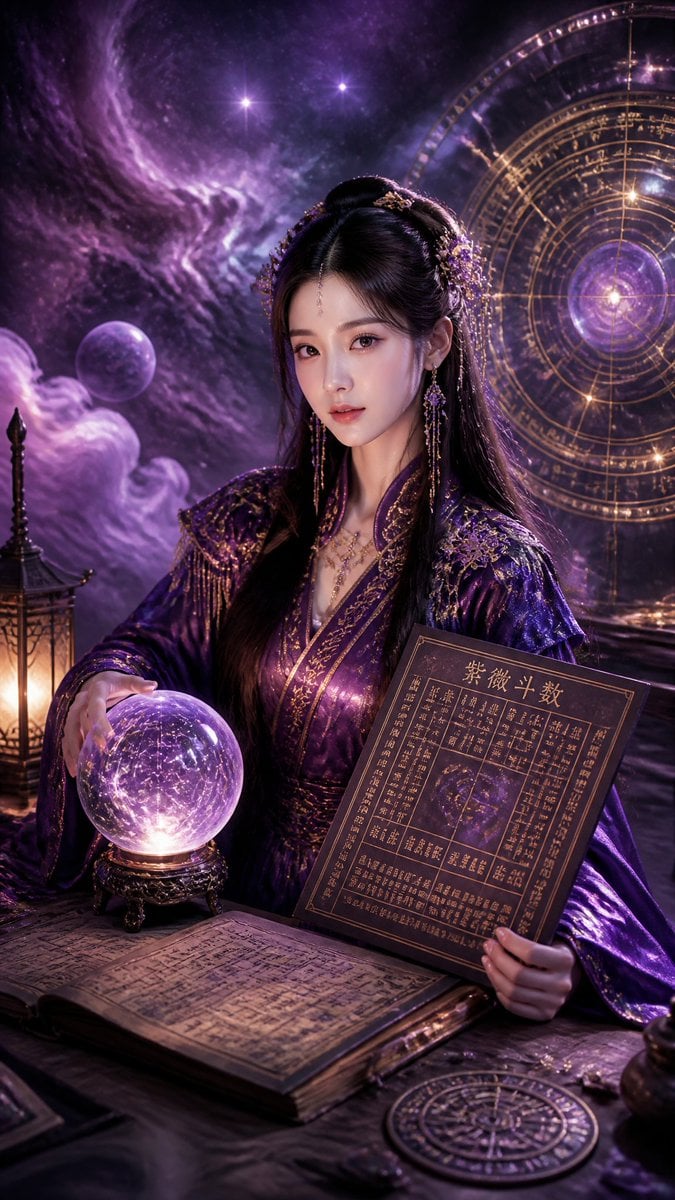
Cyberpunk Hanfu Mystic Diviner
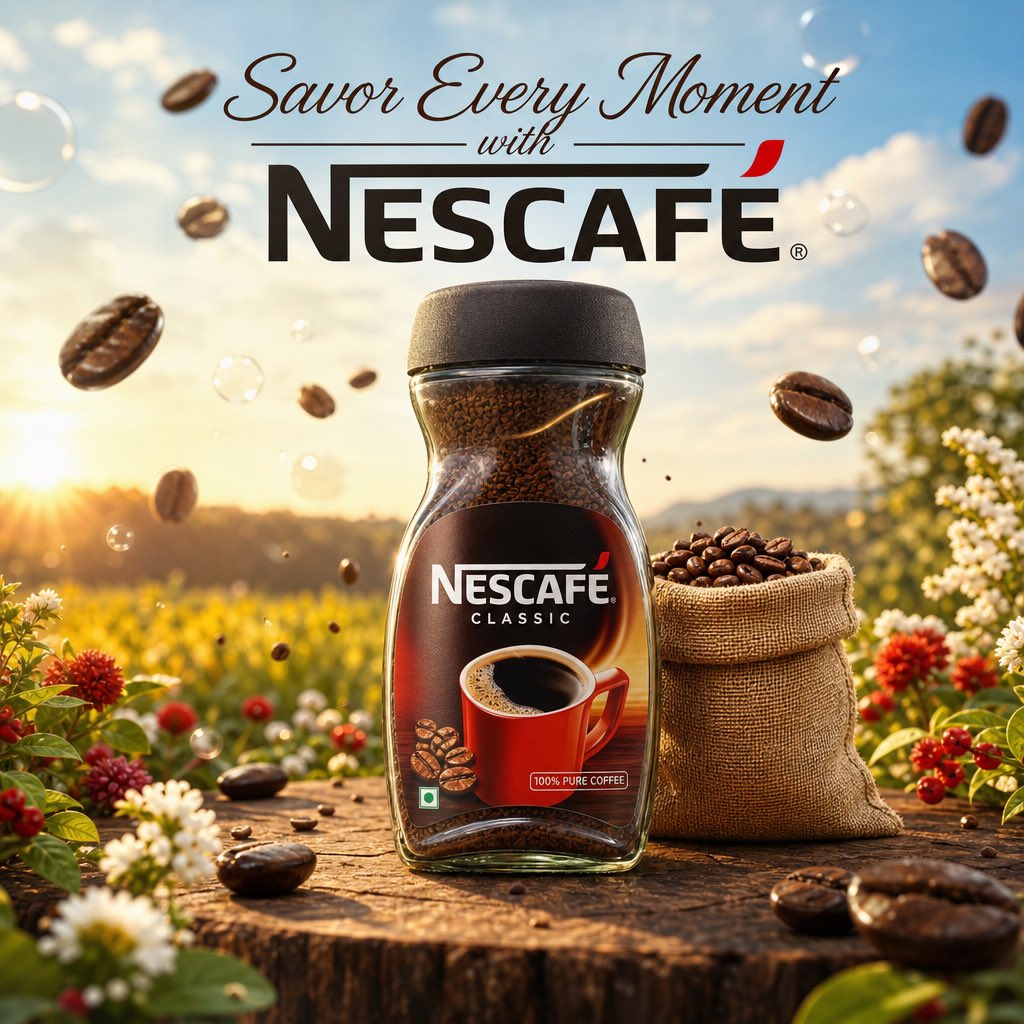
Cinematic Nescafé Product Advertisement
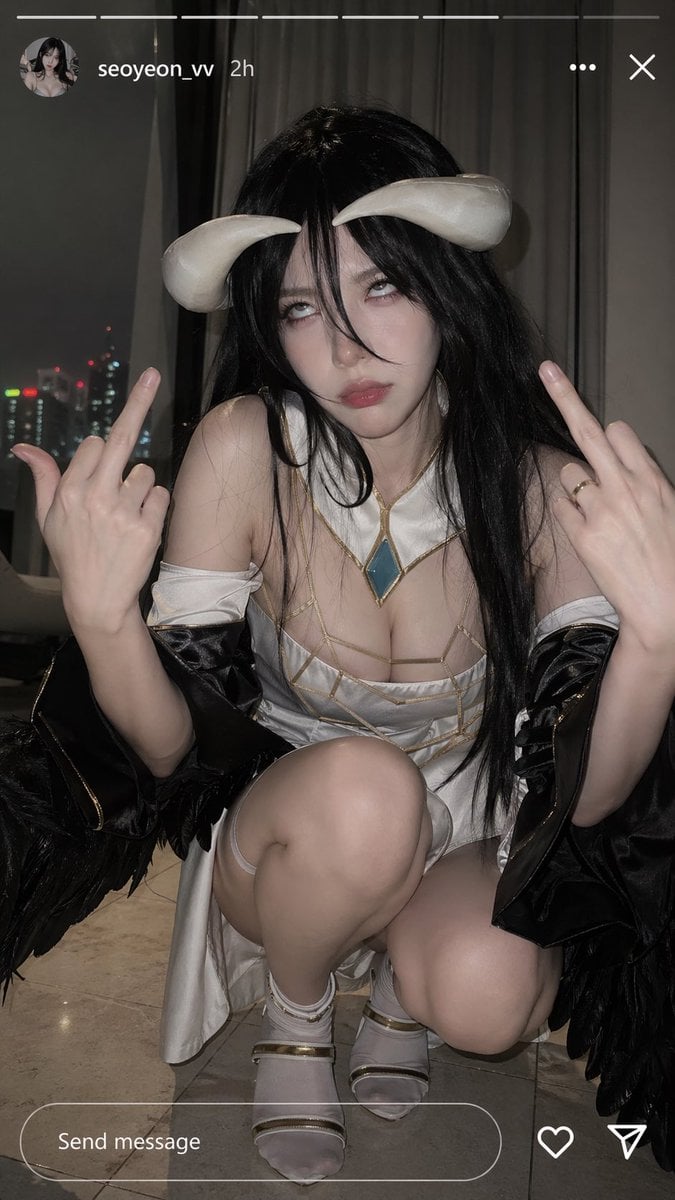
Albedo Cosplay Instagram Story
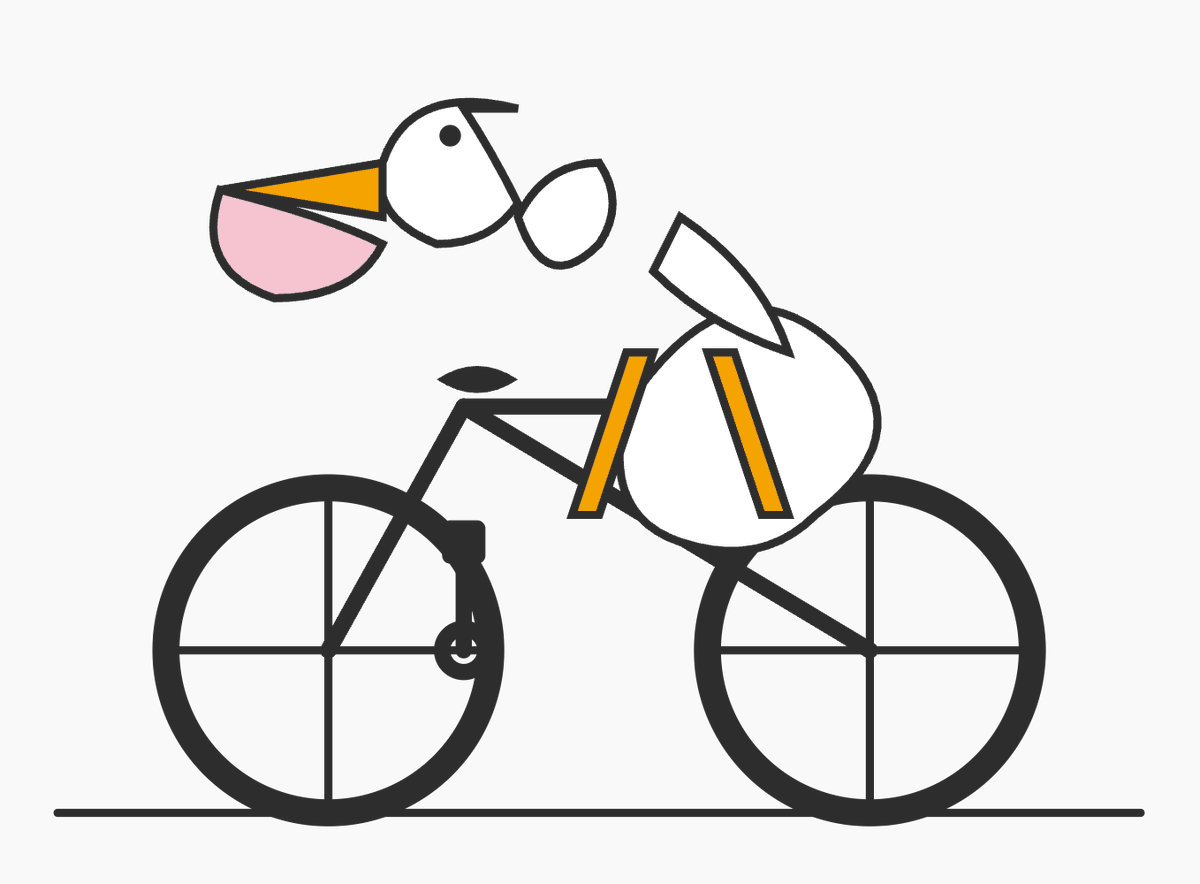
Geometric Bird Riding Bicycle
Browse template categories
High-Fashion 'Old Money' Winter Scene questions
How do I use the High-Fashion 'Old Money' Winter Scene template?
Add your photo if the template asks for one, edit the prompt if you like — the template's model and format are already selected — and press Generate. Your version opens in PicX Studio.
Can I customize the High-Fashion 'Old Money' Winter Scene template?
Yes. You can change the subject, setting, lighting, mood, format, and available model controls before creating your image.
Is the High-Fashion 'Old Money' Winter Scene template free?
Opening and editing this template is free. Generating uses credits, shown on the Generate button when you are signed in.
Which AI model should I use?
Start with Nano Banana 2, which is the model associated with this template. You can compare another compatible model for a different finish.
Looking for something else? Browse all templates.

Your photo, any look
Thousands of ready templates for every top image and video model, from one credit balance.