
Night Park Proposal Portrait
Generates a cinematic full-body romantic proposal scene in a fairy-lit nighttime garden, ideal for couple portrait edits or romantic poster concepts.
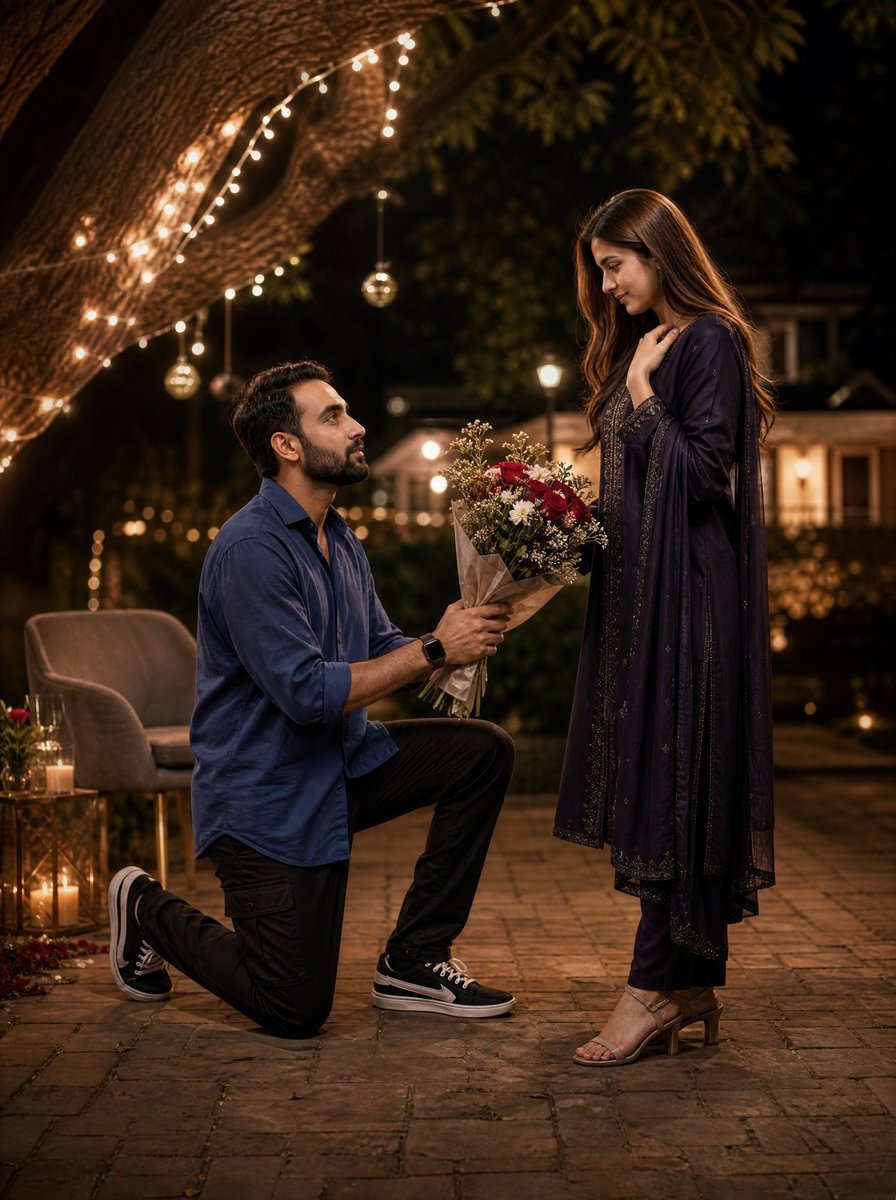
- Prompt included
- Model and format preset
- Free template
The prompt behind this image
Copy the exact prompt behind Night Park Proposal Portrait, or open it in the studio and make it yours.
Create an ultra-realistic cinematic 4:5 full-body romantic proposal portrait in a dreamy nighttime park. A handsome young man with {argument name="man's facial identity" default="a softly anonymized face matching the provided male identity"} kneels on one knee on a warm stone-paved pathway, facing a graceful young woman with {argument name="woman's facial identity" default="a softly anonymized face matching the provided female identity"}. He wears a relaxed cobalt-blue button-up shirt with sleeves rolled to the forearms, black cargo-style pants, a black smartwatch, and black low-top sneakers with white soles and laces. He holds a large bouquet of red and white flowers with small baby's-breath filler, wrapped in brown kraft paper, offering it upward with both hands. The woman stands in front of him, slightly surprised and touched, one hand near her collarbone, wearing an elegant deep {argument name="woman's outfit color" default="midnight purple"} embroidered South Asian-style long dress with a matching flowing dupatta, slim pants, and beige block-heel sandals. The setting includes exactly one massive tree trunk sweeping diagonally across the upper left, wrapped with warm white fairy lights, plus two small hanging glass ornament lights under the branch. In the left background, include exactly two upholstered lounge chairs and a small round side table with candles and wine glasses; add one floor lantern with glowing candles beside them. In the far background, show a softly blurred garden, warm bokeh pathway lights, and a cozy house or gazebo with illuminated windows. Use golden-hour-like warm artificial lighting at night, shallow depth of field, romantic bokeh, realistic skin and fabric texture, cinematic contrast, full-body framing from ground to above the tree lights, vertical composition, no text, no watermark, no extra people. The mood should be intimate, elegant, and heartfelt, like a surprise proposal photograph captured with a professional full-frame camera and fast portrait lens.
How to use Night Park Proposal Portrait in 3 steps
- 1Upload ImagePNG, JPG or paste
Add your photo
Upload the photo the template builds on. The prompt, model and format are already set.
- 2…a portrait of your subject in softgolden-hour light, 85mm…
Personalize
Edit the subject and creative details for your destination.
- 3Generate
Generate
Press Generate — your image is created in PicX Studio, so you can compare it with the original and refine one variable at a time.
More like this
Templates with the same subject, style or setup. Open one to see its prompt.
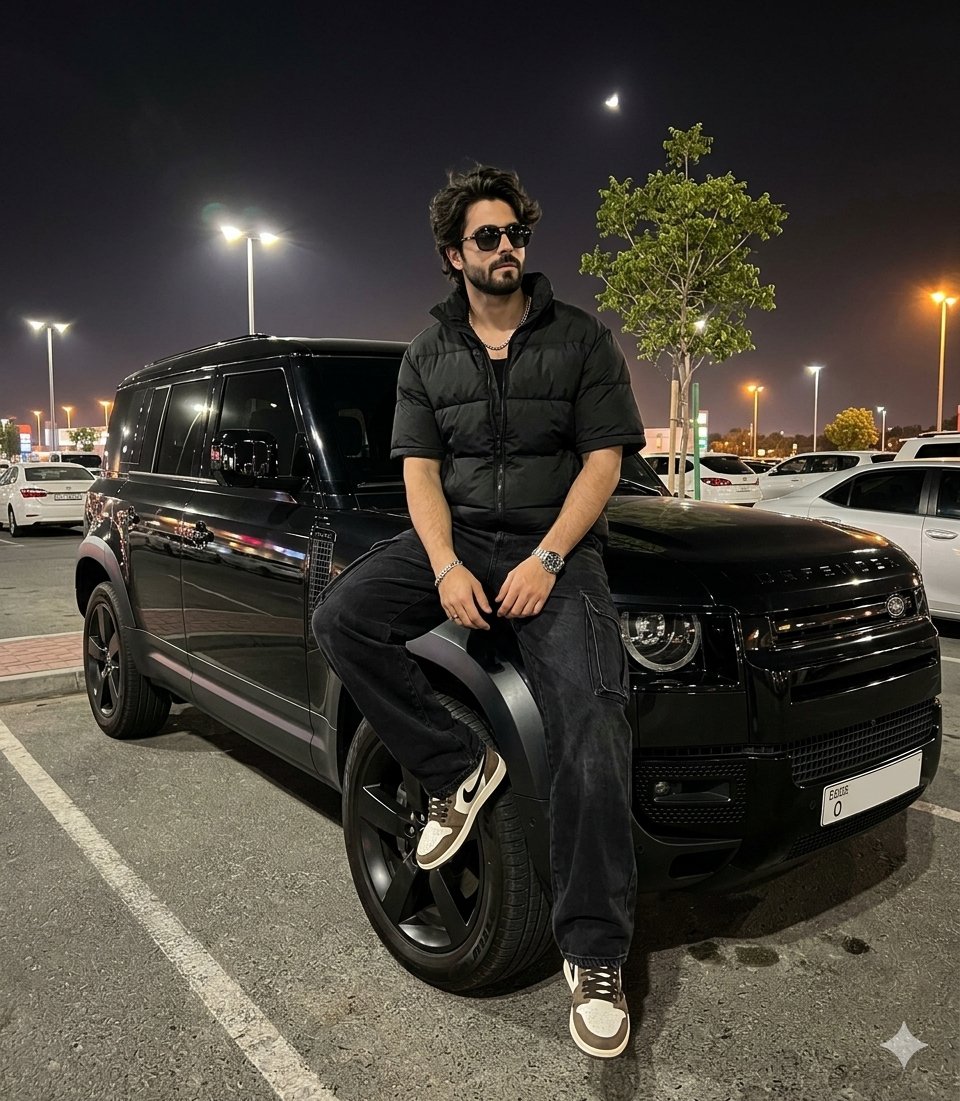
Night Parking Defender Car Portrait

Found Photograph: Us, 1970

80s Couple Studio Portrait

80s Bollywood Star

80s Golden Hour Cinema

Me in 1985

1985 Studio Portrait

Hyper-Realistic Minecraft POV Portrait
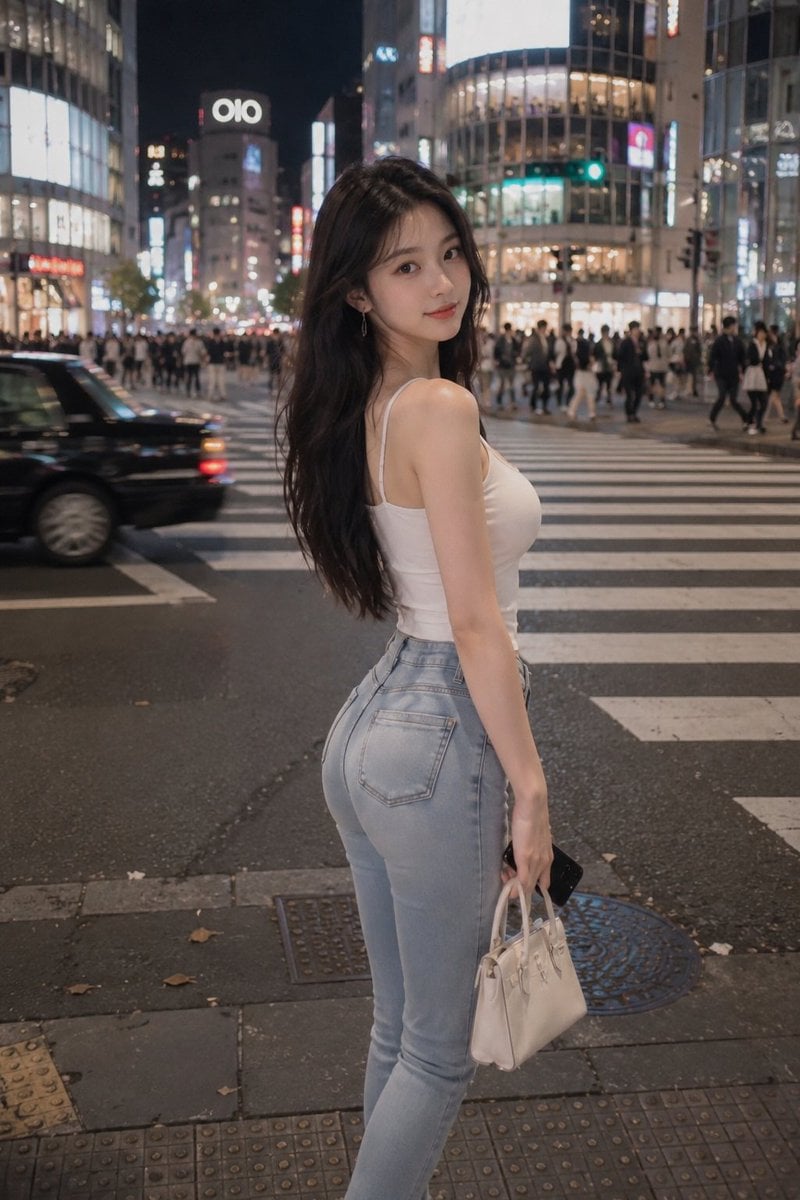
Tokyo Night Crosswalk Fashion Portrait

Rooftop Fisheye — Cat-Ear Balaclava at Golden Hour
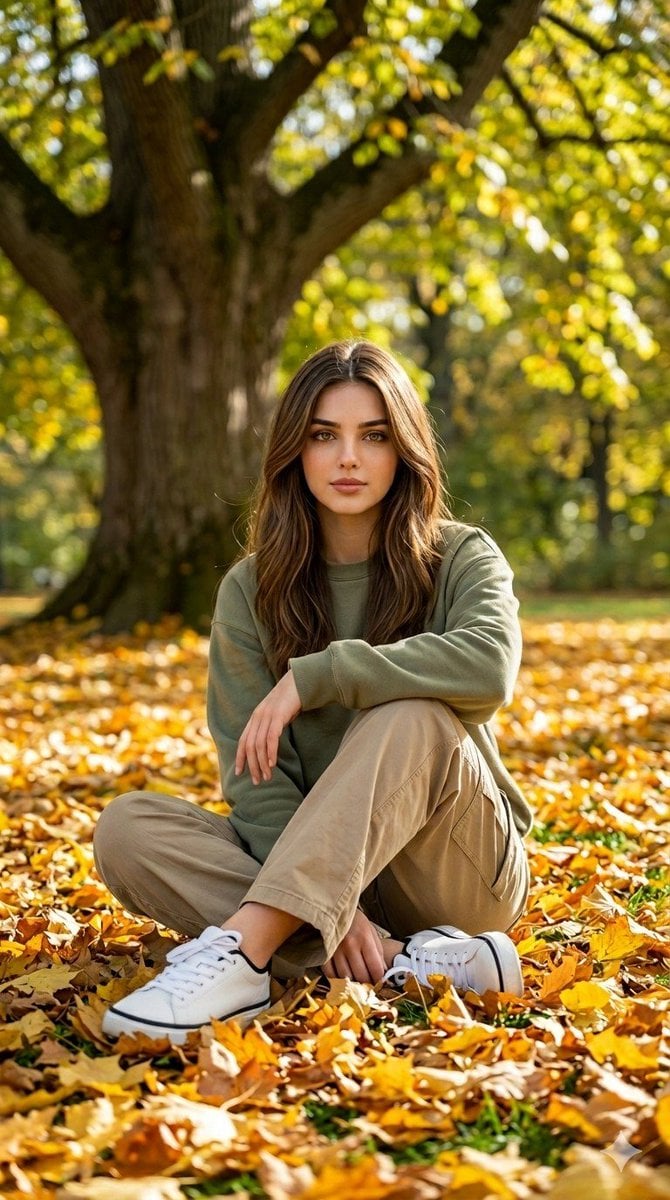
Autumn Park Relaxed Portrait
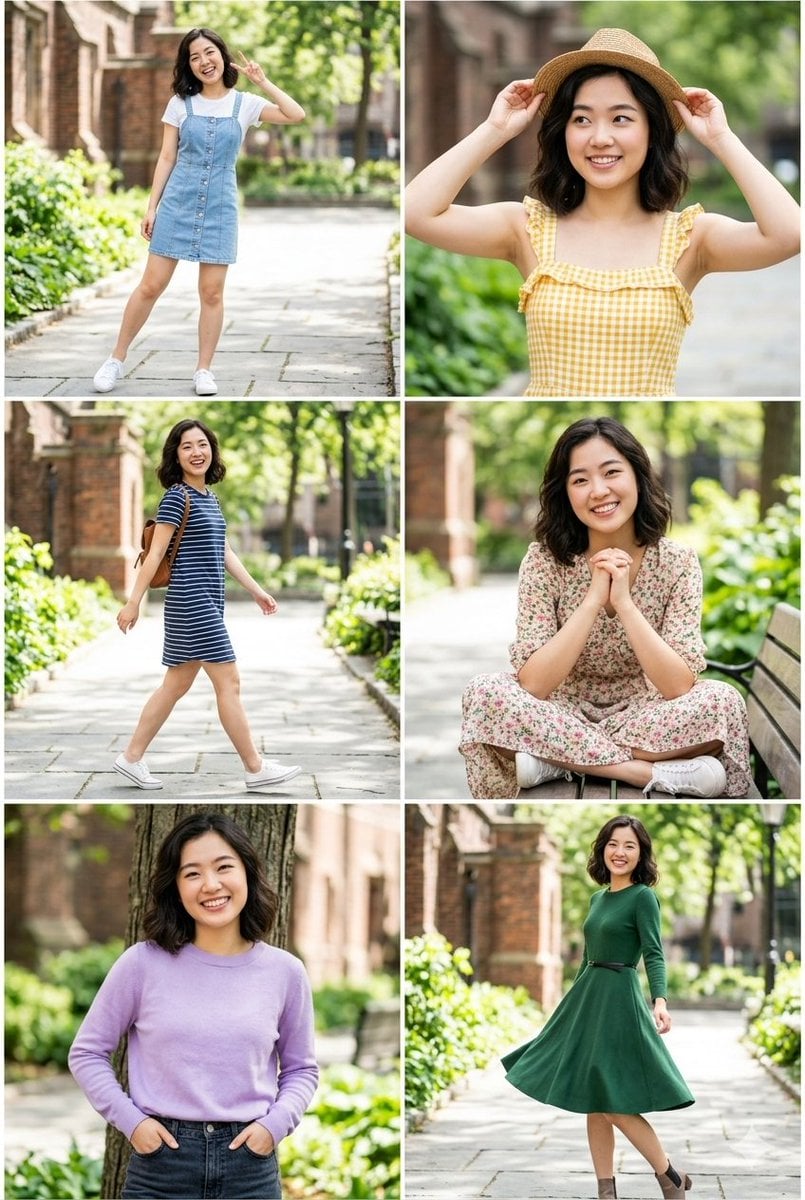
Campus Park Portrait Collage
Make it yours
Night Park Proposal Portrait works as-is. These are the safest ways to change it without losing the look.
Change one field
Copy a single group, rewrite it, and generate again so you can see what that field is doing.
Keep the frame, change the subject
Hold the composition and light of Night Park Proposal Portrait, then swap wardrobe, props or the person for a new take.
| If the result… | Why | Fix |
|---|---|---|
| The result drifts from the preview | Too many fields changed at once. | Reuse Night Park Proposal Portrait as-is first, then change one group — subject, light, or setting. |
| The model over-stylizes the scene | The prose prompt leaves finish and camera underspecified. | Add one camera or lighting sentence and stay on GPT Image 2. |
More GPT Image 2 templates
Other prompts made for GPT Image 2.

Six VTuber Japanese Logo Sheet

Realistic Portrait of Woman and Deer

The Vista Modular Condo Poster

AI Model Routing Comparison Infographic

2.5D Anime Art Board

Isometric Productivity Desk Scene

New York Double Exposure Poster

Four-Panel AI Landscape Comparison

Japanese Tatami Lifestyle Magazine Cover

NESCAFÉ Coffee Map Poster
More image prompts
Fresh picks from across the catalog.
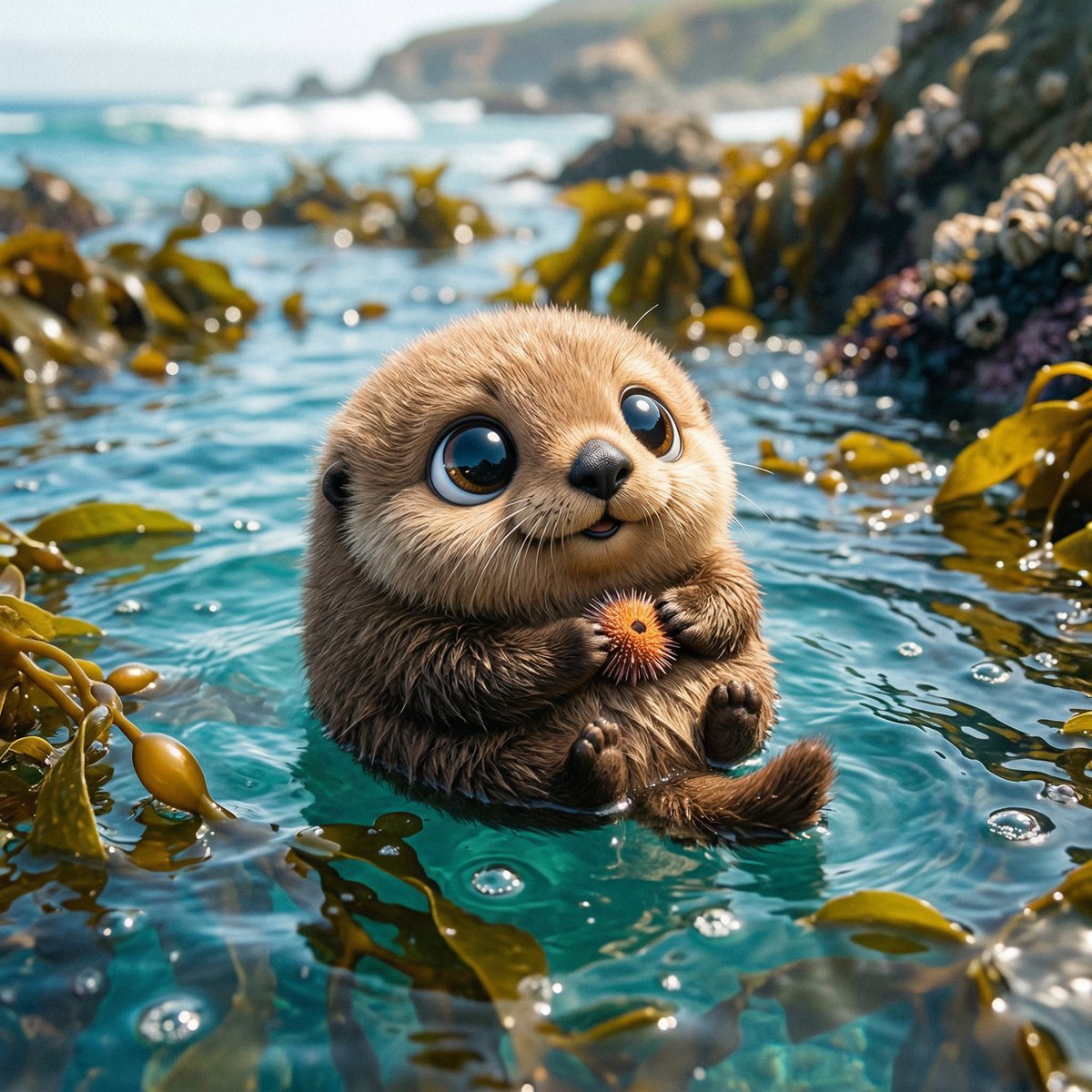
Spherical Cute Animal Portrait
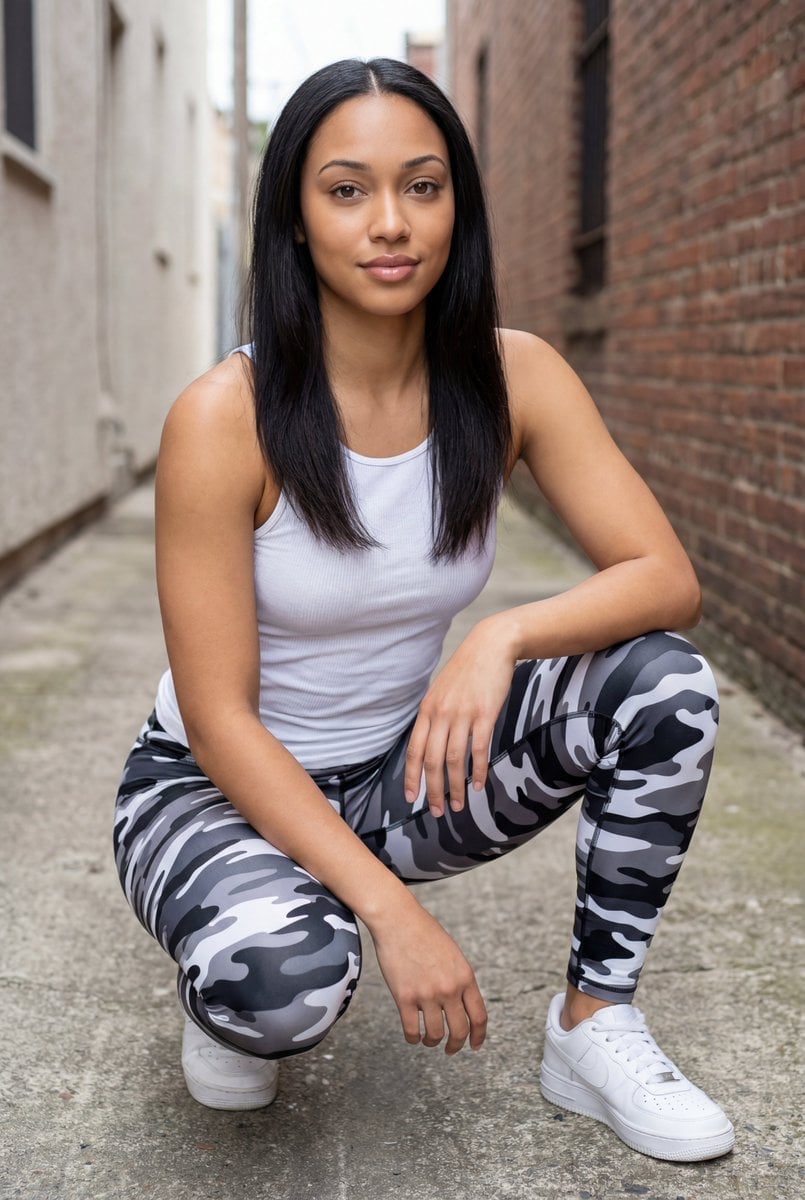
Pixel-Perfect Identity Swap
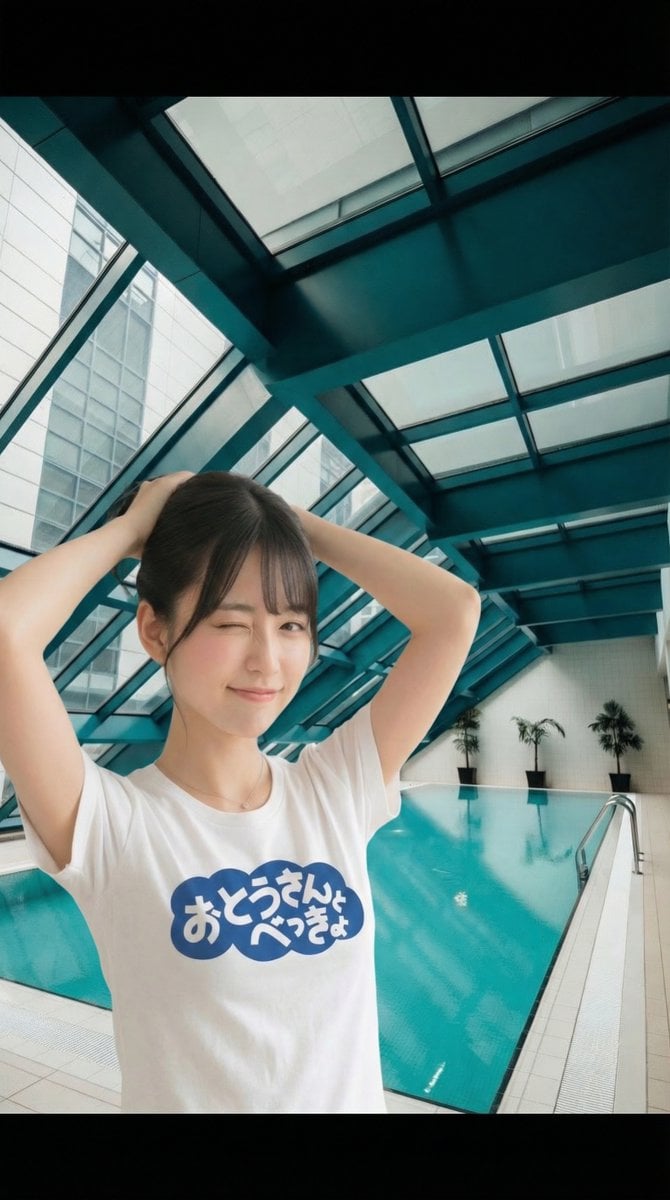
Image Manipulation: Adding a Wink to a Subject in a New Scene
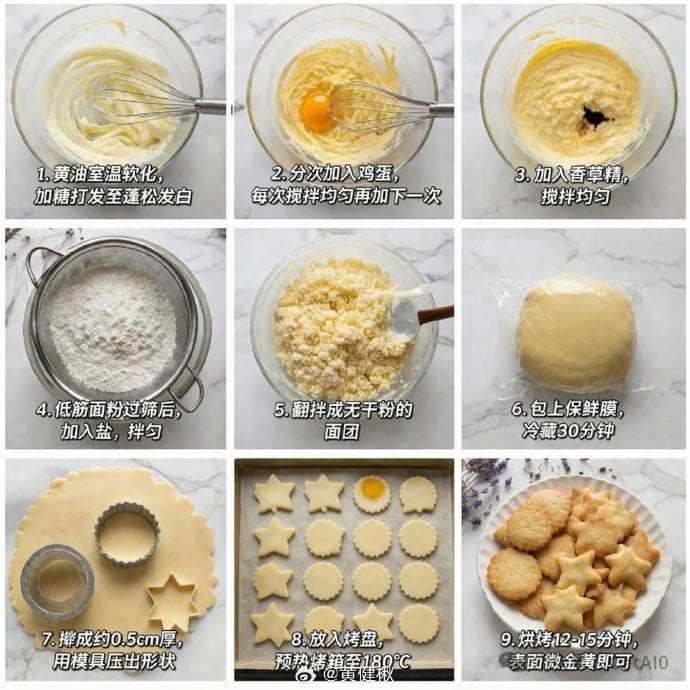
Panel Cookie Baking Tutorial Grid

Futuristic Tech Product Advertisement Set

Commercial Product Photography (CGI Advertising Composite)
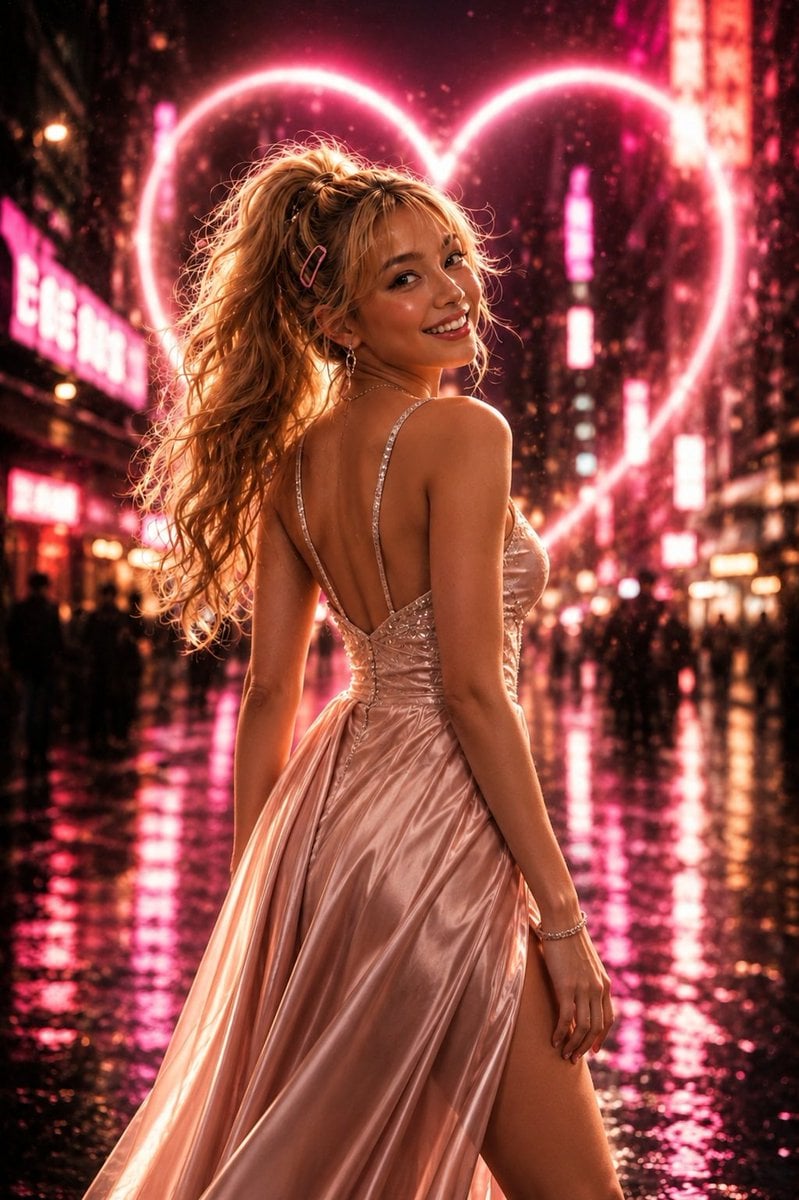
Neon Heart Night Fashion Portrait
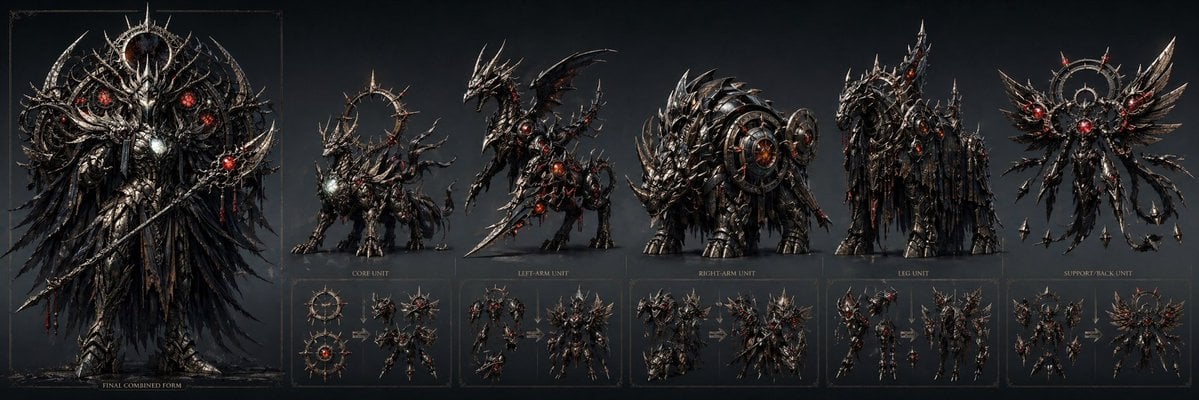
Gothic Combining Mecha Concept Sheet
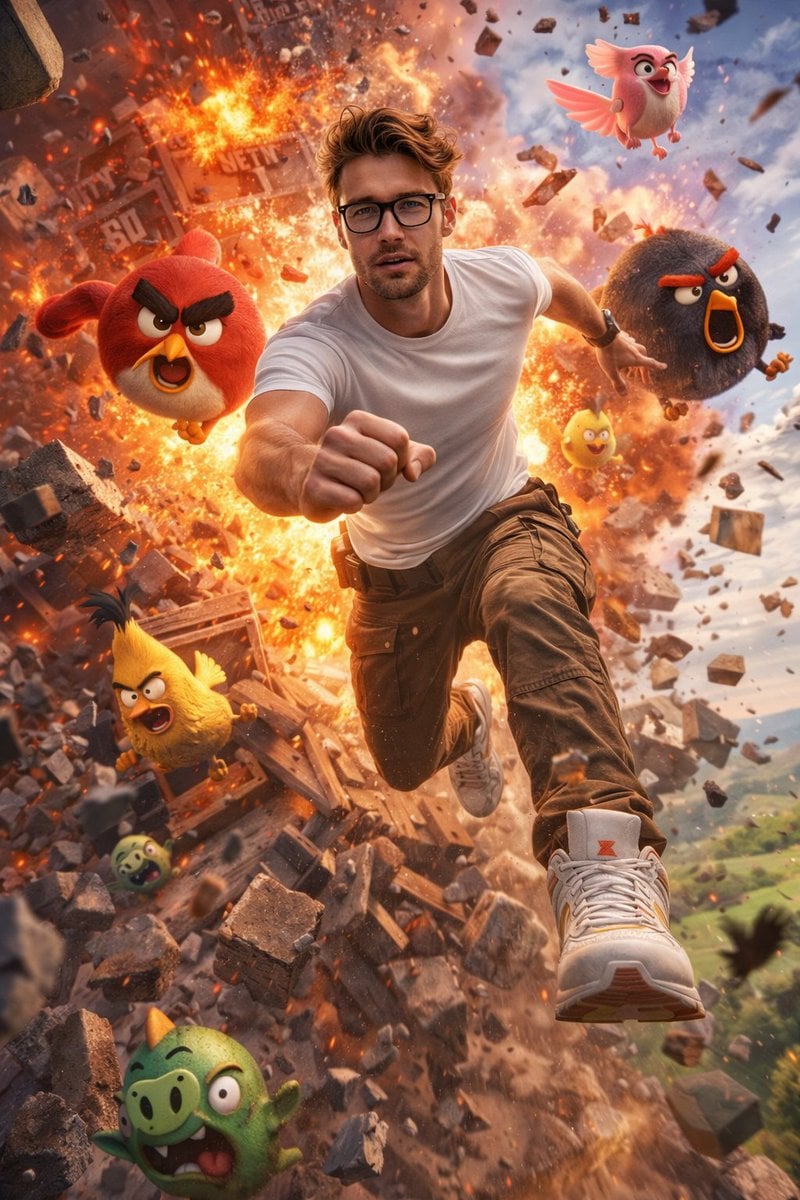
Ultra-Realistic Man in Angry Birds World
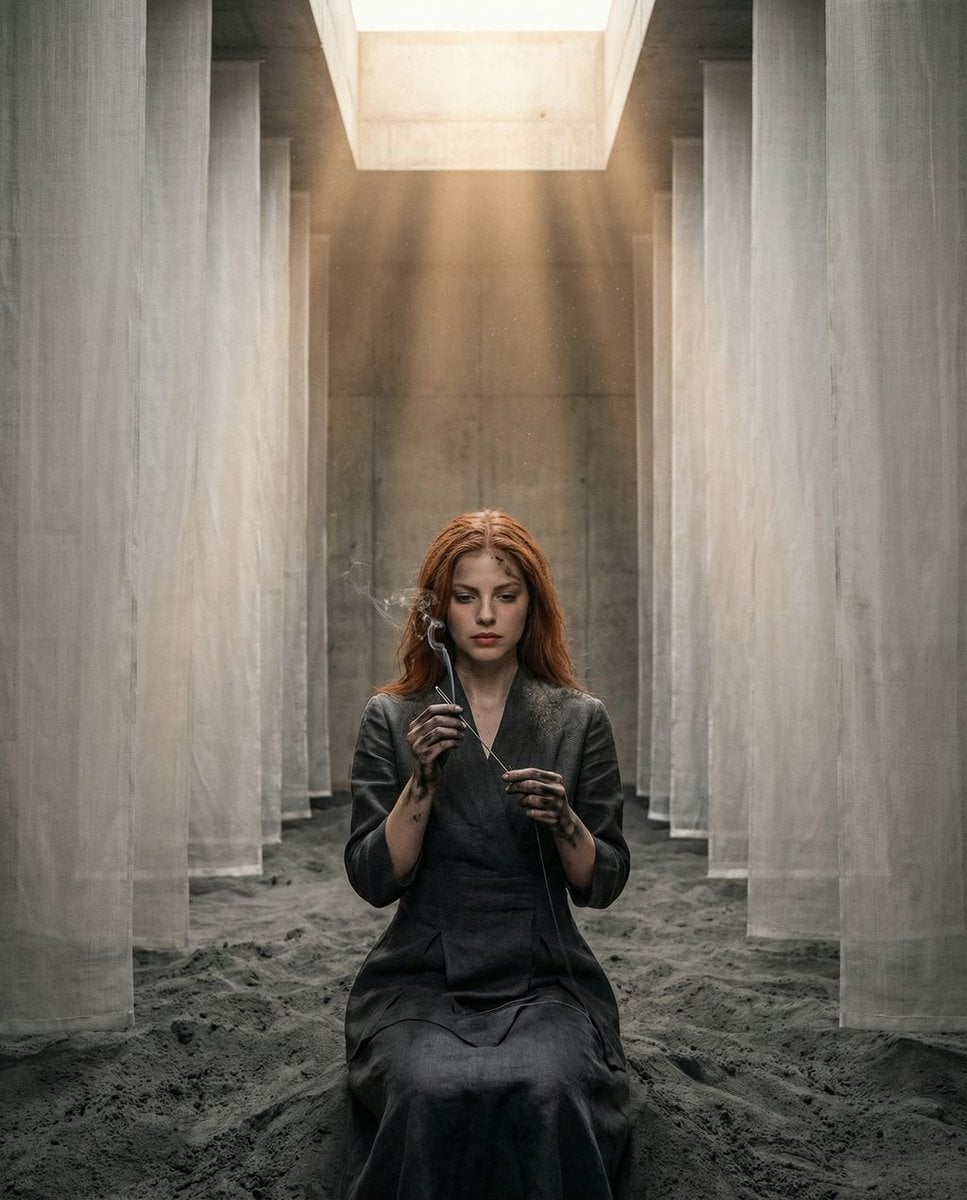
The Symmetrical Ash Ritual: Hyper-Realistic Brutalist Portrait
Browse template categories
Night Park Proposal Portrait questions
How do I use the Night Park Proposal Portrait template?
Add your photo if the template asks for one, edit the prompt if you like — the template's model and format are already selected — and press Generate. Your version opens in PicX Studio.
Can I customize the Night Park Proposal Portrait template?
Yes. You can change the subject, setting, lighting, mood, format, and available model controls before creating your image.
Is the Night Park Proposal Portrait template free?
Opening and editing this template is free. Generating uses credits, shown on the Generate button when you are signed in.
Which AI model should I use?
Start with GPT Image 2, which is the model associated with this template. You can compare another compatible model for a different finish.
Looking for something else? Browse all templates.

Your photo, any look
Thousands of ready templates for every top image and video model, from one credit balance.