
Neon Heart Night Fashion Portrait
A highly detailed structured prompt for a luxury fashion portrait featuring a model in a rose gold gown with a giant neon heart background.
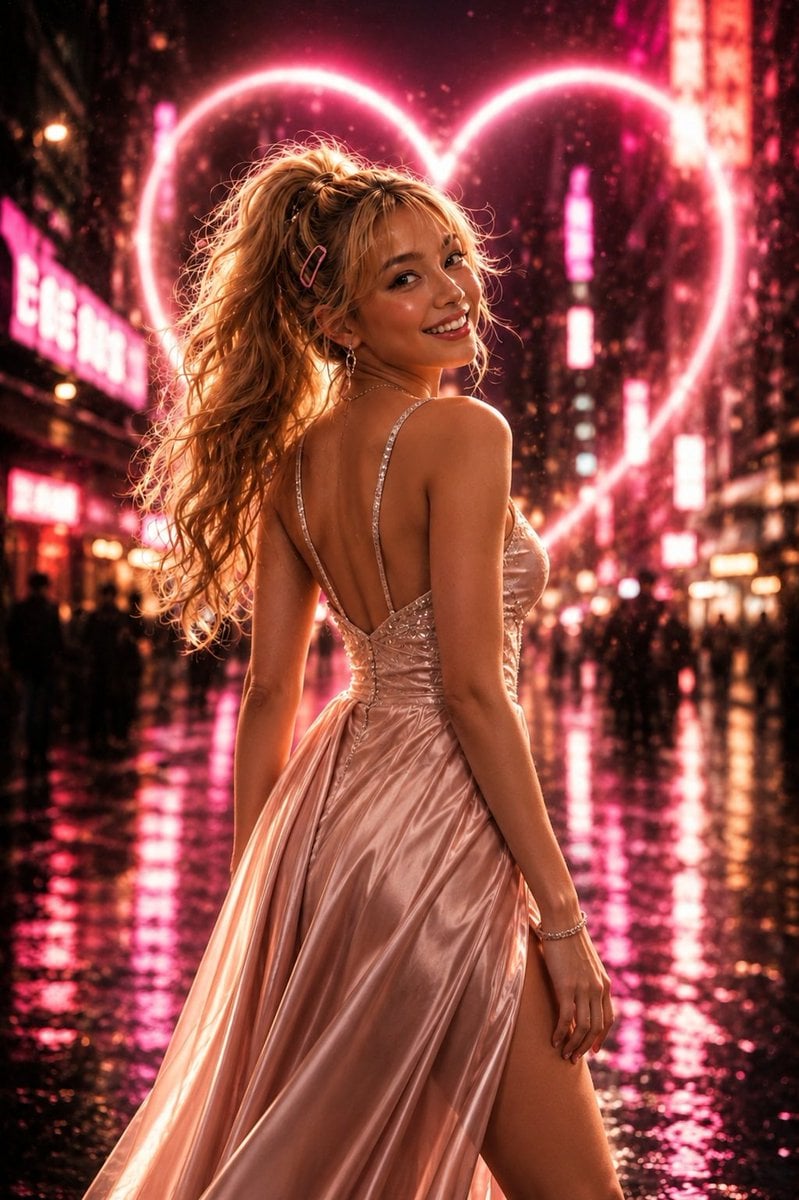
- Prompt included
- Model and format preset
- Free template
The prompt behind this image
Copy the exact prompt behind Neon Heart Night Fashion Portrait, or open it in the studio and make it yours.
"prompt_name": "Neon_Heart_Evening_Gown_Fashion_Portrait_4K", "style": "Ultra-realistic cinematic fashion photography", "quality": "4K UHD", "aspect_ratio": "2:3", "camera": { "angle": "over-the-shoulder portrait", "framing": "full body vertical shot", "depth_of_field": "extremely shallow", "focus": "sharp focus on subject", "lens": "85mm f/1.2", "bokeh": "large dreamy neon bokeh" }, "subject": { "gender": "{argument name="gender" default="female"}", "age_range": "early 20s", "body_type": "slim elegant fashion model", "expression": "warm genuine smile", "pose": "looking back over shoulder toward camera", "hair": { "color": "{argument name="hair color" default="golden blonde"}", "style": "high ponytail", "texture": "soft wavy curls", "accessories": [ "pink hair clip" ] }, "skin": { "tone": "fair warm glow", "texture": "smooth radiant skin", "finish": "cinematic highlights" } }, "outfit": { "dress": { "type": "{argument name="dress type" default="luxury evening gown"}", "material": "silky satin", "color": "rose gold blush pink", "design": "backless gown", "straps": "thin crystal embellished straps", "fit": "fitted bodice", "skirt": "flowing floor-length fabric", "details": [ "subtle sparkling embellishments", "elegant draped folds", "high side slit" ] }, "jewelry": [ "delicate dangling earrings", "thin bracelet" ] }, "environment": { "location": "neon-lit city street at night", "weather": "light rain", "ground": "wet reflective pavement", "crowd": "blurred pedestrians in background", "city_lights": "vibrant neon signage" }, "background": { "main_feature": "giant glowing neon heart", "color_palette": [ "hot pink", "magenta", "rose gold", "warm amber", "soft purple" ], "effects": [ "cinematic bokeh", "light bloom", "volumetric glow", "rain particles" ] }, "lighting": { "key_light": "soft frontal beauty light", "rim_light": "strong pink neon rim light", "backlight": "heart-shaped neon glow", "reflection": "wet street reflections", "mood": "romantic, dreamy, glamorous" }, "color_grading": { "style": "luxury fashion editorial", "tones": [ "pink neon", "warm gold", "rose gold highlights" ], "contrast": "high", "saturation": "rich vibrant colors" }, "render_details": { "photorealism": "extreme", "skin_details": "highly detailed", "fabric_details": "ultra detailed satin texture", "lighting_quality": "cinematic Hollywood", "sharpness": "professional fashion magazine quality", "post_processing": [ "soft glow", "filmic contrast", "luxury retouching", "high-end commercial finish" ] }
How to use Neon Heart Night Fashion Portrait in 3 steps
- 1
Open
The prompt is already in the box next to the preview, with the template's model and format selected.
- 2…a portrait of your subject in softgolden-hour light, 85mm…
Personalize
Edit the subject and creative details for your destination.
- 3Generate
Generate
Press Generate — your image is created in PicX Studio, so you can compare it with the original and refine one variable at a time.
More like this
Templates with the same subject, style or setup. Open one to see its prompt.

Nano Banana 2 High Fashion Sports Campai

Couture Fashion Editorial Woman and Drag

Ive Yujin Fashion Portrait in Blue

Nano Banana 2 Editorial Fashion Portrait

Caution Tape Fashion — Industrial Editorial

80s Neon Disco Night
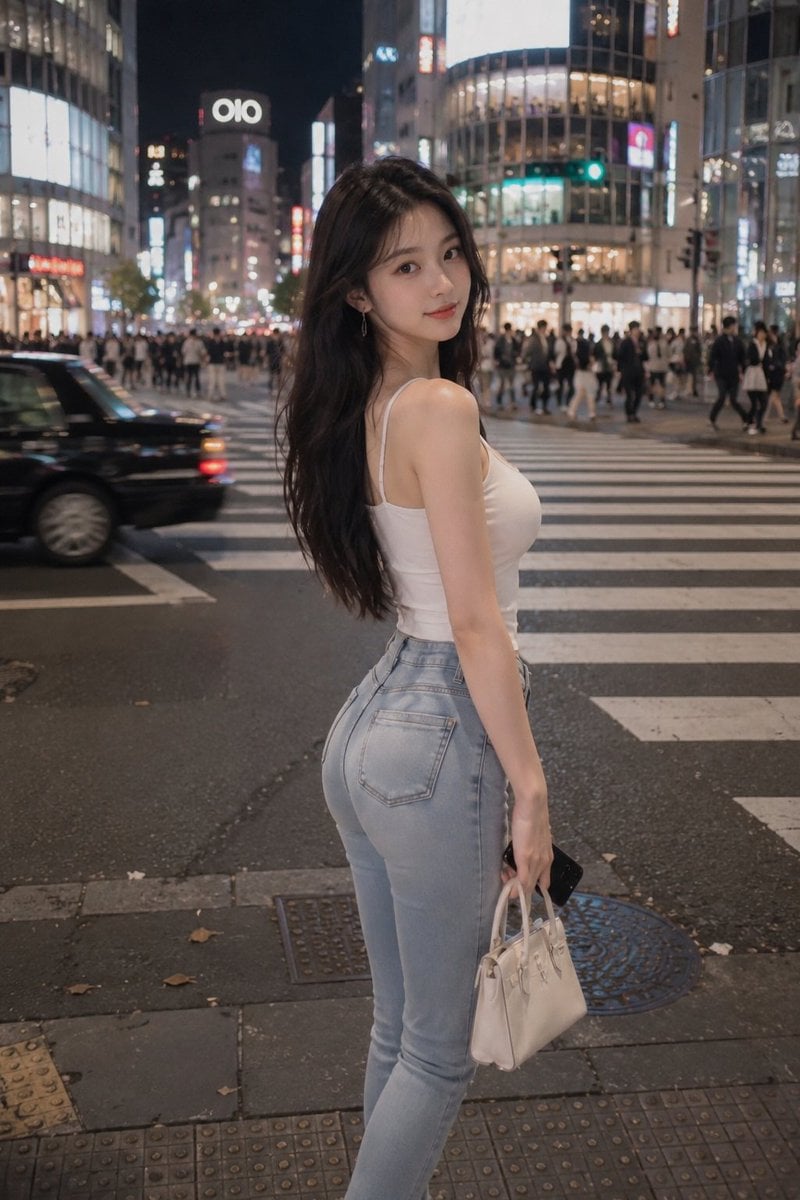
Tokyo Night Crosswalk Fashion Portrait
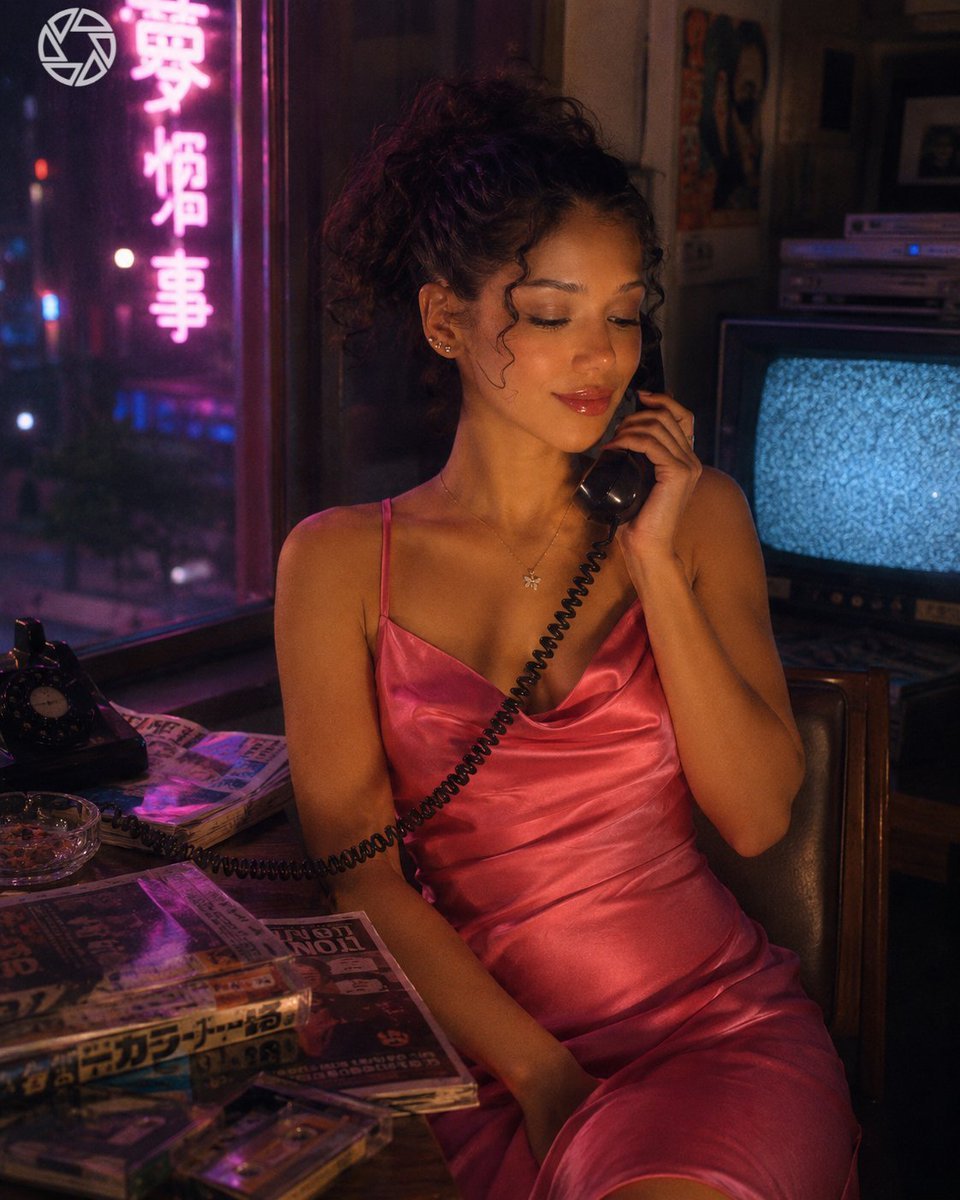
Retro Neon Night Phone Portrait
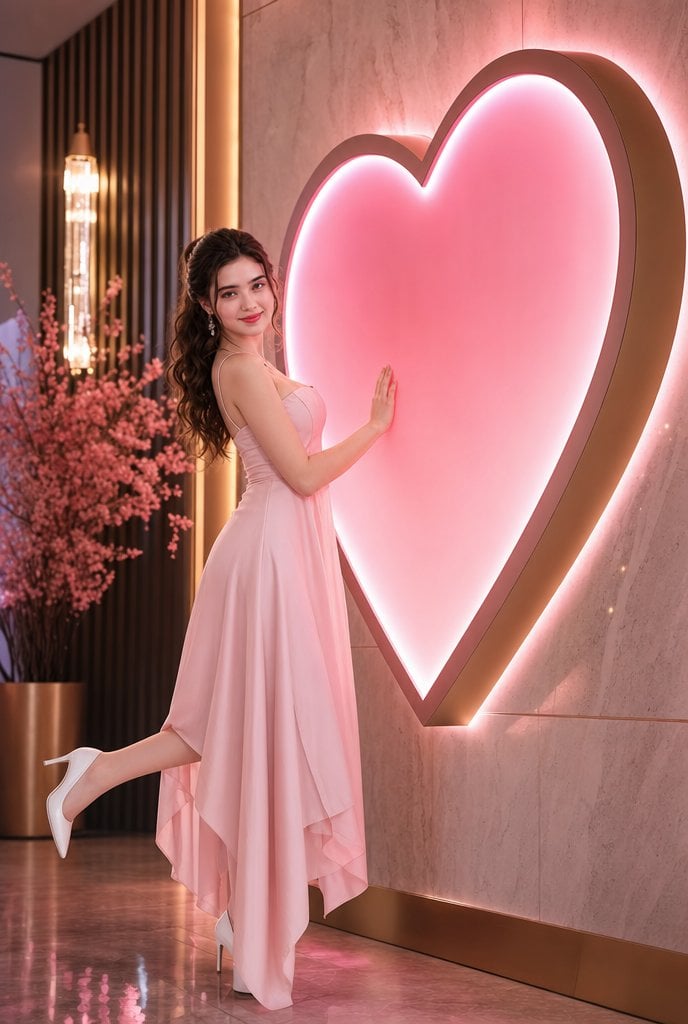
Romantic Pink Heart Fashion Portrait
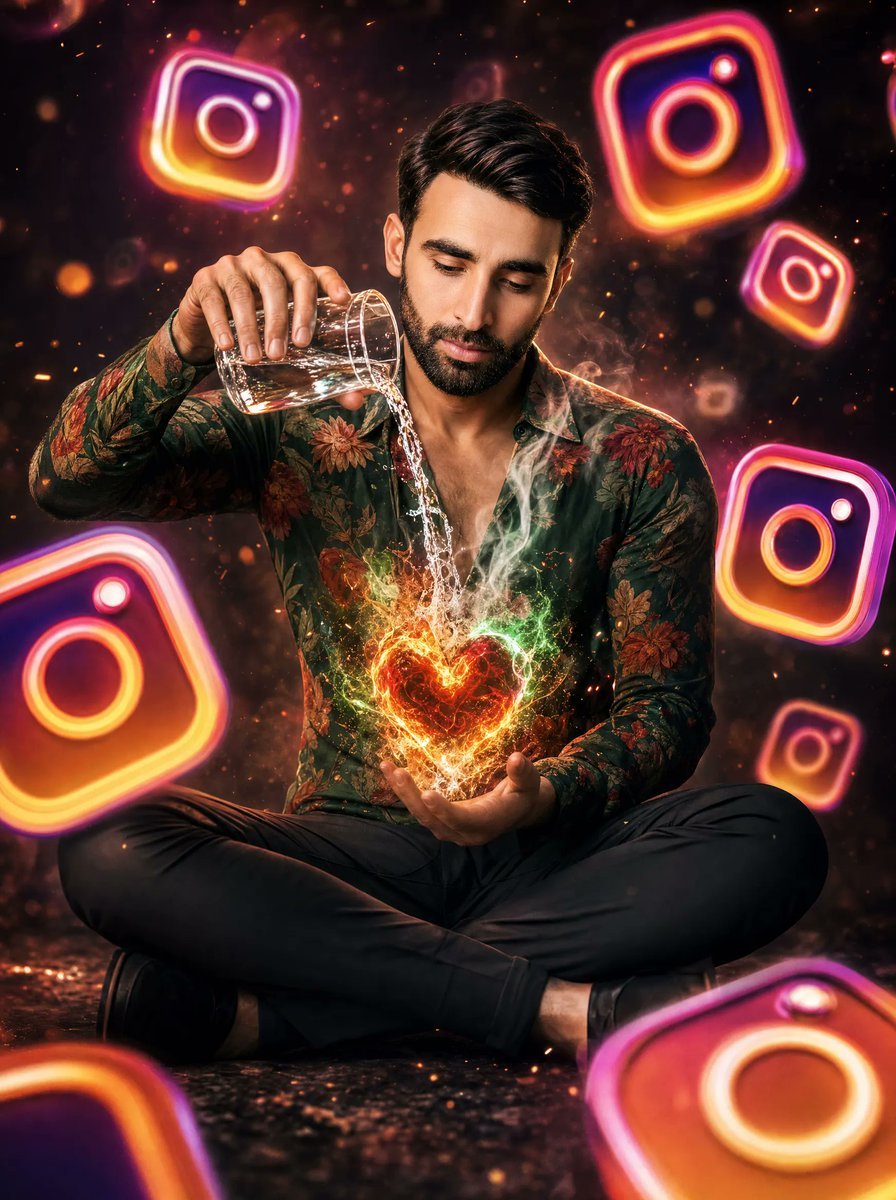
Neon Instagram Magic Heart Portrait
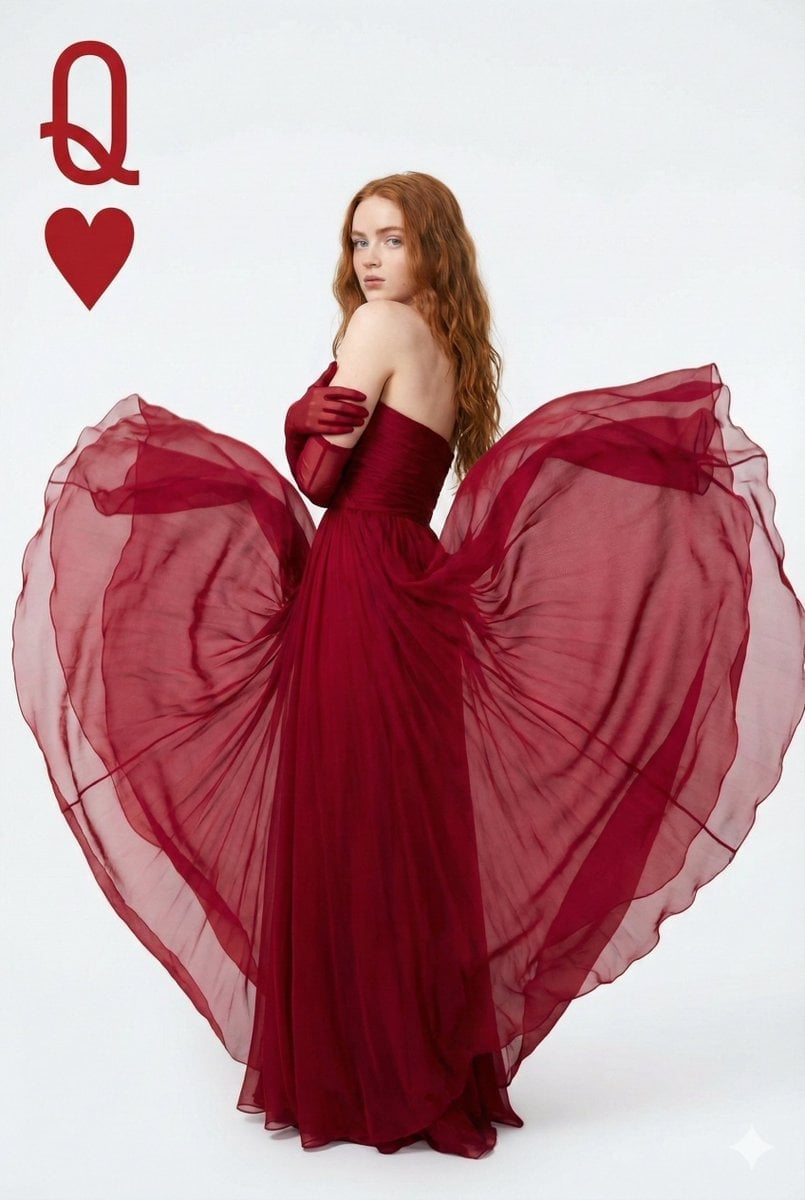
Sadia Sink Queen of Hearts Fashion Portrait

Miniature Self Portrait Collage
Make it yours
Neon Heart Night Fashion Portrait works as-is. These are the safest ways to change it without losing the look.
Change one field
Copy a single group, rewrite it, and generate again so you can see what that field is doing.
Keep the frame, change the subject
Hold the composition and light of Neon Heart Night Fashion Portrait, then swap wardrobe, props or the person for a new take.
| If the result… | Why | Fix |
|---|---|---|
| The result drifts from the preview | Too many fields changed at once. | Reuse Neon Heart Night Fashion Portrait as-is first, then change one group — subject, light, or setting. |
| The model over-stylizes the scene | The prose prompt leaves finish and camera underspecified. | Add one camera or lighting sentence and stay on GPT Image 2. |
More GPT Image 2 templates
Other prompts made for GPT Image 2.

Six VTuber Japanese Logo Sheet

Realistic Portrait of Woman and Deer

The Vista Modular Condo Poster

AI Model Routing Comparison Infographic

2.5D Anime Art Board

Isometric Productivity Desk Scene

New York Double Exposure Poster

Four-Panel AI Landscape Comparison

Japanese Tatami Lifestyle Magazine Cover

NESCAFÉ Coffee Map Poster
More image prompts
Fresh picks from across the catalog.
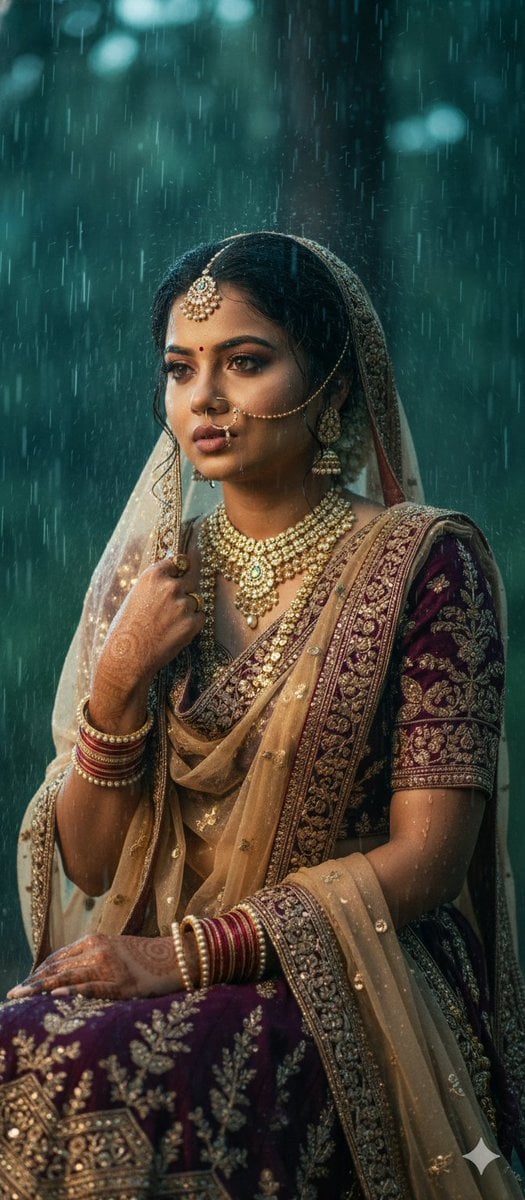
Kollywood Cinematic Film Post Photo Prompt
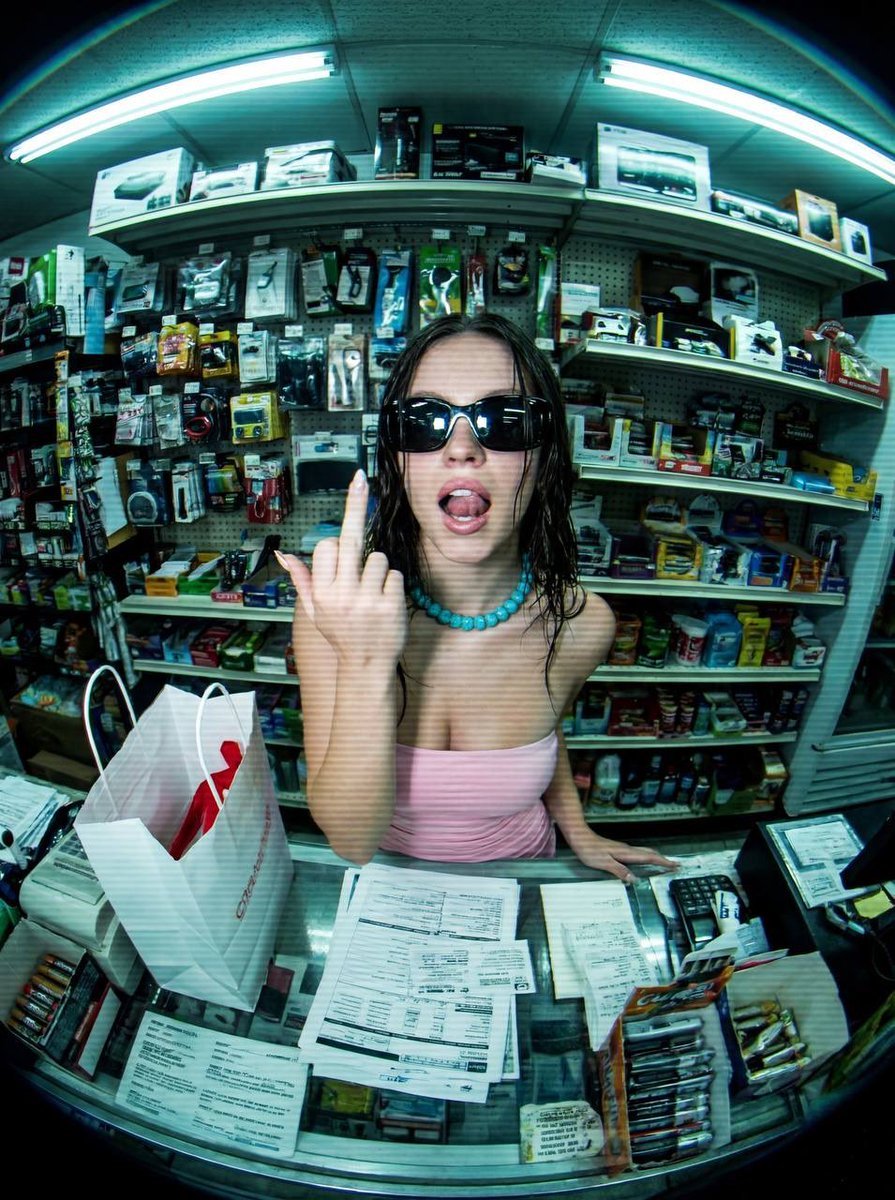
Low-Fidelity CCTV Surveillance Feed Image
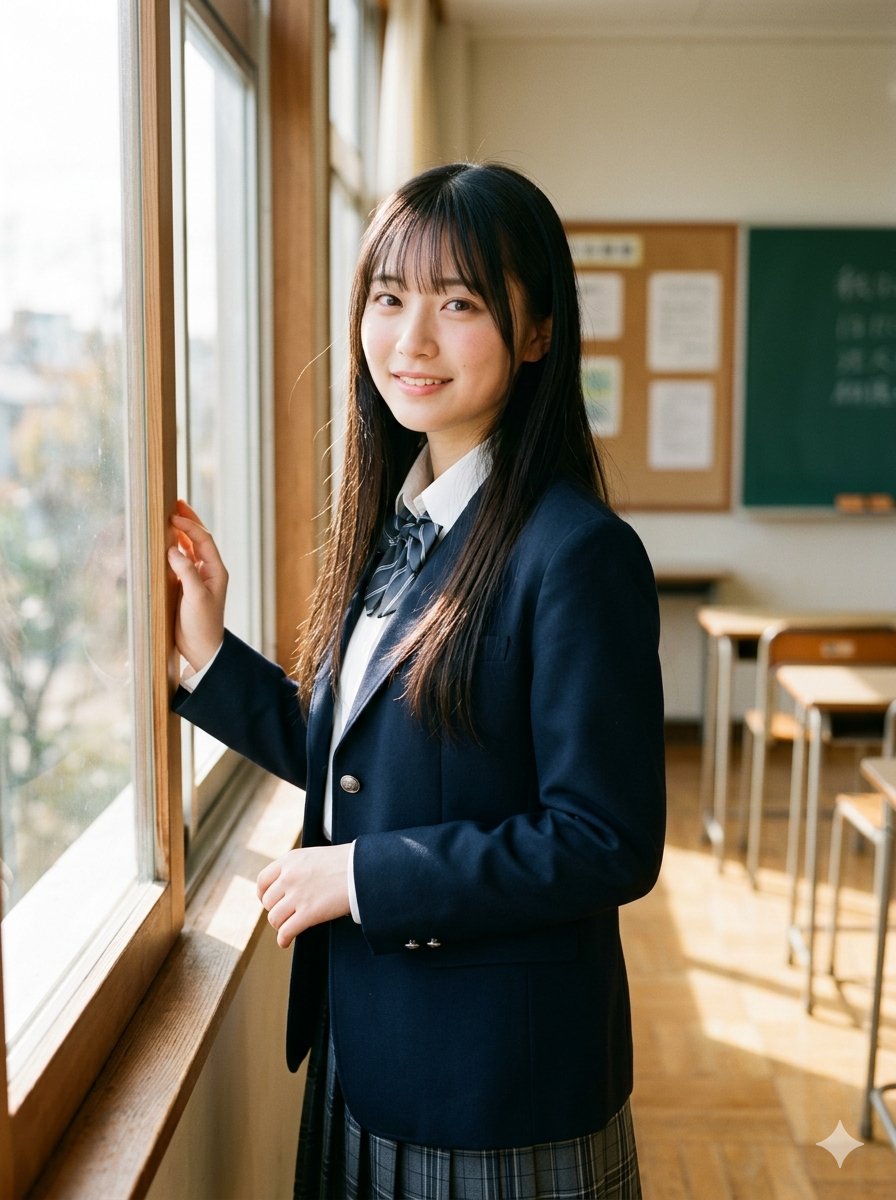
Morning Classroom Window Portrait
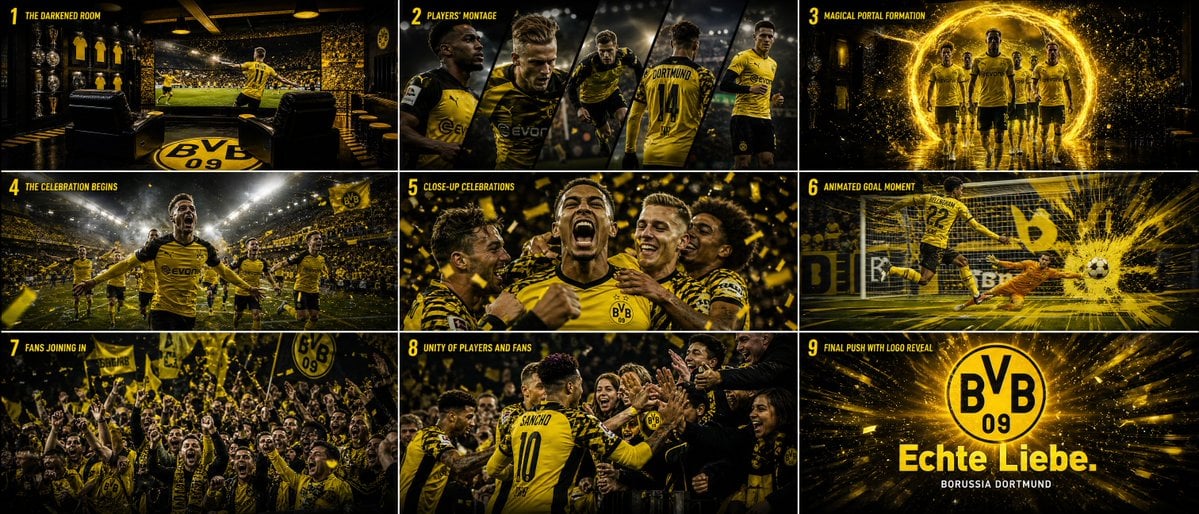
Cinematic Sports Storyboard
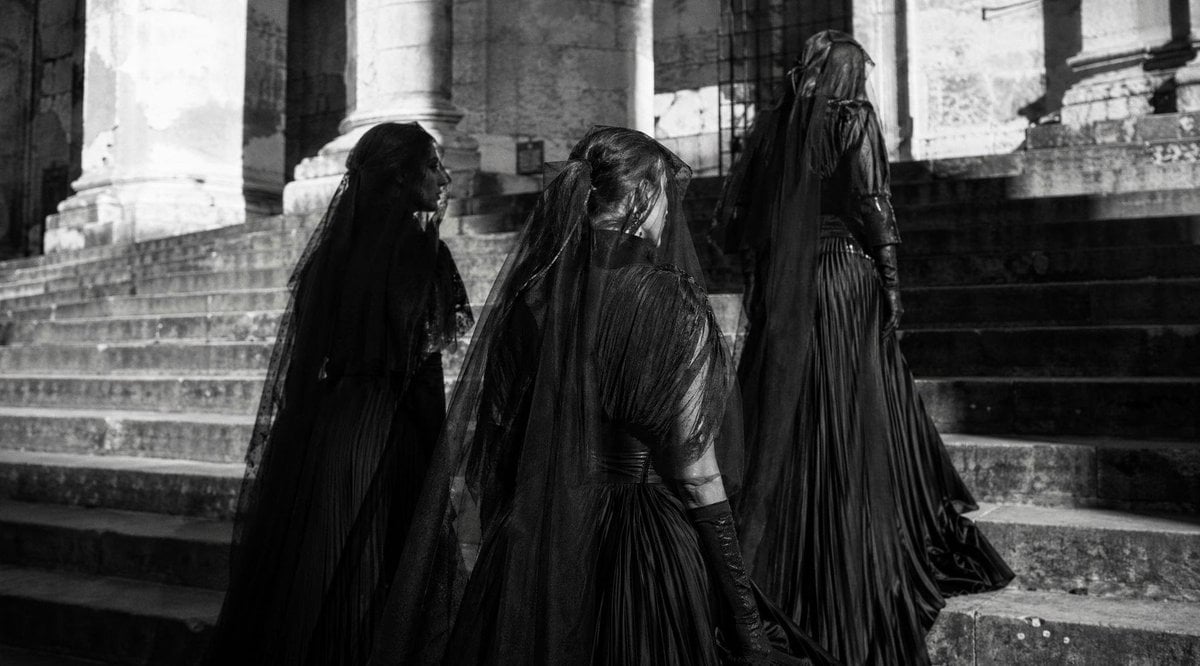
Gothic Mourning Procession
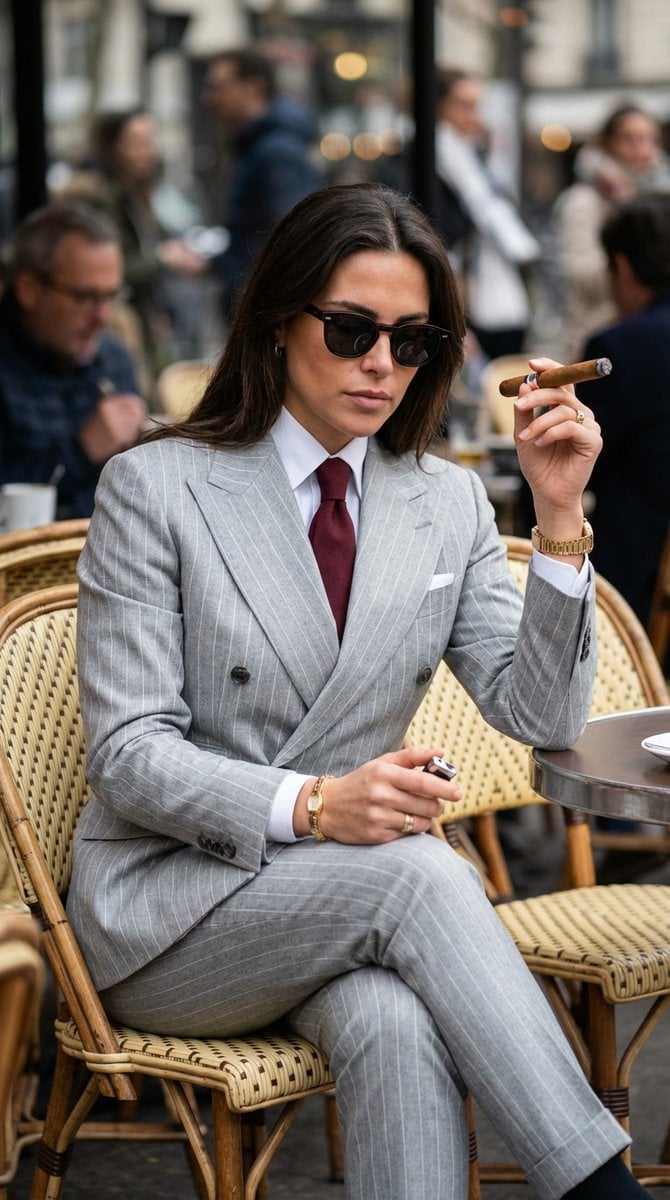
Luxury Editorial Paparazzi Style Image Editing Prompt for Nano Banana Pro
Pastel Goth Girl Playing Cards
Commercial Lifestyle Showcase for Garment Preservation
Panel Photobooth Grid with Pink Dress and Rose

Gen Z TikTok Viral Expression Grid 4x4 — Nano Banana
Browse template categories
Neon Heart Night Fashion Portrait questions
How do I use the Neon Heart Night Fashion Portrait template?
Add your photo if the template asks for one, edit the prompt if you like — the template's model and format are already selected — and press Generate. Your version opens in PicX Studio.
Can I customize the Neon Heart Night Fashion Portrait template?
Yes. You can change the subject, setting, lighting, mood, format, and available model controls before creating your image.
Is the Neon Heart Night Fashion Portrait template free?
Opening and editing this template is free. Generating uses credits, shown on the Generate button when you are signed in.
Which AI model should I use?
Start with GPT Image 2, which is the model associated with this template. You can compare another compatible model for a different finish.
Looking for something else? Browse all templates.

Your photo, any look
Thousands of ready templates for every top image and video model, from one credit balance.