
Sadia Sink Queen of Hearts Fashion Portrait
A high-fidelity prompt requiring strict facial replication of the subject (Sadia Sink) while applying a high-concept fashion studio portrait style.
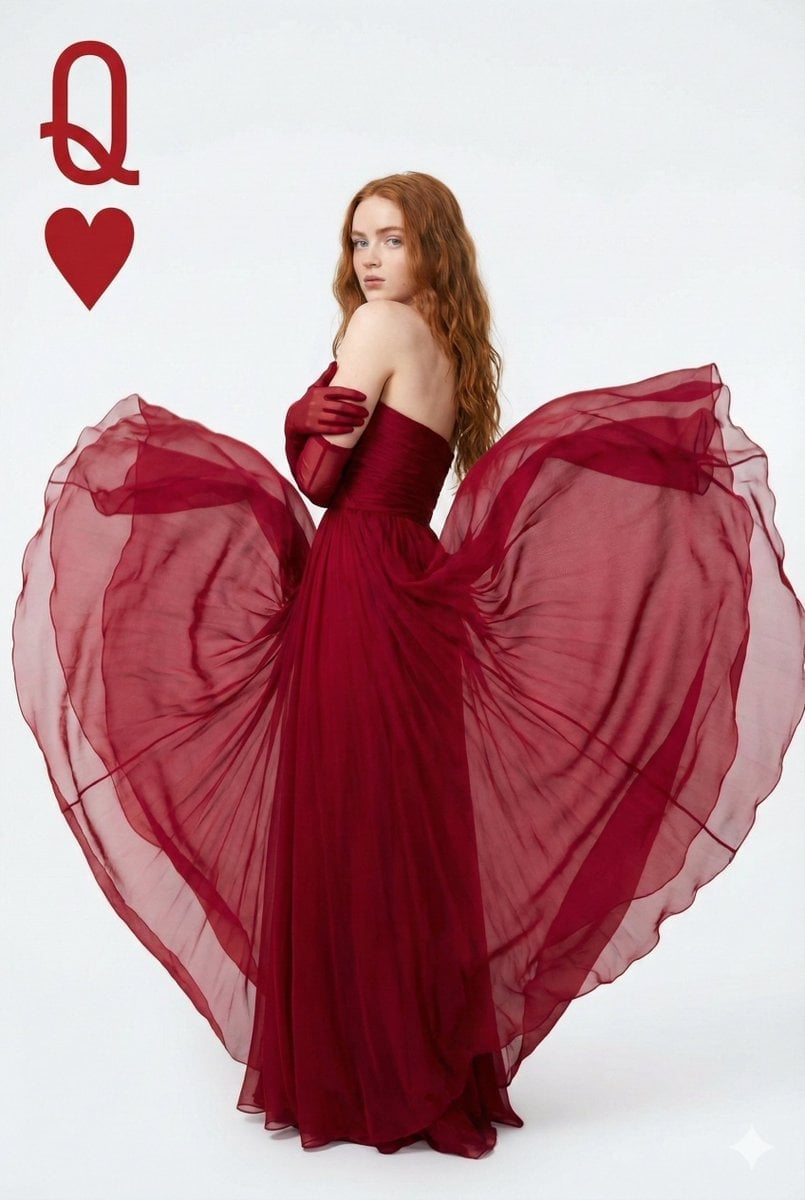
- Prompt included
- Model and format preset
- Premium template
The prompt behind this image
Copy the exact prompt behind Sadia Sink Queen of Hearts Fashion Portrait, or open it in the studio and make it yours.
High-fidelity, true-to-source facial replication. Maintain 100% of the original person's facial likeness and identity from the provided user image. The user's original photo is for identity reference ONLY. You MUST NOT alter, enhance, or stylize the subject's facial structure in any way. This includes, but is not limited to: do not change the shape of the cheeks, nose, eyes, or jawline. Avoid any 'doll-like' or idealized features. The replication of the face must be perfect. You MUST replace the original pose, clothing, and background with the new style described below. Apply the following style: Apply a slender, elegant body build to the subject. The image is a high-concept fashion studio portrait with a "Queen of Hearts" playing card theme, presented in a portrait orientation with a 4:5 aspect ratio. The subject has long, wavy brunette hair that cascades loosely down their back. The subject is captured in a medium shot, standing with their body angled away from the camera, twisting their torso to look back over their left shoulder directly at the lens. The pose is contained and elegant, with arms crossed over the chest, hugging the bodice. The subject is wearing a stunning, deep crimson red strapless gown. The most critical stylistic element is the manipulation of the dress's fabric: massive layers of sheer, semi-translucent red chiffon or organza float and billow outwards behind the subject, sculpted to form a perfect, voluminous heart shape that dominates the frame. The fabric catches the light, showing texture, folds, and varying degrees of opacity, ranging from deep ruby in the shadows to bright cherry red where the light hits the sheer layers. The subject also wears matching matte red opera-length gloves that extend past the elbows, blending seamlessly with the red gown. The lighting is soft, diffused, high-key studio lighting that illuminates the subject evenly and creates soft shadows, emphasizing the three-dimensionality of the heart-shaped fabric. The background is a clean, solid white seamless backdrop that provides strong contrast to the red subject. A specific graphic element is present: in the top left corner, a large red serif capital letter "Q" is positioned directly above a red heart suit symbol, mimicking the index of a playing card. The overall aesthetic is romantic, polished, and editorial.
How to use Sadia Sink Queen of Hearts Fashion Portrait in 3 steps
- 1Upload ImagePNG, JPG or paste
Add your photo
Upload the photo the template builds on. The prompt, model and format are already set.
- 2…a portrait of your subject in softgolden-hour light, 85mm…
Personalize
Edit the subject and creative details for your destination.
- 3Generate
Generate
Press Generate — your image is created in PicX Studio, so you can compare it with the original and refine one variable at a time.
More like this
Templates with the same subject, style or setup. Open one to see its prompt.

Nano Banana 2 High Fashion Sports Campai

Couture Fashion Editorial Woman and Drag

Ive Yujin Fashion Portrait in Blue

Nano Banana 2 Editorial Fashion Portrait

Caution Tape Fashion — Industrial Editorial

Miniature Self Portrait Collage

Found Photograph: Us, 1970

80s Couple Studio Portrait

80s College Gate

1988 Mall Style

80s Polka Dot Saree

80s Bollywood Star
Make it yours
Sadia Sink Queen of Hearts Fashion Portrait works as-is. These are the safest ways to change it without losing the look.
Change one field
Copy a single group, rewrite it, and generate again so you can see what that field is doing.
Keep the frame, change the subject
Hold the composition and light of Sadia Sink Queen of Hearts Fashion Portrait, then swap wardrobe, props or the person for a new take.
| If the result… | Why | Fix |
|---|---|---|
| The result drifts from the preview | Too many fields changed at once. | Reuse Sadia Sink Queen of Hearts Fashion Portrait as-is first, then change one group — subject, light, or setting. |
| The model over-stylizes the scene | The prose prompt leaves finish and camera underspecified. | Add one camera or lighting sentence and stay on Nano Banana 2. |
More Nano Banana 2 templates
Other prompts made for Nano Banana 2.

Photorealistic Leaf Shaped Like a Dragon

K-Pop Idol Portrait Grid for Rapid Selection

Poetic Rain Forest Portrait During Golden Hour

Urban Street Portrait with Cartoon Inner Self Duo

Candid Nighttime Photo with Cat Prompt

High-Concept 3D Diorama Generation Prompt

Cinematic Futuristic Studio Portrait Template

Skincare Editorial Photography Collage Prompt

Hyper-Realistic Commercial Product Photography (Splash Effect)

Hyper-Realistic Nightclub Portrait Prompt
More image prompts
Fresh picks from across the catalog.
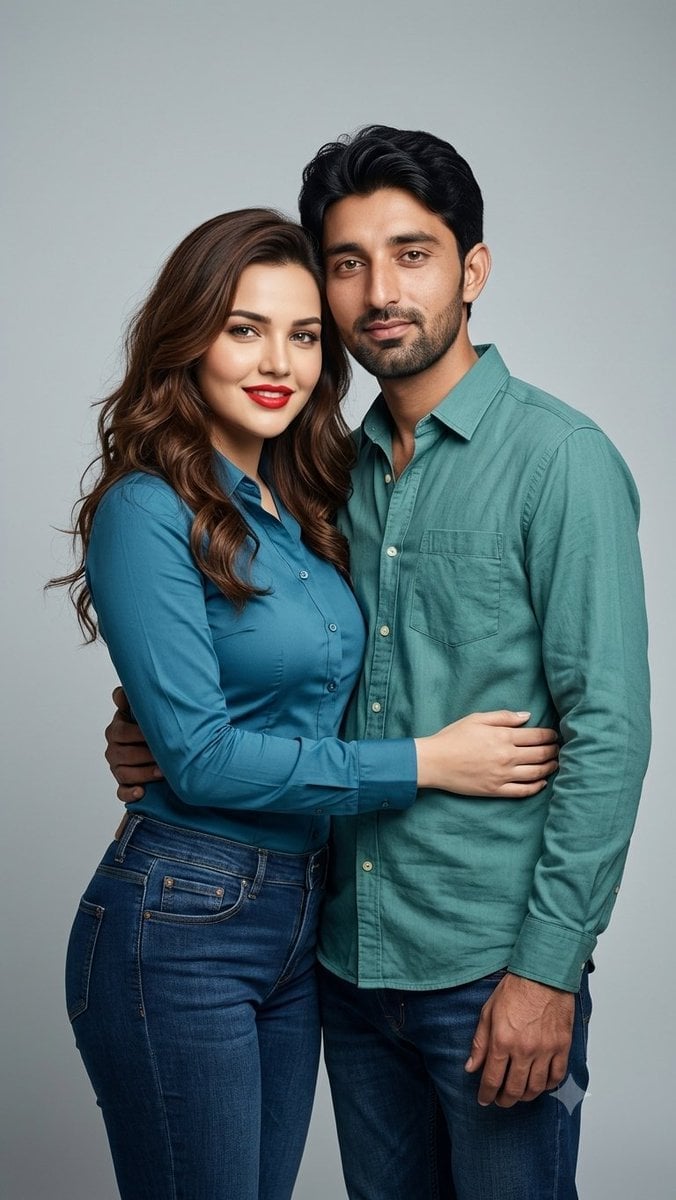
Professional Studio Couple Photoshoot
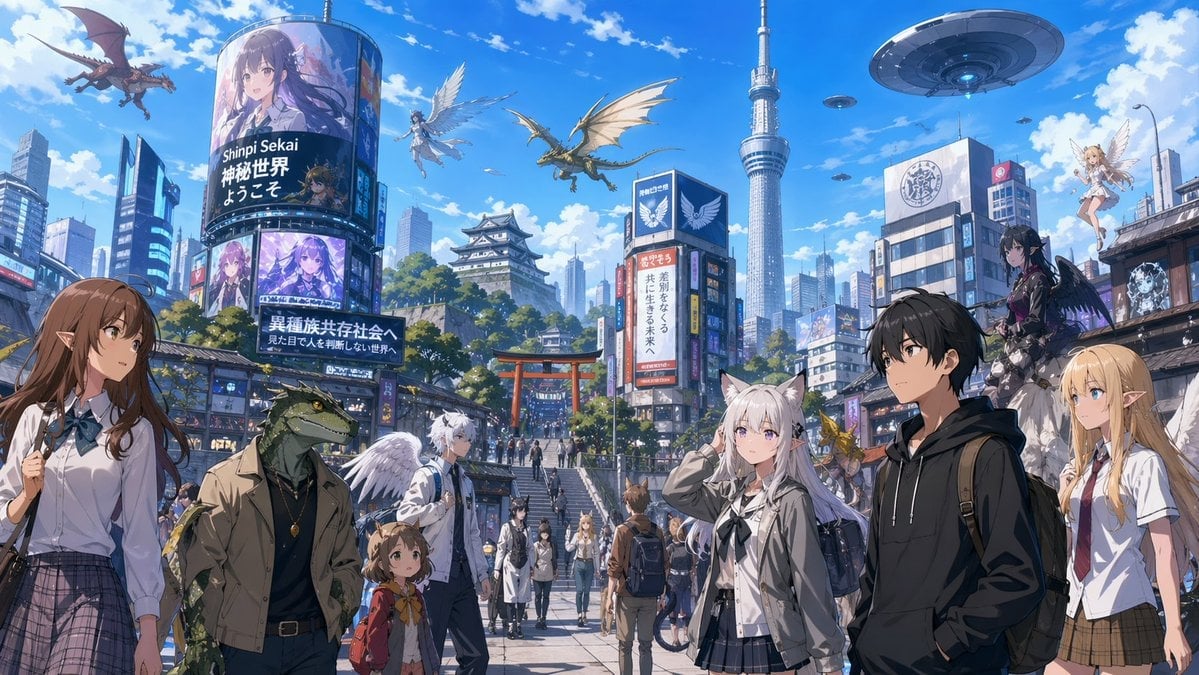
Fantasy Tokyo Coexistence Cityscape

Fictional Hamster Engine Car Catalog
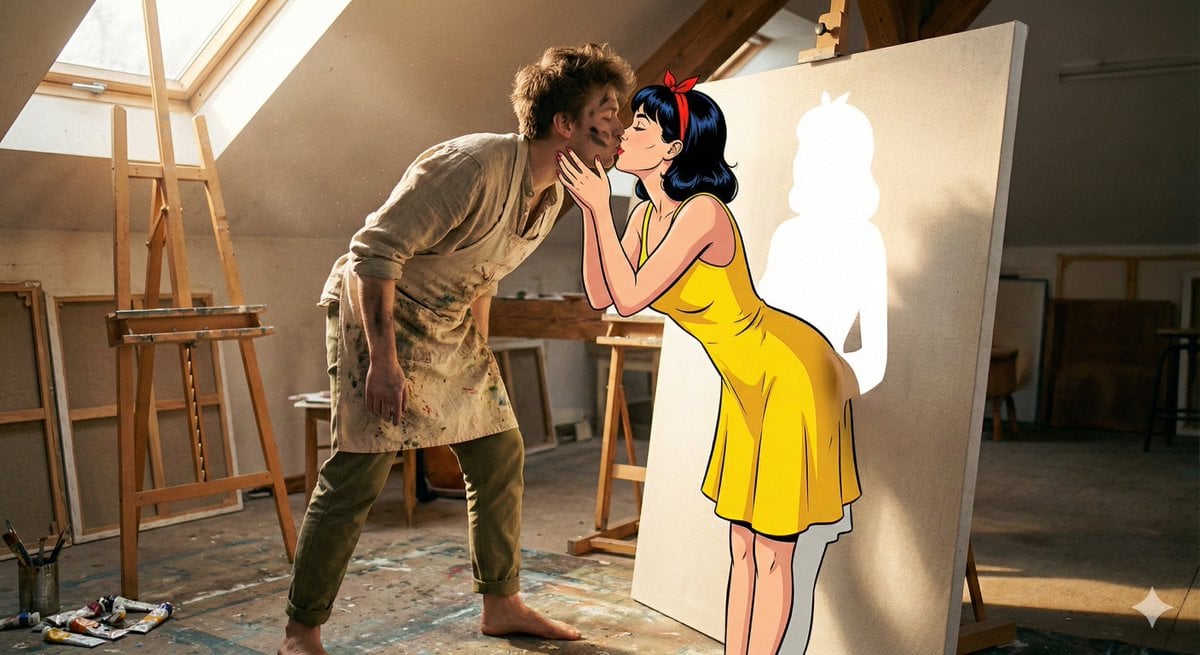
Surreal 2D to 3D Transition Kiss Prompt for Gemini 3
Cyber Cat Prompt Comparison
Crossed Eastern Dark Fantasy Polearms
Hyper-Realistic Outdoor Portrait — 35mm Natural Light
Luxury Perfume Splash Ad
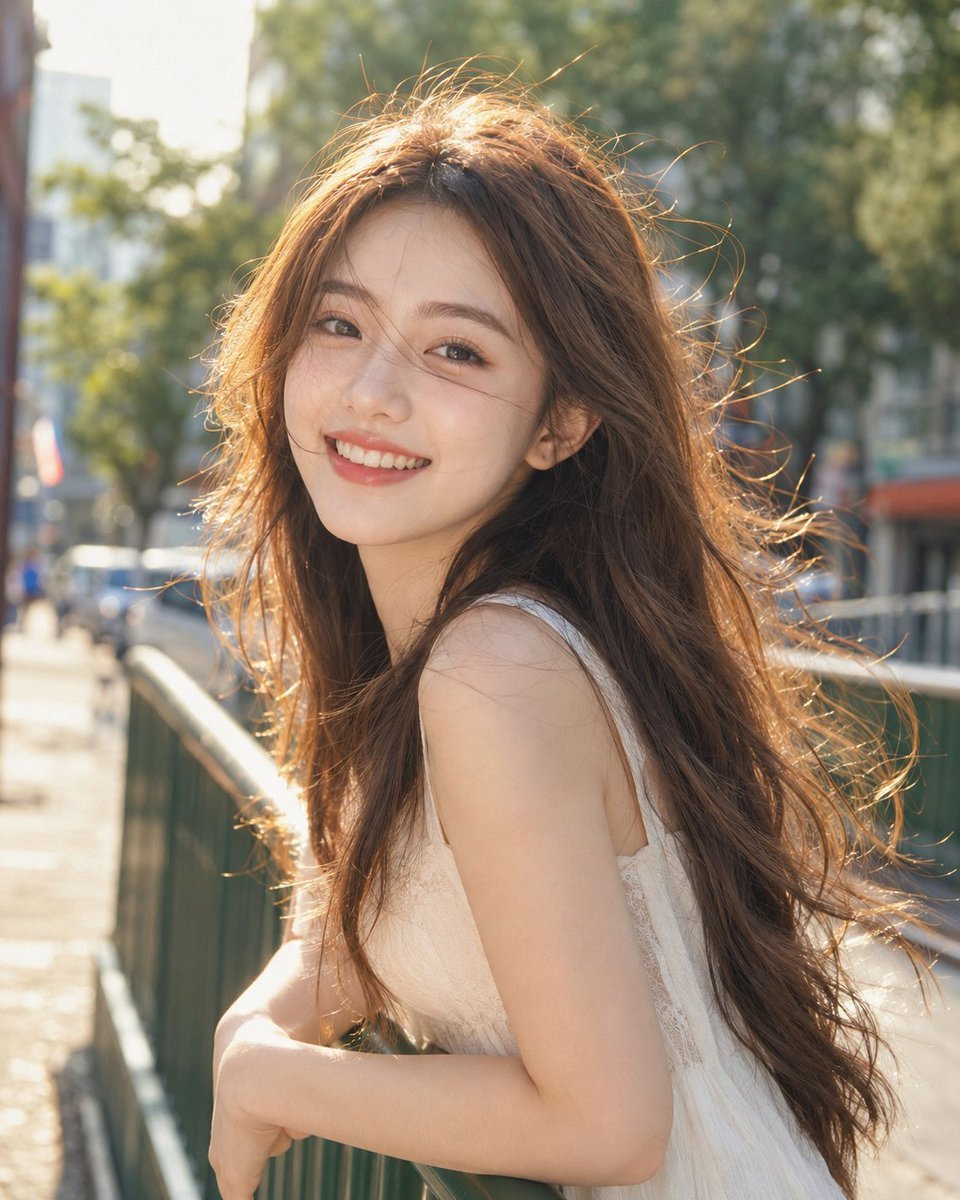
Backlit Windy Summer Portrait
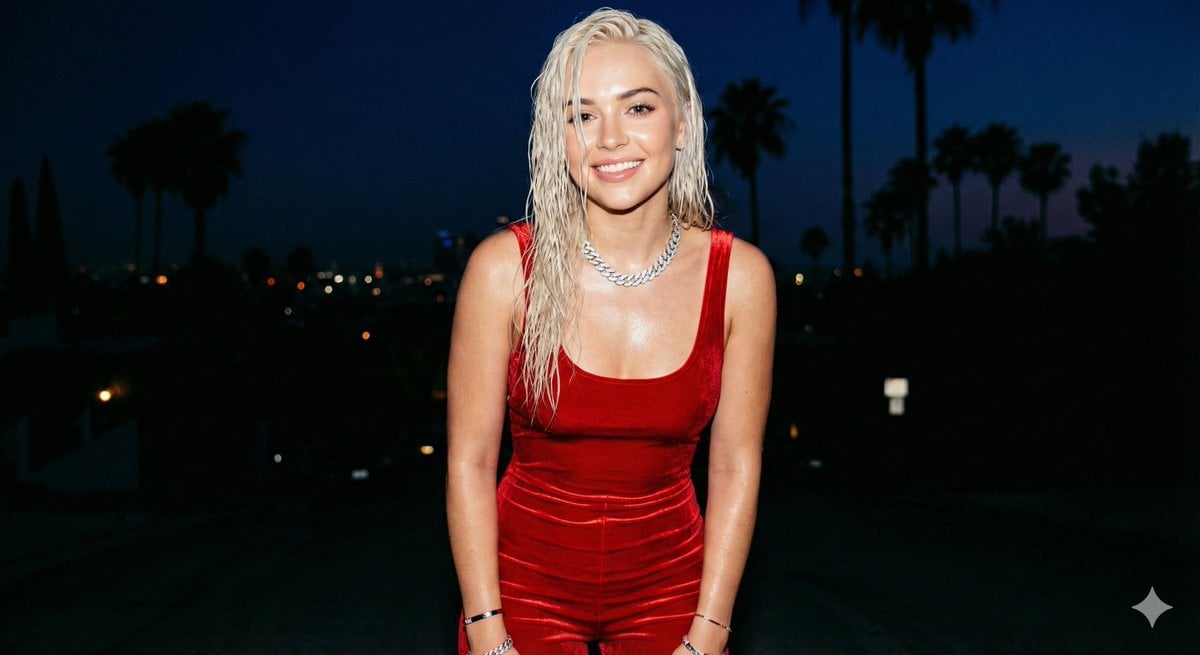
Hyper-realistic smartphone flash photo prompt for AI image generation
Browse template categories
Sadia Sink Queen of Hearts Fashion Portrait questions
How do I use the Sadia Sink Queen of Hearts Fashion Portrait template?
Add your photo if the template asks for one, edit the prompt if you like — the template's model and format are already selected — and press Generate. Your version opens in PicX Studio.
Can I customize the Sadia Sink Queen of Hearts Fashion Portrait template?
Yes. You can change the subject, setting, lighting, mood, format, and available model controls before creating your image.
Is the Sadia Sink Queen of Hearts Fashion Portrait template free?
Opening and editing this template is free. Generating uses credits, shown on the Generate button when you are signed in.
Which AI model should I use?
Start with Nano Banana 2, which is the model associated with this template. You can compare another compatible model for a different finish.
Looking for something else? Browse all templates.

Your photo, any look
Thousands of ready templates for every top image and video model, from one credit balance.