
Crossed Eastern Dark Fantasy Polearms
A detailed prompt for generating a collector-style concept poster of two ornate Chinese fantasy polearms crossed over an ink-brush magic circle.
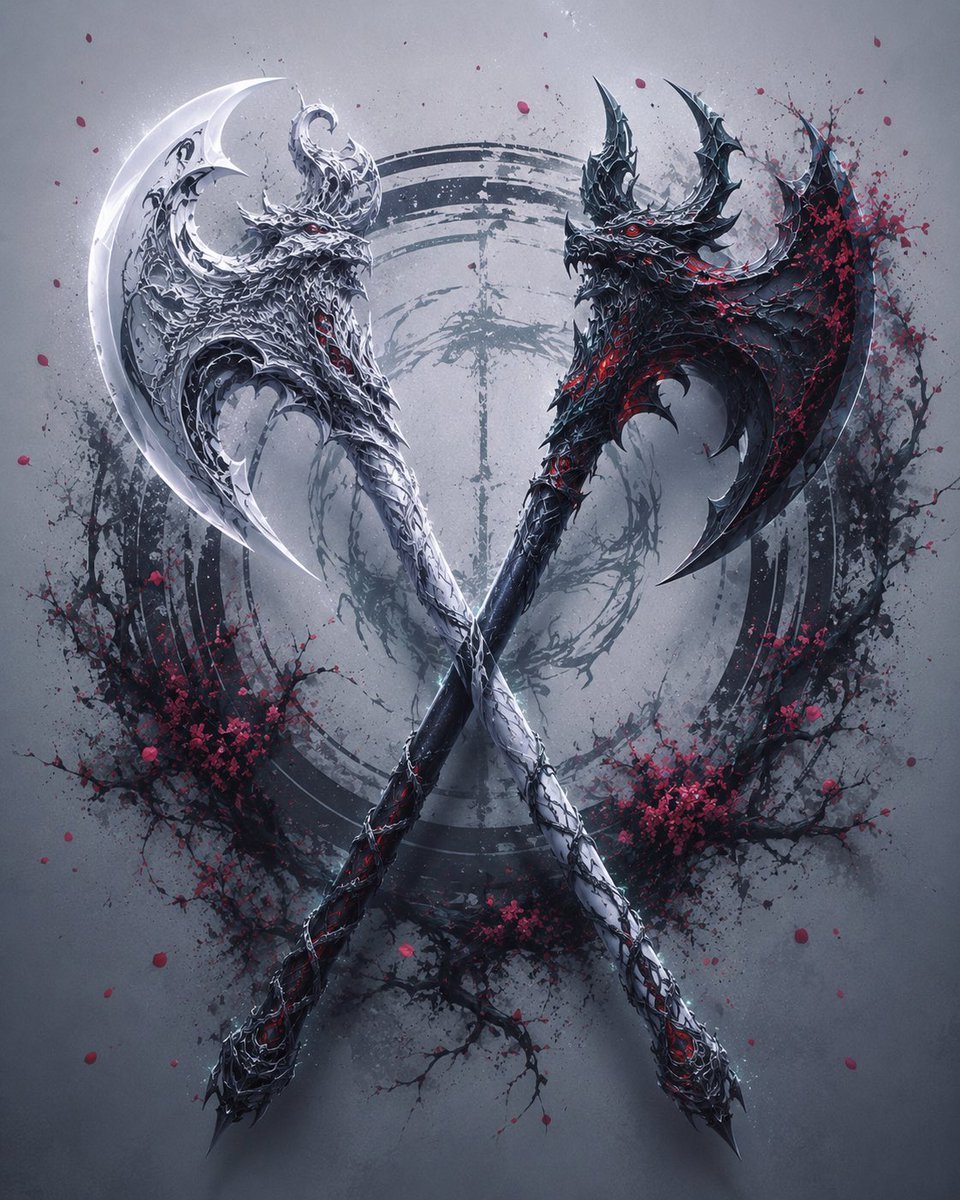
- Prompt included
- Model and format preset
- Free template
The prompt behind this image
Copy the exact prompt behind Crossed Eastern Dark Fantasy Polearms, or open it in the studio and make it yours.
Create a highly detailed Eastern dark fantasy weapon concept poster showing exactly 2 ancient Chinese-style polearm weapons crossed into a symmetrical X composition. Both weapons must be fully visible from blade tip to handle end, centered like a collector-grade weapon design sheet. The left weapon is {argument name="left weapon material" default="bright silver-white engraved metal"}, with a pale crescent axe blade, dragon-scale carving, horned beast-head details, layered ornate metalwork, and subtle red gem accents. The right weapon is {argument name="right weapon material" default="blackened steel with crimson inner glow"}, with a darker crescent axe blade, jagged demonic spikes, dragon-like carved armor plates, red fissures, and glowing red eye-like accents. The two long handles cross near the center and taper to pointed, decorated spear-like butt ends. Use a cold matte gray misty background with a huge circular ink-brush magic array behind the weapons, painted in dark gray Chinese ink strokes. Add exactly 2 clusters of black plum blossom branches with vivid red blossoms, one on the lower left and one on the lower right, plus scattered red petals floating around the composition. Style: premium dark fantasy, Eastern ink painting atmosphere, intricate metallic engraving, sharp high-contrast edges, realistic concept art rendering, dramatic soft shadows, faint fog, symmetrical centered layout, no text, no people, no watermark.
How to use Crossed Eastern Dark Fantasy Polearms in 3 steps
- 1Upload ImagePNG, JPG or paste
Add your photo
Upload the photo the template builds on. The prompt, model and format are already set.
- 2…a portrait of your subject in softgolden-hour light, 85mm…
Personalize
Edit the subject and creative details for your destination.
- 3Generate
Generate
Press Generate — your image is created in PicX Studio, so you can compare it with the original and refine one variable at a time.
More like this
Templates with the same subject, style or setup. Open one to see its prompt.
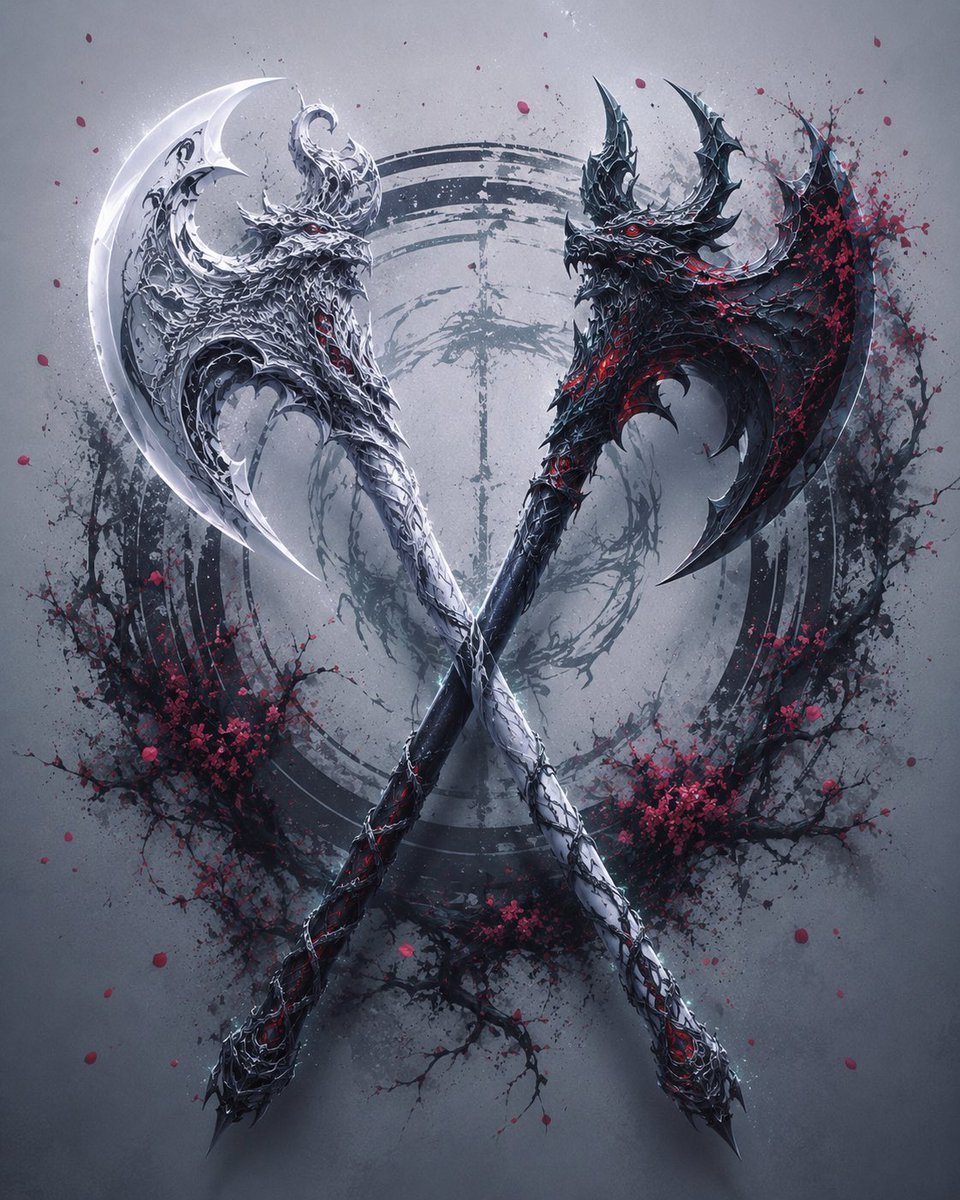
Crossed Dark Eastern Fantasy Halberds
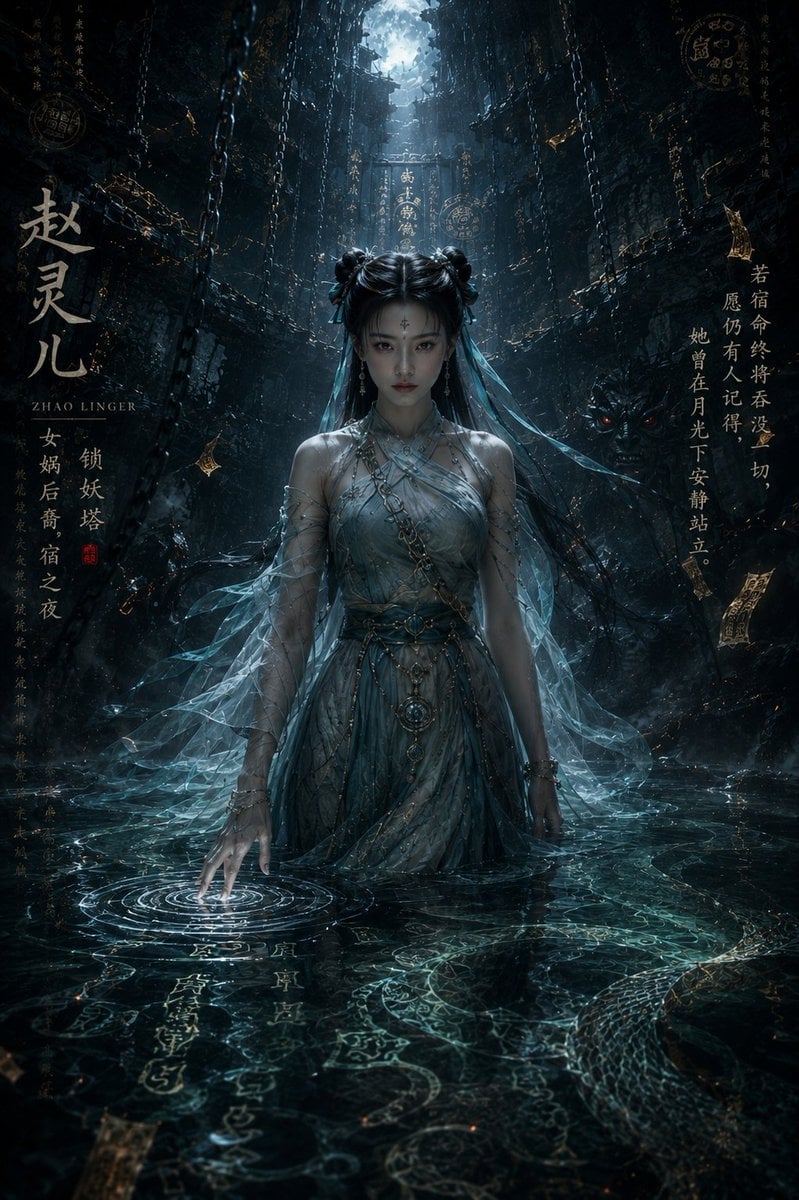
Dark Eastern Fantasy Zhao Ling'er Poster

Anime Fantasy Celestial Movie Poster
Anime Fantasy Celestial Movie Poster

Selective Color Monochrome Football Poster

Minecraft Fantasy Kingdom Voxel Landscape

Unfinished Sketch Comes Alive Portrait

Open Travel Journal Overhead Still Life

Tiny Woman Miniature Fantasy Macro Scene

Night Sports Car Portrait — Cinematic Moody

Cinematic Eye Light Portraits — 3 Nano Banana Prompts

Horror Cinematic Portrait
Make it yours
Crossed Eastern Dark Fantasy Polearms works as-is. These are the safest ways to change it without losing the look.
Change one field
Copy a single group, rewrite it, and generate again so you can see what that field is doing.
Keep the frame, change the subject
Hold the composition and light of Crossed Eastern Dark Fantasy Polearms, then swap wardrobe, props or the person for a new take.
| If the result… | Why | Fix |
|---|---|---|
| The result drifts from the preview | Too many fields changed at once. | Reuse Crossed Eastern Dark Fantasy Polearms as-is first, then change one group — subject, light, or setting. |
| The model over-stylizes the scene | The prose prompt leaves finish and camera underspecified. | Add one camera or lighting sentence and stay on GPT Image 2. |
More GPT Image 2 templates
Other prompts made for GPT Image 2.

Six VTuber Japanese Logo Sheet

Realistic Portrait of Woman and Deer

The Vista Modular Condo Poster

AI Model Routing Comparison Infographic

2.5D Anime Art Board

Isometric Productivity Desk Scene

New York Double Exposure Poster

Four-Panel AI Landscape Comparison

Japanese Tatami Lifestyle Magazine Cover

NESCAFÉ Coffee Map Poster
More image prompts
Fresh picks from across the catalog.
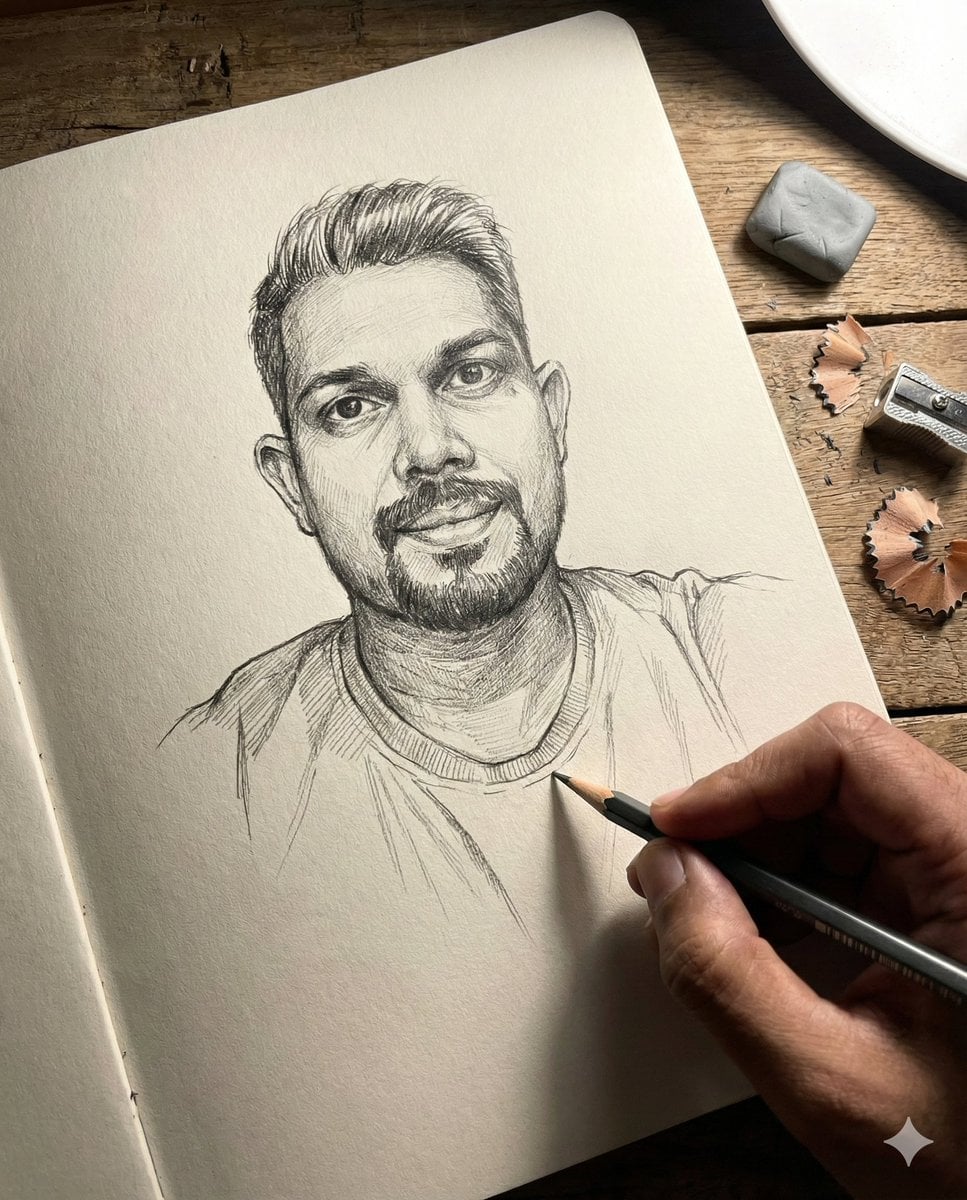
Anamorphic Graphite Sketch Illusion Prompt
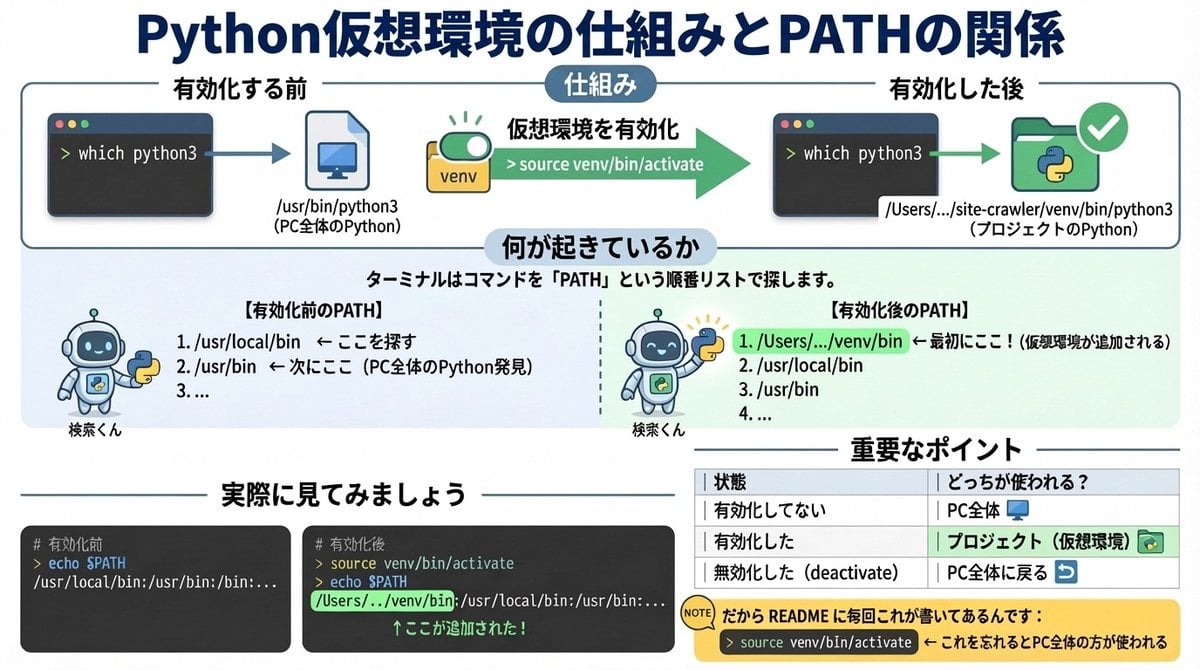
Generate diagrams from programming explanations
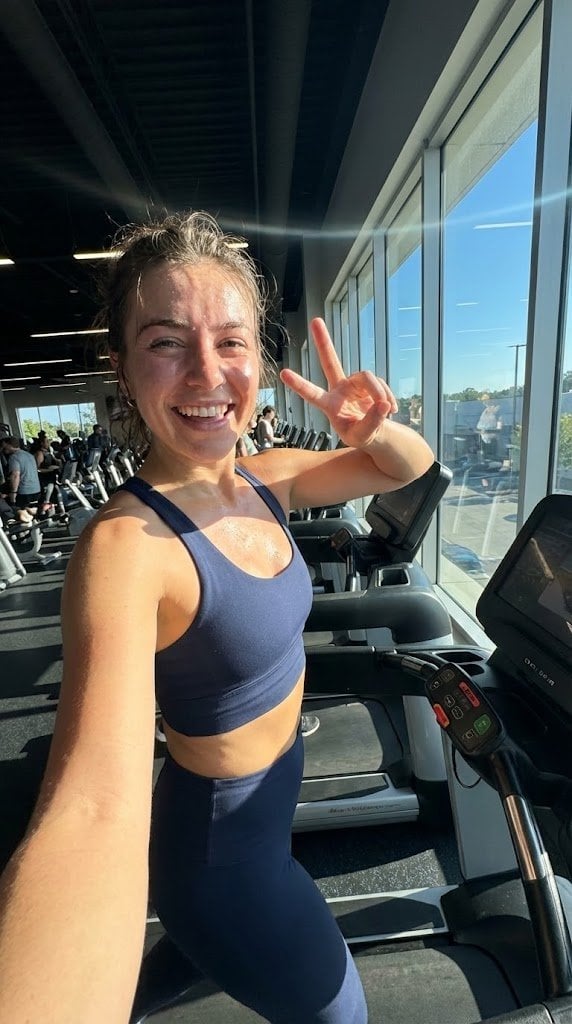
System JSON prompt template for ultra-realistic iPhone-style AI influencers

Outdoor Cafe Portrait — White Ruched Top Nano Banana
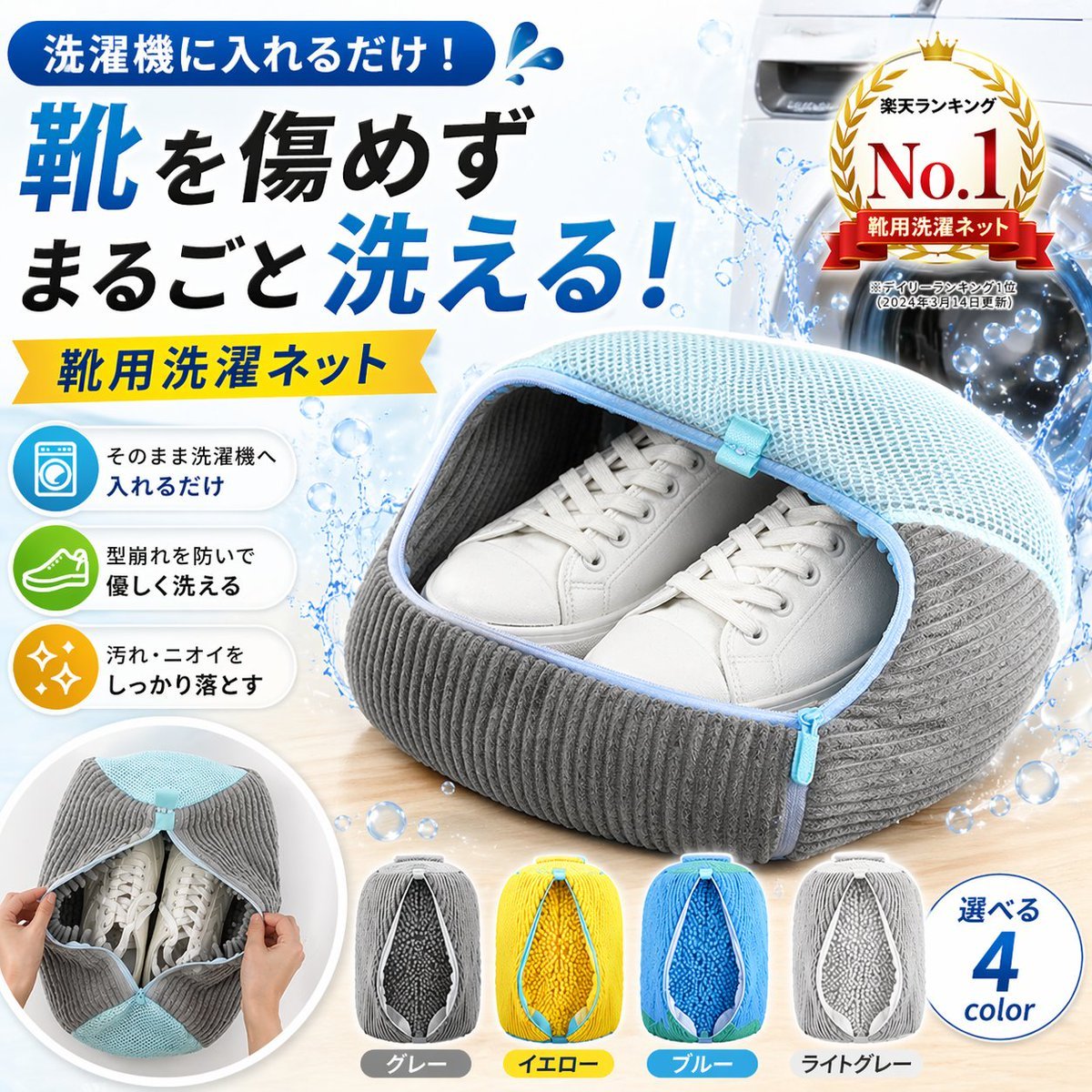
Japanese Shoe Laundry Bag Ad
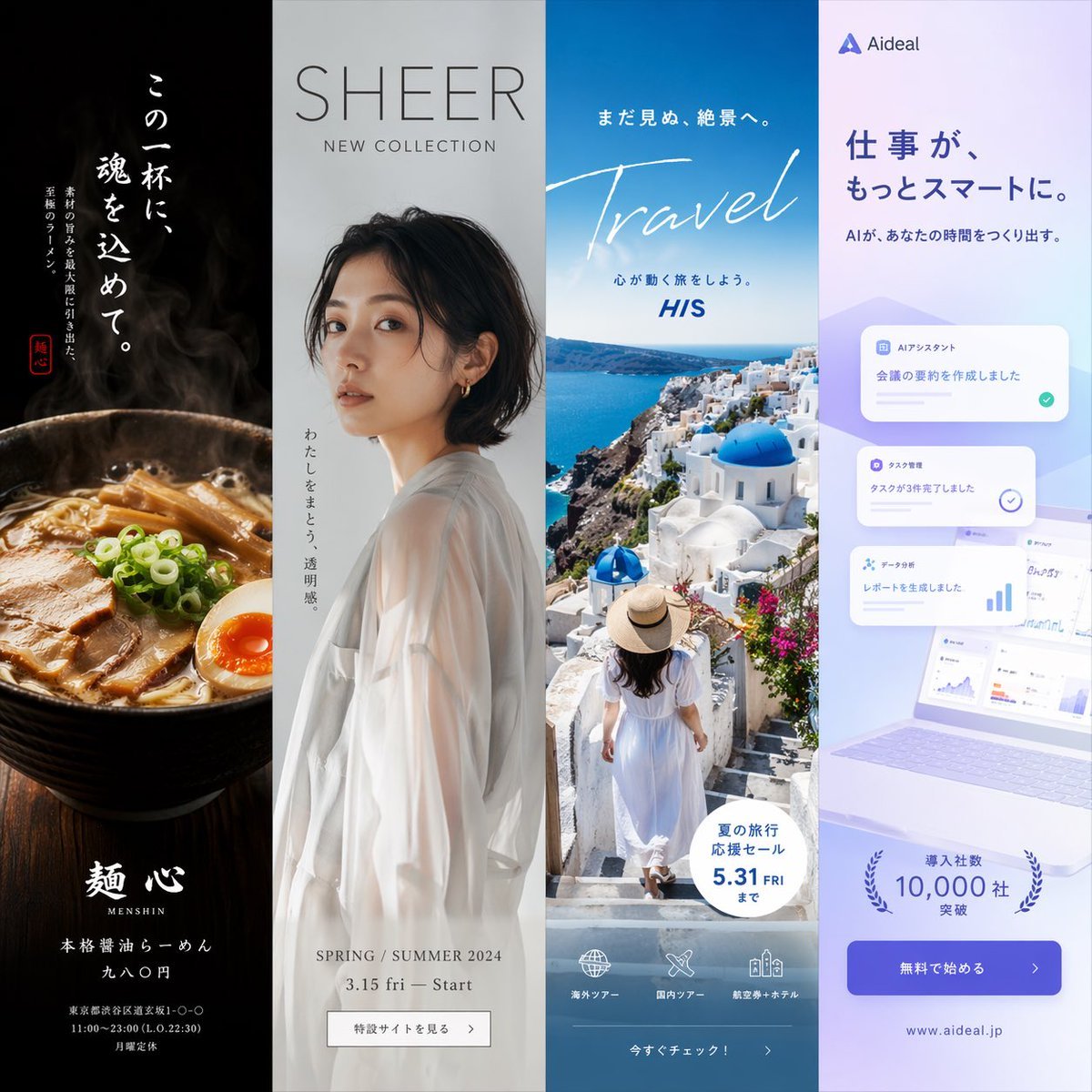
Four-Panel Vertical Advertisement Mockups
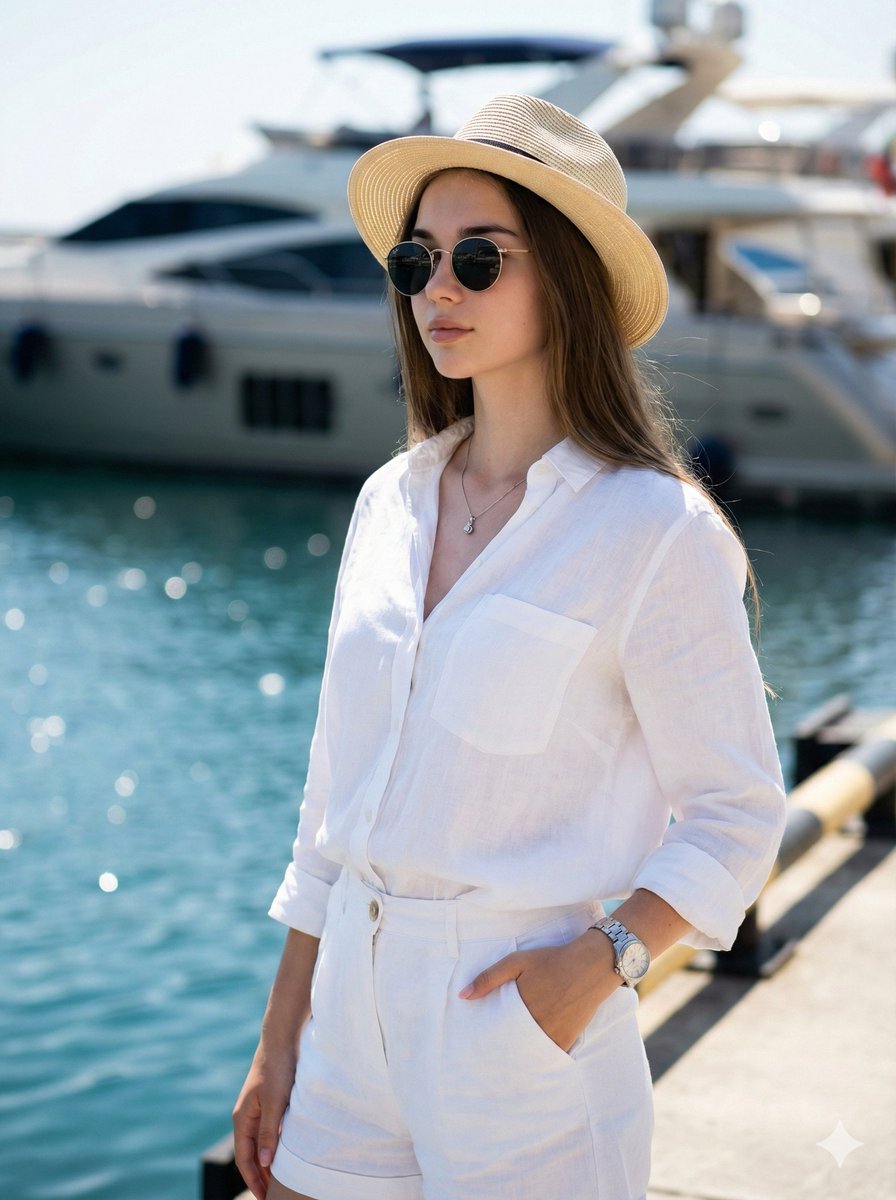
High-Fashion Marina Editorial Prompt with Strict Identity Lock
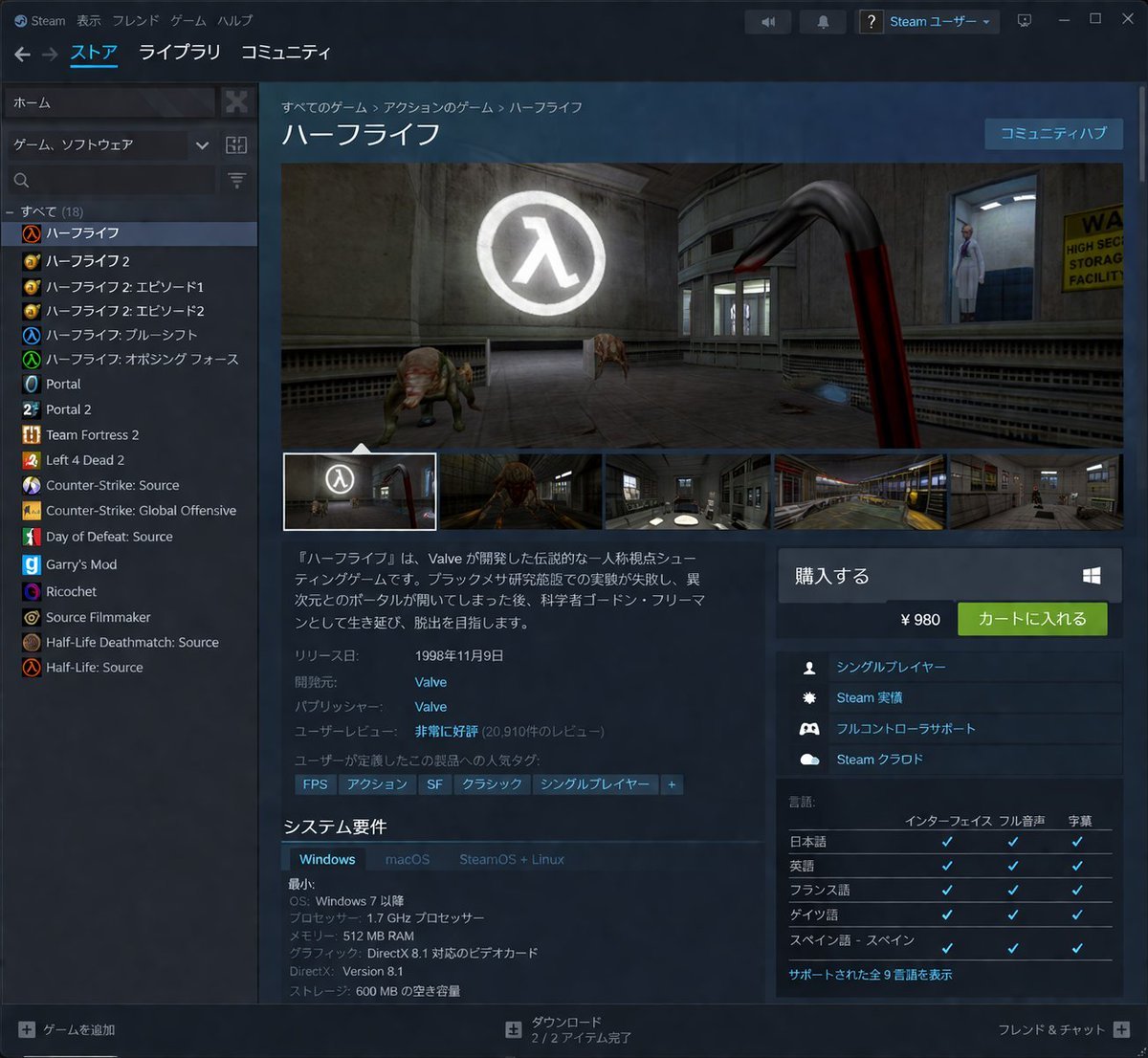
Steam Store Page UI Mockup
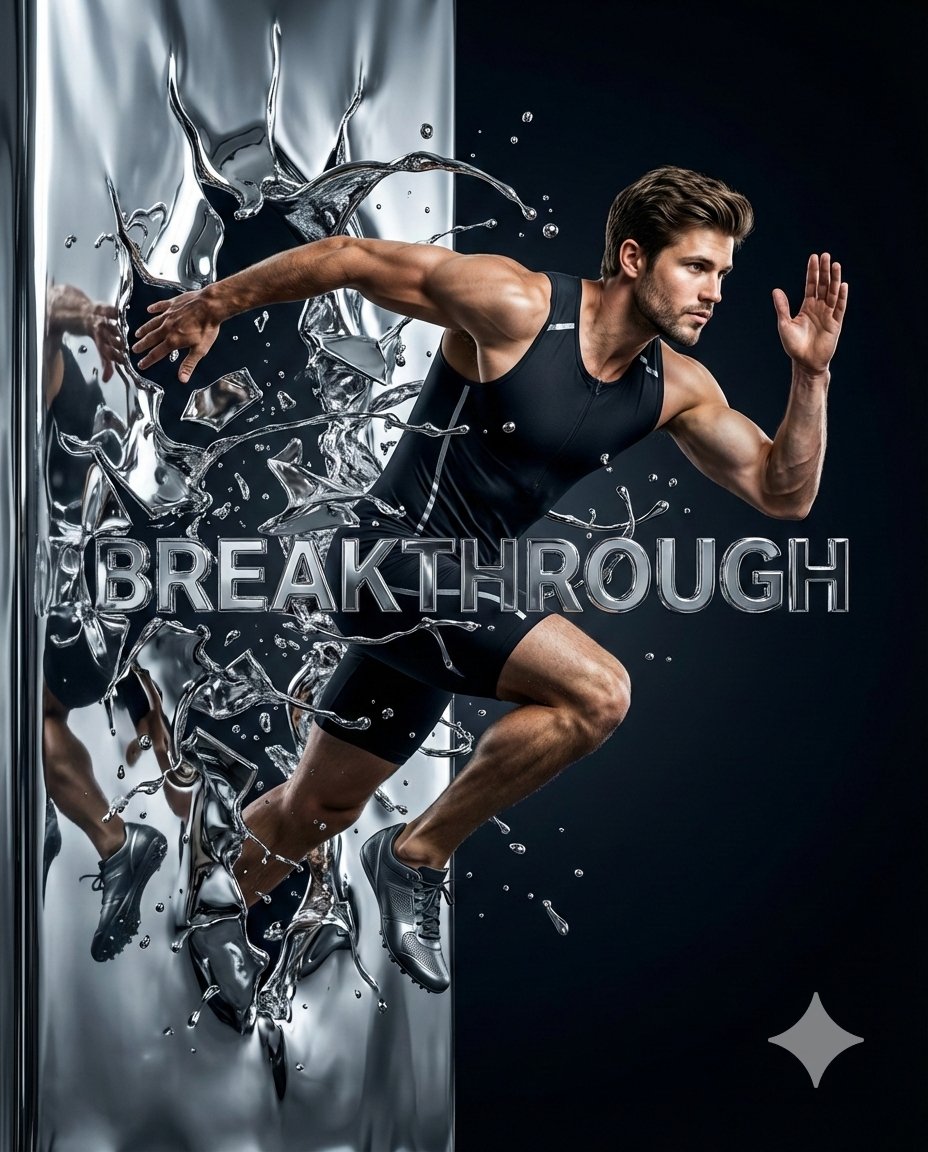
Hyper-Realistic Chrome Wall Breakthrough Prompt
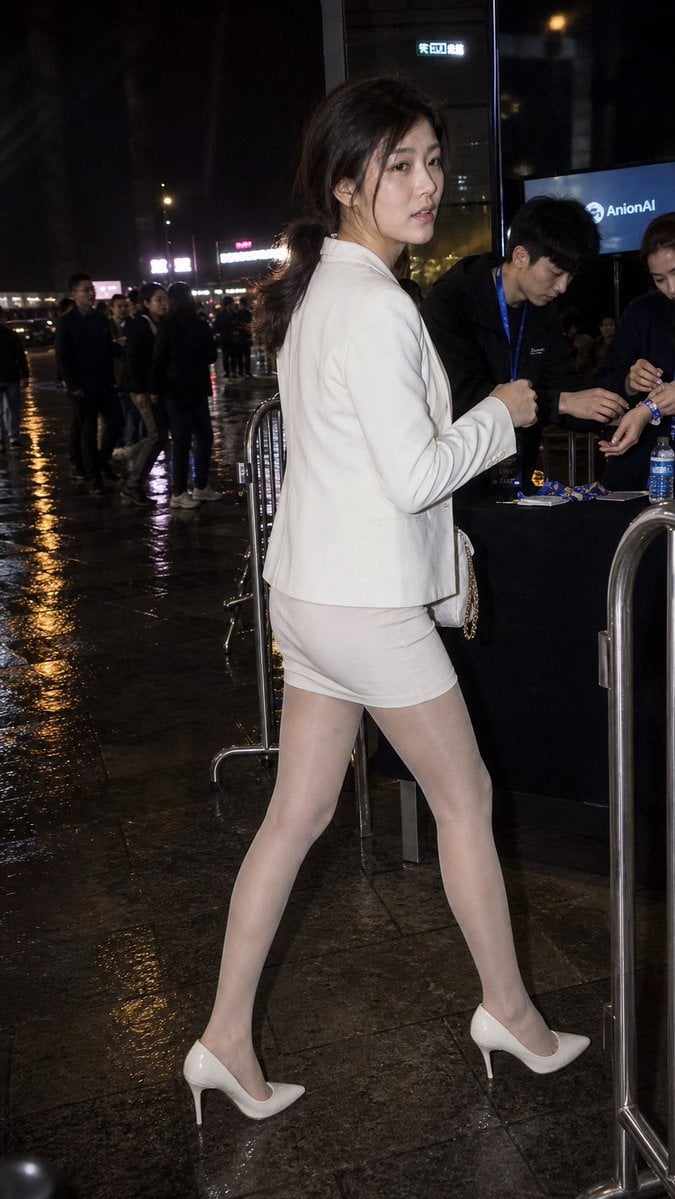
Rainy Night Event Street Fashion
Browse template categories
Crossed Eastern Dark Fantasy Polearms questions
How do I use the Crossed Eastern Dark Fantasy Polearms template?
Add your photo if the template asks for one, edit the prompt if you like — the template's model and format are already selected — and press Generate. Your version opens in PicX Studio.
Can I customize the Crossed Eastern Dark Fantasy Polearms template?
Yes. You can change the subject, setting, lighting, mood, format, and available model controls before creating your image.
Is the Crossed Eastern Dark Fantasy Polearms template free?
Opening and editing this template is free. Generating uses credits, shown on the Generate button when you are signed in.
Which AI model should I use?
Start with GPT Image 2, which is the model associated with this template. You can compare another compatible model for a different finish.
Looking for something else? Browse all templates.

Your photo, any look
Thousands of ready templates for every top image and video model, from one credit balance.