
Anamorphic Graphite Sketch Illusion Prompt
A highly complex image generation prompt for Nano-Banana Pro, designed to create a photorealistic image of a graphite sketch that appears to be reaching out of the paper (anamorphic illusion).
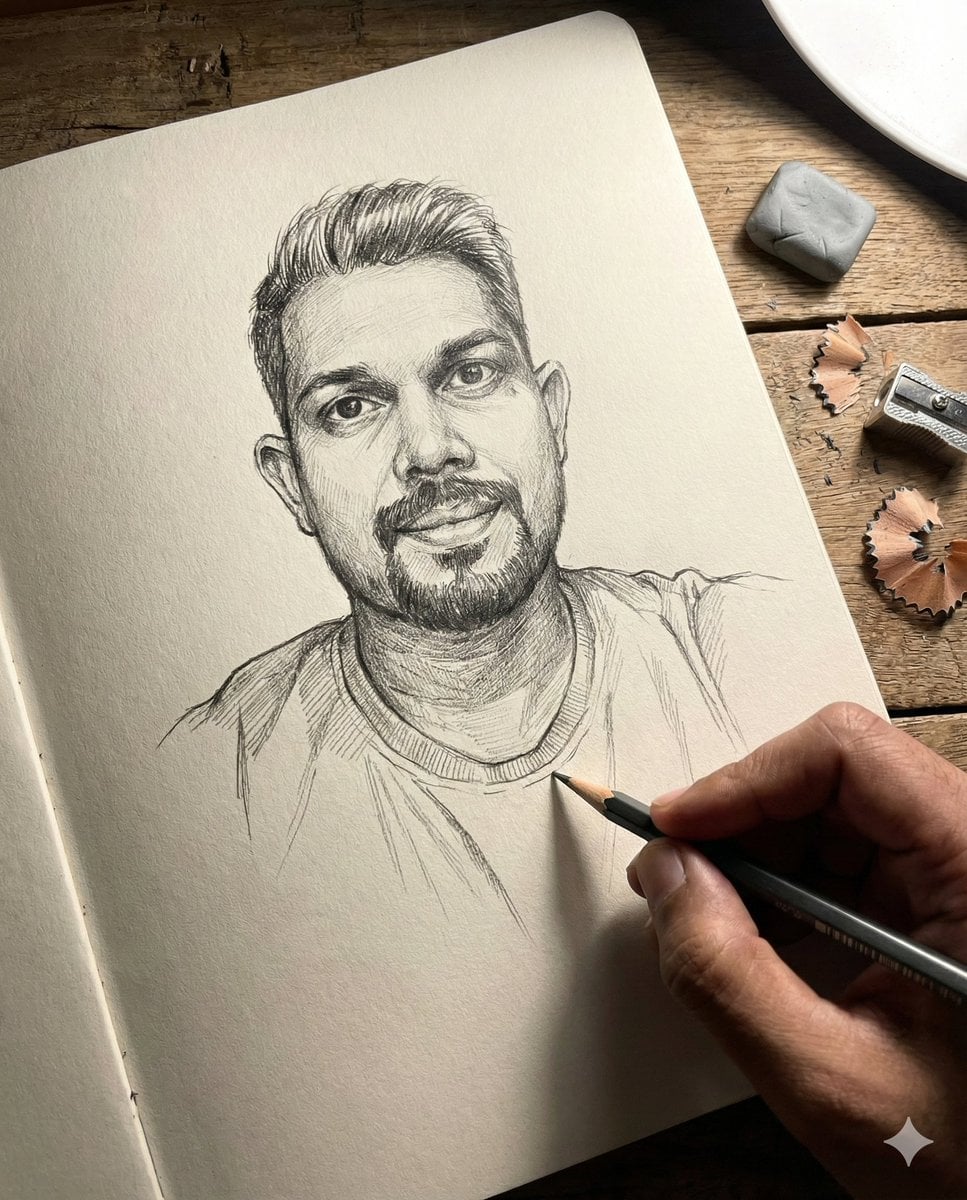
- Prompt included
- Model and format preset
- Free template
The prompt behind this image
Copy the exact prompt behind Anamorphic Graphite Sketch Illusion Prompt, or open it in the studio and make it yours.
- Subject Core › Demographics
- [STRICTLY FOLLOW REFERENCE IMAGE]: Age, gender, and ethnicity must match the uploaded source photo exactly. Rendered as a hyper-realistic graphite sketch.
- Subject Core › Body Type
- Matches reference image physique, appearing to lean forward out of the 2D plane
- Subject Core › Facial Features
- High-fidelity graphite translation of the reference face; shading emphasizes specific bone structure and unique traits from the source photo; eyes detailed with paper-white catchlights
- Subject Core › Hair
- Matches reference image hairstyle and texture exactly, rendered with varying pencil pressure (hatching and cross-hatching)
- Subject Styling › Makeup Grooming
- Matches reference image grooming standards; skin texture converted to realistic pencil grain and stippling
- Subject Styling › Expression
- Matches reference image expression (e.g., focused, smiling, or neutral), intense gaze directed relative to the viewer
- Subject Styling › Pose Action
- Anamorphic illusion: The subject's hand (drawn in graphite) creates a 3D effect, appearing to reach out of the flat paper surface, holding a realistic wooden pencil
- Wardrobe › Top
- Matches clothing from reference image, textures converted to graphite cross-hatching to imply fabric weight
- Wardrobe › Bottom
- N/A (cropped or fading into the white of the paper)
- Wardrobe › Footwear
- N/A
- Wardrobe › Accessories
- Any distinct accessories from the reference photo rendered in sketch format
- Environment Context › Location
- Macro view of a textured, heavy-tooth white sketchbook page resting on a dark rustic wooden surface
- Environment Context › Background Elements
- Real-world objects resting on the paper to sell the scale: a worn white block eraser, a metal pencil sharpener, scattered cedar wood pencil shavings, smudge of graphite dust
- Environment Context › Time Context
- Studio lighting environment, timeless artistic setting
- Cinematography And Tech › Lighting
- Dual lighting setup: 1. Simulated shading within the sketch based on the reference. 2. External 'real world' harsh lamp light casting long shadows from the pencil and eraser onto the paper
- Cinematography And Tech › Camera Gear
- Macro photography, 100mm lens, sharp focus on the paper texture
- Cinematography And Tech › Framing
- Top-down flat lay or slight isometric angle to enhance the 'pop-up' 3D illusion of the sketch
- Cinematography And Tech › Visual Fidelity
- Photorealistic rendering of paper grain/fiber, tactile graphite sheen, rough charcoal texture, high contrast between dark leads and white paper
- Cinematography And Tech › Color Grading
- Monochromatic greyscale for the subject (graphite/charcoal tones), natural realistic colors for the desk and drawing tools
- Aspect Ratio
- 4:5
Raw JSON
{
  "subject_core": {
    "demographics": "[STRICTLY FOLLOW REFERENCE IMAGE]: Age, gender, and ethnicity must match the uploaded source photo exactly. Rendered as a hyper-realistic graphite sketch.",
    "body_type": "Matches reference image physique, appearing to lean forward out of the 2D plane",
    "facial_features": "High-fidelity graphite translation of the reference face; shading emphasizes specific bone structure and unique traits from the source photo; eyes detailed with paper-white catchlights",
    "hair": "Matches reference image hairstyle and texture exactly, rendered with varying pencil pressure (hatching and cross-hatching)"
  },
  "subject_styling": {
    "makeup_grooming": "Matches reference image grooming standards; skin texture converted to realistic pencil grain and stippling",
    "expression": "Matches reference image expression (e.g., focused, smiling, or neutral), intense gaze directed relative to the viewer",
    "pose_action": "Anamorphic illusion: The subject's hand (drawn in graphite) creates a 3D effect, appearing to reach out of the flat paper surface, holding a realistic wooden pencil"
  },
  "wardrobe": {
    "top": "Matches clothing from reference image, textures converted to graphite cross-hatching to imply fabric weight",
    "bottom": "N/A (cropped or fading into the white of the paper)",
    "footwear": "N/A",
    "accessories": "Any distinct accessories from the reference photo rendered in sketch format"
  },
  "environment_context": {
    "location": "Macro view of a textured, heavy-tooth white sketchbook page resting on a dark rustic wooden surface",
    "background_elements": "Real-world objects resting on the paper to sell the scale: a worn white block eraser, a metal pencil sharpener, scattered cedar wood pencil shavings, smudge of graphite dust",
    "time_context": "Studio lighting environment, timeless artistic setting"
  },
  "cinematography_and_tech": {
    "lighting": "Dual lighting setup: 1. Simulated shading within the sketch based on the reference. 2. External 'real world' harsh lamp light casting long shadows from the pencil and eraser onto the paper",
    "camera_gear": "Macro photography, 100mm lens, sharp focus on the paper texture",
    "framing": "Top-down flat lay or slight isometric angle to enhance the 'pop-up' 3D illusion of the sketch",
    "visual_fidelity": "Photorealistic rendering of paper grain/fiber, tactile graphite sheen, rough charcoal texture, high contrast between dark leads and white paper",
    "color_grading": "Monochromatic greyscale for the subject (graphite/charcoal tones), natural realistic colors for the desk and drawing tools"
  },
  "aspect_ratio": "4:5"
}How to use Anamorphic Graphite Sketch Illusion Prompt in 3 steps
- 1Upload ImagePNG, JPG or paste
Add your photo
Upload the photo the template builds on. The prompt, model and format are already set.
- 2…a portrait of your subject in softgolden-hour light, 85mm…
Personalize
Edit the subject and creative details for your destination.
- 3Generate
Generate
Press Generate — your image is created in PicX Studio, so you can compare it with the original and refine one variable at a time.
More like this
Templates with the same subject, style or setup. Open one to see its prompt.

Notebook Page Emergence Illusion

Japanese Café Sketch Duo Illustration

Delicate Japanese Café Lifestyle Illustration
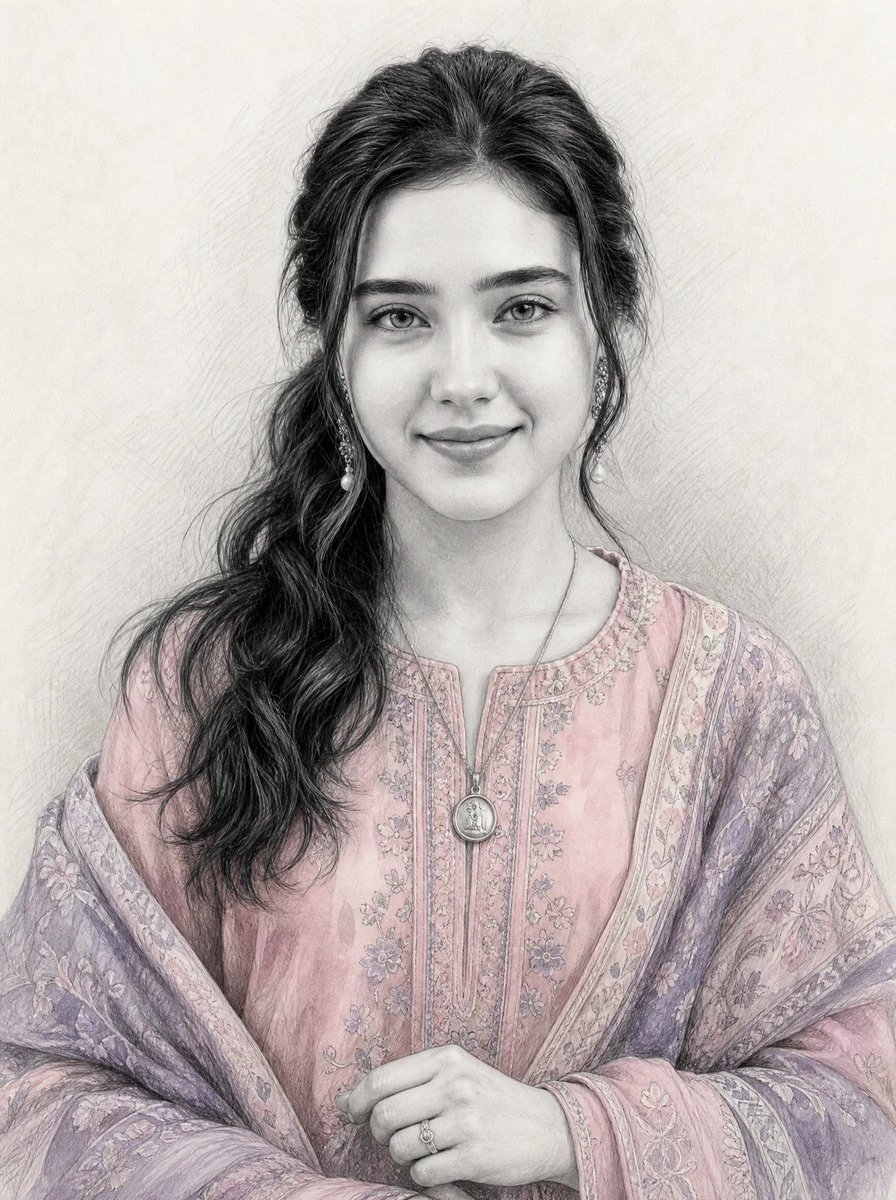
Graphite Sketch with Selective Color
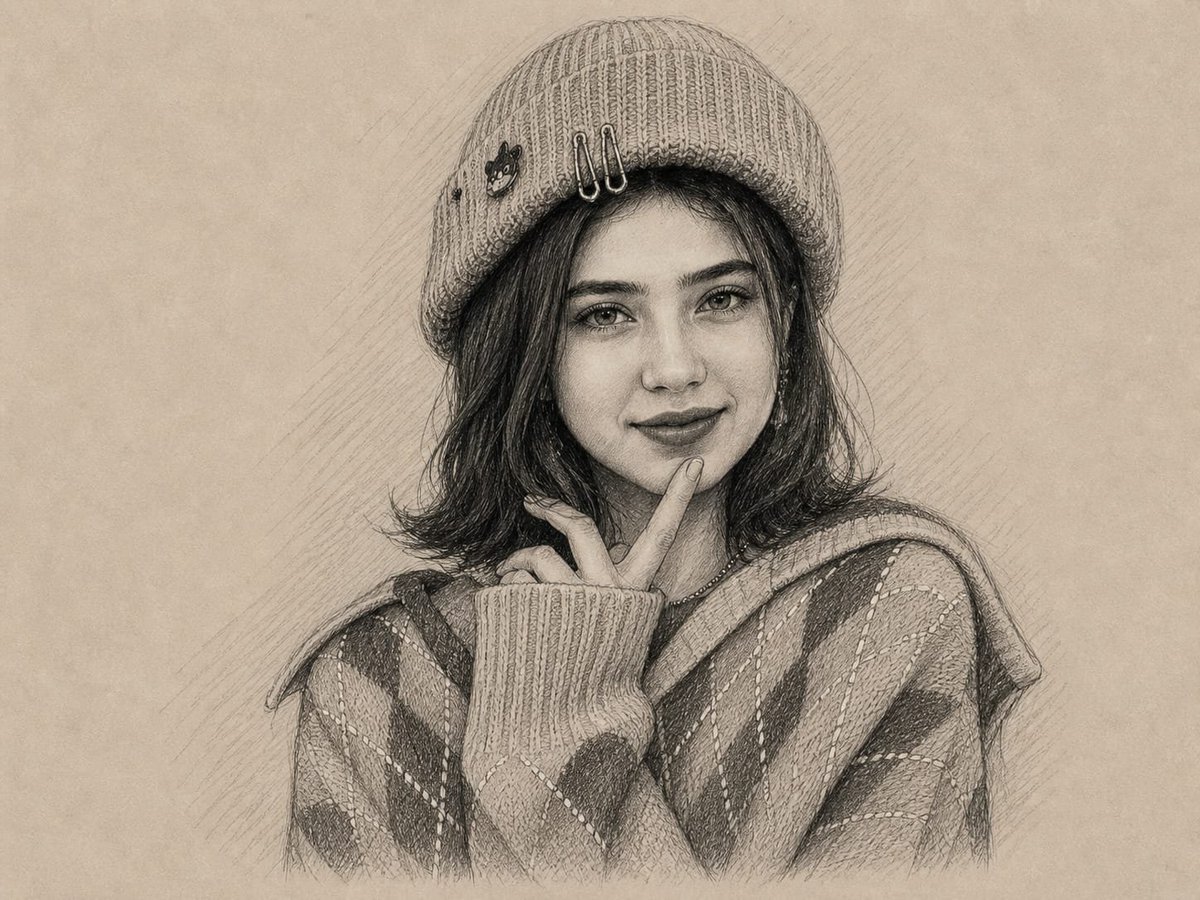
Graphite and Charcoal Portrait Sketch
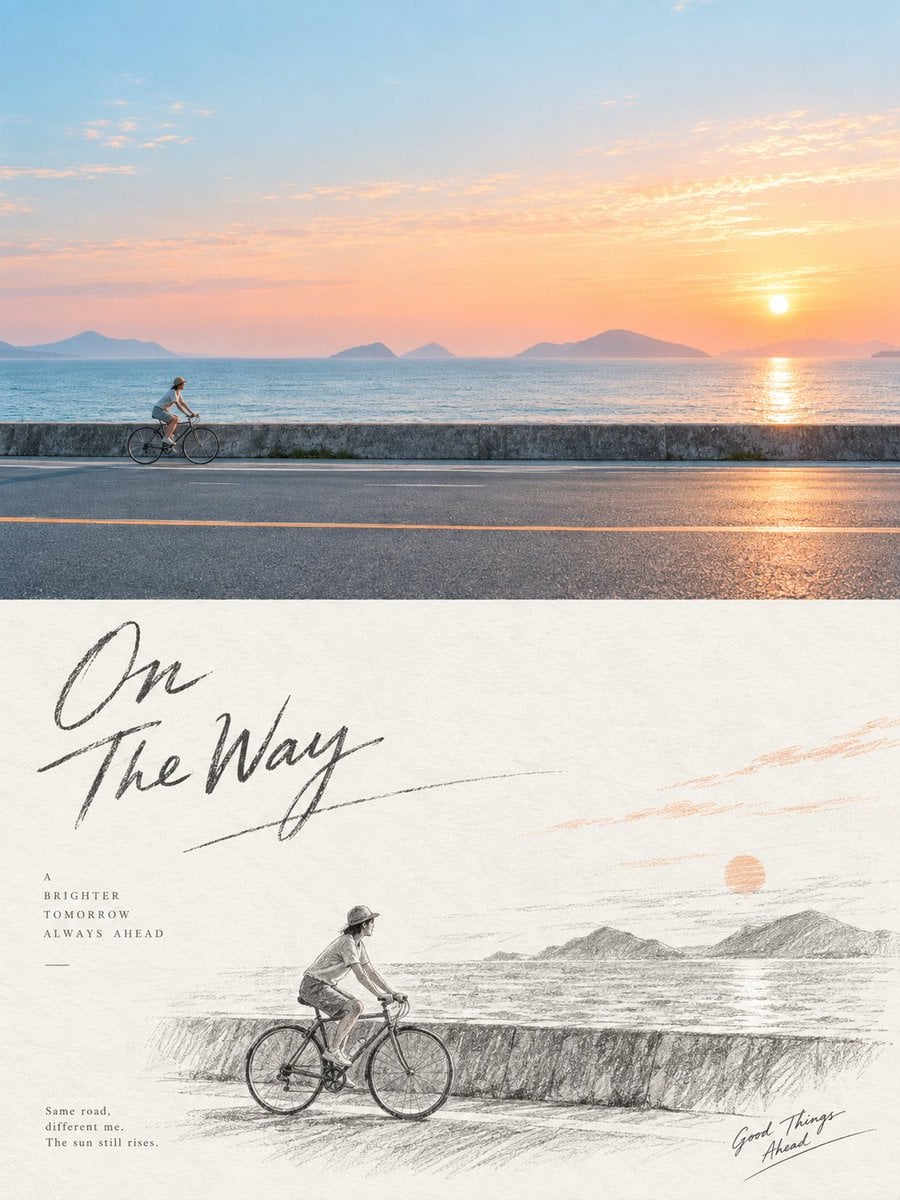
Graphite Pencil Sketch Poster
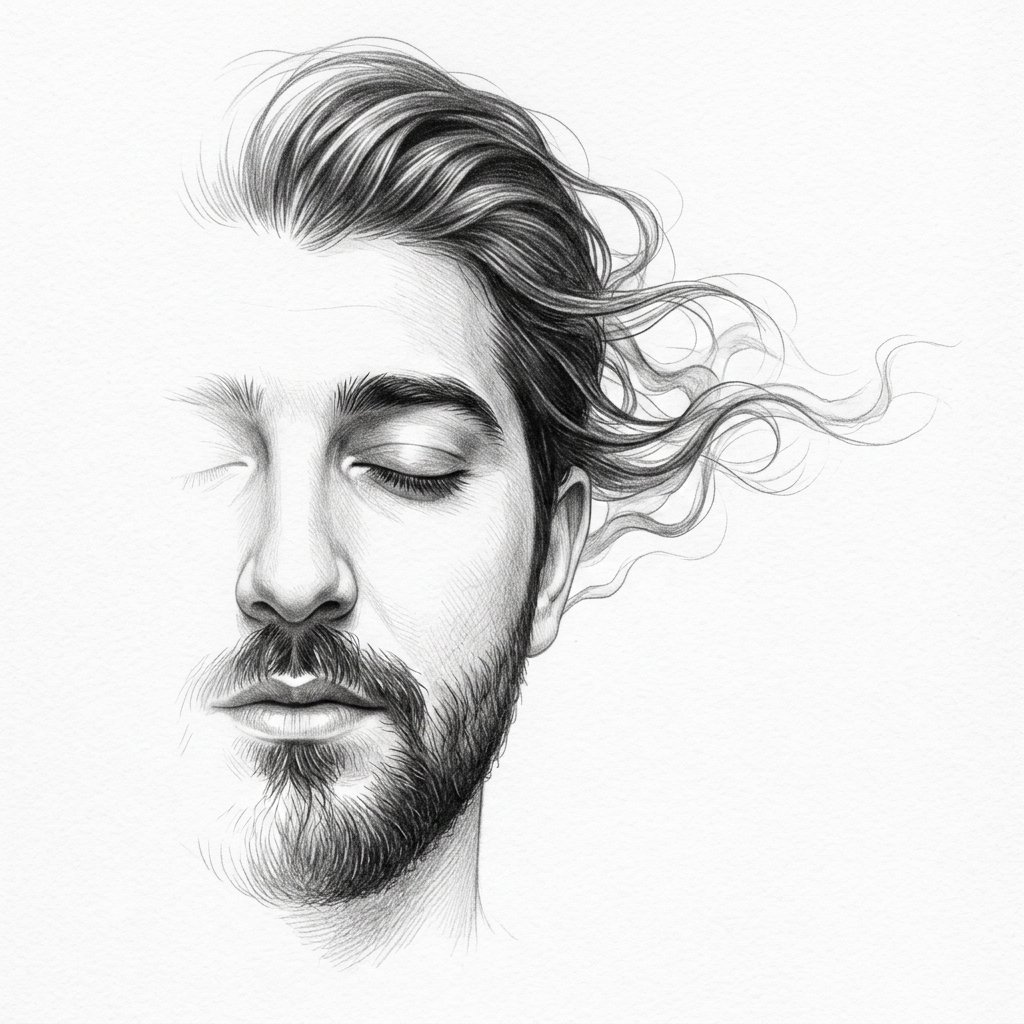
Minimalist Half-Face Graphite Sketch
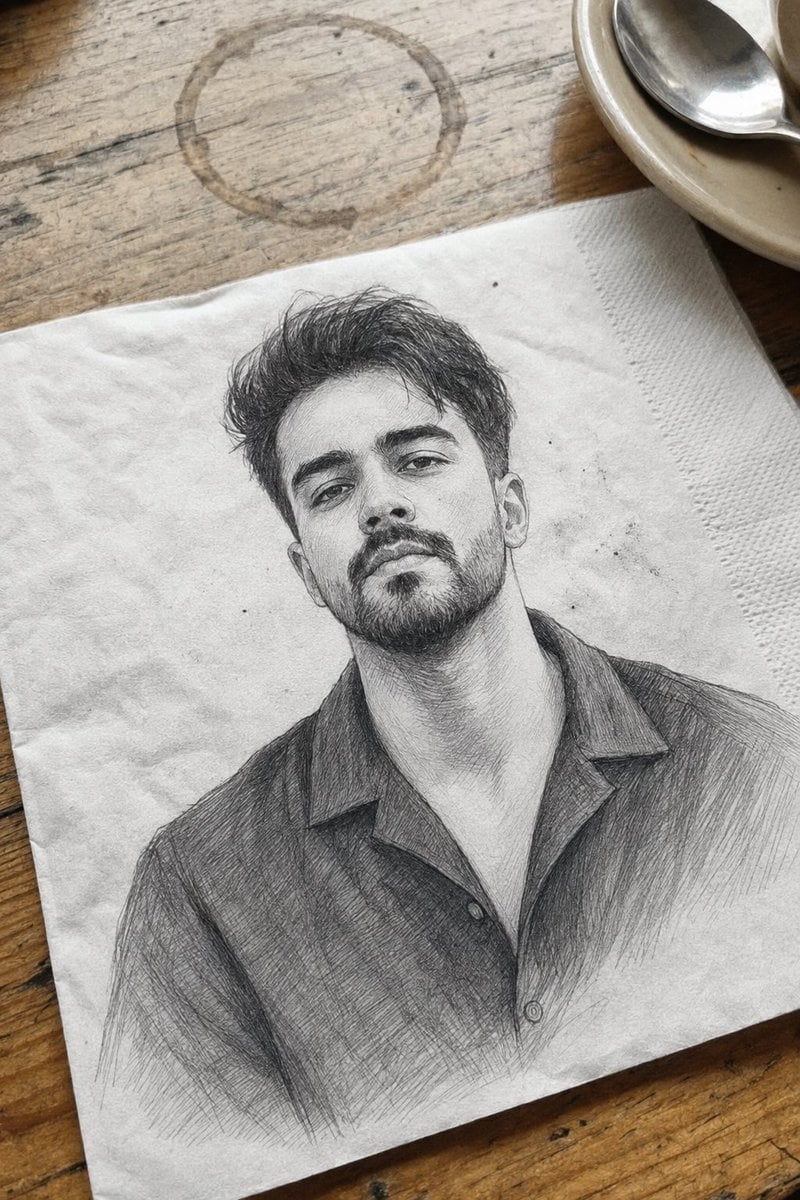
Professional Graphite Pencil Sketch Portrait
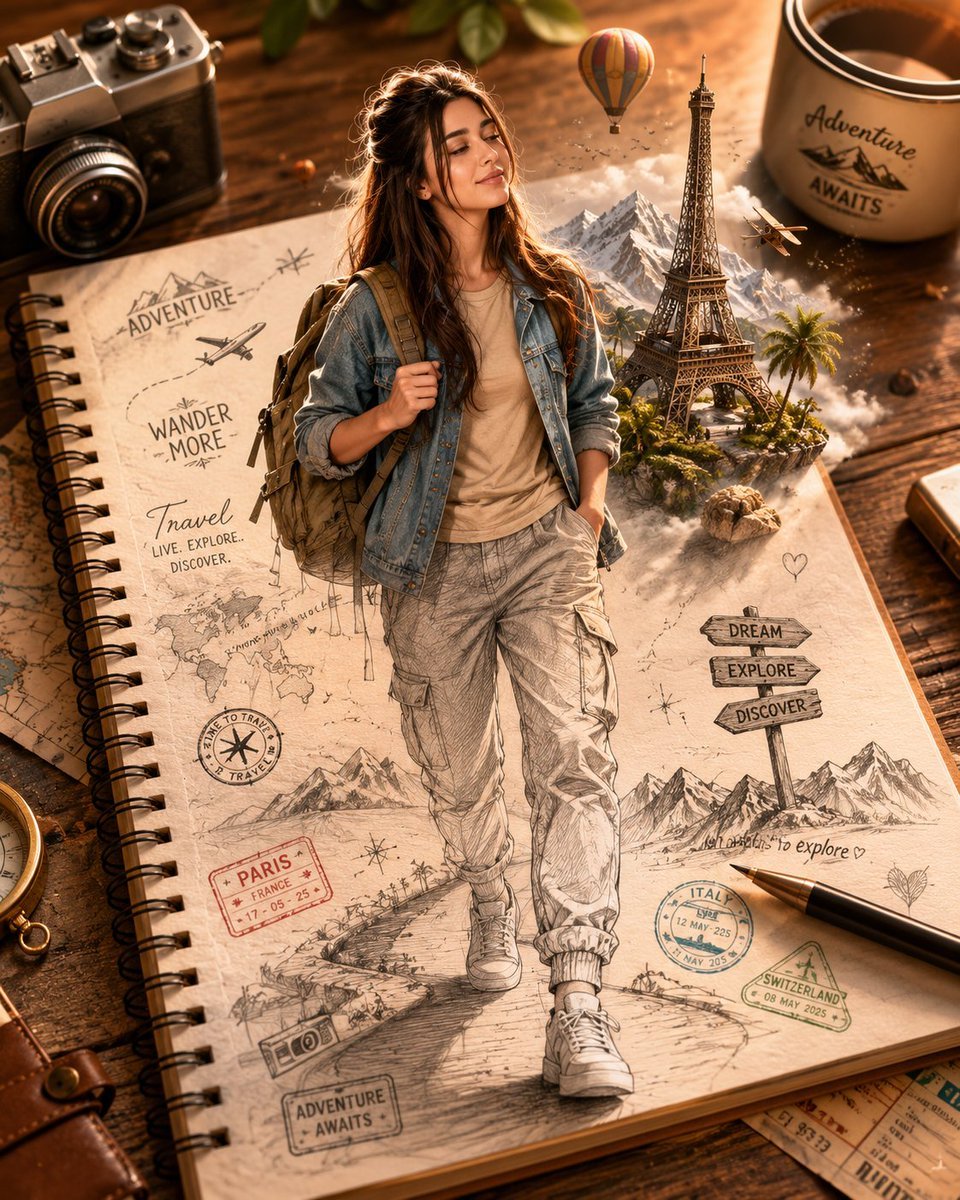
Sketch-to-Reality 3D Illusion
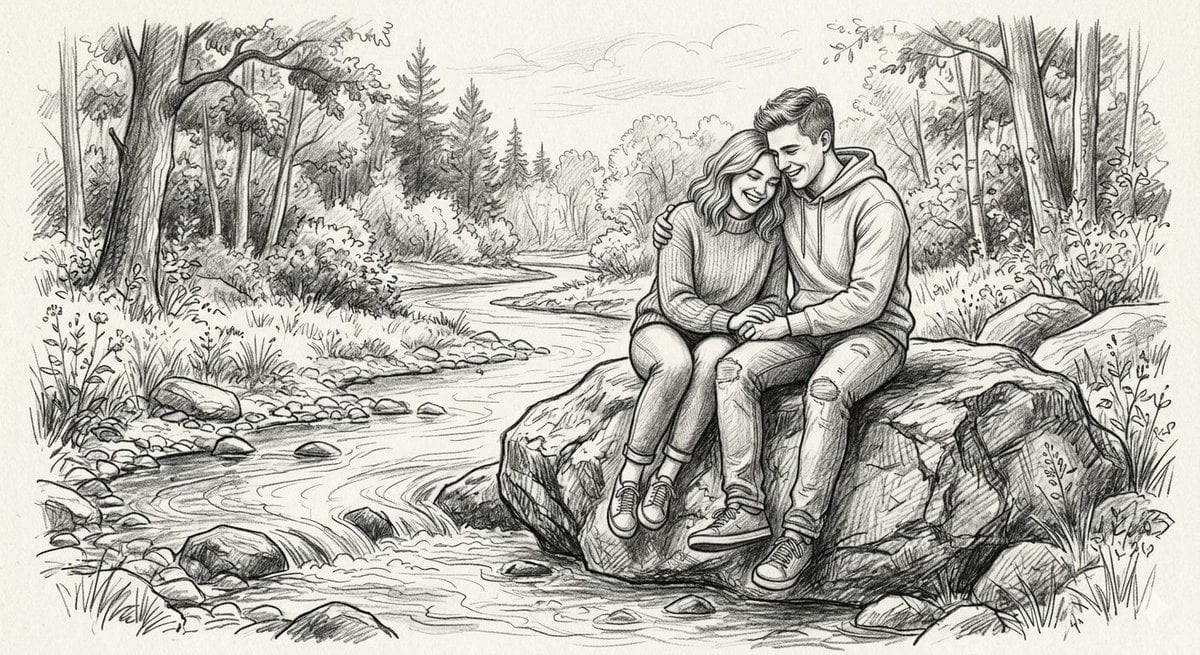
Detailed Graphite Pencil Sketch
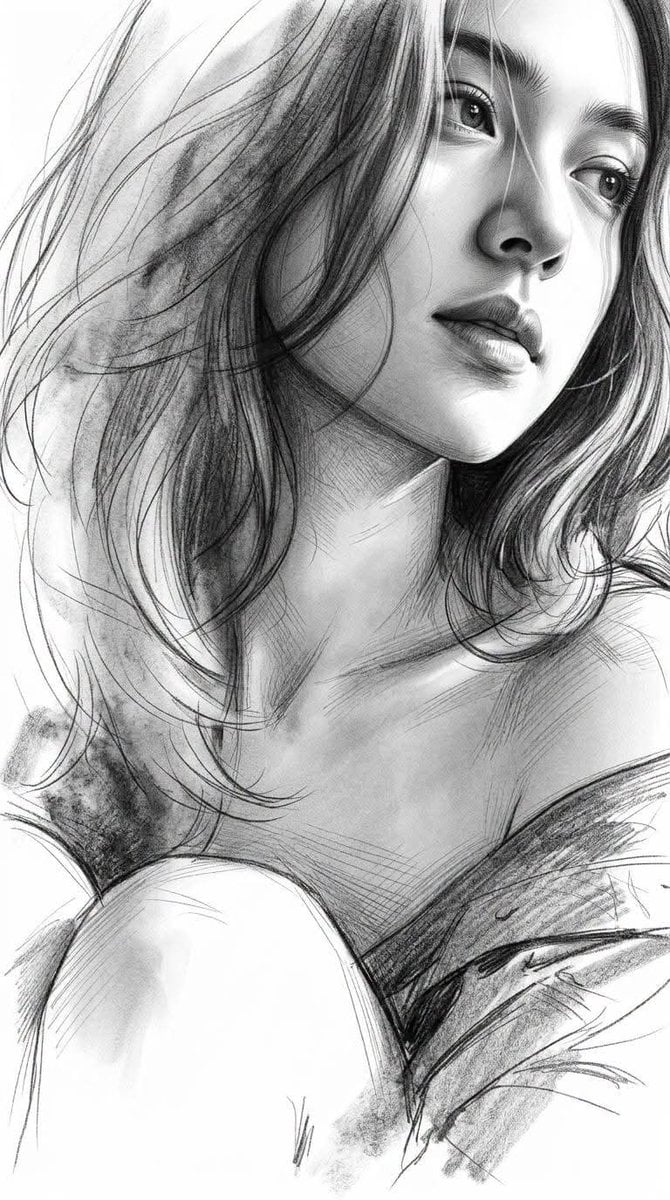
Monochrome Graphite Fine-Art Sketch
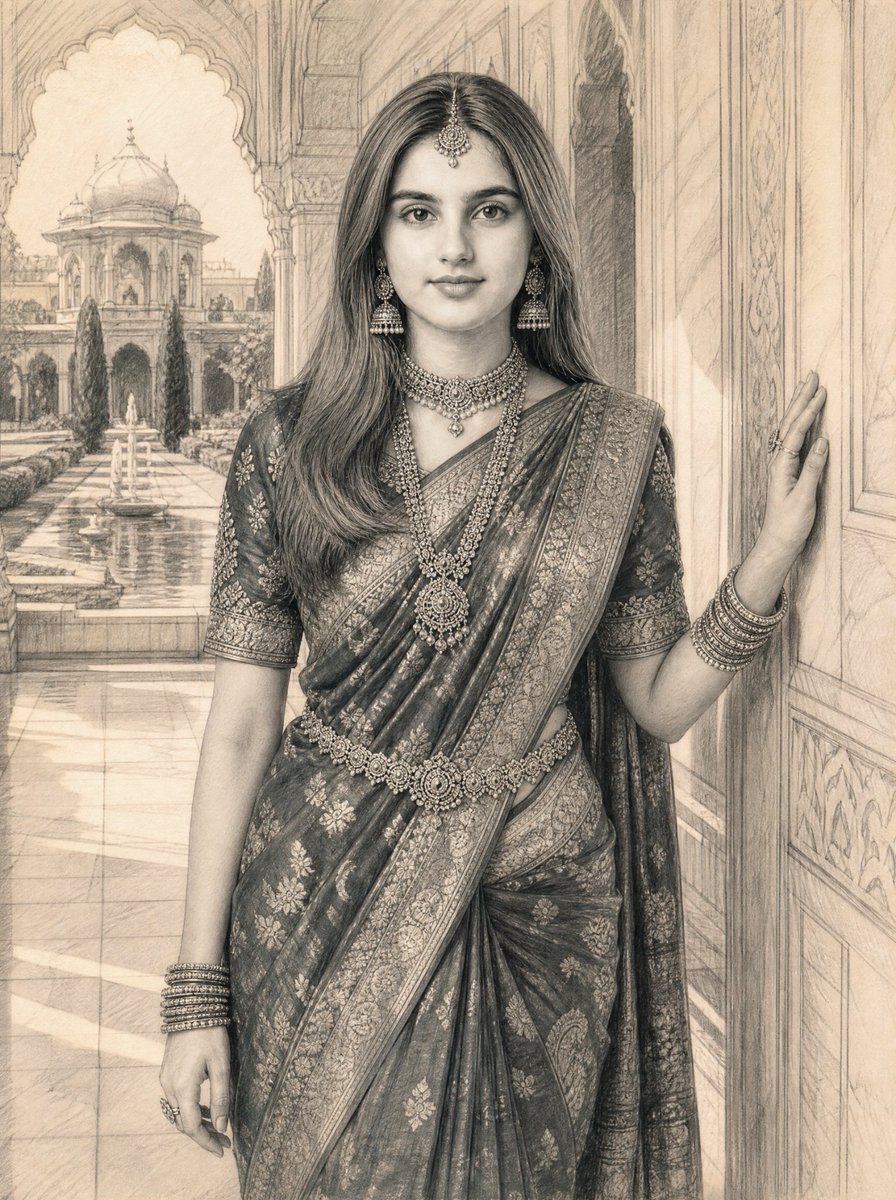
Graphite Pencil Sketch of South Asian Woman
Make it yours
Anamorphic Graphite Sketch Illusion Prompt works as-is. These are the safest ways to change it without losing the look.
Swap the setting
Keep the rest of the prompt and replace the location block. The current setting is “Matches reference image grooming standards; skin texture converted to realistic ”.
Swap the light
One lighting change is enough to compare takes. Current light: “Dual lighting setup: 1. Simulated shading within the sketch based on the referen”.
Change one field
Copy a single group, rewrite it, and generate again so you can see what that field is doing.
| If the result… | Why | Fix |
|---|---|---|
| The result drifts from the preview | Too many fields changed at once. | Reuse Anamorphic Graphite Sketch Illusion Prompt as-is first, then change one group — subject, light, or setting. |
| Nano Banana 2 ignores part of the JSON | Some models flatten or skip nested keys. | Keep the same values and paste them as a short paragraph instead. |
More Nano Banana 2 templates
Other prompts made for Nano Banana 2.

Photorealistic Leaf Shaped Like a Dragon

K-Pop Idol Portrait Grid for Rapid Selection

Poetic Rain Forest Portrait During Golden Hour

Urban Street Portrait with Cartoon Inner Self Duo

Candid Nighttime Photo with Cat Prompt

High-Concept 3D Diorama Generation Prompt

Cinematic Futuristic Studio Portrait Template

Skincare Editorial Photography Collage Prompt

Hyper-Realistic Commercial Product Photography (Splash Effect)

Hyper-Realistic Nightclub Portrait Prompt
More image prompts
Fresh picks from across the catalog.
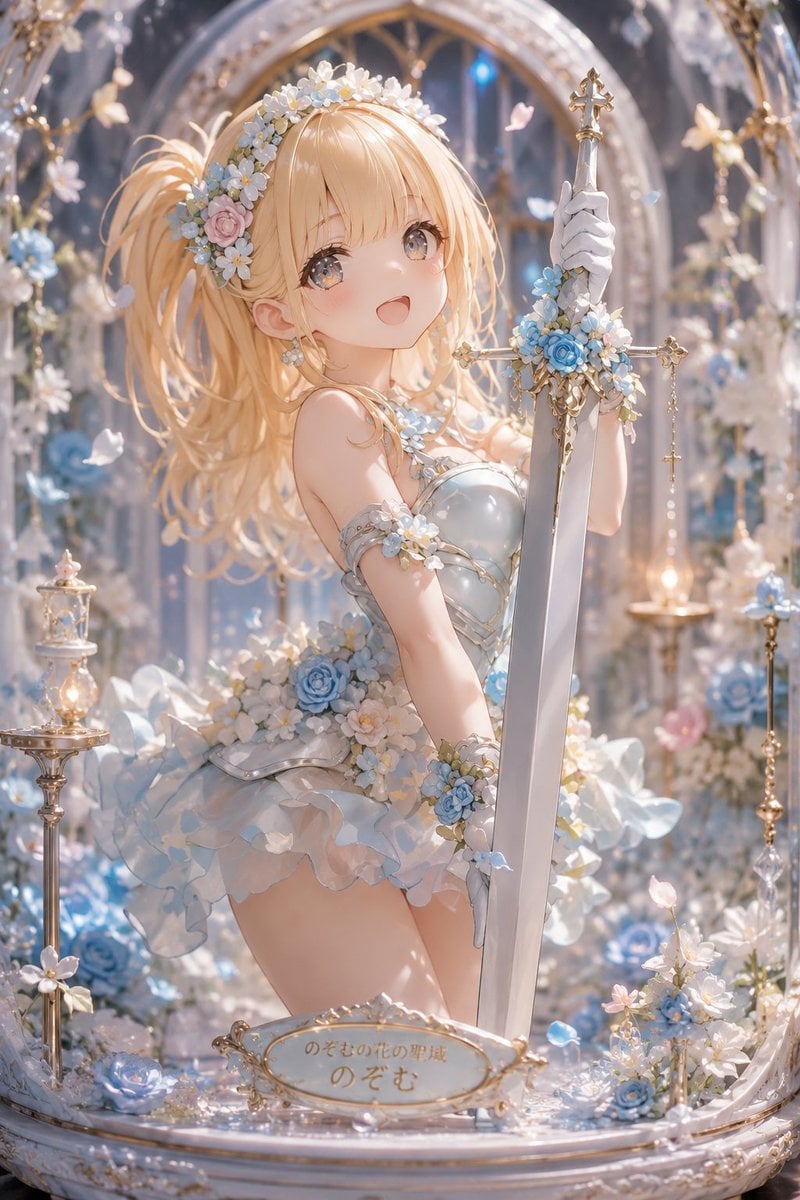
Floral Aqua Dome Anime Knight
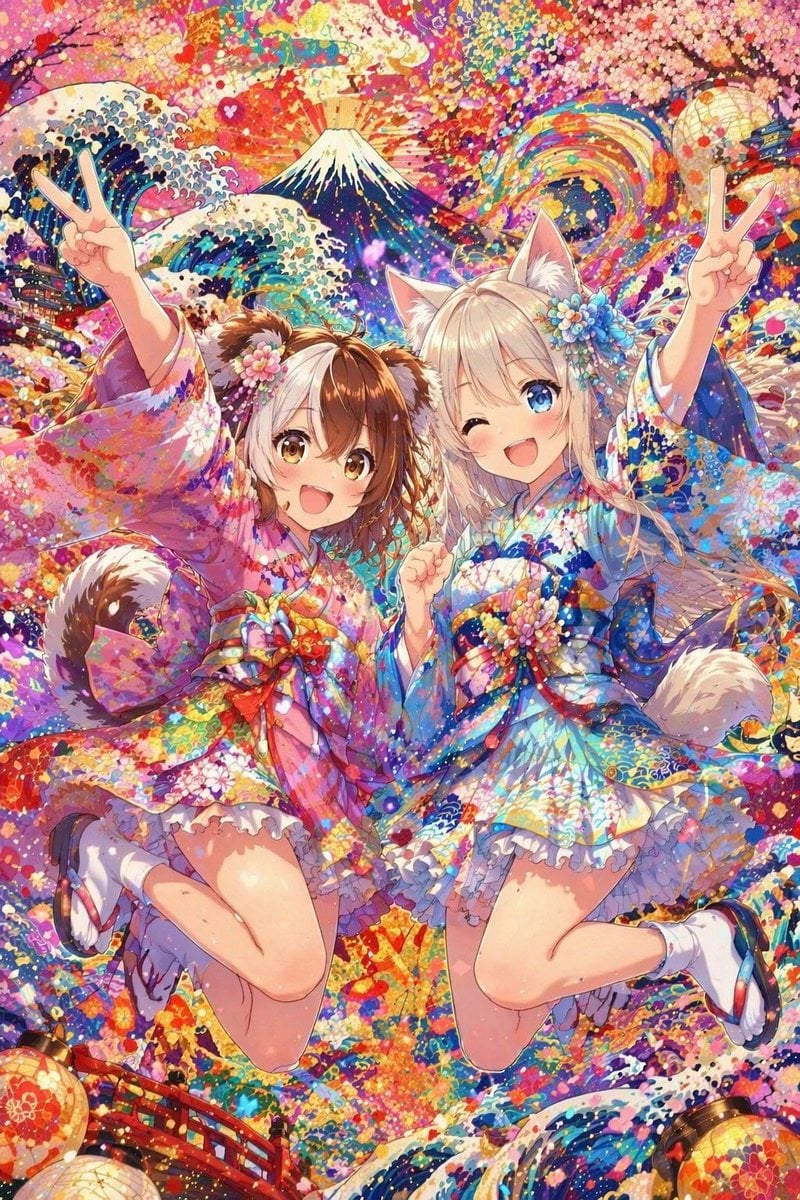
Colorful Kimono Kemonomimi Festival
Image Manipulation: Adding a Wink to a Subject in a New Scene
Sigma Dark Neon New Year 2026 Doodle Illustration Prompt
Cyberpunk Anime Hero Contact Sheet
Pink Floral Vacation Café Portrait
The Crimson Vow - Hyper-Realistic Cinematic Profile
Luxury Smartwatch Lifestyle Ad
Annotated Japanese Miso Ramen Photo
Napoleon Historical Timeline Poster
Browse template categories
Anamorphic Graphite Sketch Illusion Prompt questions
How do I use the Anamorphic Graphite Sketch Illusion Prompt template?
Add your photo if the template asks for one, edit the prompt if you like — the template's model and format are already selected — and press Generate. Your version opens in PicX Studio.
Can I customize the Anamorphic Graphite Sketch Illusion Prompt template?
Yes. You can change the subject, setting, lighting, mood, format, and available model controls before creating your image.
Is the Anamorphic Graphite Sketch Illusion Prompt template free?
Opening and editing this template is free. Generating uses credits, shown on the Generate button when you are signed in.
Which AI model should I use?
Start with Nano Banana 2, which is the model associated with this template. You can compare another compatible model for a different finish.
Looking for something else? Browse all templates.

Your photo, any look
Thousands of ready templates for every top image and video model, from one credit balance.