
Notebook Page Emergence Illusion
Master Paper Cut AI Art template: Notebook Page Emergence Illusion.

- Prompt included
- Model and format preset
- Free template
The prompt behind this image
Copy the exact prompt behind Notebook Page Emergence Illusion, or open it in the studio and make it yours.
A creative 3D illusion artwork of a whimsical character stepping out of a spiral notebook page placed on a weathered wooden desk. The notebook has lined paper with handwritten sketches at the top. The character appears semi-realistic 3D cartoon style with soft features, emerging from the flat page — lower body still rendered in graphite pencil on lined paper, upper body fully realized in dimensional form with realistic lighting and shadows. Torn paper edges curl dramatically where the figure pushes through. Pencil shavings, eraser crumbs, and graphite dust scatter across the desk. Warm directional desk lamp lighting, ultra-realistic paper texture, master trompe-l'oeil paper art, 8K, aspect ratio 4:5
How to use Notebook Page Emergence Illusion in 3 steps
- 1
Open
The prompt is already in the box next to the preview, with the template's model and format selected.
- 2…a portrait of your subject in softgolden-hour light, 85mm…
Personalize
Edit the subject and creative details for your destination.
- 3Generate
Generate
Press Generate — your image is created in PicX Studio, so you can compare it with the original and refine one variable at a time.
More like this
Templates with the same subject, style or setup. Open one to see its prompt.
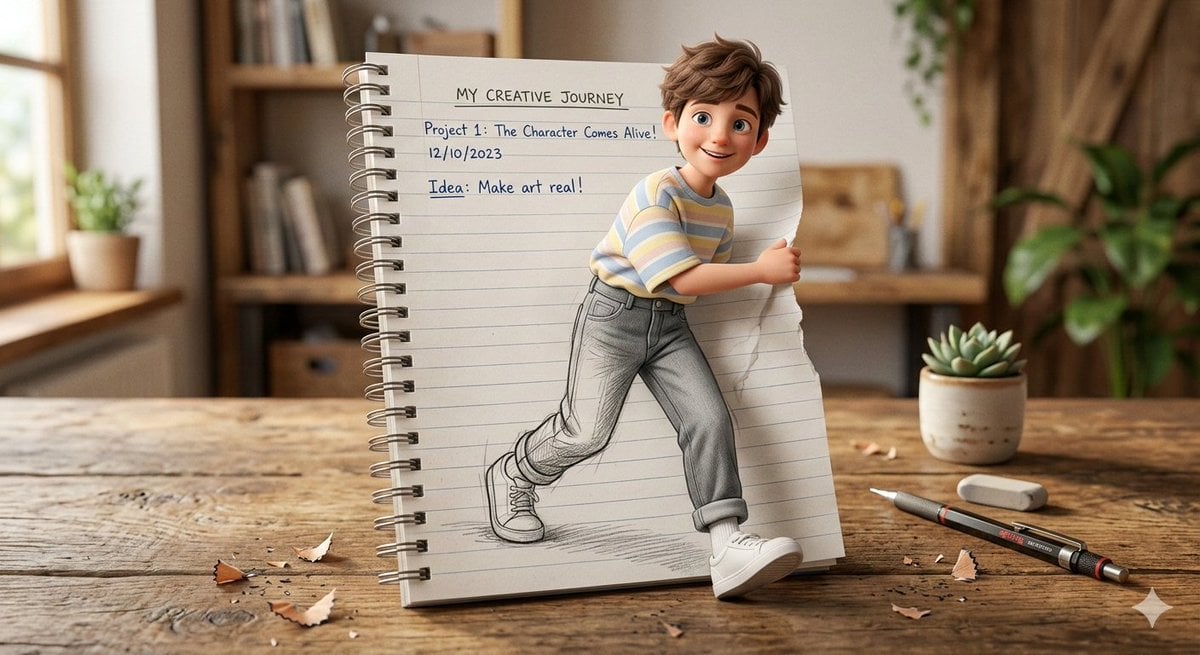
3D Pop-Out Illusion Artwork of a Boy from a Notebook
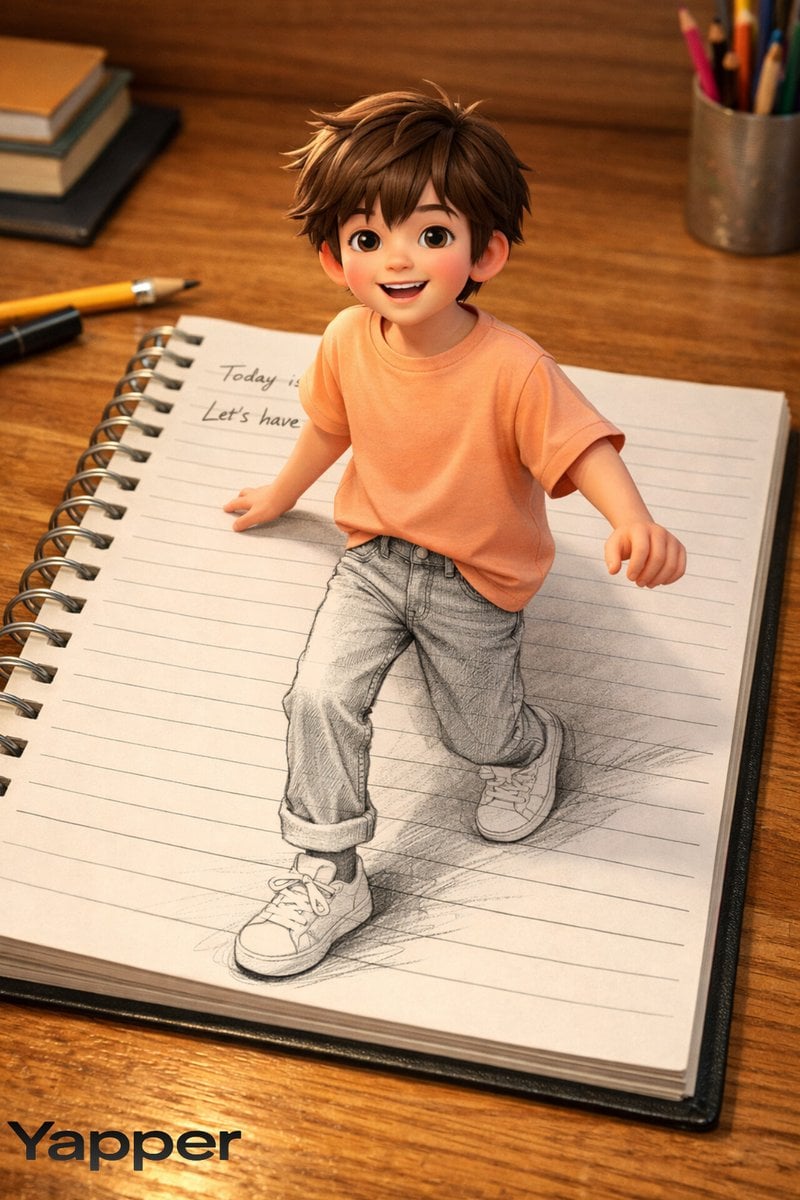
Creative 3D Illusion Artwork of a Boy Stepping Out of a Notebook
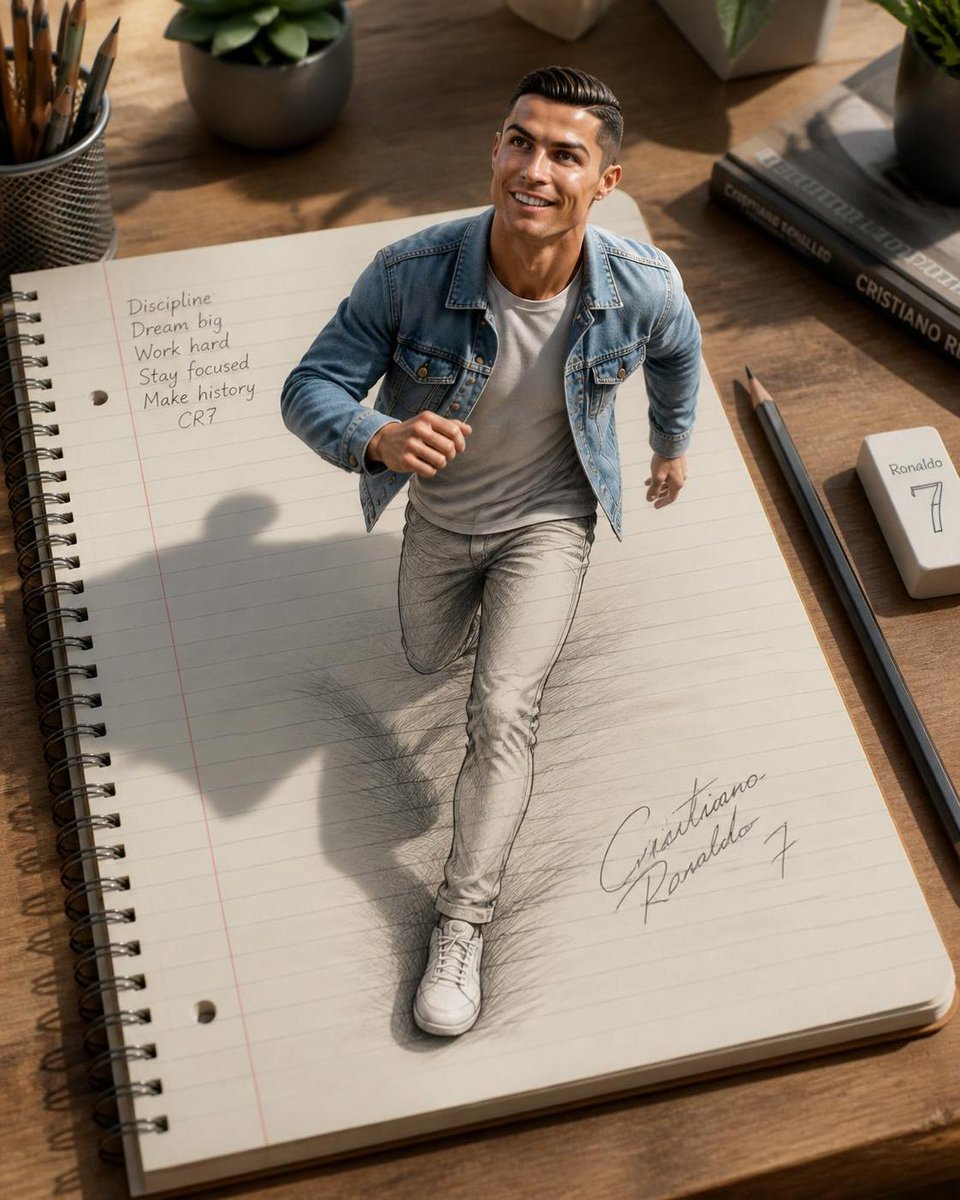
3D Notebook Illusion Sketch
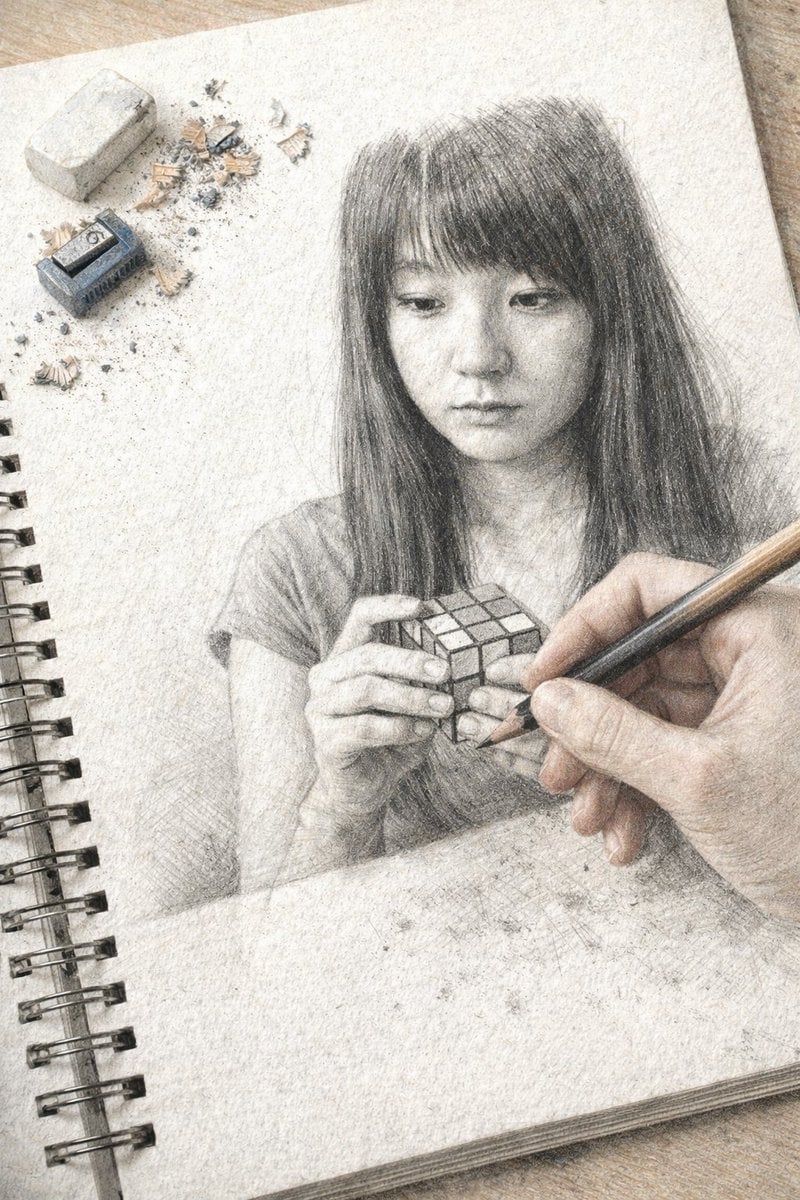
Trompe L'oeil Sketchbook Drawing
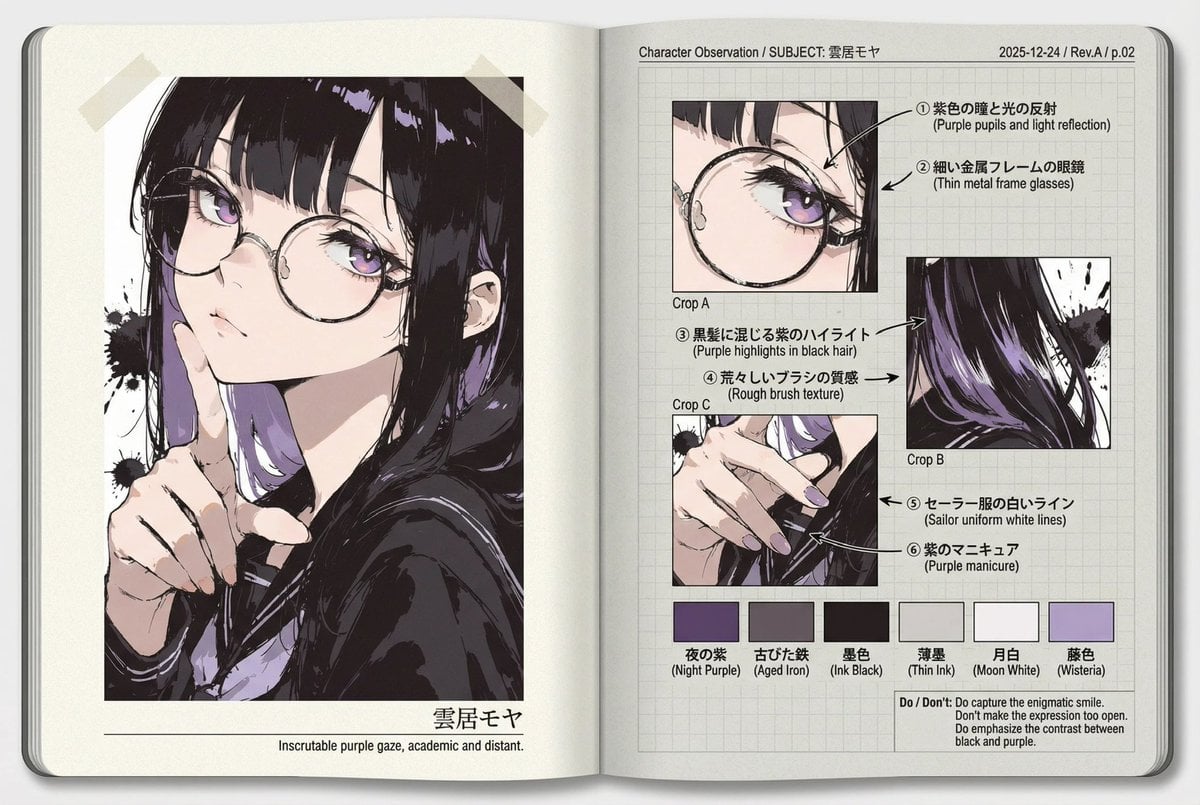
Research Notebook Art Book Template Prompt
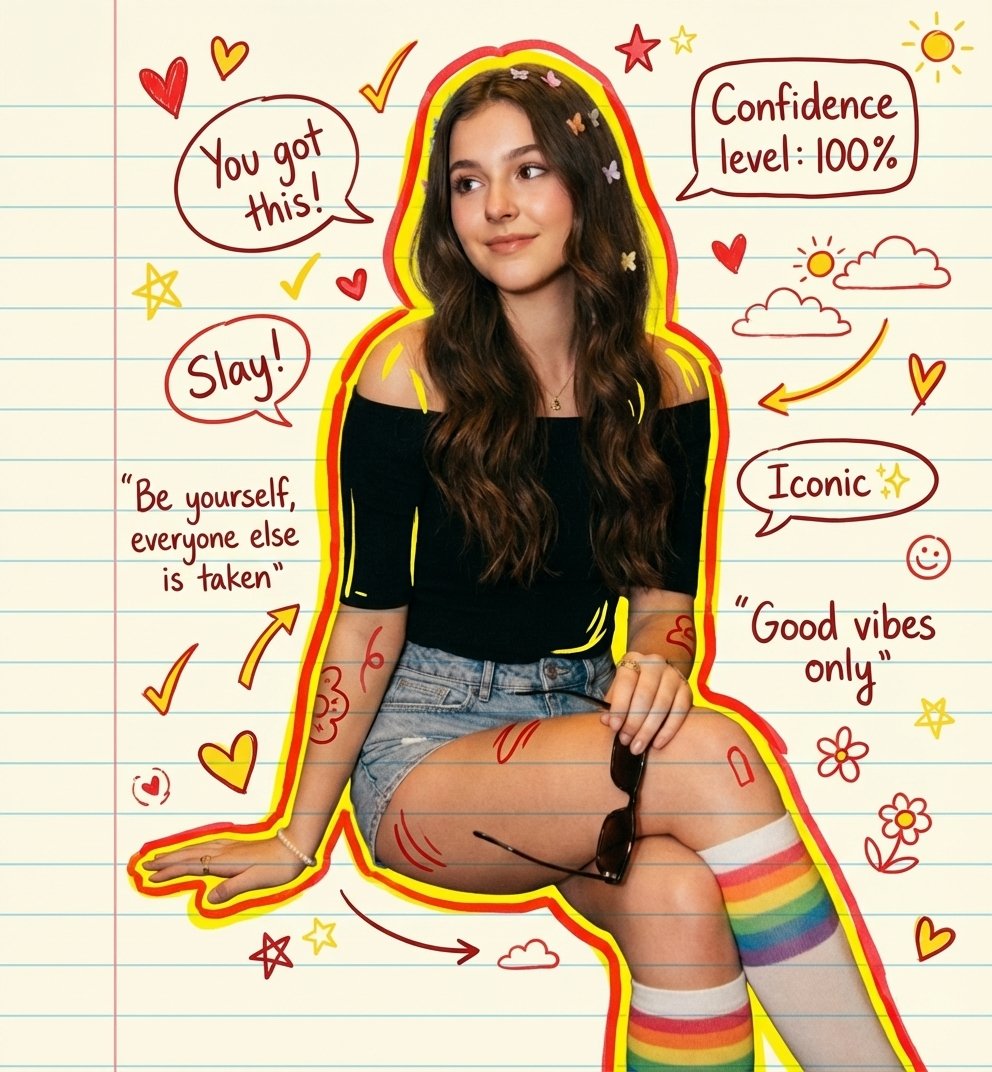
Hand-drawn Notebook Art
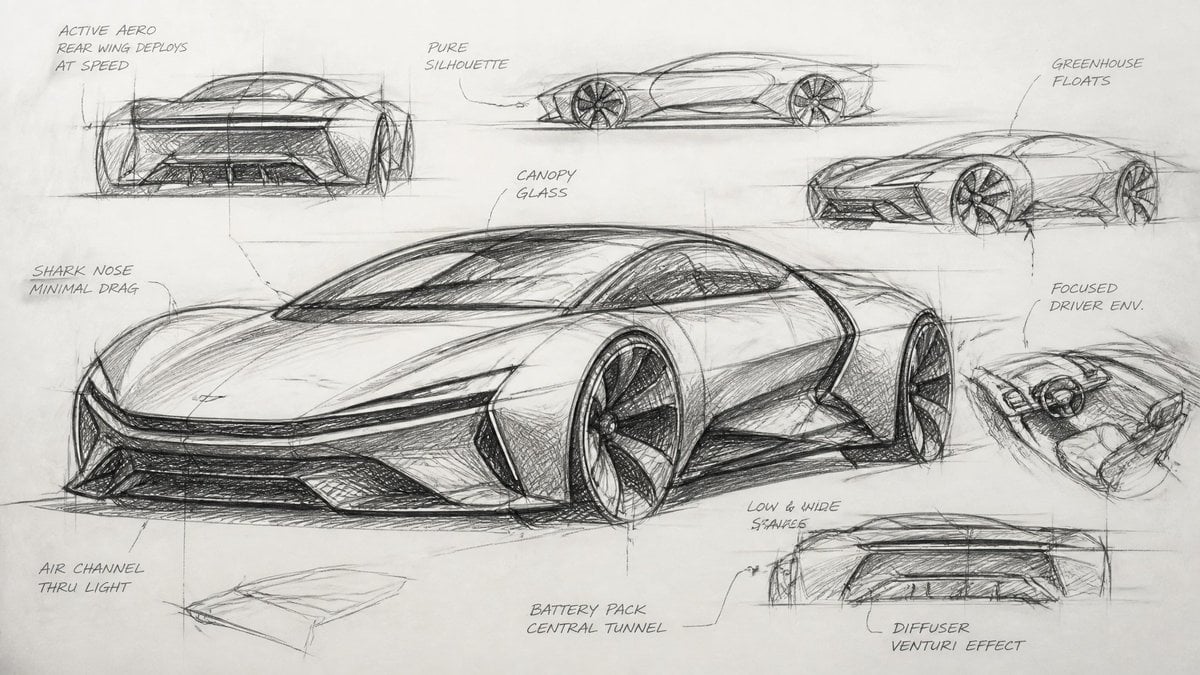
Industrial Designer Sketchbook Concept
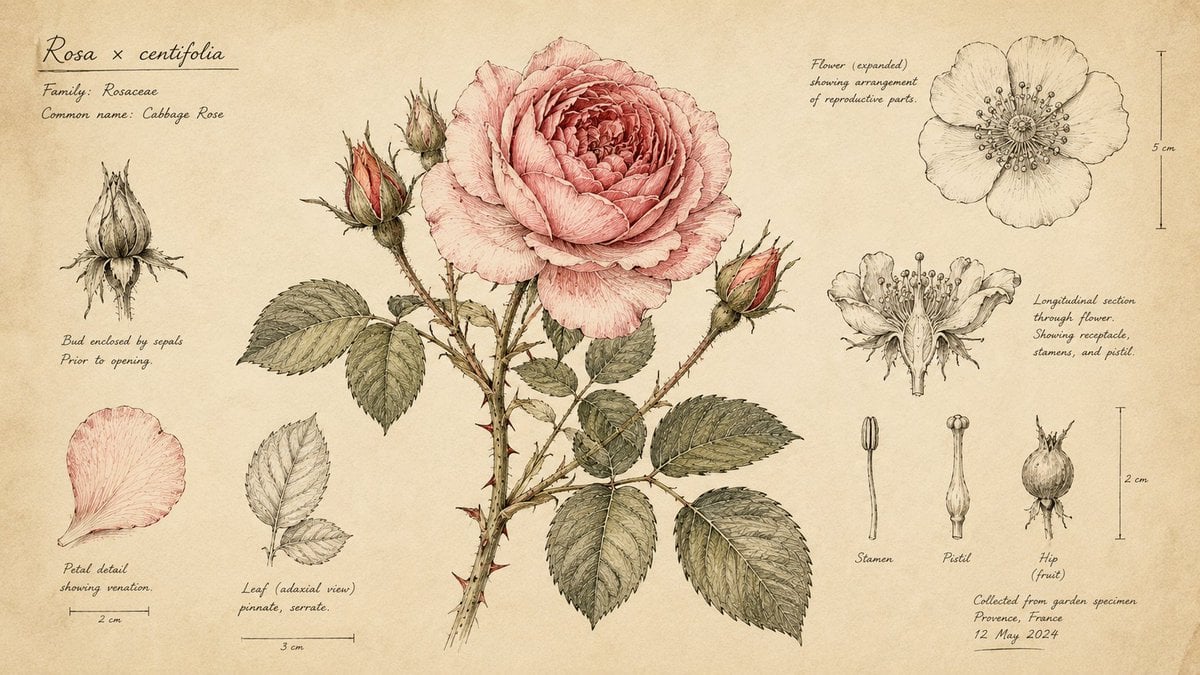
Hand-Drawn Botanical Sketchbook Illustration
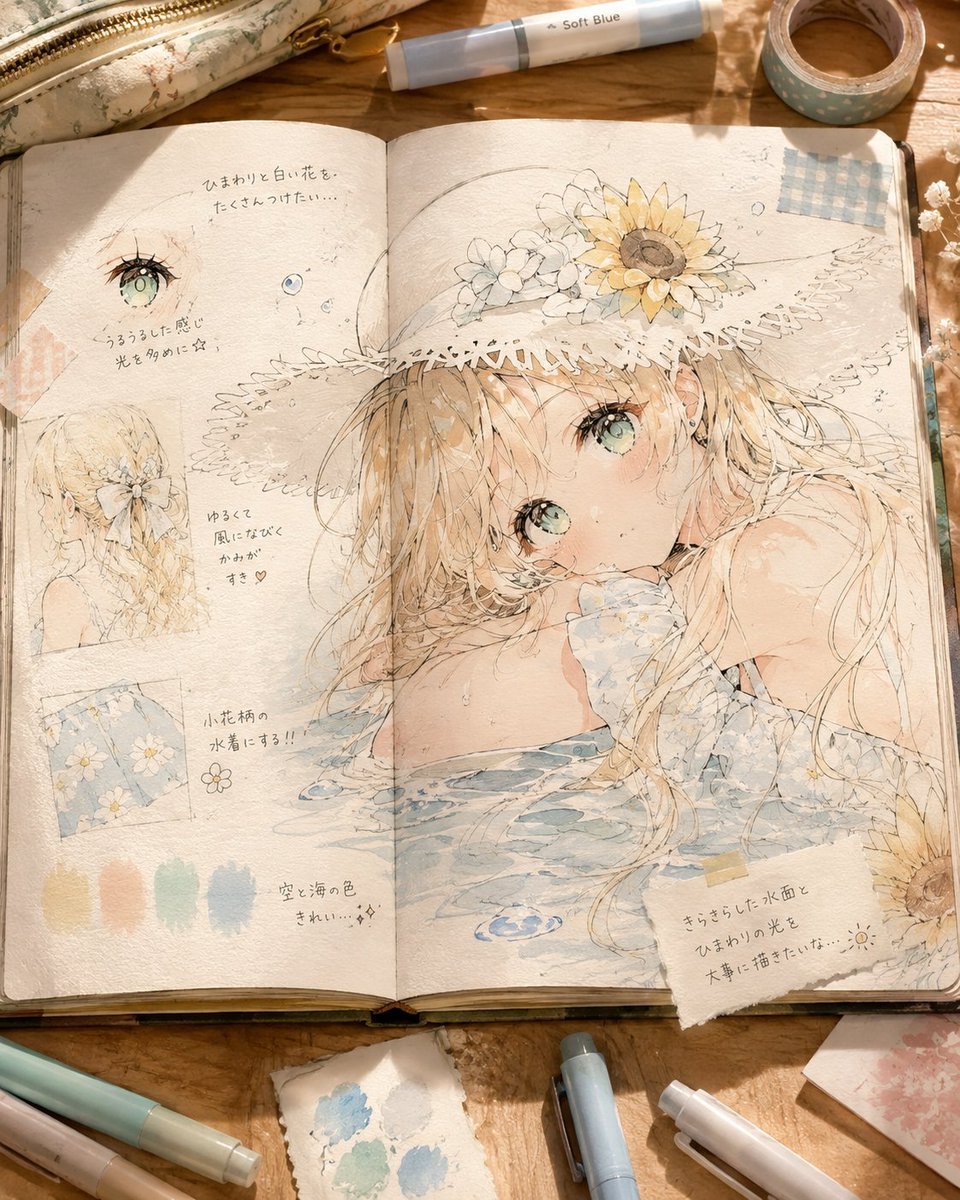
Summer Anime Sketchbook Flat Lay
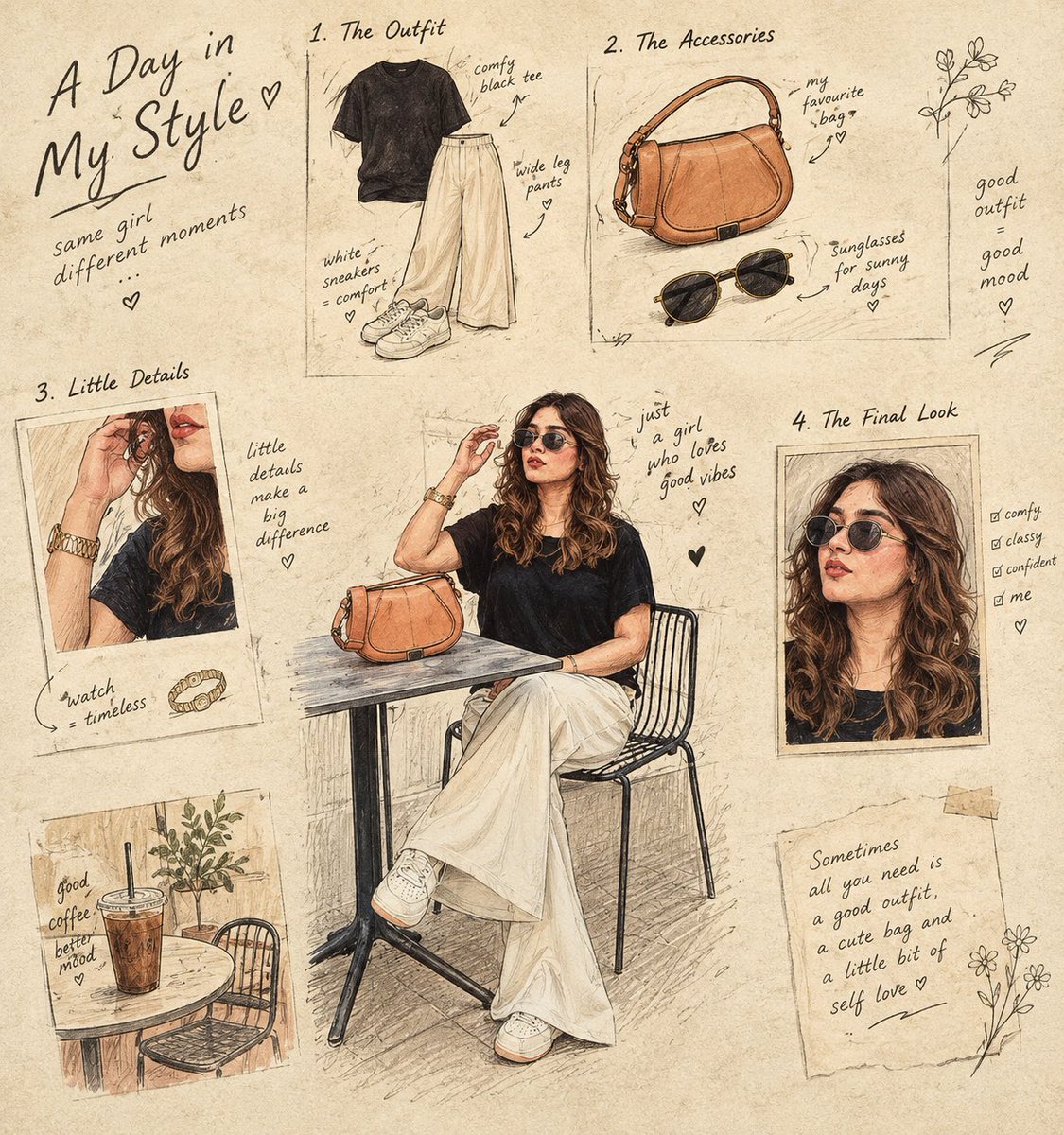
Culinary Sketchbook Illustrated Narrative
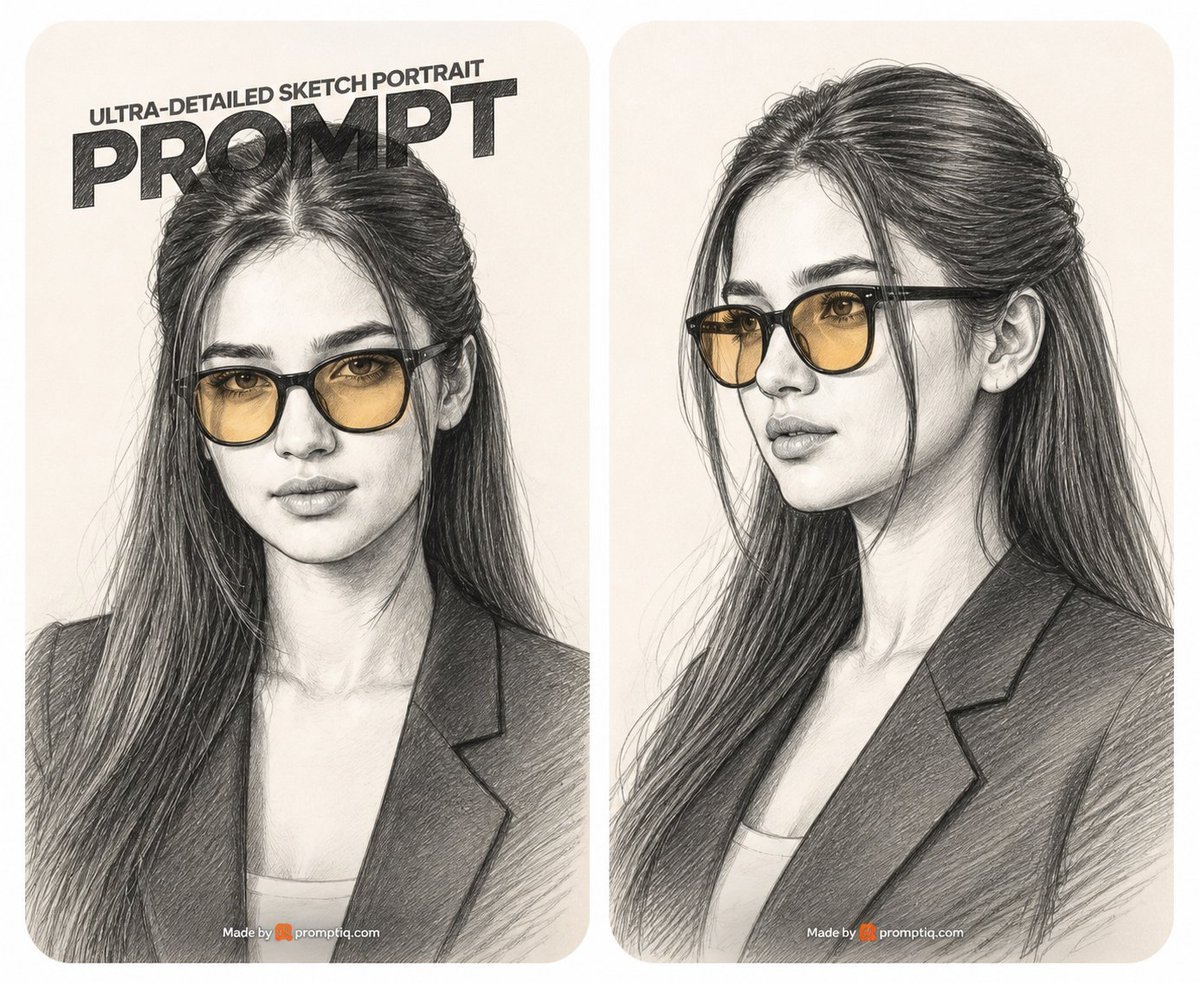
Two-Panel Graphite Portrait Poster
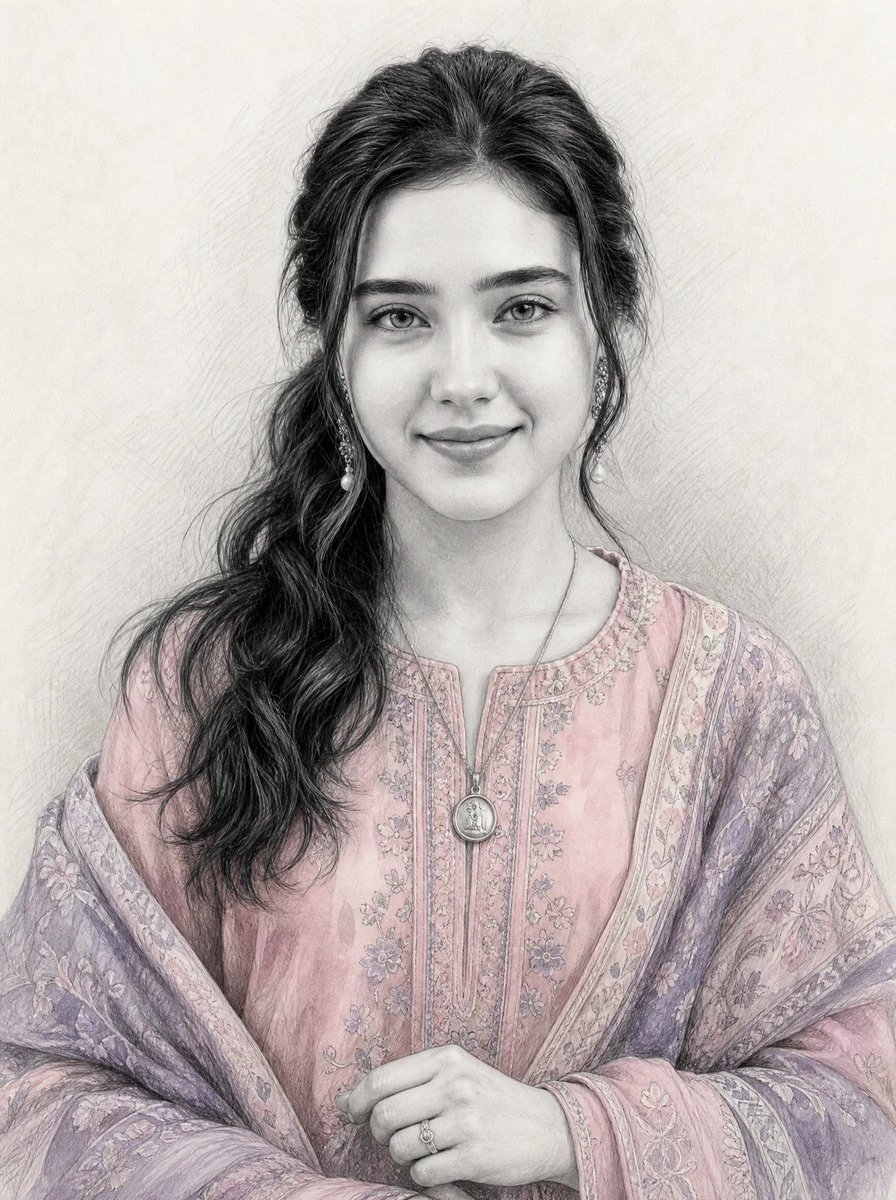
Graphite Sketch with Selective Color
Make it yours
Notebook Page Emergence Illusion works as-is. These are the safest ways to change it without losing the look.
Change one field
Copy a single group, rewrite it, and generate again so you can see what that field is doing.
Keep the frame, change the subject
Hold the composition and light of Notebook Page Emergence Illusion, then swap wardrobe, props or the person for a new take.
| If the result… | Why | Fix |
|---|---|---|
| The result drifts from the preview | Too many fields changed at once. | Reuse Notebook Page Emergence Illusion as-is first, then change one group — subject, light, or setting. |
| The model over-stylizes the scene | The prose prompt leaves finish and camera underspecified. | Add one camera or lighting sentence and stay on PicX Studio. |
More image prompts
Fresh picks from across the catalog.
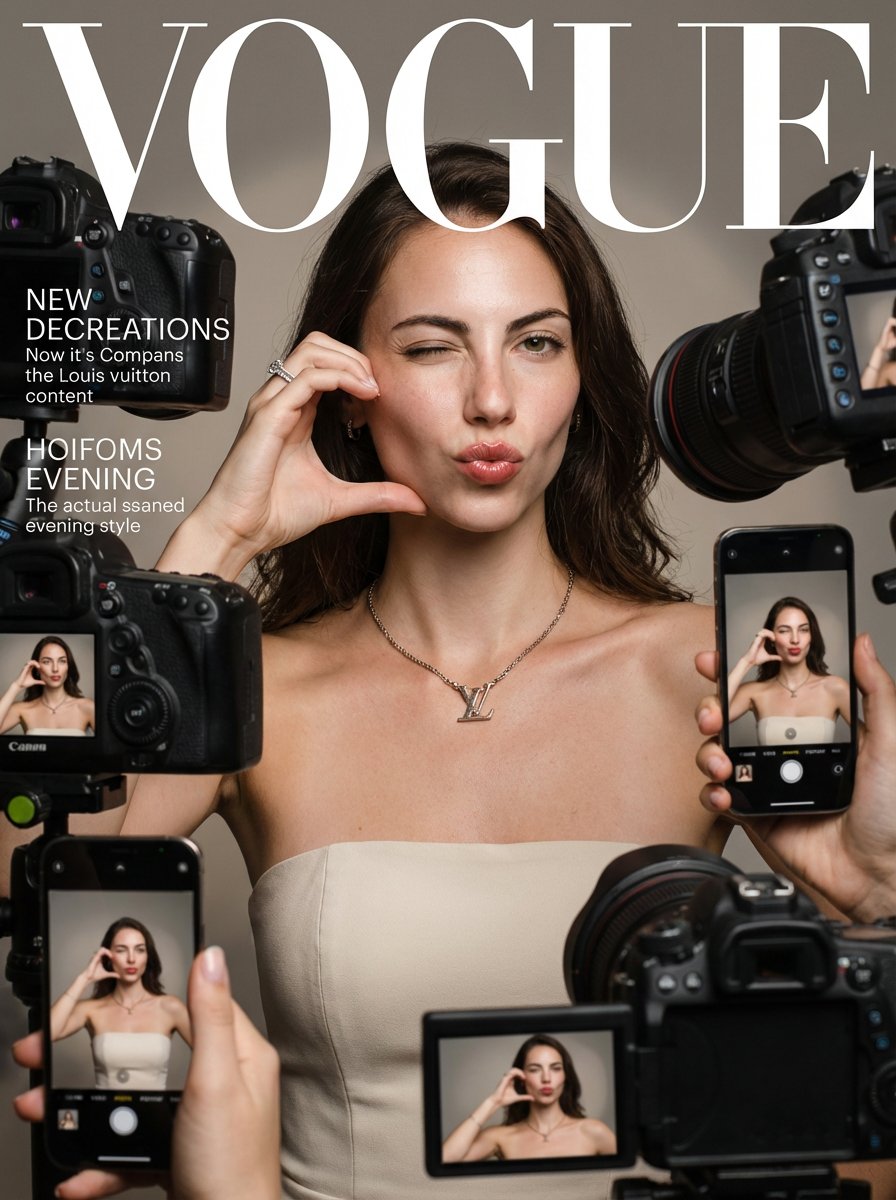
Vogue Magazine Cover Style Fashion Portrait
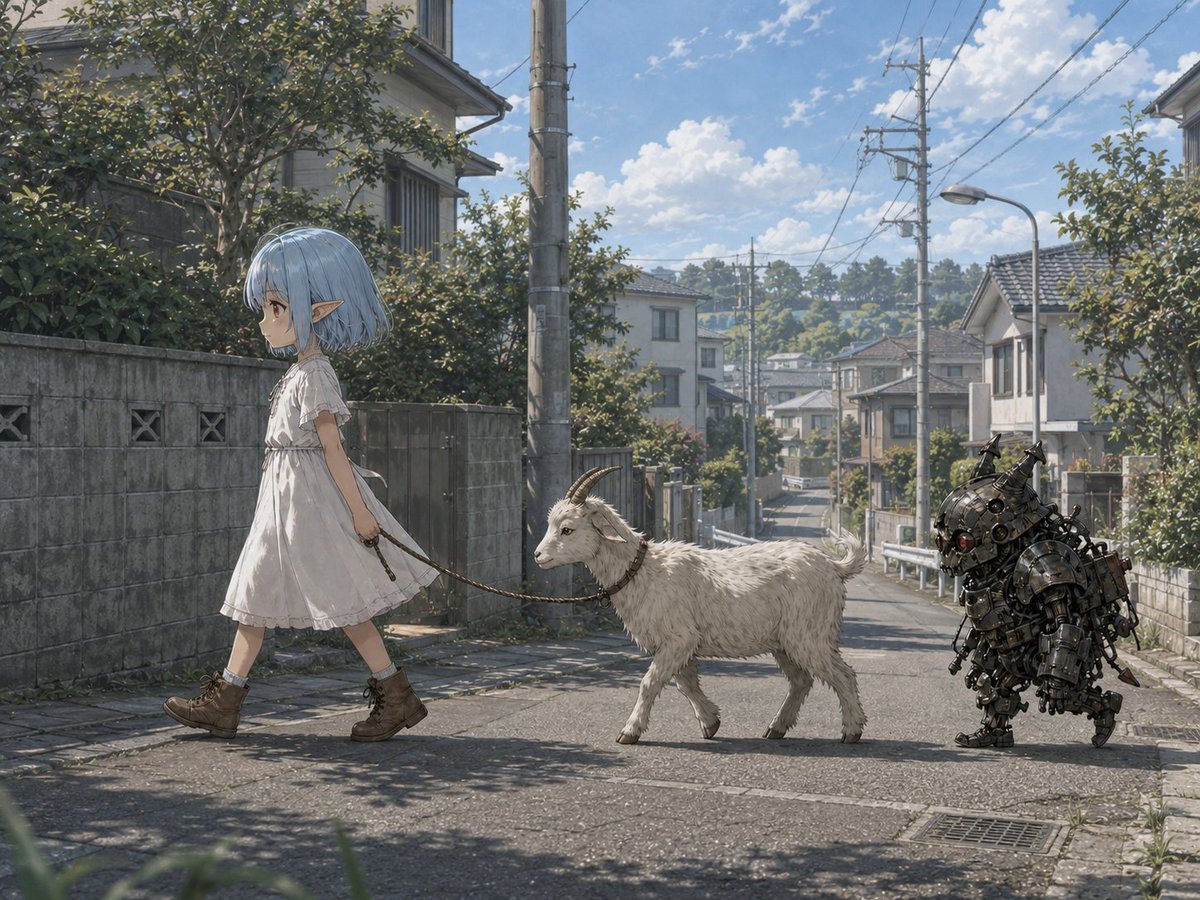
Elf Girl Walking Goat and Robot

Lara Croft with Fiery Bow in Heavy Downpour

Shakira-Inspired Winter Fashion Dance Prompt

Emoji-Based Creative Image Generation
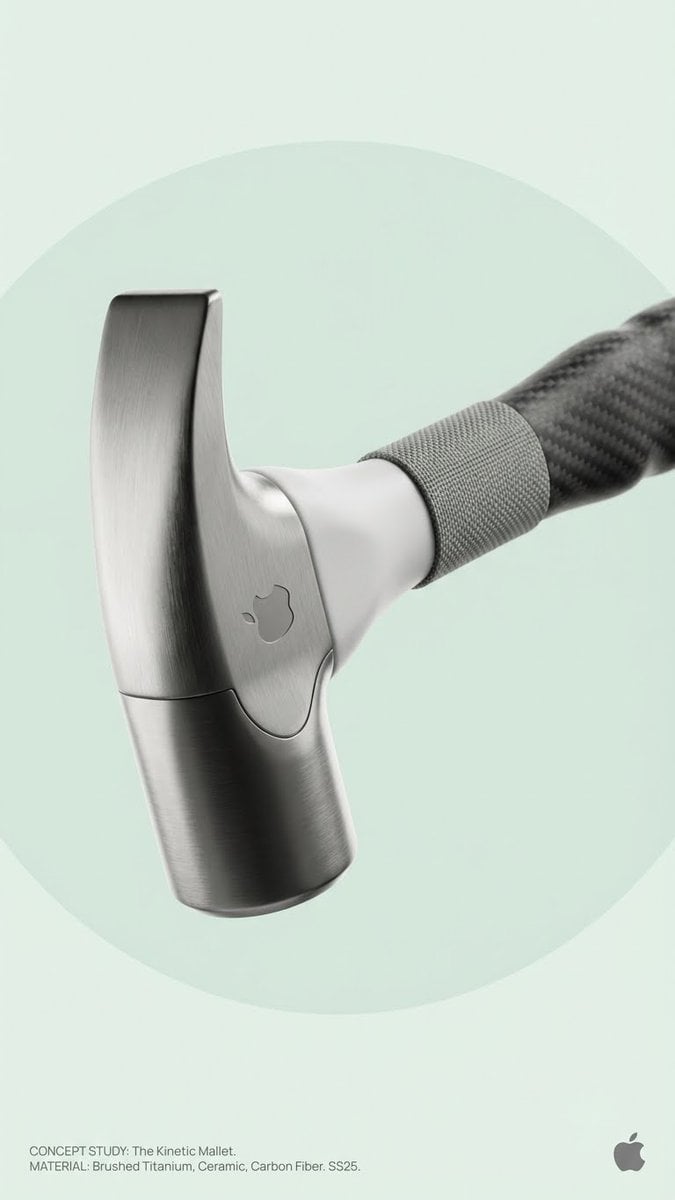
Brand Concept Generation Prompt: Unexpected Functional Objects

Minimalist Chinese Ink Wash Mist Painting

Lavender Fantasy Mage Portrait

untitled
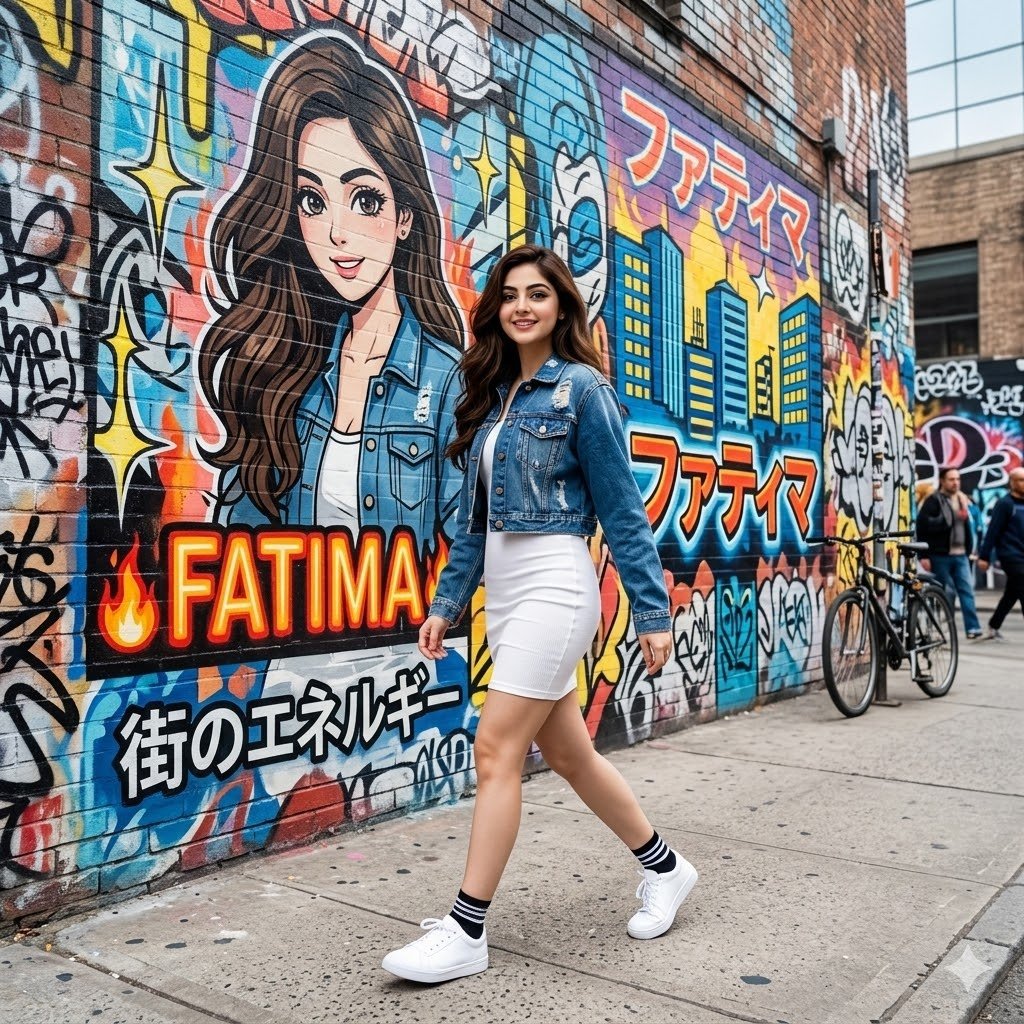
Graffiti Wall Urban Fashion Portrait
Browse template categories
Notebook Page Emergence Illusion questions
How do I use the Notebook Page Emergence Illusion template?
Add your photo if the template asks for one, edit the prompt if you like — the template's model and format are already selected — and press Generate. Your version opens in PicX Studio.
Can I customize the Notebook Page Emergence Illusion template?
Yes. You can change the subject, setting, lighting, mood, format, and available model controls before creating your image.
Is the Notebook Page Emergence Illusion template free?
Opening and editing this template is free. Generating uses credits, shown on the Generate button when you are signed in.
Which AI model should I use?
Choose a compatible model in PicX Studio based on the style, speed, and output controls your project needs.
Looking for something else? Browse all templates.

Your photo, any look
Thousands of ready templates for every top image and video model, from one credit balance.