
Two-Panel Graphite Portrait Poster
Generates a side-by-side graphite sketch portrait poster of a stylish woman with amber glasses, useful for showcasing AI portrait prompt results.
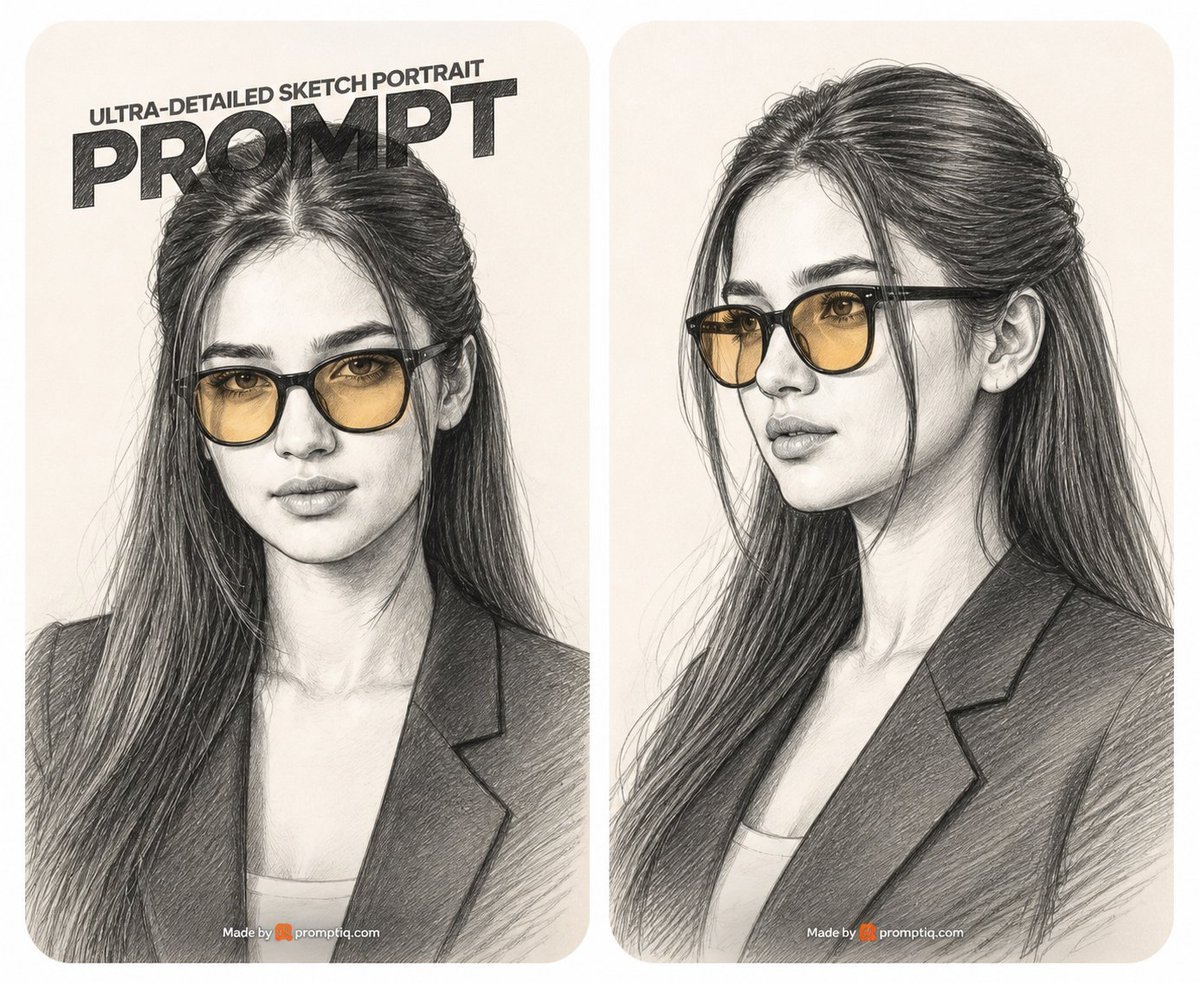
- Prompt included
- Model and format preset
- Free template
The prompt behind this image
Copy the exact prompt behind Two-Panel Graphite Portrait Poster, or open it in the studio and make it yours.
Goal: Create a side-by-side promotional poster showing two ultra-detailed graphite pencil sketch portraits of the same stylish young woman, as if demonstrating a portrait prompt result. Canvas: Wide horizontal 5:4 image on an off-white background, divided into exactly 2 tall rounded-rectangle portrait cards with a narrow white gutter between them. Both cards use warm cream paper texture, soft rounded corners, and subtle vignette shading. Layout: Left card shows a frontal bust portrait from chest up, centered and slightly cropped by the top headline. Right card shows a three-quarter bust portrait facing left, chest up, with no headline. Place a small watermark-like credit centered near the bottom of each card reading “Made by promptiq.com” with a tiny orange icon before the site name. Text content: On the left card only, add a bold poster headline at the top: small uppercase line “ULTRA-DETAILED SKETCH PORTRAIT” above a huge heavy black word “PROMPT”. Make the headline look hand-shaded with graphite hatching, slightly tilted or perspective-compressed, and partially overlapping the top of the woman’s hair. Subject details: Depict {argument name="subject" default="a beautiful young woman"} with long dark hair, a center part, loose face-framing strands, and thick hair flowing over her shoulders. She wears black-framed glasses with translucent amber-tinted lenses, a dark blazer over a light top, defined brows, almond eyes visible through the lenses, a straight nose, full lips, and a calm confident expression. In the left portrait she looks directly forward; in the right portrait she looks slightly off to the viewer’s left in elegant three-quarter profile. Visual style: Ultra-detailed graphite pencil drawing on cream sketch paper, realistic facial proportions, dense cross-hatching, visible pencil strokes, fine hairline rendering, careful shading on cheeks, nose, lips, neck, blazer lapels, and glasses. Keep the entire image monochrome graphite except for the warm amber glasses lenses and the small orange watermark icon. Use high contrast in the hair and blazer, softer shading on skin, and realistic transparent reflections on the lenses. Constraints: Use exactly 2 portrait cards, exactly 2 drawings of the same woman, exactly 1 large headline on the left card, and exactly 2 small bottom credits. Do not add extra panels, extra people, colorful backgrounds, or photorealistic skin texture; it must remain a pencil sketch illustration.
How to use Two-Panel Graphite Portrait Poster in 3 steps
- 1Upload ImagePNG, JPG or paste
Add your photo
Upload the photo the template builds on. The prompt, model and format are already set.
- 2…a portrait of your subject in softgolden-hour light, 85mm…
Personalize
Edit the subject and creative details for your destination.
- 3Generate
Generate
Press Generate — your image is created in PicX Studio, so you can compare it with the original and refine one variable at a time.
More like this
Templates with the same subject, style or setup. Open one to see its prompt.

Found Photograph: Us, 1970

80s Couple Studio Portrait

80s Bollywood Star

80s Golden Hour Cinema

Me in 1985

1985 Studio Portrait
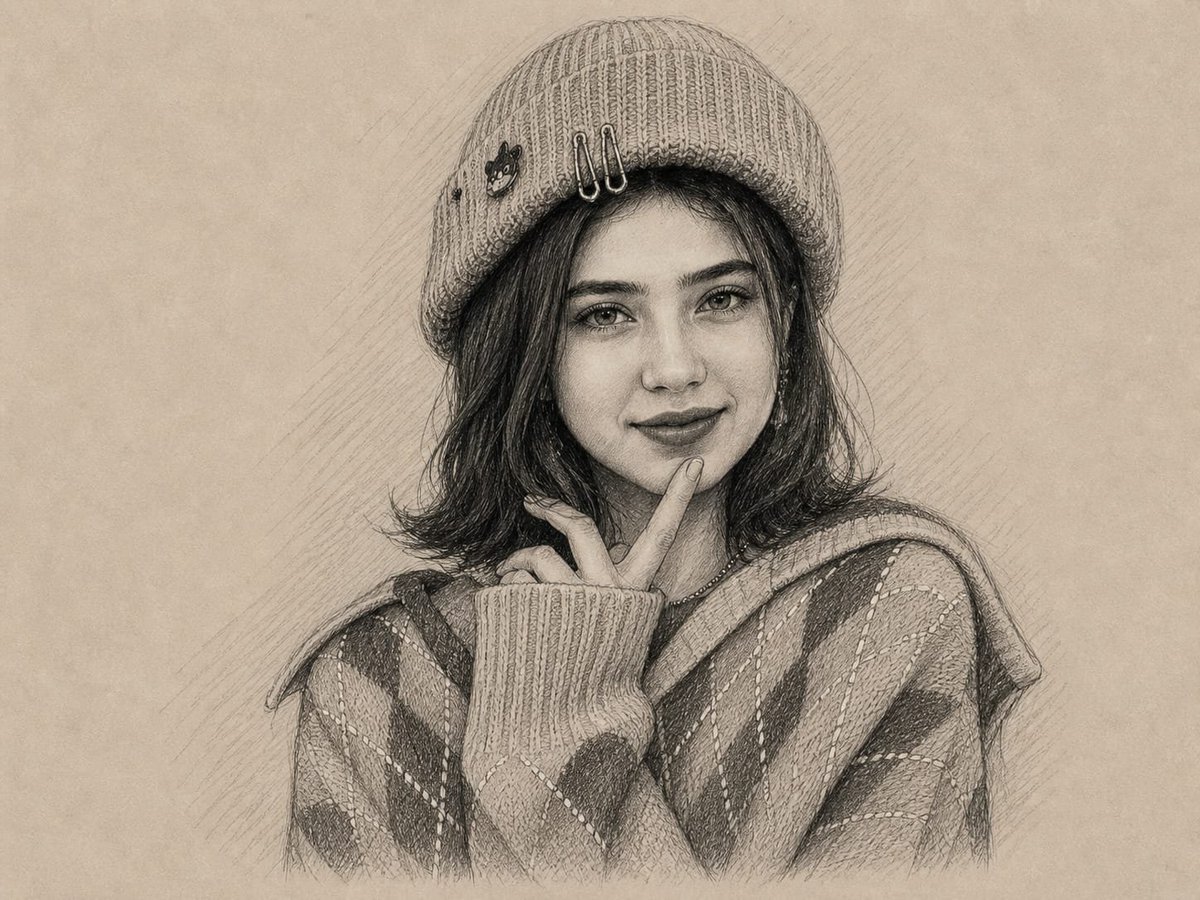
Graphite and Charcoal Portrait Sketch
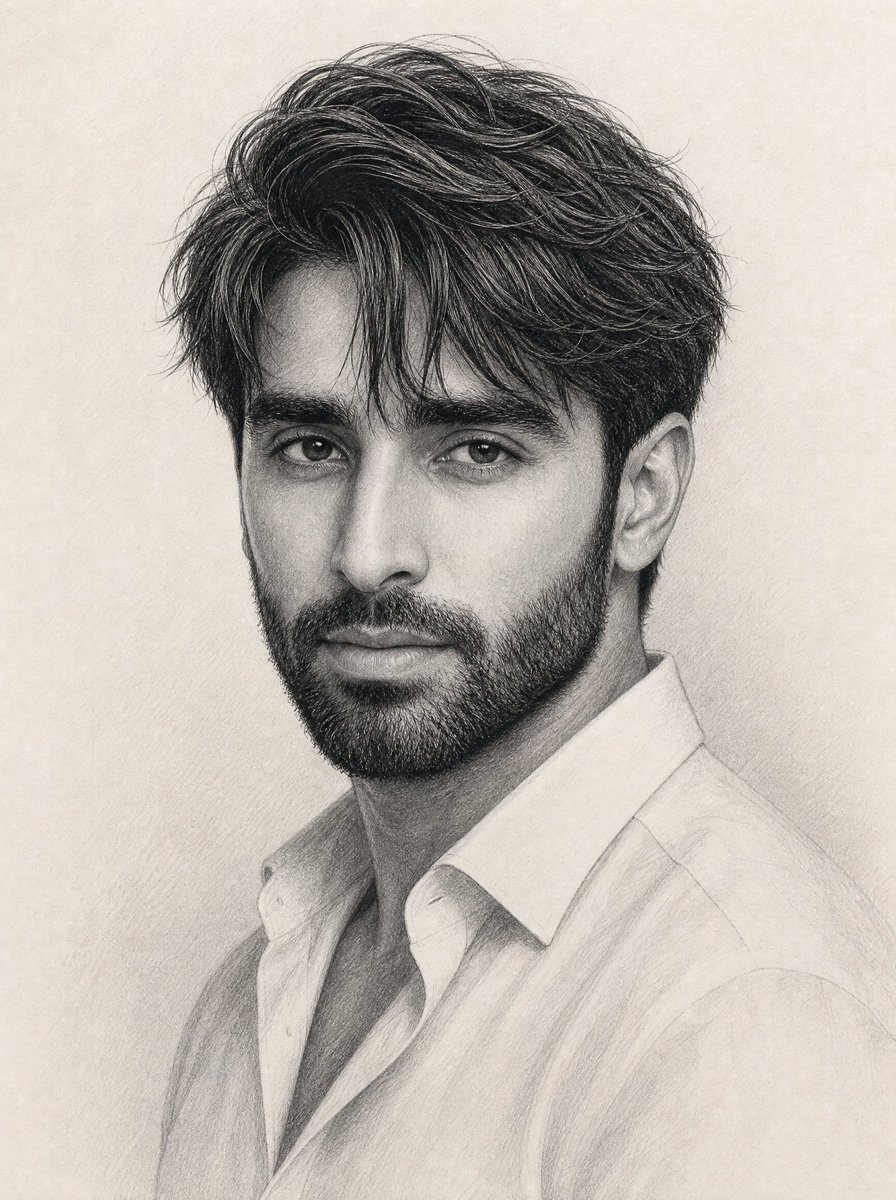
Elegant Graphite Male Portrait
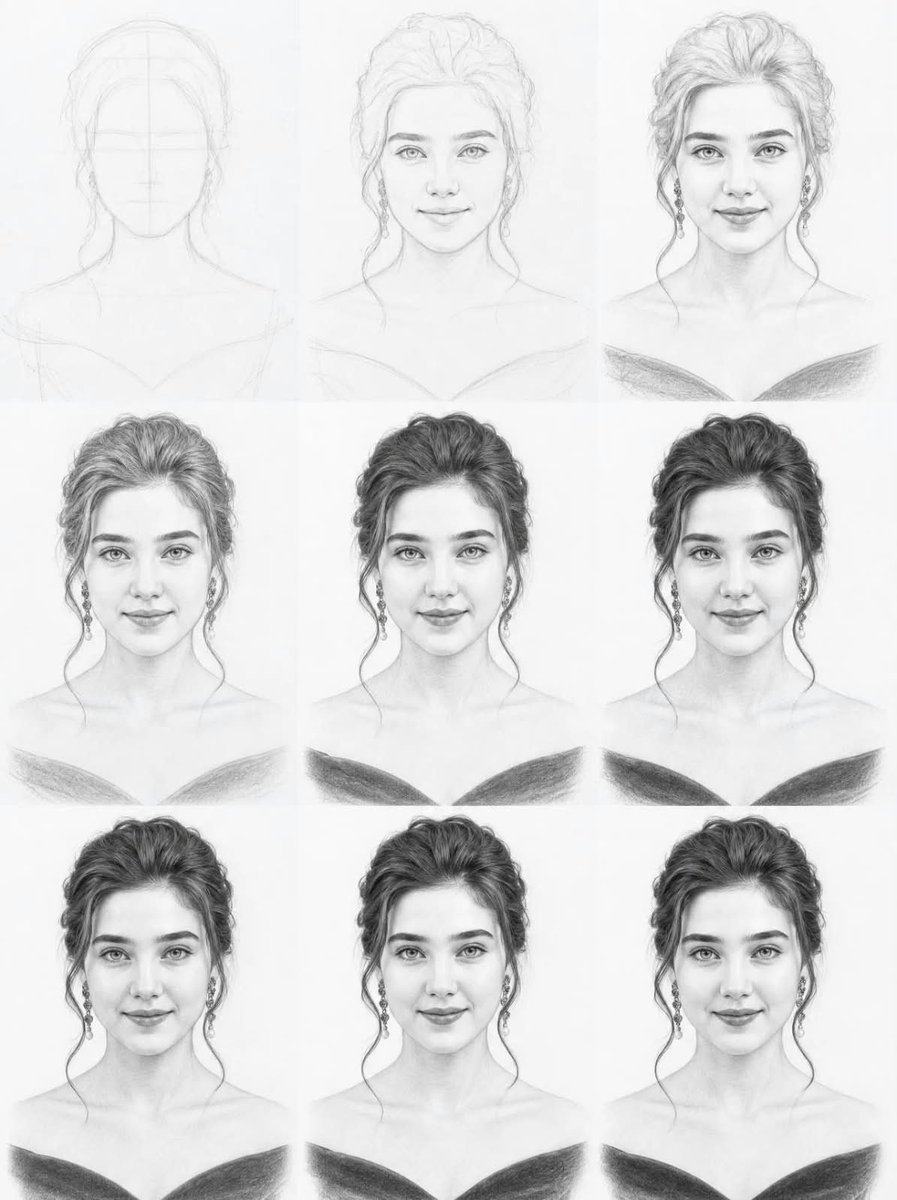
Graphite Portrait Progression Sheet
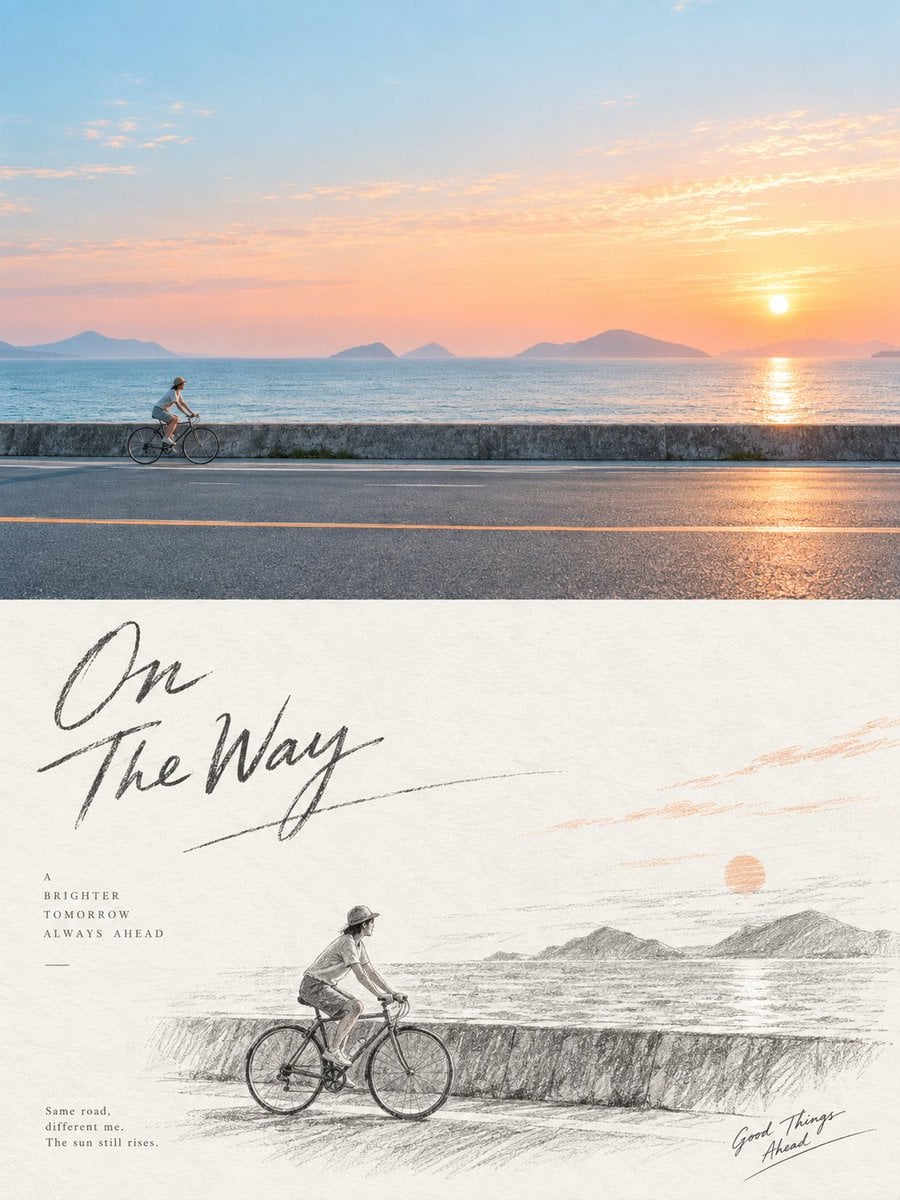
Graphite Pencil Sketch Poster
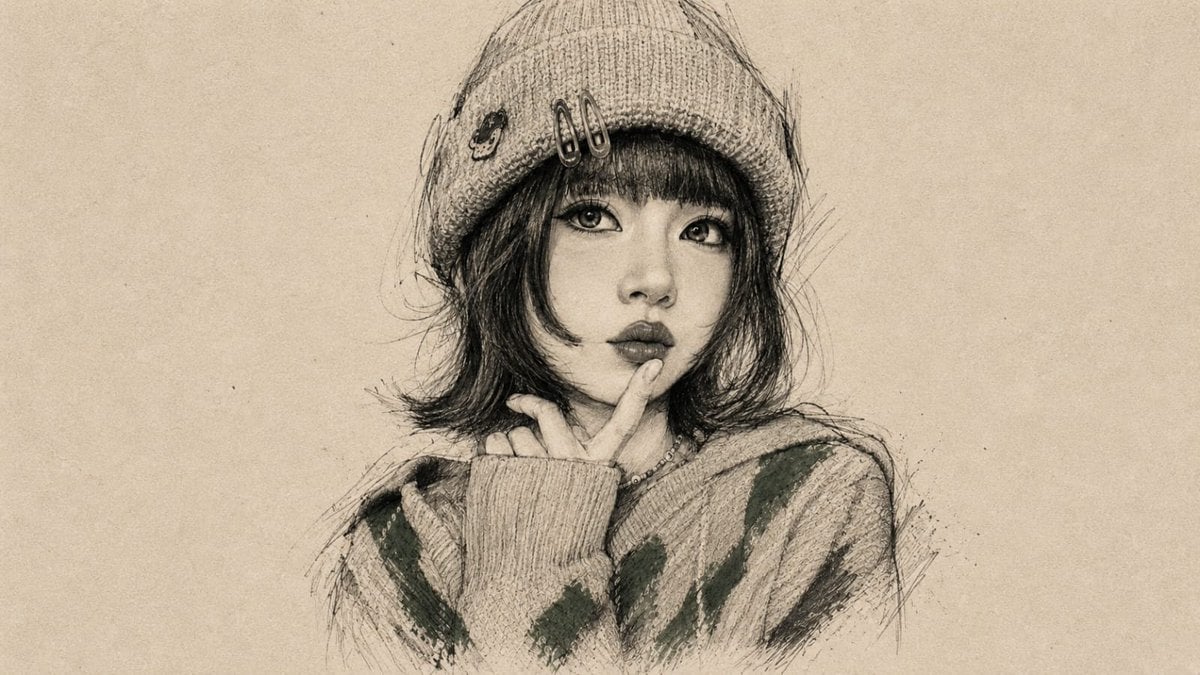
Vintage Graphite Portrait Transformation

Hyper-Realistic Minecraft POV Portrait
Make it yours
Two-Panel Graphite Portrait Poster works as-is. These are the safest ways to change it without losing the look.
Change one field
Copy a single group, rewrite it, and generate again so you can see what that field is doing.
Keep the frame, change the subject
Hold the composition and light of Two-Panel Graphite Portrait Poster, then swap wardrobe, props or the person for a new take.
| If the result… | Why | Fix |
|---|---|---|
| The result drifts from the preview | Too many fields changed at once. | Reuse Two-Panel Graphite Portrait Poster as-is first, then change one group — subject, light, or setting. |
| The model over-stylizes the scene | The prose prompt leaves finish and camera underspecified. | Add one camera or lighting sentence and stay on GPT Image 2. |
More GPT Image 2 templates
Other prompts made for GPT Image 2.

Six VTuber Japanese Logo Sheet

Realistic Portrait of Woman and Deer

The Vista Modular Condo Poster

AI Model Routing Comparison Infographic

2.5D Anime Art Board

Isometric Productivity Desk Scene

New York Double Exposure Poster

Four-Panel AI Landscape Comparison

Japanese Tatami Lifestyle Magazine Cover

NESCAFÉ Coffee Map Poster
More image prompts
Fresh picks from across the catalog.
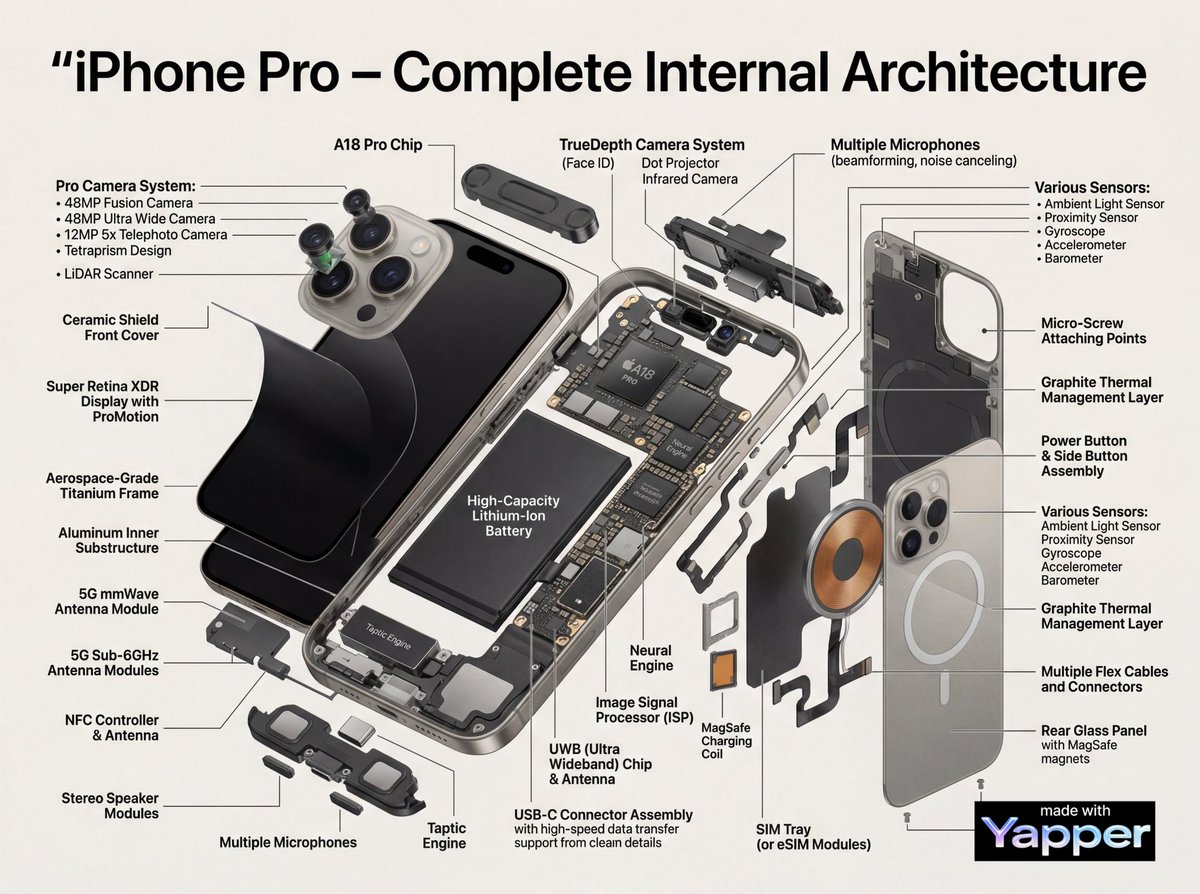
Technical Infographic Cutaway Prompt
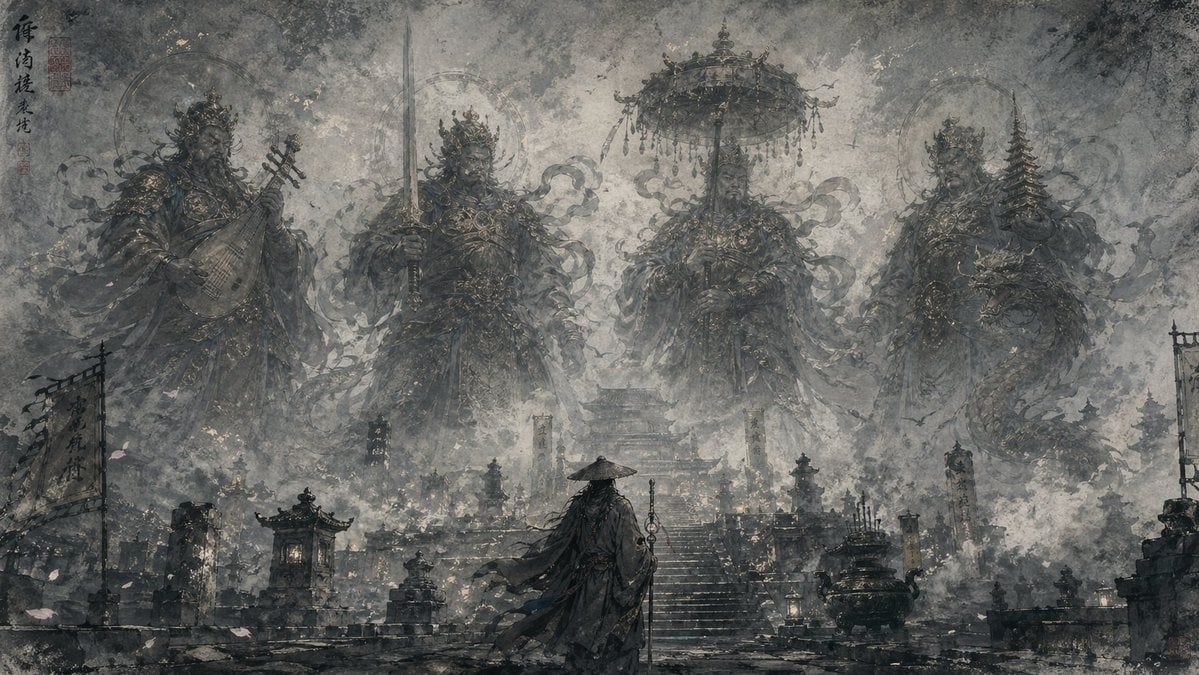
Eastern Ink Fantasy Illustration
Doodle-Style Cozy Restaurant Table Photo
Two-Panel RPG Concept Art
JSON Prompt for Candid Night Market Photography
Double Exposure Urban Silhouette
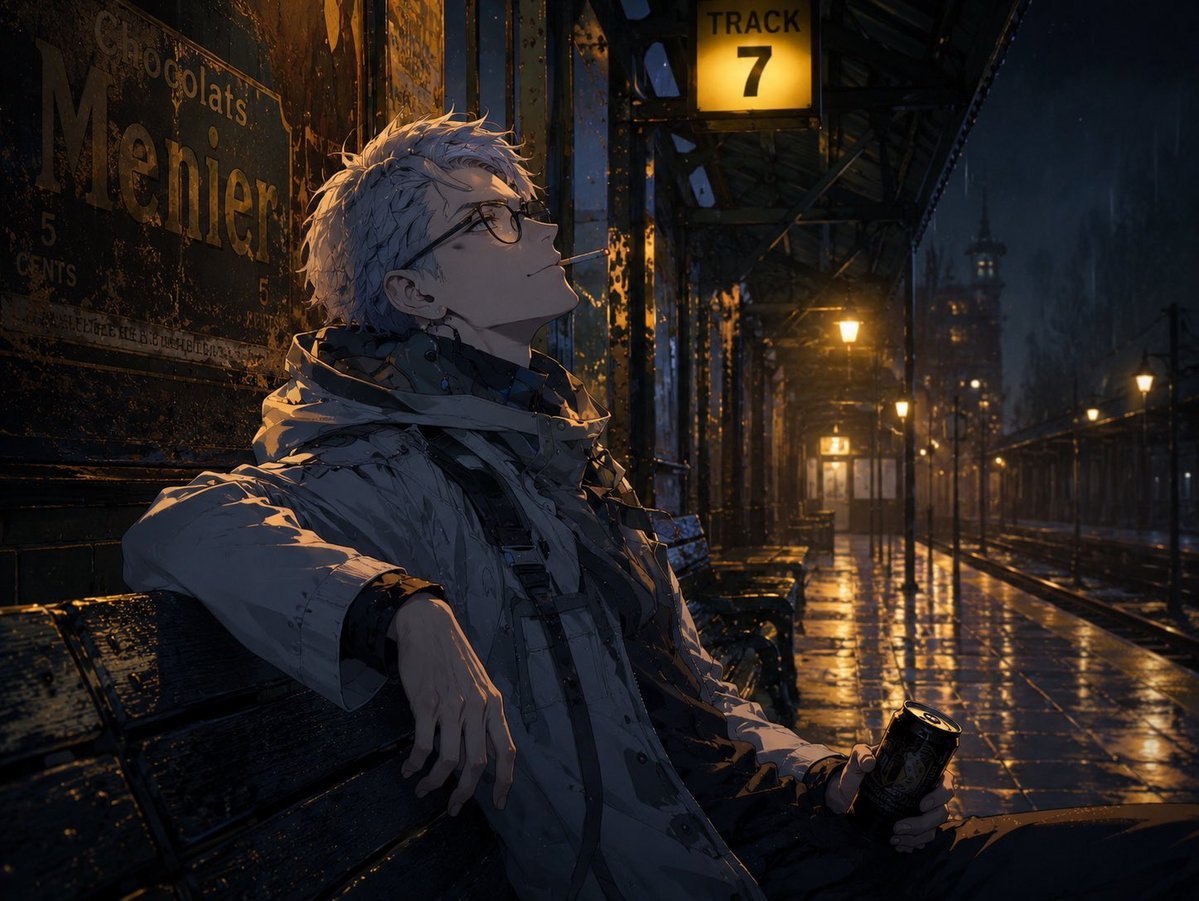
Cinematic Game Character in Midnight Station
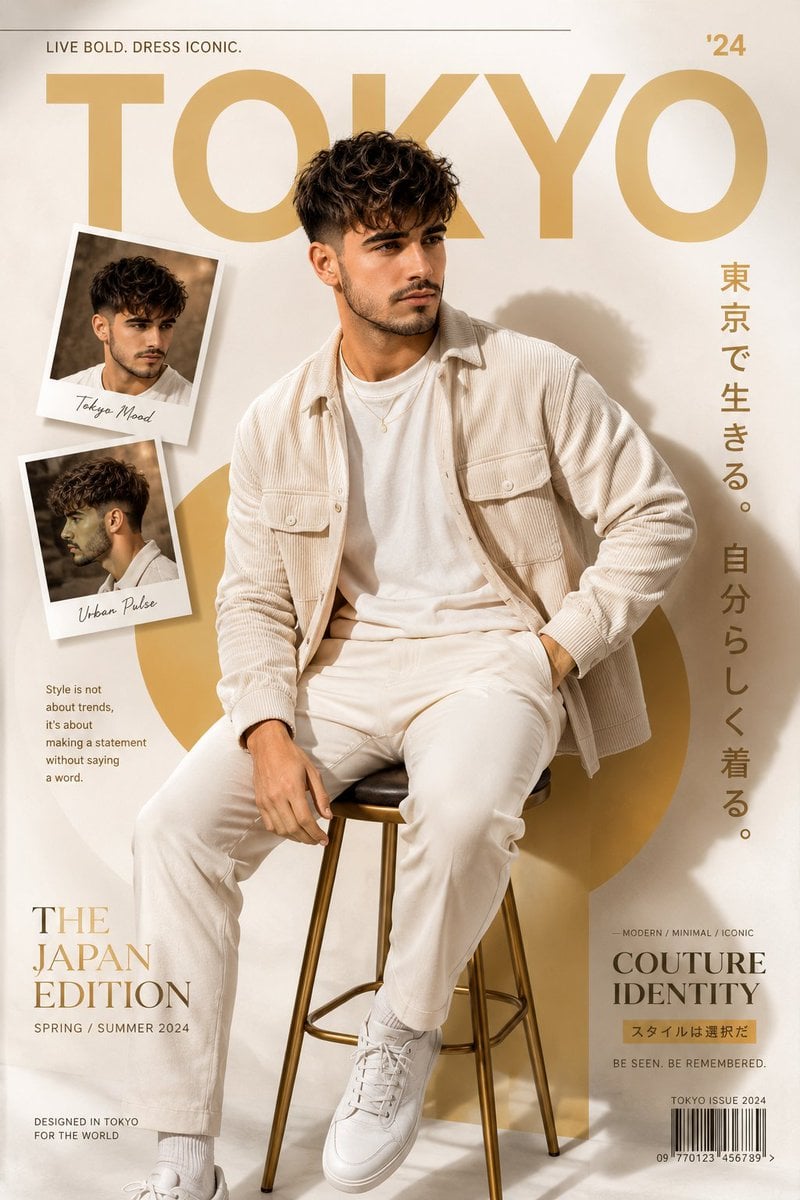
Cinematic Fashion Editorial Poster
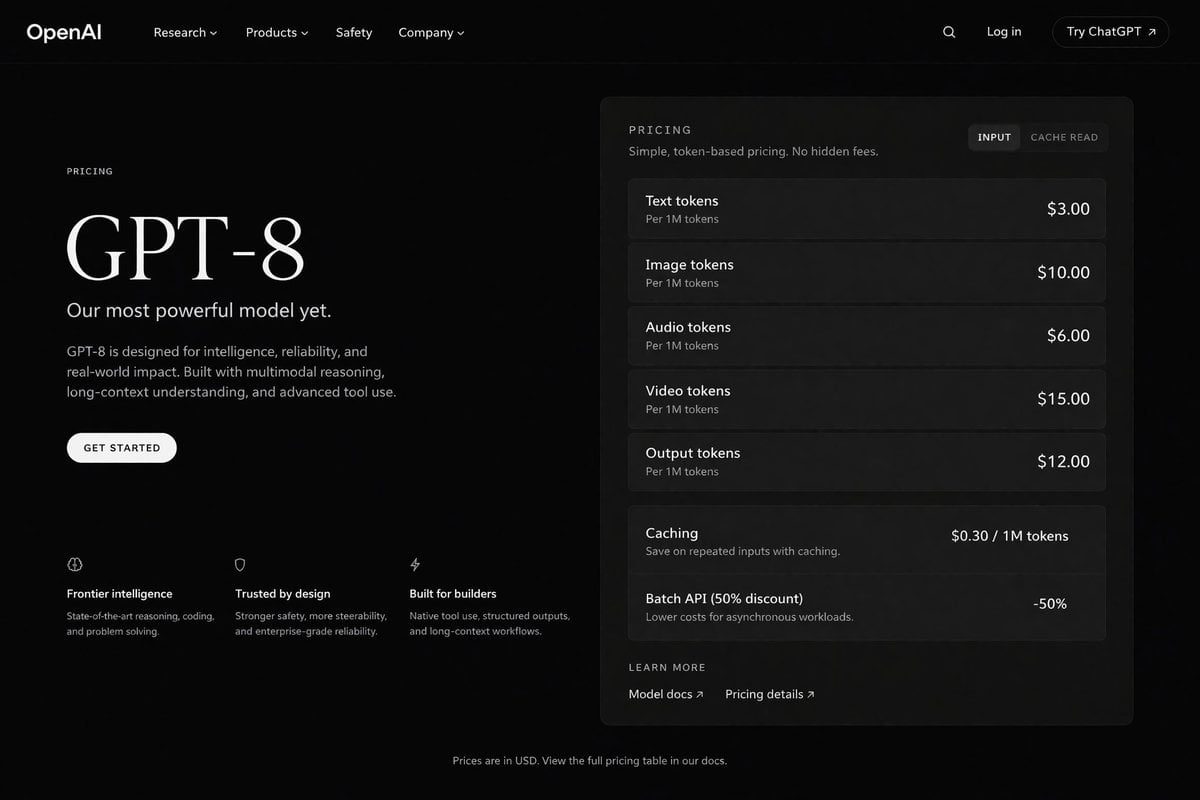
Dark Mode AI API Pricing Page Mockup
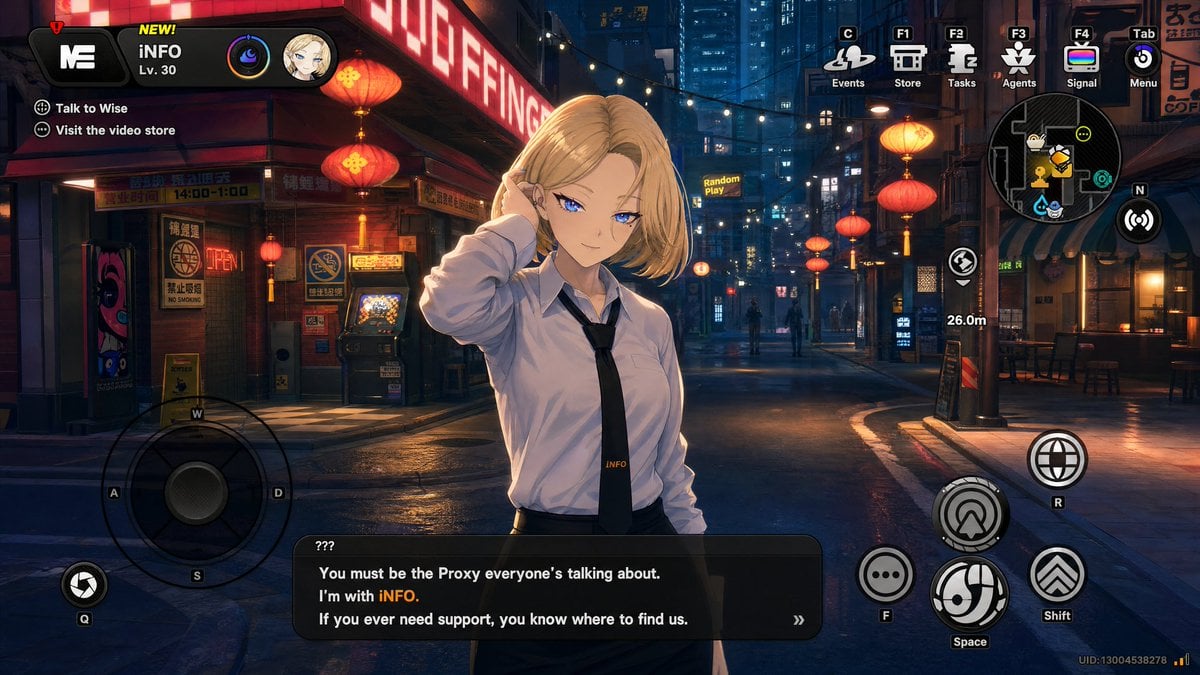
Cyberpunk Gacha Game Dialogue Screenshot
Browse template categories
Two-Panel Graphite Portrait Poster questions
How do I use the Two-Panel Graphite Portrait Poster template?
Add your photo if the template asks for one, edit the prompt if you like — the template's model and format are already selected — and press Generate. Your version opens in PicX Studio.
Can I customize the Two-Panel Graphite Portrait Poster template?
Yes. You can change the subject, setting, lighting, mood, format, and available model controls before creating your image.
Is the Two-Panel Graphite Portrait Poster template free?
Opening and editing this template is free. Generating uses credits, shown on the Generate button when you are signed in.
Which AI model should I use?
Start with GPT Image 2, which is the model associated with this template. You can compare another compatible model for a different finish.
Looking for something else? Browse all templates.

Your photo, any look
Thousands of ready templates for every top image and video model, from one credit balance.