
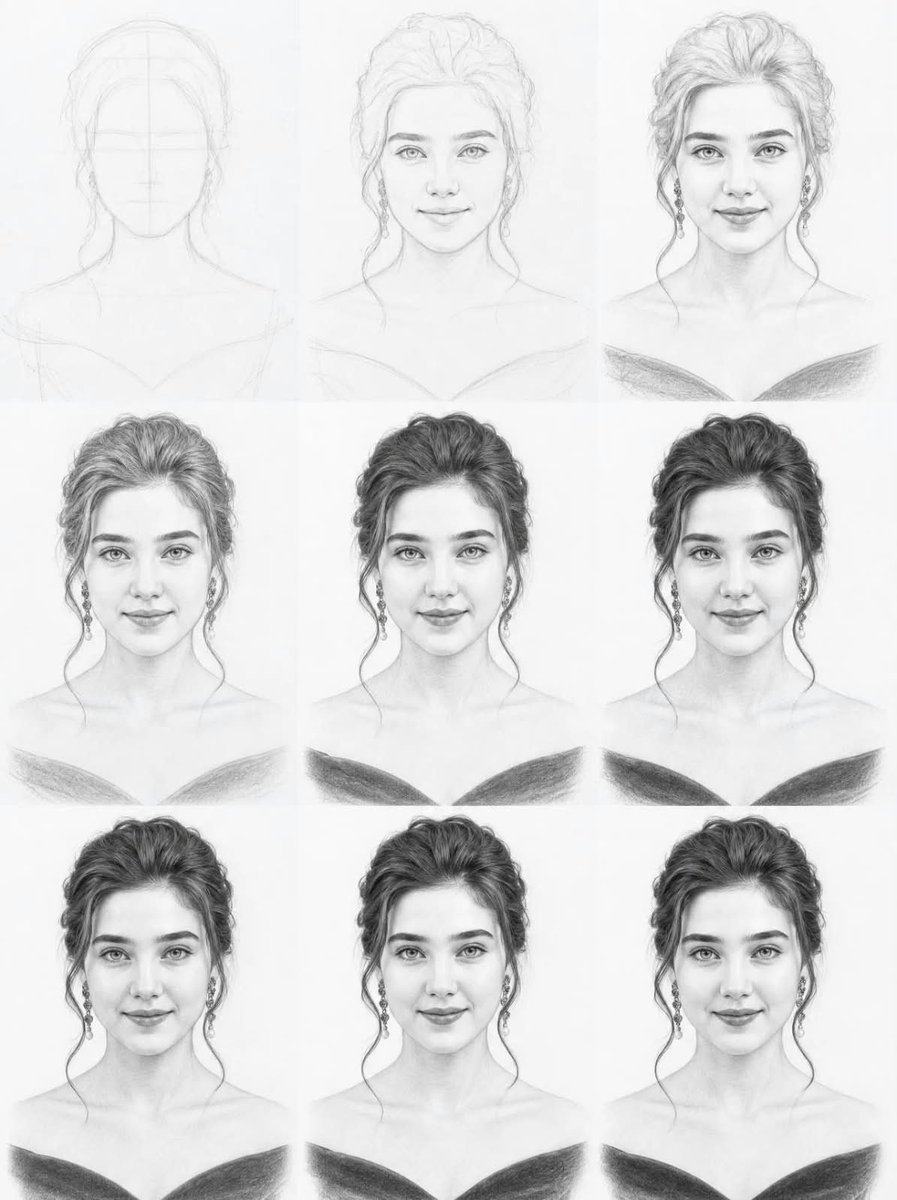
Graphite Portrait Progression Sheet
Creates a nine-panel graphite pencil portrait study showing a woman’s face progressing from construction lines to a finished realistic drawing.
- Prompt included
- Model and format preset
- Free template
The prompt behind this image
Copy the exact prompt behind Graphite Portrait Progression Sheet, or open it in the studio and make it yours.
Goal: Create a vertical 3-by-3 tutorial-style progression sheet showing the same young woman’s portrait being developed from a faint construction drawing into a polished realistic graphite pencil sketch on clean white drawing paper. Canvas: Portrait-oriented white paper background, 4:5 aspect ratio, divided into exactly 9 equal rectangular panels arranged in a 3 columns x 3 rows grid. The grid divisions are very subtle, created by slight tonal differences in the paper rather than visible borders. Subject: The same front-facing young woman appears centered in every panel from the shoulders up. She has {argument name="hair color" default="dark brown hair rendered in graphite"}, thick softly arched eyebrows, almond-shaped light eyes, a straight delicate nose, full lips with a faint closed-mouth smile, an oval face, and a calm elegant expression. Her hairstyle is a voluminous loose updo with wispy curled strands falling beside both cheeks. She wears dangling earrings and an off-shoulder dark dress or neckline that forms a soft V shape across the bottom of the portrait. Panel count and progression: Include exactly 9 portrait panels. Panel 1, top left: extremely faint initial construction sketch with an oval head, centerline, horizontal facial guide lines, rough neck, shoulders, and hair mass. Panel 2, top center: light clean line art with facial features, hair outline, earrings, shoulders, and neckline established. Panel 3, top right: early shaded portrait with more developed eyes, lips, hair texture, earrings, and dark neckline beginning. Panel 4, middle left: stronger graphite rendering, fuller hair shading, clearer facial planes, eyes, lips, shoulders, and dress. Panel 5, middle center: refined realistic portrait with balanced midtone shading, detailed hair strands, defined earrings, and darker neckline. Panel 6, middle right: nearly finished portrait with high contrast hair, smooth skin shading, detailed eyes, and darker clothing. Panel 7, bottom left: finished graphite portrait with polished face and hair, strong neckline shadow, and soft shoulder shading. Panel 8, bottom center: finished portrait variant with slightly smoother lighting and crisp facial detail. Panel 9, bottom right: final polished portrait, high realism, clean graphite values, detailed hair, earrings, expressive eyes, soft skin transitions, and dark off-shoulder garment. Visual style: Extremely realistic traditional graphite pencil drawing, monochrome black-and-white, visible pencil grain, delicate crosshatching and smudged blending, soft eraser highlights, clean white drawing paper texture. The top-left panel should be very pale and sketchy, and each subsequent panel should gradually increase in contrast, detail, and realism until the final bottom-right portrait looks complete. Constraints: Keep the woman’s identity, proportions, pose, expression, hairstyle, jewelry, and clothing consistent across all 9 panels. No text labels, no watermark, no colored ink, no digital UI elements, no extra objects, and no background scenery.
How to use Graphite Portrait Progression Sheet in 3 steps
- 1Upload ImagePNG, JPG or paste
Add your photo
Upload the photo the template builds on. The prompt, model and format are already set.
- 2…a portrait of your subject in softgolden-hour light, 85mm…
Personalize
Edit the subject and creative details for your destination.
- 3Generate
Generate
Press Generate — your image is created in PicX Studio, so you can compare it with the original and refine one variable at a time.
More like this
Templates with the same subject, style or setup. Open one to see its prompt.

Found Photograph: Us, 1970

80s Couple Studio Portrait

80s Bollywood Star

80s Golden Hour Cinema

Me in 1985

1985 Studio Portrait

Hyper-Realistic Minecraft POV Portrait

Rooftop Fisheye — Cat-Ear Balaclava at Golden Hour

Notebook Page Emergence Illusion

Rainy Café Window Moody Portrait

untitled

2025 Aesthetic Photography
Make it yours
Graphite Portrait Progression Sheet works as-is. These are the safest ways to change it without losing the look.
Change one field
Copy a single group, rewrite it, and generate again so you can see what that field is doing.
Keep the frame, change the subject
Hold the composition and light of Graphite Portrait Progression Sheet, then swap wardrobe, props or the person for a new take.
| If the result… | Why | Fix |
|---|---|---|
| The result drifts from the preview | Too many fields changed at once. | Reuse Graphite Portrait Progression Sheet as-is first, then change one group — subject, light, or setting. |
| The model over-stylizes the scene | The prose prompt leaves finish and camera underspecified. | Add one camera or lighting sentence and stay on GPT Image 2. |
More GPT Image 2 templates
Other prompts made for GPT Image 2.

Six VTuber Japanese Logo Sheet

Realistic Portrait of Woman and Deer

The Vista Modular Condo Poster

AI Model Routing Comparison Infographic

2.5D Anime Art Board

Isometric Productivity Desk Scene

New York Double Exposure Poster

Four-Panel AI Landscape Comparison

Japanese Tatami Lifestyle Magazine Cover

NESCAFÉ Coffee Map Poster
More image prompts
Fresh picks from across the catalog.

Plush Kaiju Cat Smashing Tokyo
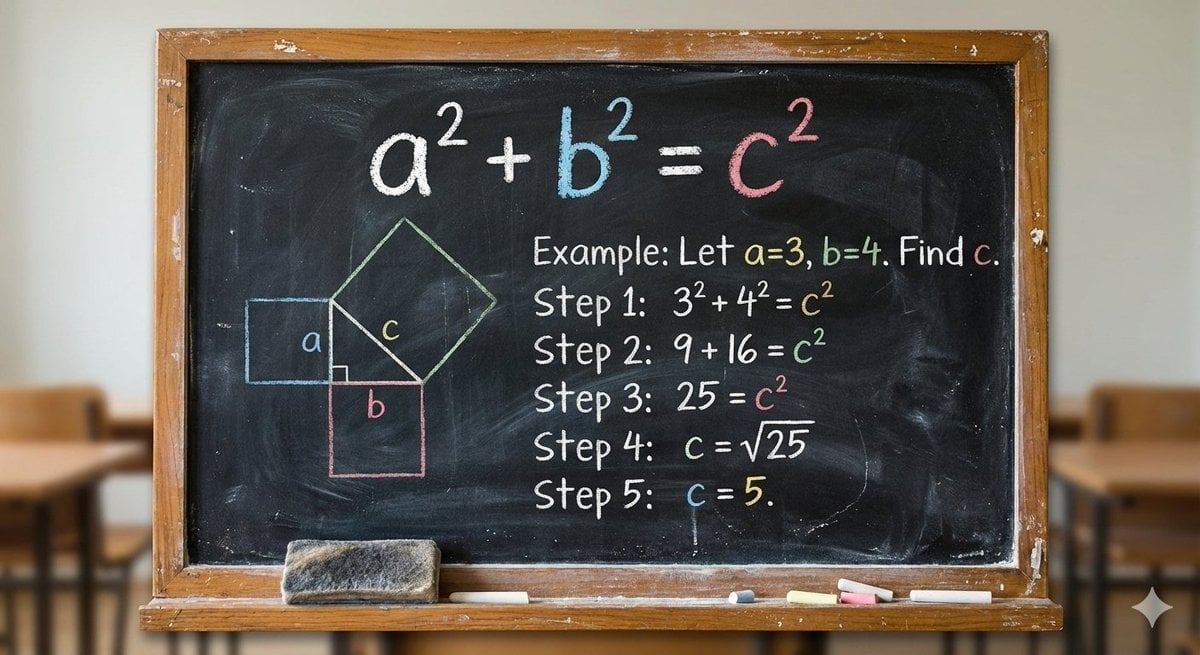
Blackboard solving Pythagoras theorem

X Strength04 X Gpt Image 2 on Chatgpt
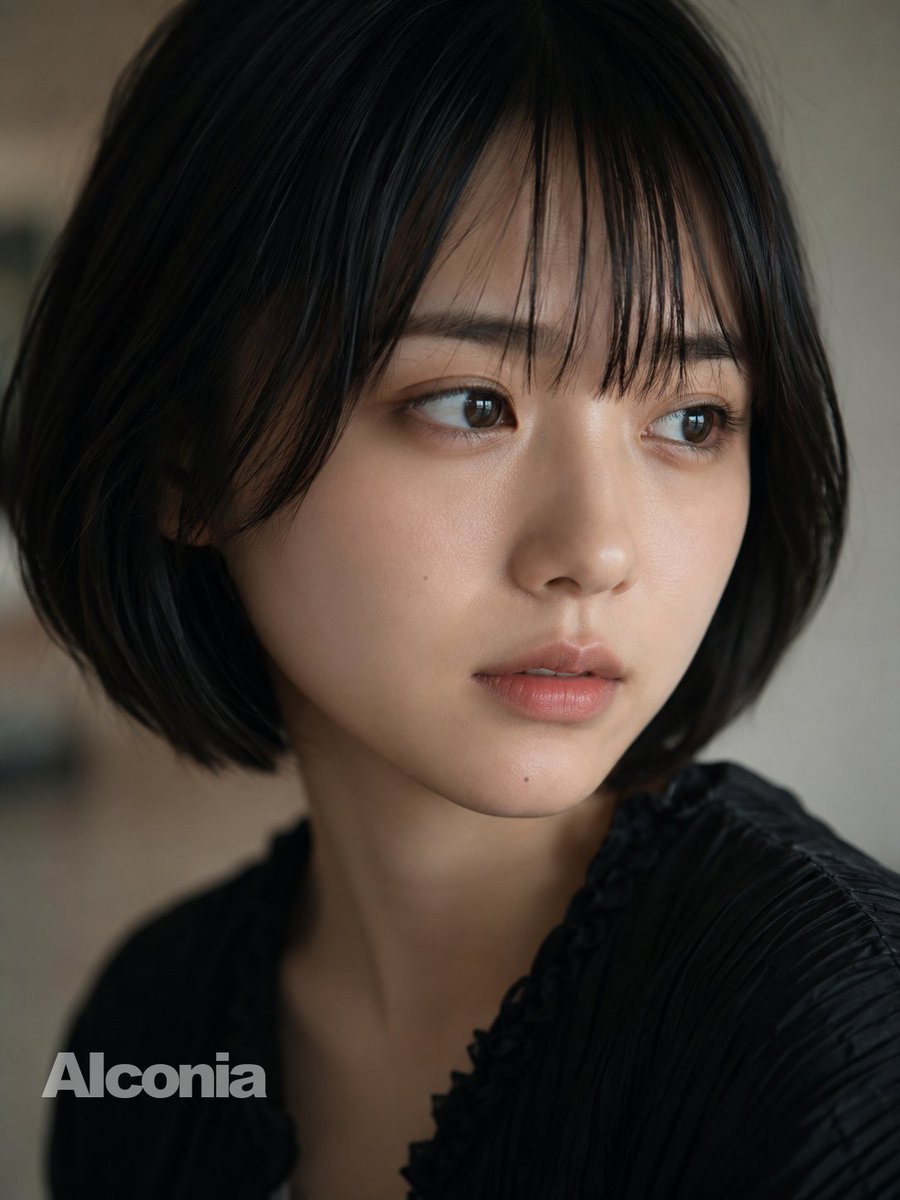
Censored Cinematic Bob Portrait
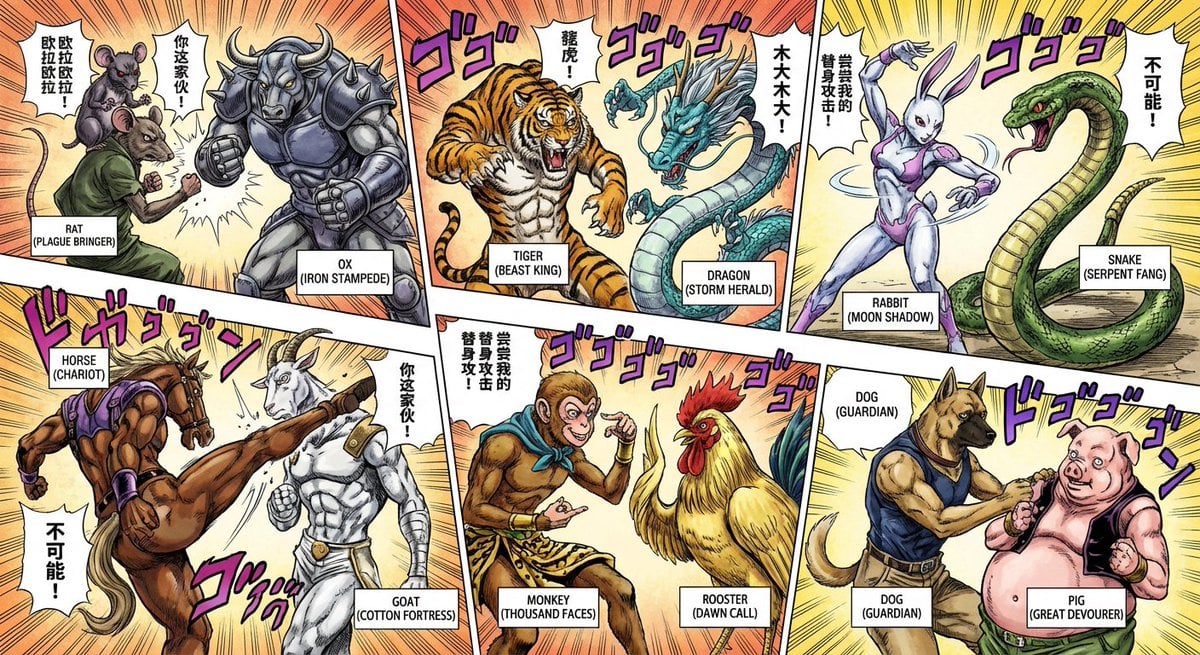
Nano Banana Pro brand hero image (variant tweet)
Kawaii Pastel Goth Editorial

Commercial Collaboration Poster
Candid Night Bathroom Portrait
Cinematic Winter Portrait Photoshoot Prompt

Japanese X Monetization Thumbnail
Browse template categories
Graphite Portrait Progression Sheet questions
How do I use the Graphite Portrait Progression Sheet template?
Add your photo if the template asks for one, edit the prompt if you like — the template's model and format are already selected — and press Generate. Your version opens in PicX Studio.
Can I customize the Graphite Portrait Progression Sheet template?
Yes. You can change the subject, setting, lighting, mood, format, and available model controls before creating your image.
Is the Graphite Portrait Progression Sheet template free?
Opening and editing this template is free. Generating uses credits, shown on the Generate button when you are signed in.
Which AI model should I use?
Start with GPT Image 2, which is the model associated with this template. You can compare another compatible model for a different finish.
Looking for something else? Browse all templates.

Your photo, any look
Thousands of ready templates for every top image and video model, from one credit balance.