
Kawaii Pastel Goth Editorial
Generates a whimsical kawaii-inspired fashion editorial with an Asian woman in pastel goth streetwear, featuring floating pop-art elements and a holographic neon palette.
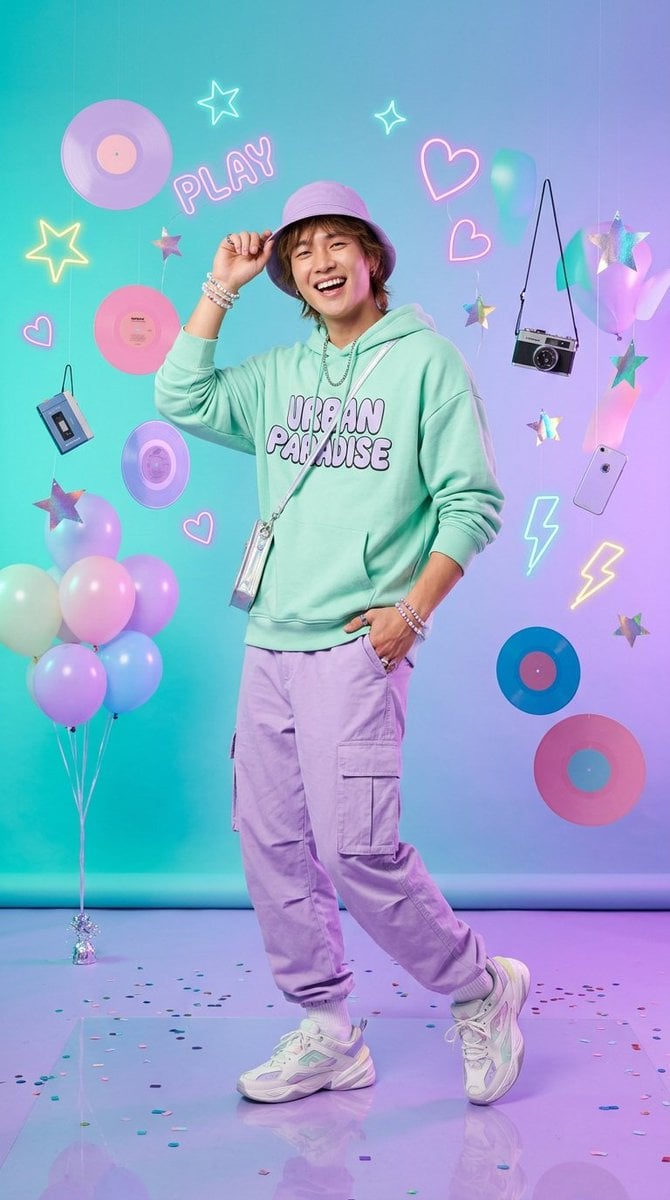
- Prompt included
- Model and format preset
- Free template
The prompt behind this image
Copy the exact prompt behind Kawaii Pastel Goth Editorial, or open it in the studio and make it yours.
Whimsical kawaii-inspired studio fashion editorial featuring a {argument name="subject" default="stunning young Asian woman with long flowing wavy hair and soft side bangs"}, styled in {argument name="clothing style" default="vibrant pastel goth streetwear"} with edgy graphic prints and holographic accents. She wears a cropped pastel hoodie layered over high-waist pleated skirts or trendy cargo pants, accessorized with layered chains, statement earrings, pastel platform sneakers, and a cute bucket hat she playfully tilts. Radiant confident smile, dynamic playful poses, lively youthful aura, blending modern Harajuku street fashion with pastel goth and cyber Y2K influences. Shot inside a bold studio setup with a {argument name="backdrop" default="lavender-to-teal gradient"} seamless backdrop, soft diffused LED lighting, and futuristic pop-art props. Floating elements include holographic stars, candy shapes, mini vinyl records, retro tech gadgets, neon doodles, and pastel balloons. Rich, dreamy pastel palette with pops of lilac, teal, bubblegum pink, mint, and soft silver. Cozy cropped silhouettes, layered textures, and bold Gen Z styling inspired by Japanese streetwear magazines and digital fashion campaigns. High-end fashion catalog photography fused with playful editorial aesthetics, ultra-clean image quality, glossy magazine finish, soft natural skin texture, crisp details, and candy-colored yet slightly neon-toned palette. Expressive poses, whimsical movement, Pinterest-ready composition, fashion lookbook energy, modern youth-culture branding vibe, ultra-detailed 8k aesthetic. Style references: Pastel goth streetwear, edgy kawaii editorial, cyber Y2K fashion, holographic and neon accessories, playful Japanese street fashion, dreamy pop-art studio photography .
How to use Kawaii Pastel Goth Editorial in 3 steps
- 1Upload ImagePNG, JPG or paste
Add your photo
Upload the photo the template builds on. The prompt, model and format are already set.
- 2…a portrait of your subject in softgolden-hour light, 85mm…
Personalize
Edit the subject and creative details for your destination.
- 3Generate
Generate
Press Generate — your image is created in PicX Studio, so you can compare it with the original and refine one variable at a time.
More like this
Templates with the same subject, style or setup. Open one to see its prompt.

Premium Vintage Travel Poster Landscape
Premium Vintage Travel Poster Landscape

Layered Paper Cut Illustration Template
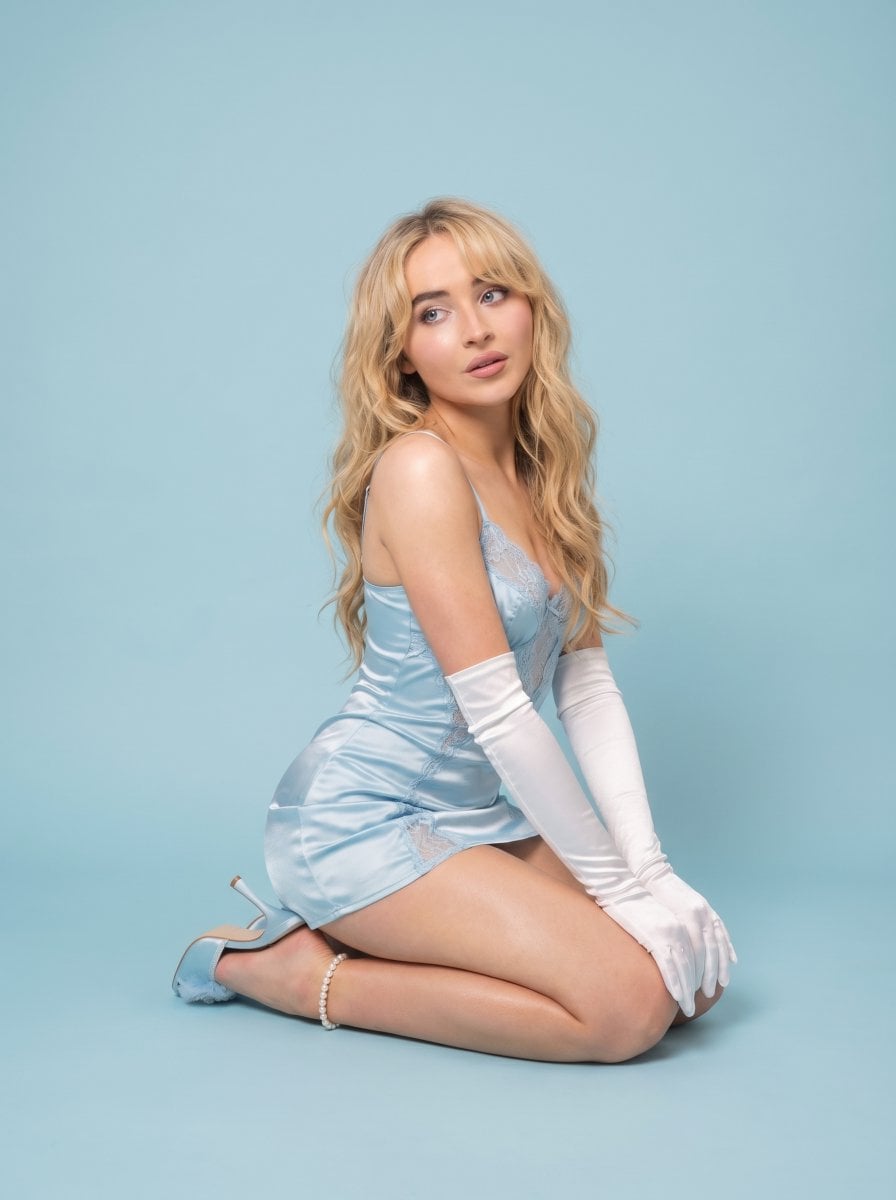
Pastel Editorial Blue Satin Portrait

Urban Fashion Editorial Collage Streetwear Poster

Monochrome Hypebeast Street Fashion Editorial Motion

Elegant Green Evening Gown Studio Fashion Portrait

Artistic Patchwork Fashion Portrait Spring Festival

Japanese Architectural Concrete Studio Fashion Campaign

Monroe and Ash Mediterranean Luxury Fashion Campaign

Premium Fashion Editorial Cover Layout System

Korean Luxury Fashion Editorial 2x2 Grid Series
Make it yours
Kawaii Pastel Goth Editorial works as-is. These are the safest ways to change it without losing the look.
Change one field
Copy a single group, rewrite it, and generate again so you can see what that field is doing.
Keep the frame, change the subject
Hold the composition and light of Kawaii Pastel Goth Editorial, then swap wardrobe, props or the person for a new take.
| If the result… | Why | Fix |
|---|---|---|
| The result drifts from the preview | Too many fields changed at once. | Reuse Kawaii Pastel Goth Editorial as-is first, then change one group — subject, light, or setting. |
| The model over-stylizes the scene | The prose prompt leaves finish and camera underspecified. | Add one camera or lighting sentence and stay on GPT Image 2. |
More GPT Image 2 templates
Other prompts made for GPT Image 2.

Six VTuber Japanese Logo Sheet

Realistic Portrait of Woman and Deer

The Vista Modular Condo Poster

AI Model Routing Comparison Infographic

2.5D Anime Art Board

Isometric Productivity Desk Scene

New York Double Exposure Poster

Four-Panel AI Landscape Comparison

Japanese Tatami Lifestyle Magazine Cover

NESCAFÉ Coffee Map Poster
More image prompts
Fresh picks from across the catalog.
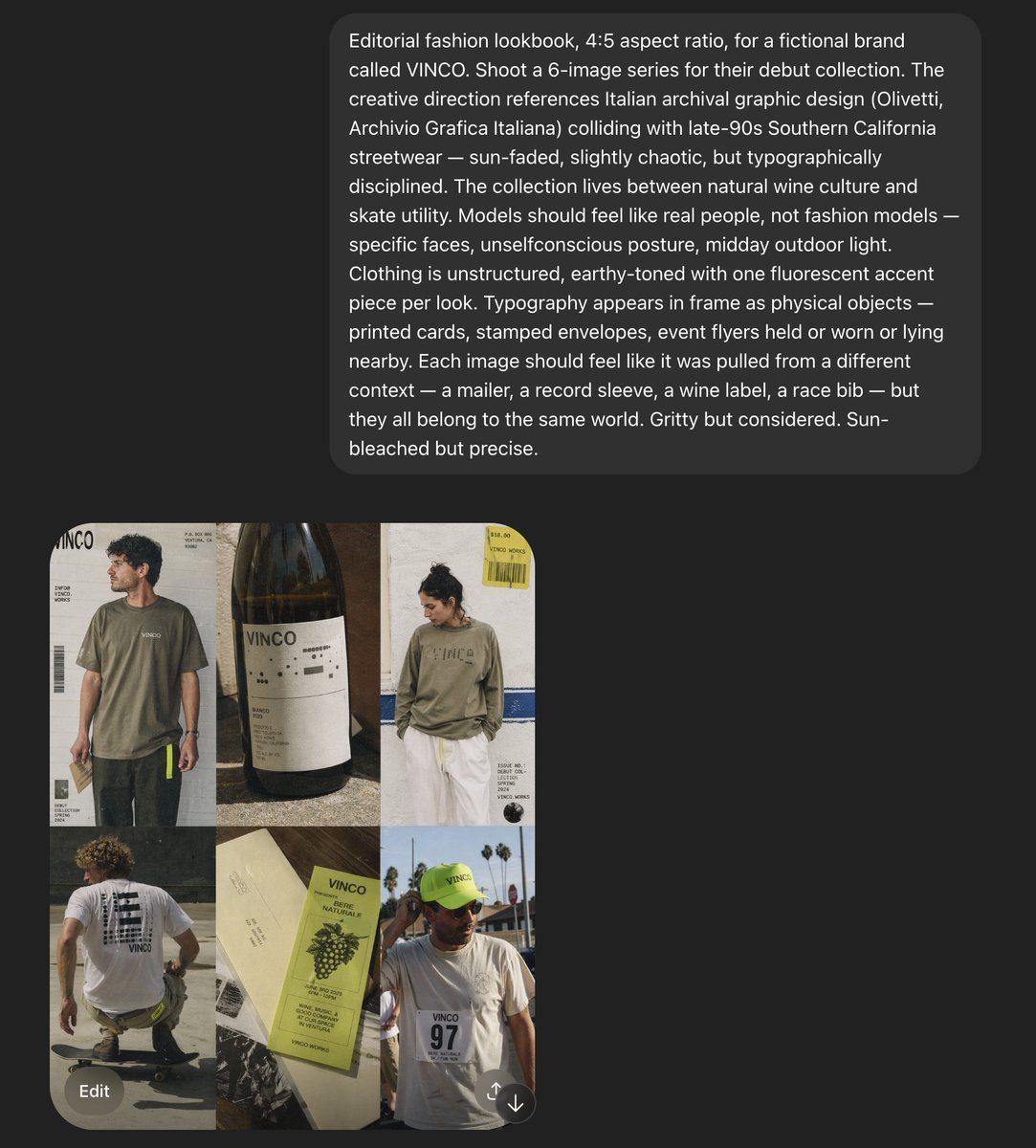
VINCO Editorial Moodboard Screenshot
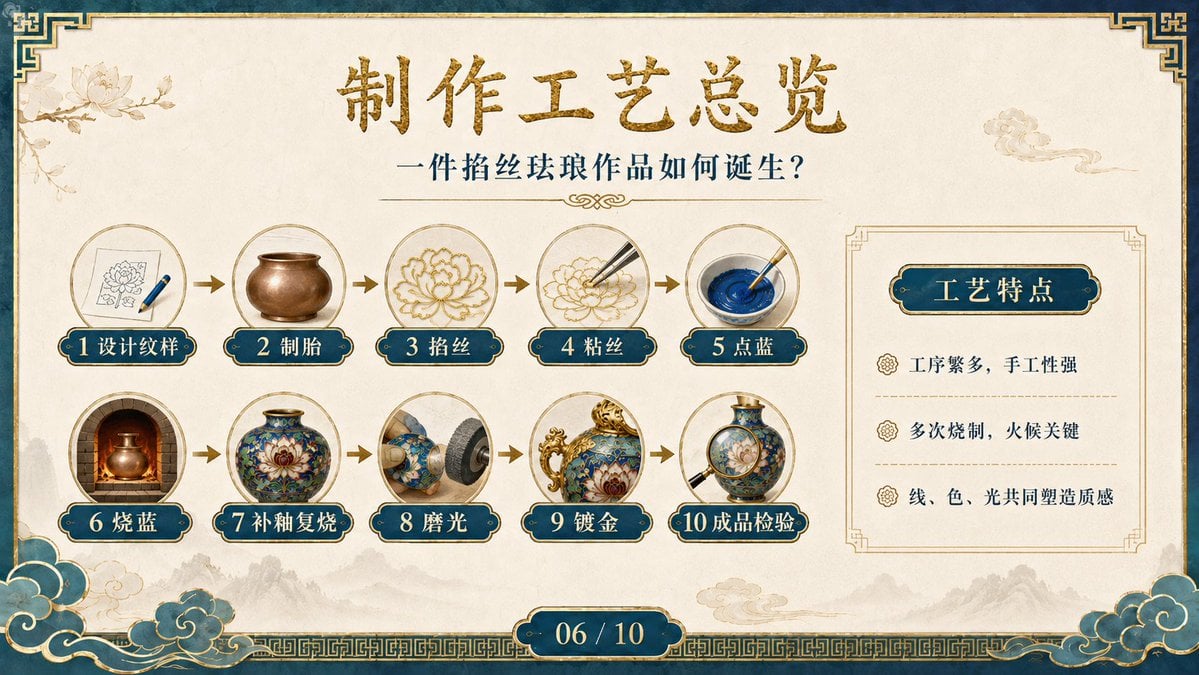
Cloisonné Craft Process PPT Slide
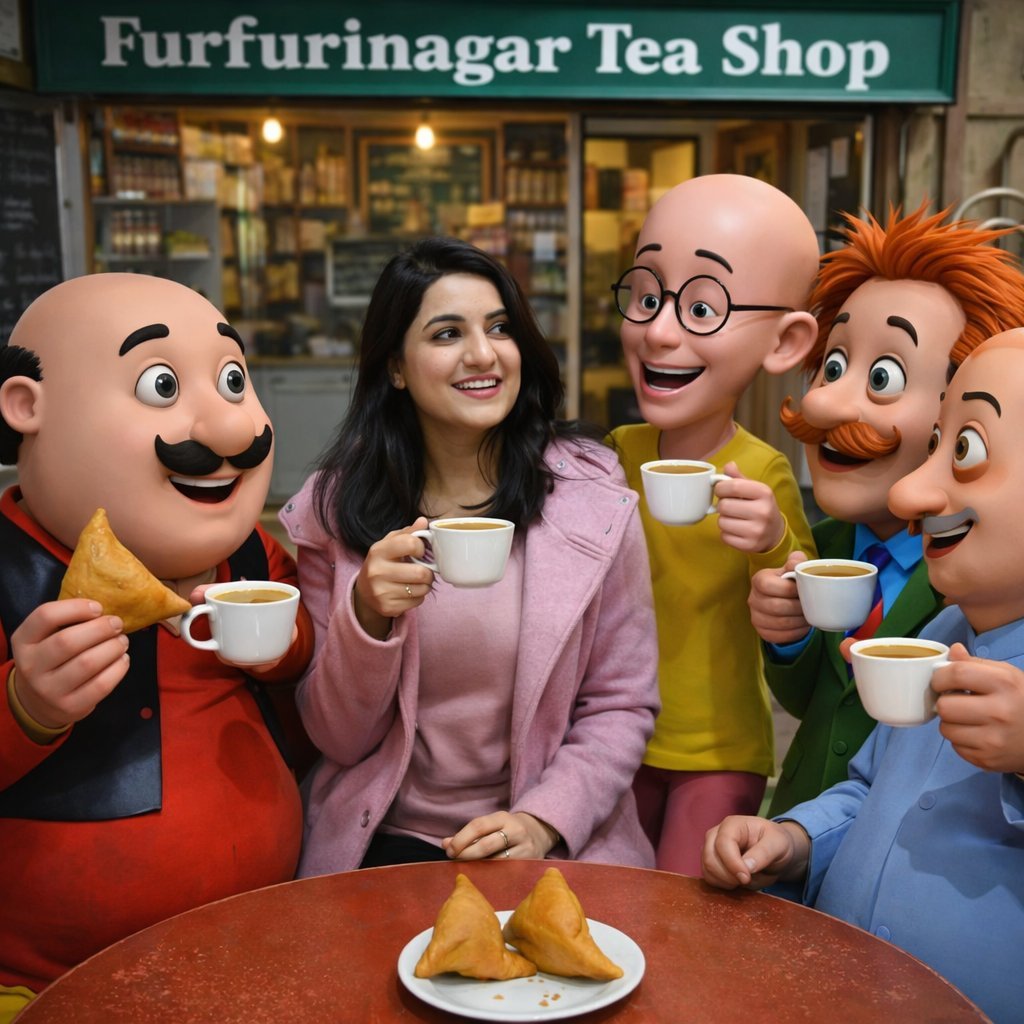
Motu Patlu Tea Shop Scene with Custom Face
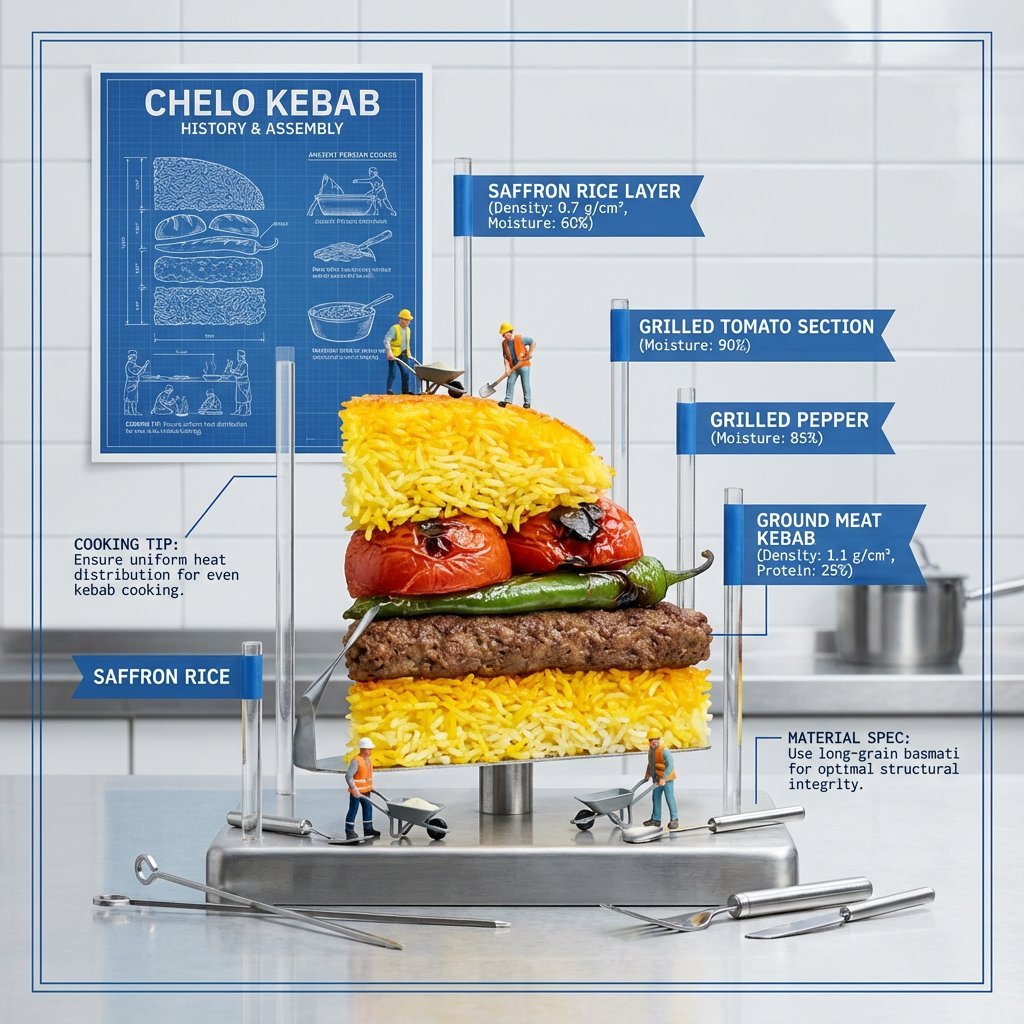
Exploded Food Diagram Technical Photography Prompt
Minimalist Cave Painting Style Avatar

Pink Chibi Mascot Holding Triangle Logo
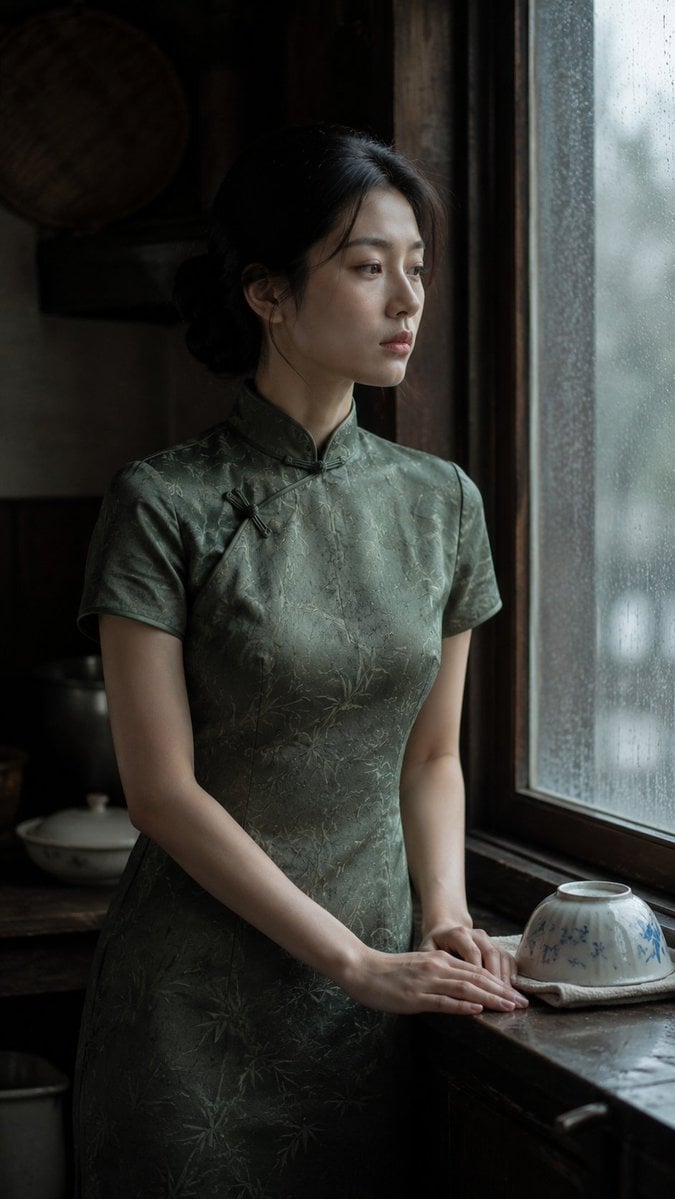
Rainy Day Kitchen Life Portrait
Golden Royal Glam Mirror Selfie
Urban Isolation Portrait
High-Fashion Cinematic Motion Shot
Browse template categories
Kawaii Pastel Goth Editorial questions
How do I use the Kawaii Pastel Goth Editorial template?
Add your photo if the template asks for one, edit the prompt if you like — the template's model and format are already selected — and press Generate. Your version opens in PicX Studio.
Can I customize the Kawaii Pastel Goth Editorial template?
Yes. You can change the subject, setting, lighting, mood, format, and available model controls before creating your image.
Is the Kawaii Pastel Goth Editorial template free?
Opening and editing this template is free. Generating uses credits, shown on the Generate button when you are signed in.
Which AI model should I use?
Start with GPT Image 2, which is the model associated with this template. You can compare another compatible model for a different finish.
Looking for something else? Browse all templates.

Your photo, any look
Thousands of ready templates for every top image and video model, from one credit balance.