How do I use the Pink Chibi Mascot Holding Triangle Logo template?
Edit the prompt in the box under the preview — the template's model and format are already selected — and press Generate. Your version appears right on this page.
A close-up anime chibi mascot illustration for branding, showing a pink twin-tailed girl holding a bold triangular logo.

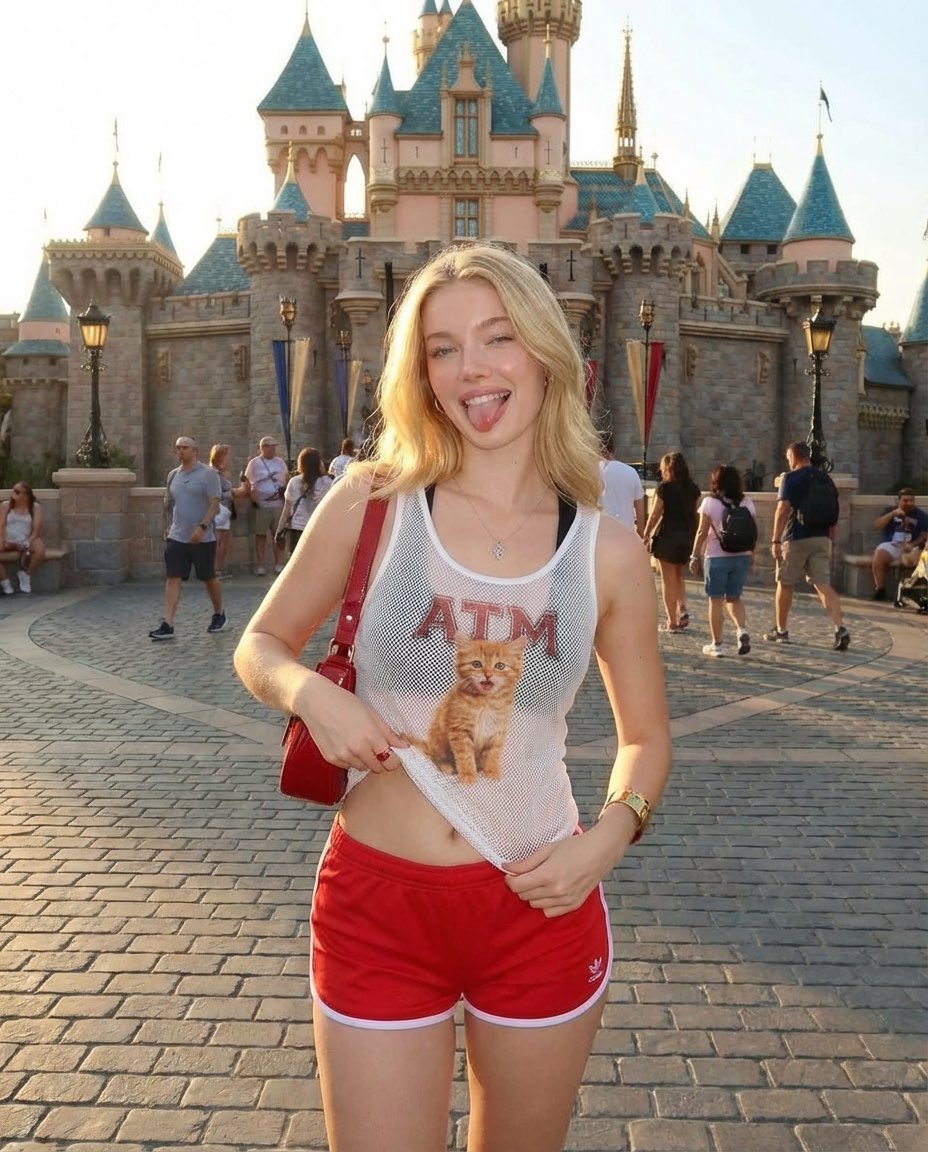
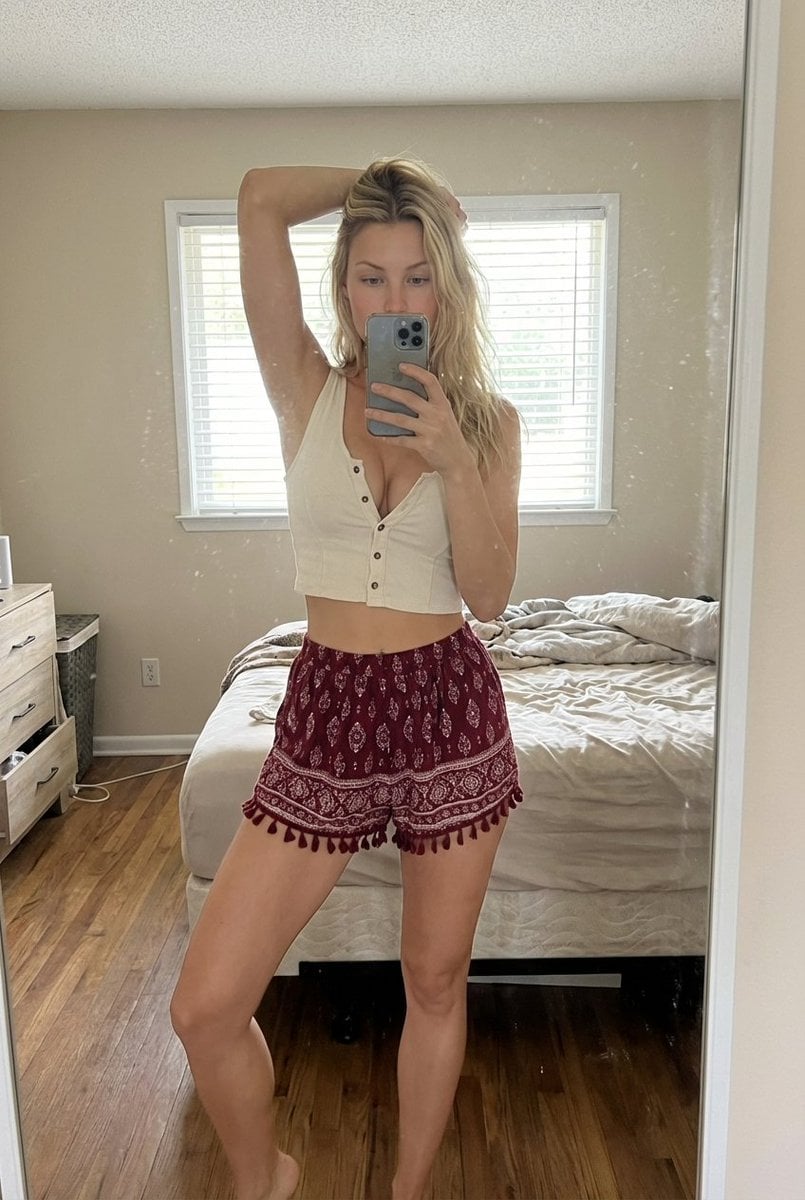
This template uses your photo — add one with the + button.
Create a close-up chibi anime mascot illustration on a clean white background, featuring {argument name="character name" default="a cute pink-haired anime girl"} centered in the frame. She has oversized sparkling gradient eyes in pink, purple, and golden tones, a tiny smiling mouth, soft blush, and a rounded chibi face. Her {argument name="hair color" default="pastel pink"} hair is styled into two large fluffy high twin-tails with curled ends, thick side locks, straight bangs, and small gold hair clips on the upper right side. She wears a white fantasy idol-style outfit with gold trim, shoulder armor-like accents, black collar details, and delicate pink decorative elements. Both small hands are visible at chest height, holding a large stylized triangular logo/sign directly in front of her body: a thick rounded triangle outline in vivid hot pink with a black edge/shadow and an open triangular cutout in the center. The composition is tightly cropped, showing the top of the head partially cut off and the twin-tails extending to both sides, with the logo occupying the lower center. Use polished Japanese anime key visual style, clean line art, soft cel shading, glossy highlights, pastel colors, high detail in the eyes and hair, cute cheerful mood, no text, no watermark, no extra characters.
Create a close-up chibi anime mascot illustration on a clean white background, featuring {argument name="character name" default="a cute pink-haired anime girl"} centered in the frame. She has oversized sparkling gradient eyes in pink, purple, and golden tones, a tiny smiling mouth, soft blush, and a rounded chibi face. Her {argument name="hair color" default="pastel pink"} hair is styled into two large fluffy high twin-tails with curled ends, thick side locks, straight bangs, and small gold hair clips on the upper right side. She wears a white fantasy idol-style outfit with gold trim, shoulder armor-like accents, black collar details, and delicate pink decorative elements. Both small hands are visible at chest height, holding a large stylized triangular logo/sign directly in front of her body: a thick rounded triangle outline in vivid hot pink with a black edge/shadow and an open triangular cutout in the center. The composition is tightly cropped, showing the top of the head partially cut off and the twin-tails extending to both sides, with the logo occupying the lower center. Use polished Japanese anime key visual style, clean line art, soft cel shading, glossy highlights, pastel colors, high detail in the eyes and hair, cute cheerful mood, no text, no watermark, no extra characters.
Edit the prompt in the box under the preview — the template's model and format are already selected — and press Generate. Your version appears right on this page.
Yes. You can change the subject, setting, lighting, mood, format, and available model controls before creating your image.
Opening and editing this template is free. Generating uses credits, shown on the Generate button when you are signed in.
Start with GPT Image 2, which is the model associated with this template. You can compare another compatible model for a different finish.
Follow a topic to a crawlable collection of related PicX Studio templates.