
Indoor Bedroom Mirror Selfie Generation Prompt
A detailed JSON prompt for generating a photorealistic, casual lifestyle mirror selfie of a young woman in a slightly messy indoor bedroom setting, emphasizing natural lighting and realistic textures.
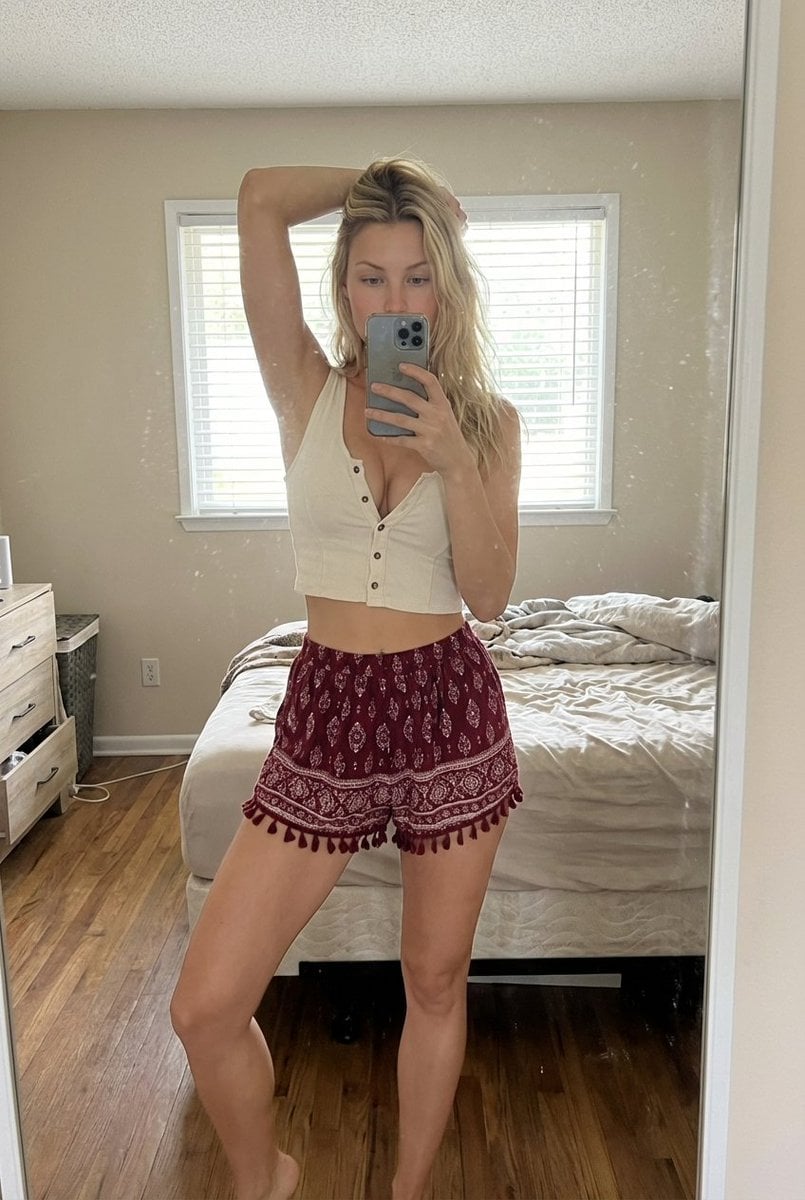
- Prompt included
- Model and format preset
- Premium template
The prompt behind this image
Copy the exact prompt behind Indoor Bedroom Mirror Selfie Generation Prompt, or open it in the studio and make it yours.
- Scene › Type
- indoor bedroom mirror selfie
- Scene › Environment › Room Style
- simple lived-in bedroom
- Scene › Environment › Walls
- light beige walls
- Scene › Environment › Lighting Fixture
- ceiling-mounted light fixture
- Scene › Environment › Window › Position
- behind the subject
- Scene › Environment › Window › Blinds
- white horizontal blinds partially closed
- Scene › Environment › Window › Light
- soft natural daylight filtering through
- Scene › Environment › Bed › Position
- behind subject
- Scene › Environment › Bed › Condition
- slightly messy bed with white sheets
- Scene › Environment › Decor › Wall Art
- framed art print on the wall
- Scene › Environment › Decor › Dresser
- wooden dresser with mirror
- Scene › Environment › Decor › Mirror Surface
- slightly dusty mirror with small natural smudges
- Character › Gender
- female
- Character › Age Range
- early to mid 20s
- Character › Body › Build
- slim with natural curves
- Character › Body › Waist
- defined waistline
- Character › Body › Posture
- standing confidently
- Character › Skin › Tone
- light to medium warm tone
- Character › Skin › Texture
- natural skin texture
- Character › Hair › Color
- dark brown
- Character › Hair › Length
- short to medium length
- Character › Hair › Style
- slightly messy, casual, natural
- Character › Face Visibility › Partially Hidden
- true
- Character › Face Visibility › Reason
- phone covering part of the face
Raw JSON
{
"scene": {
"type": "indoor bedroom mirror selfie",
"environment": {
"room_style": "simple lived-in bedroom",
"walls": "light beige walls",
"lighting_fixture": "ceiling-mounted light fixture",
"window": {
"position": "behind the subject",
"blinds": "white horizontal blinds partially closed",
"light": "soft natural daylight filtering through"
},
"bed": {
"position": "behind subject",
"condition": "slightly messy bed with white sheets"
},
"decor": {
"wall_art": "framed art print on the wall",
"dresser": "wooden dresser with mirror",
"mirror_surface": "slightly dusty mirror with small natural smudges"
}
}
},
"character": {
"gender": "female",
"age_range": "early to mid 20s",
"body": {
"build": "slim with natural curves",
"waist": "defined waistline",
"posture": "standing confidently"
},
"skin": {
"tone": "light to medium warm tone",
"texture": "natural skin texture"
},
"hair": {
"color": "dark brown",
"length": "short to medium length",
"style": "slightly messy, casual, natural"
},
"face_visibility": {
"partially_hidden": true,
"reason": "phone covering part of the face"
}
},
"pose": {
"stance": "standing in front of mirror",
"arm_position": {
"one_arm": "raised above head holding hair",
"other_arm": "holding smartphone in front of face"
},
"leg_position": "legs relaxed and slightly apart",
"vibe": "casual, confident, candid"
},
"clothing": {
"top": {
"type": "sleeveless cropped top",
"color": "off-white",
"details": "front button details",
"fit": "snug fit"
},
"bottom": {
"type": "loose patterned shorts",
"color": "deep red with white patterns",
"details": "bohemian style, tassel edges"
}
},
"camera": {
"shot_type": "full body mirror selfie",
"perspective": "eye-level mirror reflection",
"lens": "standard smartphone lens",
"focus": "subject in sharp focus",
"depth_of_field": "deep focus, room clearly visible"
},
"lighting": {
"source": "natural daylight",
"direction": "from window behind subject",
"quality": "soft and diffused",
"shadows": "minimal natural shadows",
"color_temperature": "neutral daylight"
},
"style": {
"photography_style": "casual lifestyle selfie",
"mood": "relaxed, authentic, intimate",
"aesthetic": "natural, unfiltered, realistic",
"post_processing": "minimal editing, realistic tones"
},
"quality": {
"resolution": "high resolution",
"realism": "photorealistic",
"detail_level": "high"
},
"negative_prompt": [
"extra people in background",
"any other human figures",
"stickers",
"emoji",
"stars",
"overlays",
"text",
"blurred subject",
"distorted anatomy",
"extra limbs",
"unnatural lighting",
"over-processed skin"
]
}How to use Indoor Bedroom Mirror Selfie Generation Prompt in 3 steps
- 1
Open
The prompt is already in the box next to the preview, with the template's model and format selected.
- 2…a portrait of your subject in softgolden-hour light, 85mm…
Personalize
Edit the subject and creative details for your destination.
- 3Generate
Generate
Press Generate — your image is created in PicX Studio, so you can compare it with the original and refine one variable at a time.
More like this
Templates with the same subject, style or setup. Open one to see its prompt.

Rooftop Fisheye — Cat-Ear Balaclava at Golden Hour

Felt & Knit 3D Character — Photo-Exact Face, Pixar-Quality Plush Figurine

Eid al-Adha Cute Chaos — Fisheye Selfie with Farm Selfie, Mosque & Animals

Cat Photobomb Selfie — 0.5x Wide Angle Café Chaos

Gen Z Triple Selfie Collage — Y2K Flash Photography

Surreal Cat Astronaut — Humanoid Face Freefall
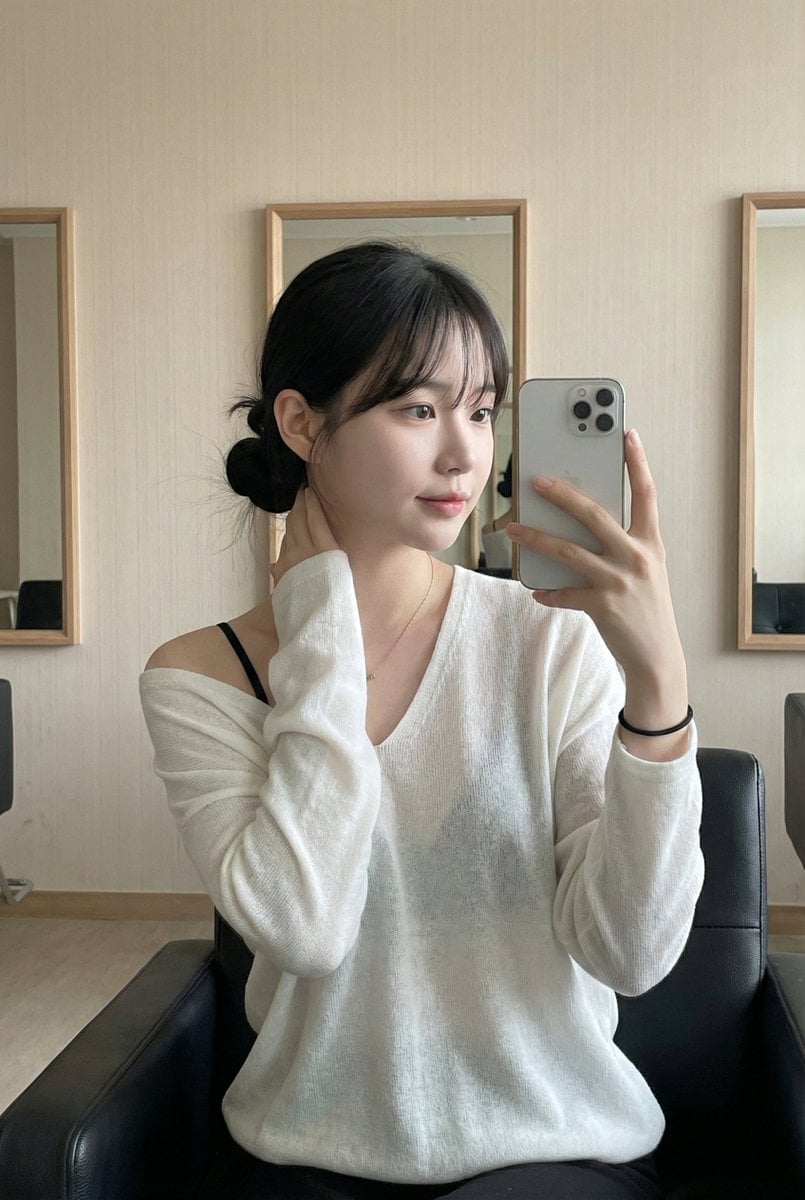
Leather Chair Soft Indoor Mirror Selfie

Nano Banana - Peace Sign Bedroom Selfie
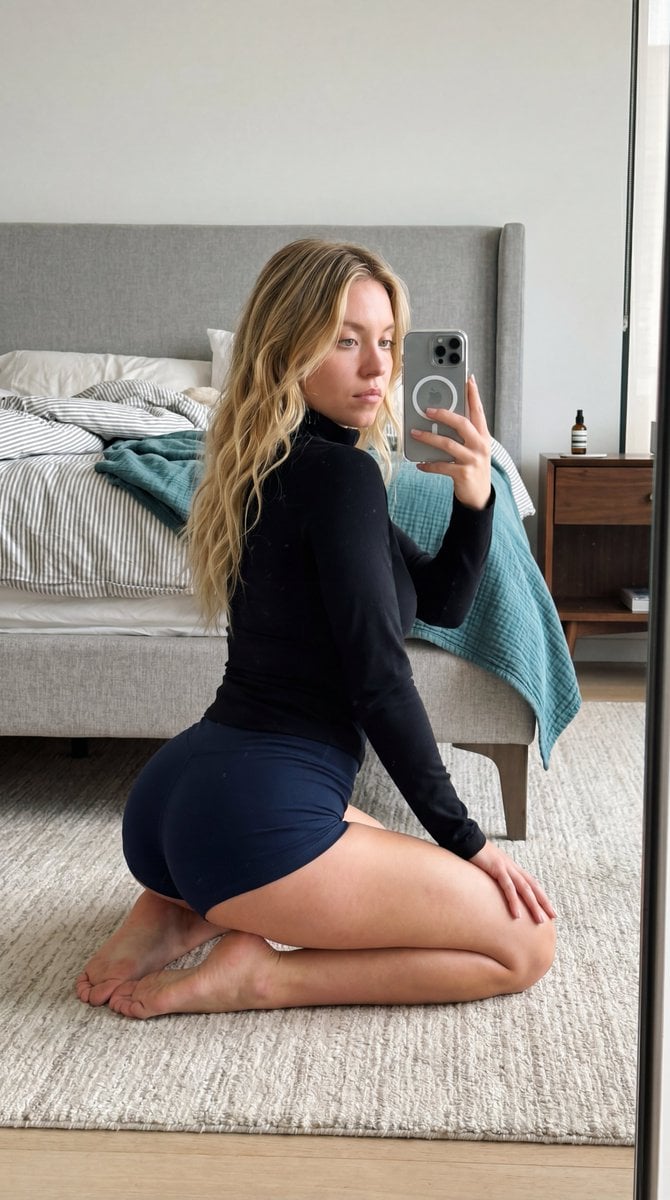
Intimate Bedroom Mirror Selfie

Indoor Makeup Room Mirror Selfie
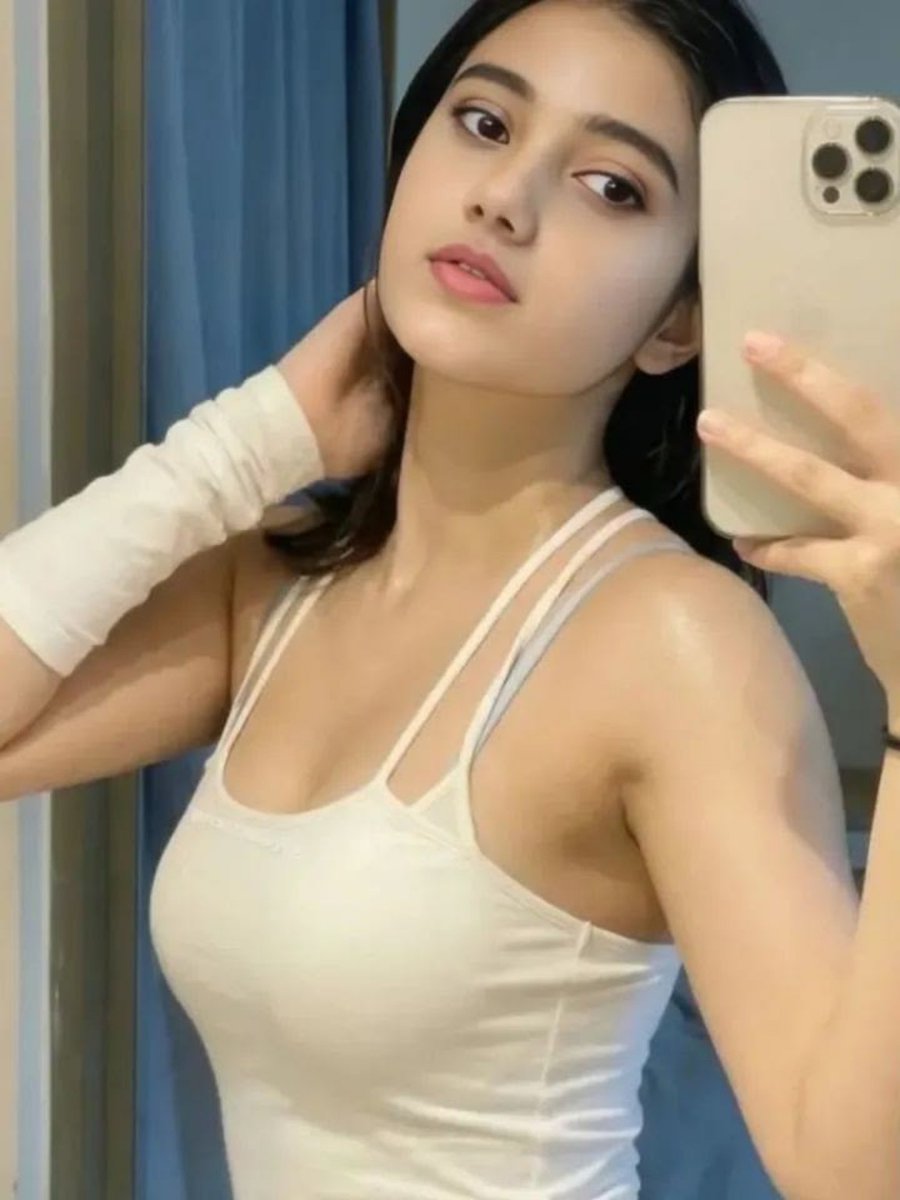
Soft Glow Indoor Mirror Selfie Portrait

Nano Banana Grwm Mirror Selfie Pink
Make it yours
Indoor Bedroom Mirror Selfie Generation Prompt works as-is. These are the safest ways to change it without losing the look.
Swap the setting
Keep the rest of the prompt and replace the location block. The current setting is “simple lived-in bedroom”.
Swap the light
One lighting change is enough to compare takes. Current light: “ceiling-mounted light fixture”.
Change one field
Copy a single group, rewrite it, and generate again so you can see what that field is doing.
| If the result… | Why | Fix |
|---|---|---|
| The result drifts from the preview | Too many fields changed at once. | Reuse Indoor Bedroom Mirror Selfie Generation Prompt as-is first, then change one group — subject, light, or setting. |
| Nano Banana 2 ignores part of the JSON | Some models flatten or skip nested keys. | Keep the same values and paste them as a short paragraph instead. |
More Nano Banana 2 templates
Other prompts made for Nano Banana 2.

Photorealistic Leaf Shaped Like a Dragon

K-Pop Idol Portrait Grid for Rapid Selection

Poetic Rain Forest Portrait During Golden Hour

Urban Street Portrait with Cartoon Inner Self Duo

Candid Nighttime Photo with Cat Prompt

High-Concept 3D Diorama Generation Prompt

Cinematic Futuristic Studio Portrait Template

Skincare Editorial Photography Collage Prompt

Hyper-Realistic Commercial Product Photography (Splash Effect)

Hyper-Realistic Nightclub Portrait Prompt
More image prompts
Fresh picks from across the catalog.
Cinematic Nature Anime Portrait

Ultra-Realistic - India Patriotic Portrait
Premium Denim Editorial Advertisement
Anime Woman at Sunset Beach
Ivory Automaton in Clockwork Cathedral
Food thumbnails and product shots

Mechanical Keyboard Product Page Mockup

Gpt2 Infographic Edu Visual Japanese Sci Fi Suit Up Process Board
Anime Boy at Night Window
Retro 90s Disposable Camera Flash Portrait
Browse template categories
Indoor Bedroom Mirror Selfie Generation Prompt questions
How do I use the Indoor Bedroom Mirror Selfie Generation Prompt template?
Add your photo if the template asks for one, edit the prompt if you like — the template's model and format are already selected — and press Generate. Your version opens in PicX Studio.
Can I customize the Indoor Bedroom Mirror Selfie Generation Prompt template?
Yes. You can change the subject, setting, lighting, mood, format, and available model controls before creating your image.
Is the Indoor Bedroom Mirror Selfie Generation Prompt template free?
Opening and editing this template is free. Generating uses credits, shown on the Generate button when you are signed in.
Which AI model should I use?
Start with Nano Banana 2, which is the model associated with this template. You can compare another compatible model for a different finish.
Looking for something else? Browse all templates.

Your photo, any look
Thousands of ready templates for every top image and video model, from one credit balance.