
Anime Boy at Night Window
A cinematic anime illustration of a boy quietly watching a glowing hillside town at night, ideal for cozy atmospheric scene generation.
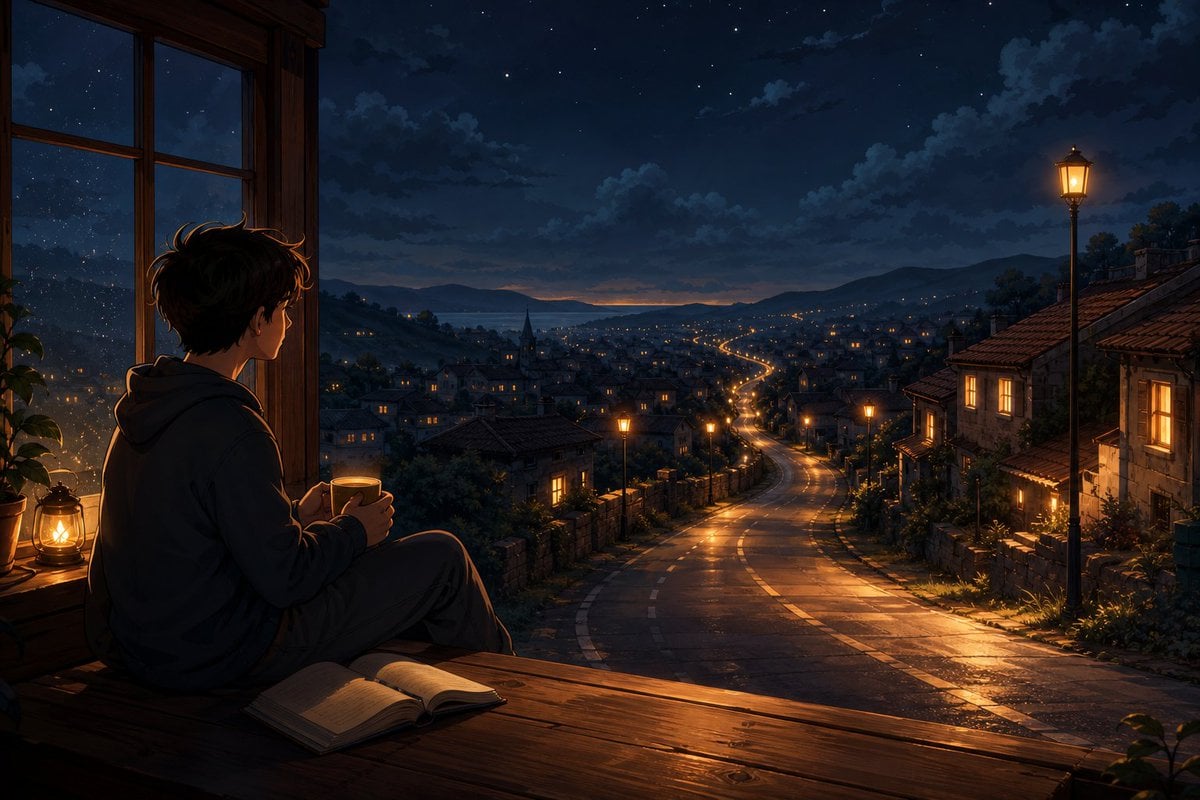
- Prompt included
- Model and format preset
- Free template
The prompt behind this image
Copy the exact prompt behind Anime Boy at Night Window, or open it in the studio and make it yours.
Create a cinematic anime-style night scene in a horizontal 3:2 composition. A quiet teenage boy with {argument name="hair color" default="messy dark brown hair"} sits in profile on a wide wooden window ledge inside a dim room, wearing a loose dark hoodie and pants, holding a warm mug with both hands and looking out through an open wooden window. His face is softly shadowed and not detailed. On the ledge near him are exactly 3 visible objects: an open book lying flat in the foreground, a small glowing lantern on the left, and the mug in his hands. Outside, show a sprawling hillside town at night with old stone houses and red-tiled roofs, warm lit windows, low garden walls, trees, and a wet winding road that starts near the foreground and snakes down through the town toward a distant bay or lake between dark mountains. Include exactly 5 prominent street lamps: one tall glowing lamp on the far right foreground, three smaller lamps following the road through the middle distance, and one faint lamp farther down the road. The sky is deep navy blue with scattered stars, layered clouds, and a thin orange glow on the horizon after sunset. Use rich warm-and-cool contrast: golden lamplight and window glow reflecting on the rain-slick road and polished wood, against cool blue moonlit mountains and sky. Highly detailed painterly anime background art, cozy melancholic atmosphere, realistic perspective depth, soft bloom around lights, no text, no watermark, no modern vehicles or crowds.
How to use Anime Boy at Night Window in 3 steps
- 1Upload ImagePNG, JPG or paste
Add your photo
Upload the photo the template builds on. The prompt, model and format are already set.
- 2…a portrait of your subject in softgolden-hour light, 85mm…
Personalize
Edit the subject and creative details for your destination.
- 3Generate
Generate
Press Generate — your image is created in PicX Studio, so you can compare it with the original and refine one variable at a time.
More like this
Templates with the same subject, style or setup. Open one to see its prompt.

Cel 2D Library Night

Cel 2D Train Window

Anime Nighttime Projection

Anime Tower Window Escape
Pixar Anime Rainy Window

Anime Dim Sum Festival Boy
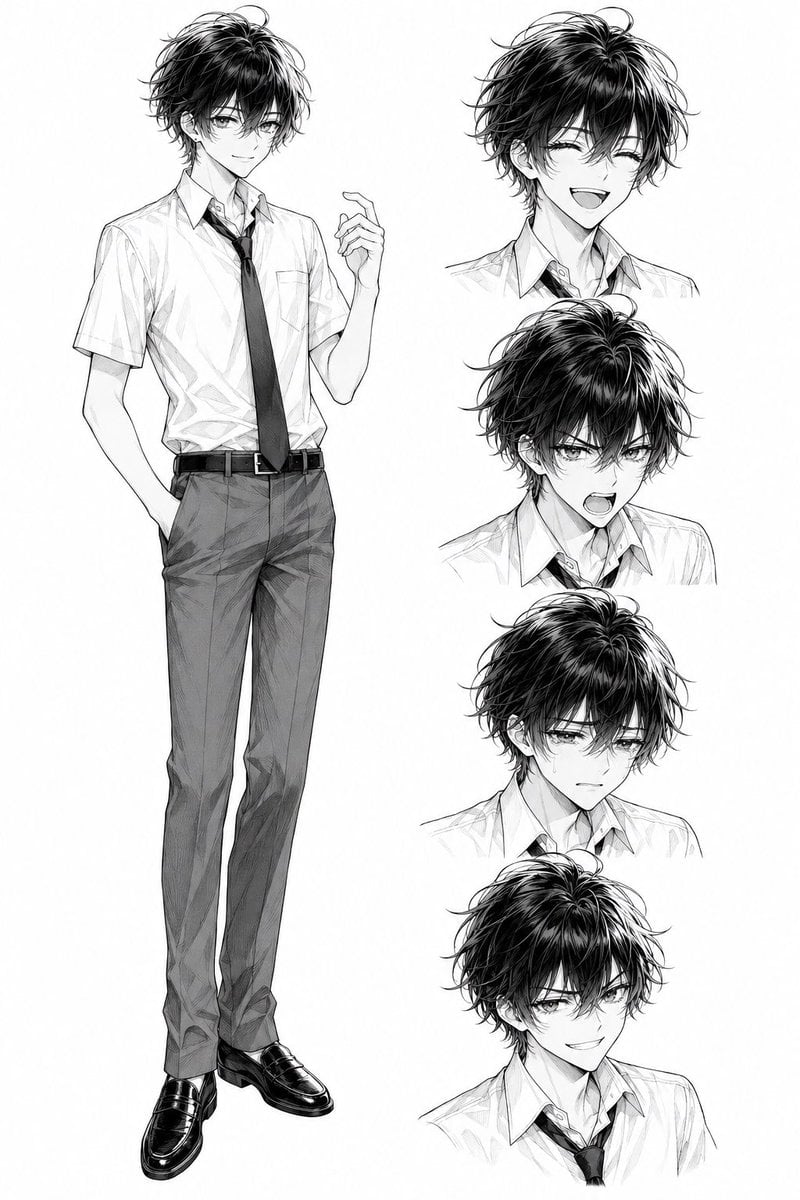
Monochrome Anime Schoolboy Expression Sheet
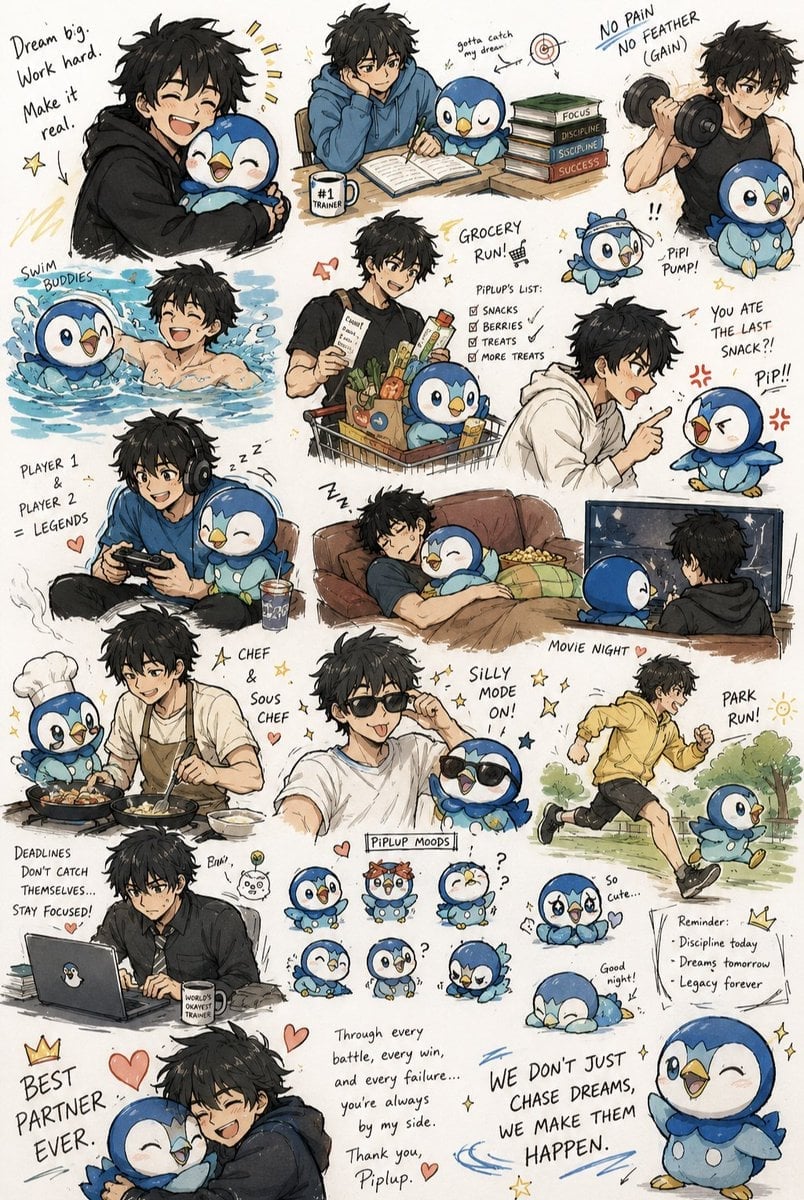
Anime Boy and Piplup Adventure Sheet

Cel 2D Finale Fireworks

Cel 2D Garden Maze

Cel 2D Rooftop Concert

Cel 2D Bicycle Coast
Make it yours
Anime Boy at Night Window works as-is. These are the safest ways to change it without losing the look.
Change one field
Copy a single group, rewrite it, and generate again so you can see what that field is doing.
Keep the frame, change the subject
Hold the composition and light of Anime Boy at Night Window, then swap wardrobe, props or the person for a new take.
| If the result… | Why | Fix |
|---|---|---|
| The result drifts from the preview | Too many fields changed at once. | Reuse Anime Boy at Night Window as-is first, then change one group — subject, light, or setting. |
| The model over-stylizes the scene | The prose prompt leaves finish and camera underspecified. | Add one camera or lighting sentence and stay on GPT Image 2. |
More GPT Image 2 templates
Other prompts made for GPT Image 2.

Six VTuber Japanese Logo Sheet

Realistic Portrait of Woman and Deer

The Vista Modular Condo Poster

AI Model Routing Comparison Infographic

2.5D Anime Art Board

Isometric Productivity Desk Scene

New York Double Exposure Poster

Four-Panel AI Landscape Comparison

Japanese Tatami Lifestyle Magazine Cover

NESCAFÉ Coffee Map Poster
More image prompts
Fresh picks from across the catalog.
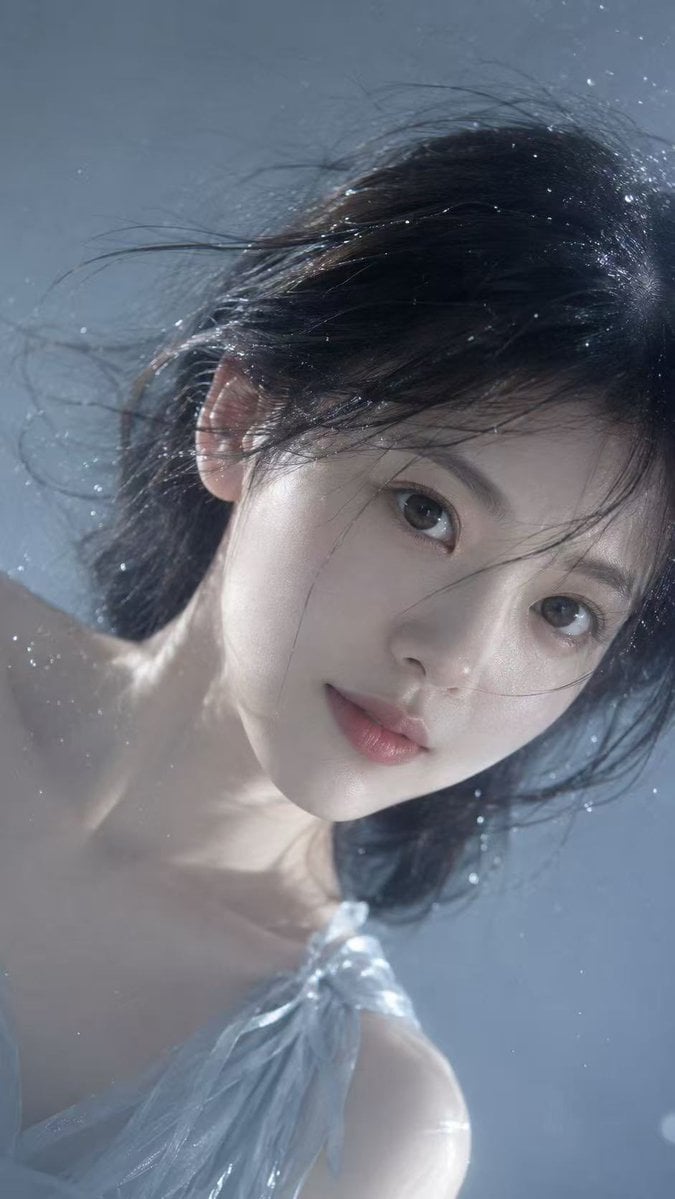
Underwater Dreamy Close-up Portrait
Ultra-Detailed Miniature Construction Scene for Luxury Product Ad
Spider-Man Bodysuit Mirror Selfie in Luxury Bedroom
Hyper-Photorealistic Bathroom Mirror Scene
Japanese Mecha Girl Figure Ad Poster
Urban Alley Mural Artist
Mixed Media Fashion Film - Seedance 2.0
Mini Workers Sculpt Spicy Chicken Wings
Digital Splashes-and-Ink Portrait from Photo
Photorealistic Autumn Kimono Portrait
Browse template categories
Anime Boy at Night Window questions
How do I use the Anime Boy at Night Window template?
Add your photo if the template asks for one, edit the prompt if you like — the template's model and format are already selected — and press Generate. Your version opens in PicX Studio.
Can I customize the Anime Boy at Night Window template?
Yes. You can change the subject, setting, lighting, mood, format, and available model controls before creating your image.
Is the Anime Boy at Night Window template free?
Opening and editing this template is free. Generating uses credits, shown on the Generate button when you are signed in.
Which AI model should I use?
Start with GPT Image 2, which is the model associated with this template. You can compare another compatible model for a different finish.
Looking for something else? Browse all templates.

Your photo, any look
Thousands of ready templates for every top image and video model, from one credit balance.