
Urban Alley Mural Artist
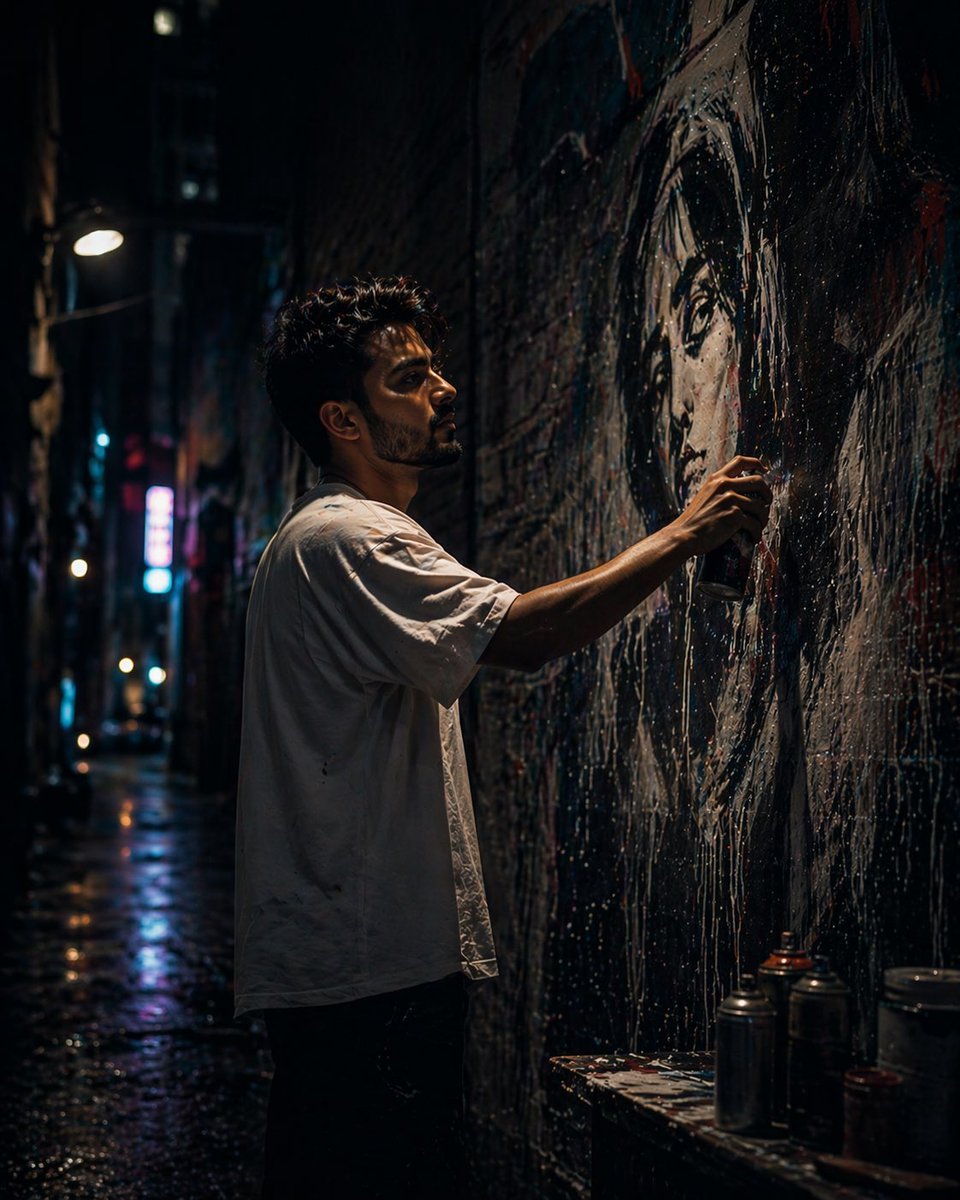
A cinematic, low-angle night scene prompt depicting a street artist painting a hyper-realistic mural in a gritty urban alley with neon lighting.
- Prompt included
- Model and format preset
- Free template
The prompt behind this image
Copy the exact prompt behind Urban Alley Mural Artist, or open it in the studio and make it yours.
A cinematic, ultra-realistic night scene of a {argument name="artist" default="young male street artist"} painting a large-scale {argument name="mural subject" default="mural of a woman’s face"} in a {argument name="setting" default="narrow urban alley"}. The camera angle is slightly low, creating a dramatic, powerful perspective. The artist has medium-length, slightly messy dark hair and light stubble or a short beard, giving him a rugged, creative look. He wears a loose white t-shirt and casual jeans, slightly oversized, with a relaxed streetwear vibe. His posture is focused and engaged as he stands close to the wall, actively spray-painting. He is creating a massive, hyper-realistic mural of a woman’s face on a textured brick wall. The mural is incredibly detailed—smooth skin tones, realistic lighting, expressive eyes, and glossy lips—appearing almost like a photograph. Fine mist from the spray paint is visible in the air, catching light and adding motion and atmosphere. The setting is a narrow urban alley at night, surrounded by tall buildings. The environment is gritty and textured—aged brick walls, paint splashes, subtle grime, and urban wear. Neon signs and distant streetlights cast vibrant reflections in teal, magenta, and blue tones, creating a cinematic, slightly cyberpunk mood. Lighting is dramatic and layered: cool ambient light fills the alley, while warmer neon highlights create contrast. A subtle rim light outlines the artist’s silhouette, separating him from the dark background. The mural is partially illuminated, acting as a strong focal point. Atmosphere includes light fog or mist, enhancing depth and making the lighting glow softly. The scene feels immersive, quiet, and artistically intense. Depth of field is moderately shallow: the artist and mural are in sharp focus, while the background fades into soft blur with bokeh highlights. Style: hyper-realistic, cinematic photography, street art aesthetic, ultra-detailed textures, high dynamic range, subtle film grain. Camera details: 35mm or 50mm lens, f/1.8–f/2.8 aperture, low-light photography, slight low-angle shot, natural perspective. Composition: vertical frame (4:5 or 9:16), subject slightly off-center, mural dominating the frame for strong visual storytelling. Generate image using uploaded image as reference
How to use Urban Alley Mural Artist in 3 steps
- 1Upload ImagePNG, JPG or paste
Add your photo
Upload the photo the template builds on. The prompt, model and format are already set.
- 2…a portrait of your subject in softgolden-hour light, 85mm…
Personalize
Edit the subject and creative details for your destination.
- 3Generate
Generate
Press Generate — your image is created in PicX Studio, so you can compare it with the original and refine one variable at a time.
More like this
Templates with the same subject, style or setup. Open one to see its prompt.
Gpt2 Comic Storyboard Urban Alley Mural Artist

Urban Fashion Editorial Collage Streetwear Poster

Korean Streetwear Minimalist Campaign Portrait

Cinematic Korean Streetwear Street Portrait

Frozen Street Luxe Graffiti Fashion Campaign

Urban Fashion Editorial Collage Poster

Cinematic Street Fashion Portrait Motion Blur Crowd

Subway Platform Quiet Introspective Portrait

Night City Bridge Triptych Portrait Session
Subway Platform Quiet Introspective Portrait
Miles Morales Spider-Man Brooklyn Graffiti

Giant Forced Perspective Street Product Selfie
Make it yours
Urban Alley Mural Artist works as-is. These are the safest ways to change it without losing the look.
Change one field
Copy a single group, rewrite it, and generate again so you can see what that field is doing.
Keep the frame, change the subject
Hold the composition and light of Urban Alley Mural Artist, then swap wardrobe, props or the person for a new take.
| If the result… | Why | Fix |
|---|---|---|
| The result drifts from the preview | Too many fields changed at once. | Reuse Urban Alley Mural Artist as-is first, then change one group — subject, light, or setting. |
| The model over-stylizes the scene | The prose prompt leaves finish and camera underspecified. | Add one camera or lighting sentence and stay on GPT Image 2. |
More GPT Image 2 templates
Other prompts made for GPT Image 2.

Six VTuber Japanese Logo Sheet

Realistic Portrait of Woman and Deer

The Vista Modular Condo Poster

AI Model Routing Comparison Infographic

2.5D Anime Art Board

Isometric Productivity Desk Scene

New York Double Exposure Poster

Four-Panel AI Landscape Comparison

Japanese Tatami Lifestyle Magazine Cover

NESCAFÉ Coffee Map Poster
More image prompts
Fresh picks from across the catalog.
Interior Design Presentation Board
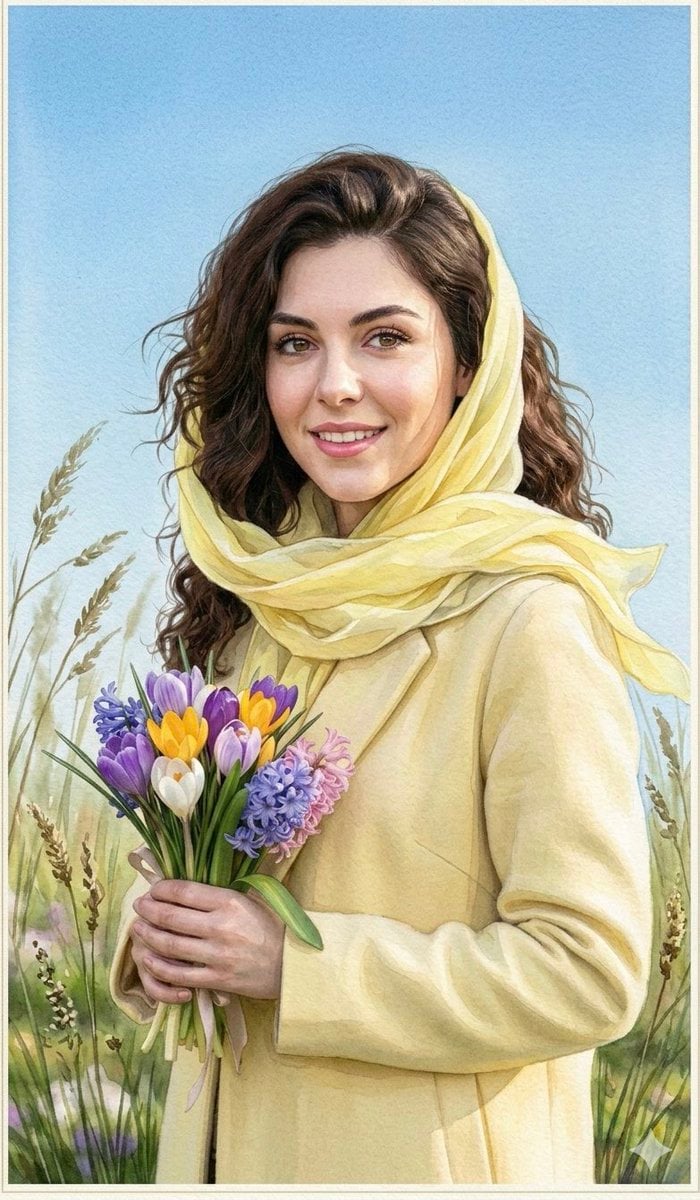
Watercolor Spring Greeting Card Portrait
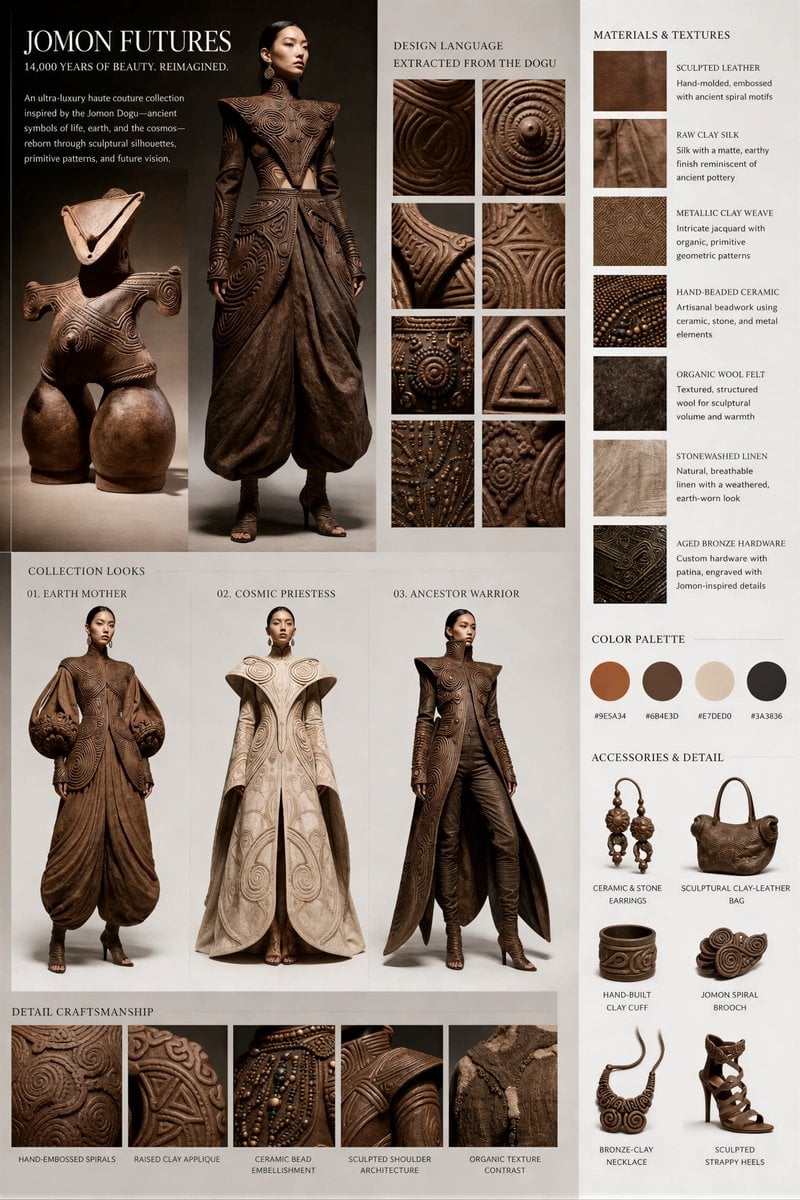
Jomon Dogu Couture Moodboard
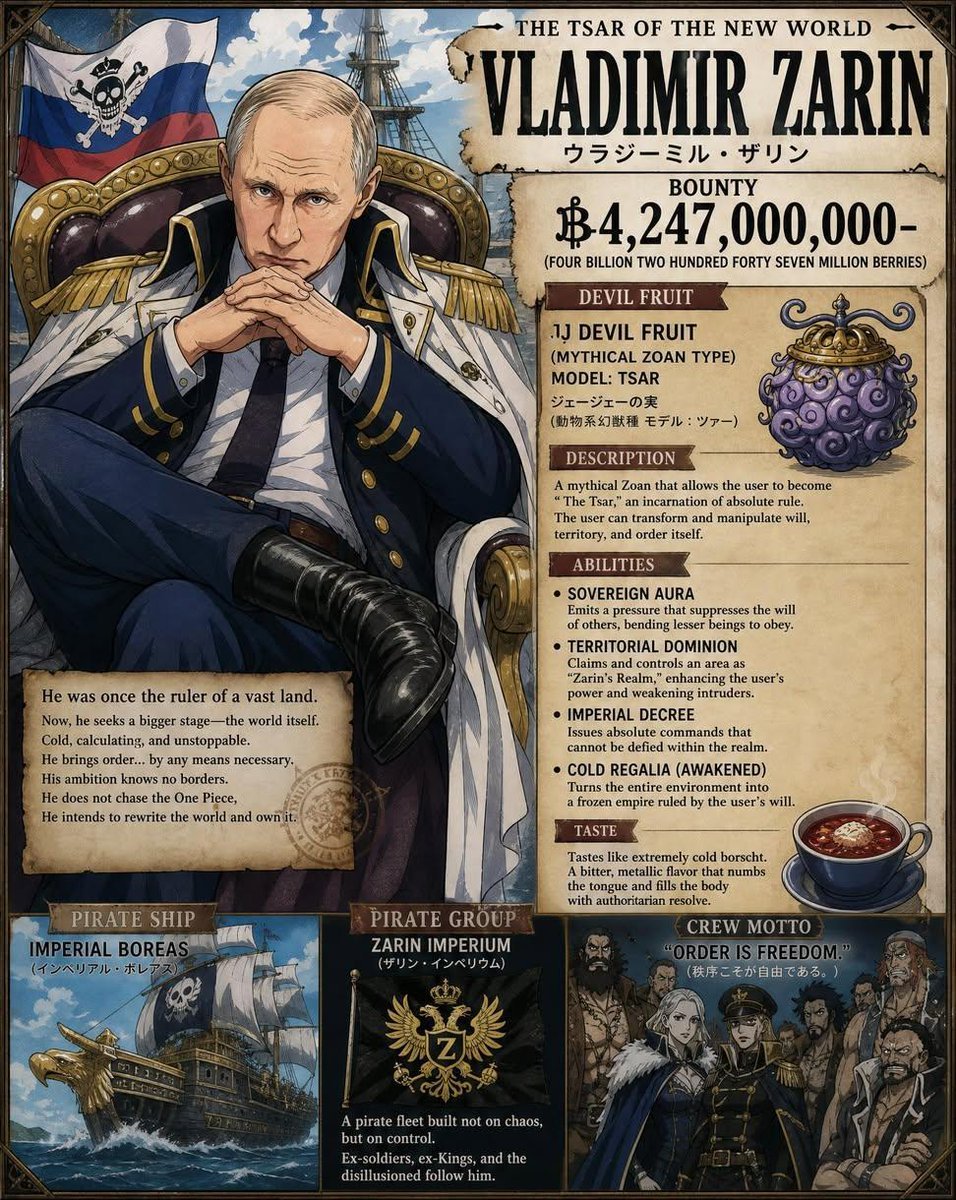
Custom One Piece Anime Character
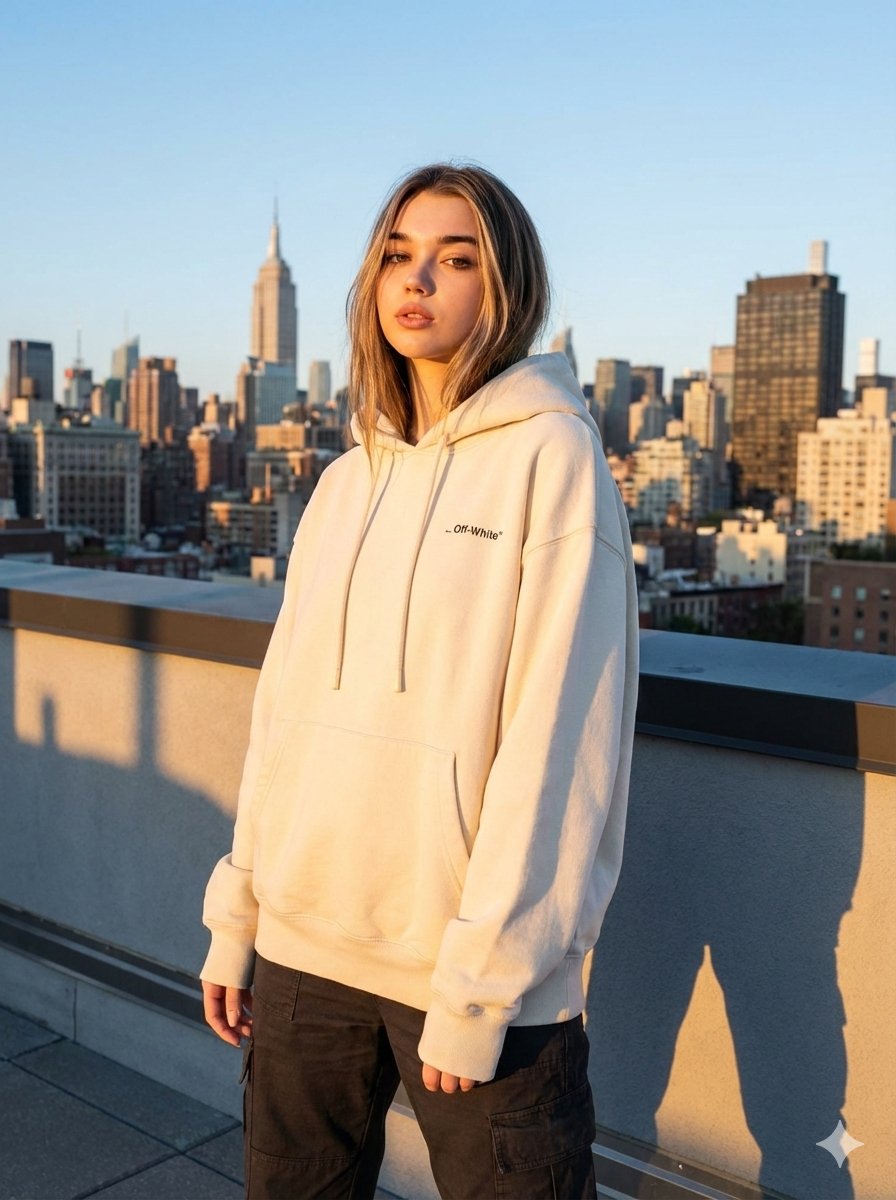
JSON Prompt for Editorial Fashion Photography on a Rooftop
Indian Republic Day Patriotic Portrait Prompts (3 Variations)
Influencer Lifestyle Portrait in Bahamas with Ocean View
Grain in Ear Seasonal Poster
Two Soda Cans Product Photography Prompt
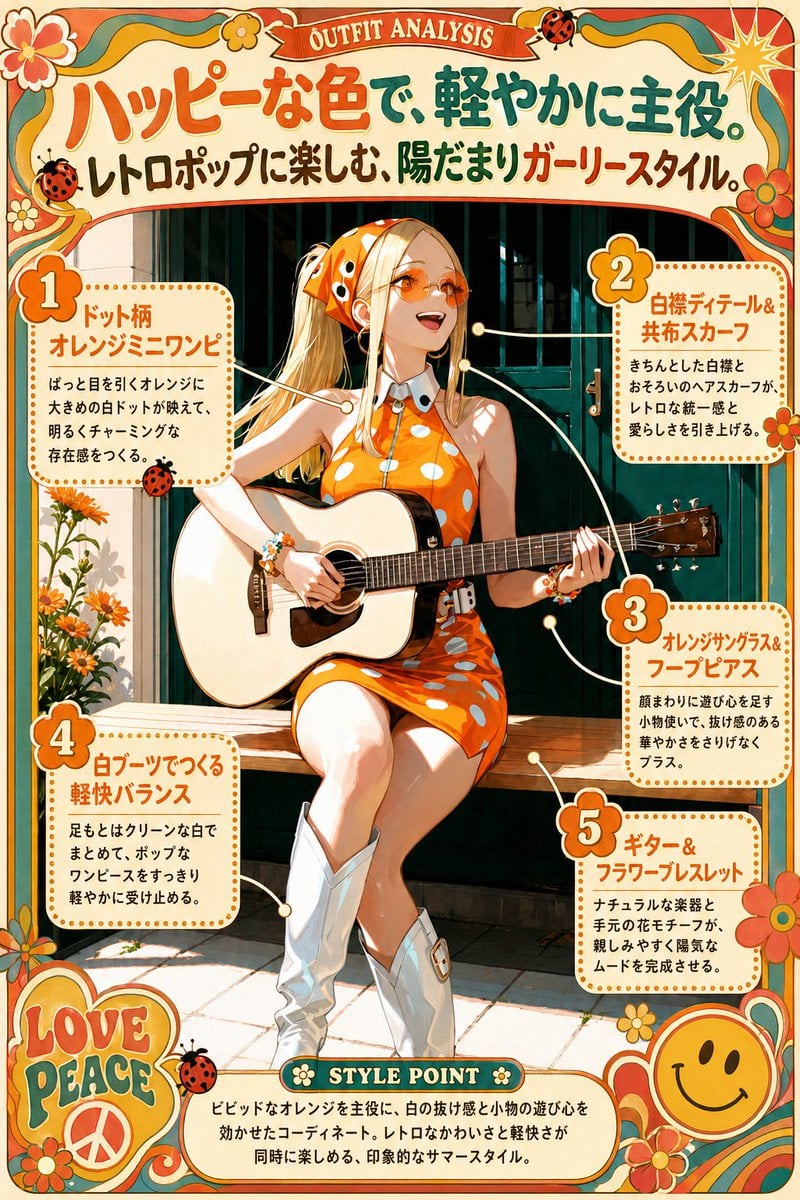
Retro Orange Outfit Analysis Poster
Browse template categories
Urban Alley Mural Artist questions
How do I use the Urban Alley Mural Artist template?
Add your photo if the template asks for one, edit the prompt if you like — the template's model and format are already selected — and press Generate. Your version opens in PicX Studio.
Can I customize the Urban Alley Mural Artist template?
Yes. You can change the subject, setting, lighting, mood, format, and available model controls before creating your image.
Is the Urban Alley Mural Artist template free?
Opening and editing this template is free. Generating uses credits, shown on the Generate button when you are signed in.
Which AI model should I use?
Start with GPT Image 2, which is the model associated with this template. You can compare another compatible model for a different finish.
Looking for something else? Browse all templates.

Your photo, any look
Thousands of ready templates for every top image and video model, from one credit balance.