
Two Soda Cans Product Photography Prompt
A highly detailed prompt for generating a commercial product image featuring two cylindrical cans, viewed from a low angle, emphasizing condensation, metallic surfaces, high-contrast lighting, and a deep red gradient…
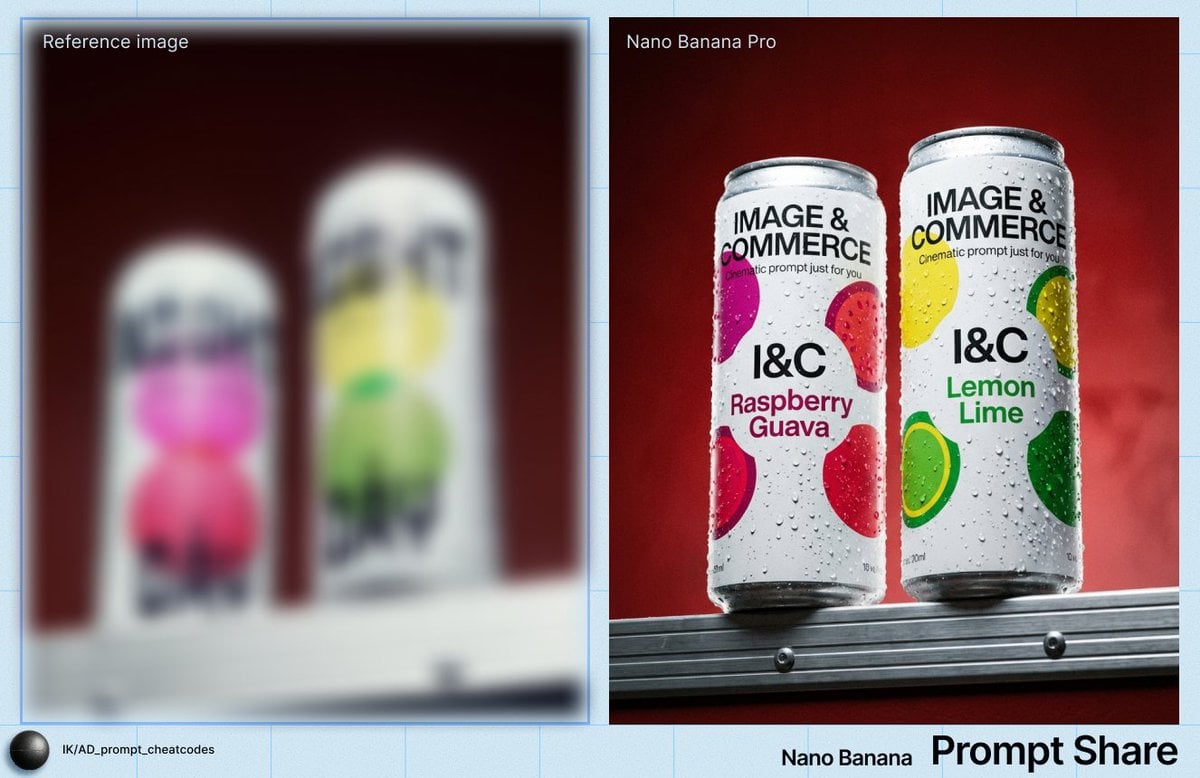
- Prompt included
- Model and format preset
- Premium template
The prompt behind this image
Copy the exact prompt behind Two Soda Cans Product Photography Prompt, or open it in the studio and make it yours.
IMAGE: Frame & Composition: The camera uses a low-angle, straight-on frontal view, positioned slightly below the subjects so the two cans rise above the horizon line; both cans are upright and vertically oriented, placed side by side with a narrow gap, occupying the central upper third of the frame; the lower edge crops into a metallic ledge that acts as a base plane, while the cans are fully visible from base to rim; the composition is symmetrical but slightly staggered in height, with the right can marginally taller in frame due to perspective; negative space dominates the upper background, reinforcing vertical emphasis and product isolation. Lighting & Atmosphere: A frontal key light, slightly elevated and centered, produces even illumination across both cans, generating dense, high-contrast specular highlights on condensation droplets; shadows are minimal and soft, indicating diffused fill from the front and sides; the moisture beads catch light sharply, suggesting a hard component within the otherwise controlled lighting setup; no atmospheric haze is present, but surface condensation creates a tactile, cold visual cue. Subject Geometry & Materiality: Each subject is a tall, cylindrical aluminum can with smooth vertical walls and rounded rims; both are coated in matte white printed labels with bold, high-contrast typography; circular color graphics are printed flat onto the surface—{argument name="left can color" default="magenta and red"} on the left can, {argument name="right can color" default="yellow and green"} on the right can; the aluminum surfaces are covered with uniformly distributed water droplets of varying diameters, clinging via surface tension; droplets create micro-lens effects, distorting underlying text and graphics; edges are crisp, with no deformation, indicating rigid packaging. Environmental Layering: The foreground consists of a horizontal metallic ledge with linear grooves and visible fasteners, rendered in sharp focus; the cans sit directly atop this ledge, establishing physical contact; the midground is entirely occupied by the cans; the background is a uniform, out-of-focus deep red gradient wall with subtle tonal variation and no discernible texture; no additional objects or layers are present beyond these three planes. Technical Artifacts & Color: The color palette contrasts cool whites and saturated accent colors on the cans against a warm, dark red background; saturation is moderate to high in the printed circles, while the background remains subdued; fine film grain is visible across the image, especially in the darker red areas, suggesting either high ISO or intentional texture; slight vignetting darkens the frame edges; no chromatic aberration or motion blur is visible; highlights on droplets are sharp with controlled roll-off. TEXT: Title: “IMAGE & COMMERCE”; Subtitle: “Cinematic prompt just for you” (partially visible); Body: Flavor names including “{argument name="left flavor" default="Raspberry Guava"}” on the left can and “Lemon Lime” on the right can; CTA: None; Logo: “I&C”; Disclaime
How to use Two Soda Cans Product Photography Prompt in 3 steps
- 1
Open
The prompt is already in the box next to the preview, with the template's model and format selected.
- 2…a portrait of your subject in softgolden-hour light, 85mm…
Personalize
Edit the subject and creative details for your destination.
- 3Generate
Generate
Press Generate — your image is created in PicX Studio, so you can compare it with the original and refine one variable at a time.
More like this
Templates with the same subject, style or setup. Open one to see its prompt.
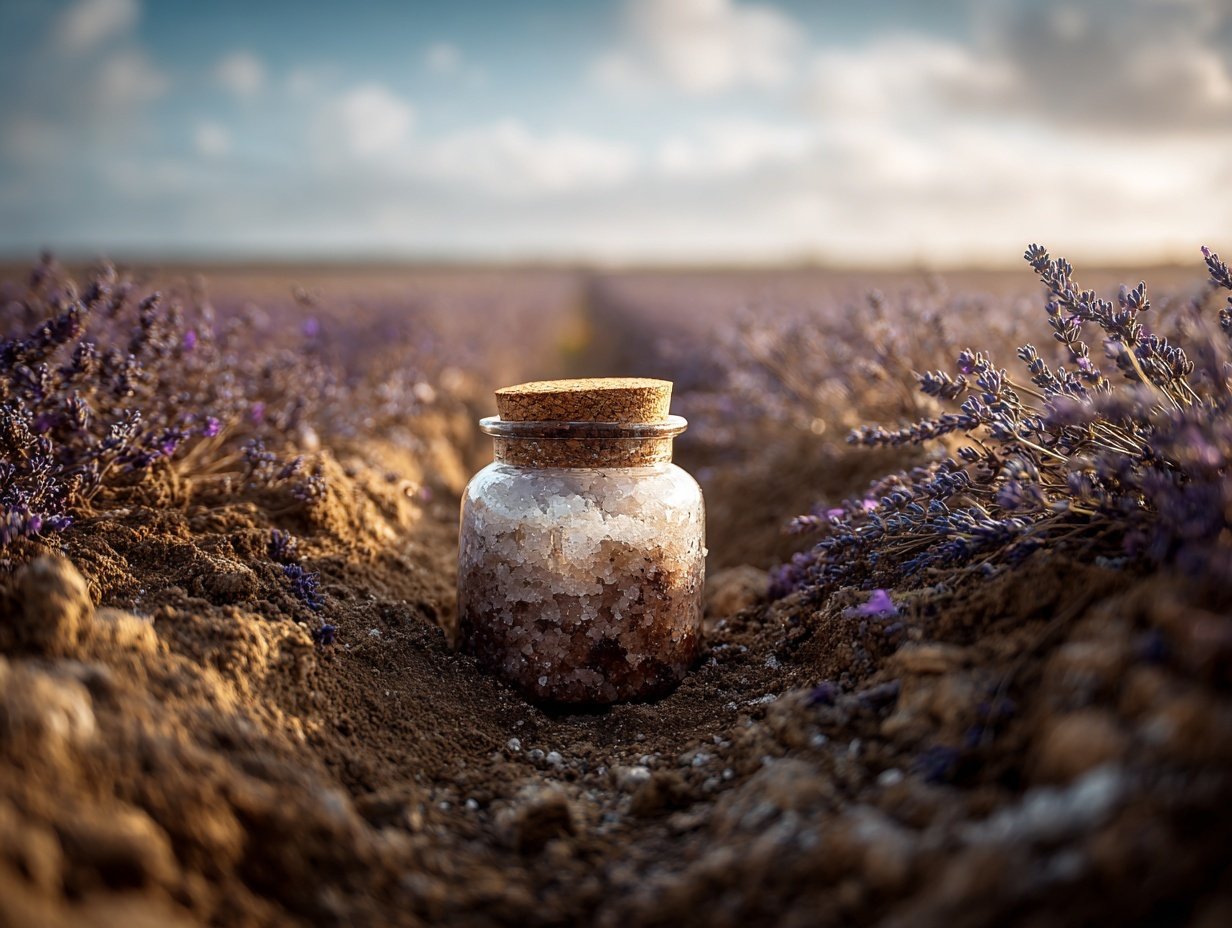
Product Elemental Lifestyle - Midjourney v7/v8
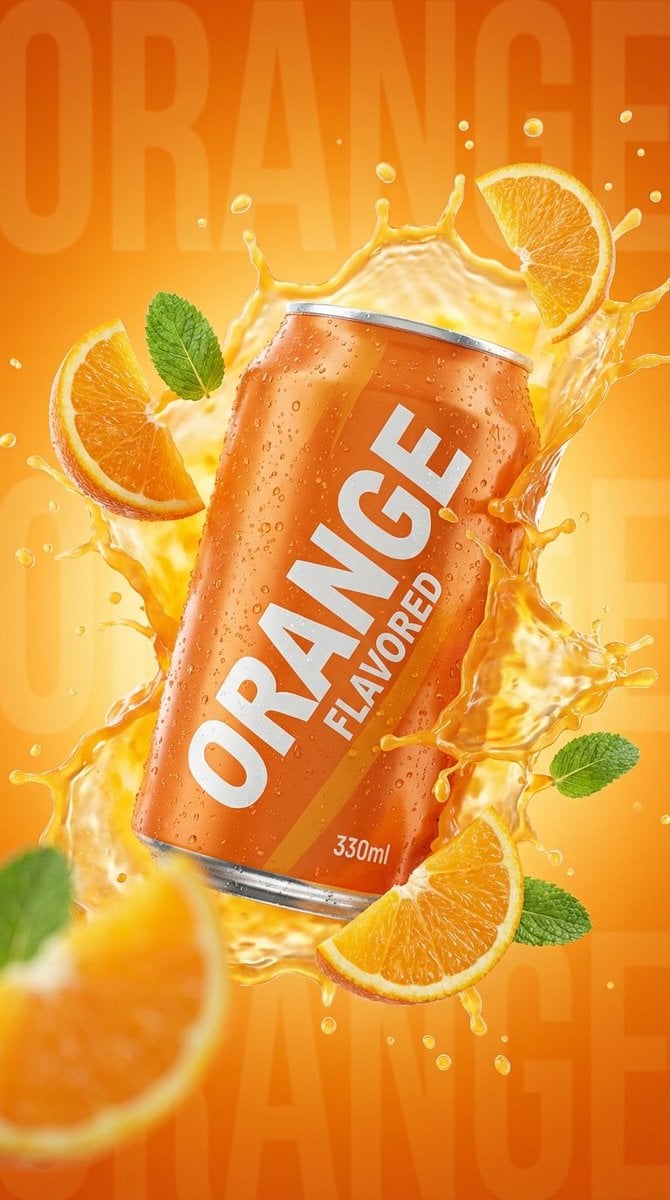
Commercial Product Photography: Orange Soda Can Splash
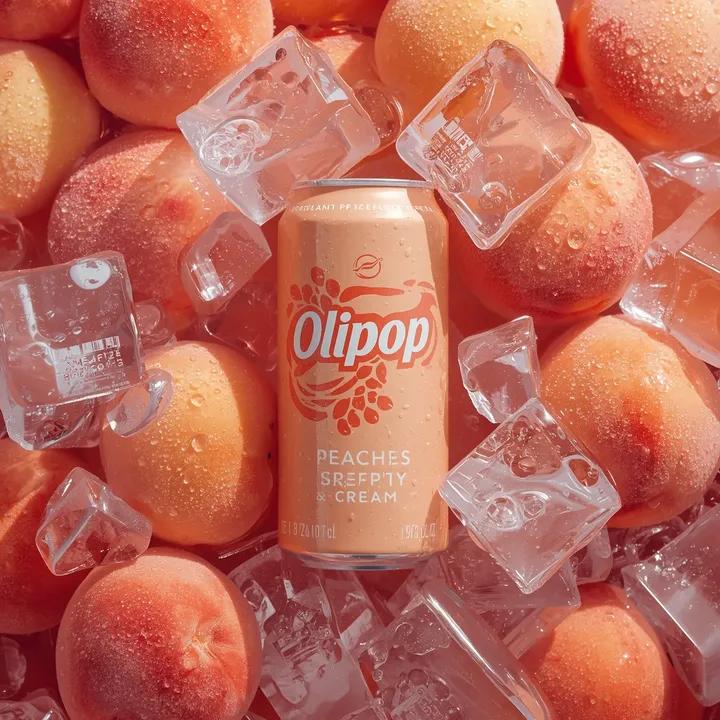
Ultra-Realistic Product Photography of OLIPOP Soda Can
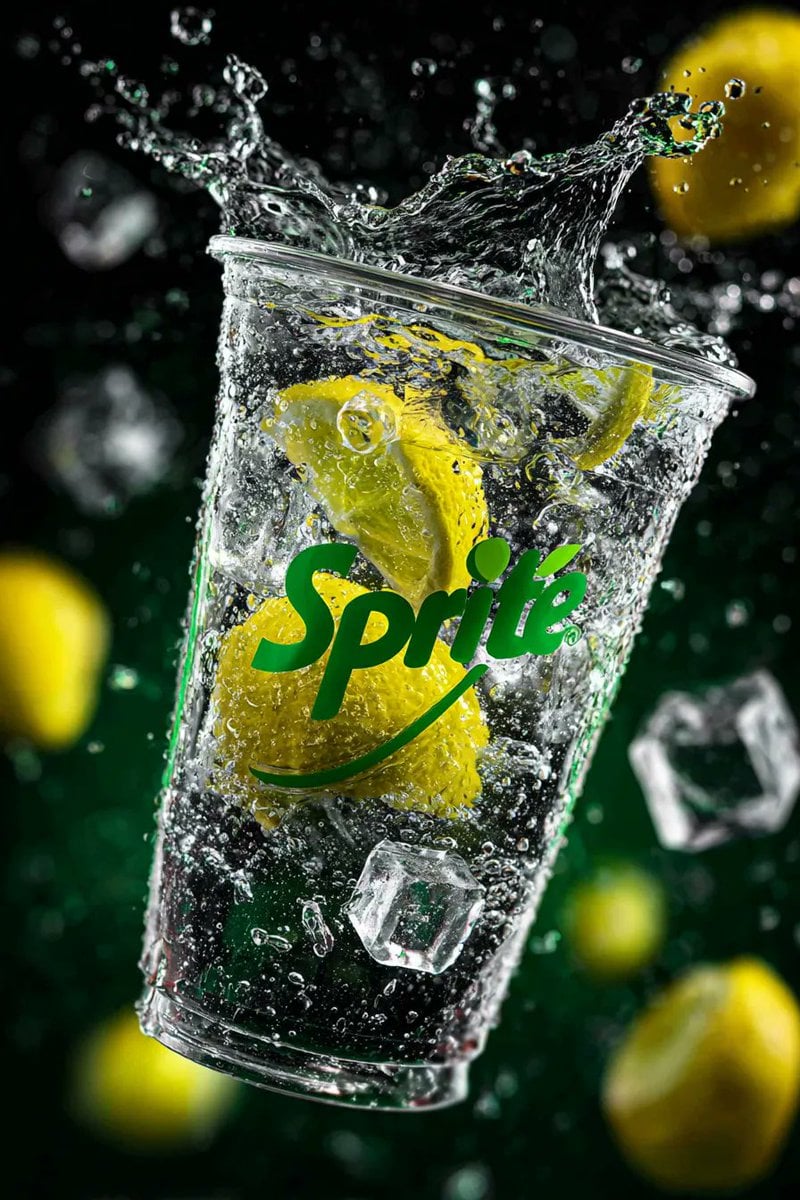
High-Speed Product Photography of Sparkling Soda Splash
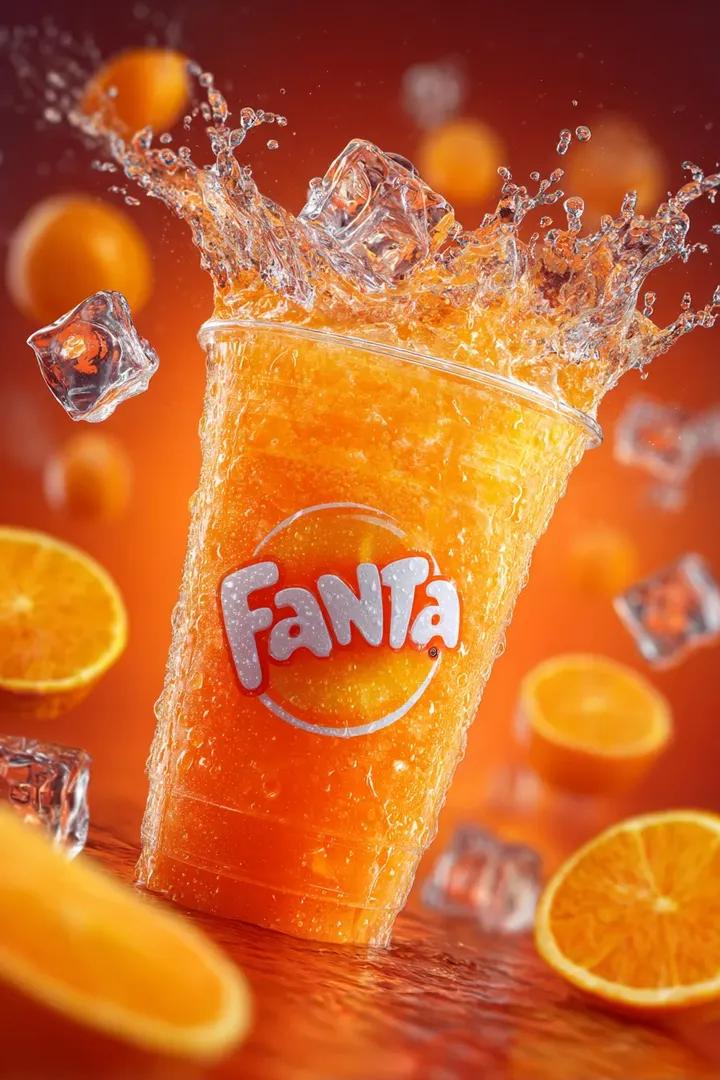
Fanta Soda Product Photography with Splashes
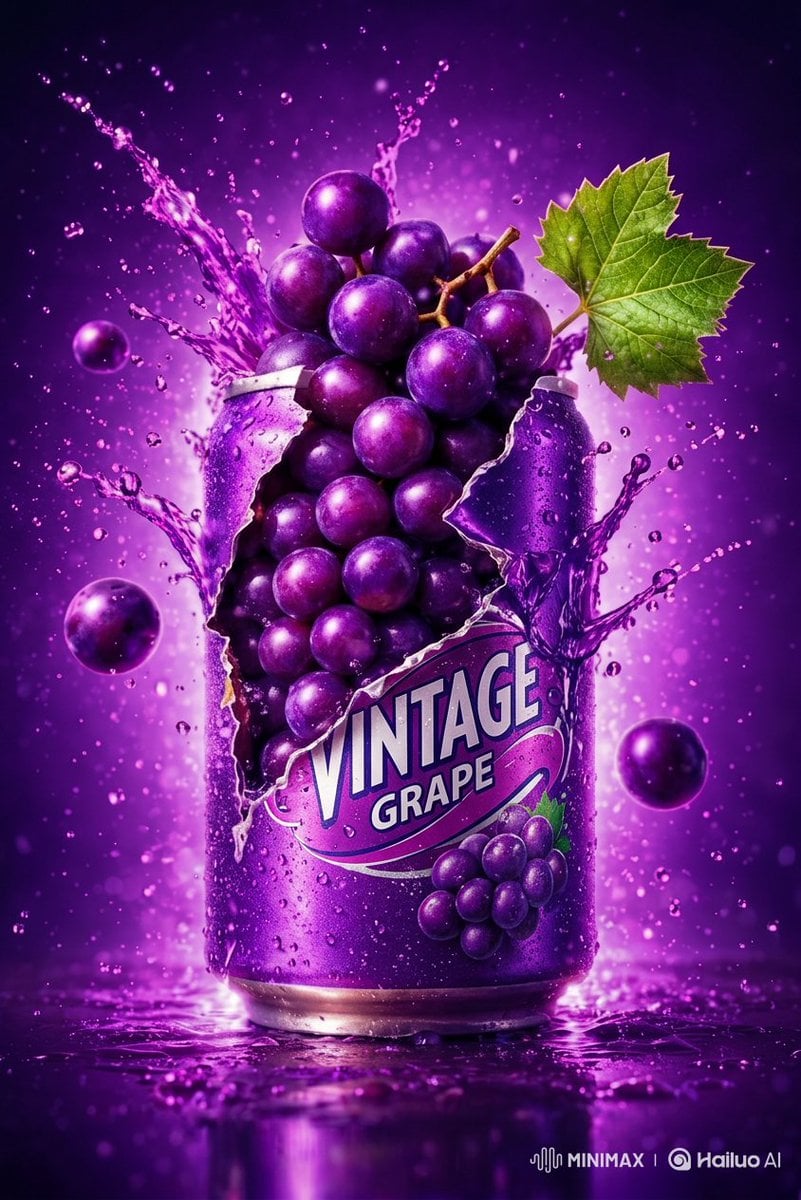
Commercial Product Photography: Soda Splash Series

Flower Petal Sunglasses Couture Portrait

Mountain Valley Lifestyle Portrait

青蛇小青写真大片,绿色紧身蛇鳞裙,湿发红唇,妖娆妩媚

A double exposure, long exposure editorial photograph of a man Use image

Portrait of a young woman in her early 20s walking calmly on a beautiful

Artistic portrait of an elegant Asian woman wearing a black silk
Make it yours
Two Soda Cans Product Photography Prompt works as-is. These are the safest ways to change it without losing the look.
Change one field
Copy a single group, rewrite it, and generate again so you can see what that field is doing.
Keep the frame, change the subject
Hold the composition and light of Two Soda Cans Product Photography Prompt, then swap wardrobe, props or the person for a new take.
| If the result… | Why | Fix |
|---|---|---|
| The result drifts from the preview | Too many fields changed at once. | Reuse Two Soda Cans Product Photography Prompt as-is first, then change one group — subject, light, or setting. |
| The model over-stylizes the scene | The prose prompt leaves finish and camera underspecified. | Add one camera or lighting sentence and stay on Nano Banana 2. |
More Nano Banana 2 templates
Other prompts made for Nano Banana 2.

Photorealistic Leaf Shaped Like a Dragon

K-Pop Idol Portrait Grid for Rapid Selection

Poetic Rain Forest Portrait During Golden Hour

Urban Street Portrait with Cartoon Inner Self Duo

Candid Nighttime Photo with Cat Prompt

High-Concept 3D Diorama Generation Prompt

Cinematic Futuristic Studio Portrait Template

Skincare Editorial Photography Collage Prompt

Hyper-Realistic Commercial Product Photography (Splash Effect)

Hyper-Realistic Nightclub Portrait Prompt
More image prompts
Fresh picks from across the catalog.
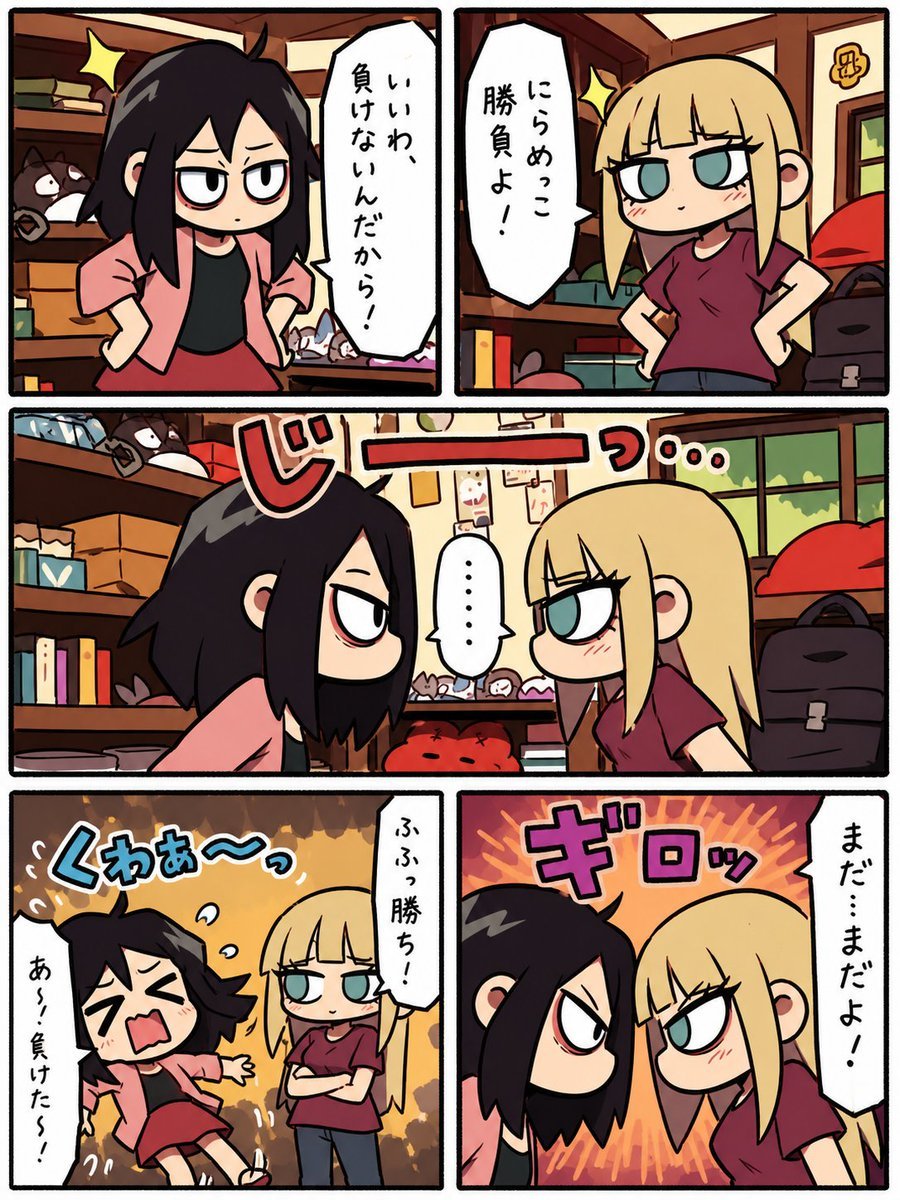
Chibi Staring Contest Manga Page

Miniature People Cinematic World Prompt
Cinematic Morning Interior Scene
Censored Titanic Sunset Romance
Editorial poolside fashion photoshoot of a man

Ultra-realistic Cinematic Portrait with Shattered Glass and Luxury Accessories

Ultra-realistic Macro Scene of Restoration Workers
Fantasy World Creation Image Prompt (Nano Banana Pro)
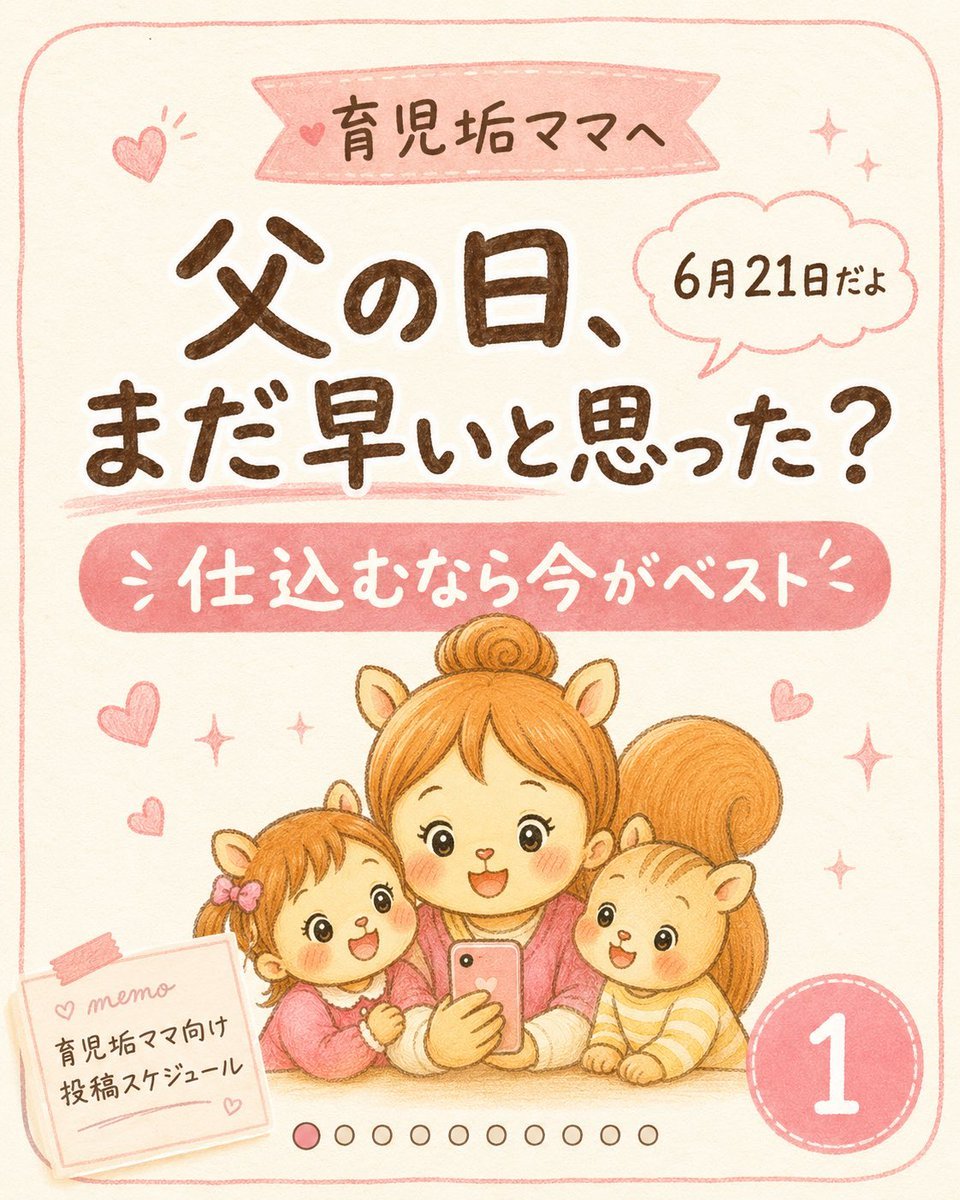
Cute Father’s Day Instagram Cover
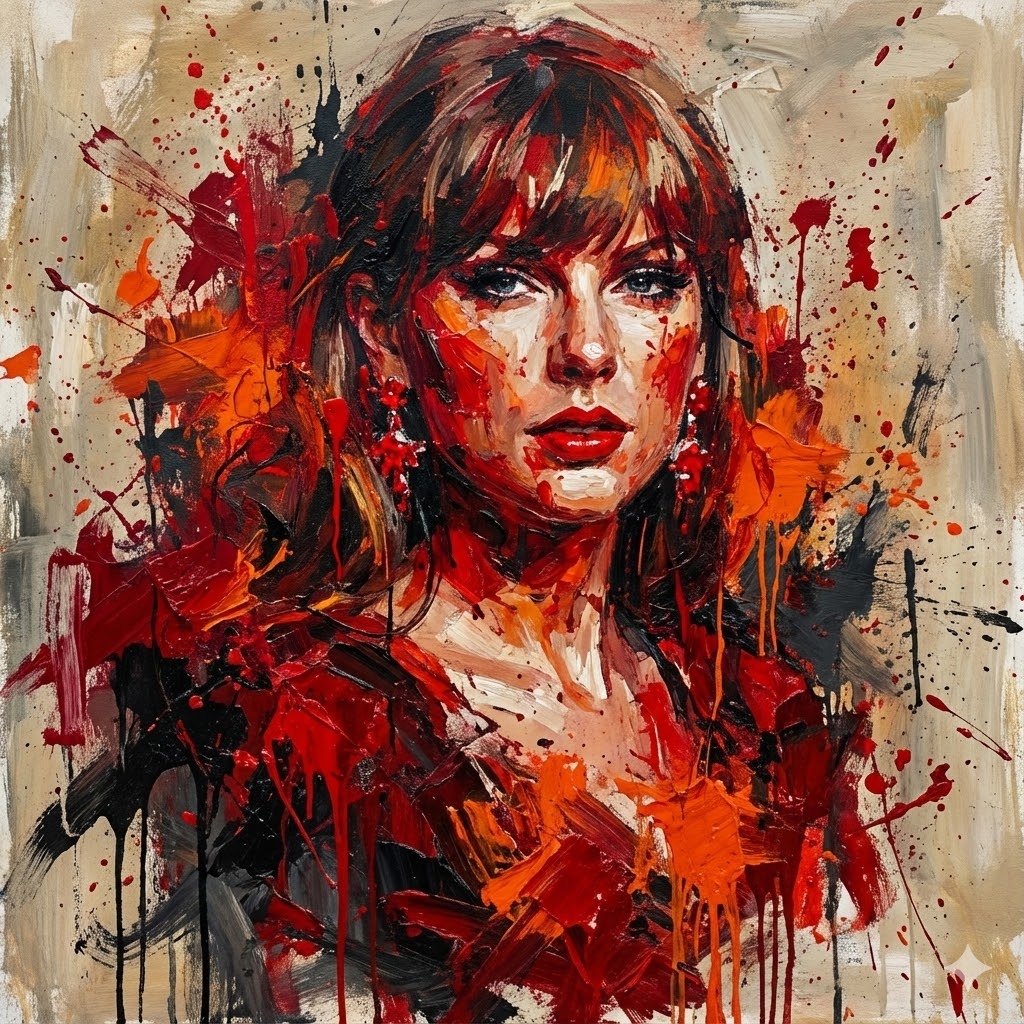
Abstract Expressionist Portrait with Chaotic Color Fields
Browse template categories
Two Soda Cans Product Photography Prompt questions
How do I use the Two Soda Cans Product Photography Prompt template?
Add your photo if the template asks for one, edit the prompt if you like — the template's model and format are already selected — and press Generate. Your version opens in PicX Studio.
Can I customize the Two Soda Cans Product Photography Prompt template?
Yes. You can change the subject, setting, lighting, mood, format, and available model controls before creating your image.
Is the Two Soda Cans Product Photography Prompt template free?
Opening and editing this template is free. Generating uses credits, shown on the Generate button when you are signed in.
Which AI model should I use?
Start with Nano Banana 2, which is the model associated with this template. You can compare another compatible model for a different finish.
Looking for something else? Browse all templates.

Your photo, any look
Thousands of ready templates for every top image and video model, from one credit balance.