
Censored Titanic Sunset Romance
A cinematic vertical still of a couple recreating a Titanic-style bow pose at sunset with deliberately obscured faces.
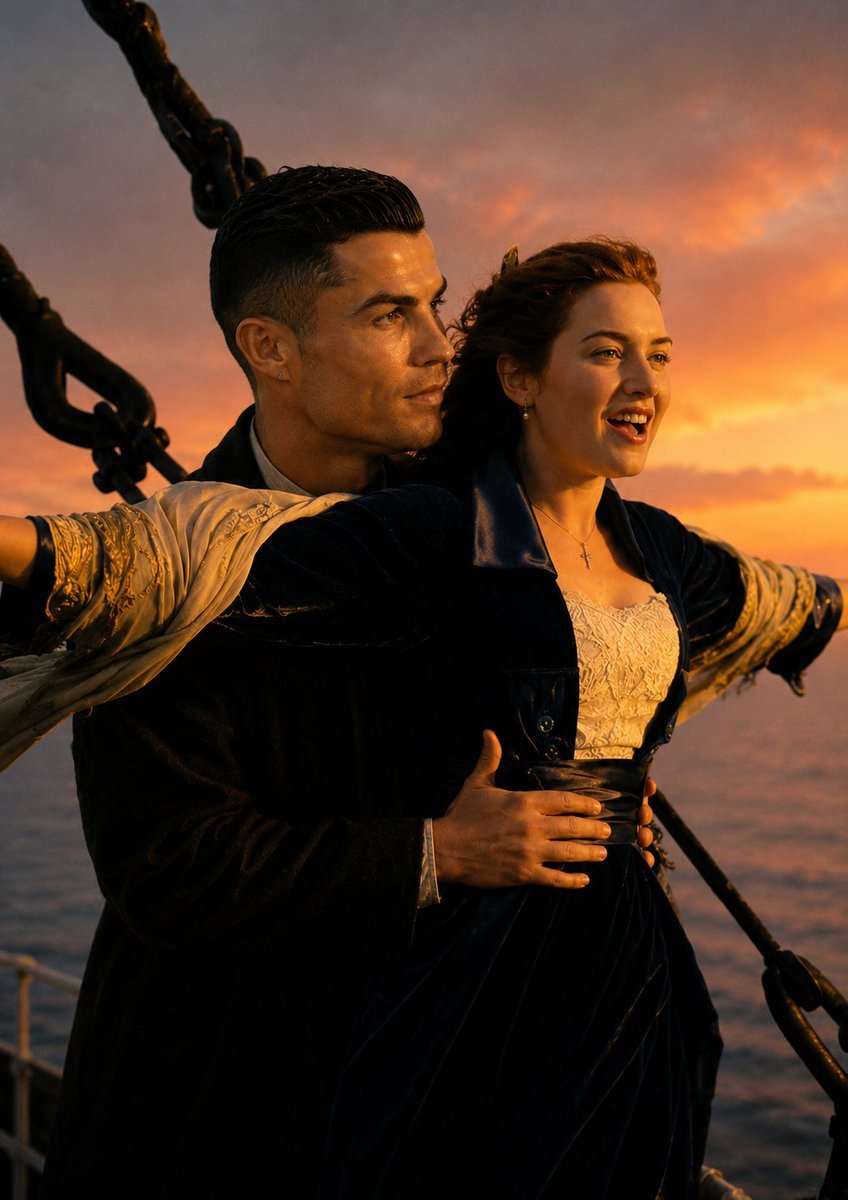
- Prompt included
- Model and format preset
- Premium template
The prompt behind this image
Copy the exact prompt behind Censored Titanic Sunset Romance, or open it in the studio and make it yours.
Create a cinematic romantic movie still of {argument name="couple description" default="a young man and woman in early 1900s formal clothing"} standing at the bow of a large ocean liner, posed like the iconic arms-outstretched scene from Titanic. The woman is in front with both arms extended horizontally into the wind, wearing a deep navy velvet coat or dress over an ornate cream lace bodice, a small cross necklace, earrings, and tousled curly brown hair blown back by the sea breeze. The man stands closely behind her in a dark formal coat, one arm around her waist and the other partly hidden, wearing a light shirt and vest, with slicked dark hair. Both faces are deliberately covered by solid rectangular censor blocks in warm brown tones, one larger square over the man’s face and one vertical rectangle over the woman’s face. The background shows the open ocean at dusk with a vivid orange and pink sunset sky, soft clouds, and warm golden rim lighting. Large black ship rigging chains and metal hardware frame the left and right edges, with the deck railing barely visible at the bottom. Use a vertical portrait composition, close medium shot, dramatic backlighting, realistic film photography, rich contrast, shallow depth of field, 35mm cinematic color grading, nostalgic epic romance atmosphere, no visible text, no watermark.
How to use Censored Titanic Sunset Romance in 3 steps
- 1Upload ImagePNG, JPG or paste
Add your photo
Upload the photo the template builds on. The prompt, model and format are already set.
- 2…a portrait of your subject in softgolden-hour light, 85mm…
Personalize
Edit the subject and creative details for your destination.
- 3Generate
Generate
Press Generate — your image is created in PicX Studio, so you can compare it with the original and refine one variable at a time.
More like this
Templates with the same subject, style or setup. Open one to see its prompt.

Two Tickets, One Night

If We Met in 1985

Before We said Goodbye

Our Song was on a Cassette

Meet Me When It Rains

The Date After College

Two Hearts. One Scooter.

80s Rooftop Couple

1986 Street Couple

Mountain Lake Sunset Landscape

Artistic Arborpunk Garden Observatory Complex

Indian Village Cattle Herding — Nano Banana
Make it yours
Censored Titanic Sunset Romance works as-is. These are the safest ways to change it without losing the look.
Change one field
Copy a single group, rewrite it, and generate again so you can see what that field is doing.
Keep the frame, change the subject
Hold the composition and light of Censored Titanic Sunset Romance, then swap wardrobe, props or the person for a new take.
| If the result… | Why | Fix |
|---|---|---|
| The result drifts from the preview | Too many fields changed at once. | Reuse Censored Titanic Sunset Romance as-is first, then change one group — subject, light, or setting. |
| The model over-stylizes the scene | The prose prompt leaves finish and camera underspecified. | Add one camera or lighting sentence and stay on GPT Image 2. |
More GPT Image 2 templates
Other prompts made for GPT Image 2.

Six VTuber Japanese Logo Sheet

Realistic Portrait of Woman and Deer

The Vista Modular Condo Poster

AI Model Routing Comparison Infographic

2.5D Anime Art Board

Isometric Productivity Desk Scene

New York Double Exposure Poster

Four-Panel AI Landscape Comparison

Japanese Tatami Lifestyle Magazine Cover

NESCAFÉ Coffee Map Poster
More image prompts
Fresh picks from across the catalog.
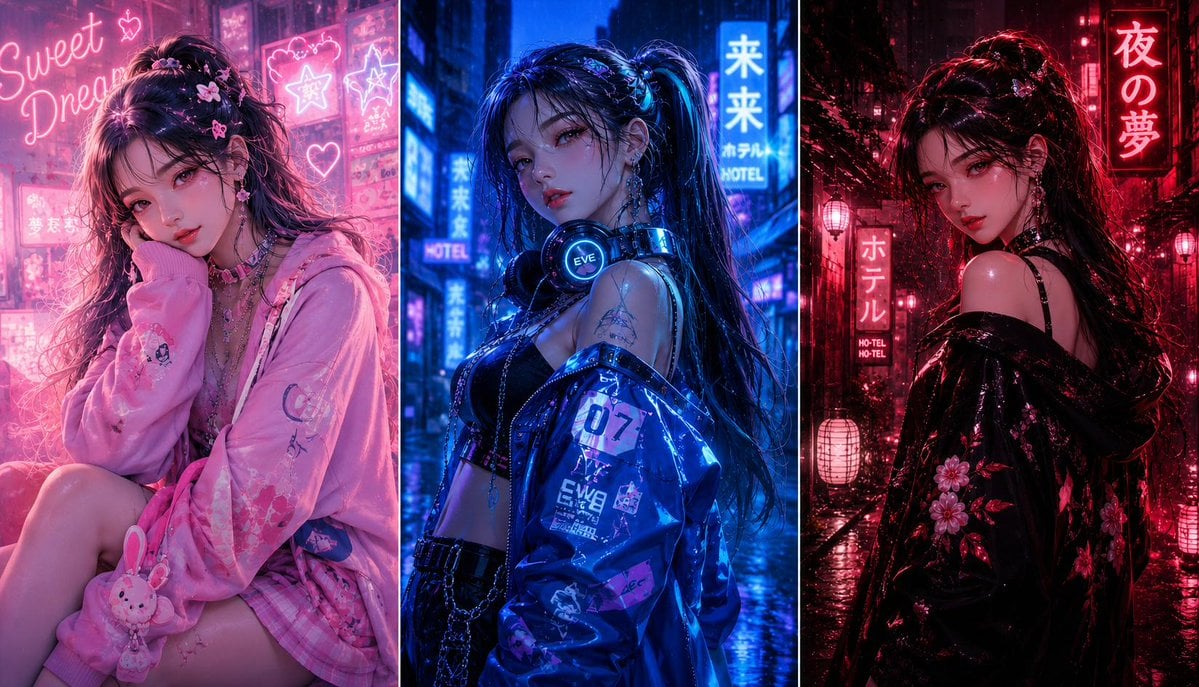
Three-panel anime fashion collage
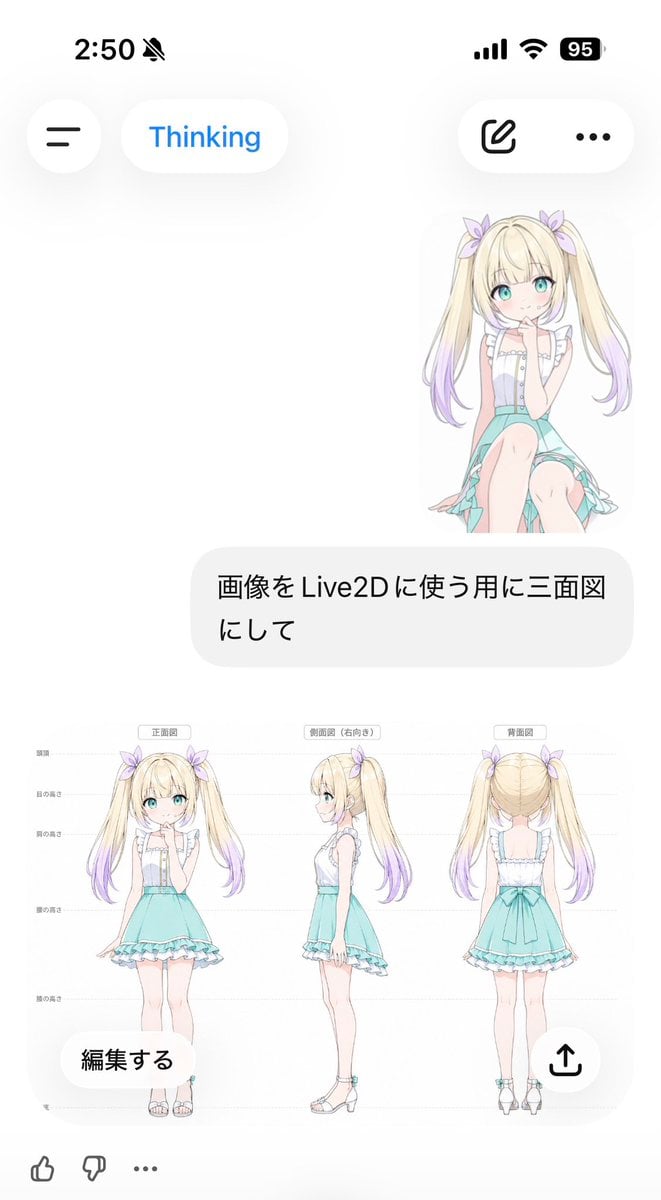
Anime Live2D Turnaround Chat Screenshot
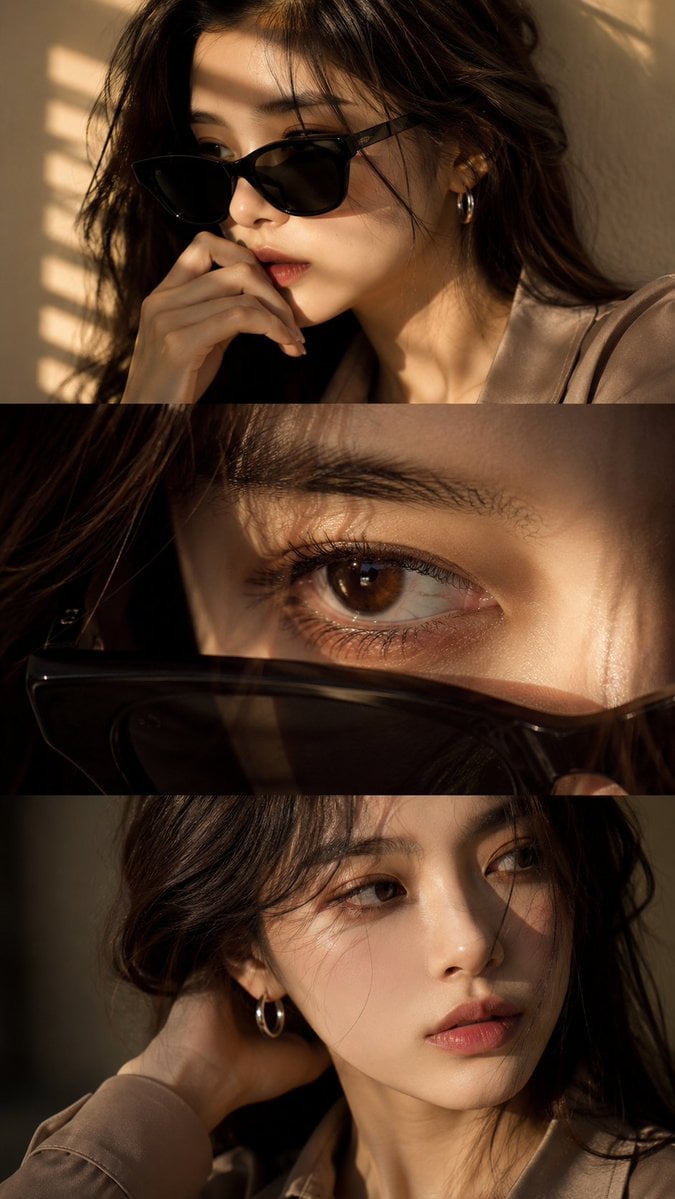
Luxury Editorial Triptych Portrait
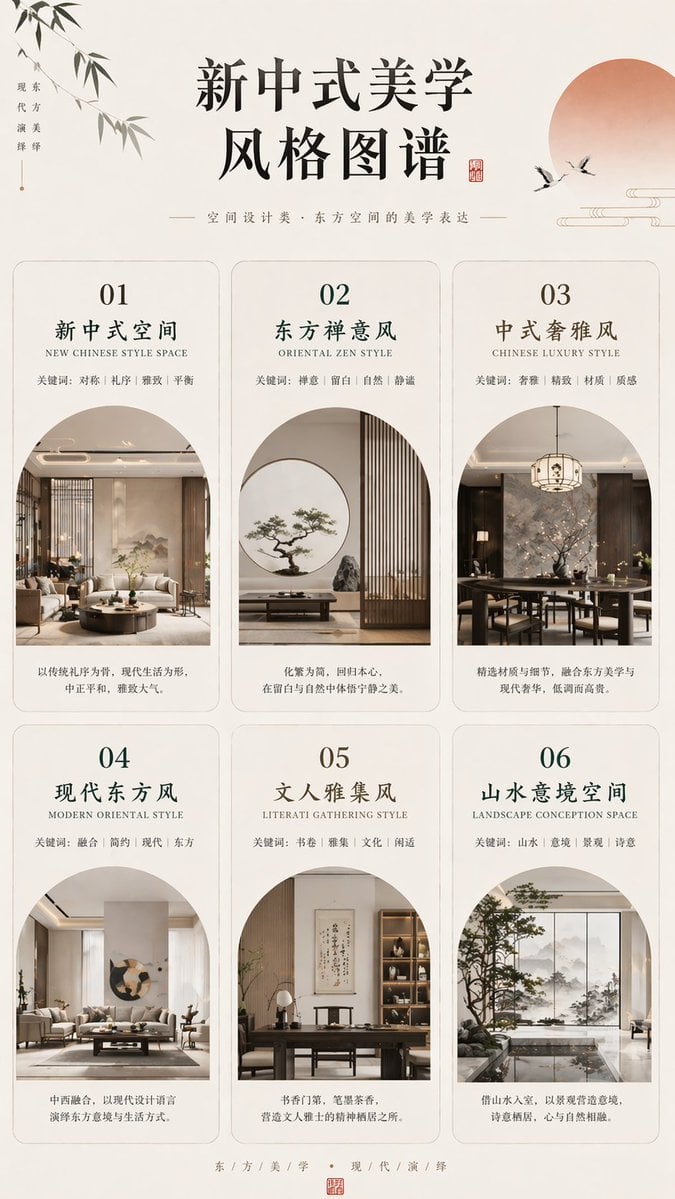
New Chinese Aesthetics Style Chart
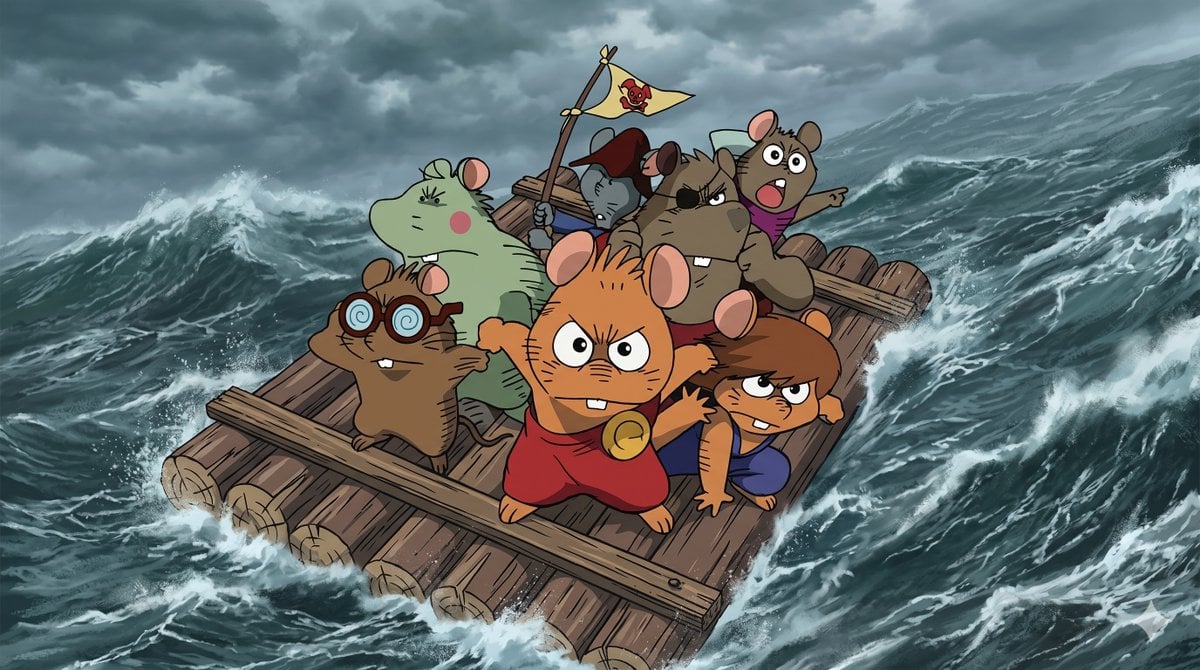
Anime Scene Reconstruction and Expansion
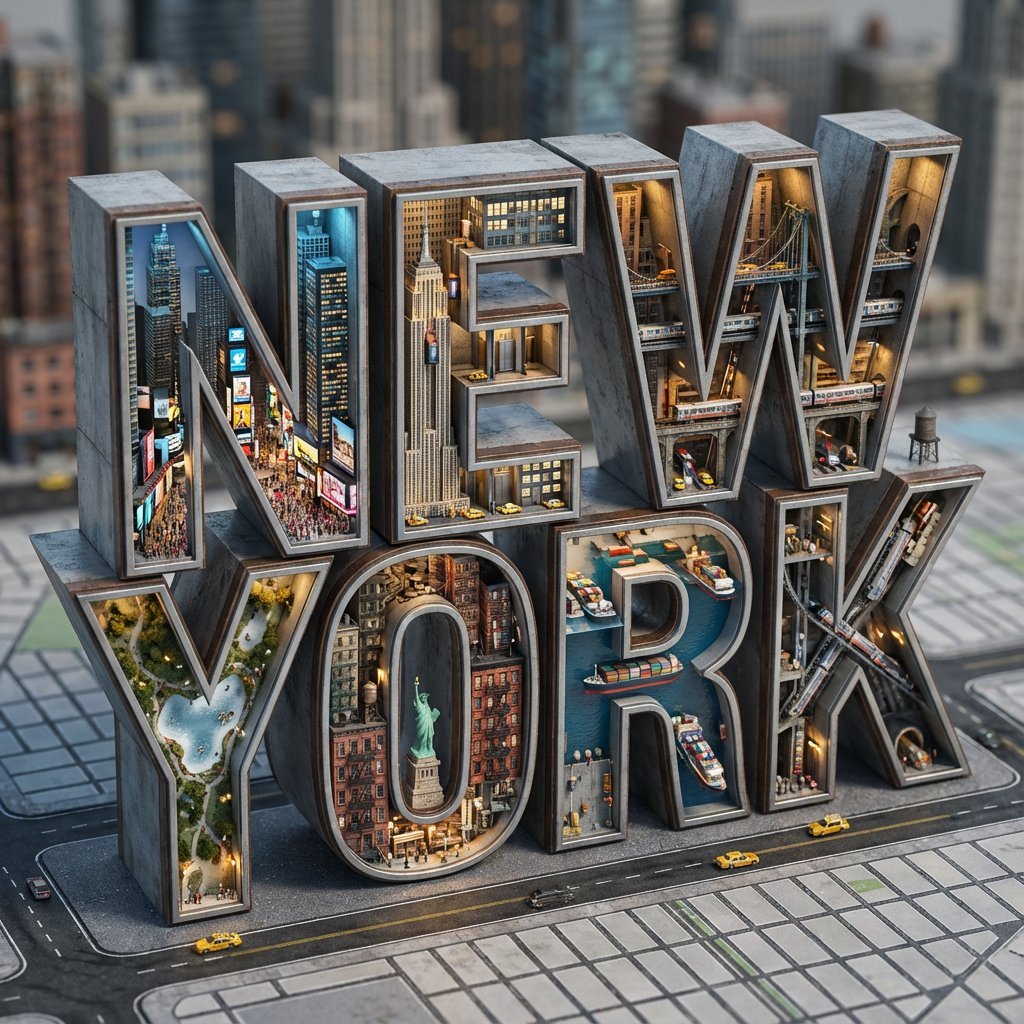
Architectural Typography Micro-World Render Prompt (New York)

Minimalist Fashion Editorial Split Panel
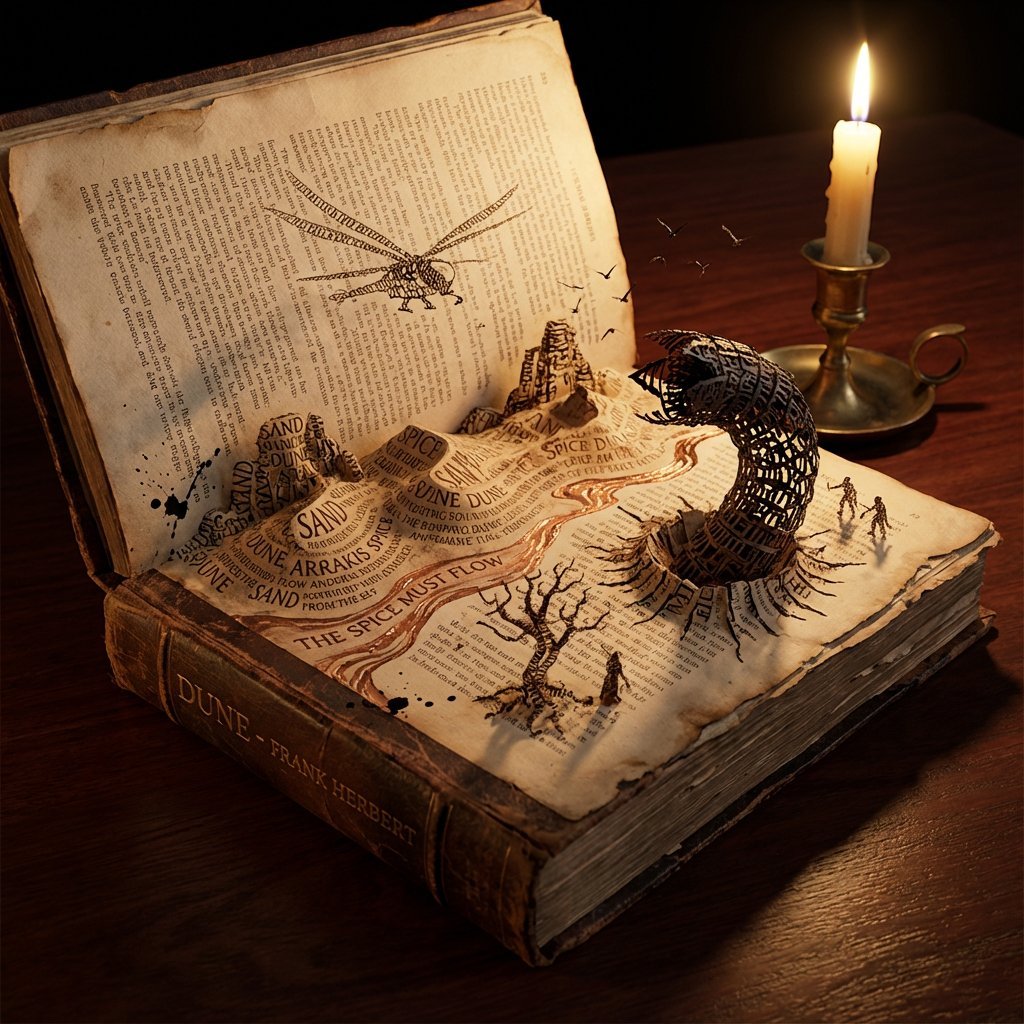
Storybook Typography Diorama Prompt (Dune)
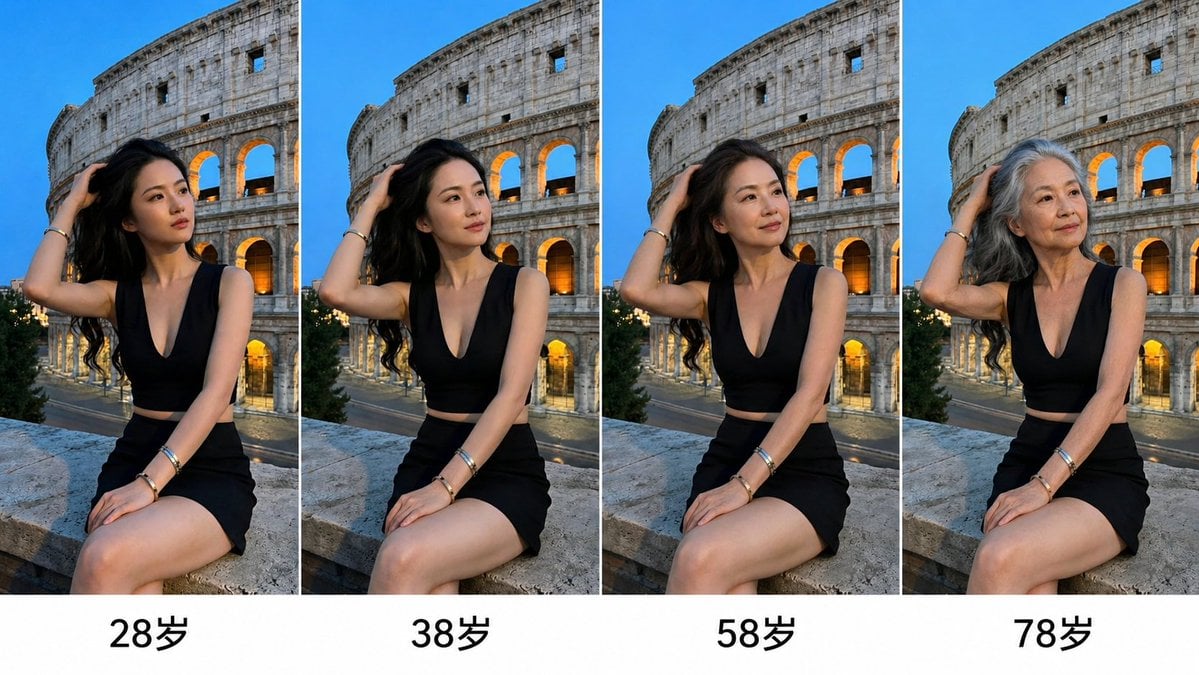
Aging Progression Grid
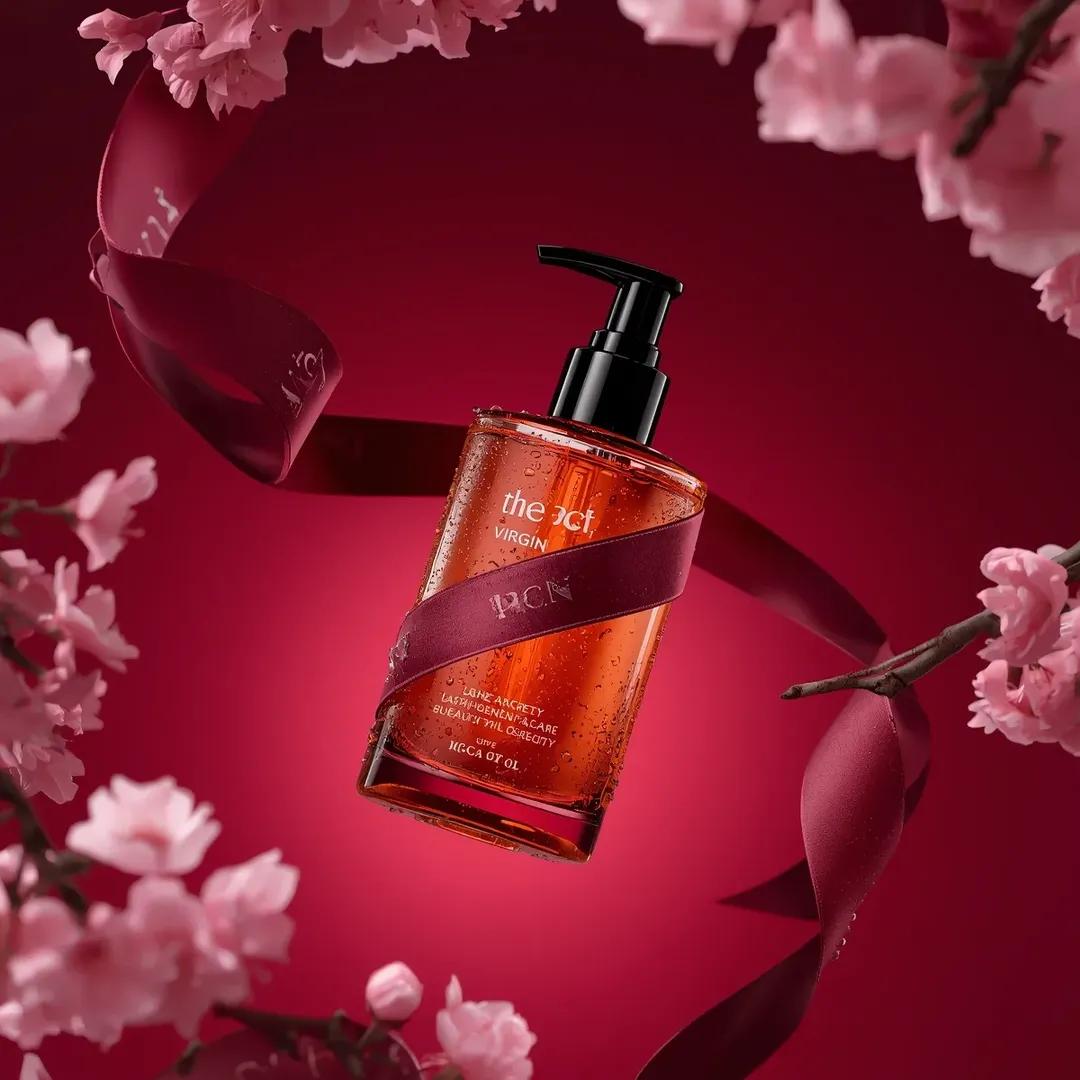
Ultra-Realistic Luxury Body Oil Product Photography
Browse template categories
Censored Titanic Sunset Romance questions
How do I use the Censored Titanic Sunset Romance template?
Add your photo if the template asks for one, edit the prompt if you like — the template's model and format are already selected — and press Generate. Your version opens in PicX Studio.
Can I customize the Censored Titanic Sunset Romance template?
Yes. You can change the subject, setting, lighting, mood, format, and available model controls before creating your image.
Is the Censored Titanic Sunset Romance template free?
Opening and editing this template is free. Generating uses credits, shown on the Generate button when you are signed in.
Which AI model should I use?
Start with GPT Image 2, which is the model associated with this template. You can compare another compatible model for a different finish.
Looking for something else? Browse all templates.

Your photo, any look
Thousands of ready templates for every top image and video model, from one credit balance.