
Cinematic Korean Streetwear Street Portrait
Cinematic Korean Streetwear Street Portrait

- Prompt included
- Model and format preset
- Premium template
The prompt behind this image
Copy the exact prompt behind Cinematic Korean Streetwear Street Portrait, or open it in the studio and make it yours.
A cinematic street fashion editorial portrait of a stylish young man standing casually at the corner of a quiet urban intersection on a bright sunny afternoon. He leans naturally against a stainless steel traffic signal pole beneath a large black and white "ONE WAY" street sign, creating a clean, minimalist city composition. His posture is relaxed with one shoulder lightly touching the pole, one hand tucked inside the pocket of his oversized charcoal gray cargo trousers, while his legs are loosely crossed at the ankles. The other hand casually holds a smartphone by his side. The subject wears an oversized vintage washed brown graphic sweatshirt with subtle distressed typography and faded cream printed artwork across the chest. The relaxed fit gives a contemporary Korean streetwear aesthetic. He pairs it with loose charcoal gray cargo pants featuring utility stitching and oversized pockets. On his feet are classic white and deep red Nike sneakers with matching red details. A thin silver chain necklace rests naturally around his neck, and a black leather shoulder bag hangs from one shoulder. He wears oversized rectangular black sunglasses, adding a calm, confident editorial expression while looking directly toward the camera. His hair is medium length, thick, slightly messy, and naturally wavy with textured volume, softly illuminated by direct sunlight. His facial expression remains neutral and effortless, conveying quiet confidence. The environment features a realistic American style city street with wide concrete sidewalks, crosswalk markings, traffic lights displaying a red pedestrian stop signal, utility poles, overhead cables, parked cars, green trees, brick buildings, and additional one way signs receding into the distance. The street is clean, quiet, and naturally active without feeling crowded. Strong midday sunlight creates crisp shadows across the pavement, producing realistic contrast while maintaining balanced skin tones. The blue sky is completely clear, enhancing the fresh daytime atmosphere. The composition places the subject slightly off center beneath the prominent street sign, using the sidewalk and road as natural leading lines that draw attention toward him. Vertical framing emphasizes both the environment and the fashion styling. Photographed on a full frame camera with a 50mm lens, f/2.8, ISO 100, natural daylight, shallow depth of field with subtle background separation while keeping much of the street environment recognizable. Style: premium fashion editorial, Korean streetwear, urban lifestyle photography, cinematic realism, documentary aesthetic, natural candid pose, photorealistic, ultra detailed fabric textures, realistic skin texture, sharp focus, subtle film grain, rich natural colors, HDR, 8K, luxury magazine quality, Instagram editorial style. Aspect Ratio: 2:3 (Portrait)
How to use Cinematic Korean Streetwear Street Portrait in 3 steps
- 1
Open
The prompt is already in the box next to the preview, with the template's model and format selected.
- 2…a portrait of your subject in softgolden-hour light, 85mm…
Personalize
Edit the subject and creative details for your destination.
- 3Generate
Generate
Press Generate — your image is created in PicX Studio, so you can compare it with the original and refine one variable at a time.
More like this
Templates with the same subject, style or setup. Open one to see its prompt.

Google Gemini Nano Banana Pro

Conceptual Fashion Portrait in Spider We

Gpt Image 2 Fashion Portrait
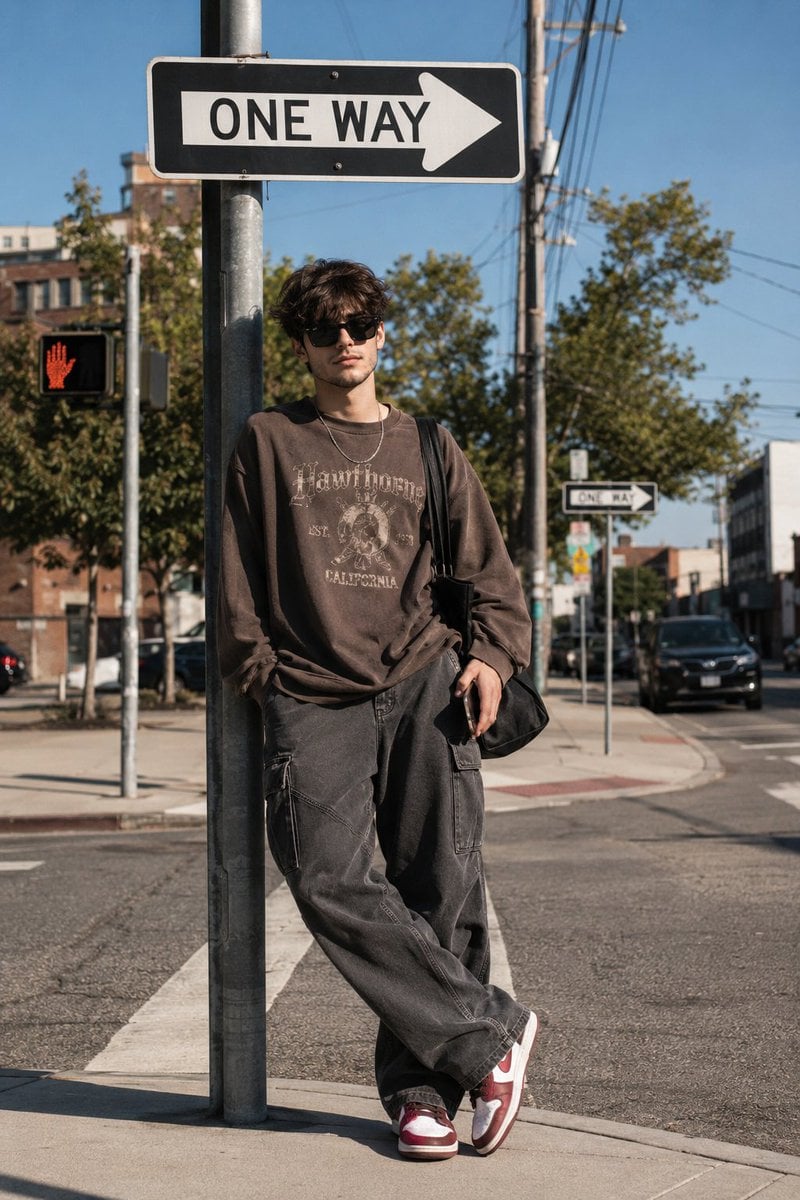
Korean Streetwear Urban Editorial

1988 Mall Style

1985 Street Scene

Gemini Nano Banana 2

01 Skincare Split Portrait — Nano Banana 2

24 The Getty Center — California Series

21 Glass Floor Skyscraper — California Series

19 Luxury Helicopter Travel — California Series

08 Rodeo Drive Luxury Exit — California Series
Make it yours
Cinematic Korean Streetwear Street Portrait works as-is. These are the safest ways to change it without losing the look.
Change one field
Copy a single group, rewrite it, and generate again so you can see what that field is doing.
Keep the frame, change the subject
Hold the composition and light of Cinematic Korean Streetwear Street Portrait, then swap wardrobe, props or the person for a new take.
| If the result… | Why | Fix |
|---|---|---|
| The result drifts from the preview | Too many fields changed at once. | Reuse Cinematic Korean Streetwear Street Portrait as-is first, then change one group — subject, light, or setting. |
| The model over-stylizes the scene | The prose prompt leaves finish and camera underspecified. | Add one camera or lighting sentence and stay on PicX Studio. |
More image prompts
Fresh picks from across the catalog.
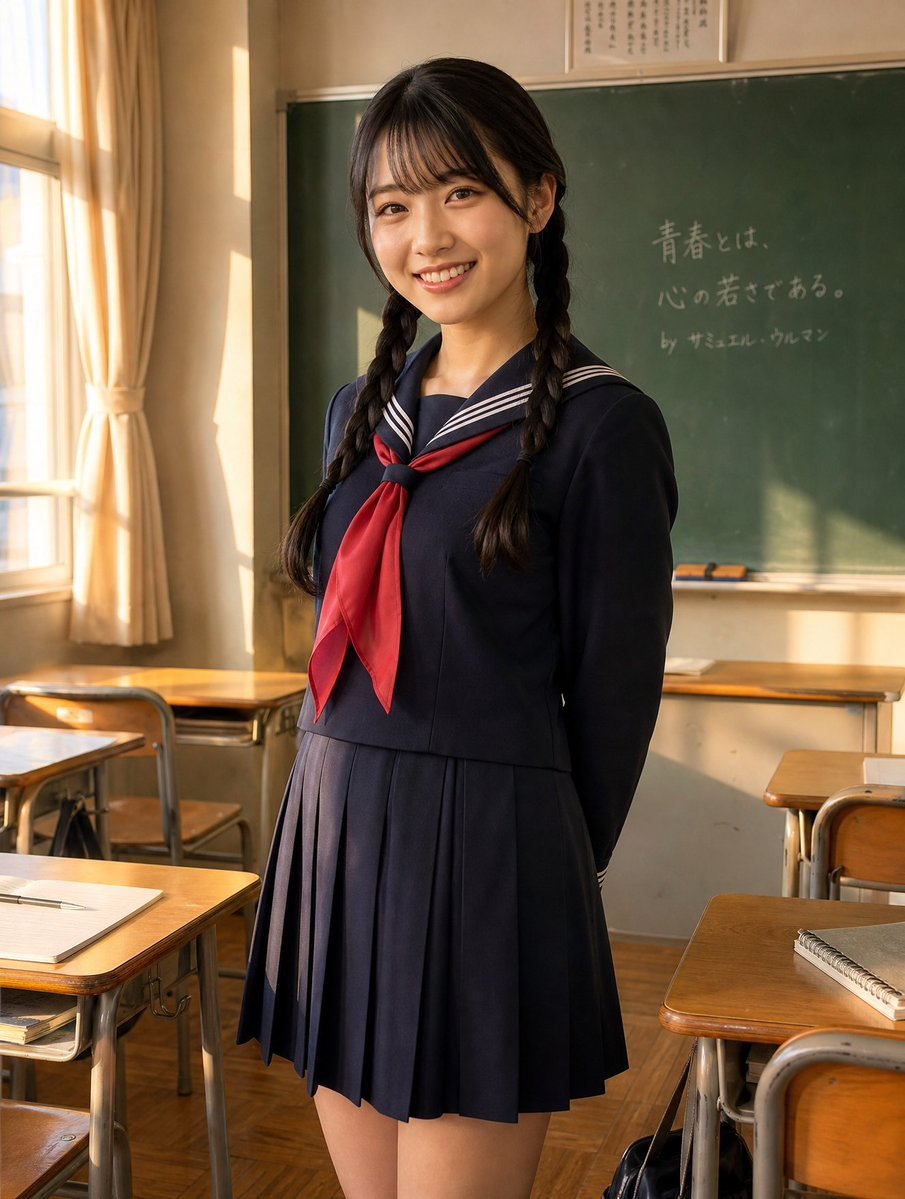
Sunlit Japanese Classroom Sailor Uniform Portrait

Golden Magical Girl Action Key Visual
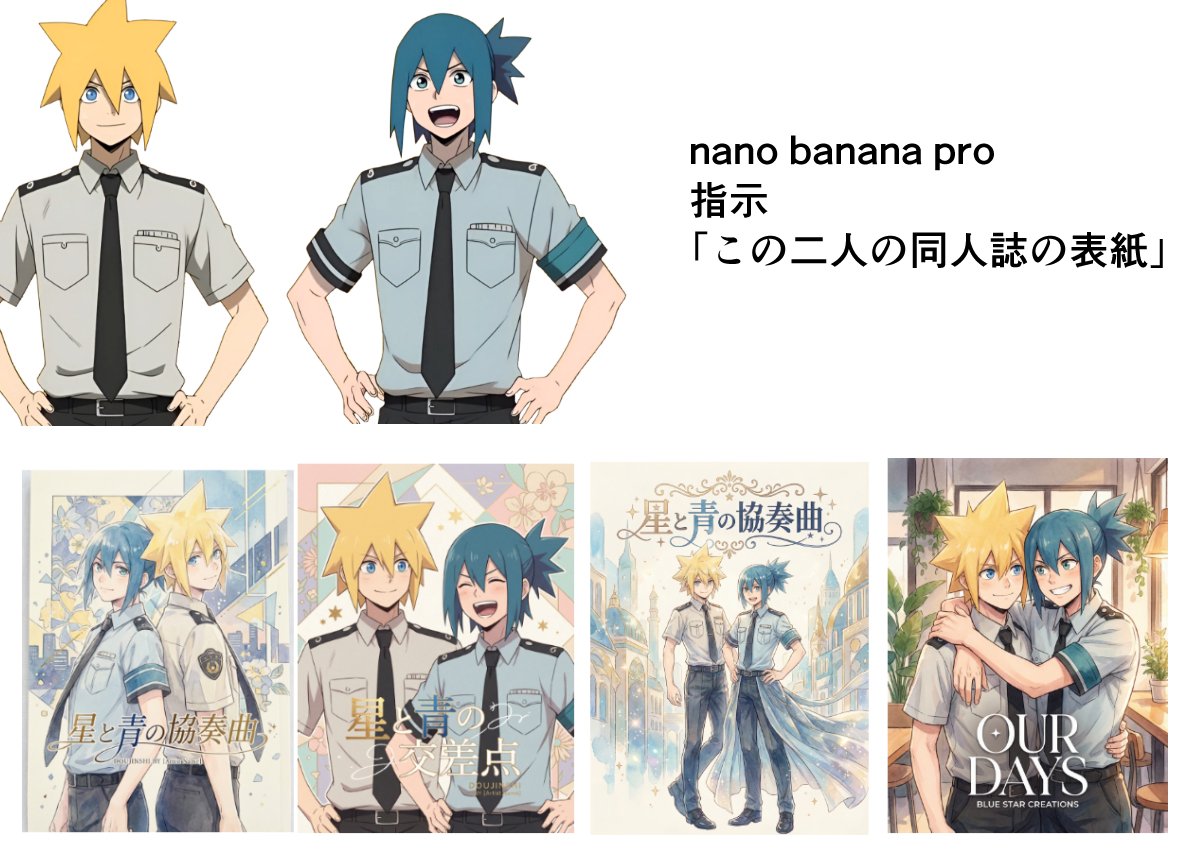
Doujinshi cover from two characters

A4 manga about how amazing Nano Banana Pro is
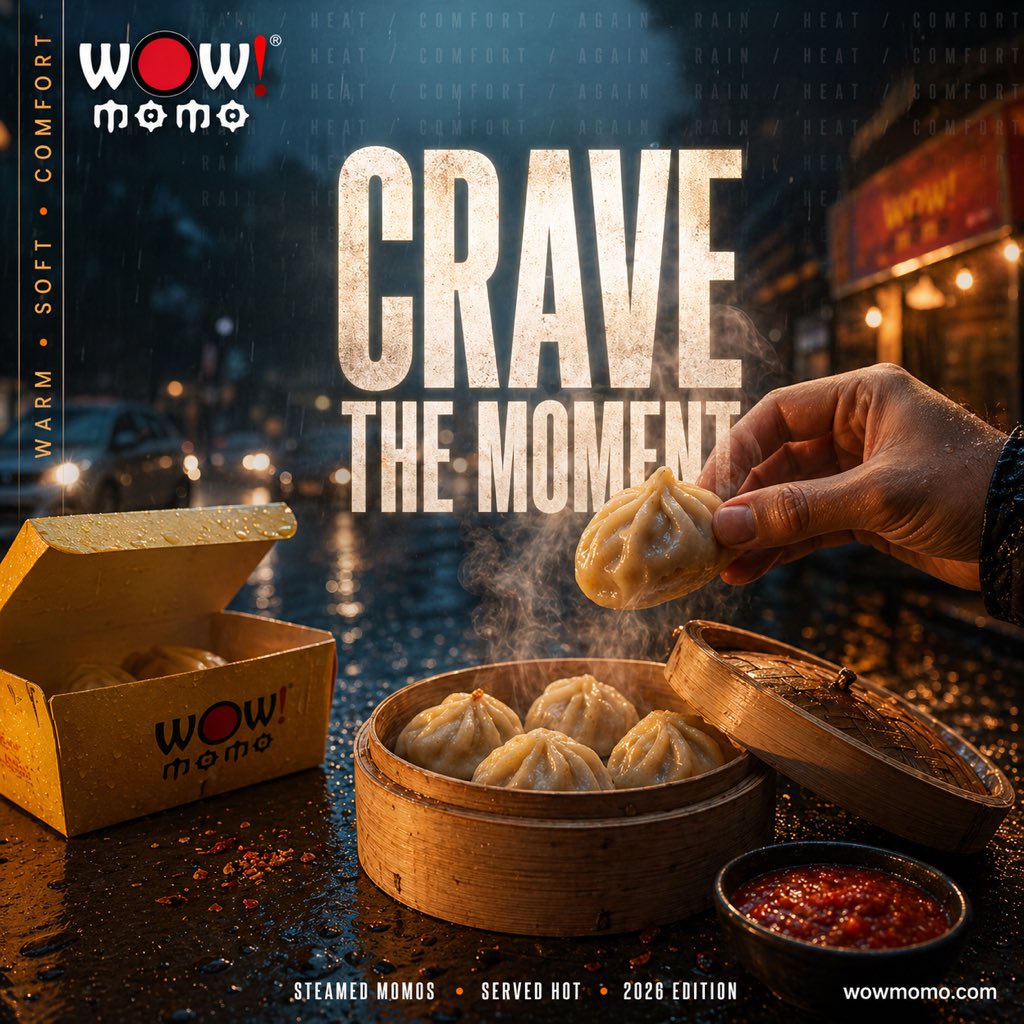
Cinematic Rainy Street Food Ad
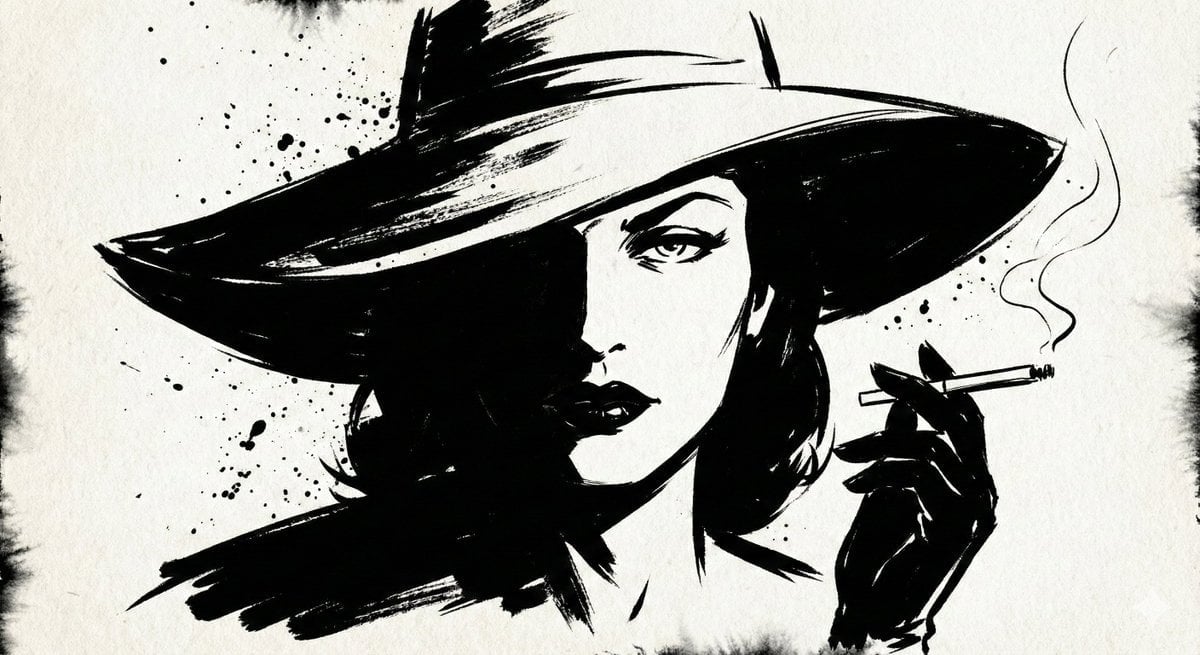
Ink Noir Portrait Generation Prompt
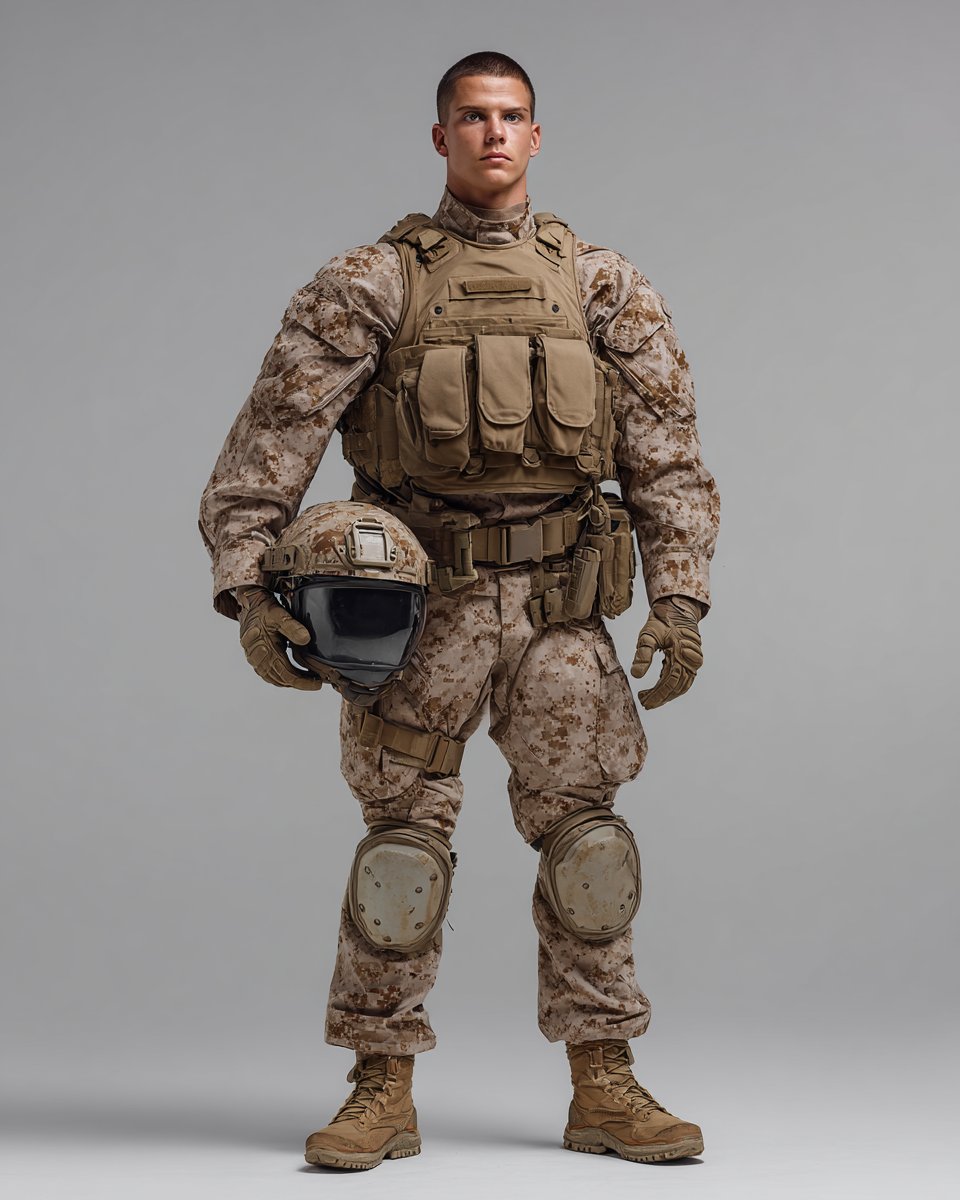
Knolling Style Flat-Lay Prompt with Labeled Disassembled Parts
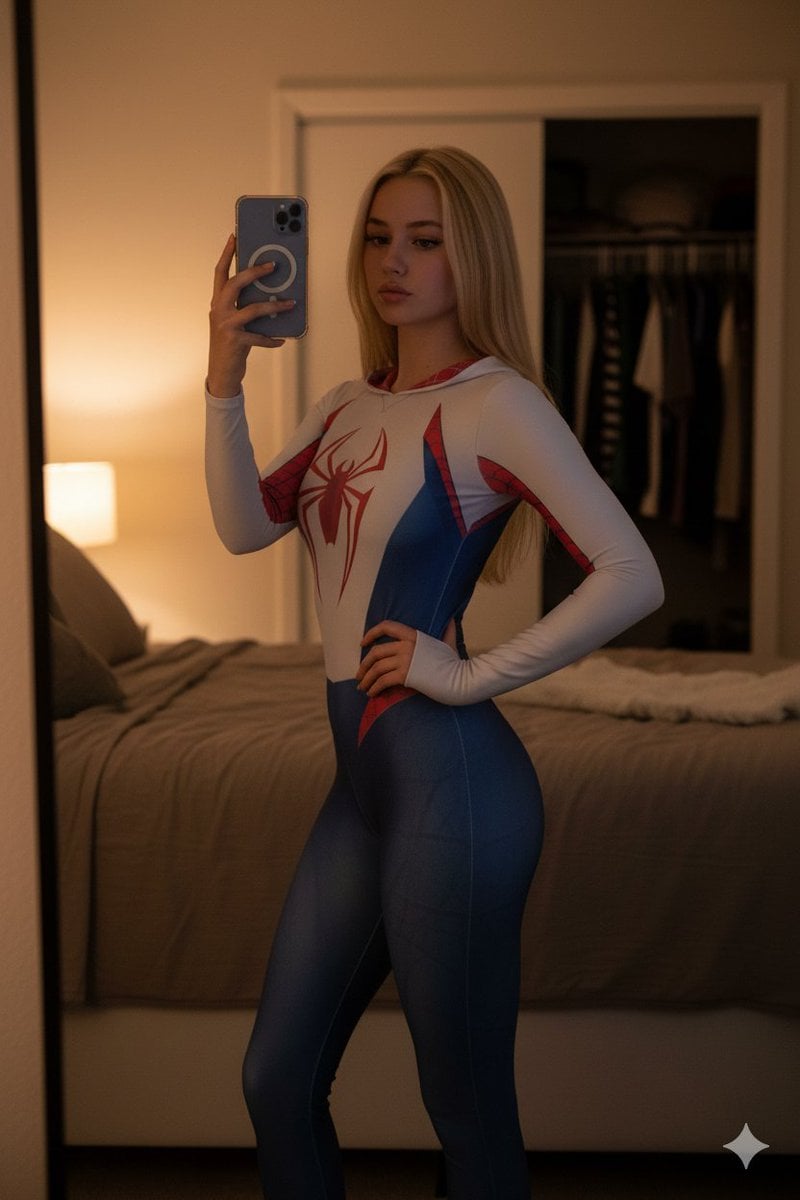
High-Contrast Spider-Gwen Cosplay Mirror Selfie

Miniature Diorama Prompt (Tilt-Shift)
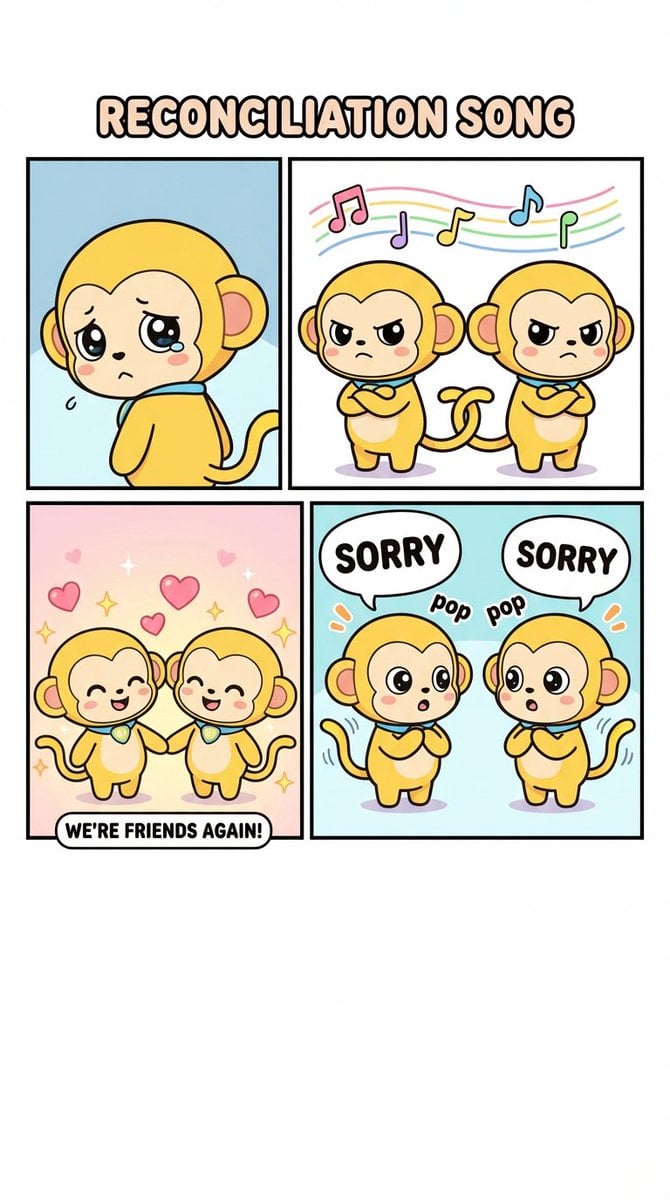
Four-Panel Comic: Reconciliation Song (English Version)
Browse template categories
Cinematic Korean Streetwear Street Portrait questions
How do I use the Cinematic Korean Streetwear Street Portrait template?
Add your photo if the template asks for one, edit the prompt if you like — the template's model and format are already selected — and press Generate. Your version opens in PicX Studio.
Can I customize the Cinematic Korean Streetwear Street Portrait template?
Yes. You can change the subject, setting, lighting, mood, format, and available model controls before creating your image.
Is the Cinematic Korean Streetwear Street Portrait template free?
Opening and editing this template is free. Generating uses credits, shown on the Generate button when you are signed in.
Which AI model should I use?
Choose a compatible model in PicX Studio based on the style, speed, and output controls your project needs.
Looking for something else? Browse all templates.

Your photo, any look
Thousands of ready templates for every top image and video model, from one credit balance.