How do I use the Ink Noir Portrait Generation Prompt template?
Choose the primary action to open PicX Studio with the available template settings. Review the model and format, personalize the creative direction, and generate when ready.
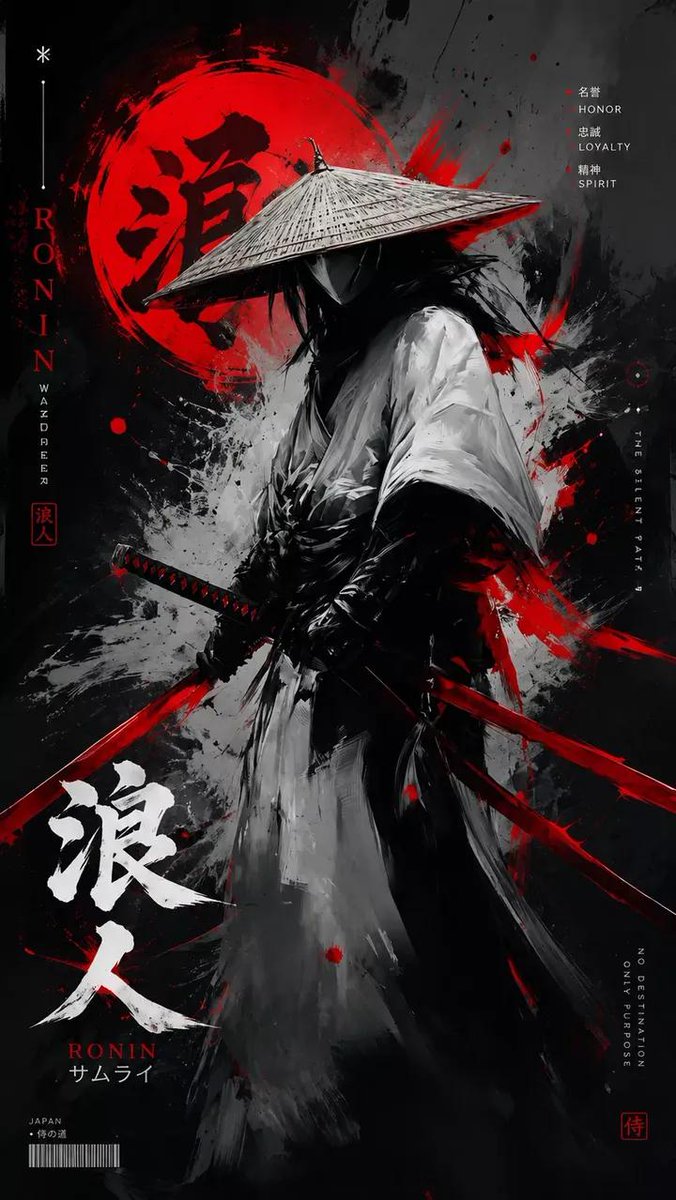
A detailed image generation prompt designed for a high-contrast ink noir portrait.
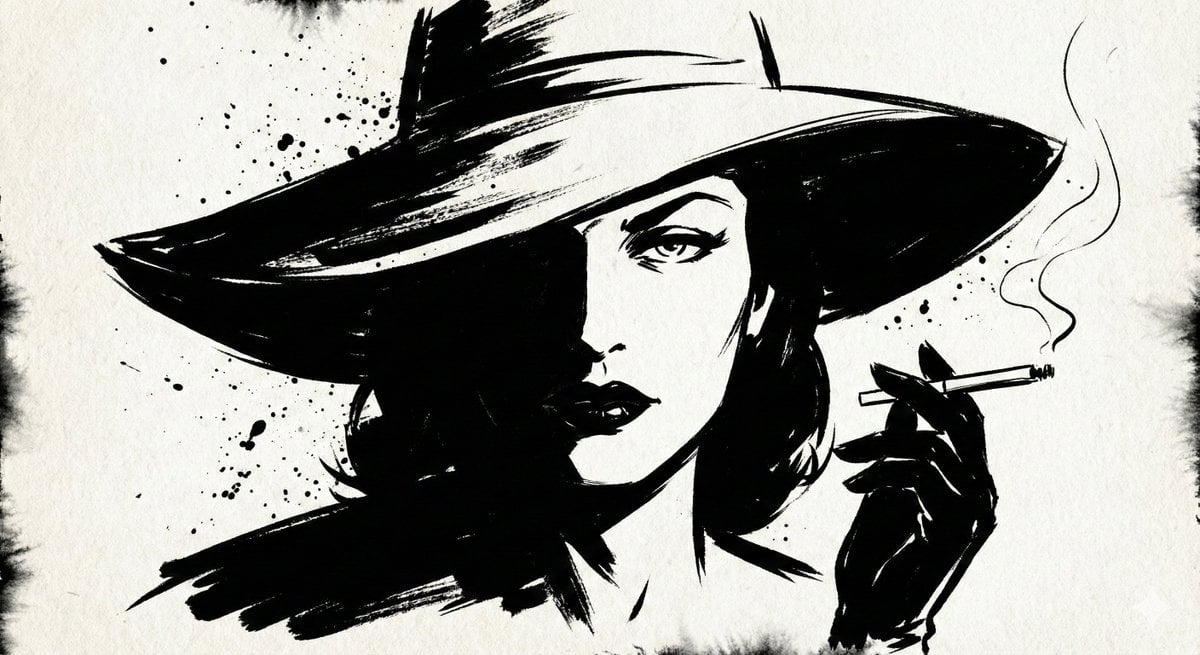
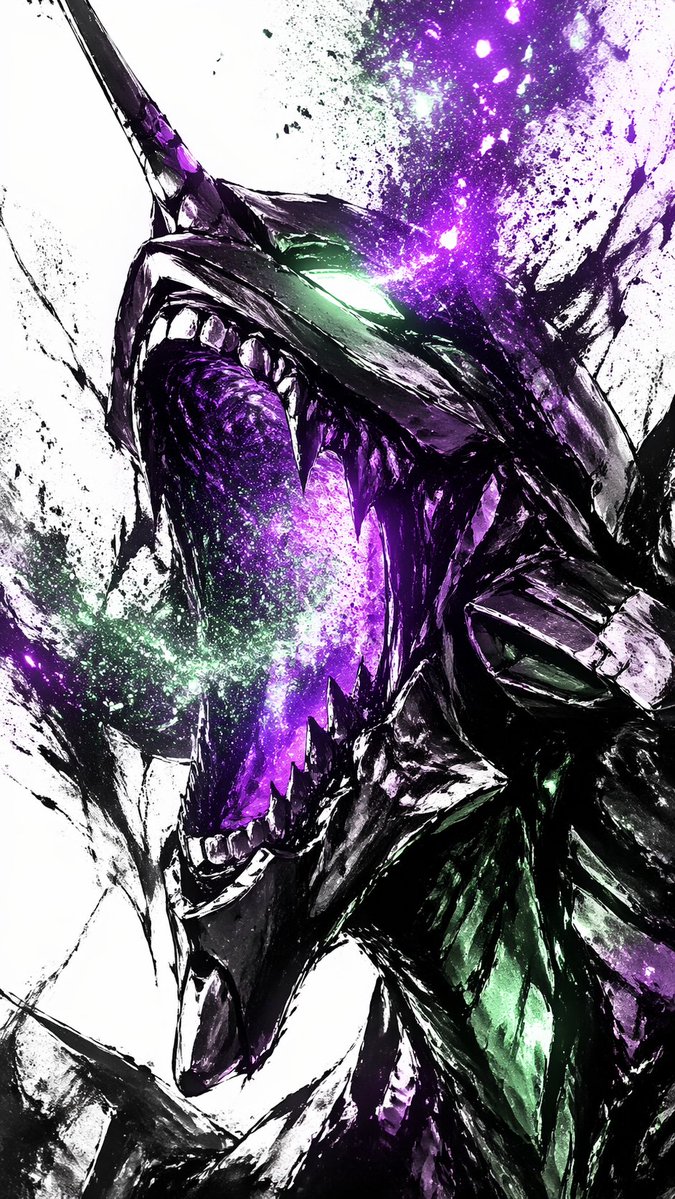
A high-contrast ink noir portrait of {argument name="subject" default="[SUBJECT]"}, illustrated entirely with expressive black ink strokes and controlled splatter. Heavy shadows dominate the composition while selective highlights emerge through negative space. Subtle paper grain is visible. Atmosphere is moody, cinematic, and intense, like a graphic novel frozen at its most dramatic panel.
Choose the primary action to open PicX Studio with the available template settings. Review the model and format, personalize the creative direction, and generate when ready.
Yes. You can change the subject, setting, lighting, mood, format, and available model controls before creating your image.
This template is free to open and customize. Generation usage is shown in PicX Studio before you create.
Start with Nano Banana 2, which is the model associated with this template. You can compare another compatible model for a different finish.
Follow a topic to a crawlable collection of related PicX Studio templates.