
Minimalist Noir Sunglasses Portrait
A cinematic, high-contrast portrait prompt focusing on mystery and premium editorial style.
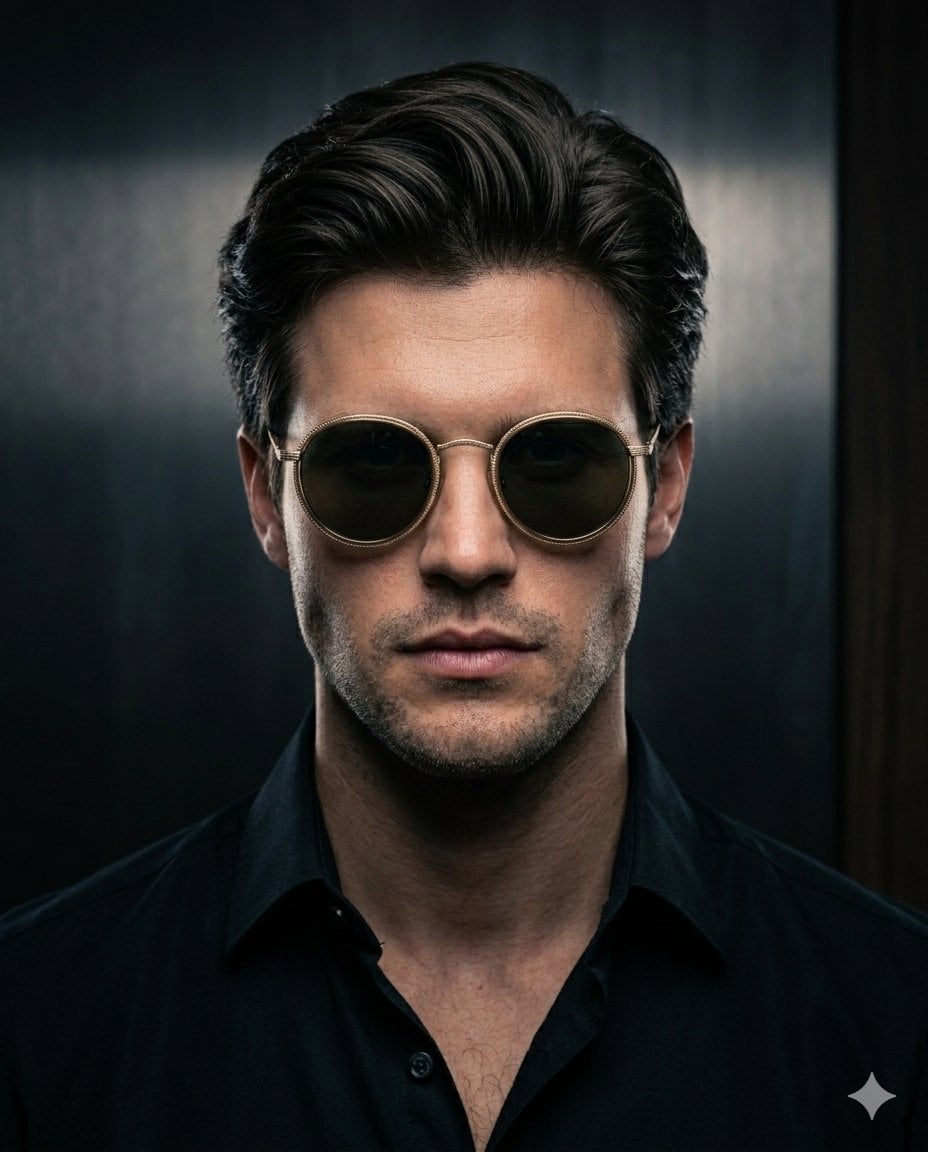
- Prompt included
- Model and format preset
- Premium template
The prompt behind this image
Copy the exact prompt behind Minimalist Noir Sunglasses Portrait, or open it in the studio and make it yours.
Set against a deep {argument name="background" default="black background of near-absolute void"}, the composition features a striking portrait where the face is partially revealed through controlled cinematic lighting rather than being completely hidden. A soft, directional key light gently illuminates the front contours of the face, while sharp, elegant edge lighting glows in brilliant white along the jawline, cheekbones, and nose bridge, creating a refined silhouette. The figure wears {argument name="accessory" default="brown round sunglasses with sleek silver-rimmed frames"} that subtly catch and reflect light, adding warmth and visual focus. The lenses should have a faint reflective glow, not overpowering but clearly visible. Maintain a strong contrast between light and shadow, but ensure that subtle facial structure—like the nose shape, lips outline, and slight skin texture—remains visible in low light. Avoid crushing blacks; preserve shadow detail with a soft fill light at very low intensity. Lighting style: cinematic, high contrast, soft rim light + low-intensity fill light, studio-controlled shadows, no overexposure. Mood: mysterious, minimal, premium editorial, with a balance between anonymity and recognizability. Captured in a {argument name="aspect ratio" default="4:5"} aspect ratio, centered composition, ultra-clean background, no noise, no grain overload, sharp details on lit edges, smooth falloff into shadow.
How to use Minimalist Noir Sunglasses Portrait in 3 steps
- 1
Open
The prompt is already in the box next to the preview, with the template's model and format selected.
- 2…a portrait of your subject in softgolden-hour light, 85mm…
Personalize
Edit the subject and creative details for your destination.
- 3Generate
Generate
Press Generate — your image is created in PicX Studio, so you can compare it with the original and refine one variable at a time.
More like this
Templates with the same subject, style or setup. Open one to see its prompt.
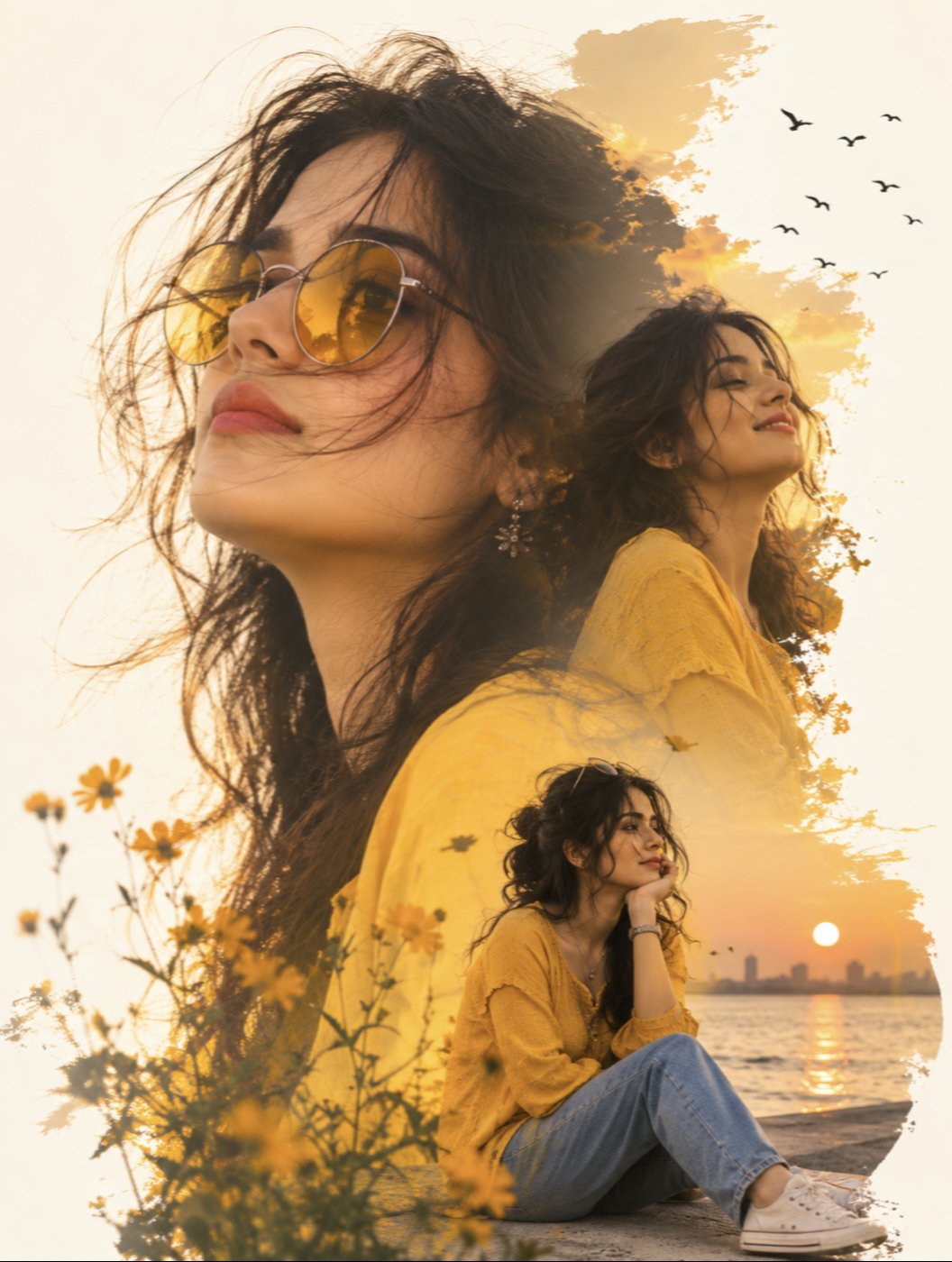
Yellow Sunglasses Double Exposure Sunset

Found Photograph: Us, 1970

80s Couple Studio Portrait

80s Bollywood Star

80s Golden Hour Cinema

Me in 1985

1985 Studio Portrait

Hyper-Realistic Minecraft POV Portrait

Rooftop Fisheye — Cat-Ear Balaclava at Golden Hour

Rainy Café Window Moody Portrait

untitled

2025 Aesthetic Photography
Make it yours
Minimalist Noir Sunglasses Portrait works as-is. These are the safest ways to change it without losing the look.
Change one field
Copy a single group, rewrite it, and generate again so you can see what that field is doing.
Keep the frame, change the subject
Hold the composition and light of Minimalist Noir Sunglasses Portrait, then swap wardrobe, props or the person for a new take.
| If the result… | Why | Fix |
|---|---|---|
| The result drifts from the preview | Too many fields changed at once. | Reuse Minimalist Noir Sunglasses Portrait as-is first, then change one group — subject, light, or setting. |
| The model over-stylizes the scene | The prose prompt leaves finish and camera underspecified. | Add one camera or lighting sentence and stay on Nano Banana 2. |
More Nano Banana 2 templates
Other prompts made for Nano Banana 2.

Photorealistic Leaf Shaped Like a Dragon

K-Pop Idol Portrait Grid for Rapid Selection

Poetic Rain Forest Portrait During Golden Hour

Urban Street Portrait with Cartoon Inner Self Duo

Candid Nighttime Photo with Cat Prompt

High-Concept 3D Diorama Generation Prompt

Cinematic Futuristic Studio Portrait Template

Skincare Editorial Photography Collage Prompt

Hyper-Realistic Commercial Product Photography (Splash Effect)

Hyper-Realistic Nightclub Portrait Prompt
More image prompts
Fresh picks from across the catalog.
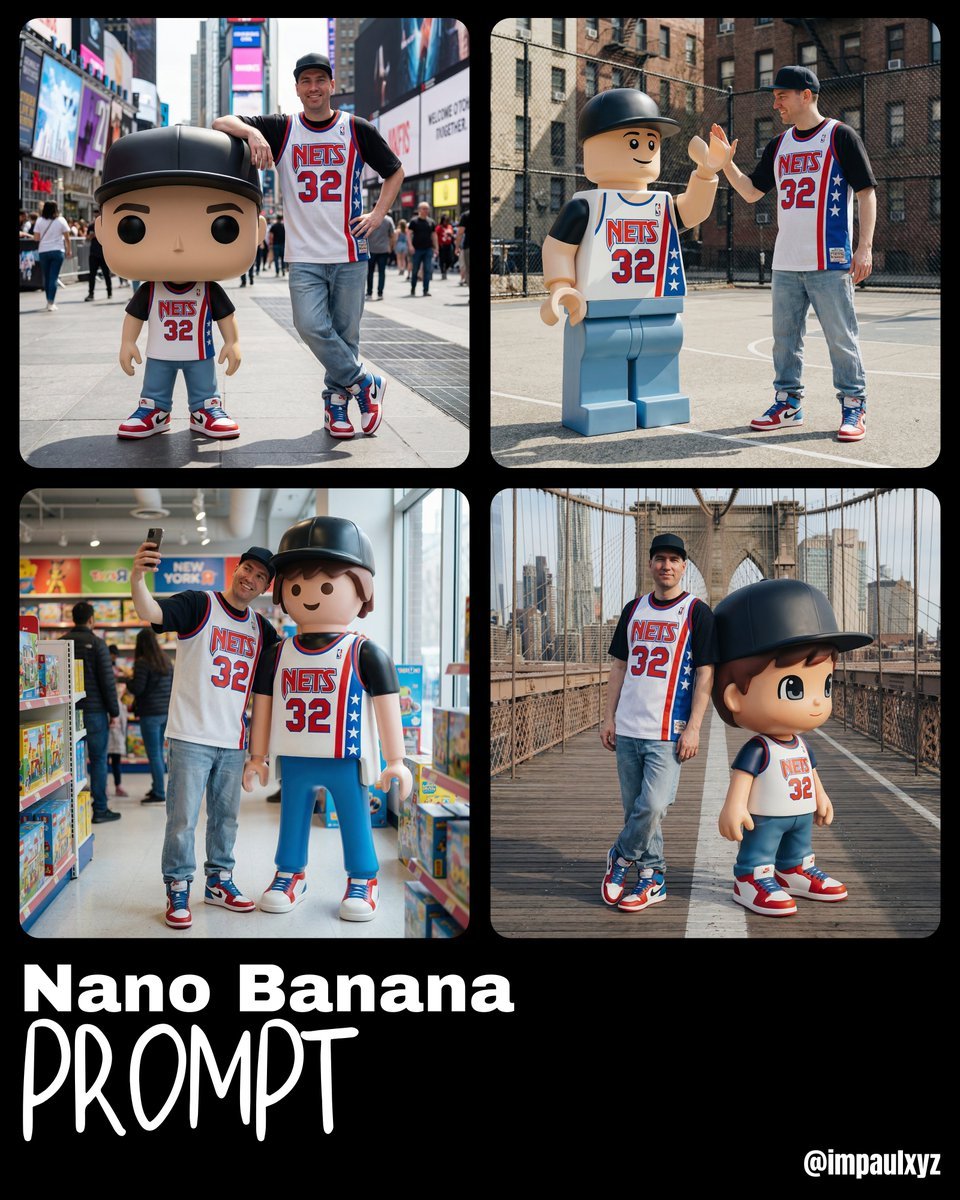
Nano Banana Prompt for Art Toy Generation

SaaS AI Dashboard Landing Page
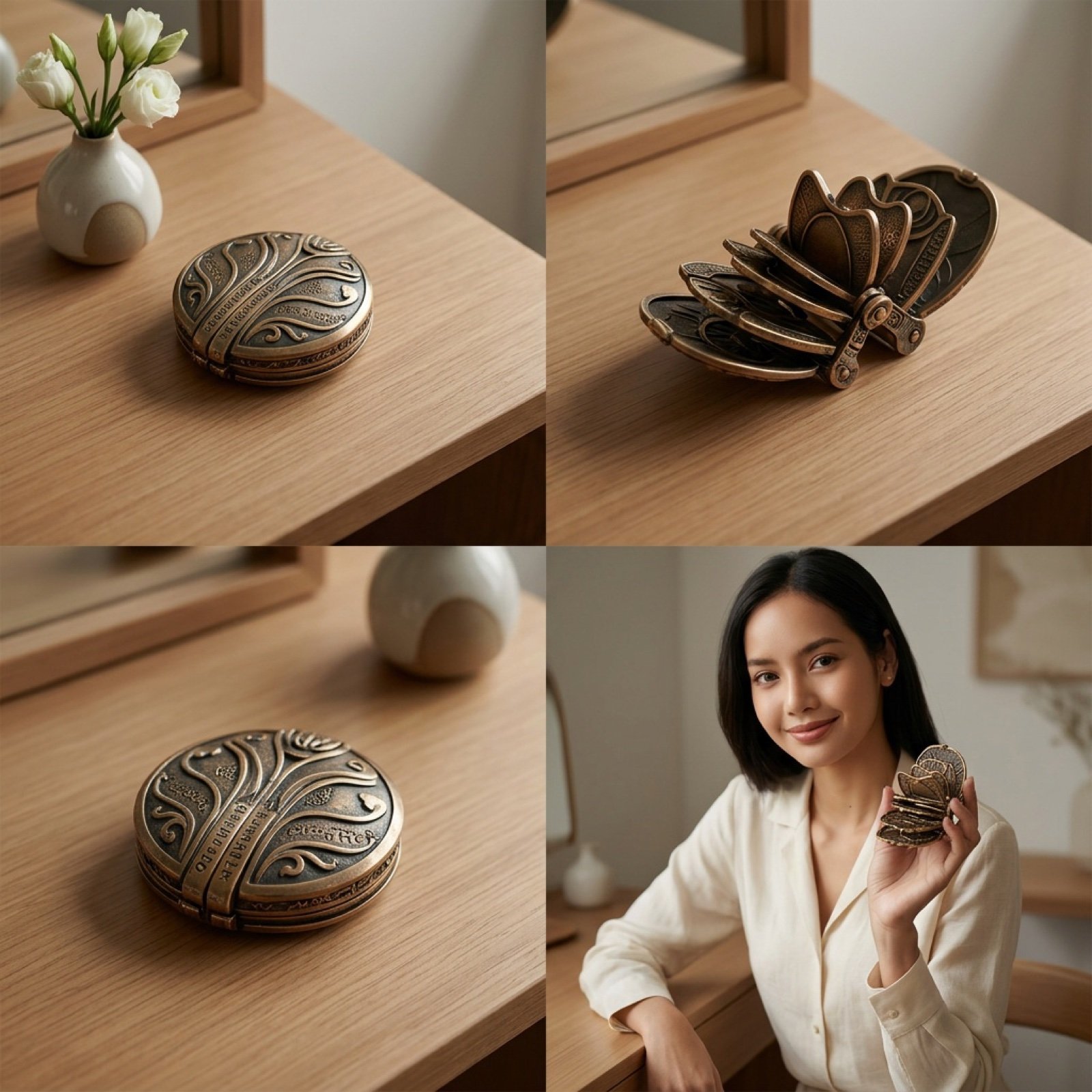
Detailed Video Generation Prompt for Product Display
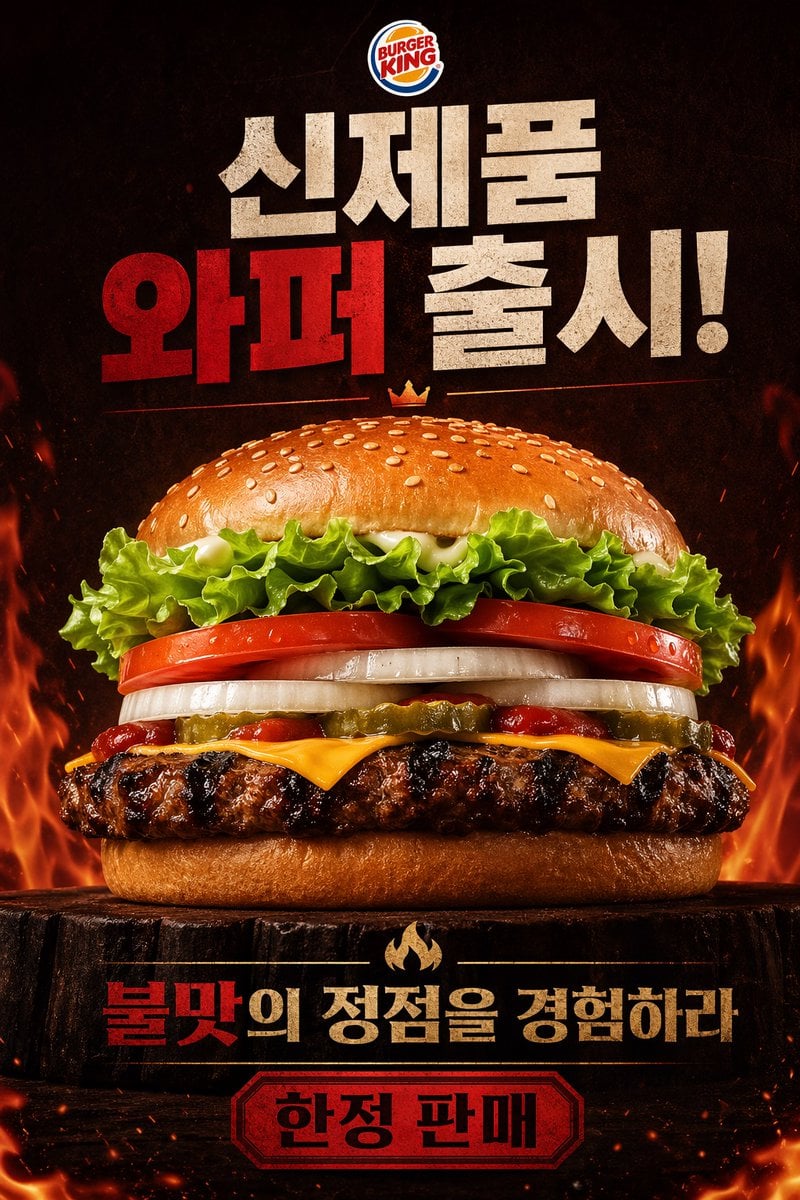
Fiery Burger King Whopper Poster
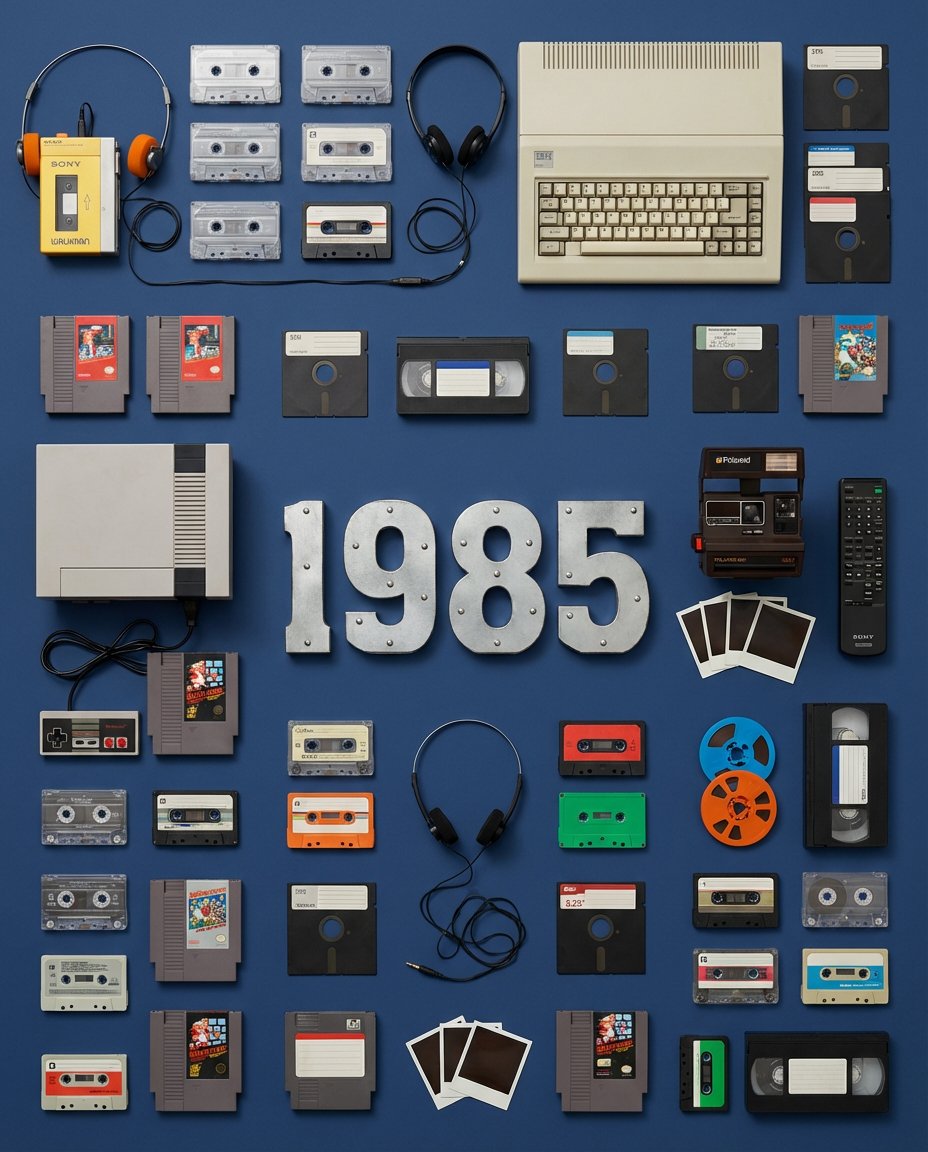
Wes Anderson Style Flat Lay of Historical Inventions
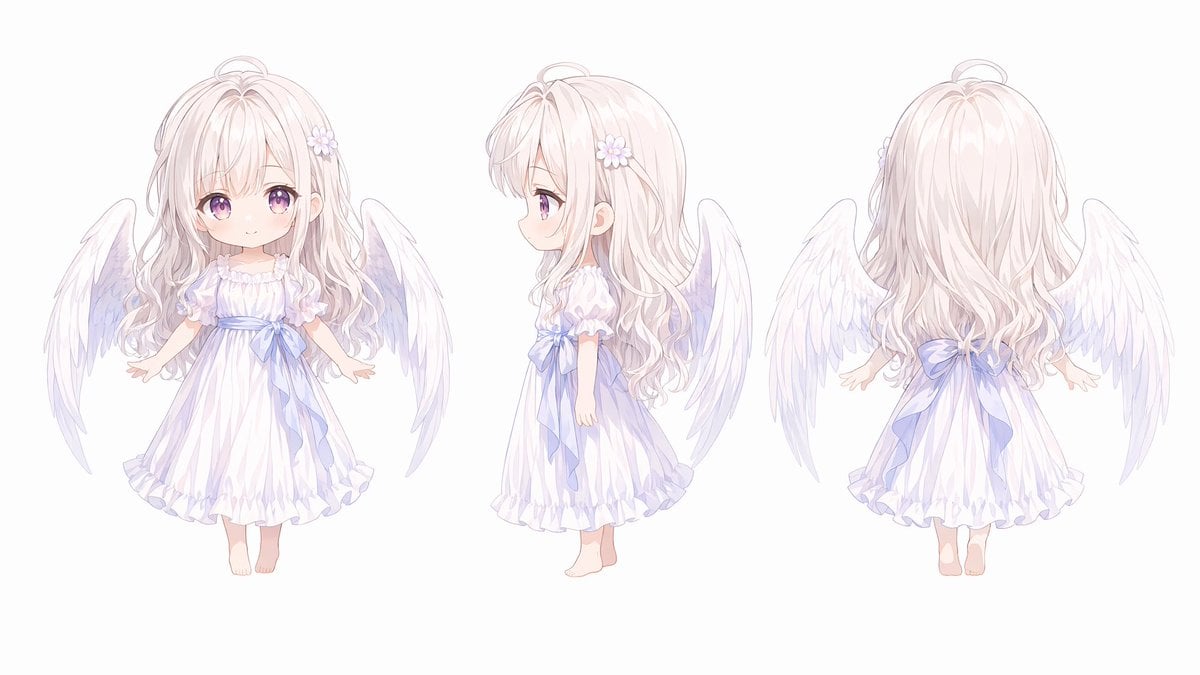
Chibi Angel Three-View Turnaround
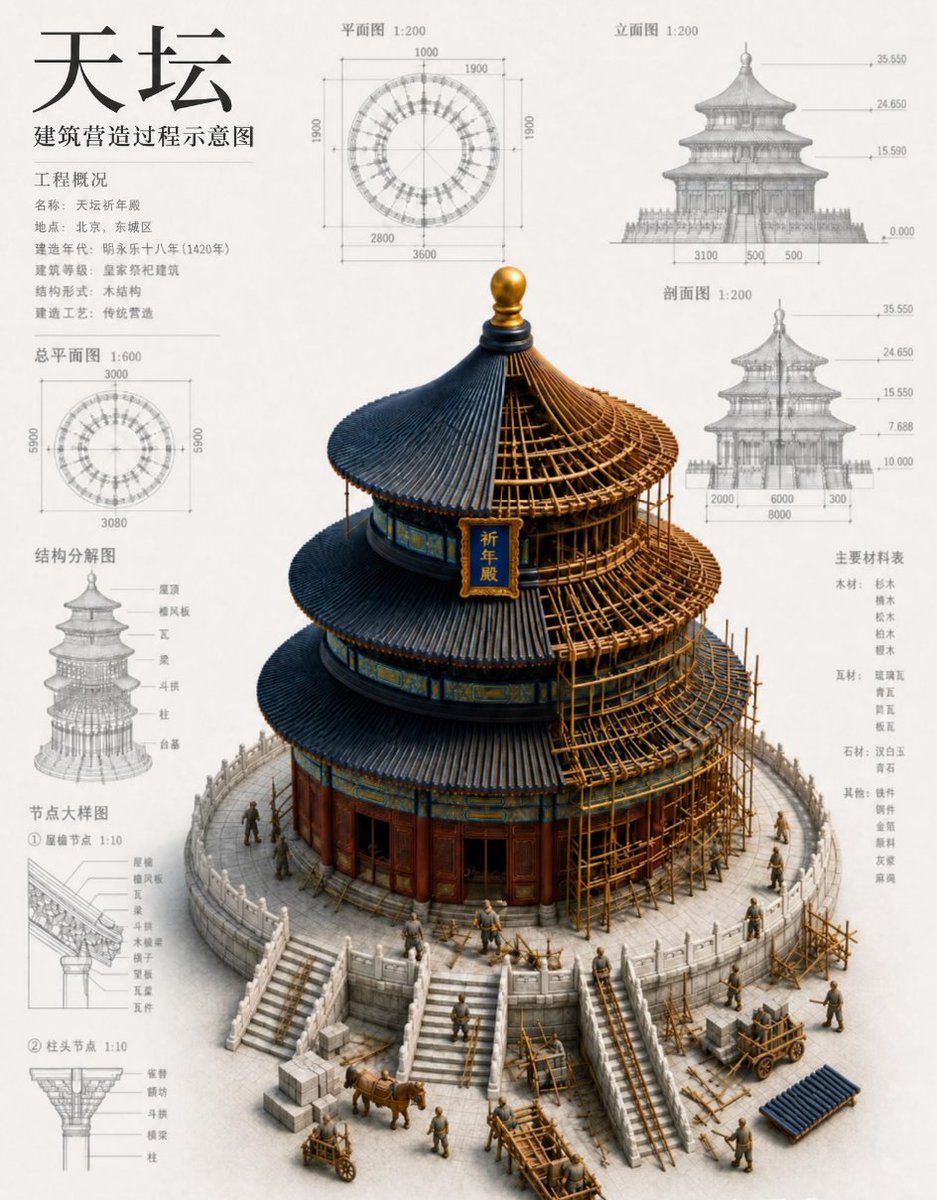
Chinese Temple Construction Blueprint
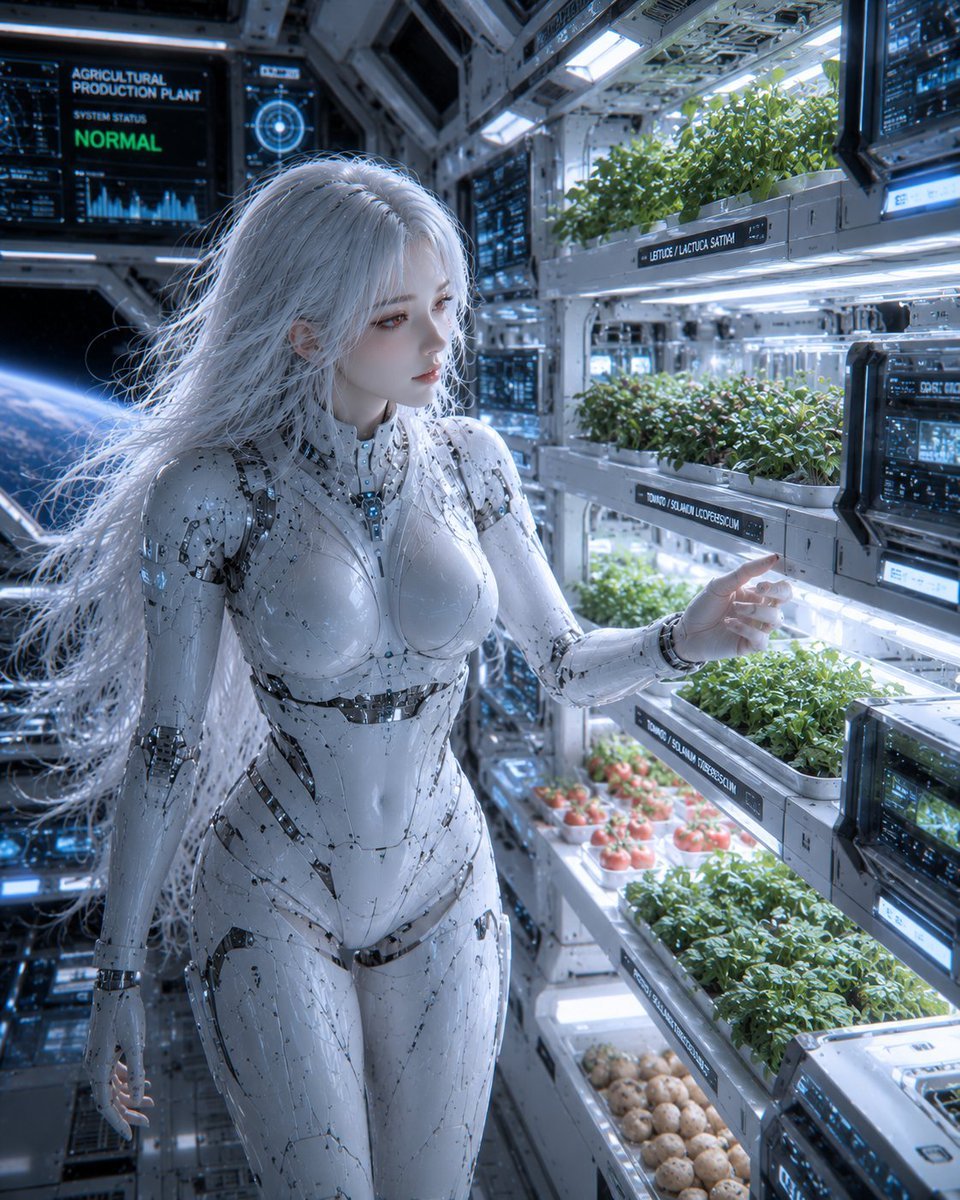
Female Android in Spaceship
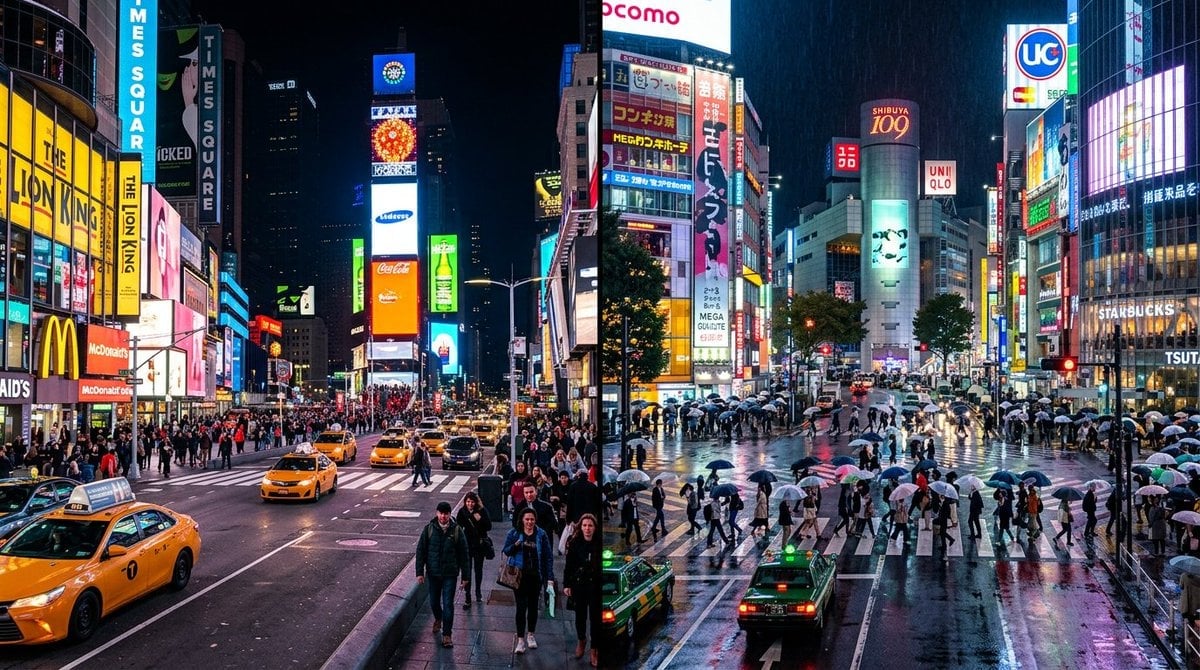
Split Scene Street Photography
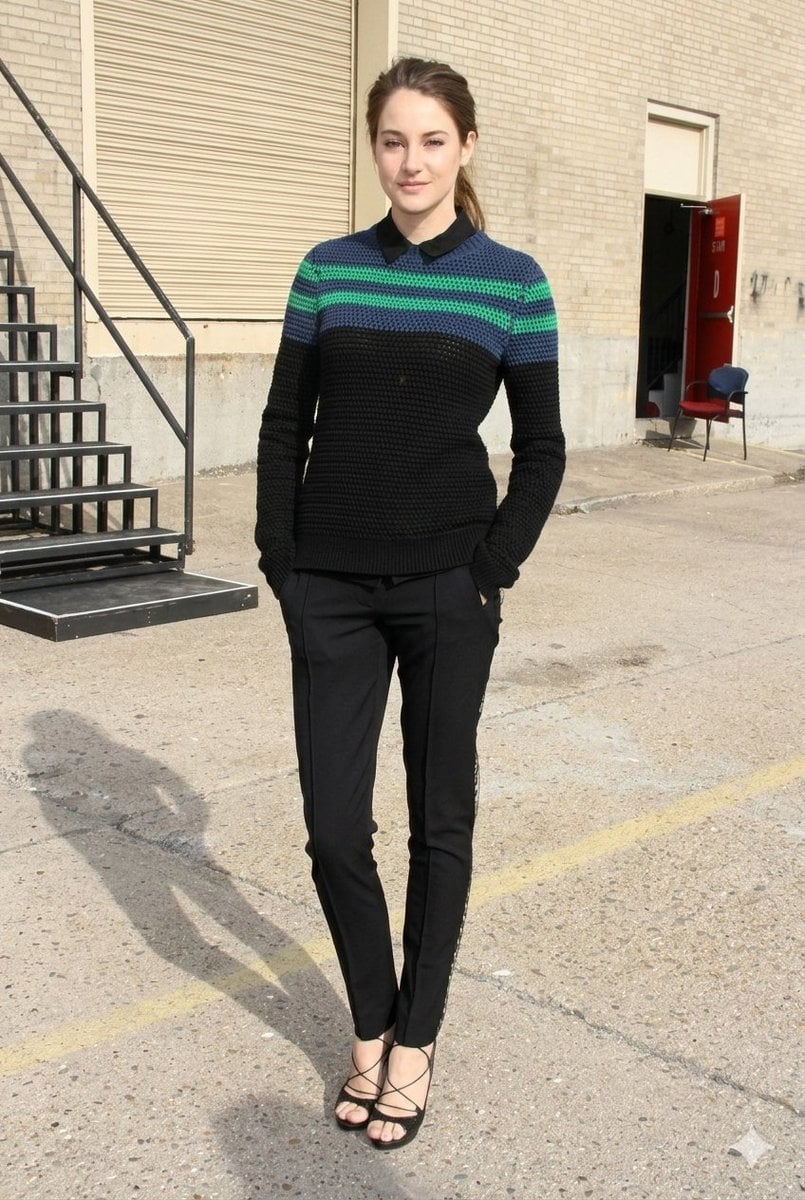
Photorealistic Fashion Portrait with Urban Industrial Background
Browse template categories
Minimalist Noir Sunglasses Portrait questions
How do I use the Minimalist Noir Sunglasses Portrait template?
Add your photo if the template asks for one, edit the prompt if you like — the template's model and format are already selected — and press Generate. Your version opens in PicX Studio.
Can I customize the Minimalist Noir Sunglasses Portrait template?
Yes. You can change the subject, setting, lighting, mood, format, and available model controls before creating your image.
Is the Minimalist Noir Sunglasses Portrait template free?
Opening and editing this template is free. Generating uses credits, shown on the Generate button when you are signed in.
Which AI model should I use?
Start with Nano Banana 2, which is the model associated with this template. You can compare another compatible model for a different finish.
Looking for something else? Browse all templates.

Your photo, any look
Thousands of ready templates for every top image and video model, from one credit balance.