
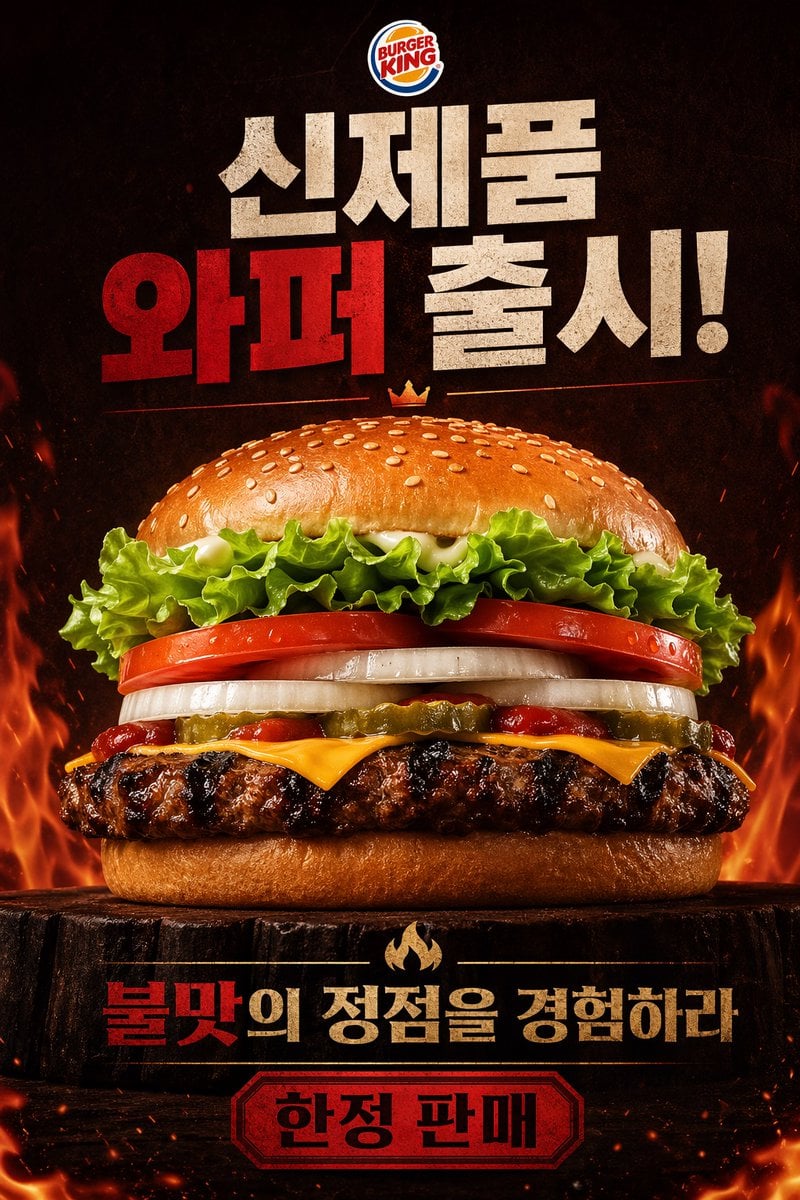
Fiery Burger King Whopper Poster
This prompt generates a dramatic Korean Burger King burger advertisement poster suited for fast-food marketing, social media promo art, or a realistic product campaign visual.
- Prompt included
- Model and format preset
- Free template
The prompt behind this image
Copy the exact prompt behind Fiery Burger King Whopper Poster, or open it in the studio and make it yours.
A dramatic fast-food poster advertisement for Burger King, vertical composition, photorealistic studio food photography mixed with bold Korean promotional graphic design. Place the official Burger King logo centered at the very top. Below it, add huge distressed block Korean headline text in a stacked layout reading "신제품 와퍼 출시!" with "와퍼" in vivid deep red and the other words in textured off-white, all on a dark smoky black background. In the center, show one massive hero burger shot from a slightly low front angle, perfectly centered and filling most of the frame. The burger has 8 clearly visible layers and elements: a glossy sesame seed top bun, curly green leaf lettuce, thick red tomato slices, thick white onion rings, sliced pickles, streaks of ketchup, melted American cheese, a flame-grilled beef patty with heavy char marks, and a soft bottom bun. Add a tiny golden crown icon floating just above the top bun. The burger sits on a dark rustic wooden stump pedestal. Surround the lower half and side edges with dramatic orange flames, glowing embers, heat sparks, and smoky atmosphere to emphasize flame grilling. Near the bottom, place a secondary Korean slogan in bold text, centered, reading "불맛의 정점을 경험하라" with "불맛" in red and the remaining words in warm beige-gold, separated above by a small flame icon. At the very bottom, add a red badge-shaped label with a dark border containing the Korean text "한정 판매" in bold black. Use a high-contrast black, red, orange, and toasted brown color palette, intense cinematic lighting, glossy food highlights, crisp ingredient texture, premium commercial advertising finish, and a fiery indulgent mood.
How to use Fiery Burger King Whopper Poster in 3 steps
- 1Upload ImagePNG, JPG or paste
Add your photo
Upload the photo the template builds on. The prompt, model and format are already set.
- 2…a portrait of your subject in softgolden-hour light, 85mm…
Personalize
Edit the subject and creative details for your destination.
- 3Generate
Generate
Press Generate — your image is created in PicX Studio, so you can compare it with the original and refine one variable at a time.
More like this
Templates with the same subject, style or setup. Open one to see its prompt.

Japan Travel Brochure Poster

Cartoon TV Show Poster Pack

Trendy Cafe Drink Promo Poster

Urban Fashion Editorial Collage Streetwear Poster

Premium Fashion Editorial Cover Layout System

Polo Ralph Lauren Luxury American Heritage Fashion Campaign

Monochrome Halftone Editorial Fashion Poster

Retro Mirror Luxury Fashion Campaign Poster

Luxury Fashion Campaign Typography Poster System

Premium Fashion Editorial Campaign Poster System

Ultra-Stylized High-Fashion Streetwear Poster

Urban Fashion Editorial Collage Poster
Make it yours
Fiery Burger King Whopper Poster works as-is. These are the safest ways to change it without losing the look.
Change one field
Copy a single group, rewrite it, and generate again so you can see what that field is doing.
Keep the frame, change the subject
Hold the composition and light of Fiery Burger King Whopper Poster, then swap wardrobe, props or the person for a new take.
| If the result… | Why | Fix |
|---|---|---|
| The result drifts from the preview | Too many fields changed at once. | Reuse Fiery Burger King Whopper Poster as-is first, then change one group — subject, light, or setting. |
| The model over-stylizes the scene | The prose prompt leaves finish and camera underspecified. | Add one camera or lighting sentence and stay on GPT Image 2. |
More GPT Image 2 templates
Other prompts made for GPT Image 2.

Six VTuber Japanese Logo Sheet

Realistic Portrait of Woman and Deer

The Vista Modular Condo Poster

AI Model Routing Comparison Infographic

2.5D Anime Art Board

Isometric Productivity Desk Scene

New York Double Exposure Poster

Four-Panel AI Landscape Comparison

Japanese Tatami Lifestyle Magazine Cover

NESCAFÉ Coffee Map Poster
More image prompts
Fresh picks from across the catalog.
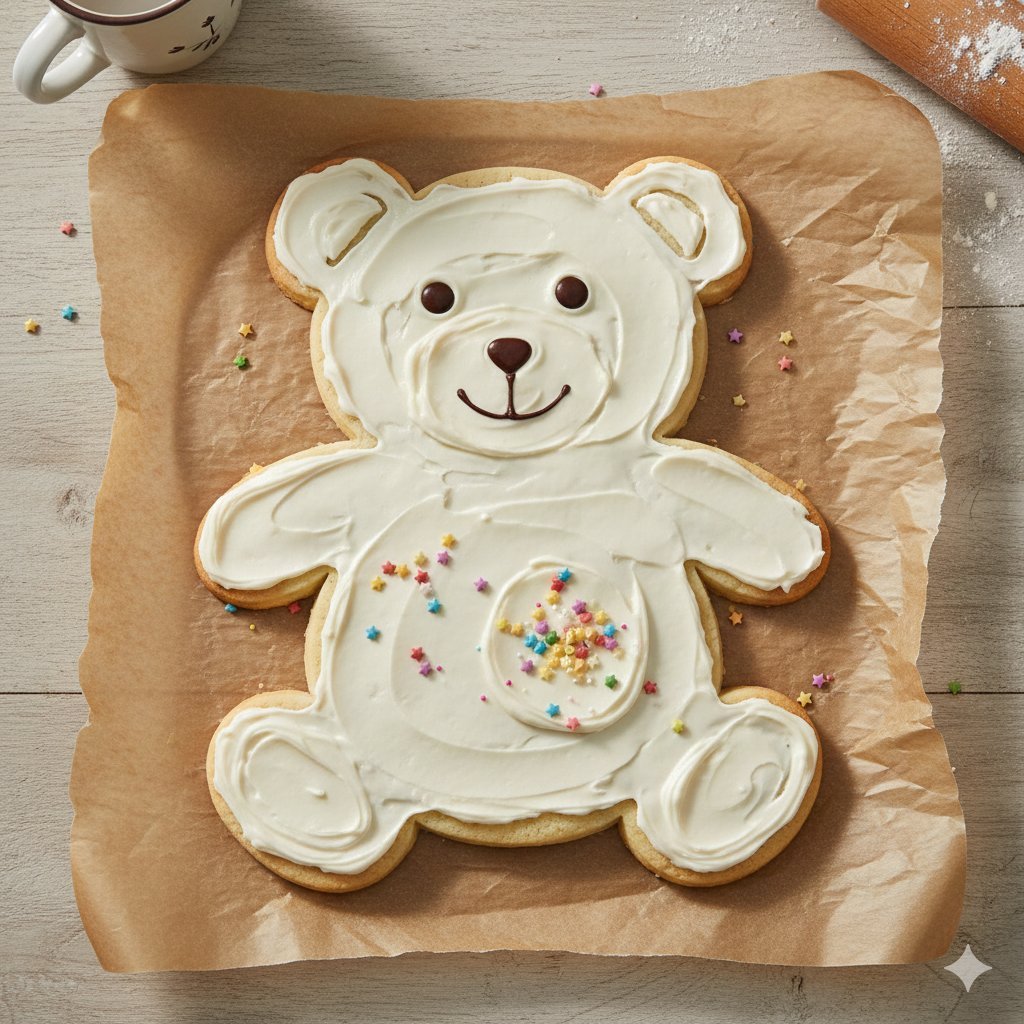
Four Giant Cookie Scenes in JSON Format
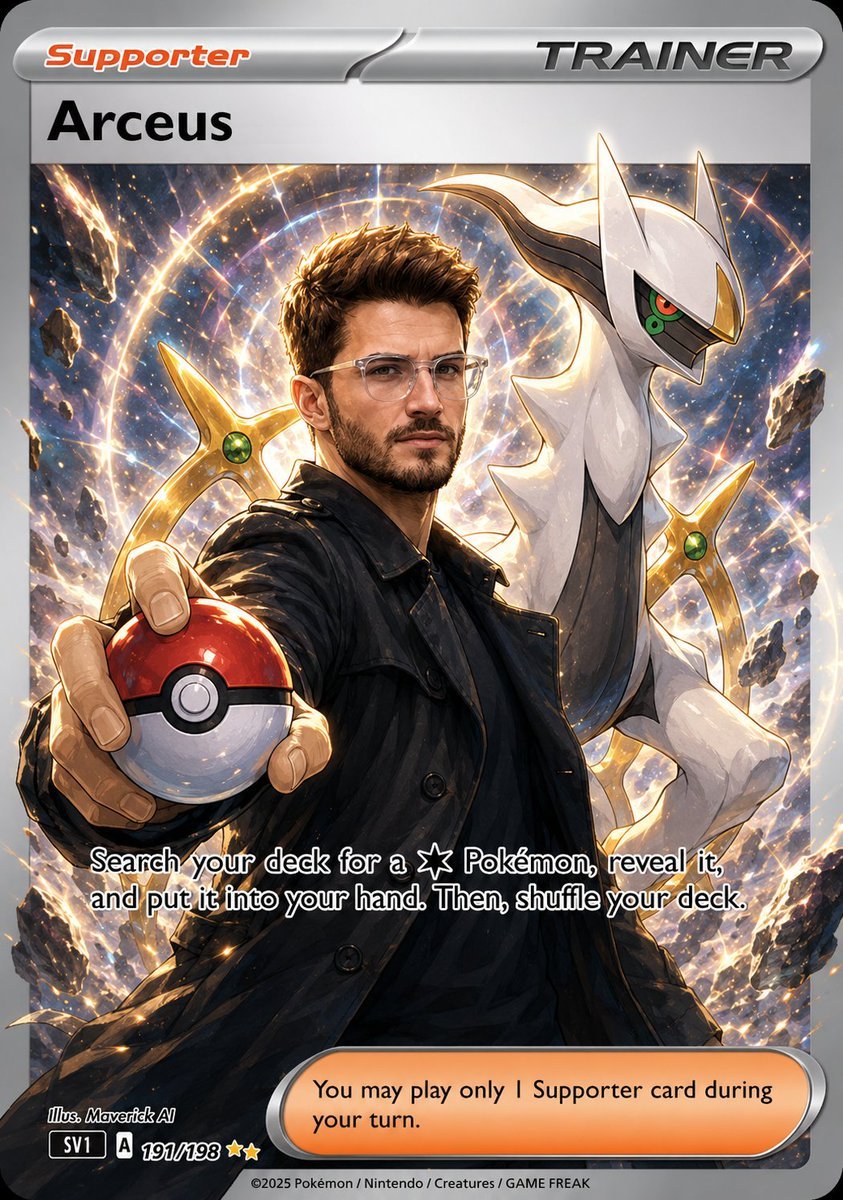
Anime Pokemon Trainer Card
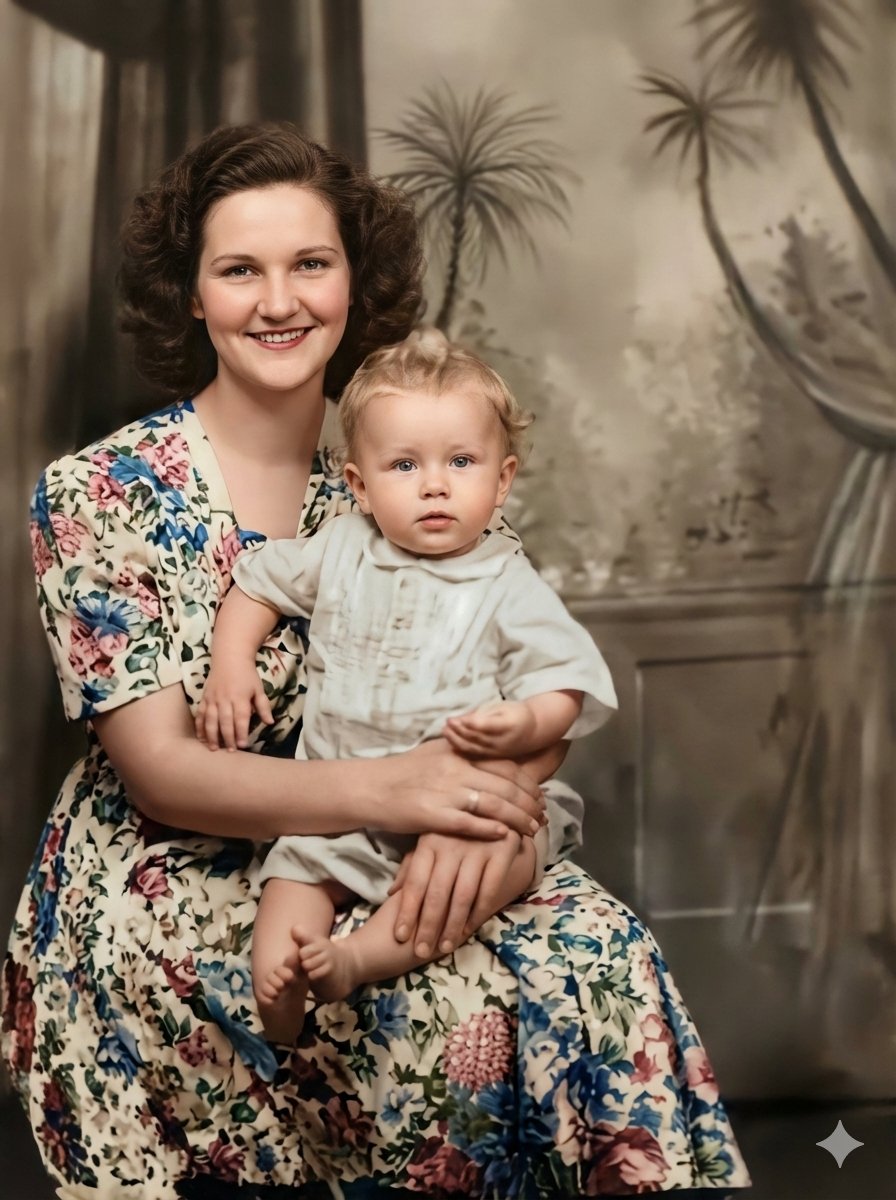
Vintage Photo Restoration to Professional Portrait
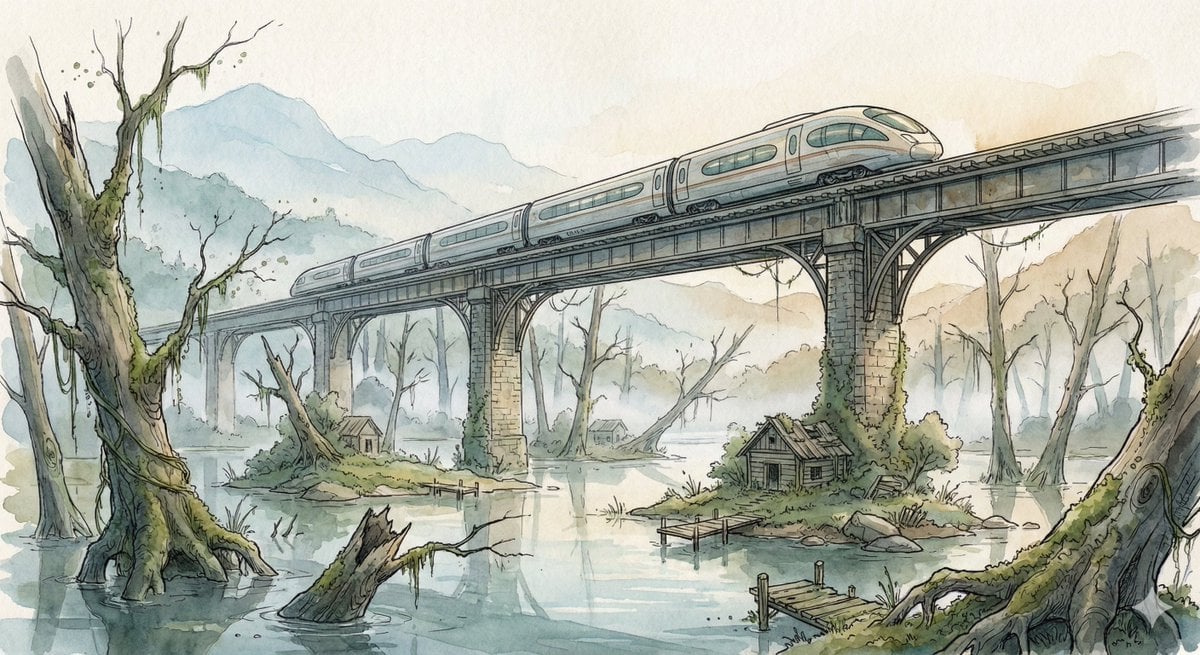
Fantasy Watercolor Illustration of an Elevated Rail Bridge over Flooded Forest
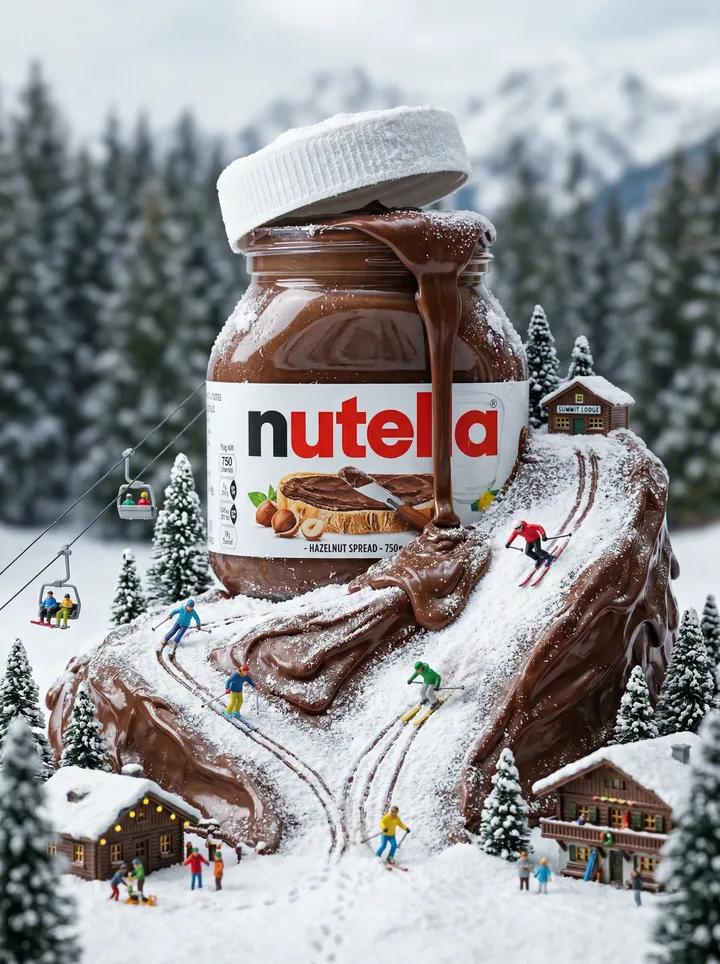
Nutella Miniature Winter World Video Prompt (JSON)
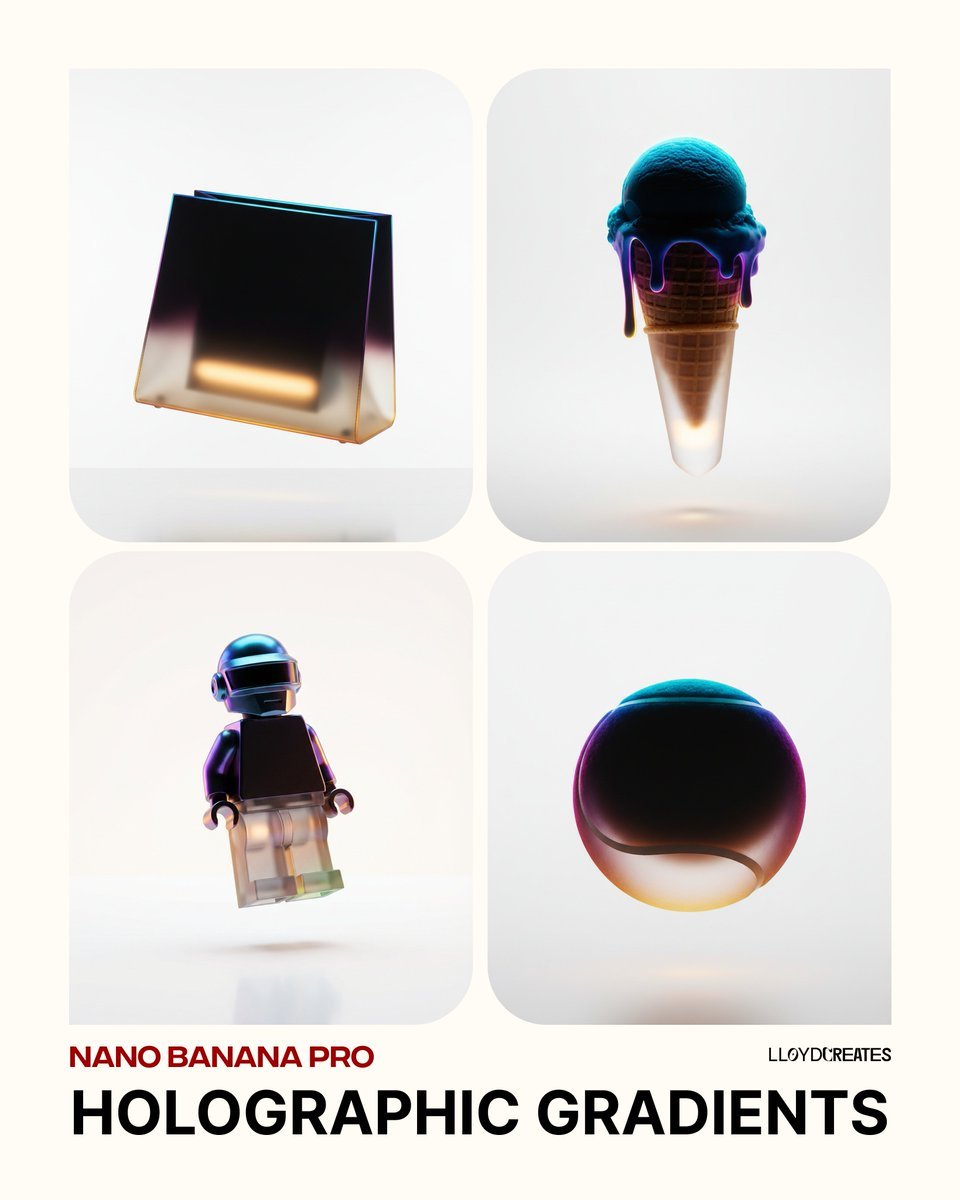
Holographic Gradient Object Prompt

Mirrored Actor Retrospective Poster
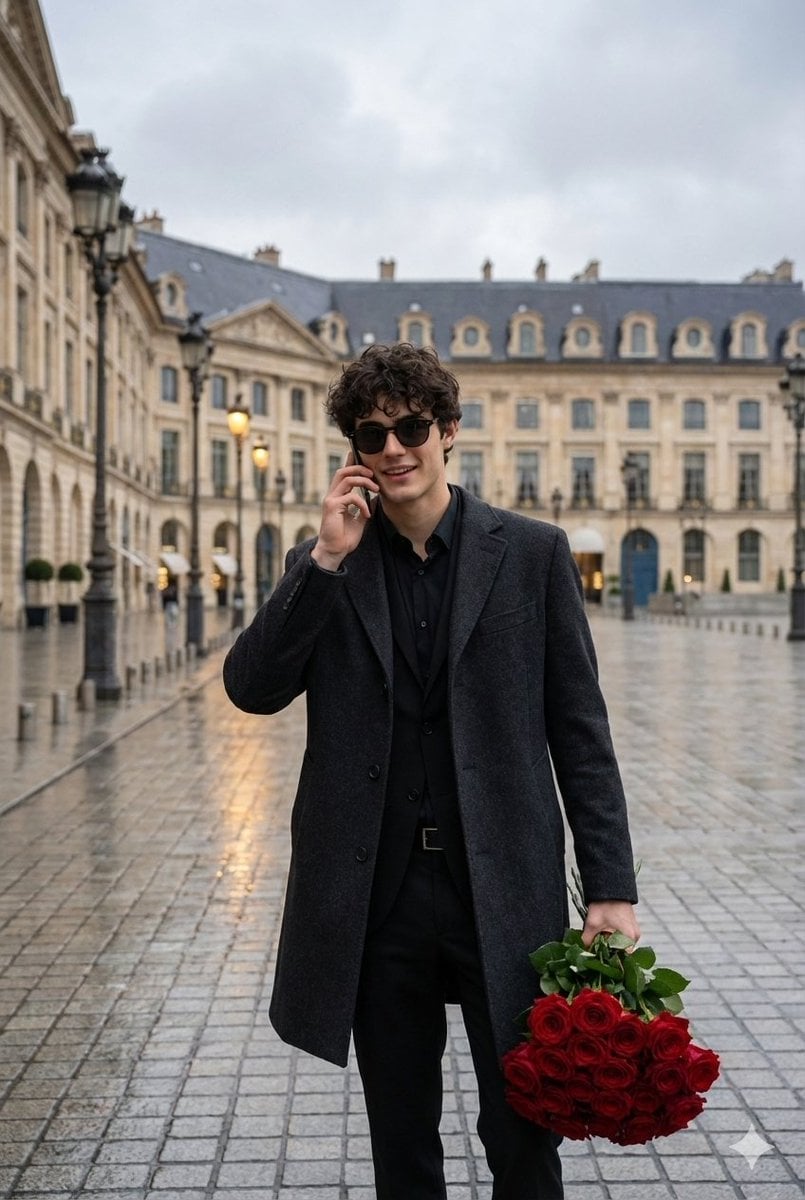
Cinematic Scene of a Man with Roses on a Wet City Street
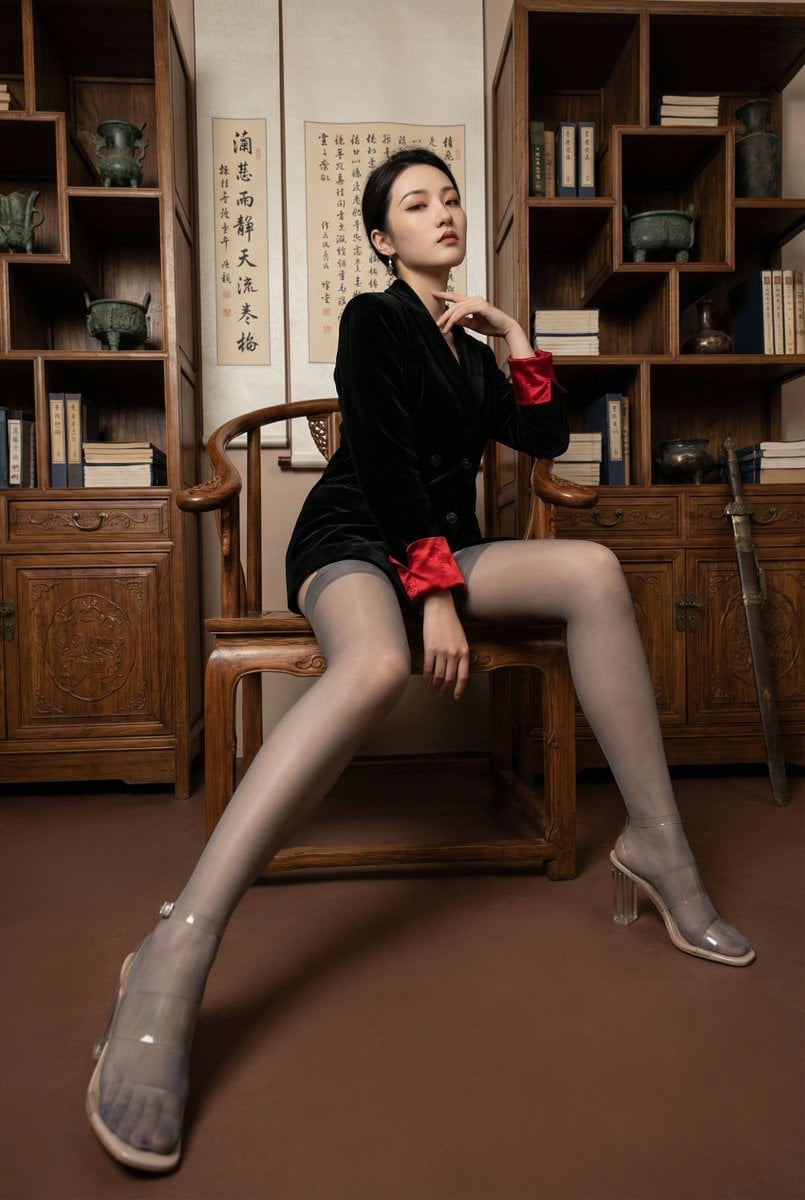
Modern Chinese Retro Fashion Photography Prompt
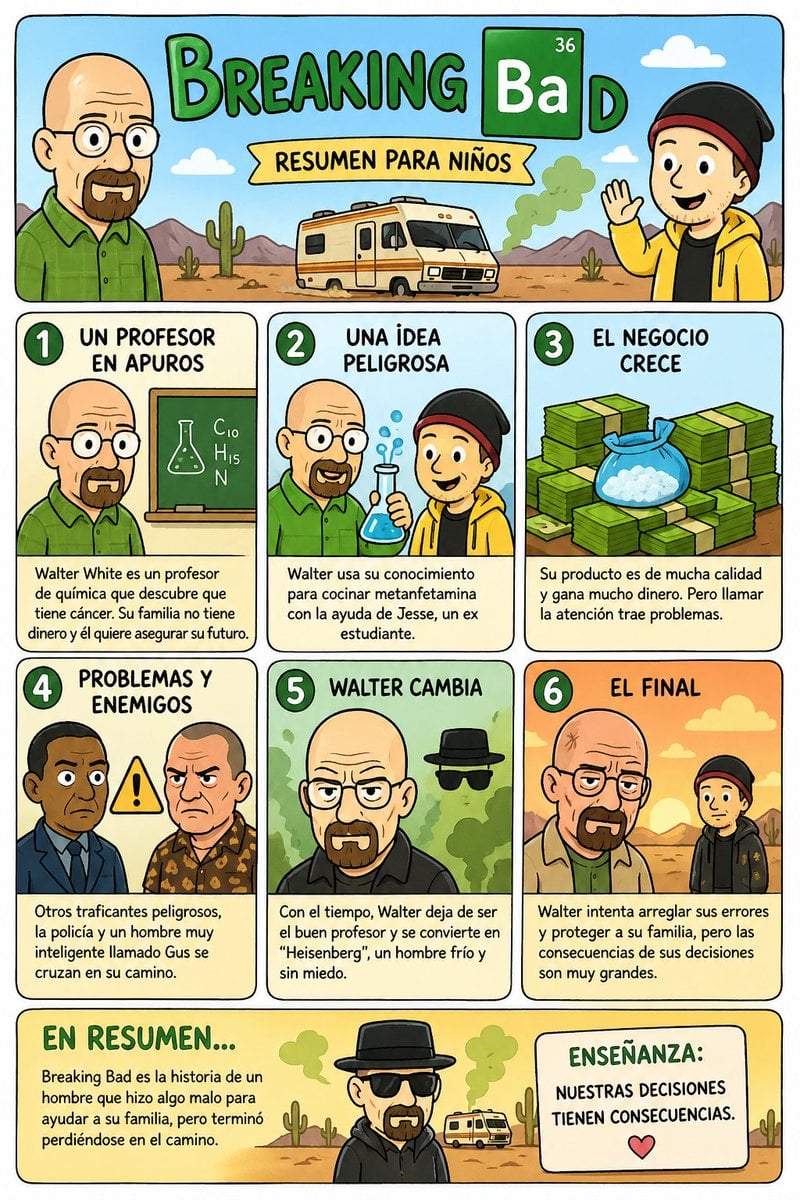
Kids' Breaking Bad Summary Poster
Browse template categories
Fiery Burger King Whopper Poster questions
How do I use the Fiery Burger King Whopper Poster template?
Add your photo if the template asks for one, edit the prompt if you like — the template's model and format are already selected — and press Generate. Your version opens in PicX Studio.
Can I customize the Fiery Burger King Whopper Poster template?
Yes. You can change the subject, setting, lighting, mood, format, and available model controls before creating your image.
Is the Fiery Burger King Whopper Poster template free?
Opening and editing this template is free. Generating uses credits, shown on the Generate button when you are signed in.
Which AI model should I use?
Start with GPT Image 2, which is the model associated with this template. You can compare another compatible model for a different finish.
Looking for something else? Browse all templates.

Your photo, any look
Thousands of ready templates for every top image and video model, from one credit balance.