
Four Giant Cookie Scenes in JSON Format
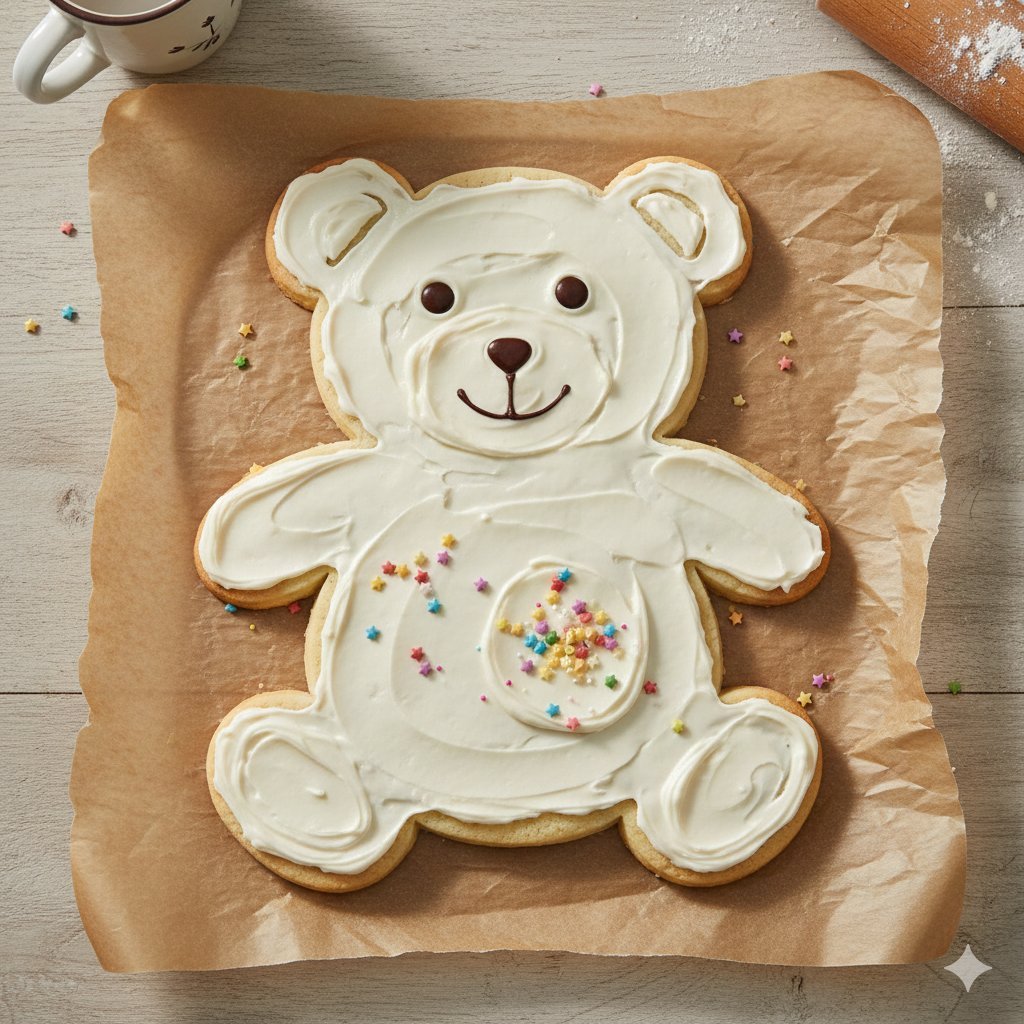
A structured JSON prompt containing four distinct scenarios for generating photorealistic images of giant cookies in various shapes (teddy bear, round, star, heart) and environments (kitchen, park, bakery), detailing…
- Prompt included
- Model and format preset
- Free template
The prompt behind this image
Copy the exact prompt behind Four Giant Cookie Scenes in JSON Format, or open it in the studio and make it yours.
[ { "image_id": 1, "object": "giant cookie shaped like a teddy bear", "surface": "placed on brown parchment paper", "cookie_details": { "shape": "full body teddy bear", "color": "light golden brown" }, "frosting": { "coverage": "full surface", "color": "white vanilla frosting", "piping_details": "outlined ears, belly, arms, legs and facial features" }, "decoration": { "face": { "eyes": "round chocolate candies", "nose": "small chocolate candy", "mouth": "thin curved chocolate line" }, "belly": "small multi-colored star sprinkles" }, "environment": { "background": "light wooden table surface", "props": [ "rolling pin with flour traces", "ceramic cup with illustrated cat face", "star sprinkles scattered" ] }, "lighting": "soft natural overhead light", "mood": "cute, playful, warm kitchen vibe" }, { "image_id": 2, "object": "giant chocolate chip cookie", "surface": "white countertop", "cookie_details": { "shape": "large round cookie", "color": "golden brown", "texture": "slightly cracked top", "toppings": "large melted chocolate chunks" }, "environment": { "location": "modern kitchen", "background_elements": [ "window with daylight coming through", "stove", "white cabinets", "tile backsplash" ], "human_presence": { "visible": true, "description": "hands placed near the cookie" } }, "lighting": "natural daylight", "mood": "freshly baked, homely, inviting" }, { "image_id": 3, "object": "giant cookie shaped like a star", "surface": "wooden picnic table outdoors", "cookie_details": { "shape": "six-point star", "color": "golden with darker edges", "texture": "crumbly surface with visible sugar" }, "environment": { "location": "park", "background_elements": [ "trees with spring foliage", "blue sky", "picnic bench with four people sitting and talking" ], "depth_of_field": "foreground cookie in sharp focus, background blurred" }, "lighting": "bright natural sunlight", "mood": "casual, outdoor picnic, relaxed atmosphere" }, { "image_id": 4, "object": "giant heart-shaped cookie", "surface": "metal baking sheet", "cookie_details": { "shape": "heart", "color": "golden baked with browned top" }, "environment": { "location": "bakery with wood-fired oven", "background_elements": [ "burning wood fire", "warm hanging lights", "racks with more baked goods" ], "human_presence": { "visible": true, "description": "gloved hands holding the bak" } } } ]
How to use Four Giant Cookie Scenes in JSON Format in 3 steps
- 1
Open
The prompt is already in the box next to the preview, with the template's model and format selected.
- 2…a portrait of your subject in softgolden-hour light, 85mm…
Personalize
Edit the subject and creative details for your destination.
- 3Generate
Generate
Press Generate — your image is created in PicX Studio, so you can compare it with the original and refine one variable at a time.
More like this
Templates with the same subject, style or setup. Open one to see its prompt.

Dancer Character - Four View Reference Sheet
Ultra-Realistic Nighttime Winter Portrait in JSON Format
Clean Girl Aesthetic Selfie in Upscale Apartment (JSON Format)
Nano Banana Image Generation Prompt Schema (JSON Format)
Four-Panel Manga Creation Prompt (Version 2 with Formatting)
Sci-Fi Encounter with Giant Floating Cookie
Cinematic Chiaroscuro Portrait Prompt in JSON Format
Cyber Projector Numbers Beauty Portrait Prompt (JSON format)

Luxury Home Fragrance Commercial Photography (JSON Format)
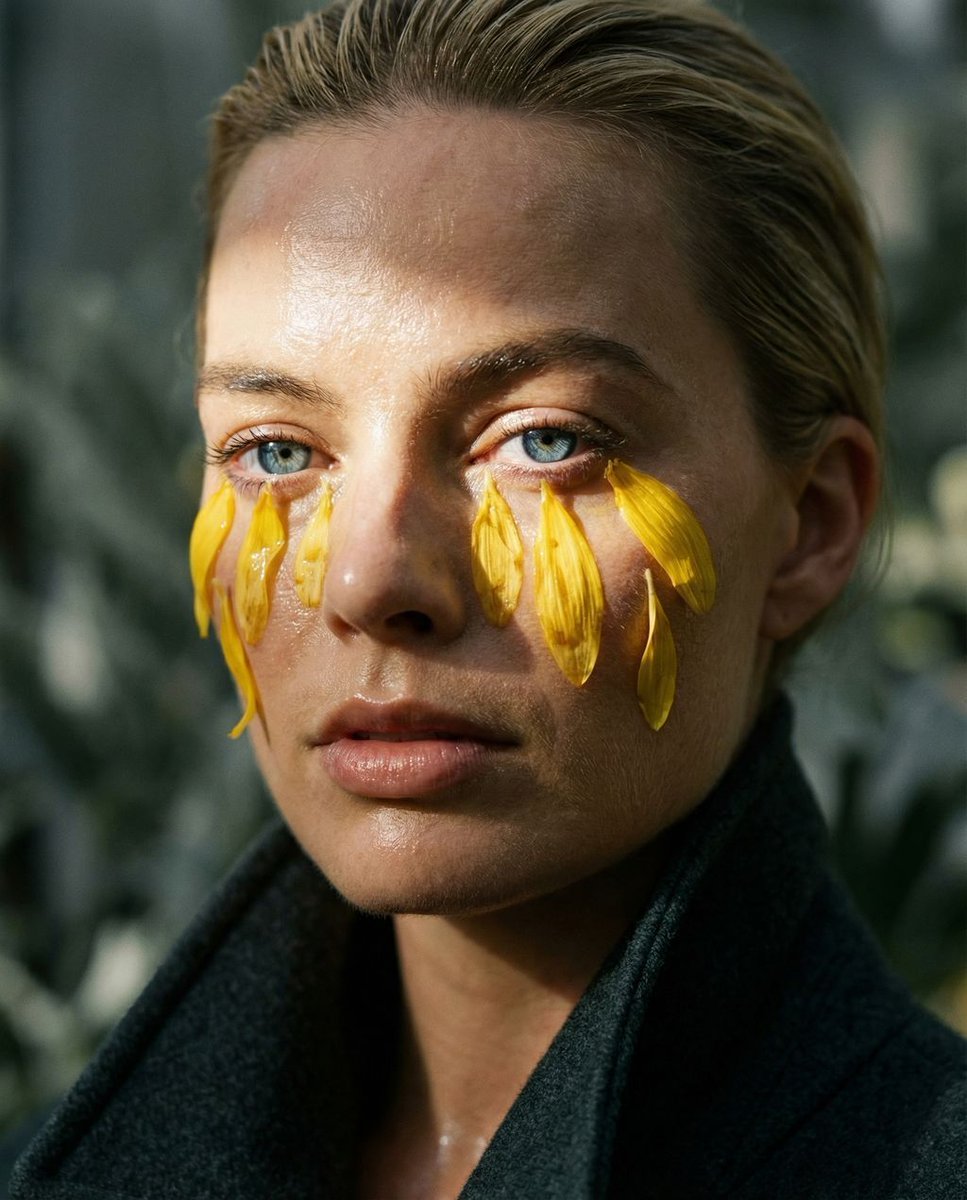
Macro Portrait with Organic Melancholy Aesthetic (JSON Format)

Holi Festival Cinematic Photography Prompt (JSON Format)
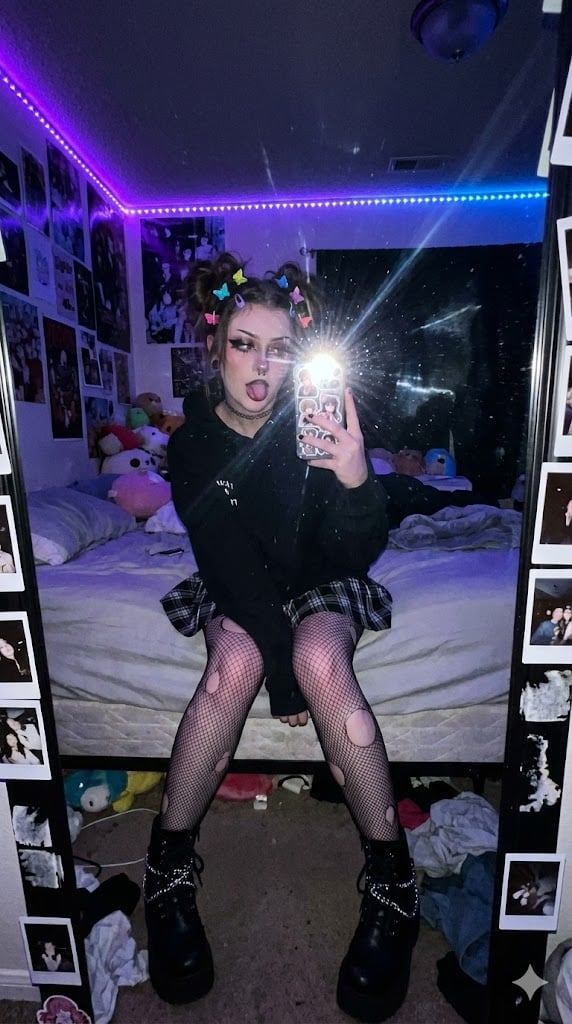
E-Girl Mirror Selfie Prompt (JSON Format)
Make it yours
Four Giant Cookie Scenes in JSON Format works as-is. These are the safest ways to change it without losing the look.
Change one field
Copy a single group, rewrite it, and generate again so you can see what that field is doing.
Keep the frame, change the subject
Hold the composition and light of Four Giant Cookie Scenes in JSON Format, then swap wardrobe, props or the person for a new take.
| If the result… | Why | Fix |
|---|---|---|
| The result drifts from the preview | Too many fields changed at once. | Reuse Four Giant Cookie Scenes in JSON Format as-is first, then change one group — subject, light, or setting. |
| The model over-stylizes the scene | The prose prompt leaves finish and camera underspecified. | Add one camera or lighting sentence and stay on Nano Banana 2. |
More Nano Banana 2 templates
Other prompts made for Nano Banana 2.

Photorealistic Leaf Shaped Like a Dragon

K-Pop Idol Portrait Grid for Rapid Selection

Poetic Rain Forest Portrait During Golden Hour

Urban Street Portrait with Cartoon Inner Self Duo

Candid Nighttime Photo with Cat Prompt

High-Concept 3D Diorama Generation Prompt

Cinematic Futuristic Studio Portrait Template

Skincare Editorial Photography Collage Prompt

Hyper-Realistic Commercial Product Photography (Splash Effect)

Hyper-Realistic Nightclub Portrait Prompt
More image prompts
Fresh picks from across the catalog.

Concert poster for Google Banana Band

Guangzhou Spring Festival Double Exposure Poster

High-End Product Mockup for Wireless Earbuds
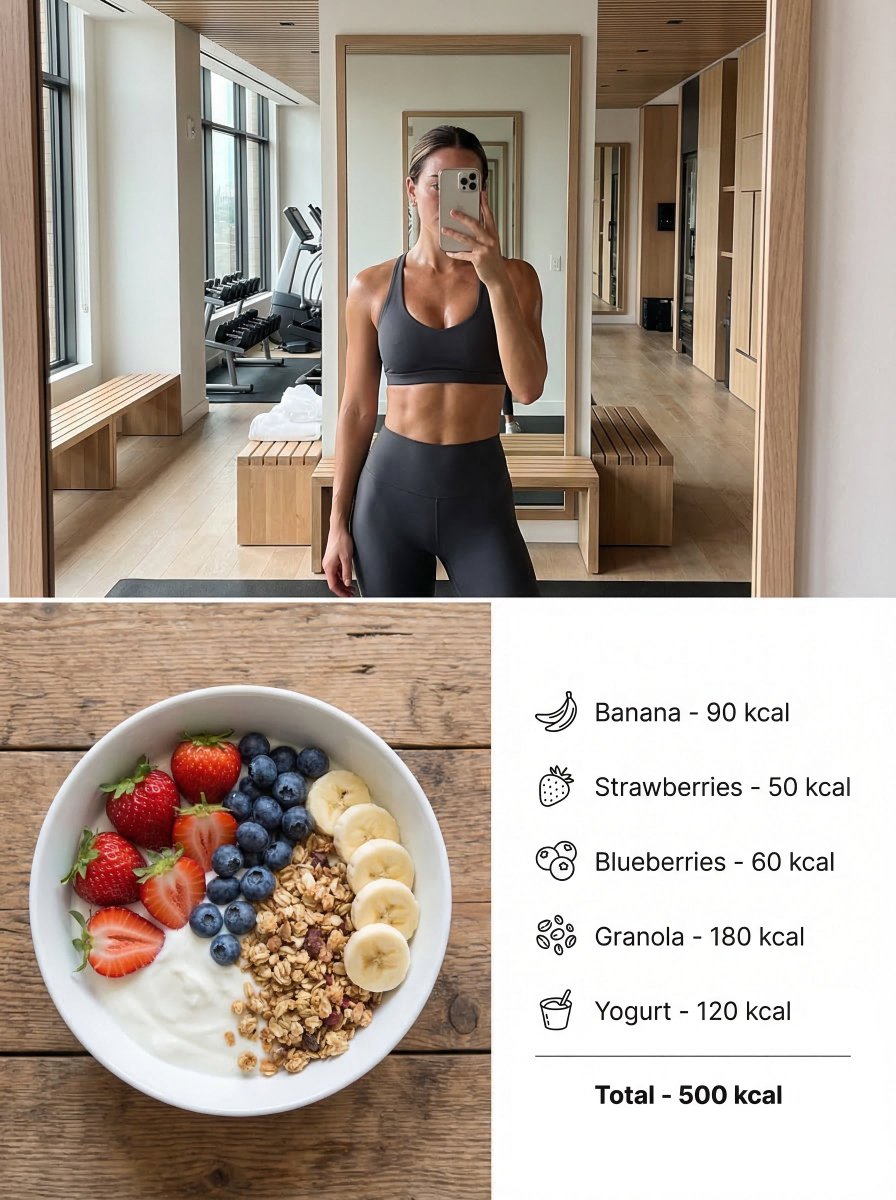
Modern Lifestyle Split Poster Prompt for Nano Banana Pro

Ultra-Realistic Portrait of Woman Hugging a Maltese Dog
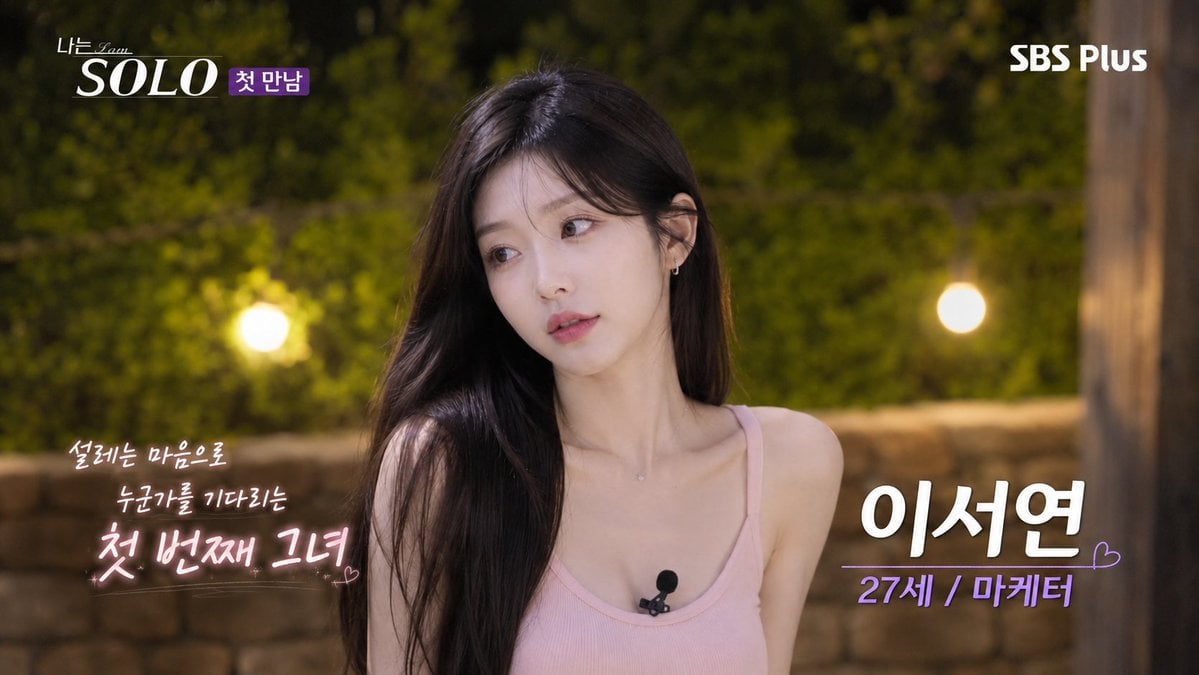
Korean Reality Dating Show Participant Portrait
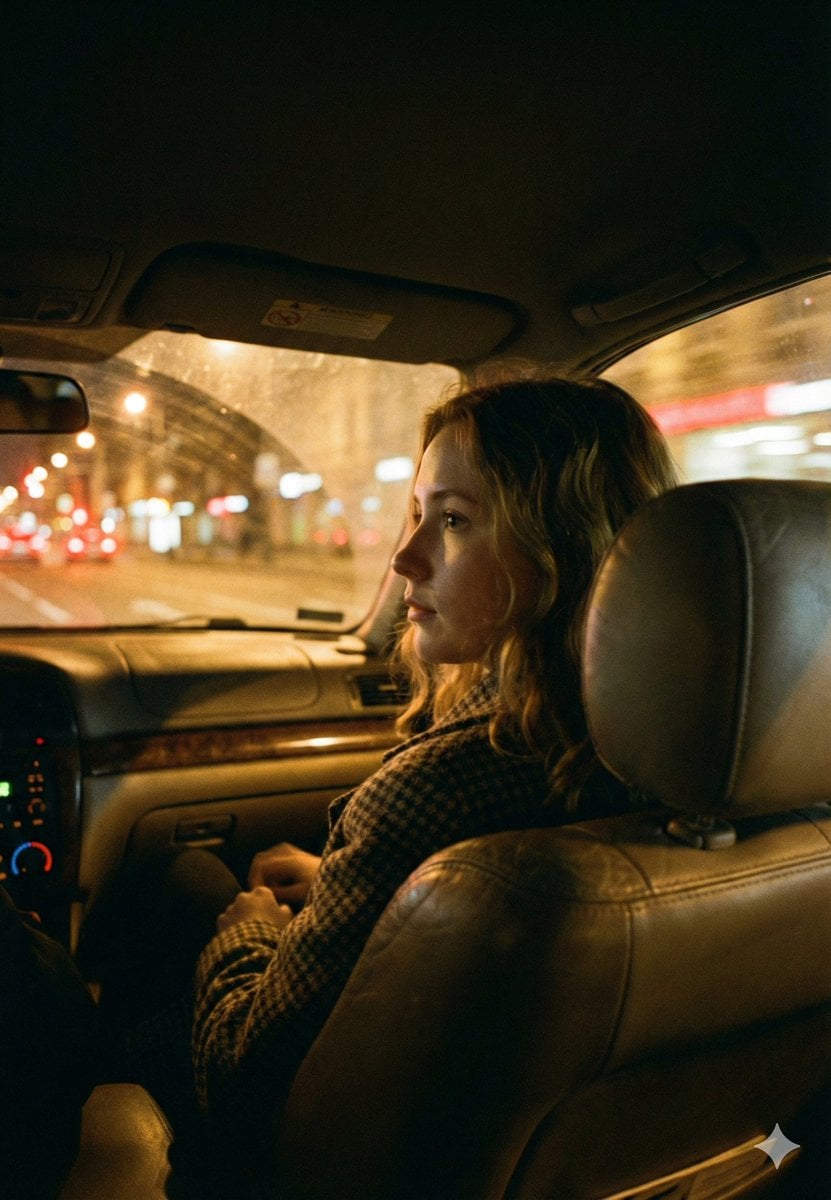
Cinematic Night Car Interior Portrait
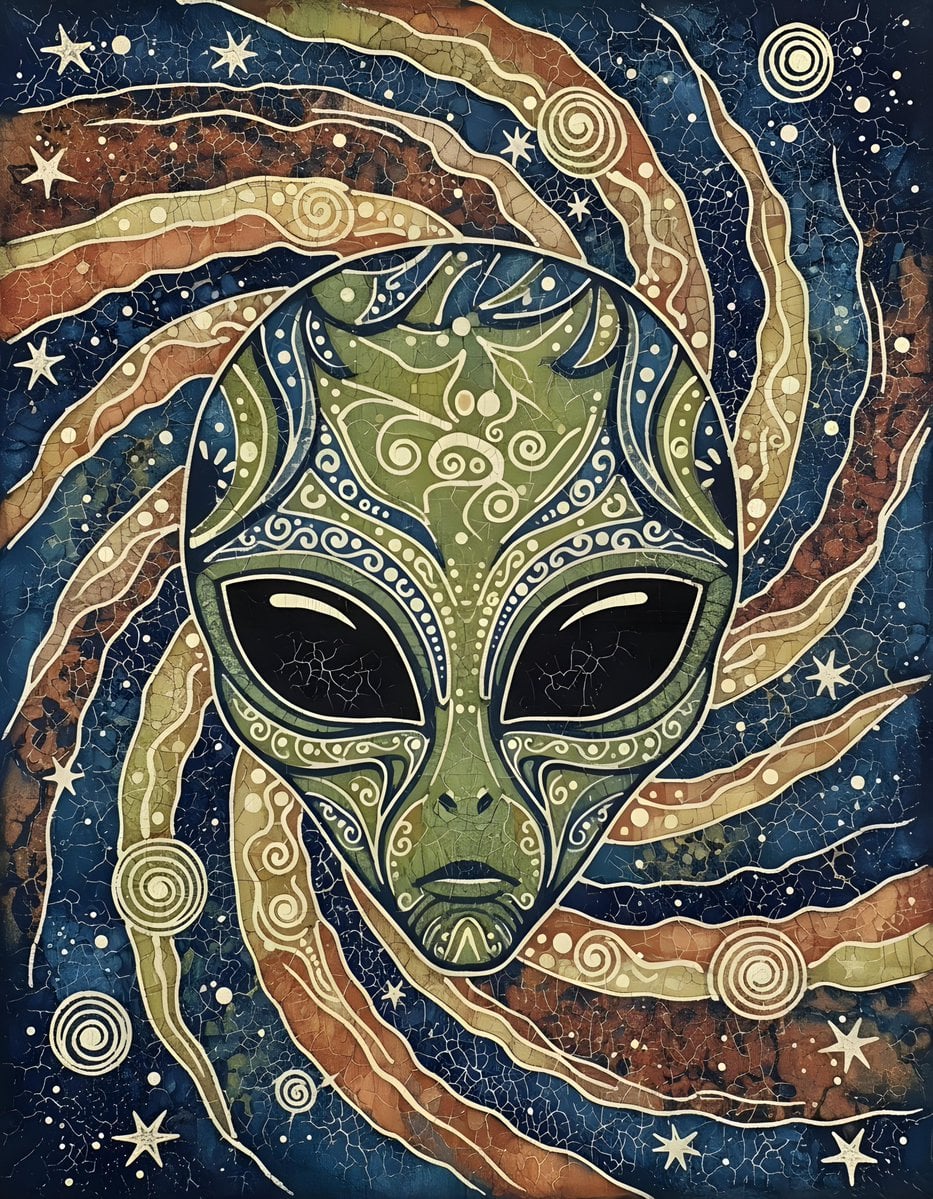
Batik Style Image Generation Prompt

Cyberpunk Neon Chinese Diviner
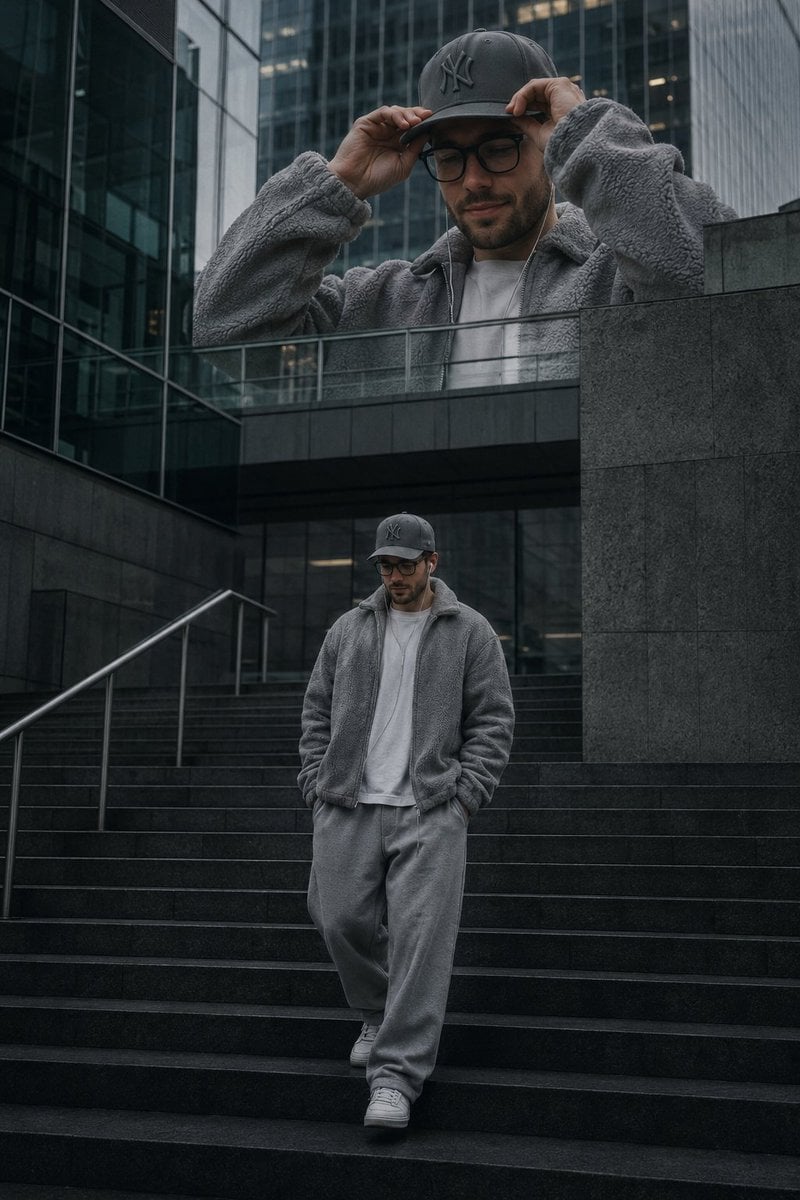
Luxury Streetwear Urban Editorial
Browse template categories
Four Giant Cookie Scenes in JSON Format questions
How do I use the Four Giant Cookie Scenes in JSON Format template?
Add your photo if the template asks for one, edit the prompt if you like — the template's model and format are already selected — and press Generate. Your version opens in PicX Studio.
Can I customize the Four Giant Cookie Scenes in JSON Format template?
Yes. You can change the subject, setting, lighting, mood, format, and available model controls before creating your image.
Is the Four Giant Cookie Scenes in JSON Format template free?
Opening and editing this template is free. Generating uses credits, shown on the Generate button when you are signed in.
Which AI model should I use?
Start with Nano Banana 2, which is the model associated with this template. You can compare another compatible model for a different finish.
Looking for something else? Browse all templates.

Your photo, any look
Thousands of ready templates for every top image and video model, from one credit balance.