How do I use the Guangzhou Spring Festival Double Exposure Poster template?
Choose the primary action to open PicX Studio with the available template settings. Review the model and format, personalize the creative direction, and generate when ready.
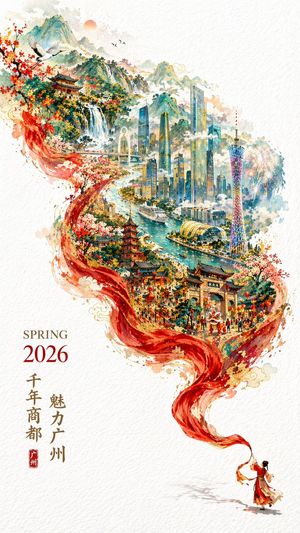
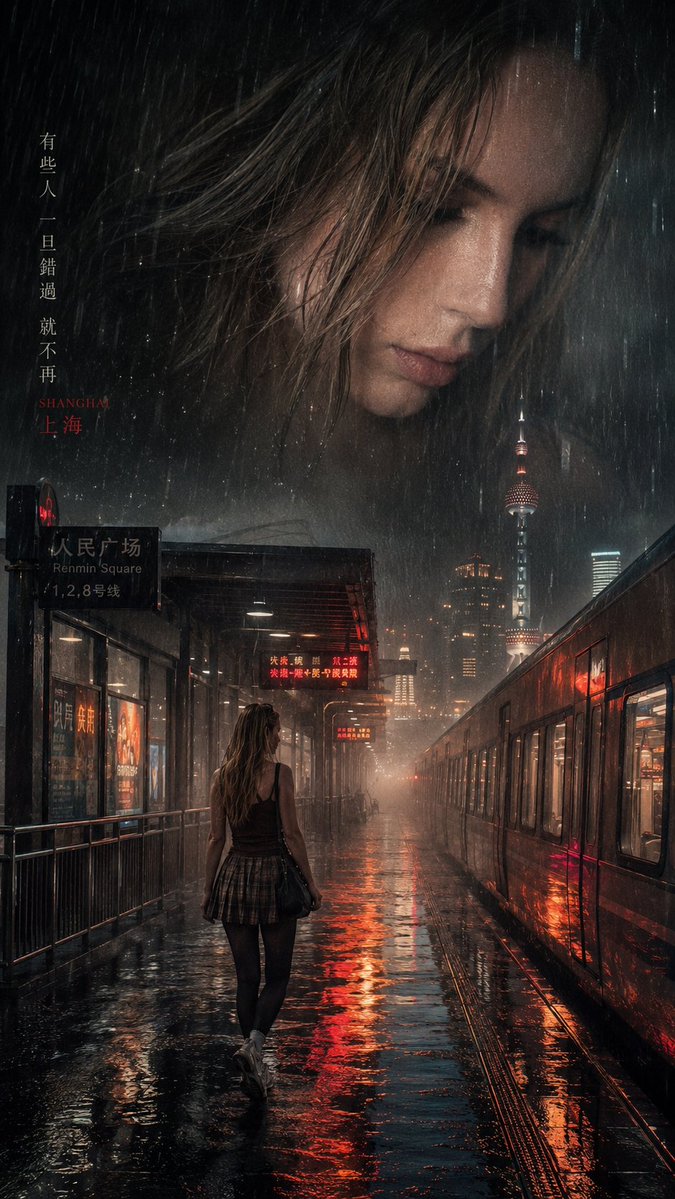
A vertical promotional poster for Guangzhou featuring double exposure effects, red silk transitions, and city landmarks.
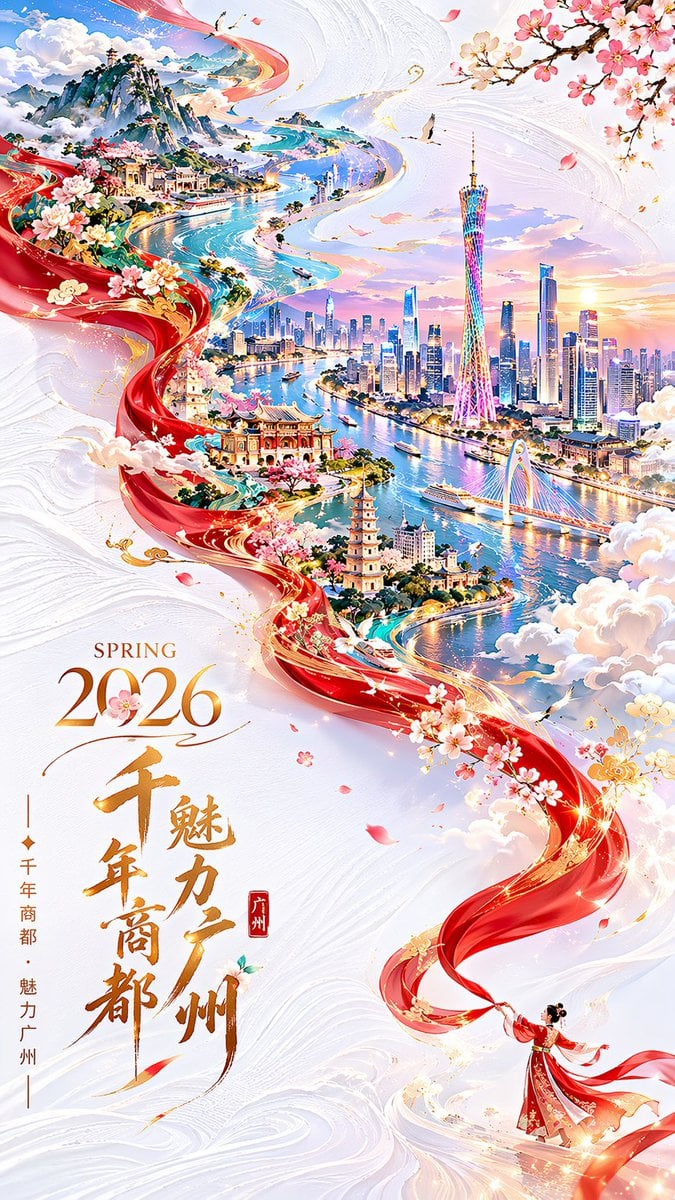
Vertical 9:16 city promotional poster for {argument name="city" default="Guangzhou"}, {argument name="occasion" default="Spring Festival 2026"} — festive yet refined. Double exposure with an S-curve flowing composition. In the lower-right corner of a pure-white textured background, a tiny figure dressed in traditional Chinese costume swings a long red silk ribbon. The silk flows gracefully through the air, showcasing its soft texture, then magically transforms into sweeping mountains and rivers as it drifts toward the upper left. Within this "river," overlay a detailed hand-drawn panoramic illustration of Guangzhou in a Chinese national-trend style — featuring: Canton Tower, Zhujiang New Town skyline, the Pearl River, ancient city architecture, cruise ships, and Baiyun Mountain. Clouds and mist weave throughout, giving the scene an otherworldly, ethereal quality. Rich colors, intricate structure, abundant detail — yet the generous white space keeps the composition feeling fresh and uncluttered. In the lower-left corner, typeset "{argument name="tagline" default="SPRING 2026"}" alongside a vertically arranged Chinese promotional tagline. The overall theme: "Millennial trade city, charming Guangzhou." Text layout is elegant and generous; all characters are crisp and fully legible. Aspect ratio 9:16.
Choose the primary action to open PicX Studio with the available template settings. Review the model and format, personalize the creative direction, and generate when ready.
Yes. You can change the subject, setting, lighting, mood, format, and available model controls before creating your image.
This template is free to open and customize. Generation usage is shown in PicX Studio before you create.
Start with GPT Image 2, which is the model associated with this template. You can compare another compatible model for a different finish.
Follow a topic to a crawlable collection of related PicX Studio templates.