
Editorial Ballet Flight Master Prompt
A highly structured master prompt designed for generating a high-end editorial image of a professional ballerina performing a powerful, mid-air flying movement.
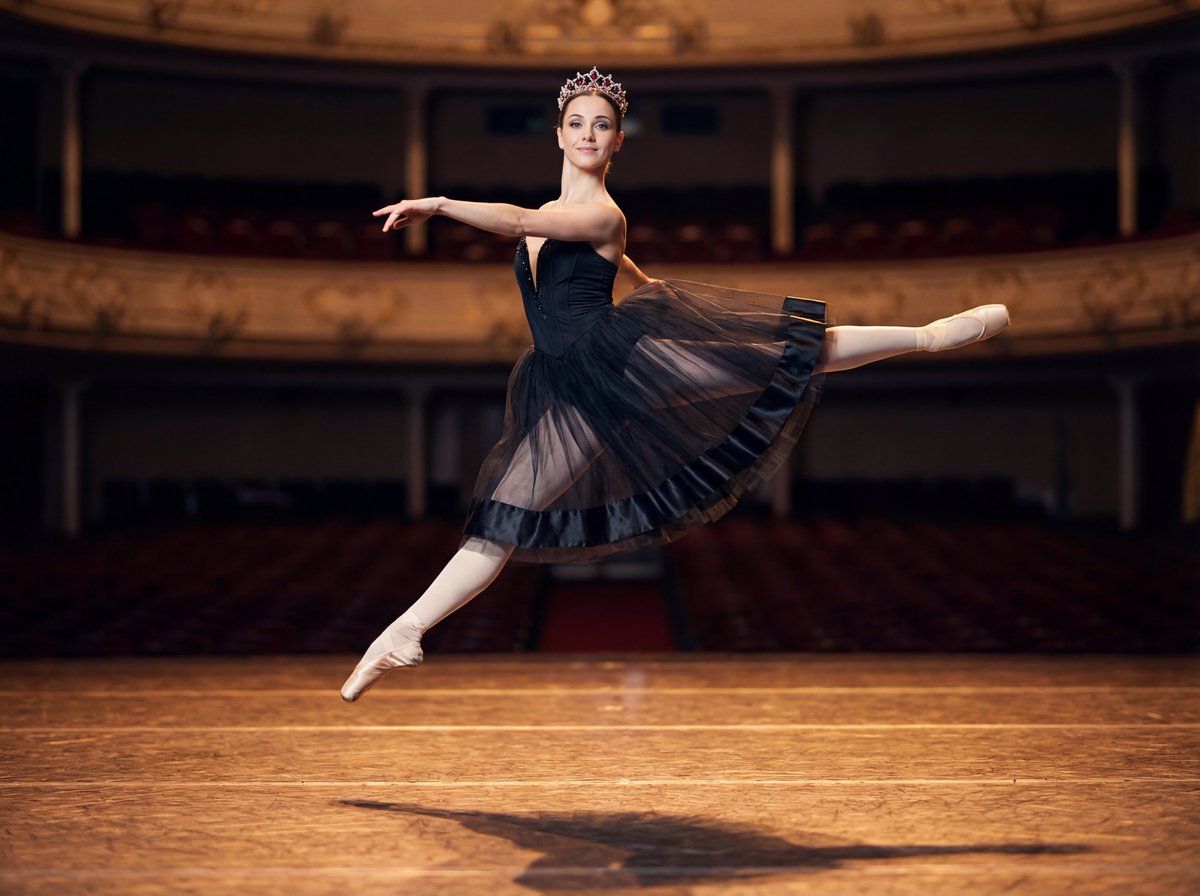
- Prompt included
- Model and format preset
- Free template
The prompt behind this image
Copy the exact prompt behind Editorial Ballet Flight Master Prompt, or open it in the studio and make it yours.
{ "project": "Master Prompt – Editorial Ballet Flight", "version": "1.4", "meta": { "creative_role": "Generative AI Art Director + Cinematographer + Fine-Art Photographer", "intent": "Create a high-end editorial image of a professional ballerina captured mid-air in a powerful, elegant flying movement, combining athletic grace with sculptural beauty", "mood": [ "elevation", "freedom", "strength", "elegance", "timeless poise" ], "aesthetic": [ "high-fashion editorial", "classical ballet realism", "cinematic fine art", "museum-grade performance photography" ] }, "frame": { "aspect_ratio": "3:4", "shot_type": "full body mid-air capture", "camera_angle": "slightly low angle", "composition": { "subject_position": "centered, suspended in air", "negative_space": "ample space around the figure", "motion_freeze": "peak of jump, weightless moment", "visual_focus": "body line and facial expression" }, "depth_of_field": "moderate, softly blurring the background" }, "subject": { "identity": { "gender": "woman", "age": 25, "profession": "professional ballerina" }, "body_type": { "description": "beautiful, strong, feminine physique", "note": "athletic and elegant, not overly thin, realistic ballet strength" }, "pose": { "movement_type": "grand jeté–inspired flying leap", "legs": "extended with refined turnout and control", "arms": "open and expressive, sculptural lines", "torso": "lifted, powerful, elongated" }, "expression": { "facial_emotion": "confident, radiant calm", "gaze": "directed toward the camera", "mouth": "subtle, controlled smile" } }, "appearance": { "skin": { "tone": "natural, luminous", "texture": "realistic with subtle highlights from stage lighting" }, "hair": { "style": "classical ballet bun", "finish": "clean, disciplined, performance-perfect" } }, "wardrobe": { "outfit": { "type": "professional short ballet costume", "design": "stage-authentic, elegant, and functional", "bodice": "structured and supportive", "skirt": "short classical tutu or short flowing ballet skirt", "fabric": [ "tulle", "satin" ], "color": "deep black", "movement_behavior": "fabric lifting and fanning naturally during the jump" }, "tights": { "type": "professional ballet tights", "color": "off-white", "fit": "flawless, seamless" }, "footwear": { "type": "pointe shoes", "color": "off-white satin", "details": "ribbons wrapped cleanly around ankles" }, "accessories": { "tiara": { "design": "elegant stage tiara", "materials": [ "crystal", "ruby-styled gemstones" ], "light_interaction": "subtle sparkle under stage lights" } } }, "environment": { "location": "real theater ballet stage", "stage_design": { "tones": "light, warm theater tones", "surface": "wide, glossy, subtly reflective wooden stage", "scale": "expansive professional theater stage", "reflection_behavior": "soft reflections beneath the ballerina" }, "background": { "description": "authentic theater interior", "focus": "gently blurred", "details": [ "light-colo
How to use Editorial Ballet Flight Master Prompt in 3 steps
- 1
Open
The prompt is already in the box next to the preview, with the template's model and format selected.
- 2…a portrait of your subject in softgolden-hour light, 85mm…
Personalize
Edit the subject and creative details for your destination.
- 3Generate
Generate
Press Generate — your image is created in PicX Studio, so you can compare it with the original and refine one variable at a time.
More like this
Templates with the same subject, style or setup. Open one to see its prompt.

Urban Fashion Editorial Collage Streetwear Poster

Monochrome Hypebeast Street Fashion Editorial Motion

Elegant Green Evening Gown Studio Fashion Portrait

Artistic Patchwork Fashion Portrait Spring Festival

Japanese Architectural Concrete Studio Fashion Campaign

Monroe and Ash Mediterranean Luxury Fashion Campaign

Premium Fashion Editorial Cover Layout System

Korean Luxury Fashion Editorial 2x2 Grid Series

Monochrome Halftone Editorial Fashion Poster

Retro Mirror Luxury Fashion Campaign Poster

Luxury Fashion Campaign Typography Poster System

Geometric Color-Block Beauty Editorial Portrait
Make it yours
Editorial Ballet Flight Master Prompt works as-is. These are the safest ways to change it without losing the look.
Change one field
Copy a single group, rewrite it, and generate again so you can see what that field is doing.
Keep the frame, change the subject
Hold the composition and light of Editorial Ballet Flight Master Prompt, then swap wardrobe, props or the person for a new take.
| If the result… | Why | Fix |
|---|---|---|
| The result drifts from the preview | Too many fields changed at once. | Reuse Editorial Ballet Flight Master Prompt as-is first, then change one group — subject, light, or setting. |
| The model over-stylizes the scene | The prose prompt leaves finish and camera underspecified. | Add one camera or lighting sentence and stay on Nano Banana 2. |
More Nano Banana 2 templates
Other prompts made for Nano Banana 2.

Photorealistic Leaf Shaped Like a Dragon

K-Pop Idol Portrait Grid for Rapid Selection

Poetic Rain Forest Portrait During Golden Hour

Urban Street Portrait with Cartoon Inner Self Duo

Candid Nighttime Photo with Cat Prompt

High-Concept 3D Diorama Generation Prompt

Cinematic Futuristic Studio Portrait Template

Skincare Editorial Photography Collage Prompt

Hyper-Realistic Commercial Product Photography (Splash Effect)

Hyper-Realistic Nightclub Portrait Prompt
More image prompts
Fresh picks from across the catalog.
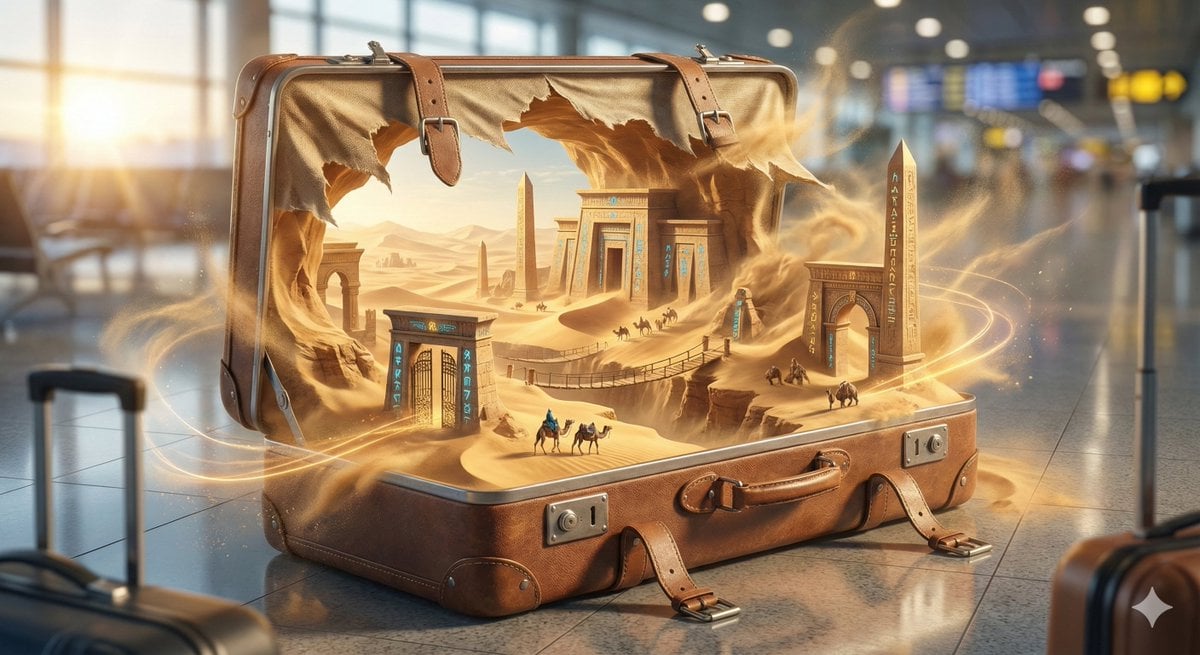
Object-Based World: Reality Unfolding from a Frozen Object
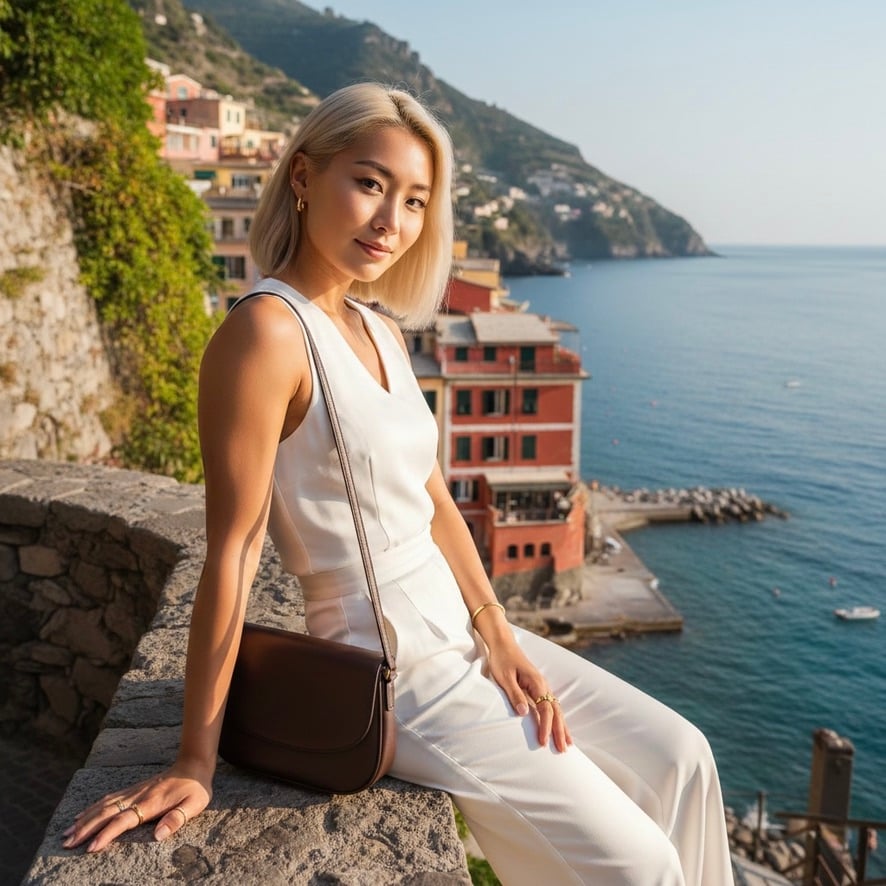
Quiet Luxury Mediterranean Vacation Portrait
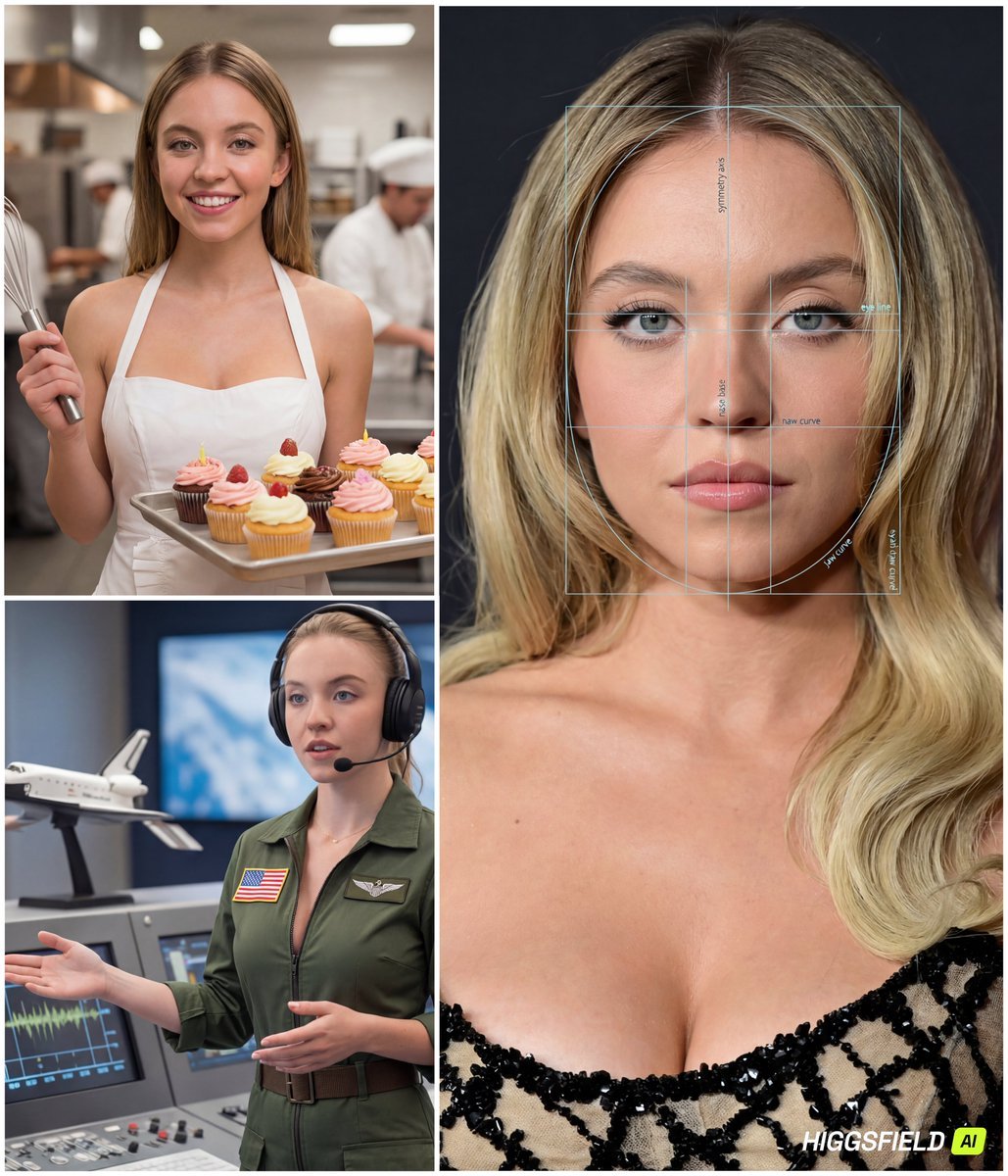
Face-to-Career Matching Composite Image Generator
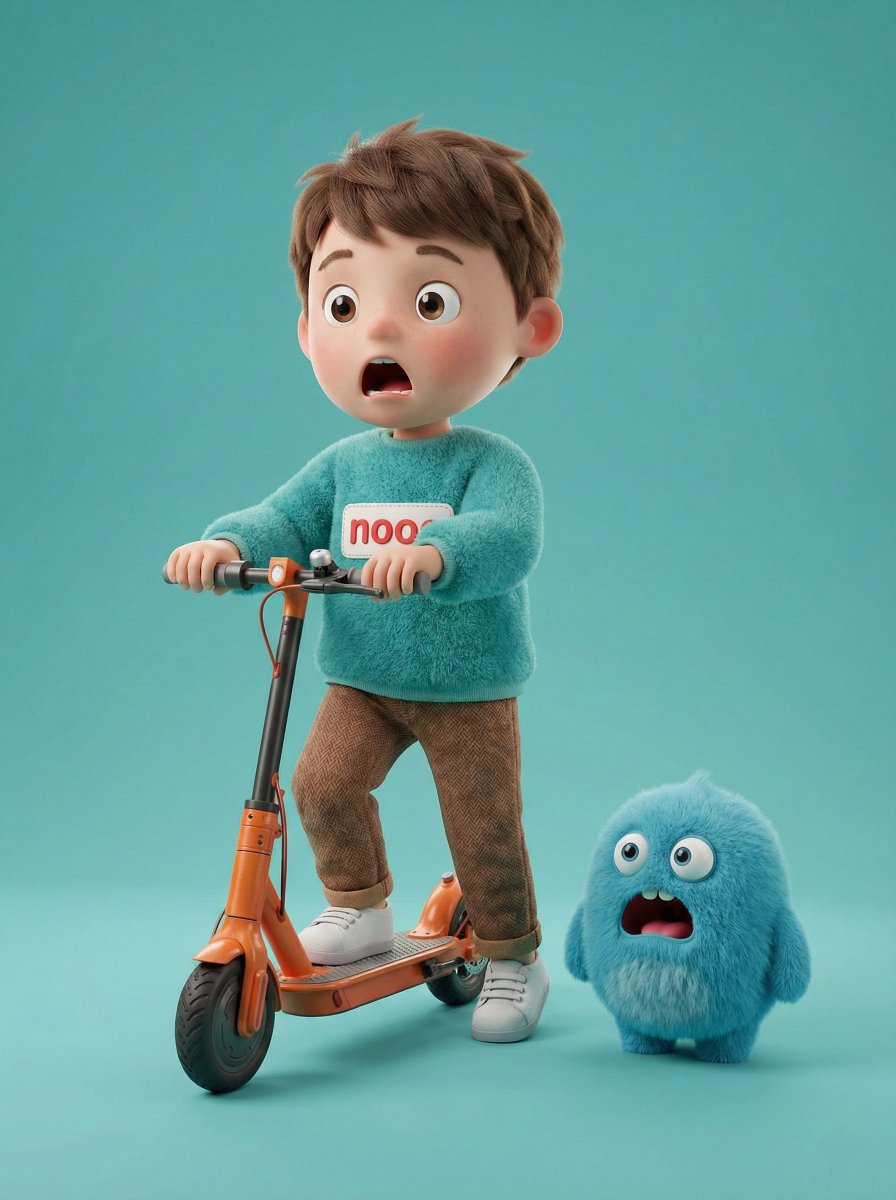
3D Render of Boy and Furry Monster on Scooter
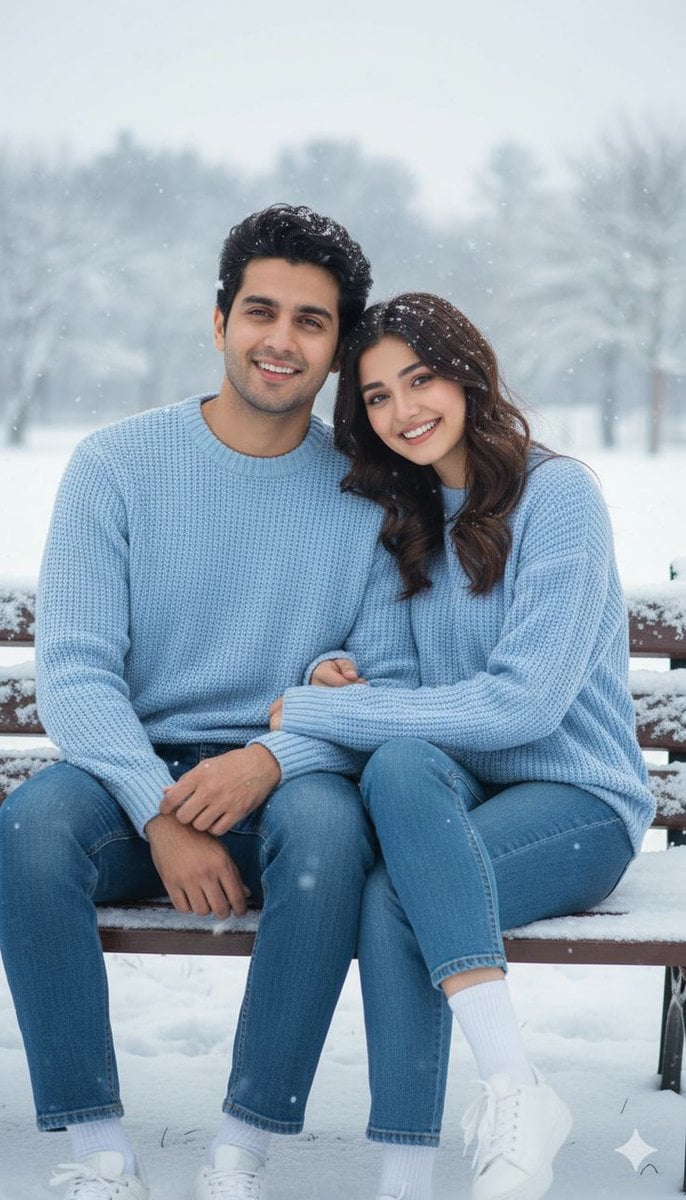
Romantic Pastel Illustration with Strict Identity Lock
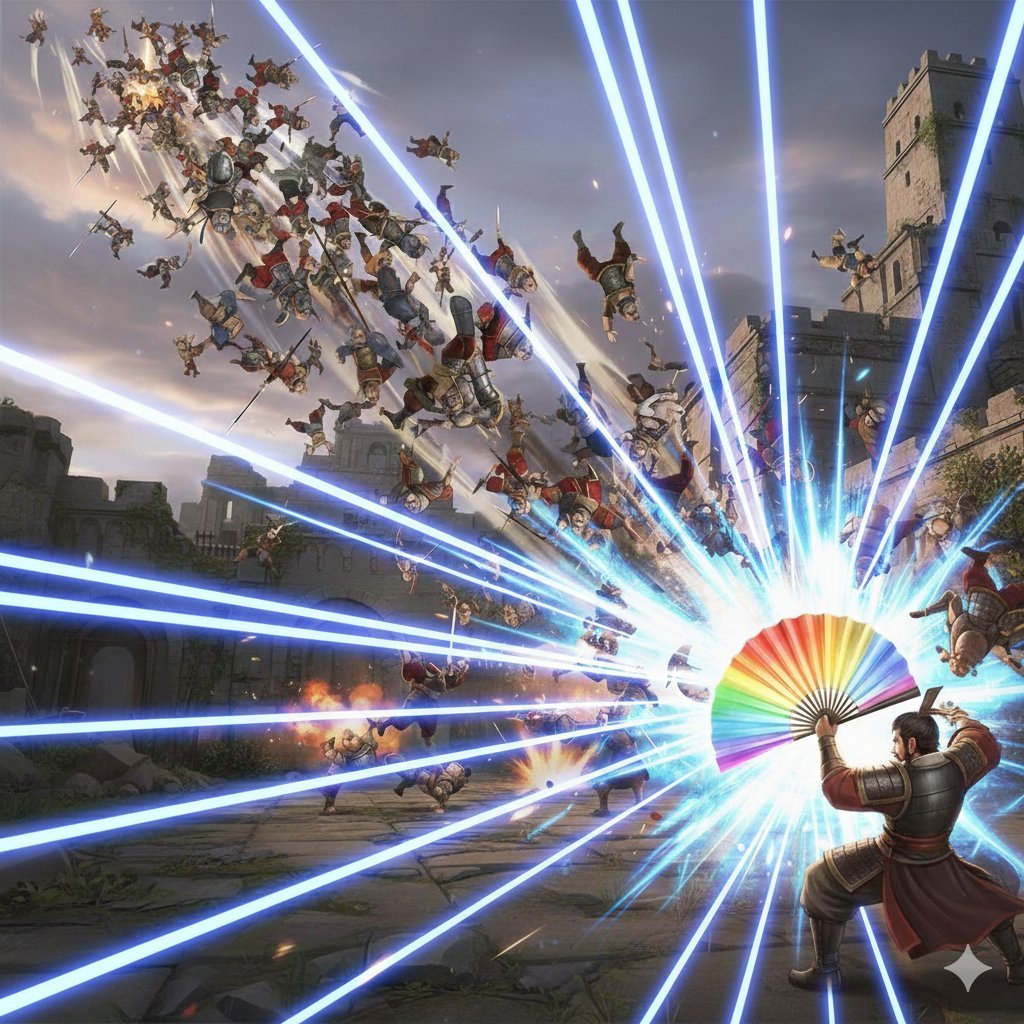
Dynasty Warriors: Kongming Musou Ranbu
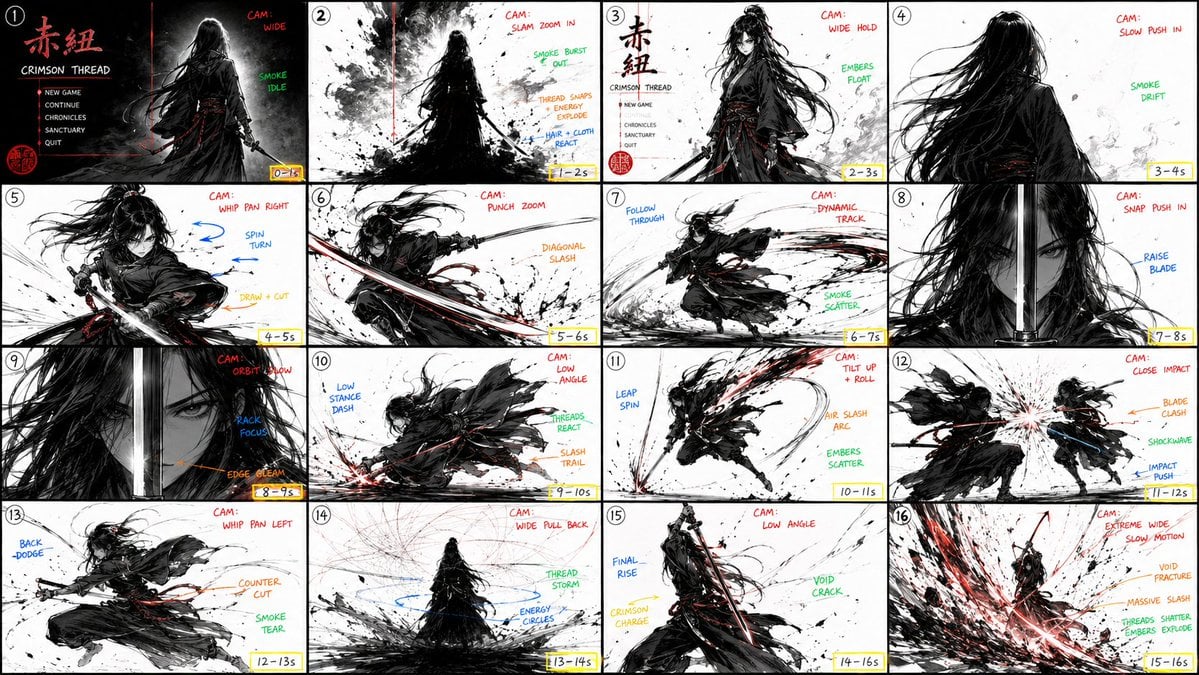
StoryBoard Prompt : Create a hyper-cinematic 16:9
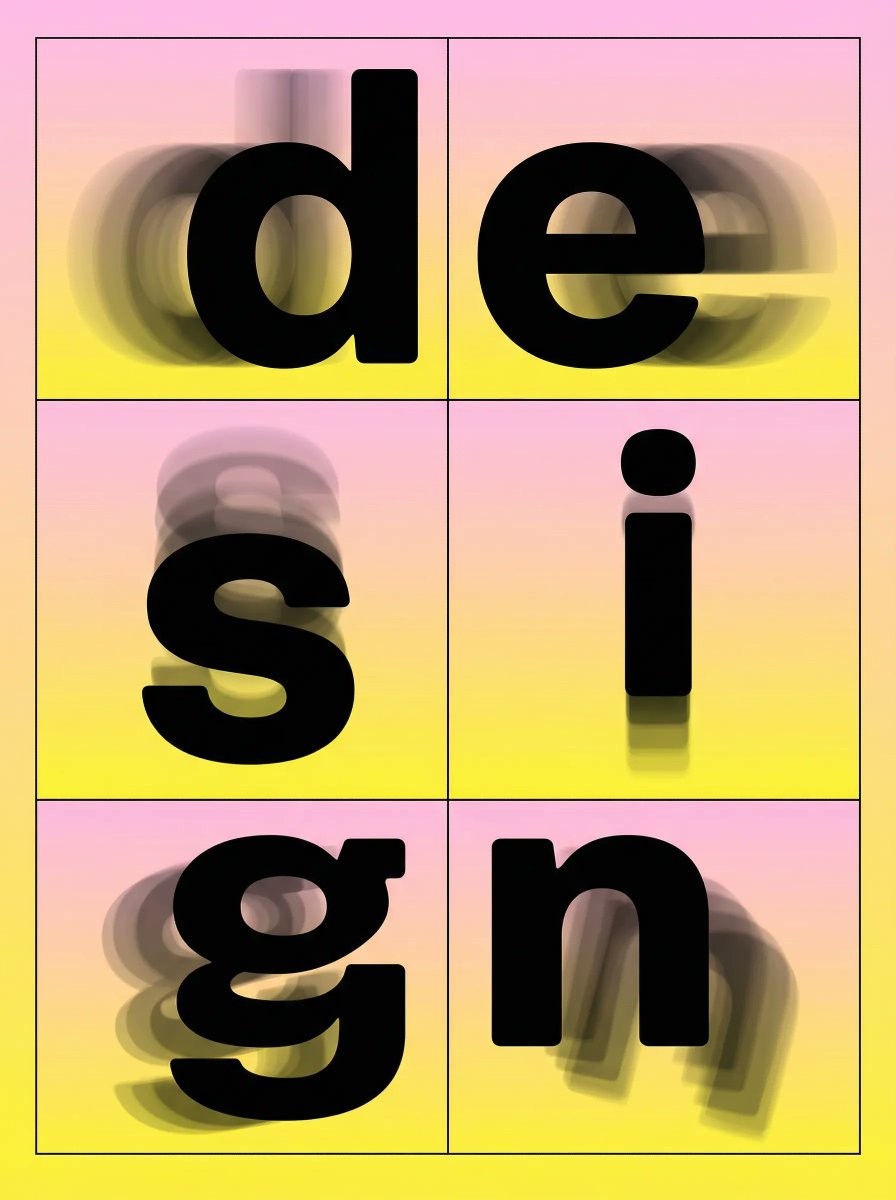
Brutalist Directional Blur Typography Poster Prompt
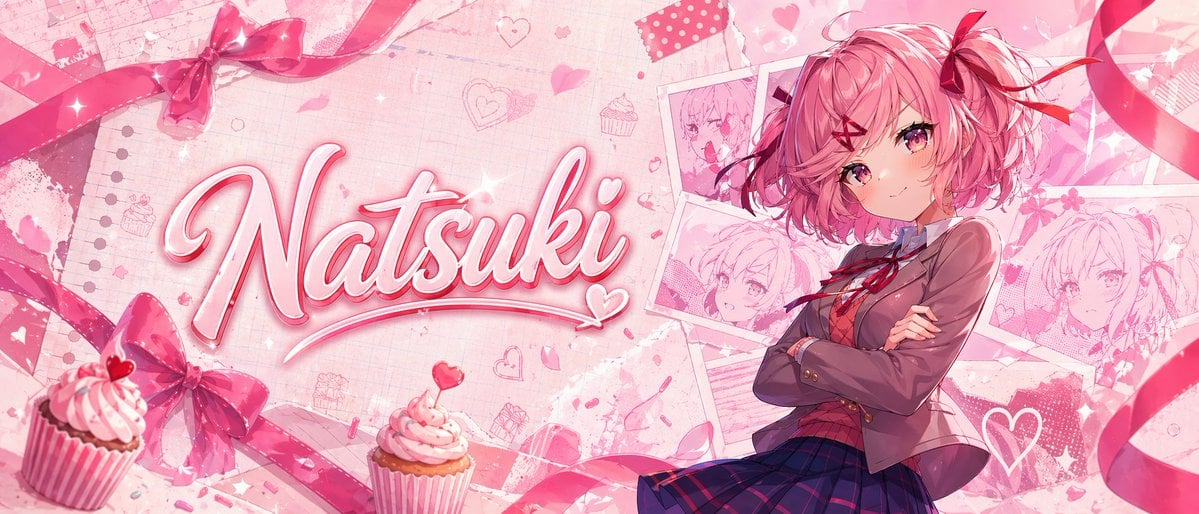
Gpt2 Youtube Thumbnail Pink Anime Natsuki Banner
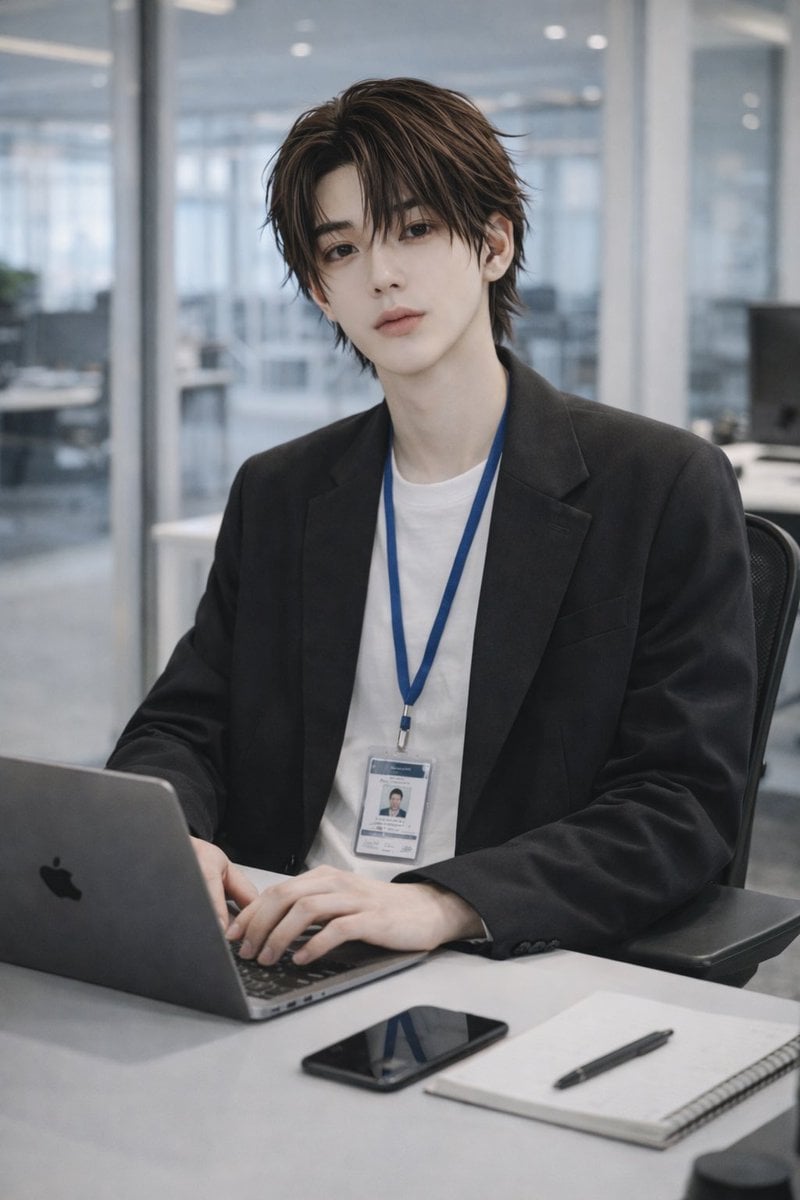
Stylish Office Worker Portrait
Browse template categories
Editorial Ballet Flight Master Prompt questions
How do I use the Editorial Ballet Flight Master Prompt template?
Add your photo if the template asks for one, edit the prompt if you like — the template's model and format are already selected — and press Generate. Your version opens in PicX Studio.
Can I customize the Editorial Ballet Flight Master Prompt template?
Yes. You can change the subject, setting, lighting, mood, format, and available model controls before creating your image.
Is the Editorial Ballet Flight Master Prompt template free?
Opening and editing this template is free. Generating uses credits, shown on the Generate button when you are signed in.
Which AI model should I use?
Start with Nano Banana 2, which is the model associated with this template. You can compare another compatible model for a different finish.
Looking for something else? Browse all templates.

Your photo, any look
Thousands of ready templates for every top image and video model, from one credit balance.