
Face-to-Career Matching Composite Image Generator
A complex JSON prompt for generating a 4-panel composite image based on a reference face.
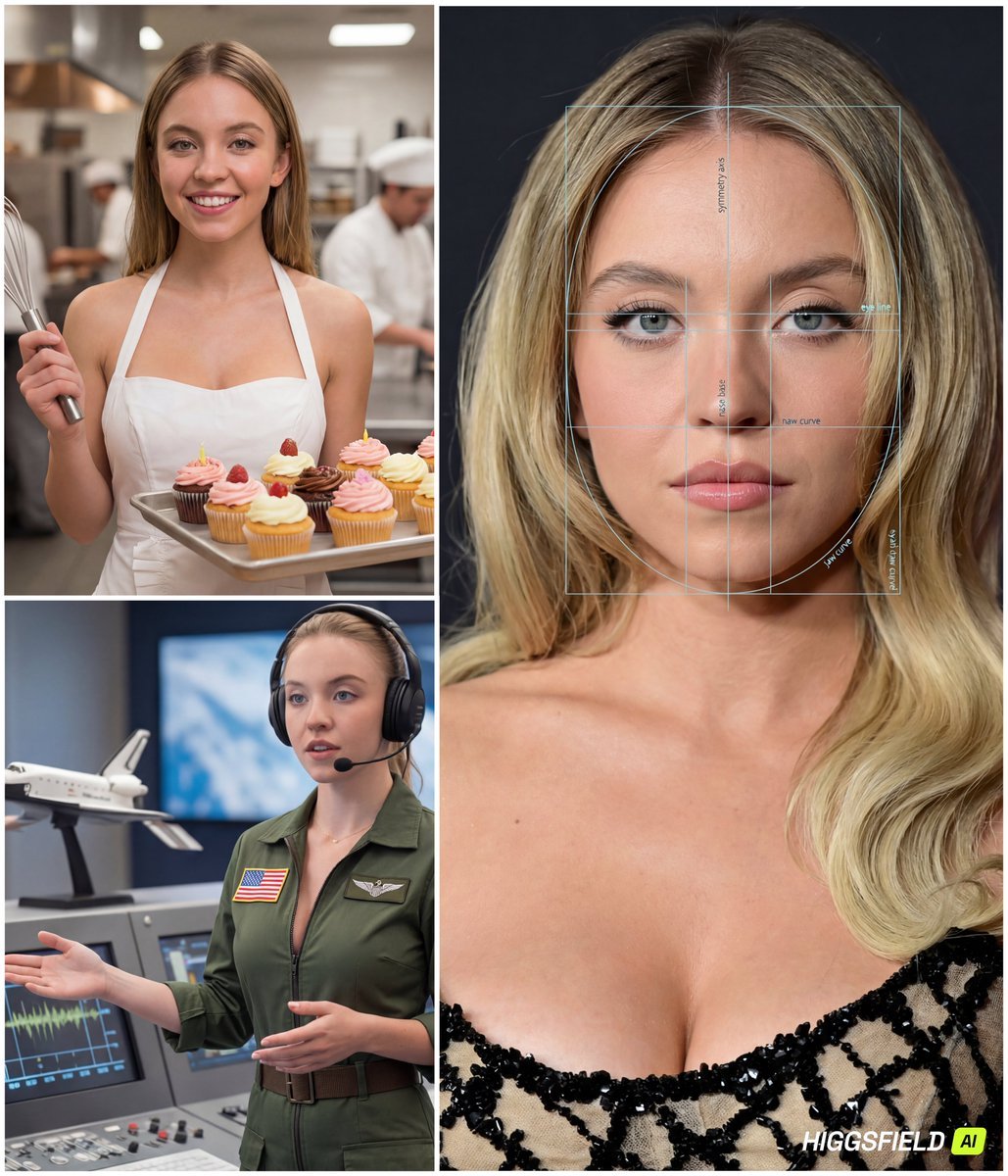
- Prompt included
- Model and format preset
- Free template
The prompt behind this image
Copy the exact prompt behind Face-to-Career Matching Composite Image Generator, or open it in the studio and make it yours.
{ "referenced_image_ids": ["<PASTE_INPUT_IMAGE_ID_HERE>"], "size": "1024x1536", "n": 1, "prompt": "Create a single composite image (a clean 4-panel collage) based on the provided reference face. The final output must contain: (A) one LARGE panel on the left (about 65% width, full height) showing a premium 'face analysis' portrait of the same person; and (B) three SMALL panels stacked vertically on the right (about 35% width) showing the SAME person in three different careers.\n\nCRITICAL CAREER-SELECTION RULE:\n- The three careers must be selected by YOU based on the person's facial vibe and overall appearance in the reference (e.g., perceived temperament, style, presence, confidence, softness/seriousness, elegance/athleticism, creative/analytical vibe). Do NOT pick random jobs.\n- Choose careers that feel plausibly aligned with the person’s look and presence (\"face-to-career matching\" concept).\n- The three careers must be DISTINCT and cover different archetypes (e.g., one corporate/strategic, one creative/media, one technical/field). Avoid repeating similar industries.\n- Keep the choices fun and flattering, but still believable.\n\nGLOBAL RULES (apply to all panels):\n- The person must look like the same individual in all panels (consistent facial features, hairline, eye shape/color, skin tone, proportions).\n- Realistic, high-end editorial photography style.\n- Do NOT add any real names, IDs, biometric scores, or identity claims. This is illustrative only.\n- Avoid heavy text. Minimal labels allowed only in the analysis panel.\n\nPANEL A (LEFT, LARGE): 'FACE ANALYSIS' PORTRAIT\n- Close-up, centered, symmetrical portrait (head and upper neck), studio lighting, sharp focus.\n- Overlay a semi-transparent facial analysis grid: symmetry axis, eye-line, nose base line, jaw curve arcs, proportional guides (golden ratio style).\n- Add subtle, minimal micro-labels in English such as: 'symmetry axis', 'eye line', 'jaw curve', 'proportion guide'. Keep labels tiny and tasteful.\n- Make it look like a premium aesthetic/cosmetic analysis diagram (modern UI overlay, not medical).\n\nPANELS B/C/D (RIGHT, THREE SMALL PANELS): CAREER PORTRAITS\nFor each of the three chosen careers, depict:\n1) A strongly job-accurate outfit (uniform/PPE/tools/accessories appropriate to the role).\n2) A clear environment that matches the job (office, studio, set, lab, site, outdoors, etc.).\n3) A light playful twist that fits the role (a charming prop, a witty moment, a fun-but-realistic action), without becoming cartoonish.\n- Keep the face visible and recognizable in each panel.\n- Use cinematic lighting and shallow depth-of-field; backgrounds should be rich but not cluttered.\n\nCOMPOSITION & QUALITY:\n- Output must be one single image containing all 4 panels with thin white borders between panels.\n- Cohesive color grading a"
How to use Face-to-Career Matching Composite Image Generator in 3 steps
- 1
Open
The prompt is already in the box next to the preview, with the template's model and format selected.
- 2…a portrait of your subject in softgolden-hour light, 85mm…
Personalize
Edit the subject and creative details for your destination.
- 3Generate
Generate
Press Generate — your image is created in PicX Studio, so you can compare it with the original and refine one variable at a time.
More like this
Templates with the same subject, style or setup. Open one to see its prompt.
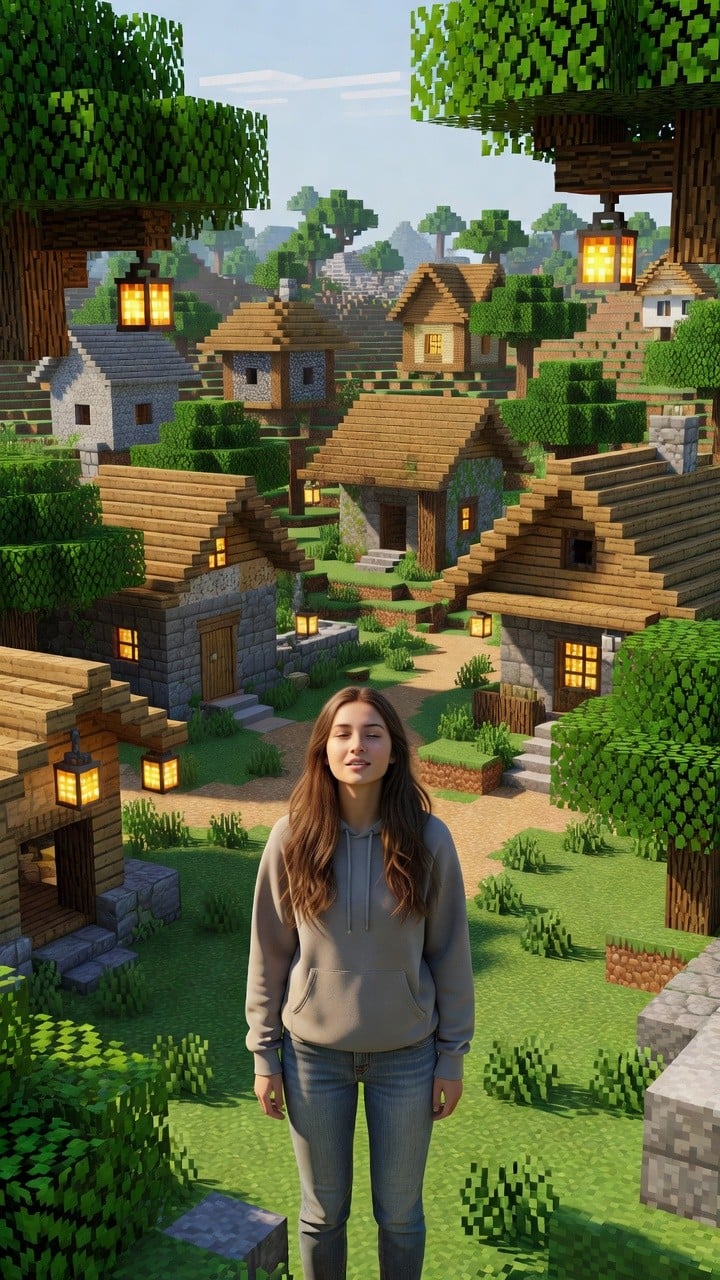
Photoreal Village Lanterns Minecraft Scene
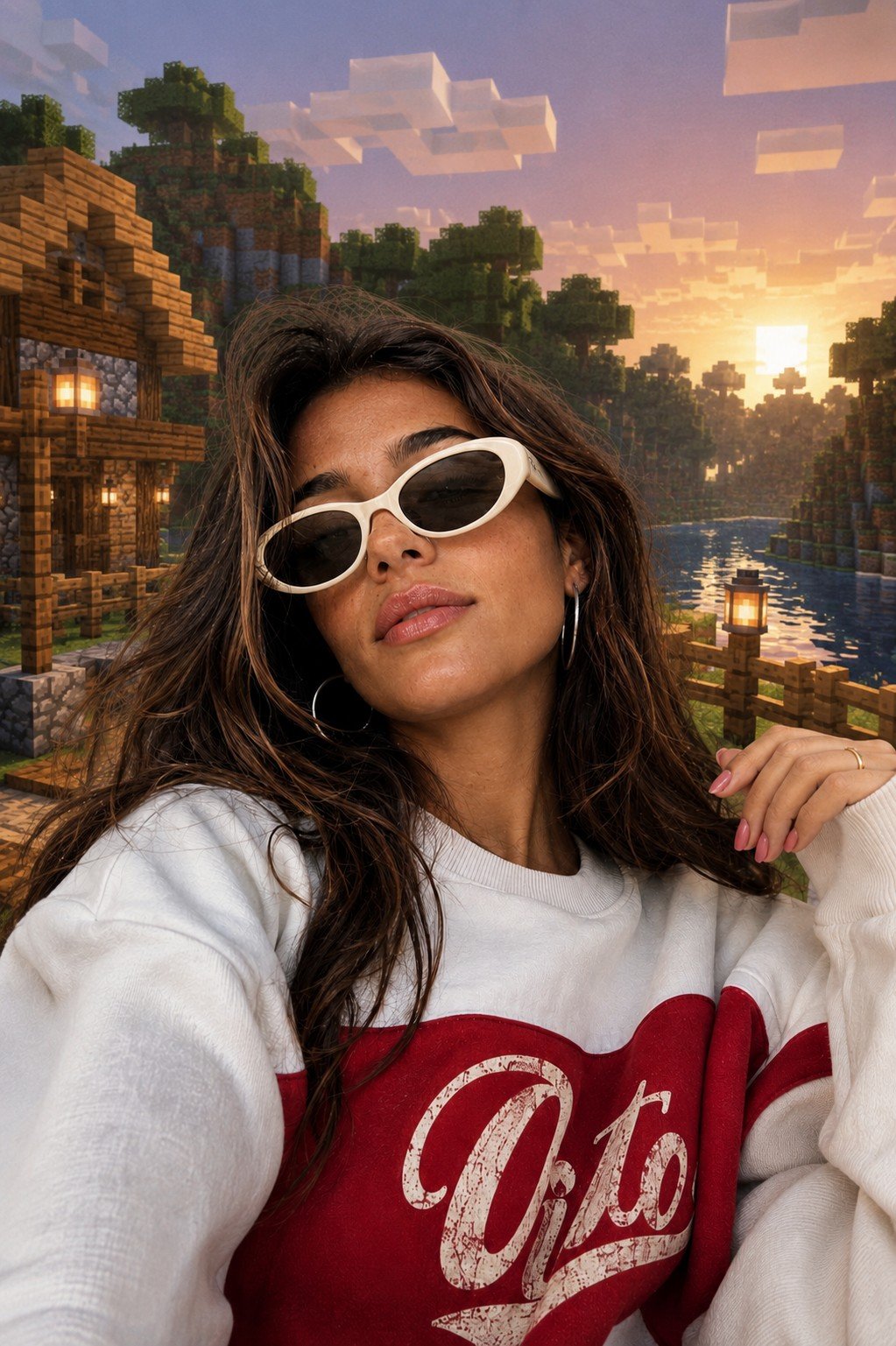
Photoreal Selfie Minecraft Block World
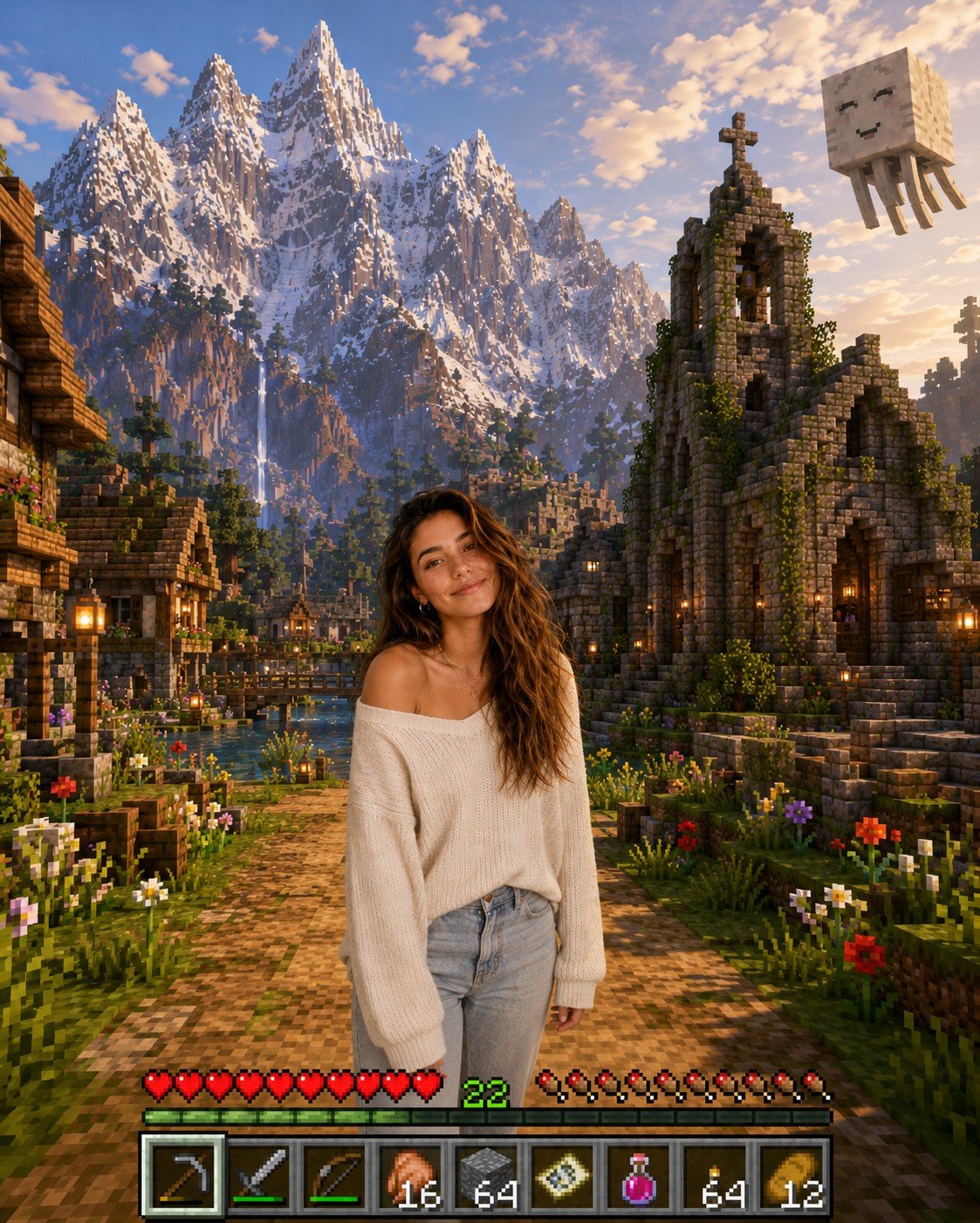
Photoreal Selfie Minecraft Village Ghast UI
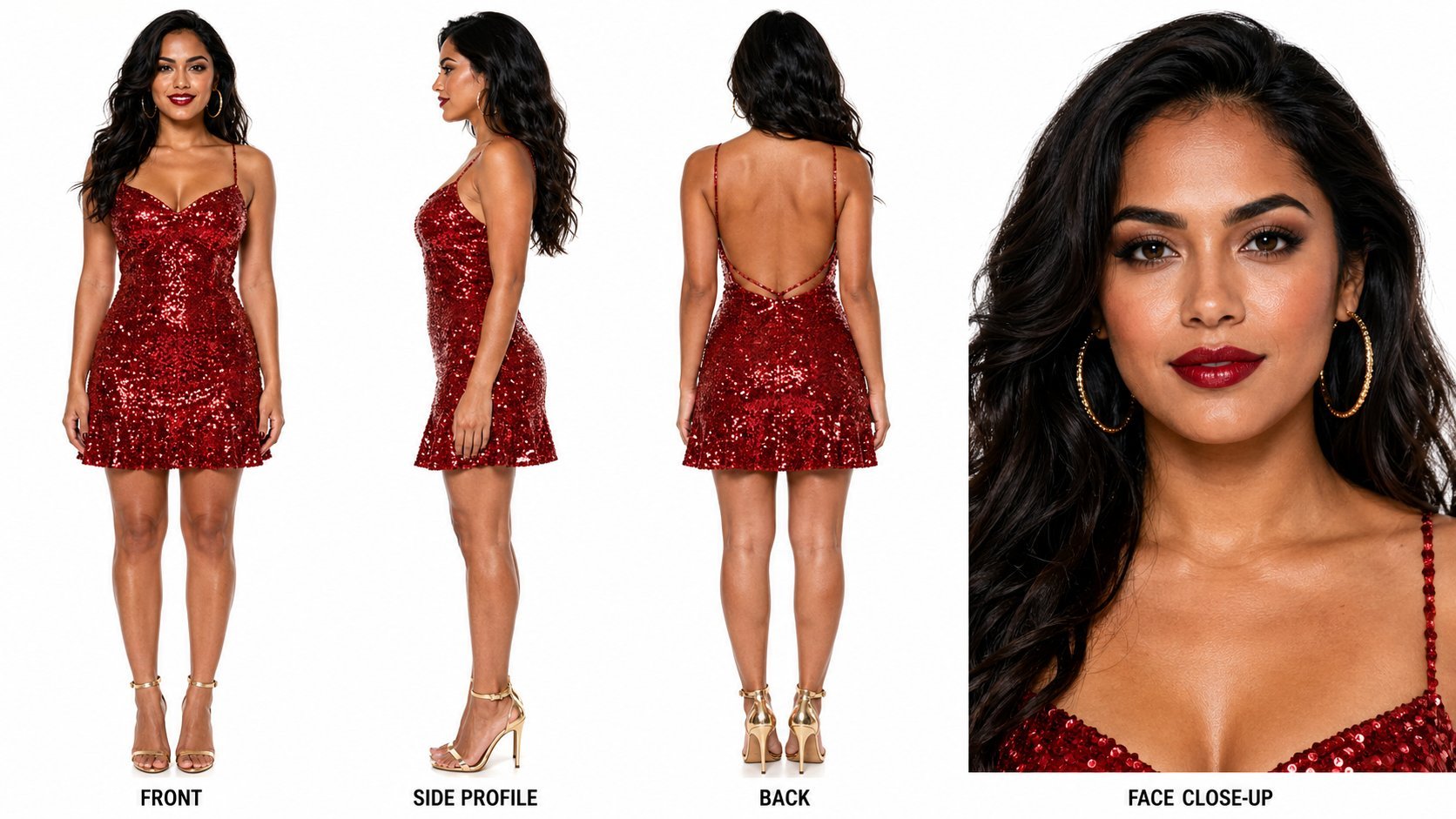
Dancer Character - Four View Reference Sheet
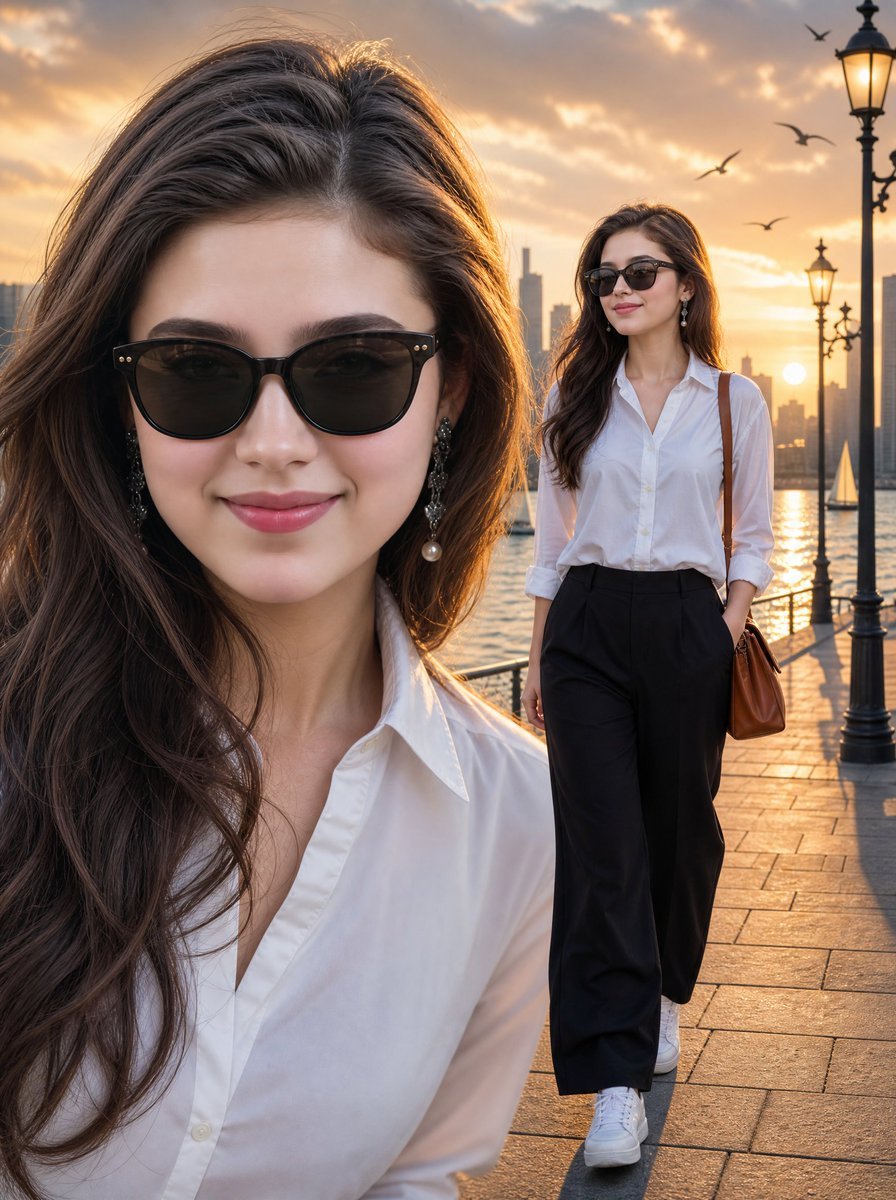
Sunset Waterfront Fashion Composite
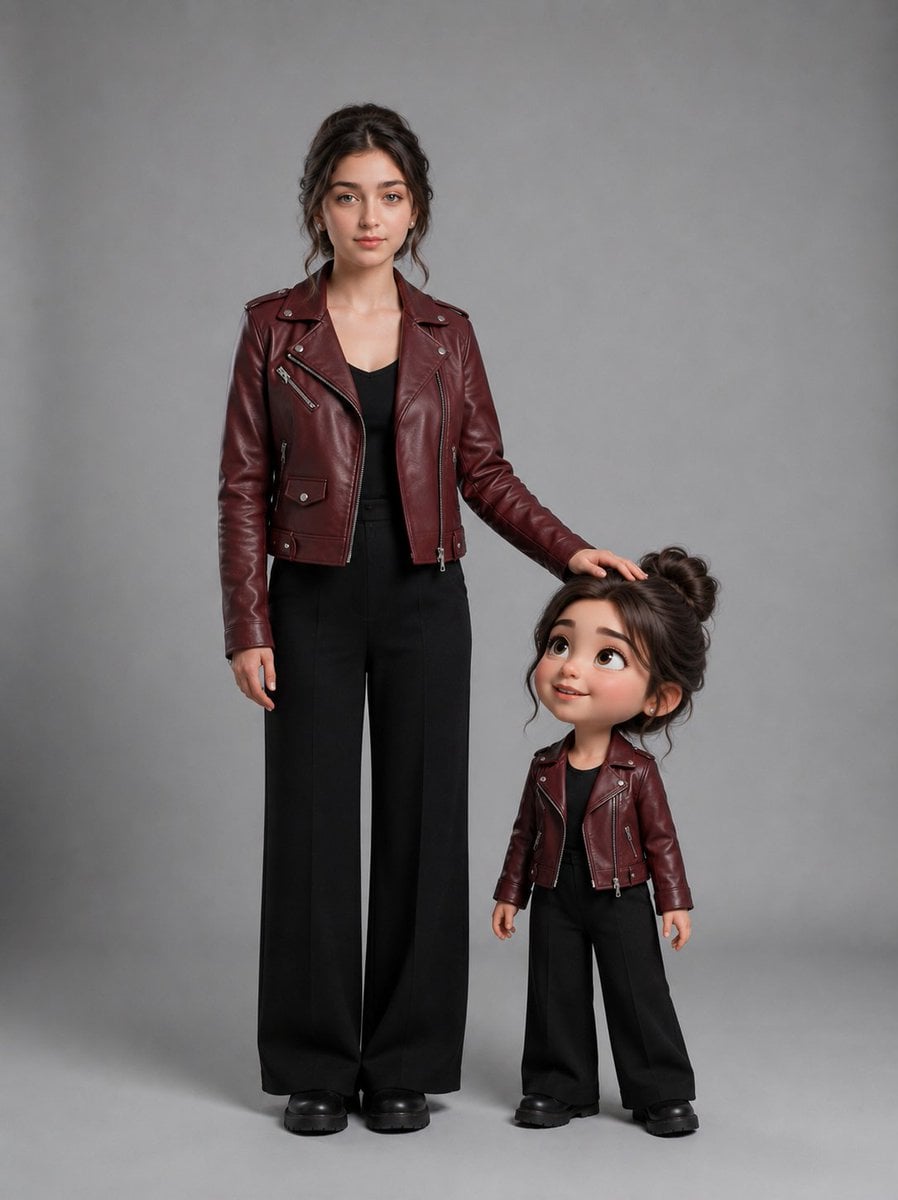
Woman With Matching Chibi Portrait
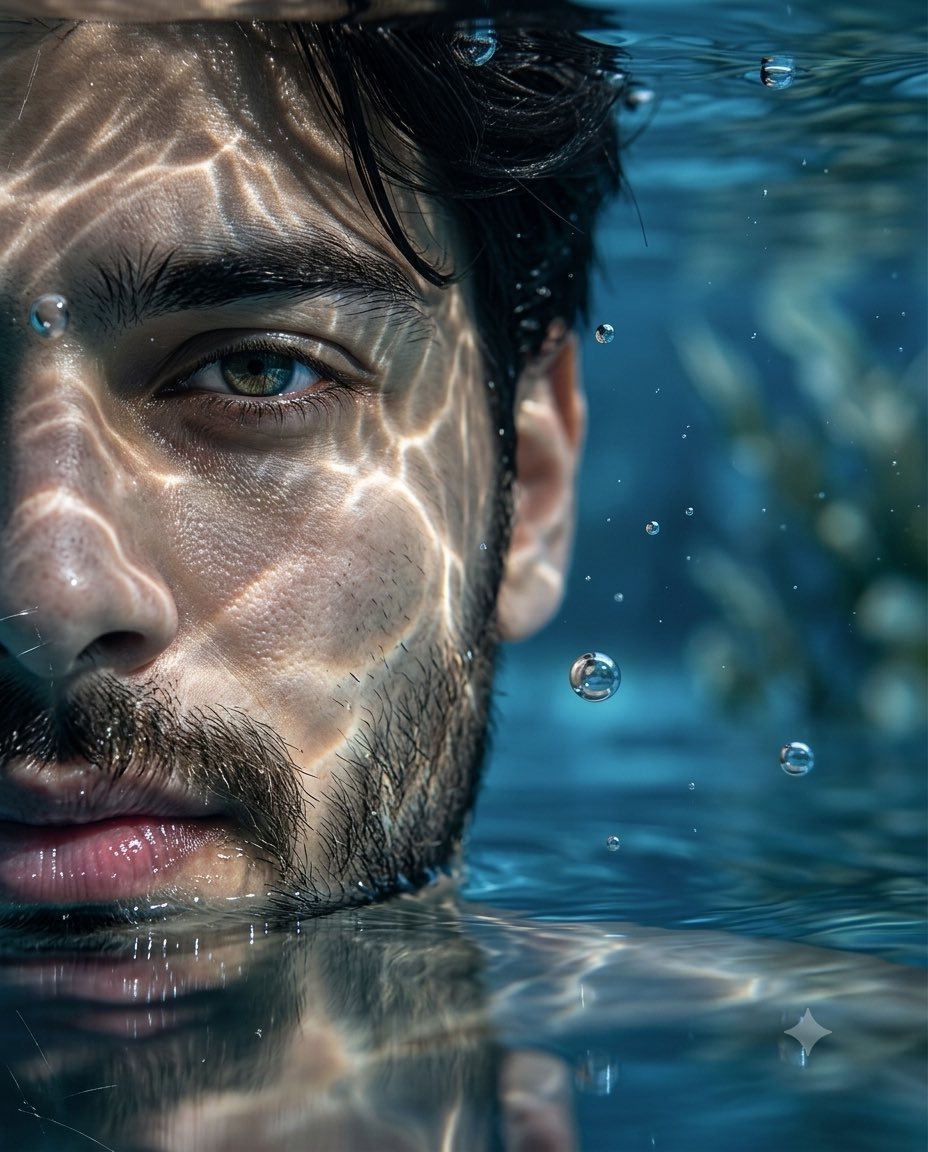
Underwater Macro Face Portrait

Double-Exposure Scrapbook Portrait Composite
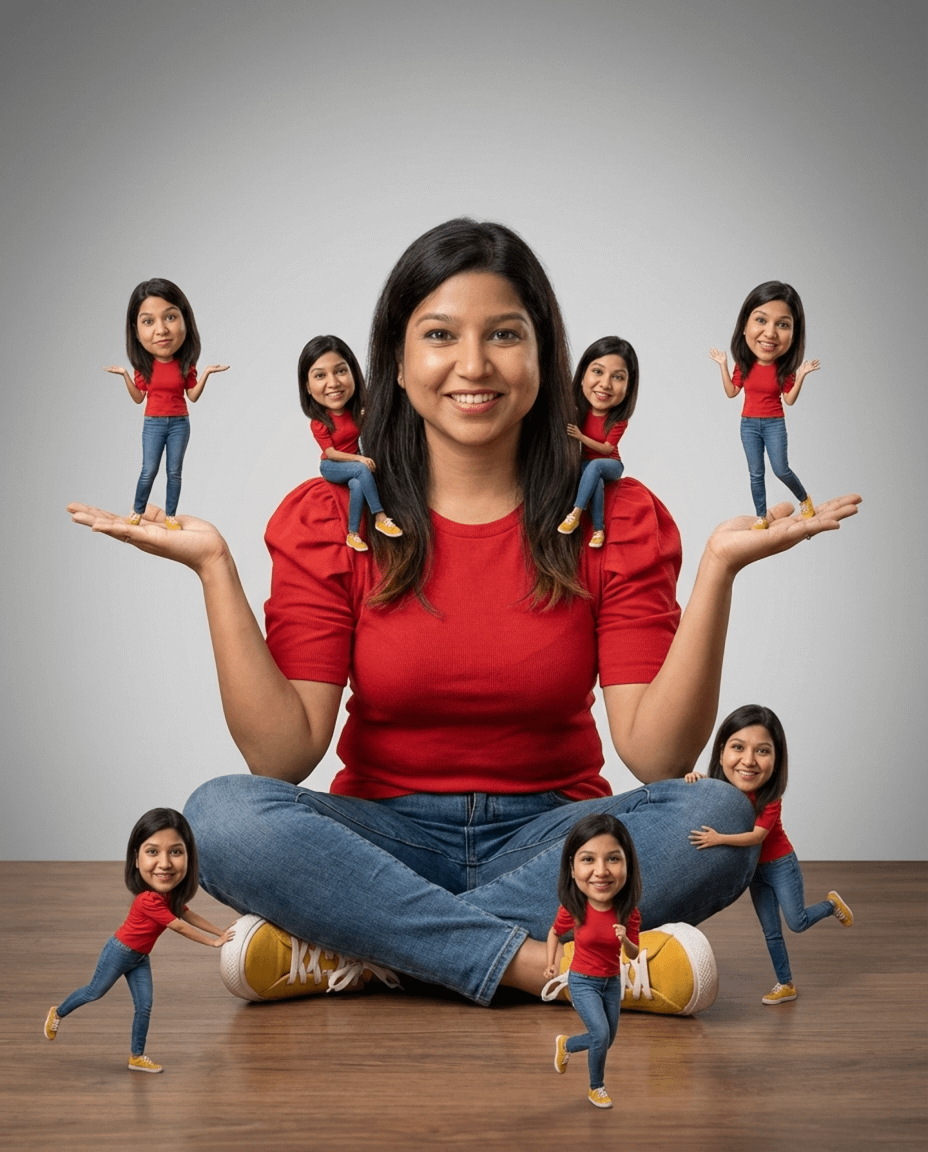
Nano Banana Pro Identity Lock — Composition + Face Reference
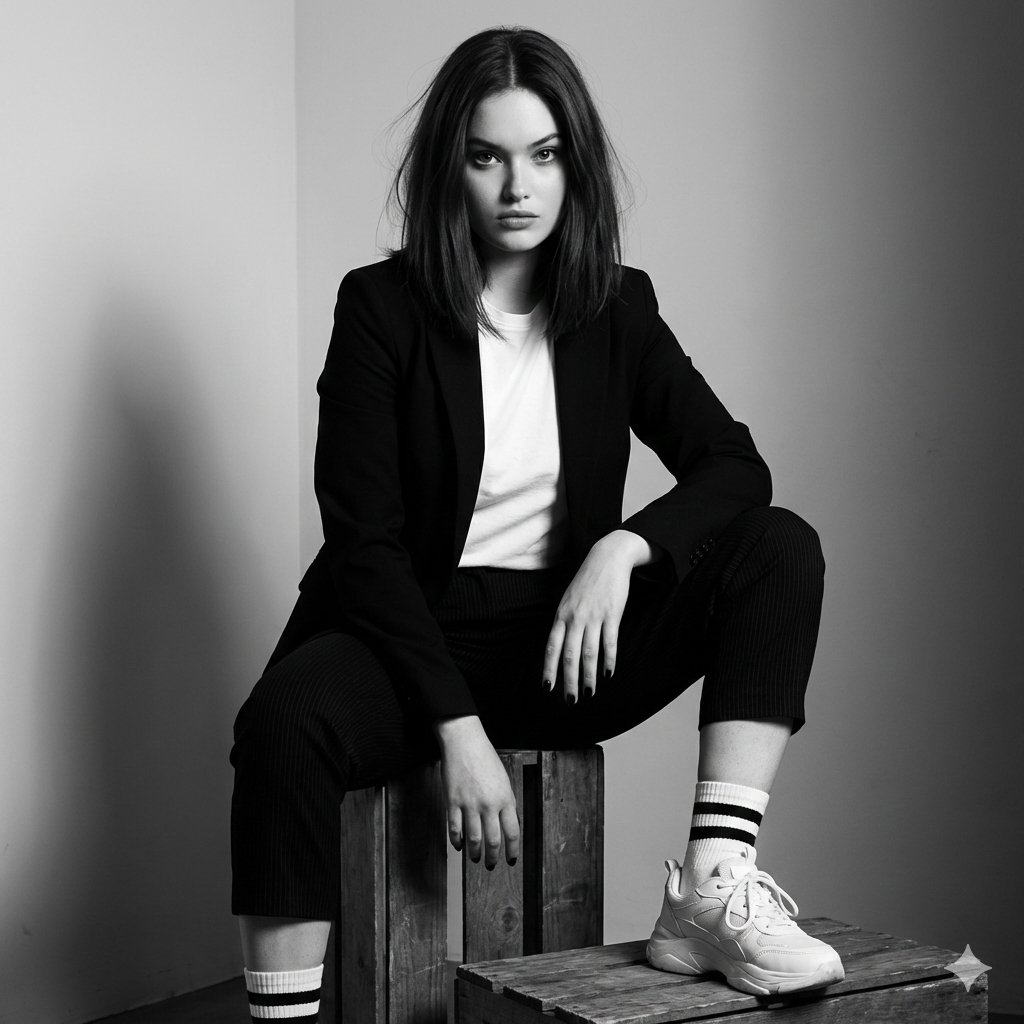
Realistic portrait 100 identical face, no editing allowed
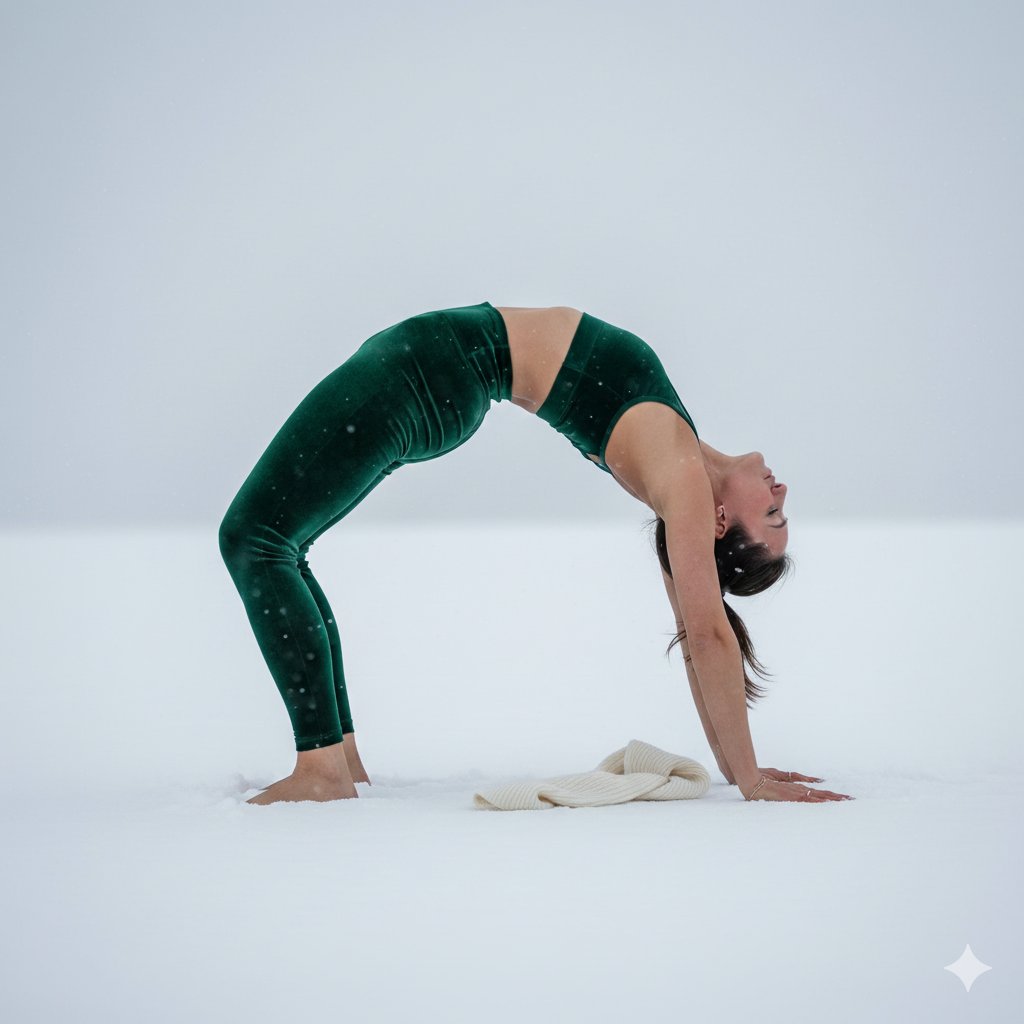
Premium emerald green velvet high-waist yoga leggings matching velvet
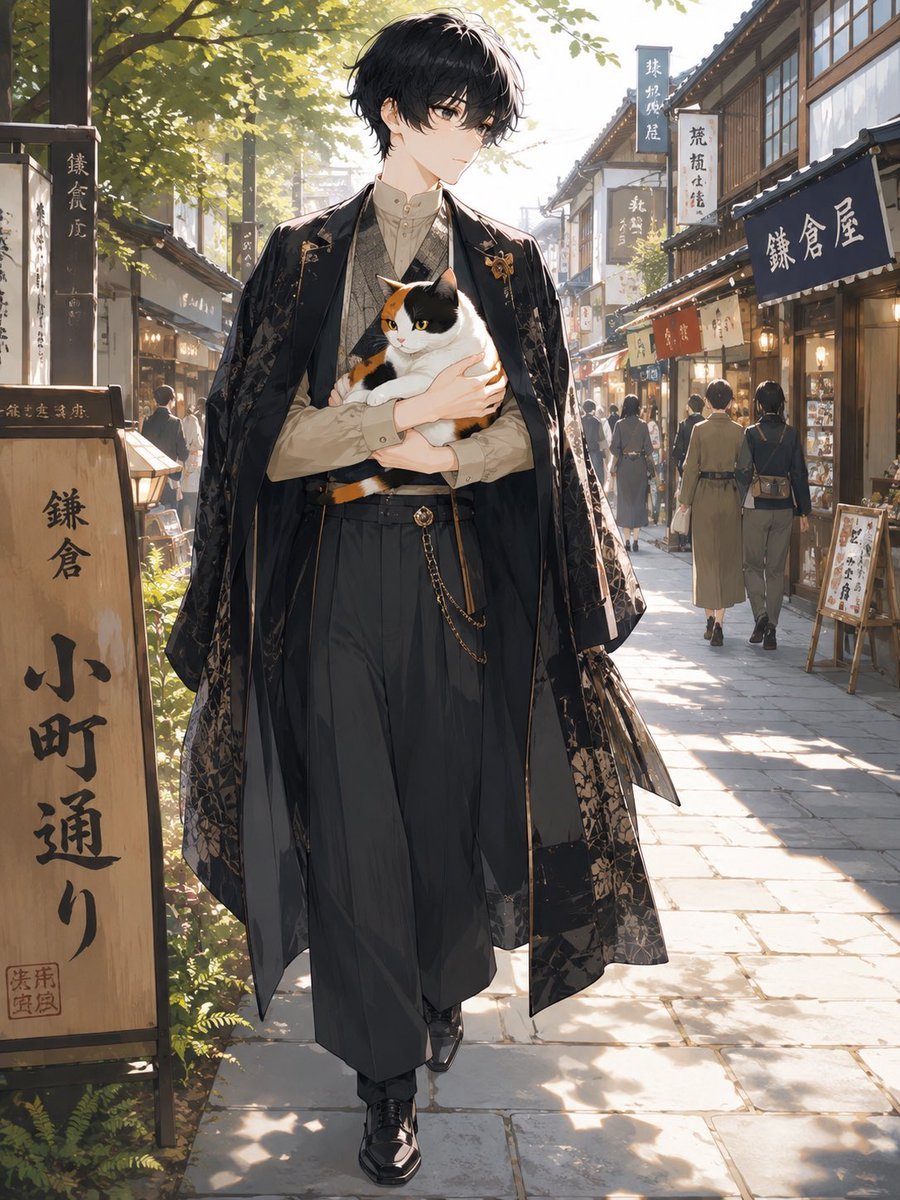
Faceless Anime Man Holding Calico Cat
Make it yours
Face-to-Career Matching Composite Image Generator works as-is. These are the safest ways to change it without losing the look.
Change one field
Copy a single group, rewrite it, and generate again so you can see what that field is doing.
Keep the frame, change the subject
Hold the composition and light of Face-to-Career Matching Composite Image Generator, then swap wardrobe, props or the person for a new take.
| If the result… | Why | Fix |
|---|---|---|
| The result drifts from the preview | Too many fields changed at once. | Reuse Face-to-Career Matching Composite Image Generator as-is first, then change one group — subject, light, or setting. |
| The model over-stylizes the scene | The prose prompt leaves finish and camera underspecified. | Add one camera or lighting sentence and stay on Nano Banana 2. |
More Nano Banana 2 templates
Other prompts made for Nano Banana 2.

Photorealistic Leaf Shaped Like a Dragon
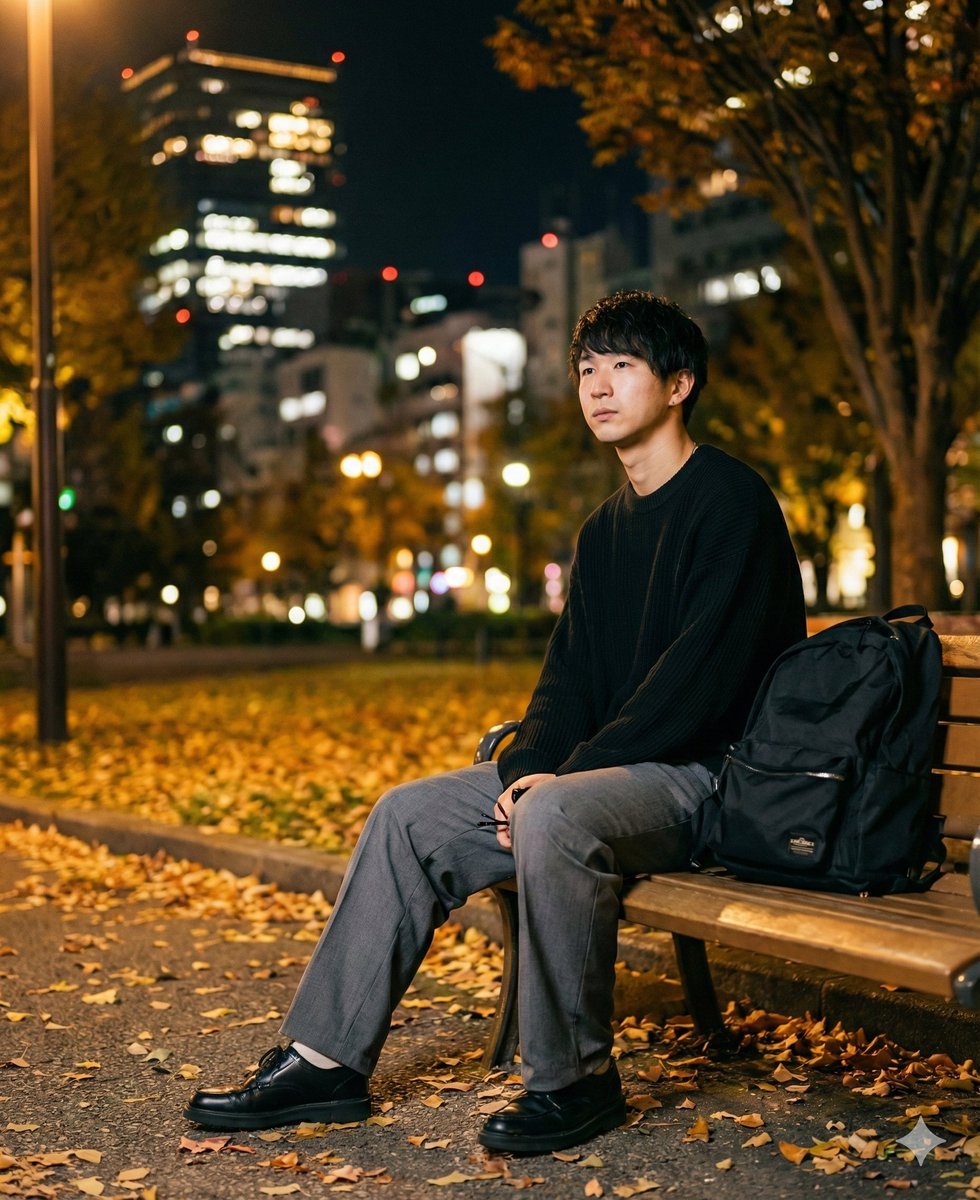
K-Pop Idol Portrait Grid for Rapid Selection
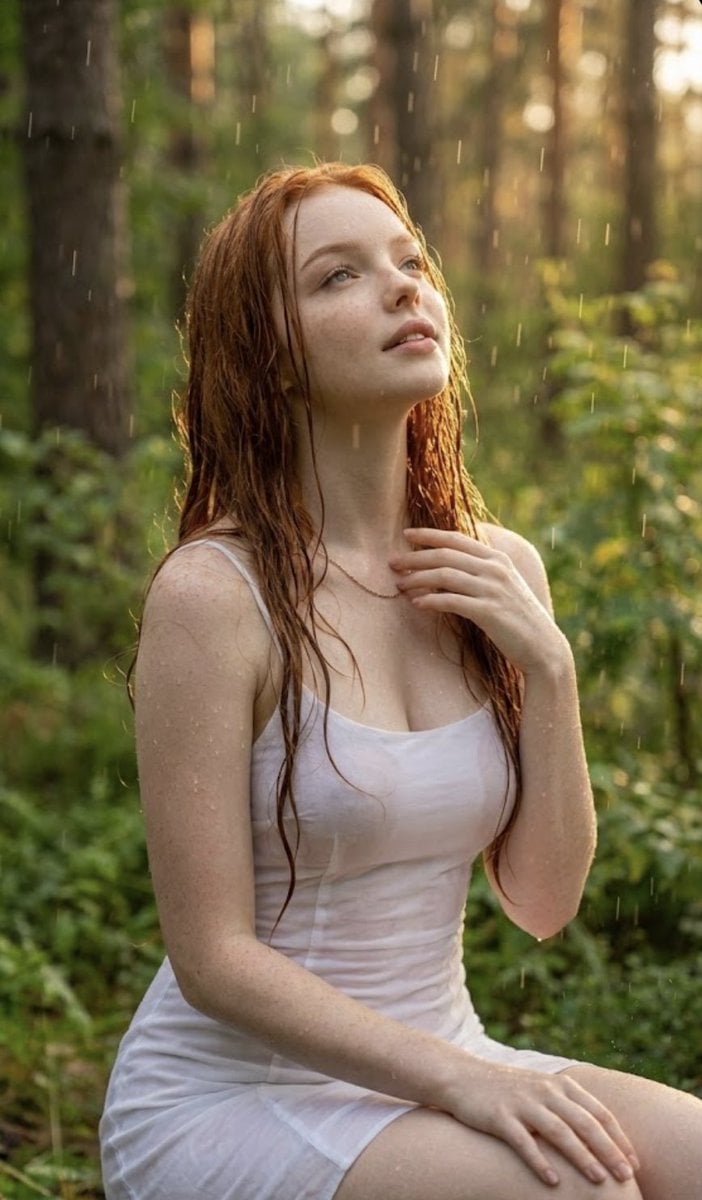
Poetic Rain Forest Portrait During Golden Hour
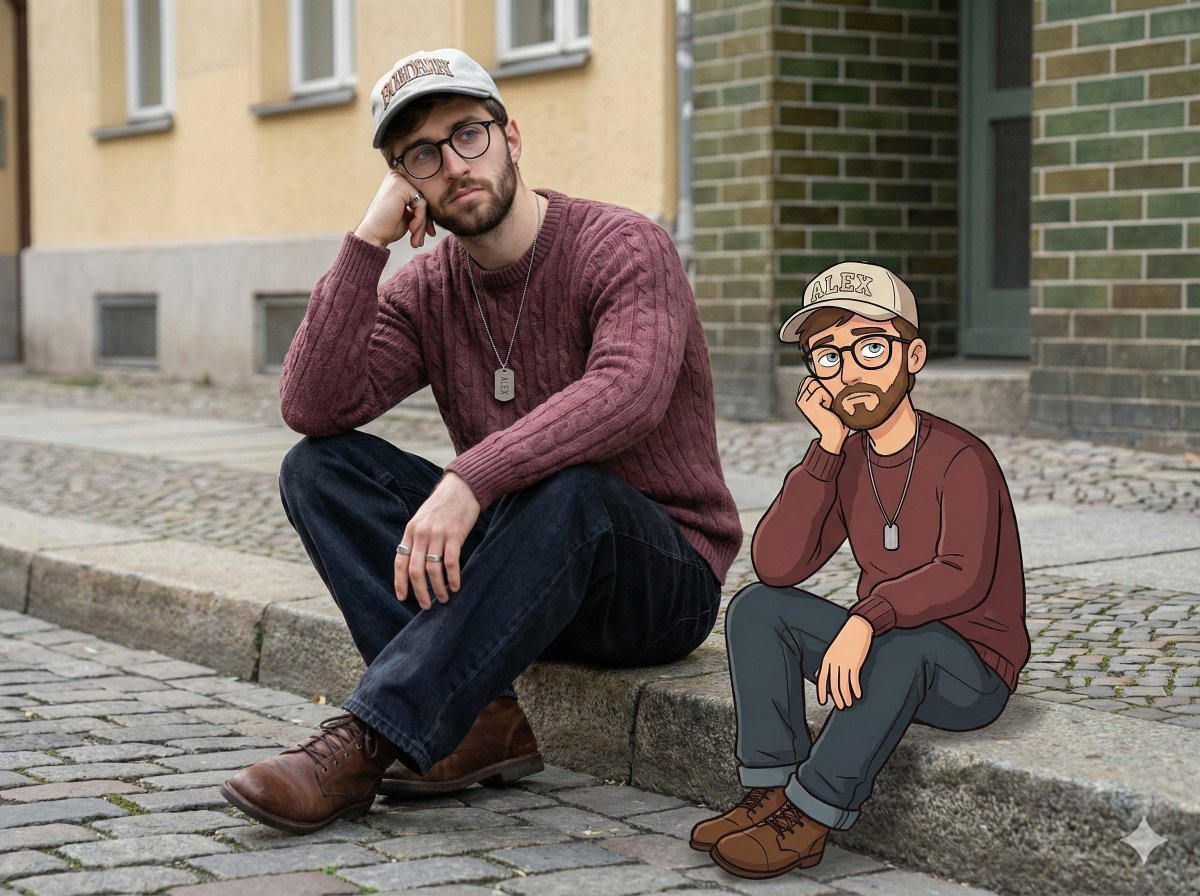
Urban Street Portrait with Cartoon Inner Self Duo
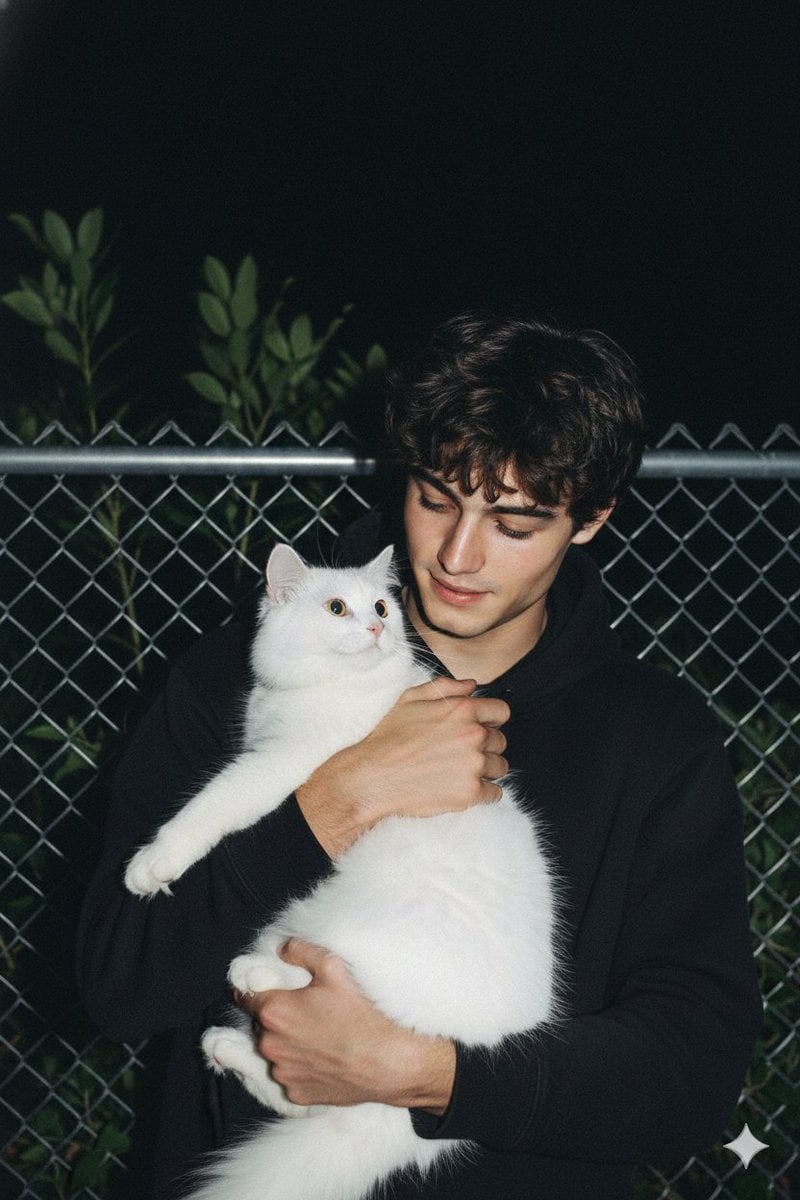
Candid Nighttime Photo with Cat Prompt
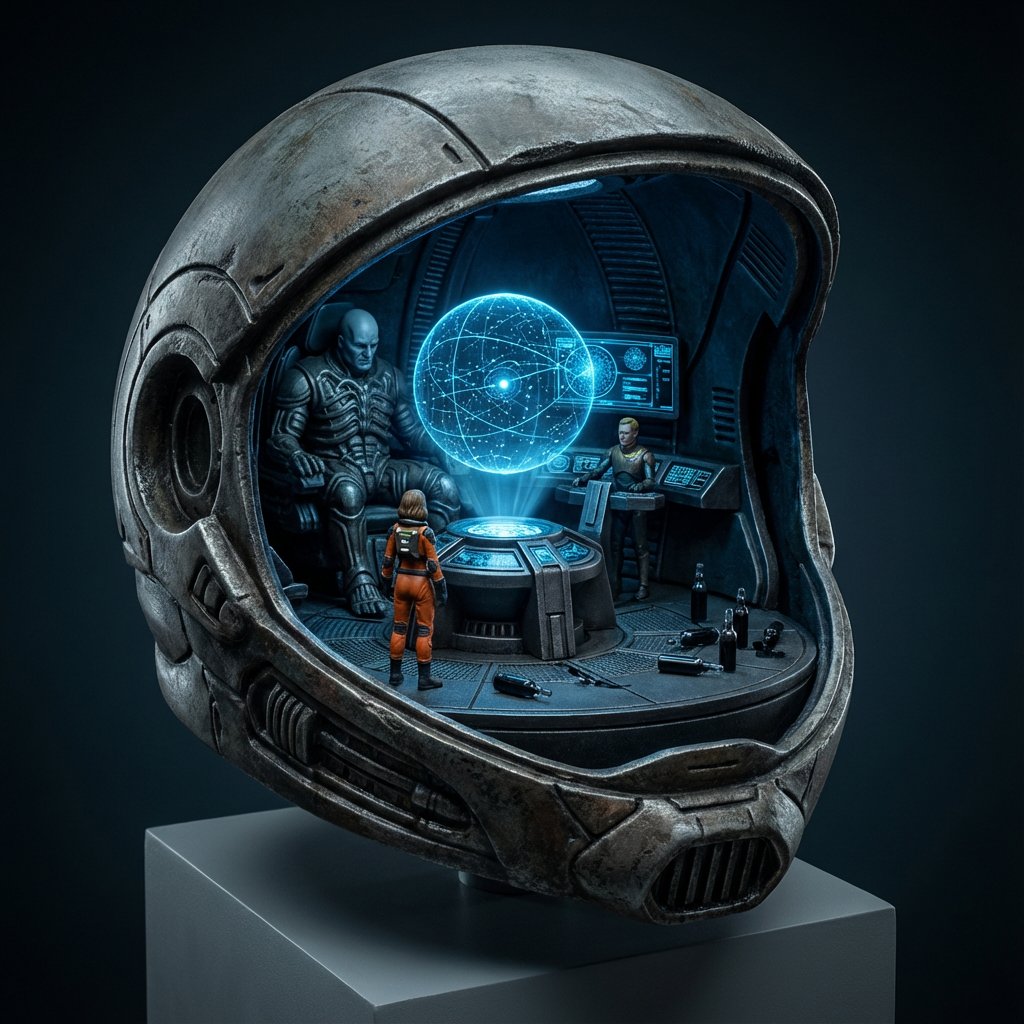
High-Concept 3D Diorama Generation Prompt
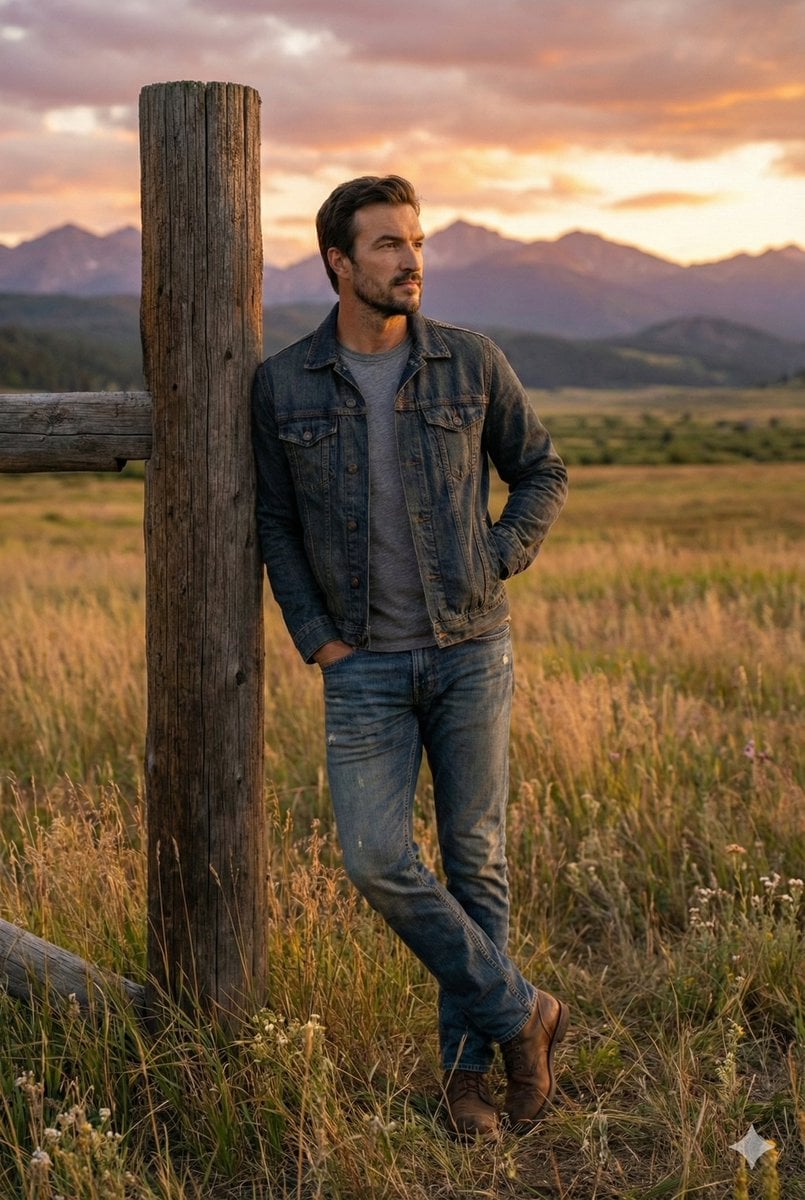
Cinematic Futuristic Studio Portrait Template
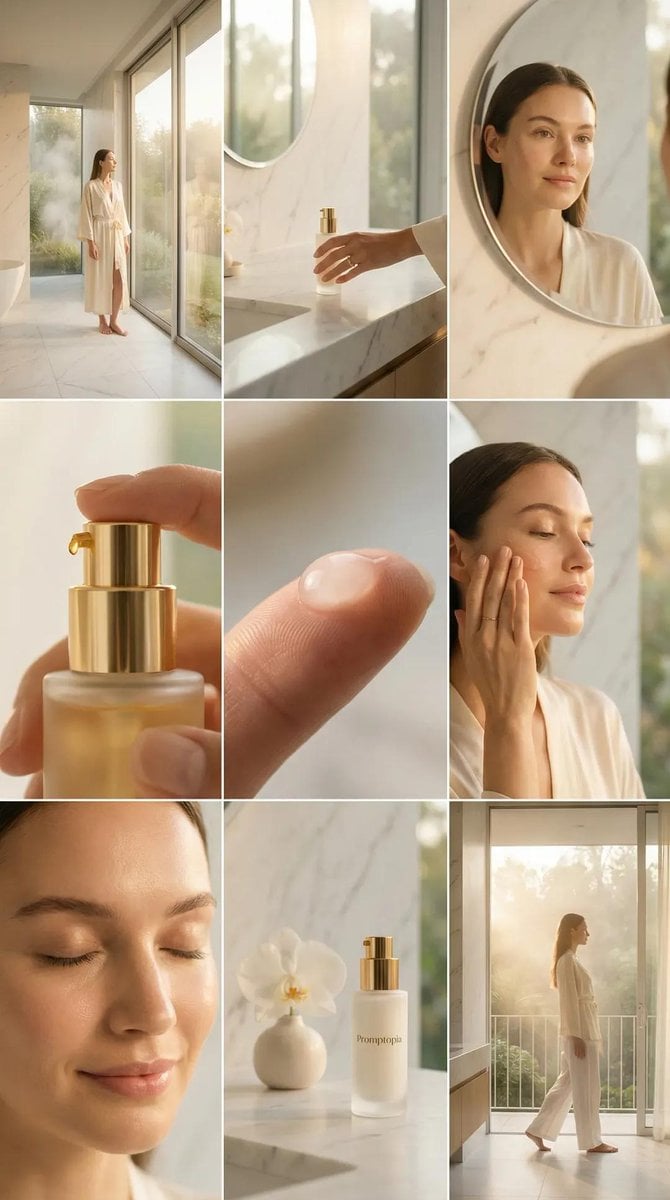
Skincare Editorial Photography Collage Prompt
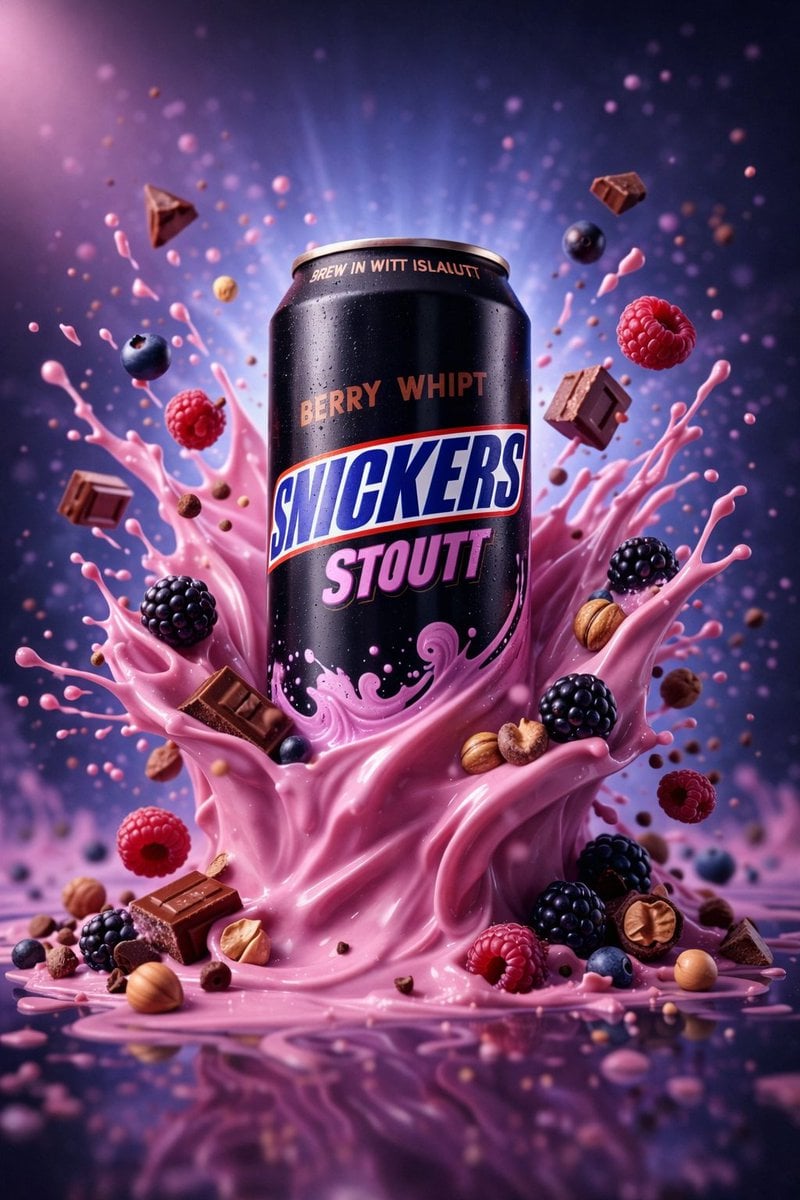
Hyper-Realistic Commercial Product Photography (Splash Effect)
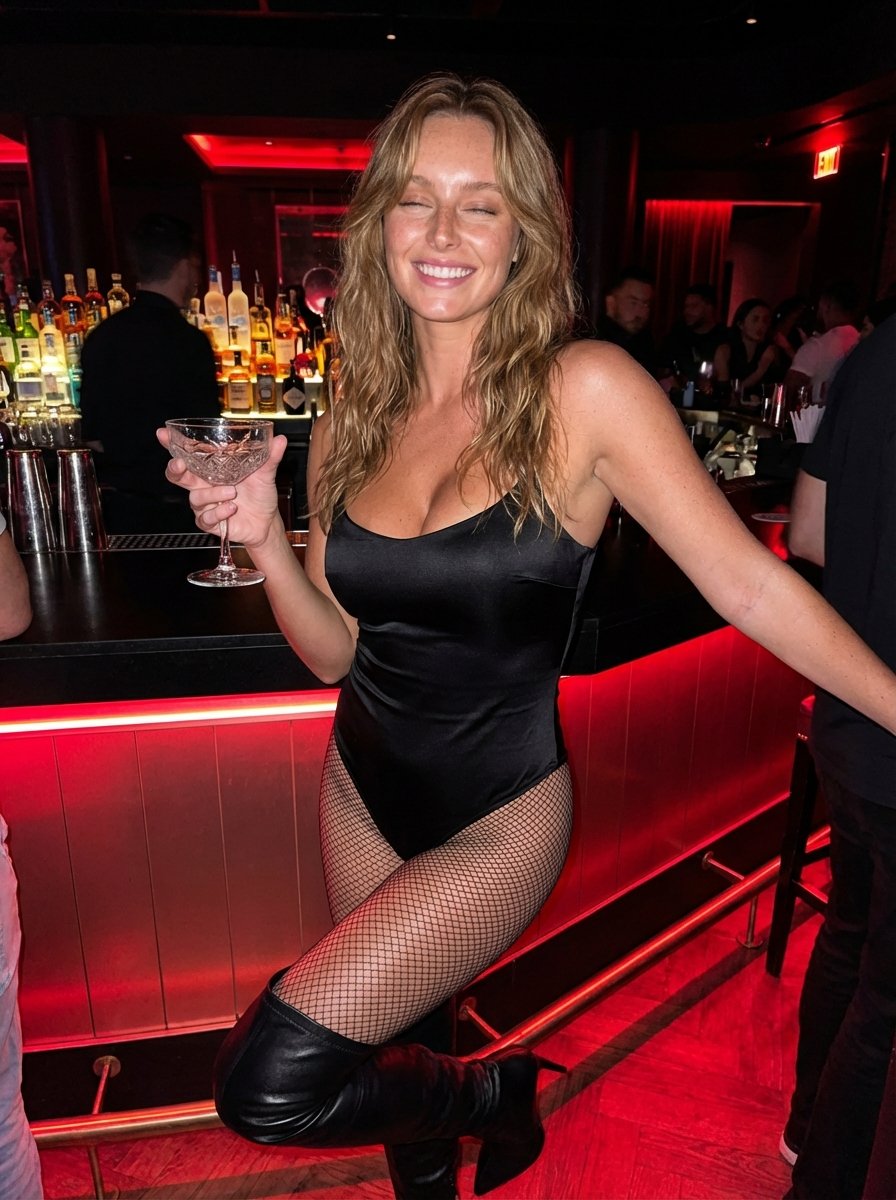
Hyper-Realistic Nightclub Portrait Prompt
More image prompts
Fresh picks from across the catalog.
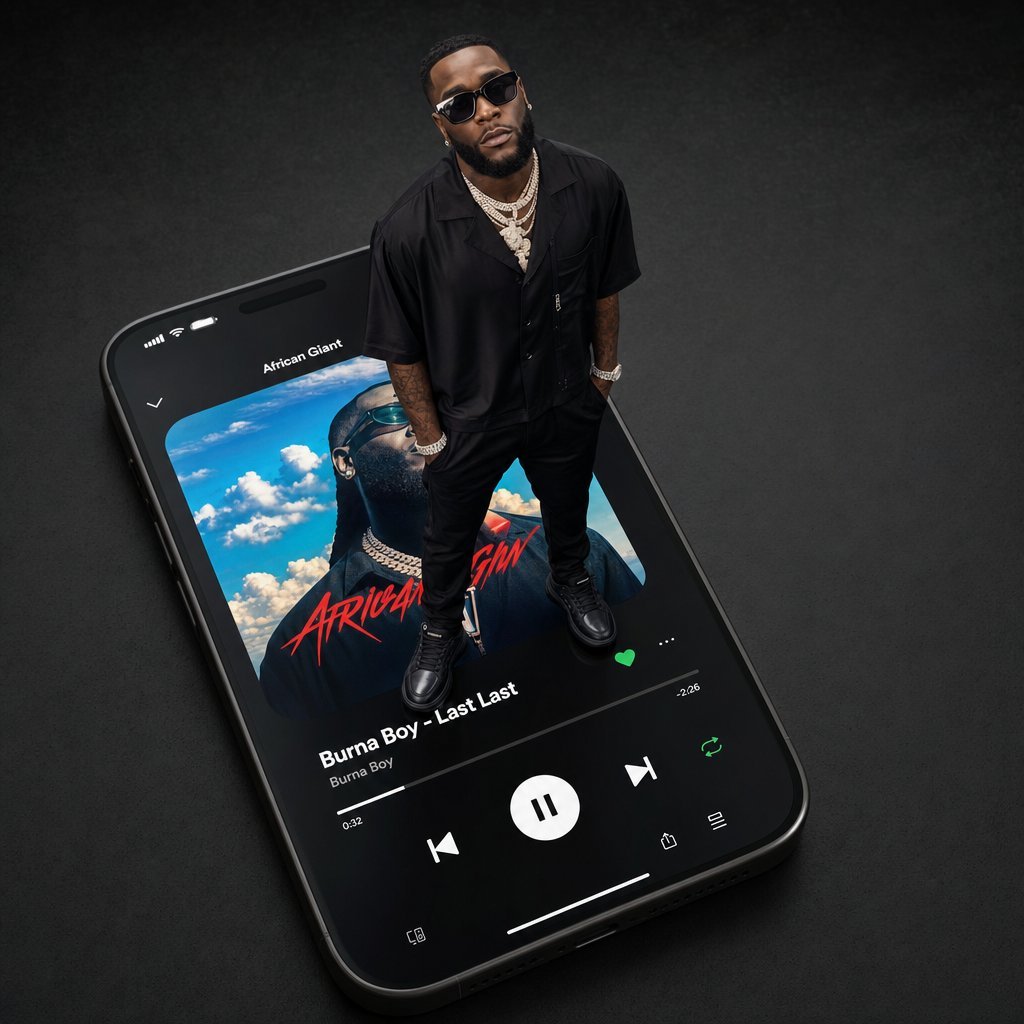
Giant Artist on Spotify Phone
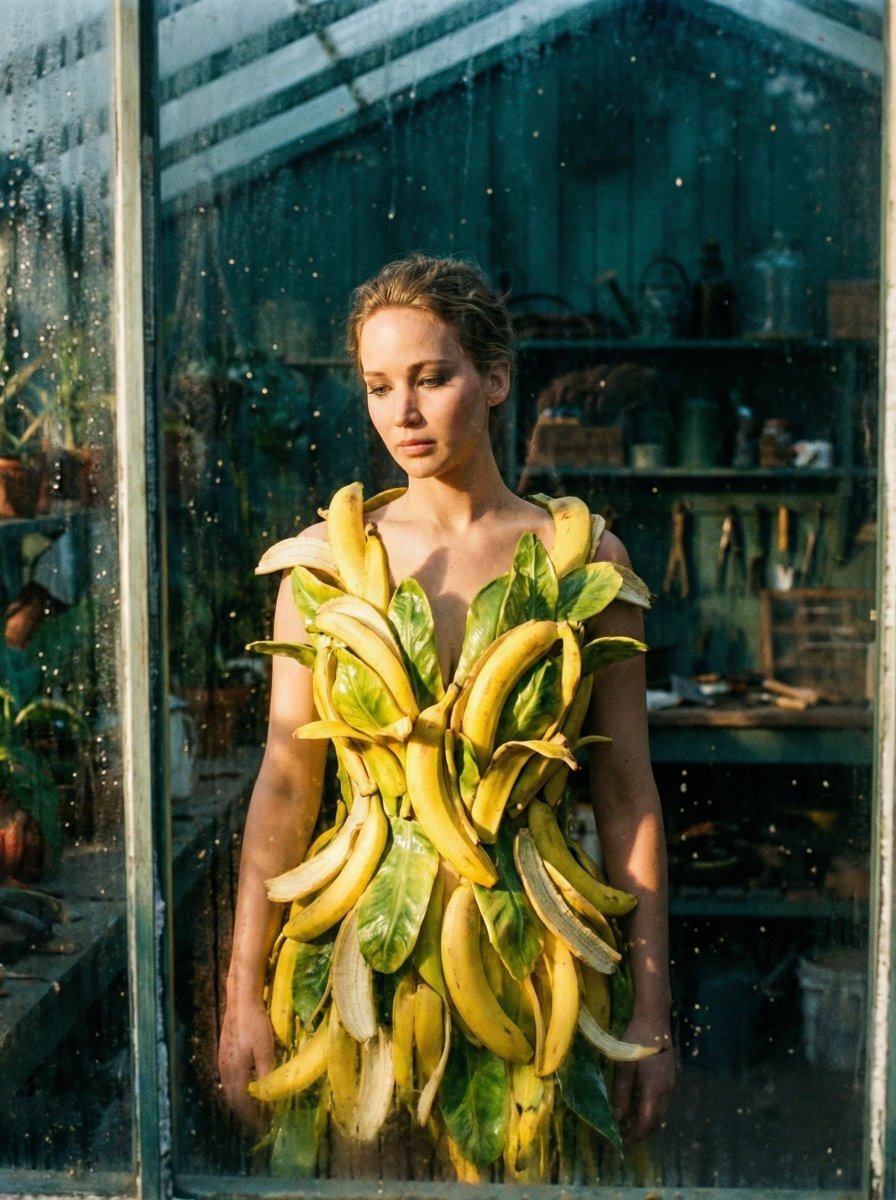
Tropical Melancholy Laboratory Surreal Portrait
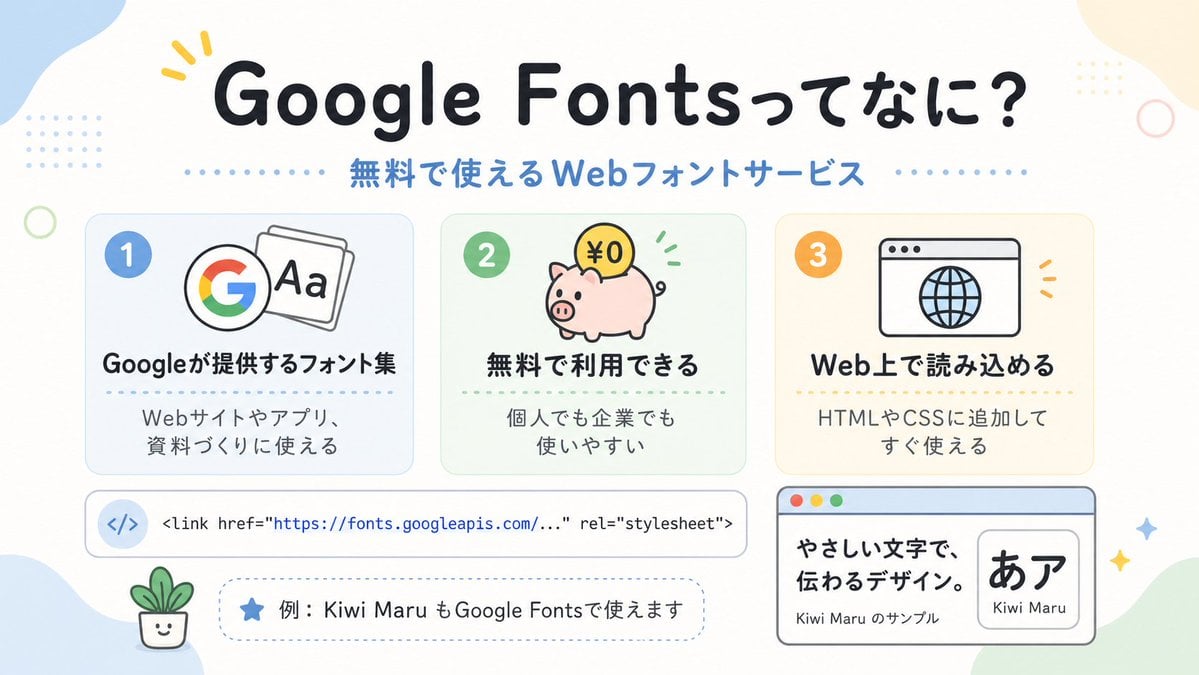
Cute Google Fonts Japanese Infographic
Fantasy Dragon and Warrior Image Prompt
2x2 Grid of Cocktails as Tiny Living Cities
Cinematic Character Design Sheet
Realistic League of Legends Cosplay
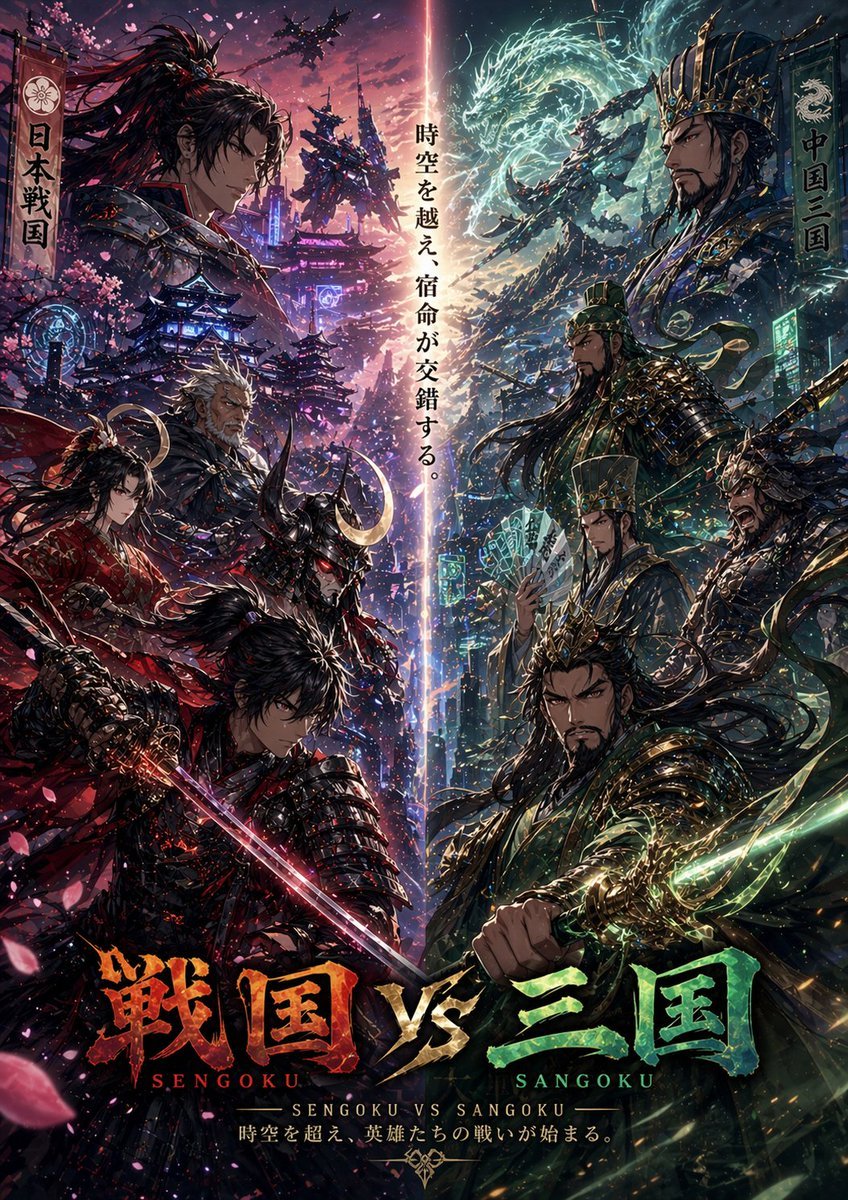
Sengoku vs Sangoku Crossover Poster
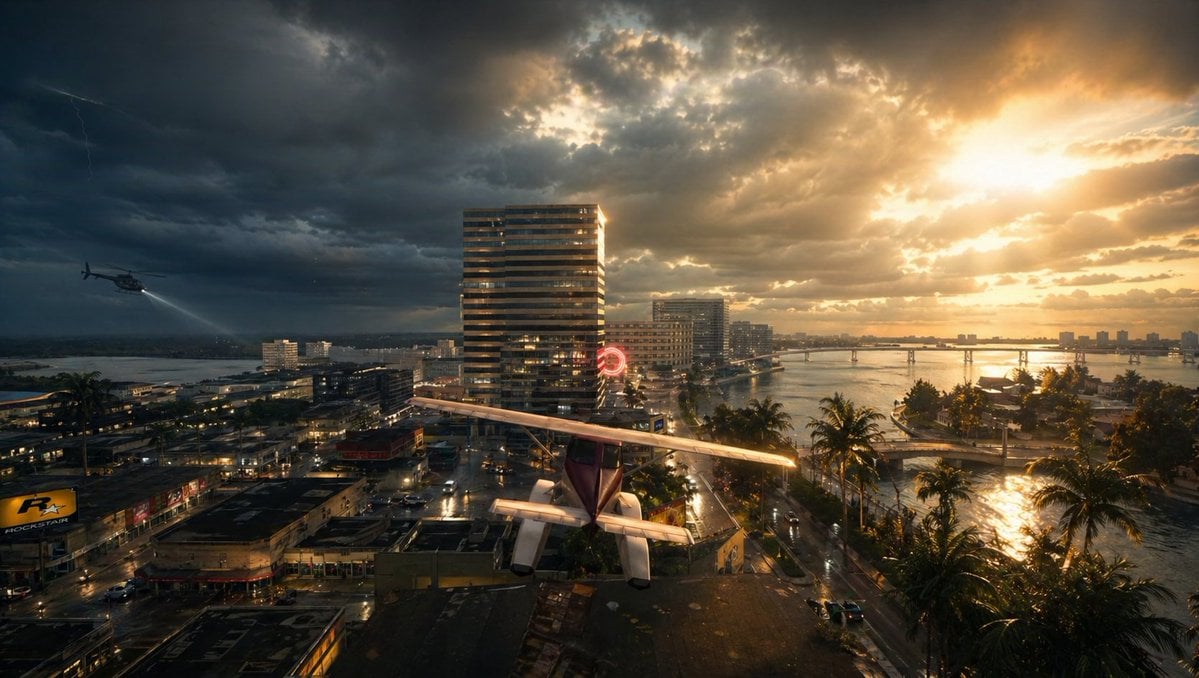
Gpt2 Comic Storyboard Stormy Tropical City with Rooftop Plane
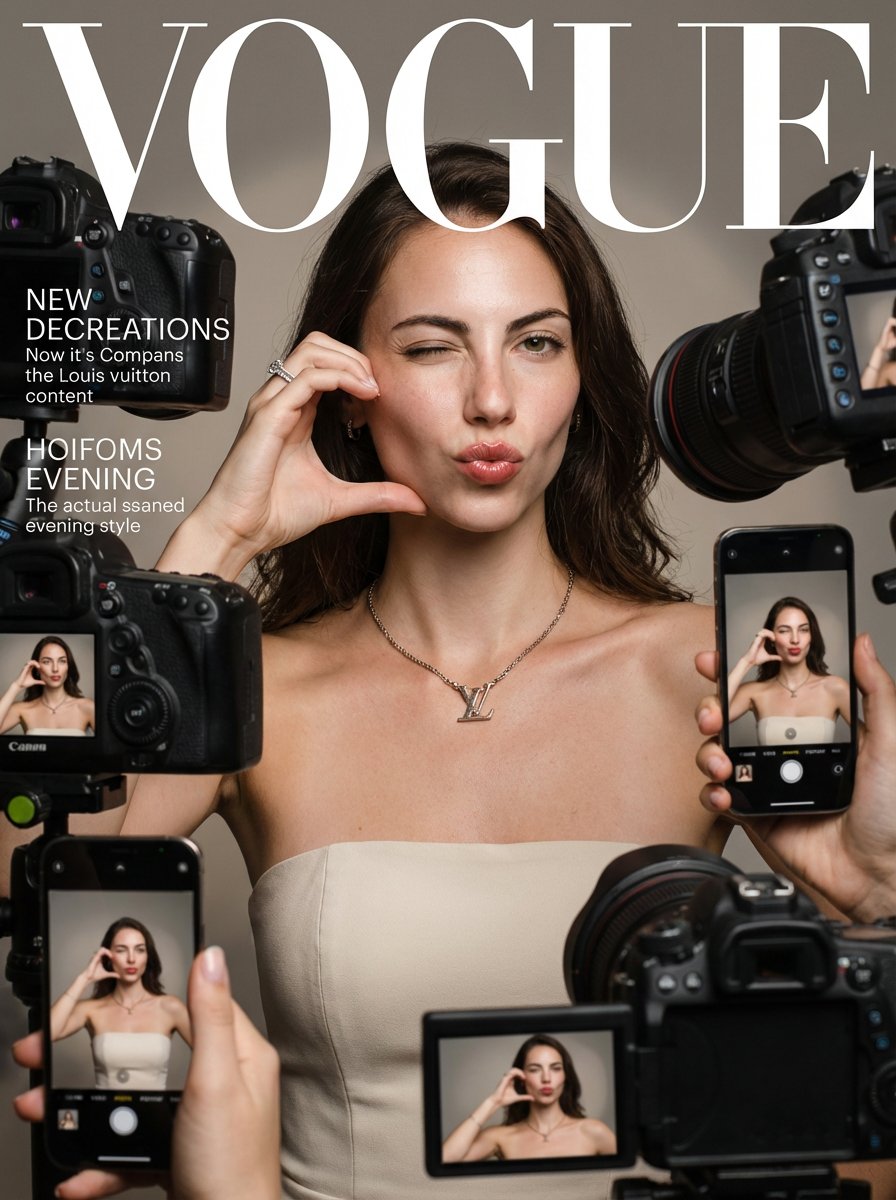
Vogue Magazine Cover Style Fashion Portrait
Browse template categories
Face-to-Career Matching Composite Image Generator questions
How do I use the Face-to-Career Matching Composite Image Generator template?
Add your photo if the template asks for one, edit the prompt if you like — the template's model and format are already selected — and press Generate. Your version opens in PicX Studio.
Can I customize the Face-to-Career Matching Composite Image Generator template?
Yes. You can change the subject, setting, lighting, mood, format, and available model controls before creating your image.
Is the Face-to-Career Matching Composite Image Generator template free?
Opening and editing this template is free. Generating uses credits, shown on the Generate button when you are signed in.
Which AI model should I use?
Start with Nano Banana 2, which is the model associated with this template. You can compare another compatible model for a different finish.
Looking for something else? Browse all templates.

Your photo, any look
Thousands of ready templates for every top image and video model, from one credit balance.