
Giant Artist on Spotify Phone
A photorealistic commercial-style scene showing a music artist standing on a smartphone music player interface, ideal for album or streaming promo visuals.
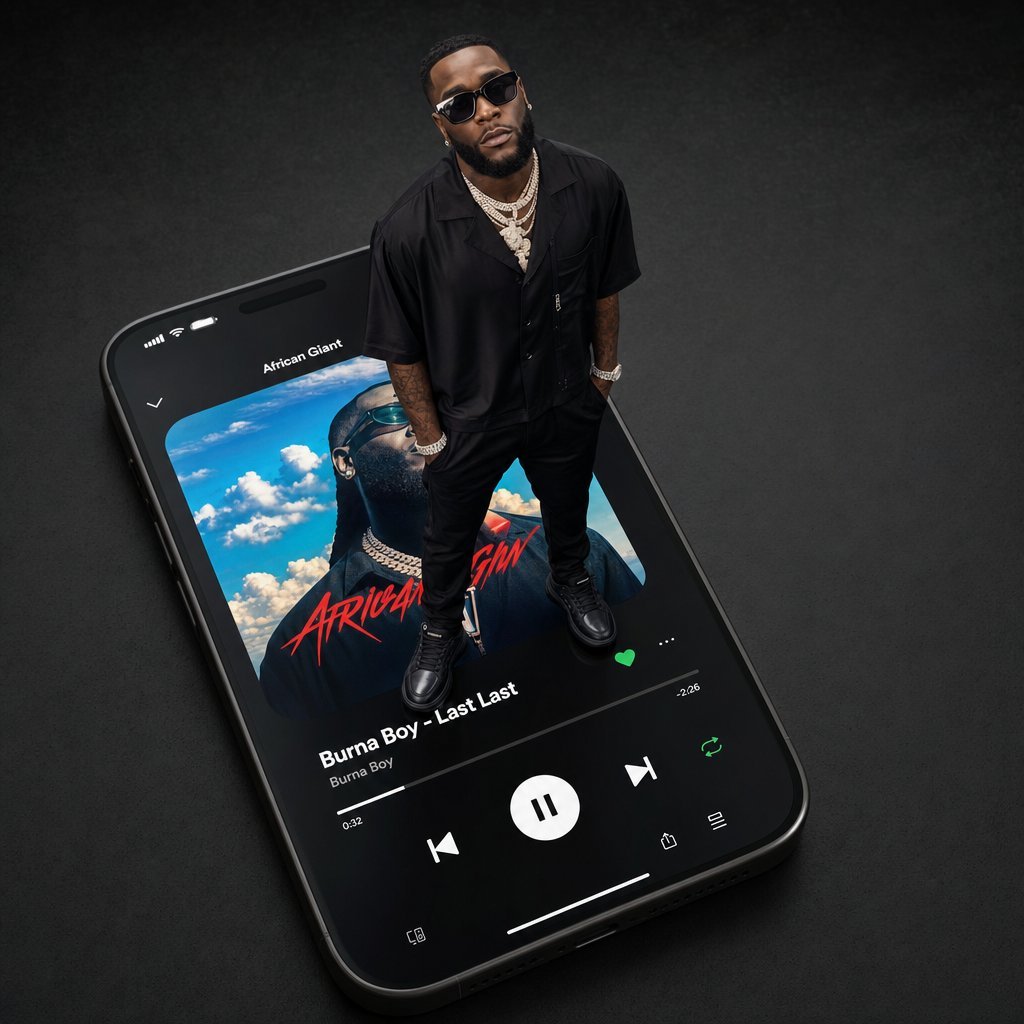
- Prompt included
- Model and format preset
- Free template
The prompt behind this image
Copy the exact prompt behind Giant Artist on Spotify Phone, or open it in the studio and make it yours.
Create a high-end 3D photorealistic editorial render of a giant smartphone lying diagonally on a dark matte textured surface, viewed from an elevated three-quarter angle. The phone displays a Spotify-style music player interface with black UI, rounded album artwork, white controls, and green accent icons. The visible track is {argument name="song title" default="Last Last"} by {argument name="artist name" default="Burna Boy"}, with the playlist/title text {argument name="playlist title" default="African Giant"} near the top. The album art shows a portrait against a bright blue sky with clouds and red handwritten-style lettering. Standing physically on top of the phone screen is a full-body photorealistic male music artist, scaled like a miniature giant relative to the device, wearing an all-black short-sleeve button-up shirt, black pants, black sneakers, layered diamond chains, bracelet, watch, and visible arm tattoos; his hands are in his pockets and his face is intentionally obscured by a soft square blur. Use dramatic studio lighting, glossy reflections on the phone glass, crisp shadows under the shoes, realistic depth of field, premium commercial photography look, dark charcoal background, ultra-detailed materials, 1:1 square composition.
How to use Giant Artist on Spotify Phone in 3 steps
- 1Upload ImagePNG, JPG or paste
Add your photo
Upload the photo the template builds on. The prompt, model and format are already set.
- 2…a portrait of your subject in softgolden-hour light, 85mm…
Personalize
Edit the subject and creative details for your destination.
- 3Generate
Generate
Press Generate — your image is created in PicX Studio, so you can compare it with the original and refine one variable at a time.
More like this
Templates with the same subject, style or setup. Open one to see its prompt.

Miniature Girl on Giant Smartphone Desk
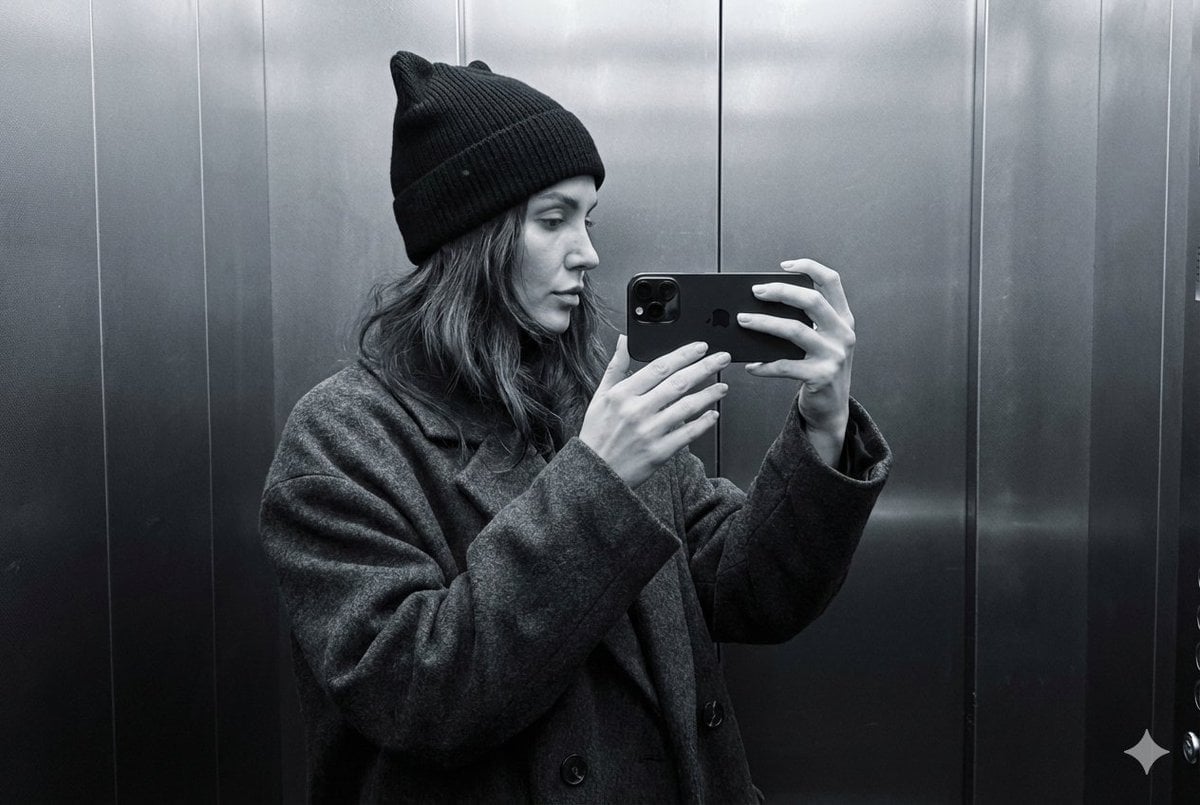
Monochrome Elevator Profile Cat Ear Selfie
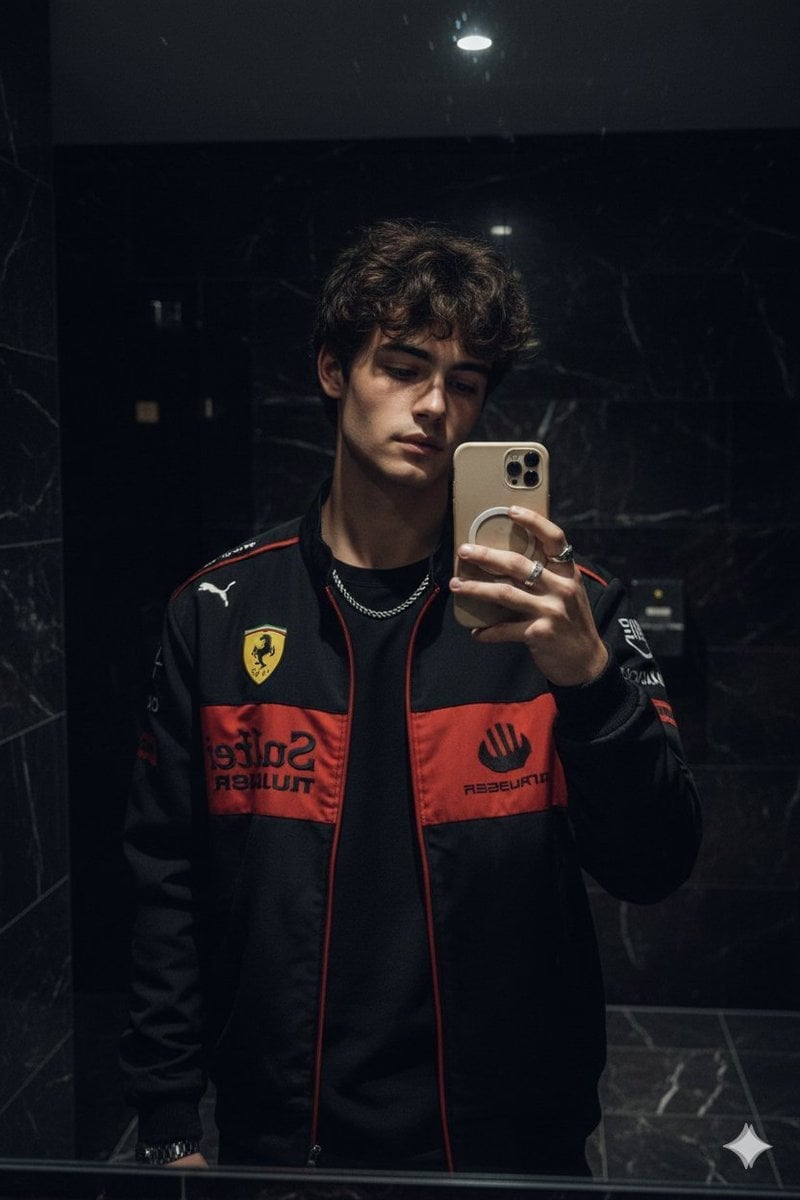
Dark Marble Bathroom Racing Jacket Mirror Selfie

Giant Lotus Pond Portrait
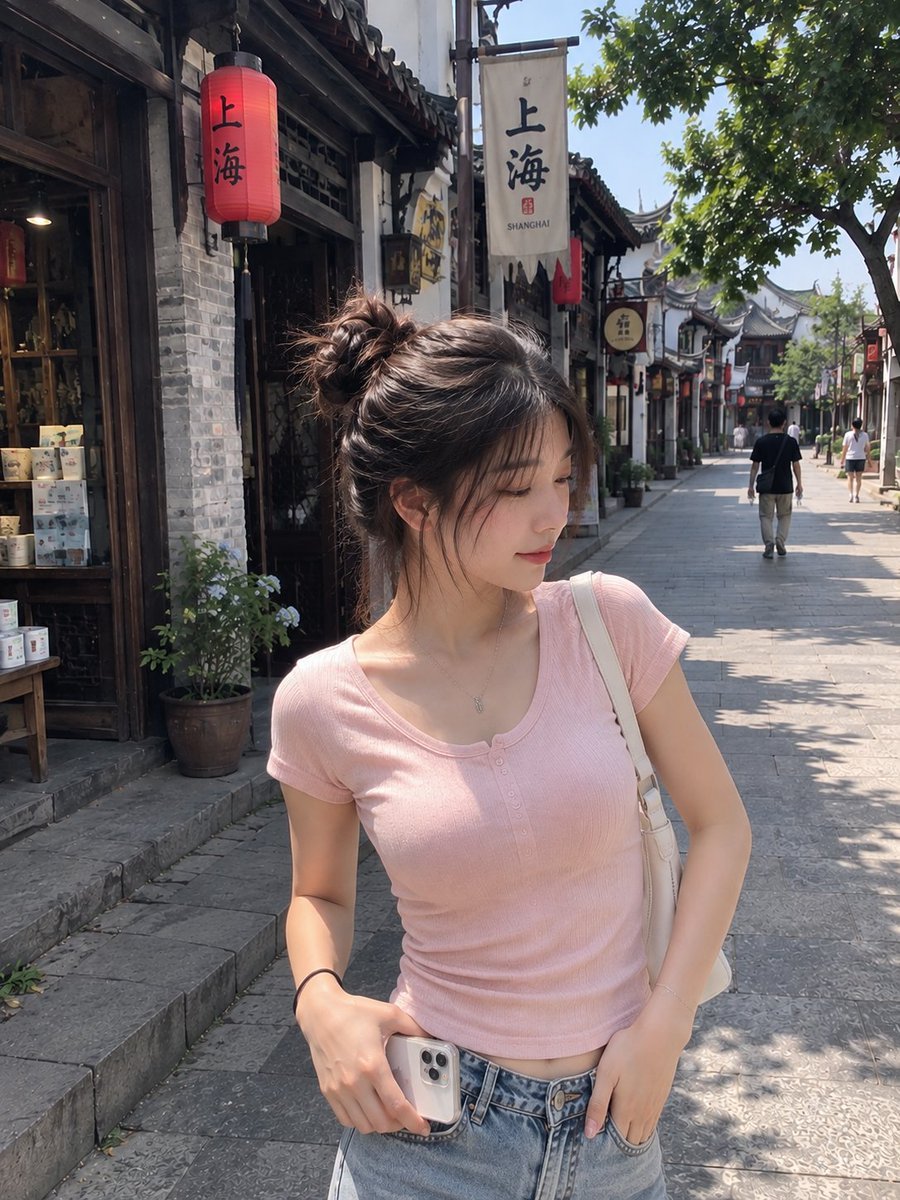
Realistic Chinese Street Smartphone Photo
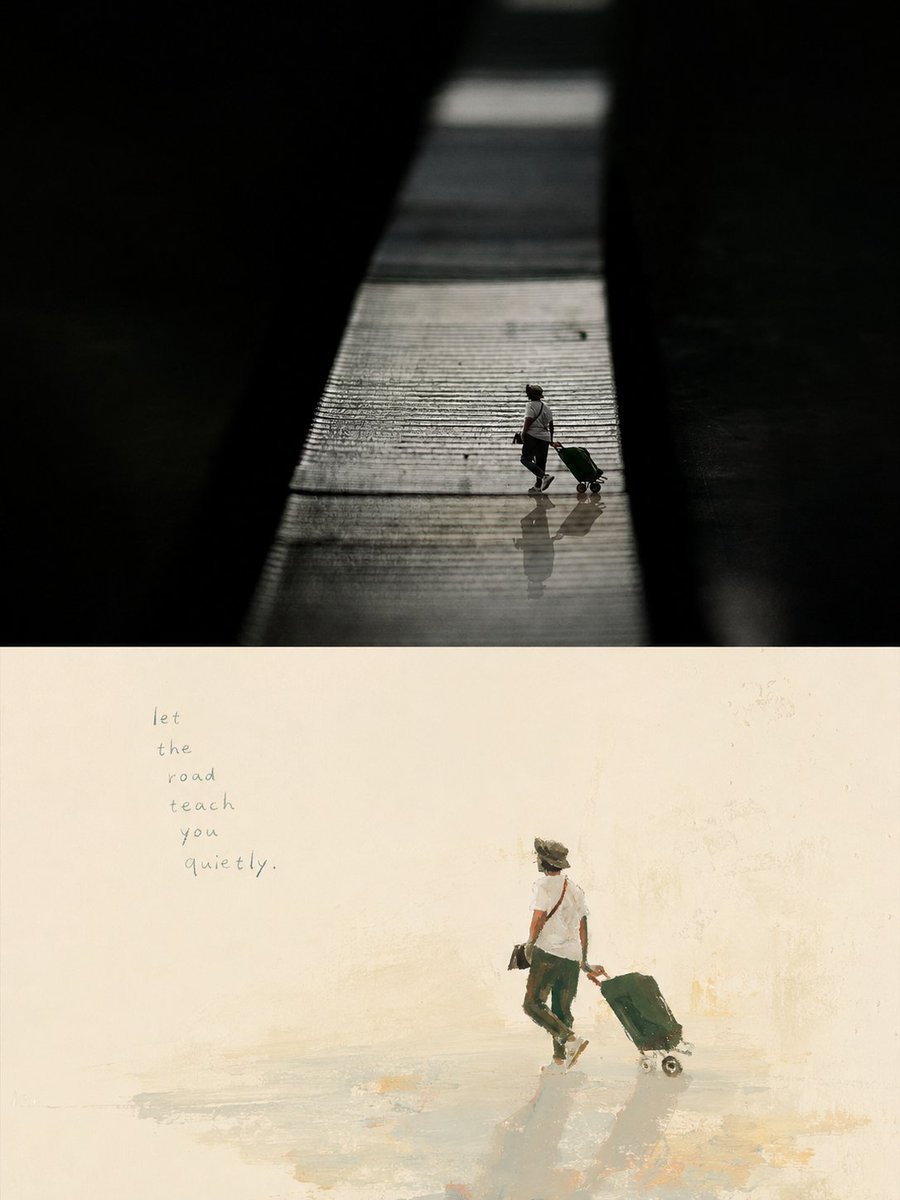
Artistic Memory Collage Poster
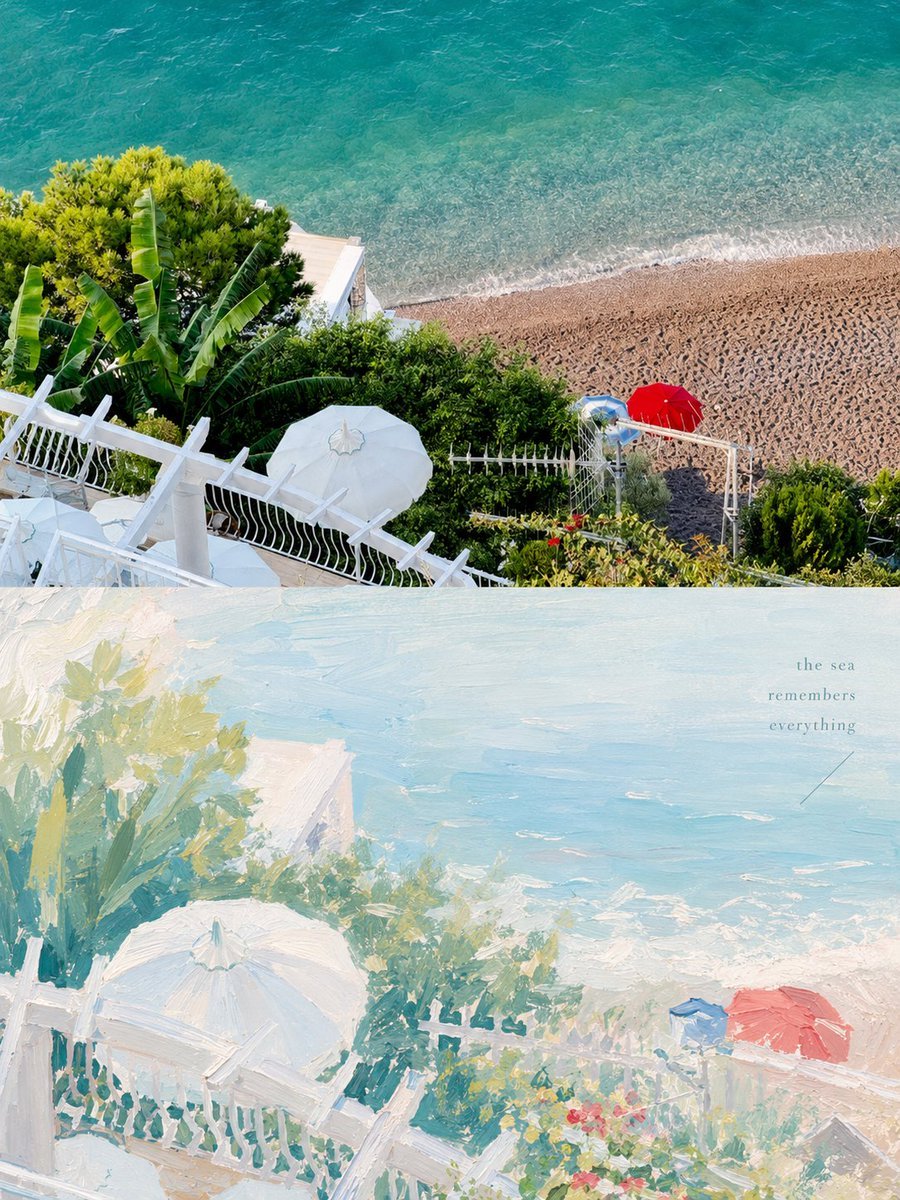
Healing Pastel Style Artistic Reconstruction
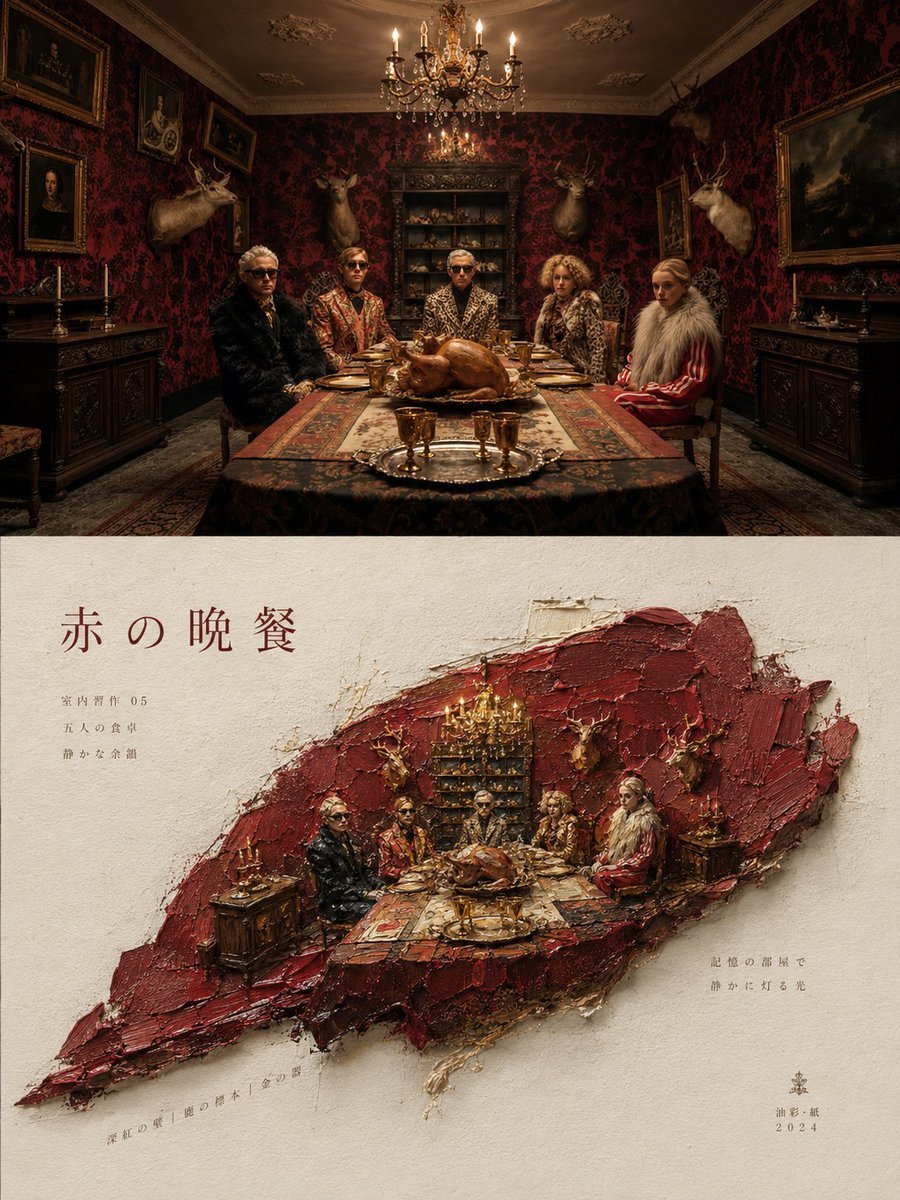
Artistic Magazine Design Poster Layout
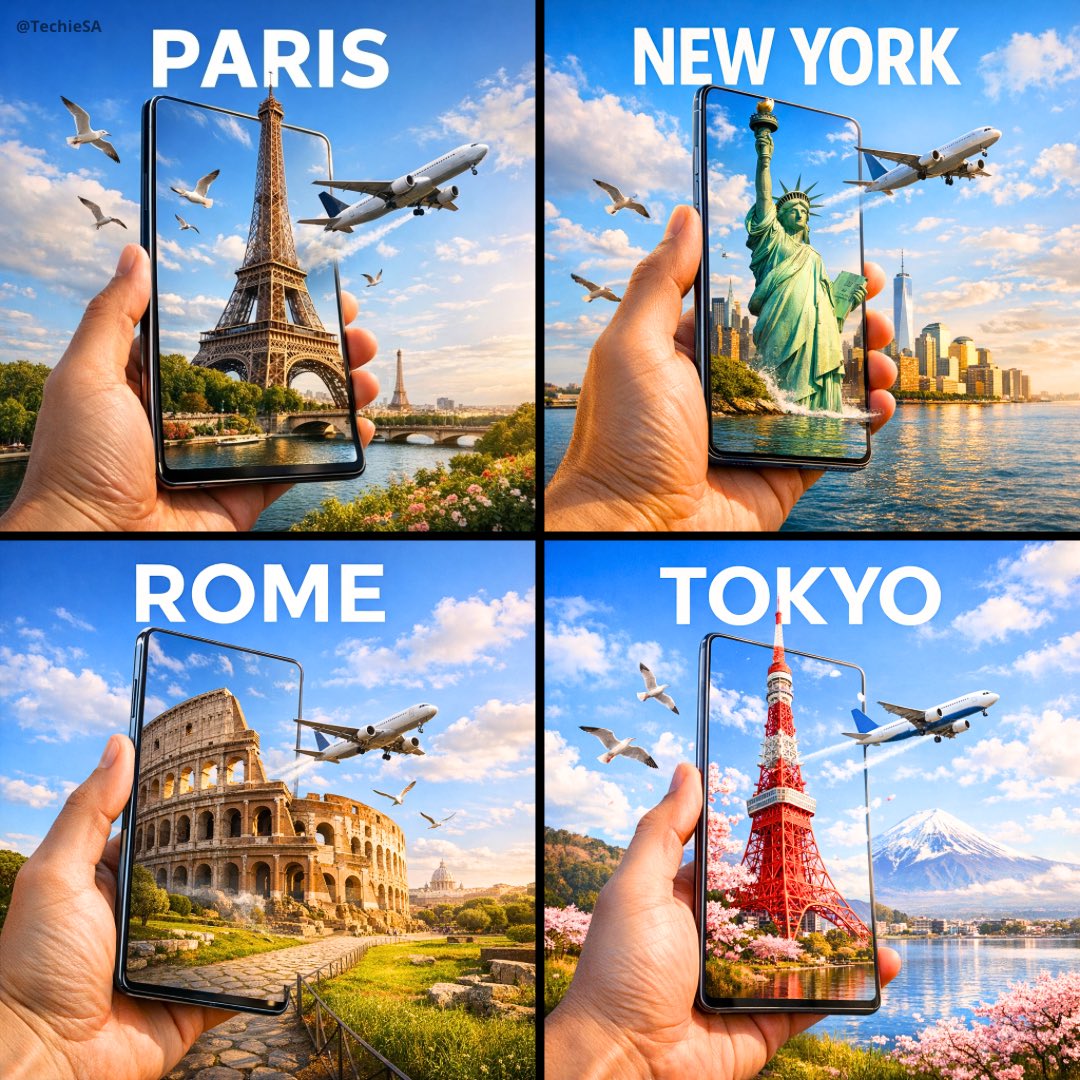
Travel Ad Phone Portal 3D Effect
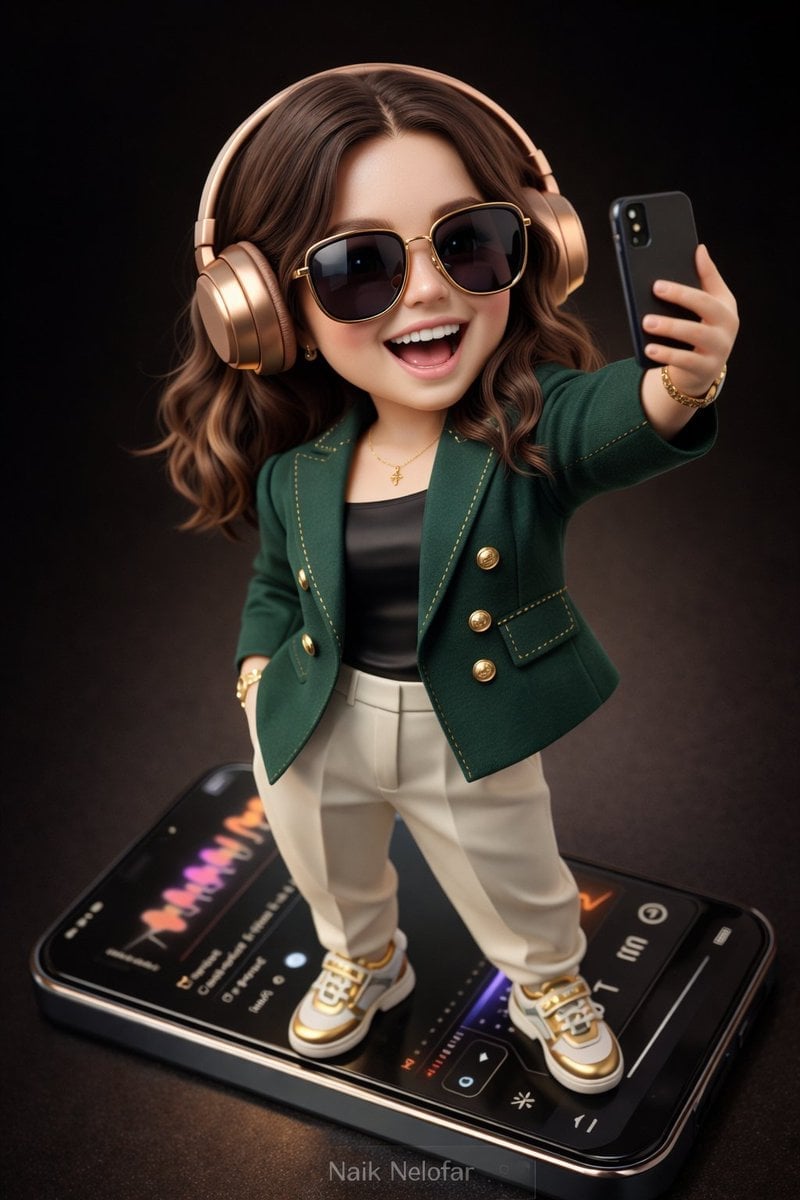
Chibi Designer Toy Character on Smartphone

Act as a 3D Product Visualization Artist
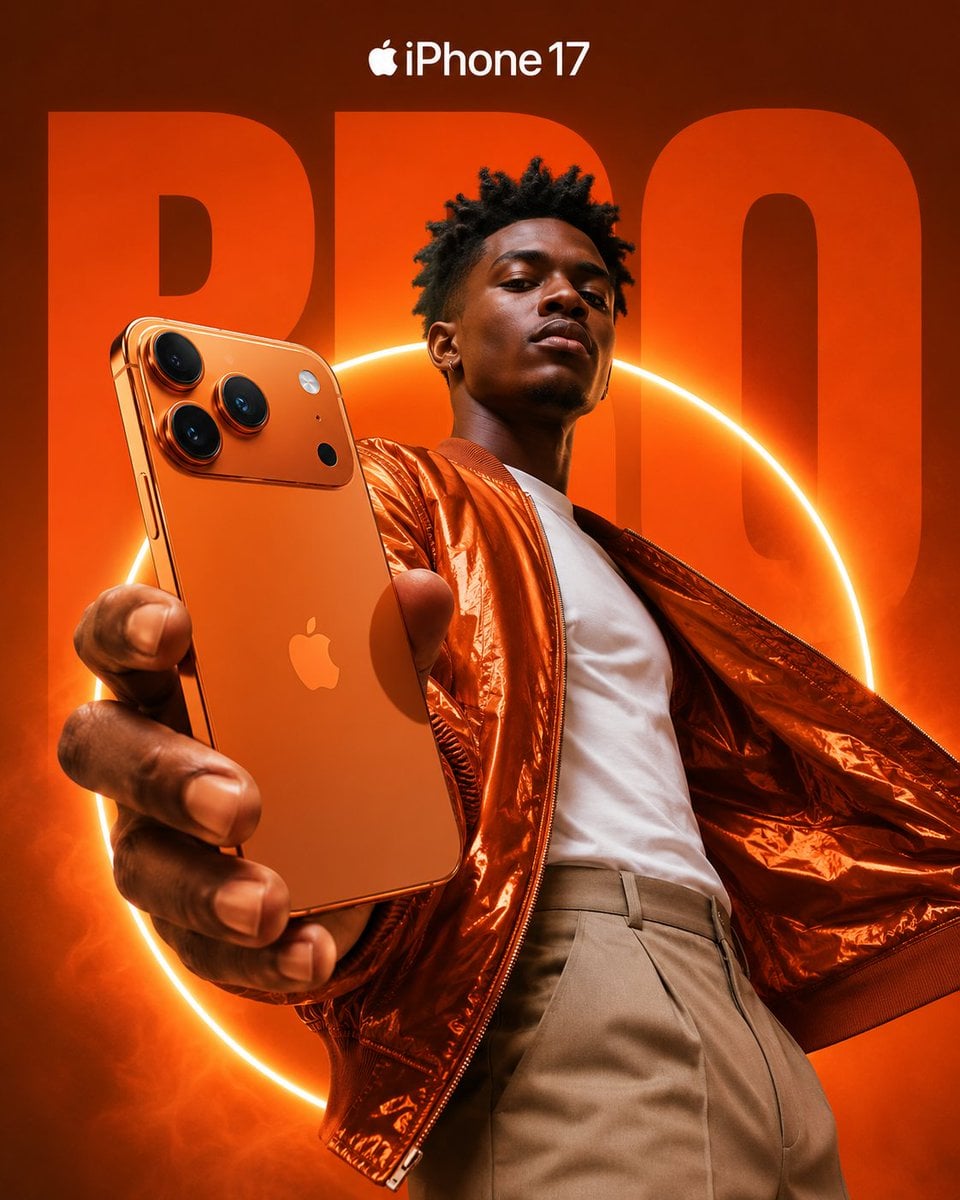
Premium iPhone Fashion Advertising Poster
Make it yours
Giant Artist on Spotify Phone works as-is. These are the safest ways to change it without losing the look.
Change one field
Copy a single group, rewrite it, and generate again so you can see what that field is doing.
Keep the frame, change the subject
Hold the composition and light of Giant Artist on Spotify Phone, then swap wardrobe, props or the person for a new take.
| If the result… | Why | Fix |
|---|---|---|
| The result drifts from the preview | Too many fields changed at once. | Reuse Giant Artist on Spotify Phone as-is first, then change one group — subject, light, or setting. |
| The model over-stylizes the scene | The prose prompt leaves finish and camera underspecified. | Add one camera or lighting sentence and stay on GPT Image 2. |
More GPT Image 2 templates
Other prompts made for GPT Image 2.

Six VTuber Japanese Logo Sheet

Realistic Portrait of Woman and Deer

The Vista Modular Condo Poster

AI Model Routing Comparison Infographic

2.5D Anime Art Board

Isometric Productivity Desk Scene

New York Double Exposure Poster

Four-Panel AI Landscape Comparison

Japanese Tatami Lifestyle Magazine Cover

NESCAFÉ Coffee Map Poster
More image prompts
Fresh picks from across the catalog.
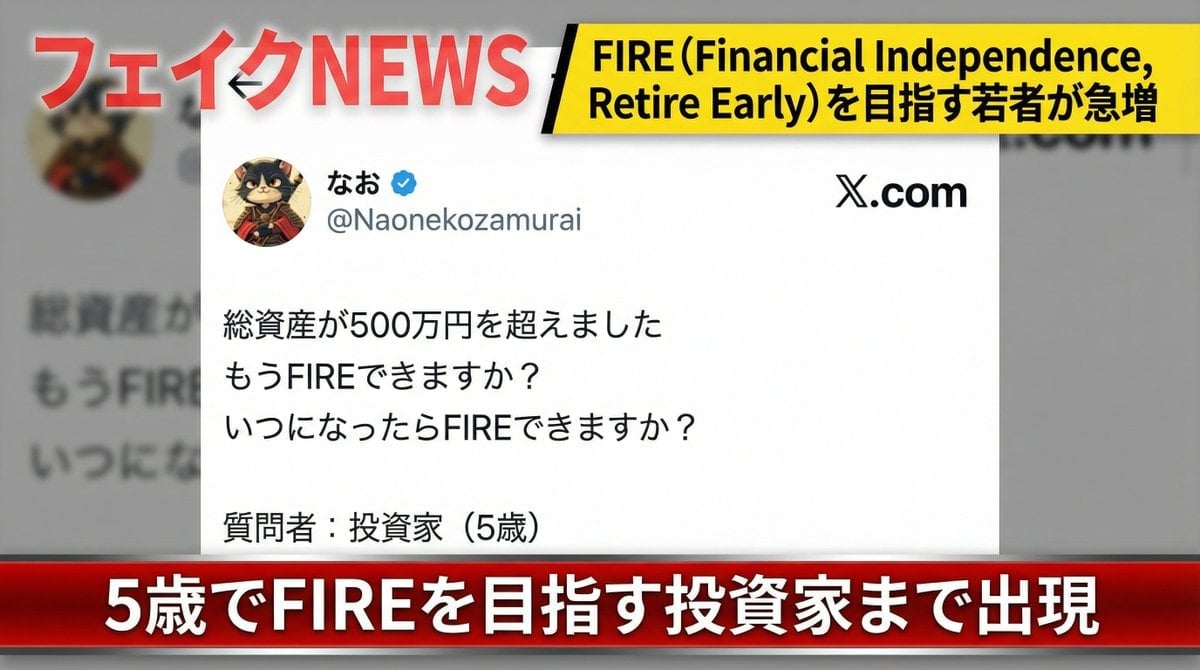
Fake News Image Creation Prompt

Japanese MNP Campaign Banner

Royal Perfume Advertisement Prompt
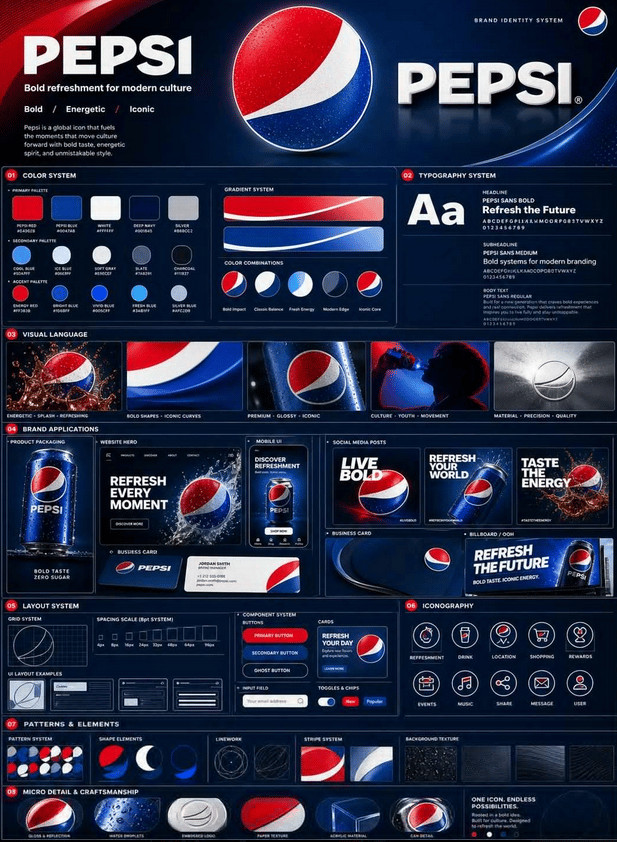
Professional Brand Identity Guidelines Poster
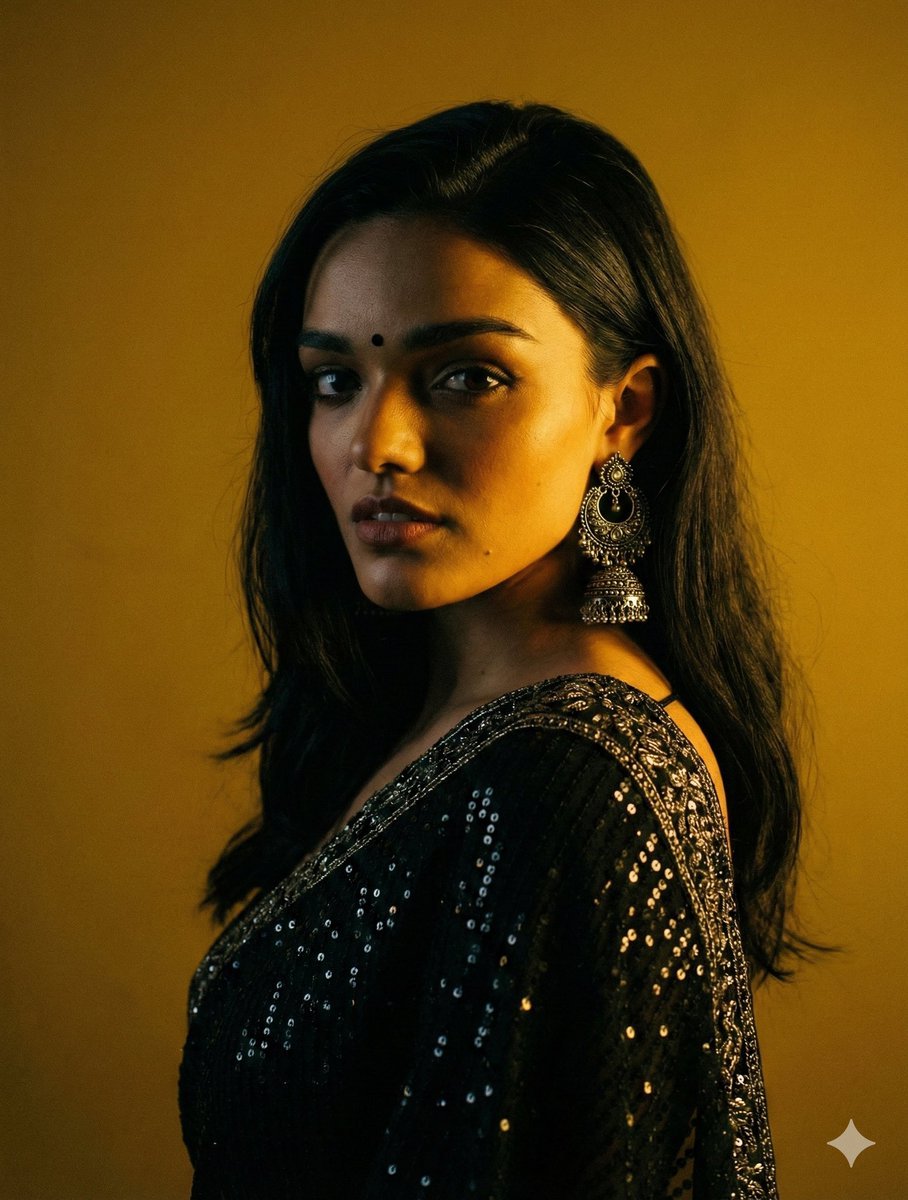
Cinematic Chiaroscuro Portrait in Saree
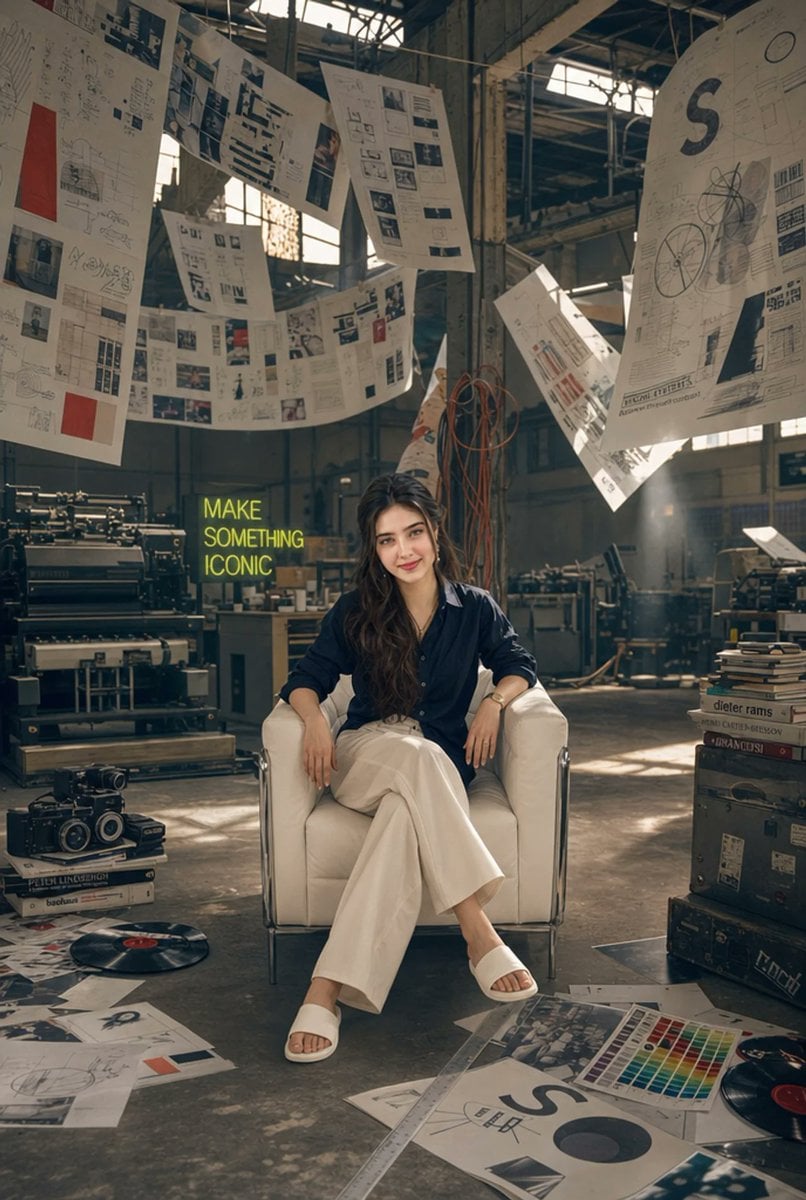
Creative Director in Printing Warehouse
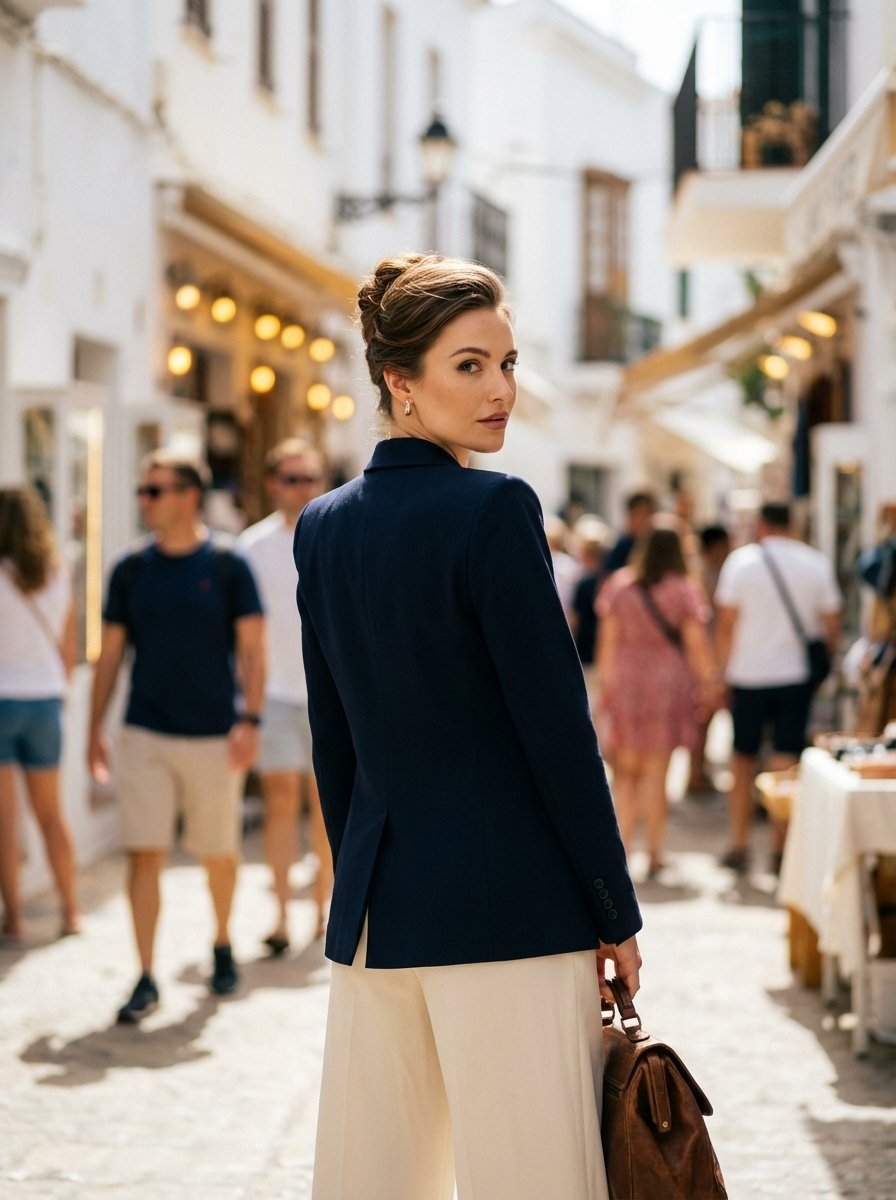
High Fashion Mediterranean Street Portrait Prompt

Celestial Astrologer Divination Scene
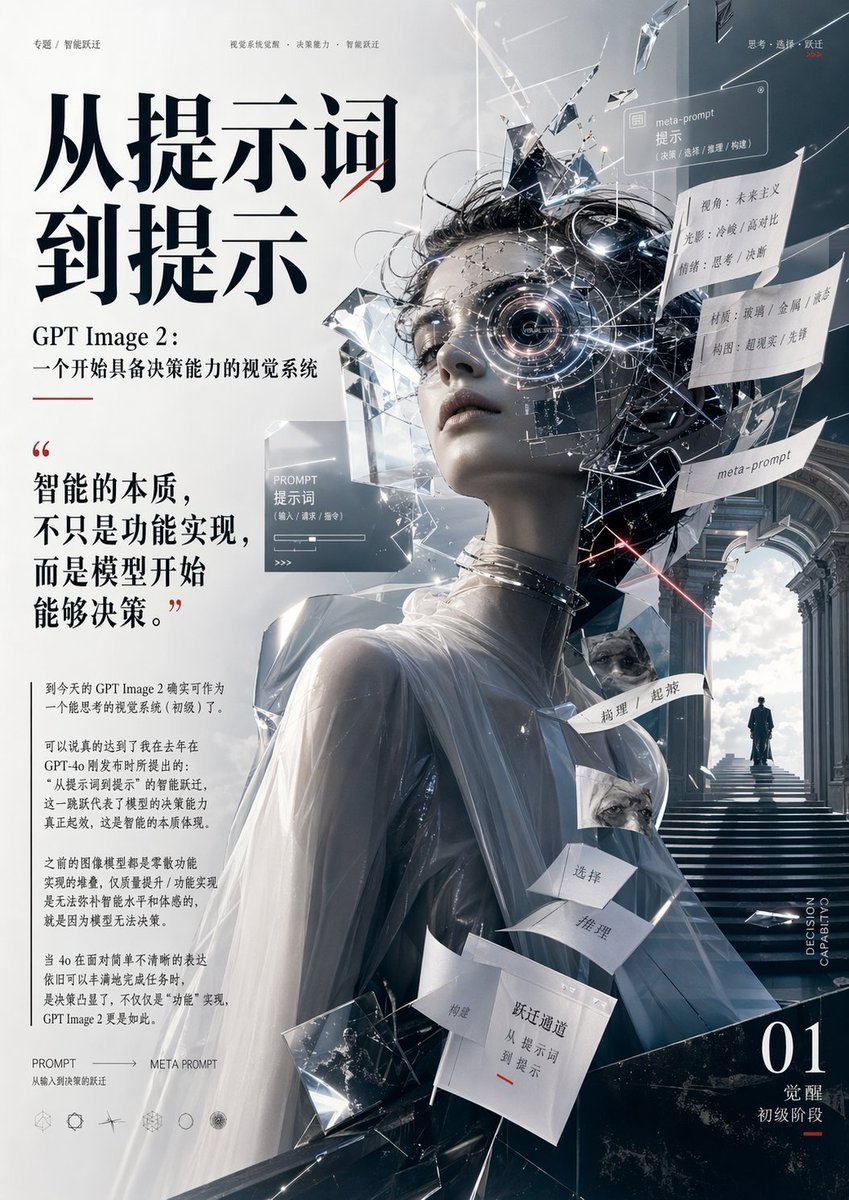
Futuristic AI Editorial Poster

Muslim Woman Overlooking Mecca
Browse template categories
Giant Artist on Spotify Phone questions
How do I use the Giant Artist on Spotify Phone template?
Add your photo if the template asks for one, edit the prompt if you like — the template's model and format are already selected — and press Generate. Your version opens in PicX Studio.
Can I customize the Giant Artist on Spotify Phone template?
Yes. You can change the subject, setting, lighting, mood, format, and available model controls before creating your image.
Is the Giant Artist on Spotify Phone template free?
Opening and editing this template is free. Generating uses credits, shown on the Generate button when you are signed in.
Which AI model should I use?
Start with GPT Image 2, which is the model associated with this template. You can compare another compatible model for a different finish.
Looking for something else? Browse all templates.

Your photo, any look
Thousands of ready templates for every top image and video model, from one credit balance.