
Creative Director in Printing Warehouse
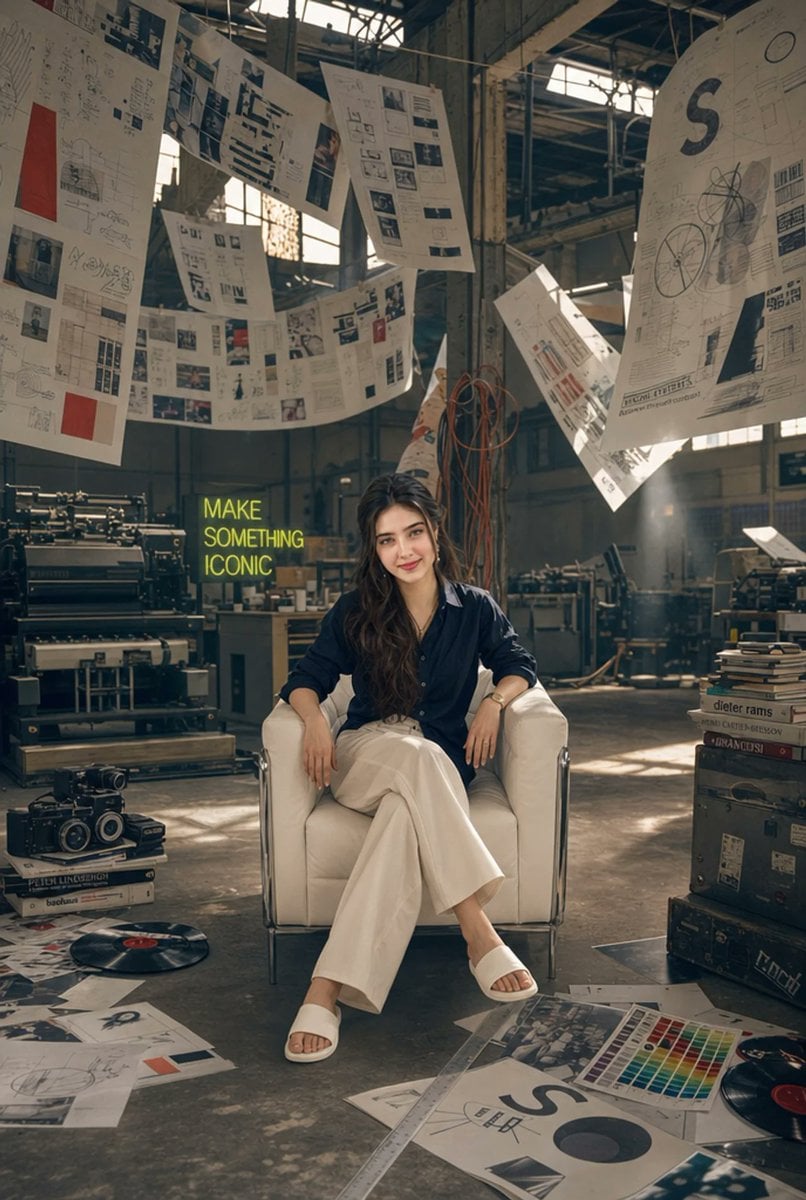
A cinematic fashion-editorial scene of a creative director seated in an abandoned printing warehouse studio surrounded by hanging design proofs and vintage print equipment.
- Prompt included
- Model and format preset
- Free template
The prompt behind this image
Copy the exact prompt behind Creative Director in Printing Warehouse, or open it in the studio and make it yours.
Create an ultra-detailed 35mm fashion-editorial photograph of {argument name="character description" default="a young creative director woman"} sitting alone in the exact center of a giant abandoned printing warehouse transformed into an artistic design studio. She sits confidently on a white leather cube armchair with chrome frame, legs crossed, relaxed hands resting on the chair arms, wearing {argument name="outfit" default="a navy oversized button-up shirt, high-waisted flowing white wide-leg trousers, white slide sandals, and a slim wristwatch"}. She has long wavy dark brown hair falling over one shoulder and a calm editorial presence. The environment is vast, industrial, dusty, and cinematic, with high ceilings, exposed steel beams, old concrete columns, large factory windows, shafts of warm sunlight, and atmospheric haze. Around her are vintage printing presses, worktables, stacks of design books, old trunks and equipment cases, coiled orange cables, scattered posters, proofs, typography layouts, color calibration sheets, rulers, sketches, and vinyl records on the concrete floor. Above her, suspend exactly 8 oversized printed design boards and proof sheets from thin wires, floating and curling in the air; they show magazine layouts, typography grids, technical sketches, photos, red accent blocks, black diagrams, and one large sheet on the right with a bold letter S. On the left rear wall, include a neon yellow-green sign reading {argument name="neon text" default="MAKE SOMETHING ICONIC"}. Use warm natural window light mixed with soft editorial fill, muted beige and charcoal tones, subtle red and cyan print accents, shallow-to-medium depth of field, realistic film grain, high dynamic range, crisp fabric texture, and a premium fashion magazine composition. Shoot vertically in a 2:3 aspect ratio from a slightly low frontal angle, centered symmetry, full-body framing, no watermark, no extra people, no distorted anatomy, no unreadable extra slogans beyond the neon sign.
How to use Creative Director in Printing Warehouse in 3 steps
- 1Upload ImagePNG, JPG or paste
Add your photo
Upload the photo the template builds on. The prompt, model and format are already set.
- 2…a portrait of your subject in softgolden-hour light, 85mm…
Personalize
Edit the subject and creative details for your destination.
- 3Generate
Generate
Press Generate — your image is created in PicX Studio, so you can compare it with the original and refine one variable at a time.
More like this
Templates with the same subject, style or setup. Open one to see its prompt.
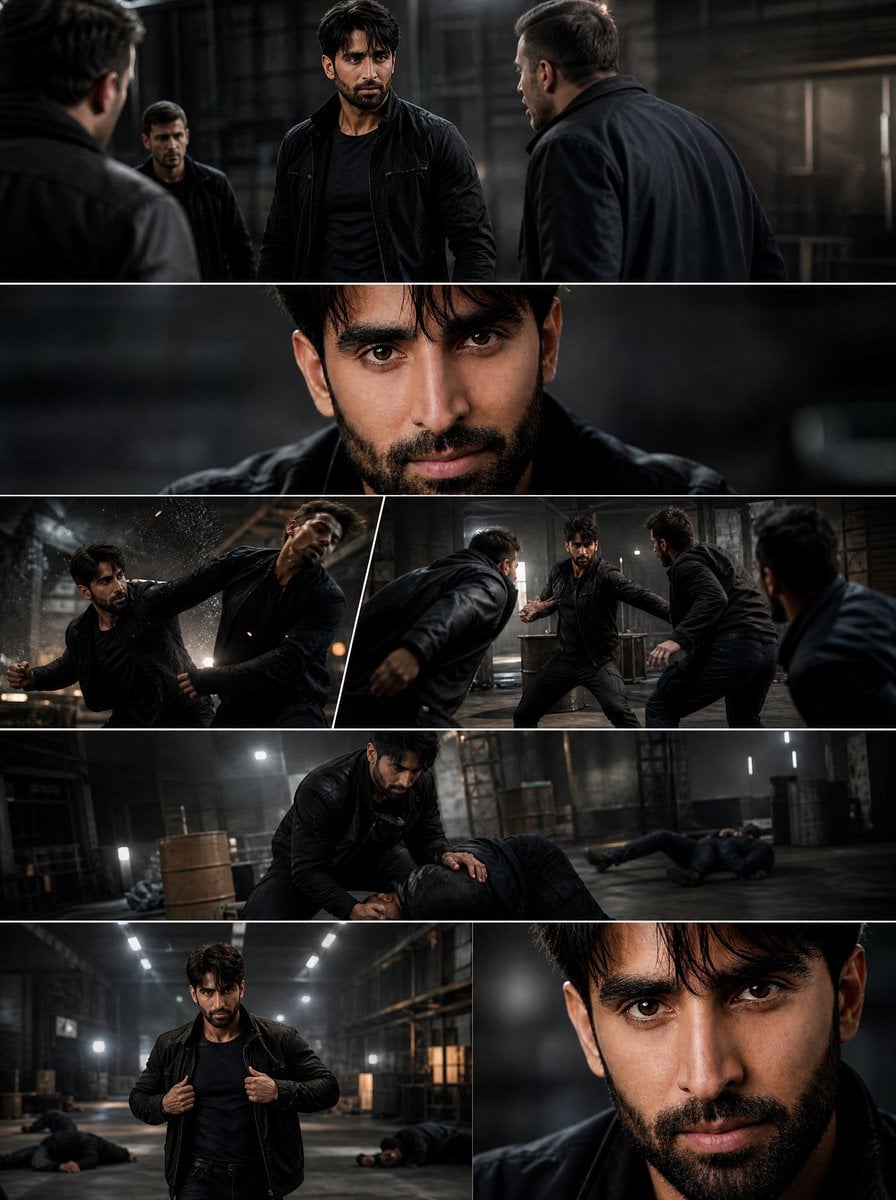
Cinematic Warehouse Fight Storyboard
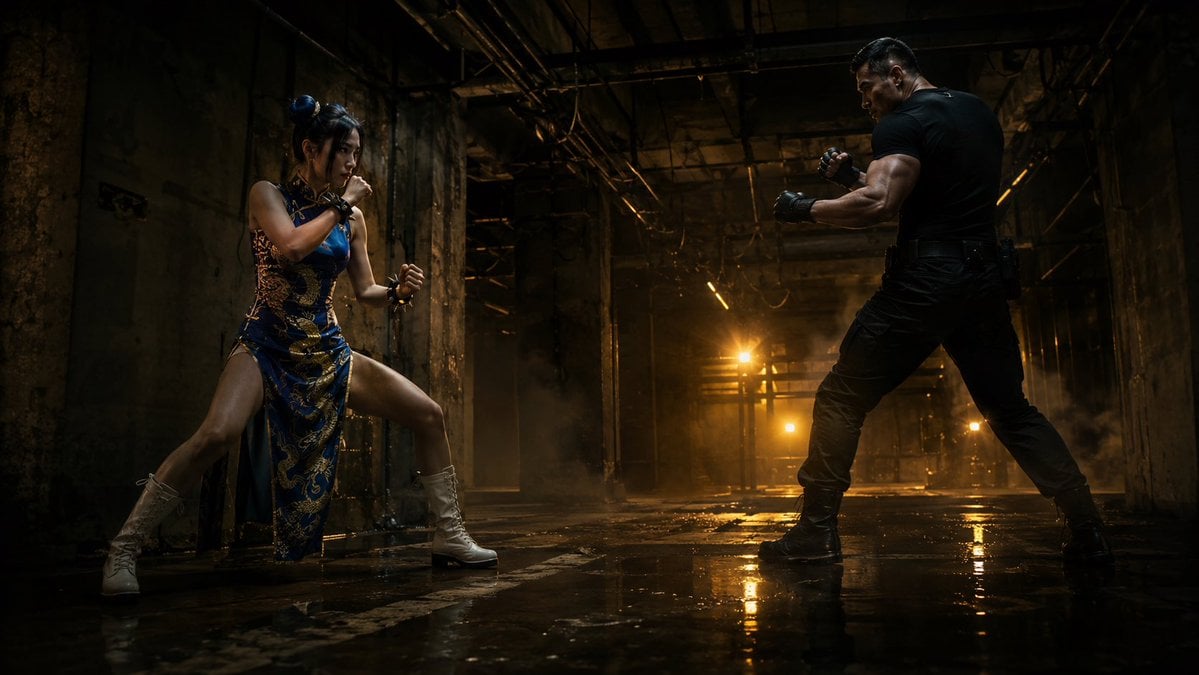
Warehouse Martial Arts Showdown
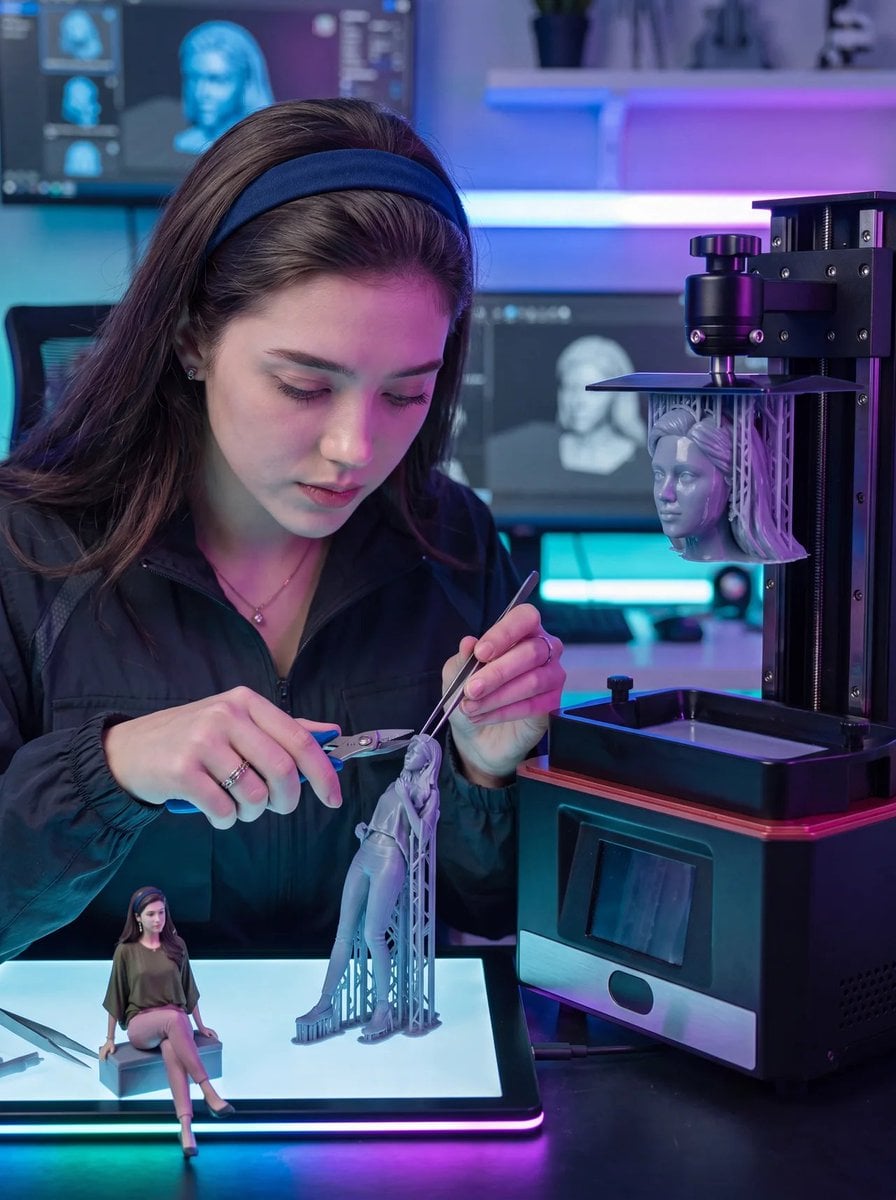
Futuristic 3D Printing Lab Portrait
Lone Figure in Abandoned Warehouse
Hyper-Realistic Portrait in Dusty Warehouse
Cinematic Macro Toy Photography of a Sprinting Character
You are a cinematic miniature-diorama director and museum exhibit
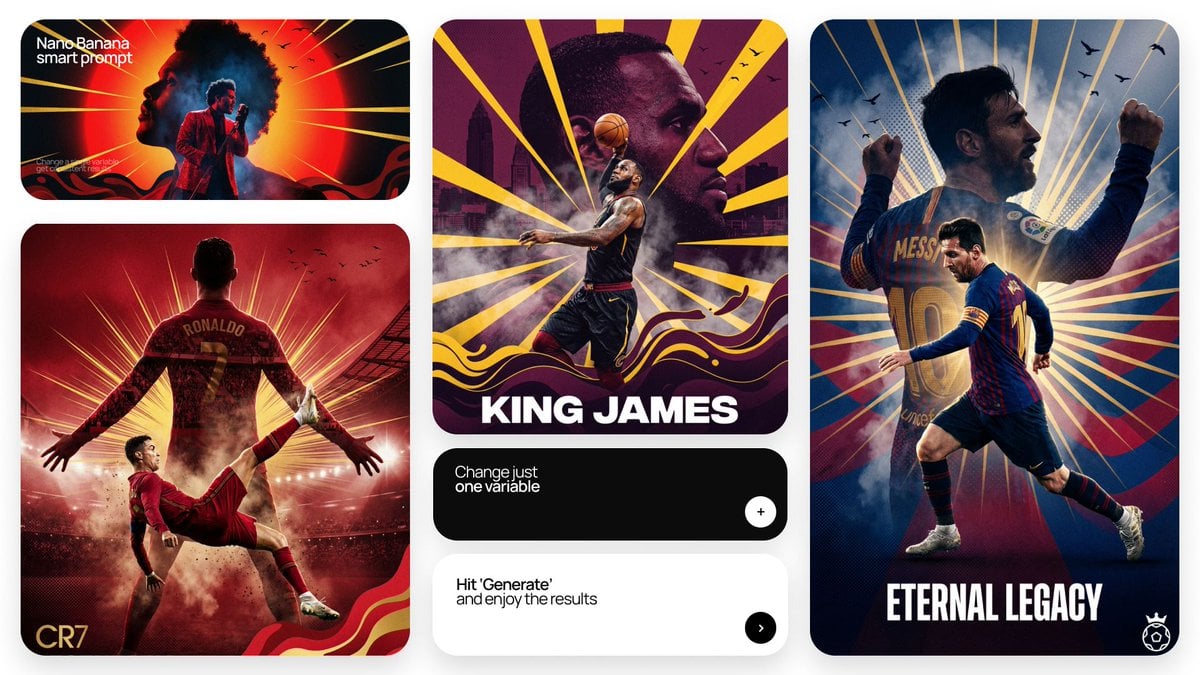
Act as a Senior Art Director
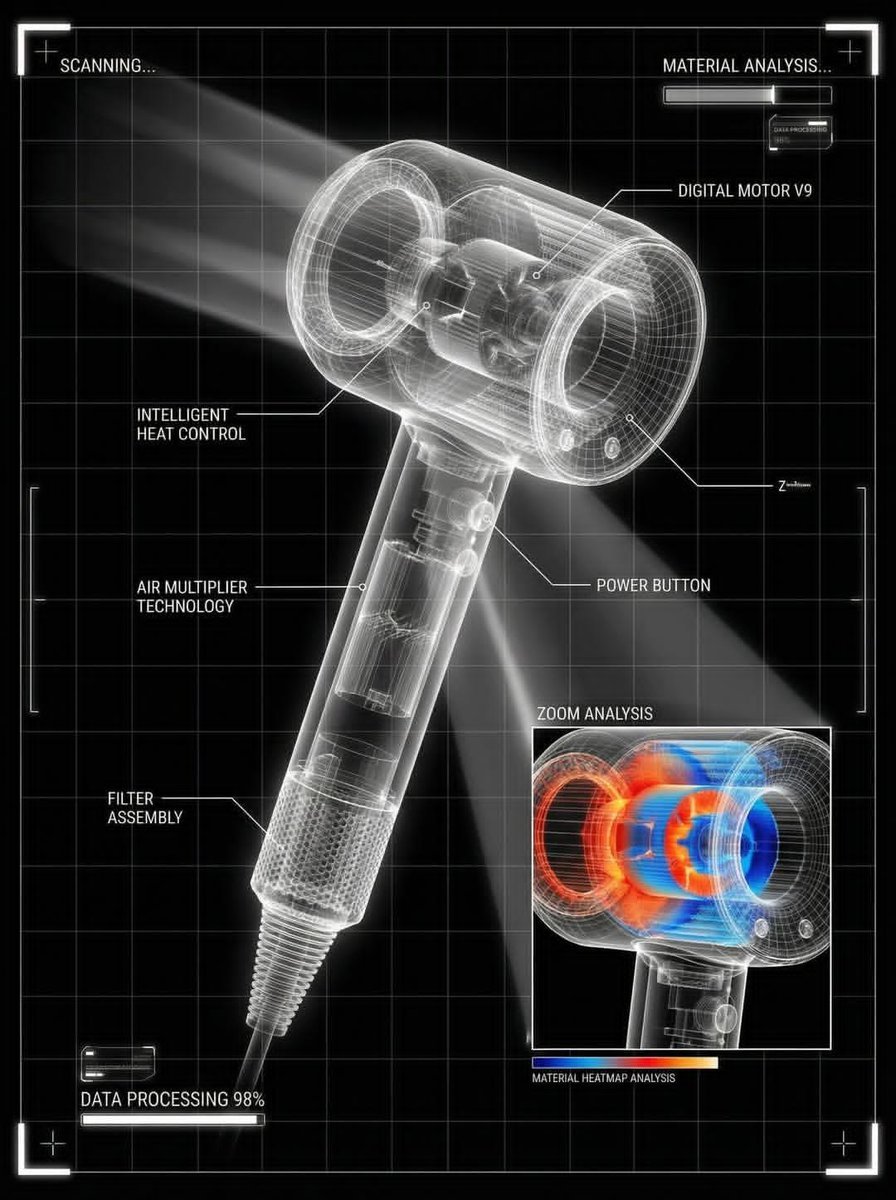
You are a world-class director of industrial visualization
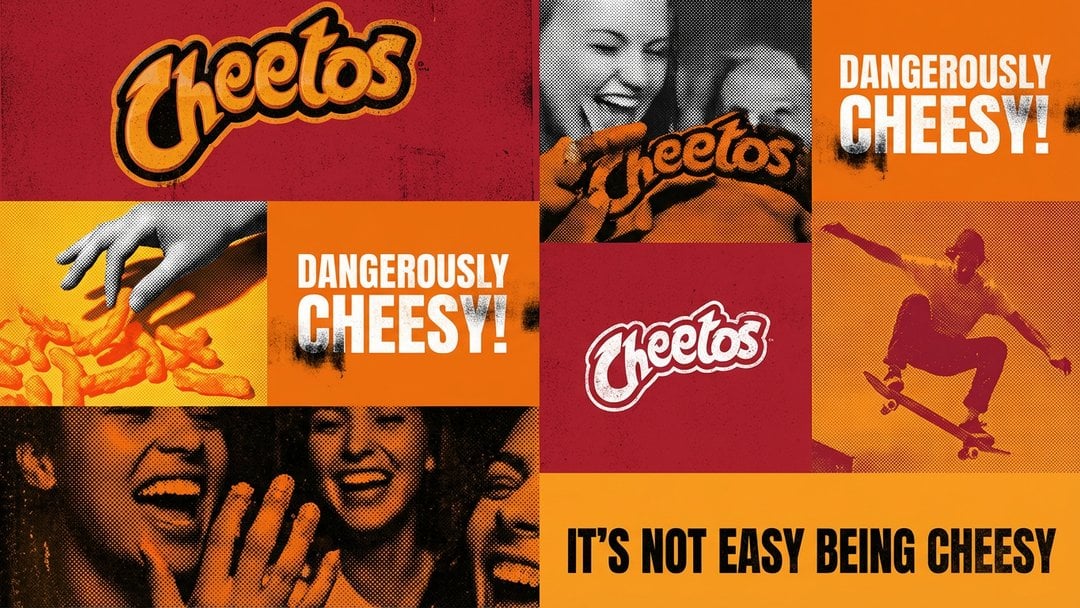
Act as a graphic design creative director constructing a highly
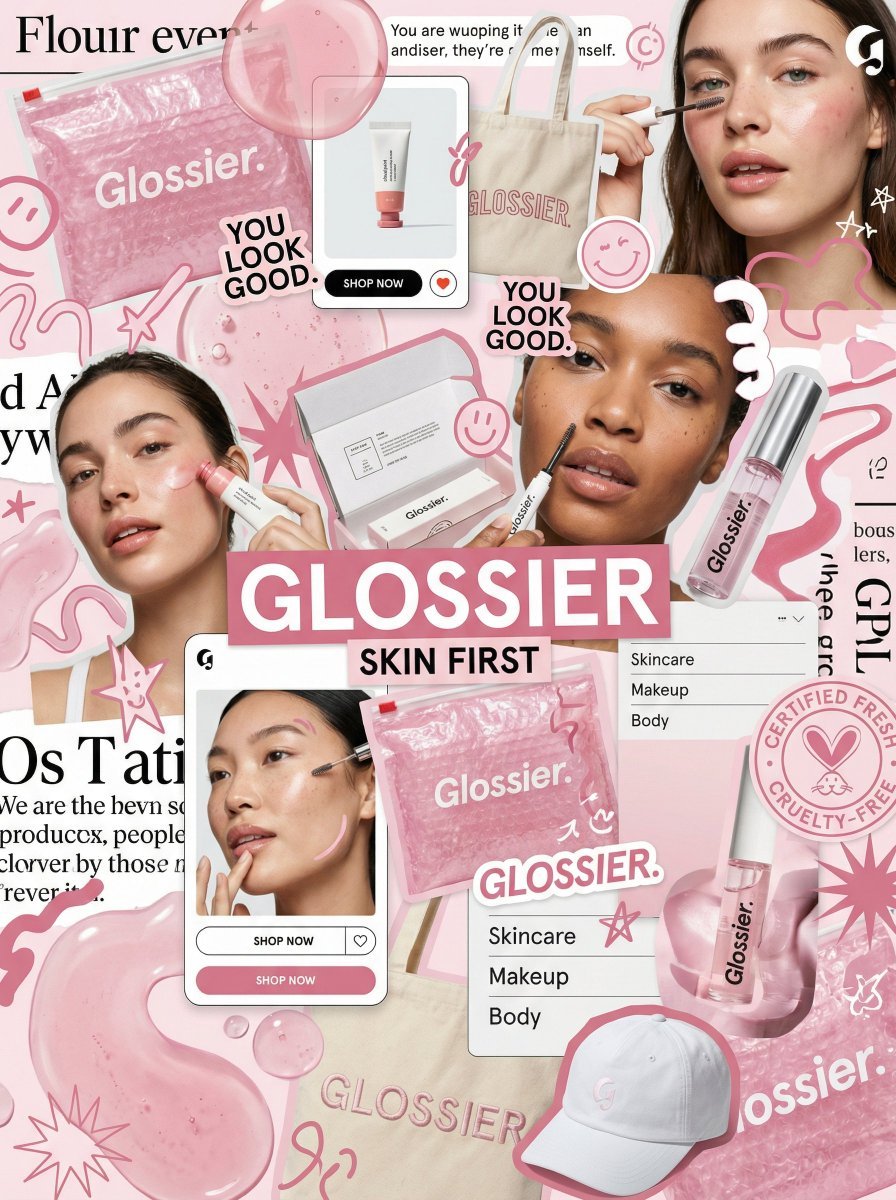
You are a world class creative director, brand strategist, editorial art
You are a world class creative director, brand strategist, editorial art
Make it yours
Creative Director in Printing Warehouse works as-is. These are the safest ways to change it without losing the look.
Change one field
Copy a single group, rewrite it, and generate again so you can see what that field is doing.
Keep the frame, change the subject
Hold the composition and light of Creative Director in Printing Warehouse, then swap wardrobe, props or the person for a new take.
| If the result… | Why | Fix |
|---|---|---|
| The result drifts from the preview | Too many fields changed at once. | Reuse Creative Director in Printing Warehouse as-is first, then change one group — subject, light, or setting. |
| The model over-stylizes the scene | The prose prompt leaves finish and camera underspecified. | Add one camera or lighting sentence and stay on GPT Image 2. |
More GPT Image 2 templates
Other prompts made for GPT Image 2.

Six VTuber Japanese Logo Sheet

Realistic Portrait of Woman and Deer

The Vista Modular Condo Poster

AI Model Routing Comparison Infographic

2.5D Anime Art Board

Isometric Productivity Desk Scene

New York Double Exposure Poster

Four-Panel AI Landscape Comparison

Japanese Tatami Lifestyle Magazine Cover

NESCAFÉ Coffee Map Poster
More image prompts
Fresh picks from across the catalog.
Anime Girl Squatting in Oversized Hoodie
Nano Banana Pro Hyper-Realistic Midnight Snack Portrait Prompt
Ultra-detailed high fashion ethnic portrait prompt
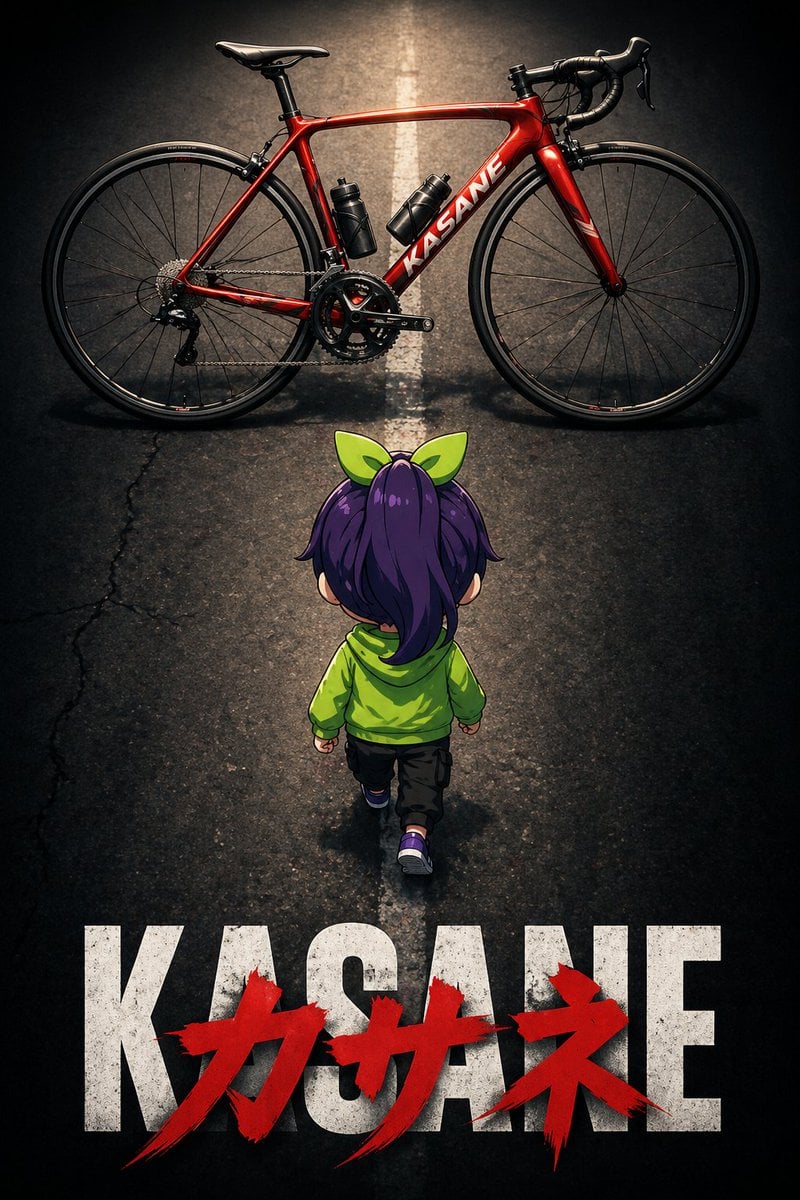
Dramatic Chibi Anime Poster
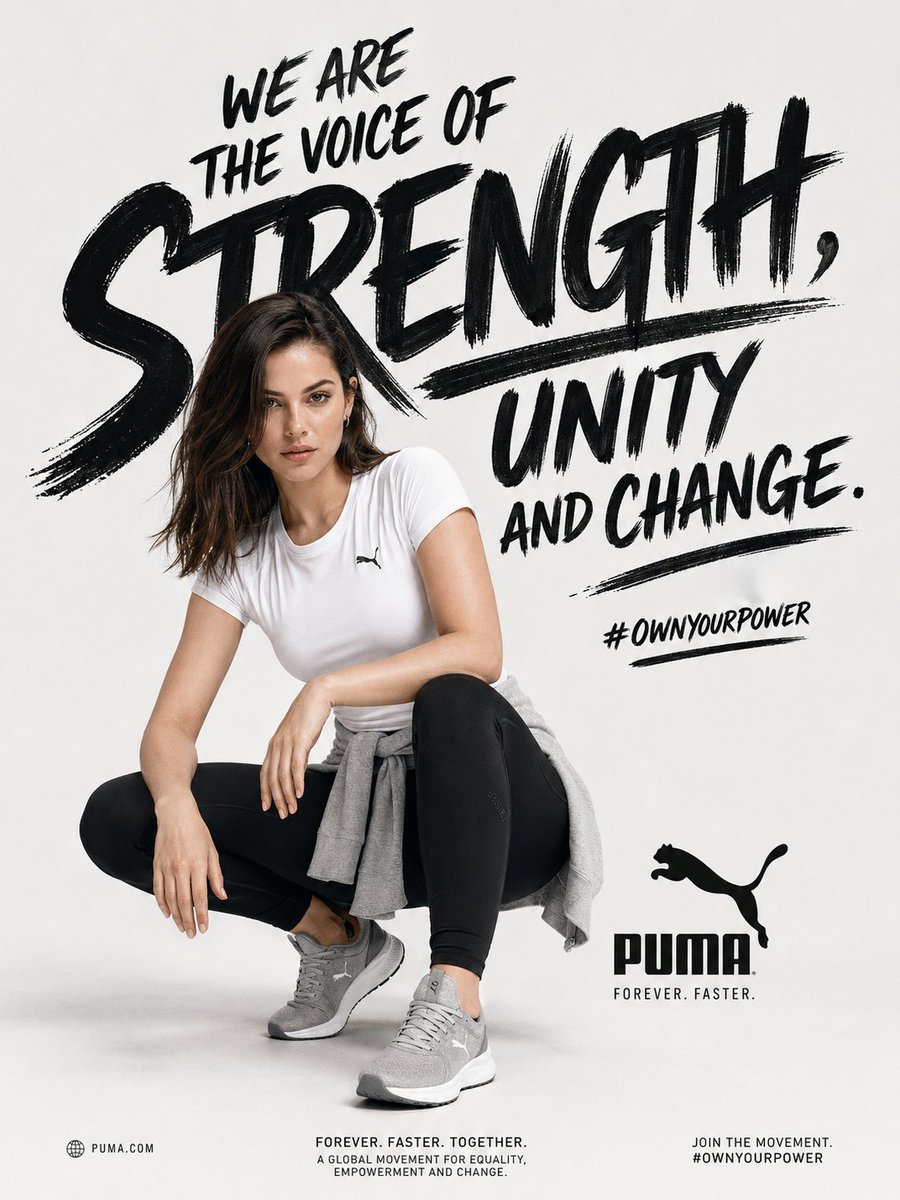
Empowerment Sports Campaign Poster
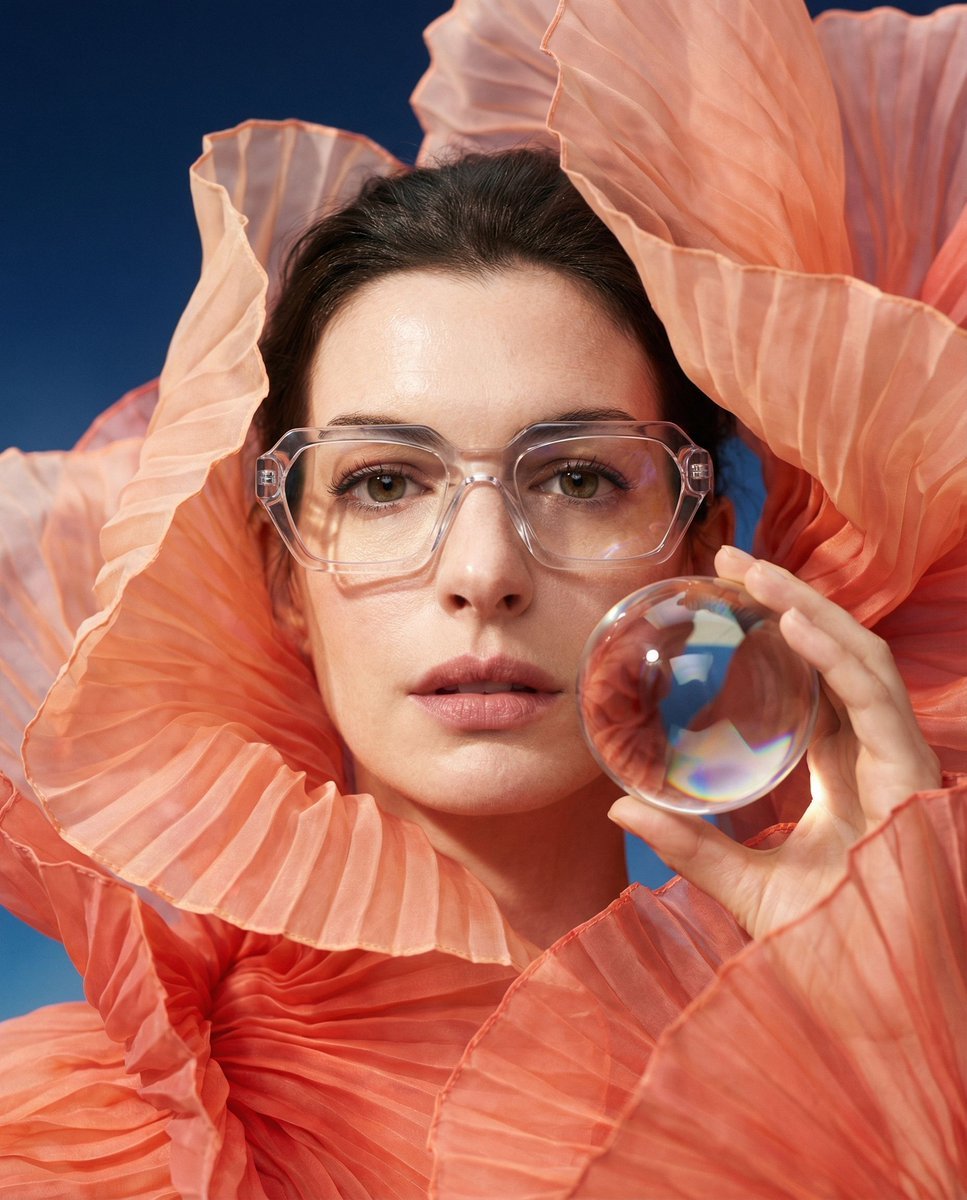
Anne Hathaway Ethereal Altitude Portrait
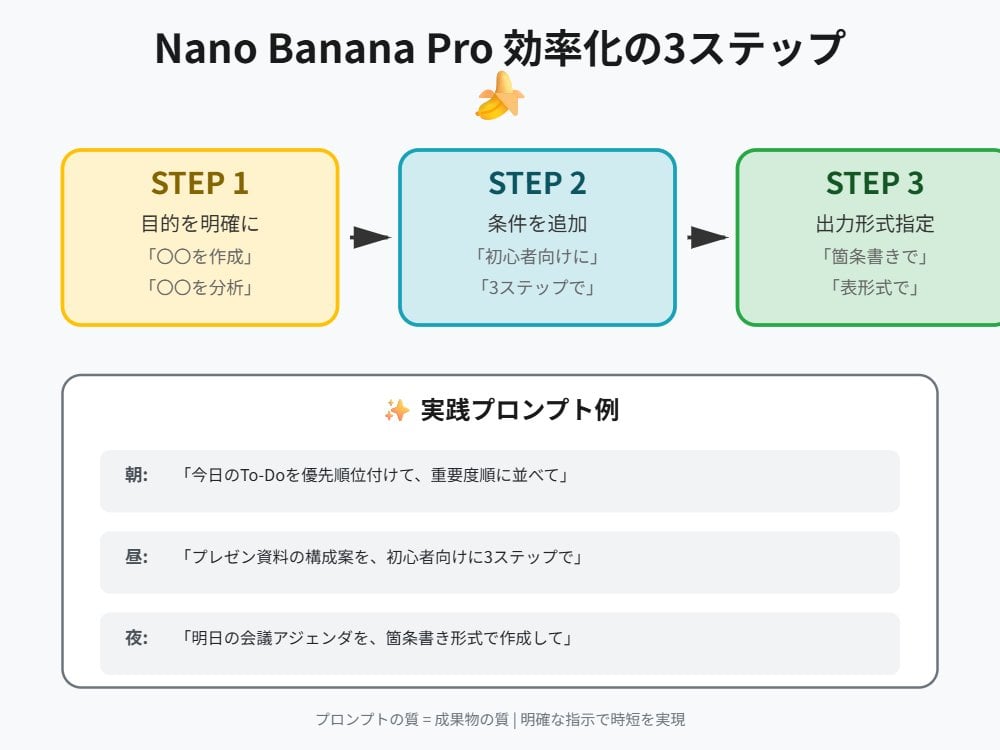
Tip for Using Nano Banana Pro: Adding Examples for Better Understanding
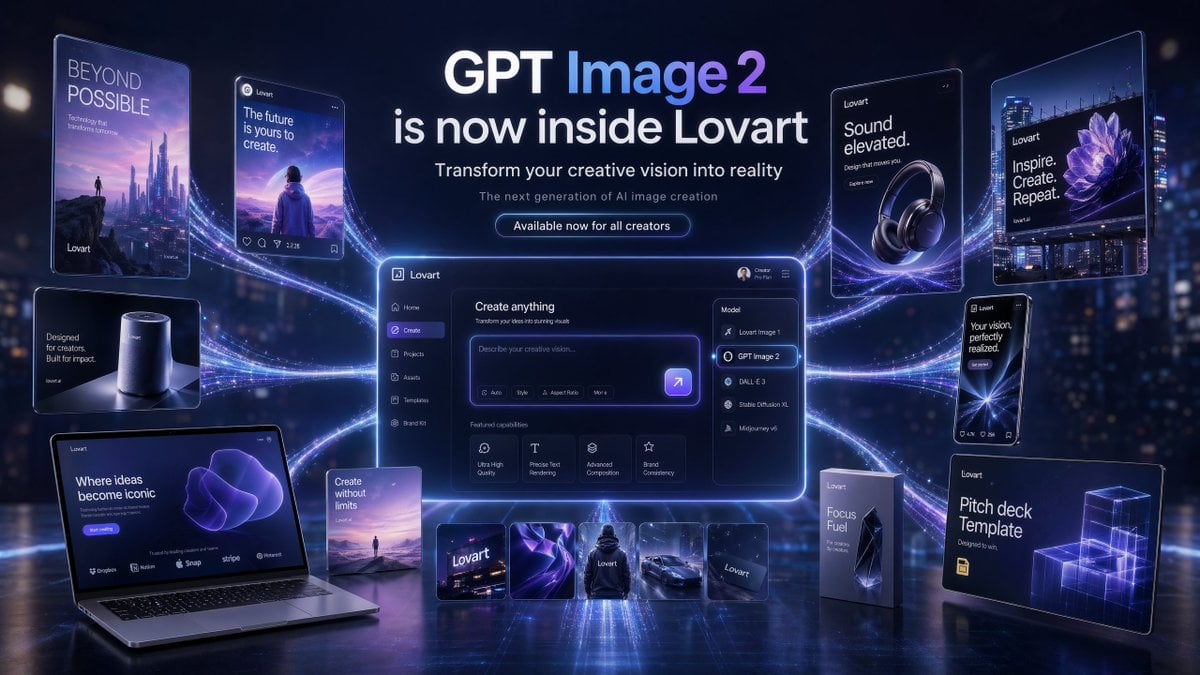
Futuristic GPT Image 2 Launch Banner
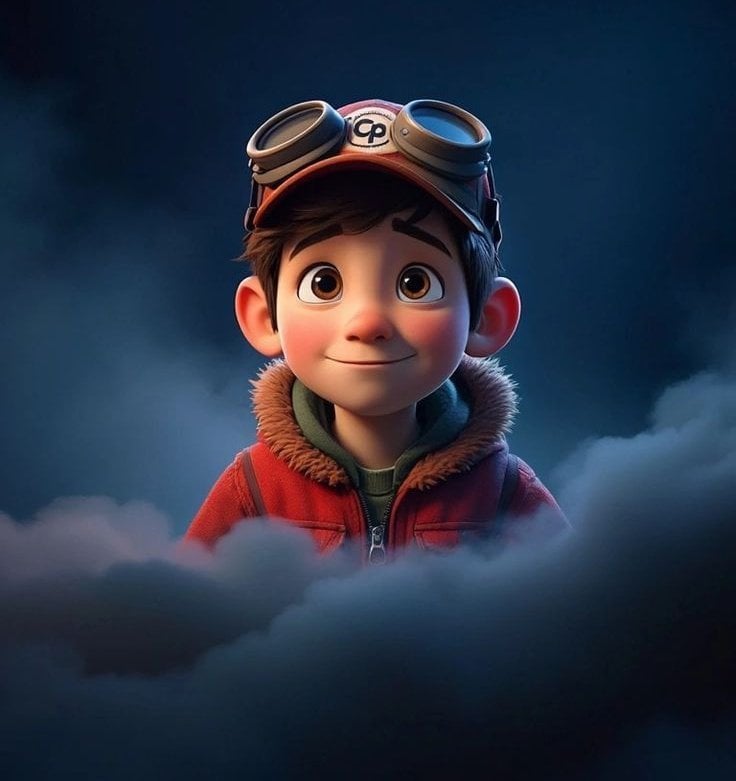
3D Animated Boy Portrait
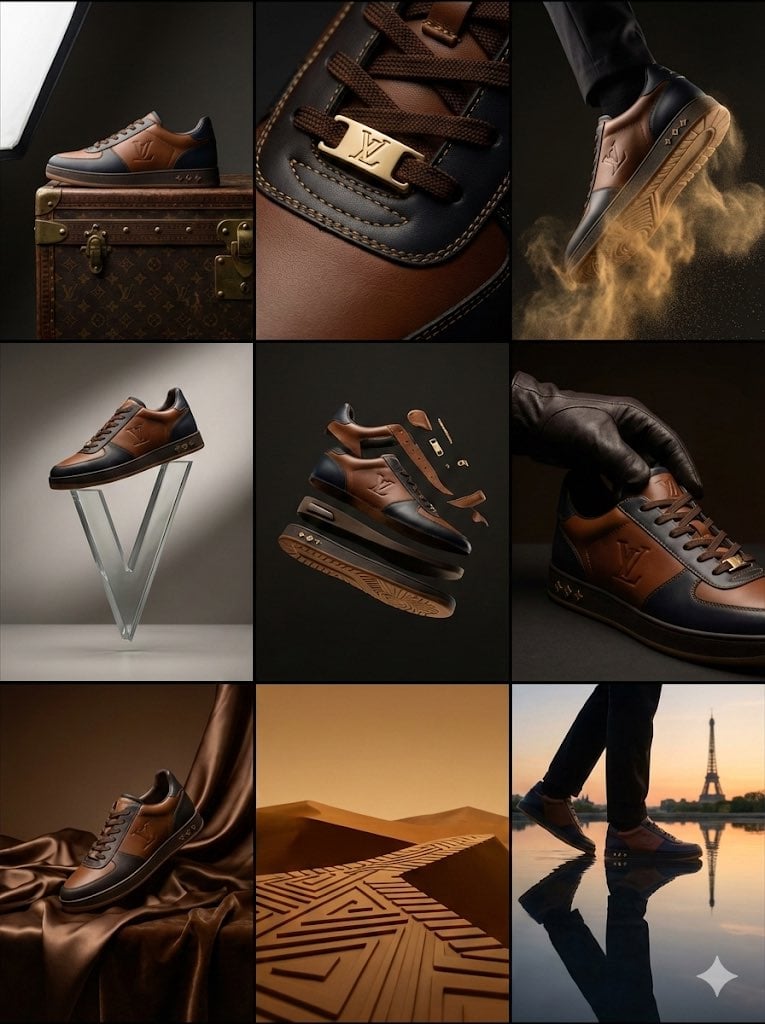
Louis Vuitton Sneaker Editorial Grid (9-Panel Concept)
Browse template categories
Creative Director in Printing Warehouse questions
How do I use the Creative Director in Printing Warehouse template?
Add your photo if the template asks for one, edit the prompt if you like — the template's model and format are already selected — and press Generate. Your version opens in PicX Studio.
Can I customize the Creative Director in Printing Warehouse template?
Yes. You can change the subject, setting, lighting, mood, format, and available model controls before creating your image.
Is the Creative Director in Printing Warehouse template free?
Opening and editing this template is free. Generating uses credits, shown on the Generate button when you are signed in.
Which AI model should I use?
Start with GPT Image 2, which is the model associated with this template. You can compare another compatible model for a different finish.
Looking for something else? Browse all templates.

Your photo, any look
Thousands of ready templates for every top image and video model, from one credit balance.