
Louis Vuitton Sneaker Editorial Grid (9-Panel Concept)
A complex JSON prompt outlining a 9-panel grid concept for a Louis Vuitton sneaker editorial campaign.
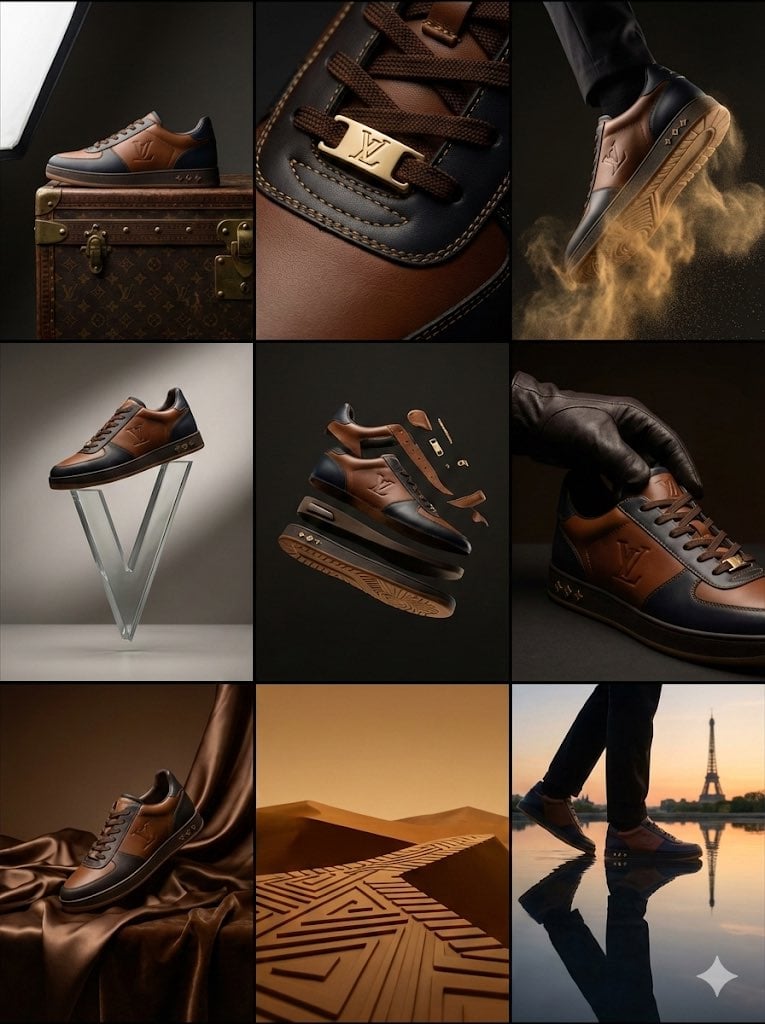
- Prompt included
- Model and format preset
- Free template
The prompt behind this image
Copy the exact prompt behind Louis Vuitton Sneaker Editorial Grid (9-Panel Concept), or open it in the studio and make it yours.
{ "campaign_metadata": { "brand_identity": "Louis Vuitton Malletier", "product_focus": "Luxury Leather Sneaker / Trainer", "aspect_ratio": "3:4", "aesthetic": "High-Fashion Editorial | Avant-Garde Luxury" }, "visual_dna": { "materials": ["Full-grain calf leather", "Monogram Embossed Canvas", "Polished Gold Hardware"], "color_scheme": ["Cognac Brown", "Deep Obsidian", "Champagne Gold"], "lighting": "High-contrast Chiaroscuro | Soft-box Key Lighting" }, "grid_layout_execution": { "row_1_heritage": { "cell_1_1": "Hero profile: Shoe resting on a vintage LV trunk, side-lit to show leather grain.", "cell_1_2": "Extreme macro: Focus on the gold-tone 'LV' lace aglets and precision stitching.", "cell_1_3": "Dynamic: Gold dust/particles swirling around the sole as it 'steps' into frame." }, "row_2_innovation": { "cell_2_1": "Minimalist: The shoe balanced atop an abstract, floating glass 'V' sculpture.", "cell_2_2": "Floating: Deconstructed view showing the sole and upper suspended in a void.", "cell_2_3": "Sensory: A gloved hand adjusting the tongue, emphasizing soft leather suppleness." }, "row_3_surrealism": { "cell_3_1": "Color Palette: Monochromatic scene in LV 'Havane' brown with liquid silk drapes.", "cell_2_3": "Abstraction: Symbolic representation of the rubber sole pattern as a geometric desert landscape.", "cell_3_3": "Fusion: The shoe walking on a mirror-still lake reflecting a Parisian sunset skyline." } }
How to use Louis Vuitton Sneaker Editorial Grid (9-Panel Concept) in 3 steps
- 1
Open
The prompt is already in the box next to the preview, with the template's model and format selected.
- 2…a portrait of your subject in softgolden-hour light, 85mm…
Personalize
Edit the subject and creative details for your destination.
- 3Generate
Generate
Press Generate — your image is created in PicX Studio, so you can compare it with the original and refine one variable at a time.
More like this
Templates with the same subject, style or setup. Open one to see its prompt.
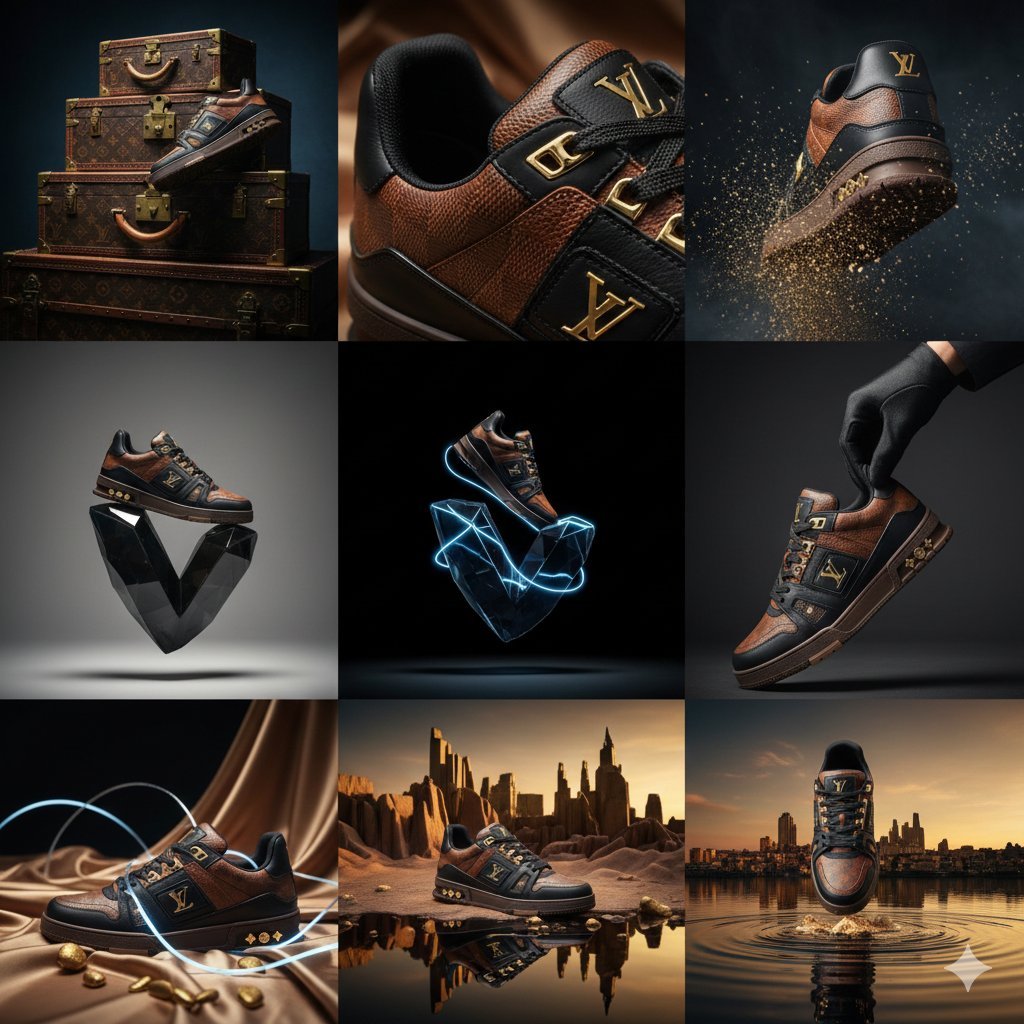
Louis Vuitton Sneaker Editorial Grid Prompt

Korean Luxury Fashion Editorial 2x2 Grid Series

Glass Brand Logo Volcanic Landscape
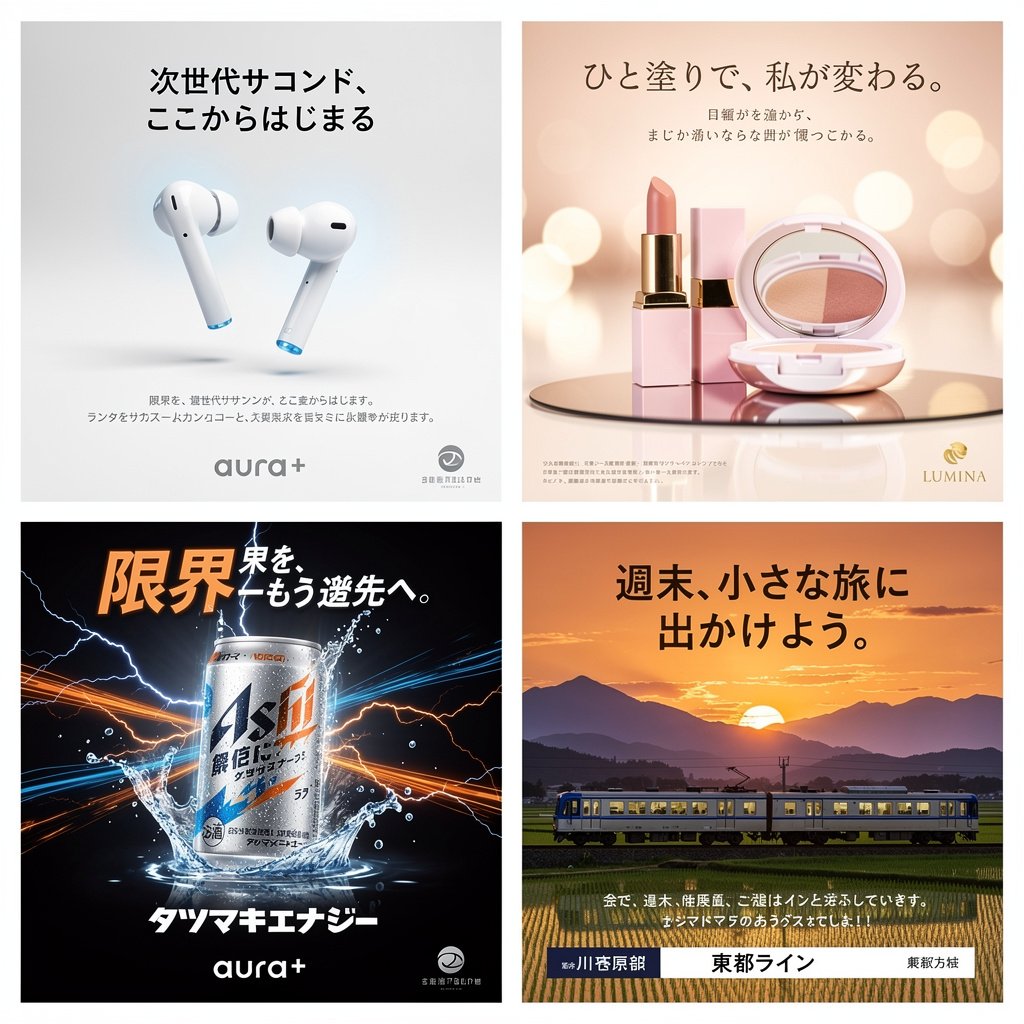
Panel Japanese Advertising Concept Grid
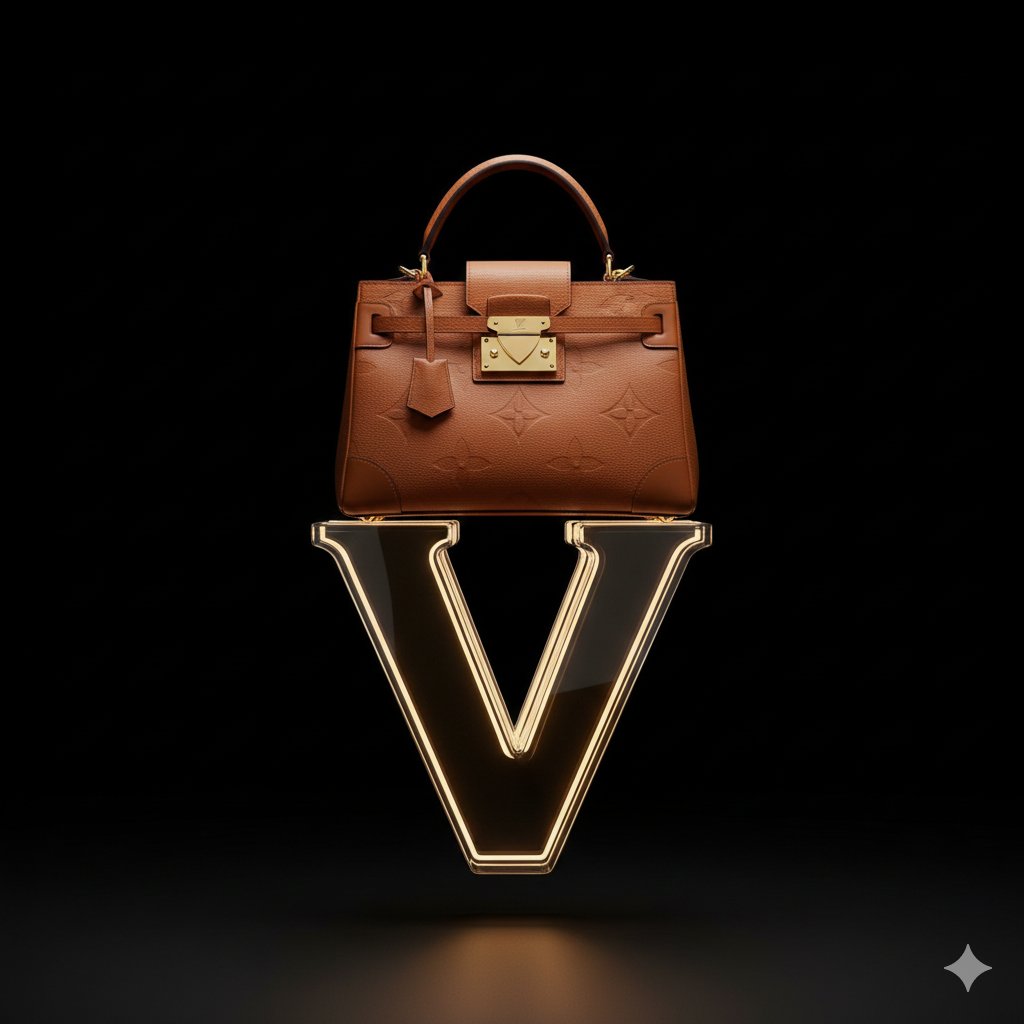
Avant-Garde Louis Vuitton Ski Goggles Editorial Prompt

Conceptual Fashion Portrait in Spider We
Constructivist Classic Car Editorial Grid
Deconstructed Grid Editorial Portrait

Urban Fashion Editorial Collage Streetwear Poster

Monochrome Hypebeast Street Fashion Editorial Motion

Elegant Green Evening Gown Studio Fashion Portrait

Artistic Patchwork Fashion Portrait Spring Festival
Make it yours
Louis Vuitton Sneaker Editorial Grid (9-Panel Concept) works as-is. These are the safest ways to change it without losing the look.
Change one field
Copy a single group, rewrite it, and generate again so you can see what that field is doing.
Keep the frame, change the subject
Hold the composition and light of Louis Vuitton Sneaker Editorial Grid (9-Panel Concept), then swap wardrobe, props or the person for a new take.
| If the result… | Why | Fix |
|---|---|---|
| The result drifts from the preview | Too many fields changed at once. | Reuse Louis Vuitton Sneaker Editorial Grid (9-Panel Concept) as-is first, then change one group — subject, light, or setting. |
| The model over-stylizes the scene | The prose prompt leaves finish and camera underspecified. | Add one camera or lighting sentence and stay on Nano Banana 2. |
More Nano Banana 2 templates
Other prompts made for Nano Banana 2.

Photorealistic Leaf Shaped Like a Dragon

K-Pop Idol Portrait Grid for Rapid Selection

Poetic Rain Forest Portrait During Golden Hour

Urban Street Portrait with Cartoon Inner Self Duo

Candid Nighttime Photo with Cat Prompt

High-Concept 3D Diorama Generation Prompt

Cinematic Futuristic Studio Portrait Template

Skincare Editorial Photography Collage Prompt

Hyper-Realistic Commercial Product Photography (Splash Effect)

Hyper-Realistic Nightclub Portrait Prompt
More image prompts
Fresh picks from across the catalog.

Saint and demon dual-character prompt for Nano Banana Pro
Four-Panel Comic: Morning, Noon, Night, Mandarin Orange Theme
Ultra-Photorealistic Macro Shot of a Red Hibiscus
Signed Marker Portrait on Shikishi
Dark Fairytale Cinematic Diptych
Hyper-Realistic High-Fashion Seated Portrait Prompt
Sunlit Streetwear Jacket Portrait
Consistent Character Illustration with Stylish Pose
Editorial Fashion Collage Poster
Cockatoo with a Comb-Over
Browse template categories
Louis Vuitton Sneaker Editorial Grid (9-Panel Concept) questions
How do I use the Louis Vuitton Sneaker Editorial Grid (9-Panel Concept) template?
Add your photo if the template asks for one, edit the prompt if you like — the template's model and format are already selected — and press Generate. Your version opens in PicX Studio.
Can I customize the Louis Vuitton Sneaker Editorial Grid (9-Panel Concept) template?
Yes. You can change the subject, setting, lighting, mood, format, and available model controls before creating your image.
Is the Louis Vuitton Sneaker Editorial Grid (9-Panel Concept) template free?
Opening and editing this template is free. Generating uses credits, shown on the Generate button when you are signed in.
Which AI model should I use?
Start with Nano Banana 2, which is the model associated with this template. You can compare another compatible model for a different finish.
Looking for something else? Browse all templates.

Your photo, any look
Thousands of ready templates for every top image and video model, from one credit balance.