
Constructivist Classic Car Editorial Grid
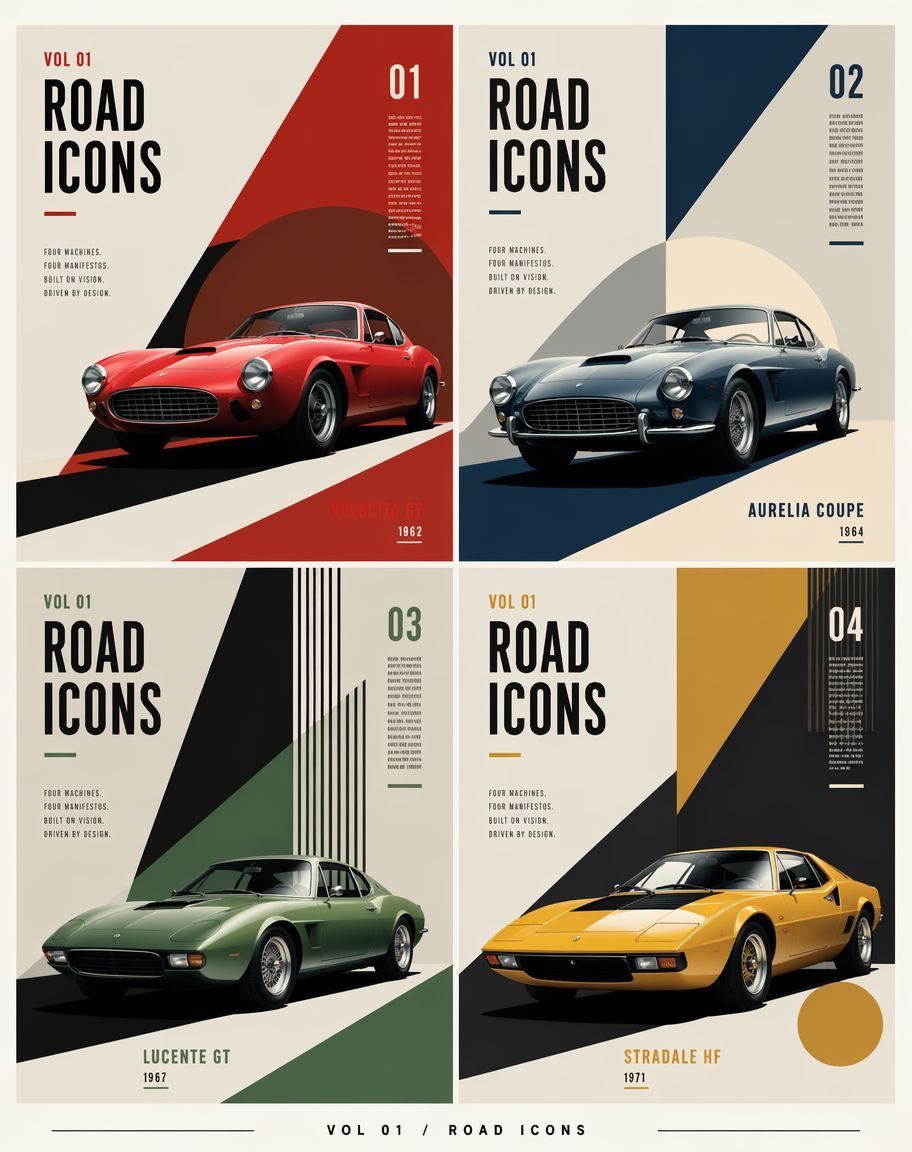
A structured prompt for generating a four-panel constructivist editorial poster featuring fictional classic sports cars with customizable labels.
- Prompt included
- Model and format preset
- Premium template
The prompt behind this image
Copy the exact prompt behind Constructivist Classic Car Editorial Grid, or open it in the studio and make it yours.
Goal: Create a constructivist editorial poster grid for {argument name="series title" default="ROAD ICONS"}, featuring exactly four fictional classic sports cars as collectible magazine-cover panels. Canvas: Vertical poster, 4:5 aspect ratio, warm off-white paper background, subtle print grain, crisp high-resolution editorial design. Use a thin cream margin around the full composition and narrow gutters between panels. Layout: Arrange exactly 4 equal rectangular panels in a 2×2 grid. Each panel is a separate cover design with the same typography system but different accent color and geometric composition. Add a small footer centered below the grid reading “VOL 01 / ROAD ICONS” with thin horizontal rules extending left and right. Shared typography: Tall condensed bold sans-serif headline, black uppercase letters. Each panel includes “VOL 01” near the top left, a huge stacked “ROAD / ICONS” headline, a small manifesto block reading “FOUR MACHINES. FOUR MANIFESTOS. BUILT BY VISION. DRIVEN BY DESIGN.”, a large issue number in the upper right, tiny vertical microtext near the issue number, and a short underline accent matching the panel color. Keep all text sharp, aligned, and poster-like. Panel 1, top left: Issue “01”. Accent color deep red. Show a glossy red 1960s grand touring coupe facing slightly left-front, low stance, round headlights, oval grille, chrome details, realistic studio lighting. Use bold diagonal constructivist shapes: a large red triangular field on the right, a dark maroon circle behind the car, and a black diagonal road shadow. Bottom right label: {argument name="car one label" default="VELOCITÀ GT"} with year “1962”. Panel 2, top right: Issue “02”. Accent color dark navy blue. Show a silver-blue classic coupe facing slightly left-front, round headlamps, chrome bumper, wire wheels, realistic glossy reflections. Background uses a navy diagonal wedge from the top right and a pale cream circular sun shape behind the car, with a dark blue base shadow. Bottom right label: {argument name="car two label" default="AURELIA COUPE"} with year “1964”. Panel 3, bottom left: Issue “03”. Accent color muted forest green. Show a matte green vintage sports coupe facing left-front, elongated hood, low roof, subtle chrome wheels, realistic lighting. Background uses a sharp black triangular wedge from the top, green diagonal planes, and a set of narrow vertical black-and-green stripes at the upper right. Bottom center label: {argument name="car three label" default="LUCENTE GT"} with year “1967”. Panel 4, bottom right: Issue “04”. Accent color mustard yellow. Show a yellow wedge-shaped 1970s sports car facing left-front, pop-up-headlight silhouette, black glass canopy, low angular body, realistic paint shine. Background uses a large black diagonal wedge, mustard yellow rectangular field at the top, vertical stripe cluster at the upper right, and a mustard circle near the lower right. Bottom center label: {argument name="car four label" default="STRADALE HF"} with year “1971”. Visual style: Mid-century constructivist meets luxury automotive editorial, geometric color blocking, dramatic diagonal shadows, precise Swiss-grid alignment, photorealistic cars integrated into flat graphic poster layouts. Palette: cream, black, red, navy, green, mustard, with subtle aged paper texture. Constraints: Include exactly four cars and exactly four numbered panels. Keep all cars fictional but historically plausible. Do not add people, logos, watermarks, QR codes, or extra panels. Preserve clean gutters and strong poster composition.
How to use Constructivist Classic Car Editorial Grid in 3 steps
- 1Upload ImagePNG, JPG or paste
Add your photo
Upload the photo the template builds on. The prompt, model and format are already set.
- 2…a portrait of your subject in softgolden-hour light, 85mm…
Personalize
Edit the subject and creative details for your destination.
- 3Generate
Generate
Press Generate — your image is created in PicX Studio, so you can compare it with the original and refine one variable at a time.
More like this
Templates with the same subject, style or setup. Open one to see its prompt.
Jukebox Selection Cards
Muscle Car Garage Door

70s Living Room Shag Carpet
Credit Card Levitation

01 Skincare Split Portrait — Nano Banana 2
Premium Skincare Campaign Poster Grid
Deconstructed Grid Editorial Portrait
Glamorous Editorial Car Portrait
Luxury Car Night Editorial Portrait

Luxury Penthouse and Car Editorial

Tuxedo Cuff Adjust
Calligraphy Practice Sheets
Make it yours
Constructivist Classic Car Editorial Grid works as-is. These are the safest ways to change it without losing the look.
Change one field
Copy a single group, rewrite it, and generate again so you can see what that field is doing.
Keep the frame, change the subject
Hold the composition and light of Constructivist Classic Car Editorial Grid, then swap wardrobe, props or the person for a new take.
| If the result… | Why | Fix |
|---|---|---|
| The result drifts from the preview | Too many fields changed at once. | Reuse Constructivist Classic Car Editorial Grid as-is first, then change one group — subject, light, or setting. |
| The model over-stylizes the scene | The prose prompt leaves finish and camera underspecified. | Add one camera or lighting sentence and stay on GPT Image 2. |
More GPT Image 2 templates
Other prompts made for GPT Image 2.

Six VTuber Japanese Logo Sheet

Realistic Portrait of Woman and Deer

The Vista Modular Condo Poster

AI Model Routing Comparison Infographic

2.5D Anime Art Board

Isometric Productivity Desk Scene

New York Double Exposure Poster

Four-Panel AI Landscape Comparison

Japanese Tatami Lifestyle Magazine Cover

NESCAFÉ Coffee Map Poster
More image prompts
Fresh picks from across the catalog.

Anime Illustration of Two Girls
Luxury Fashion Magazine Cover Prompt
Vascular Effect Object Prompt
Pastel Goth Girl Playing Cards
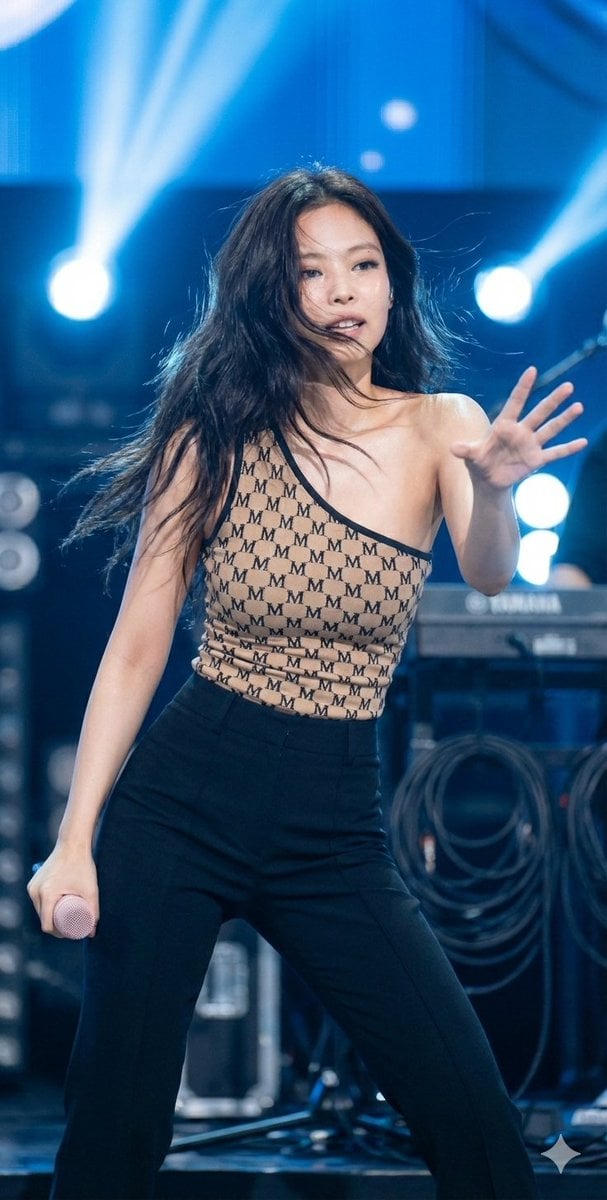
Dynamic Editorial Portrait of Jennie Kim in Monogram Bodysuit
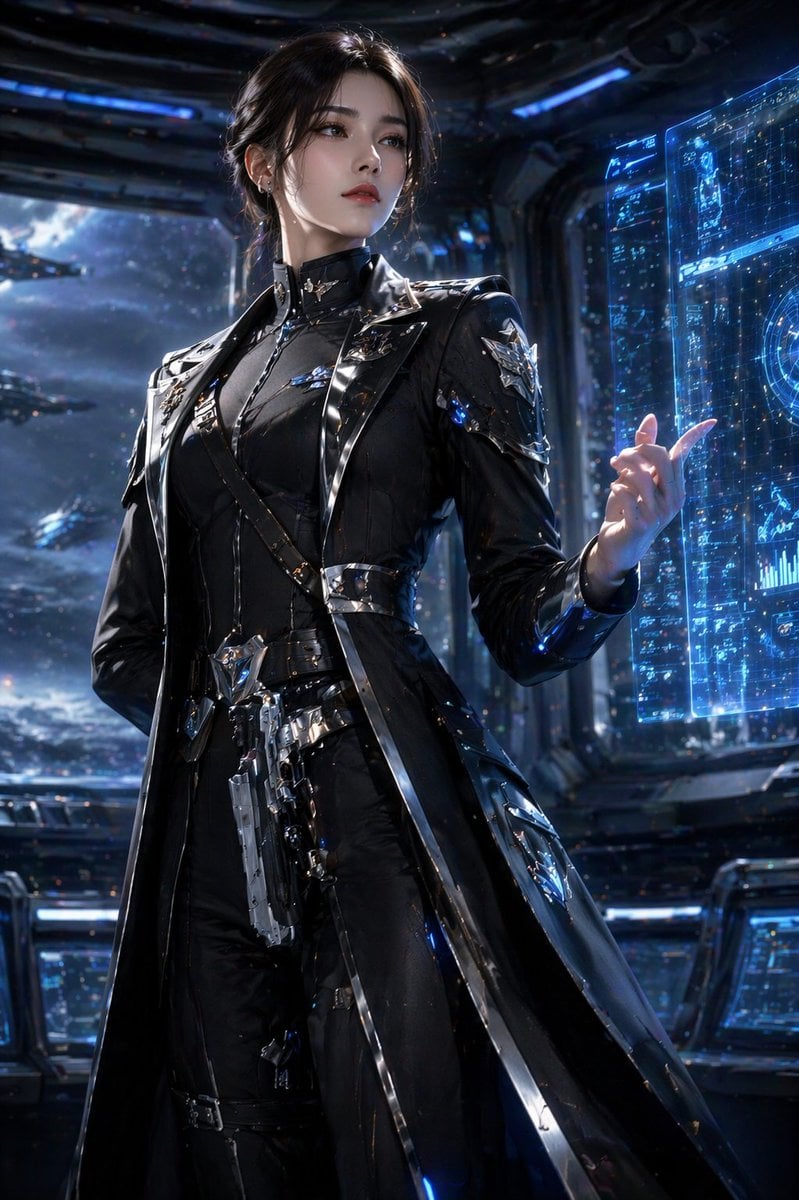
Sci-Fi Commander Portrait
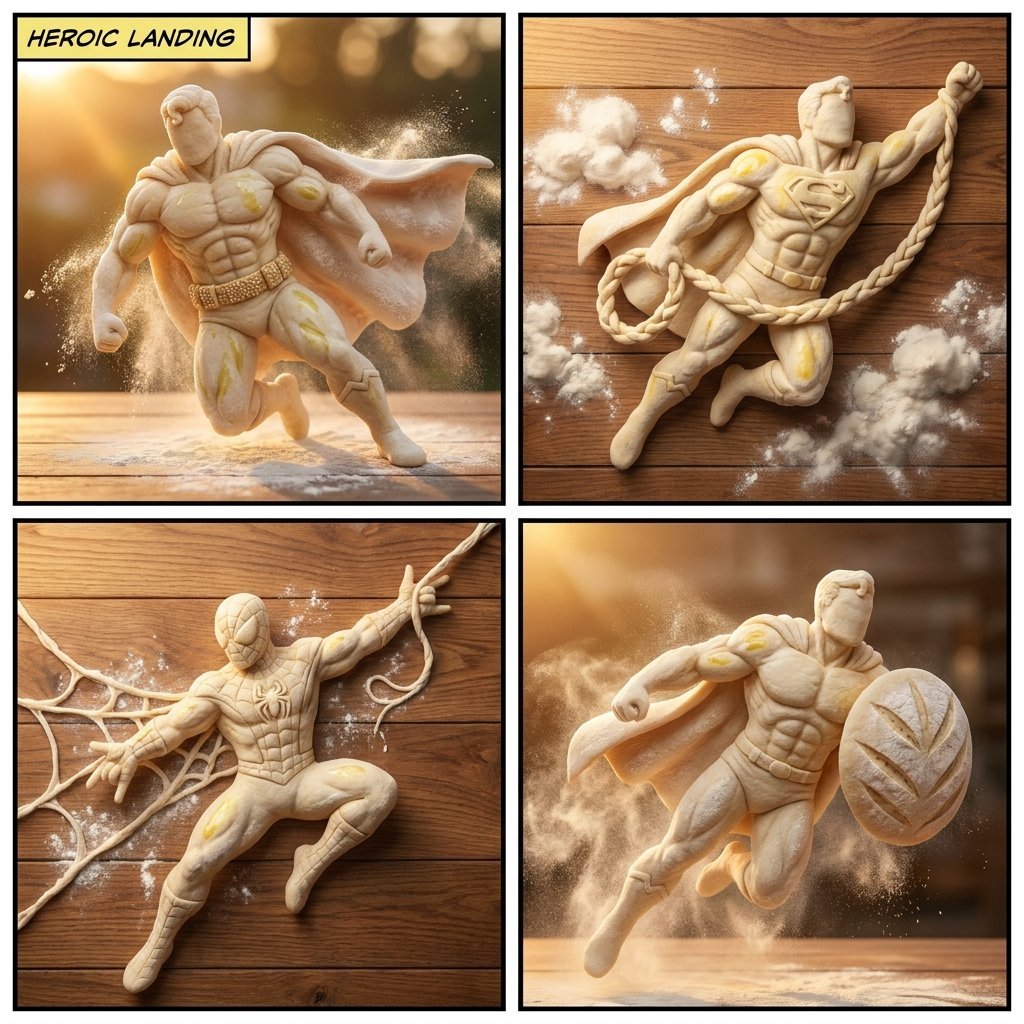
Bread Dough Superheroes

YouTube thumbnail for Nano Banana Pro features

Photorealistic East-Asian Neon Night Portrait Prompt
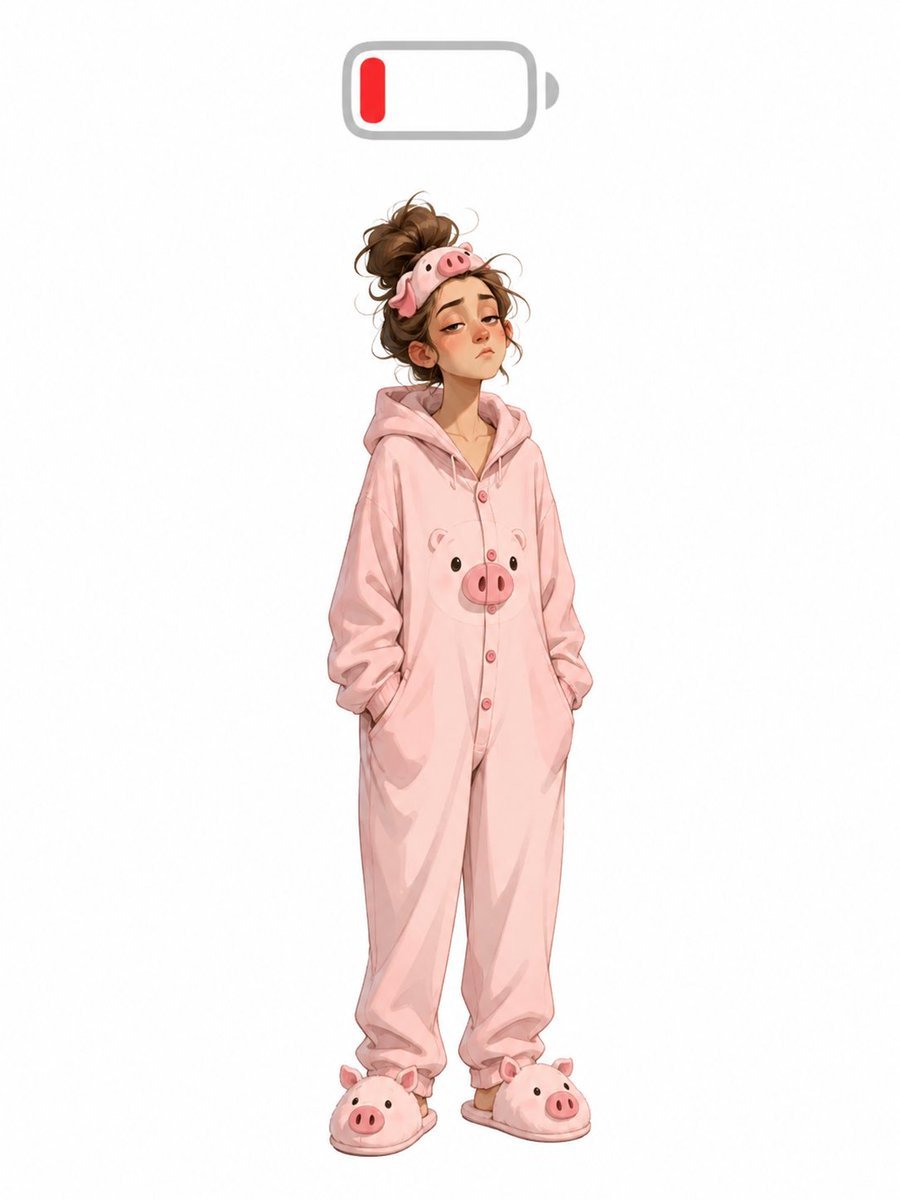
Low Battery Pig Pajama Character
Browse template categories
Constructivist Classic Car Editorial Grid questions
How do I use the Constructivist Classic Car Editorial Grid template?
Add your photo if the template asks for one, edit the prompt if you like — the template's model and format are already selected — and press Generate. Your version opens in PicX Studio.
Can I customize the Constructivist Classic Car Editorial Grid template?
Yes. You can change the subject, setting, lighting, mood, format, and available model controls before creating your image.
Is the Constructivist Classic Car Editorial Grid template free?
Opening and editing this template is free. Generating uses credits, shown on the Generate button when you are signed in.
Which AI model should I use?
Start with GPT Image 2, which is the model associated with this template. You can compare another compatible model for a different finish.
Looking for something else? Browse all templates.

Your photo, any look
Thousands of ready templates for every top image and video model, from one credit balance.