
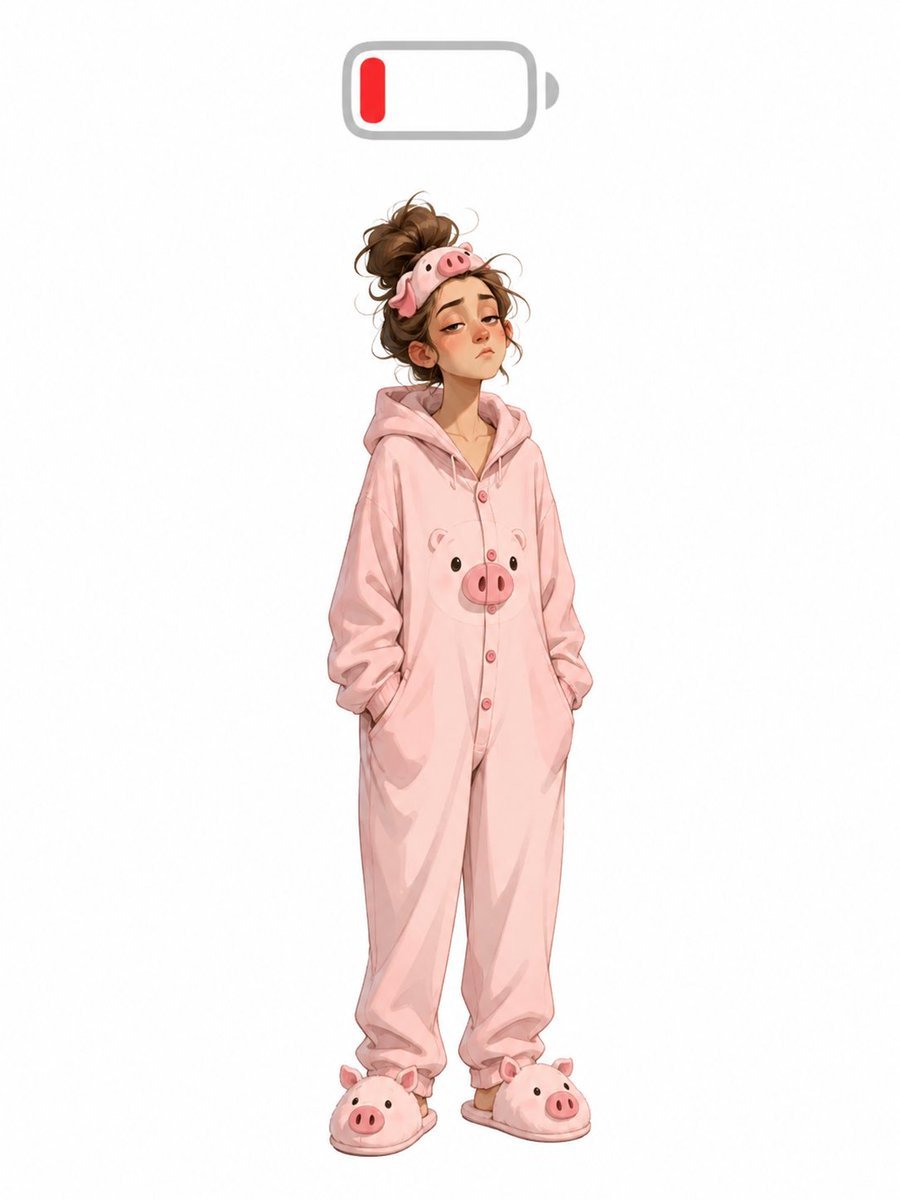
Low Battery Pig Pajama Character
Generates a cute full-body low-energy character illustration in pig pajamas with a low battery icon overhead.
- Prompt included
- Model and format preset
- Free template
The prompt behind this image
Copy the exact prompt behind Low Battery Pig Pajama Character, or open it in the studio and make it yours.
Create a full-body whimsical fashion character illustration on a clean white background: a tired young woman standing front-facing with a slight slouch and both hands tucked into the pockets of an oversized {argument name="pajama color" default="pastel pink"} hooded onesie. The onesie has a cute pig theme with exactly 1 pig face printed on the chest, a row of small pink buttons down the front, loose wrinkled fabric, and baggy legs gathered near the ankles. She wears exactly 2 matching plush pig slippers, one on each foot, each with a rounded pig snout and tiny ears. Her messy {argument name="hair color" default="brown"} hair is piled into a loose bun with flyaway strands, and she wears exactly 1 pig sleep mask pushed up on top of her head. Her face is covered by a centered skin-toned rectangular blur, hiding all facial features. Above her head, centered near the top of the image, place exactly 1 simple low-battery icon: rounded gray outline, small gray terminal nub on the right, mostly empty white interior, and exactly 1 short red vertical charge bar on the left to symbolize low energy. Use soft digital watercolor/anime-inspired rendering, gentle shading, delicate linework, and lots of empty white space around the character. No text, no logo, no watermark.
How to use Low Battery Pig Pajama Character in 3 steps
- 1Upload ImagePNG, JPG or paste
Add your photo
Upload the photo the template builds on. The prompt, model and format are already set.
- 2…a portrait of your subject in softgolden-hour light, 85mm…
Personalize
Edit the subject and creative details for your destination.
- 3Generate
Generate
Press Generate — your image is created in PicX Studio, so you can compare it with the original and refine one variable at a time.
More like this
Templates with the same subject, style or setup. Open one to see its prompt.
Cozy Pajama Bed Illustration
Boy in Pajamas 3D Character Sheet
RAKUNE Summer Pajama Storyboard
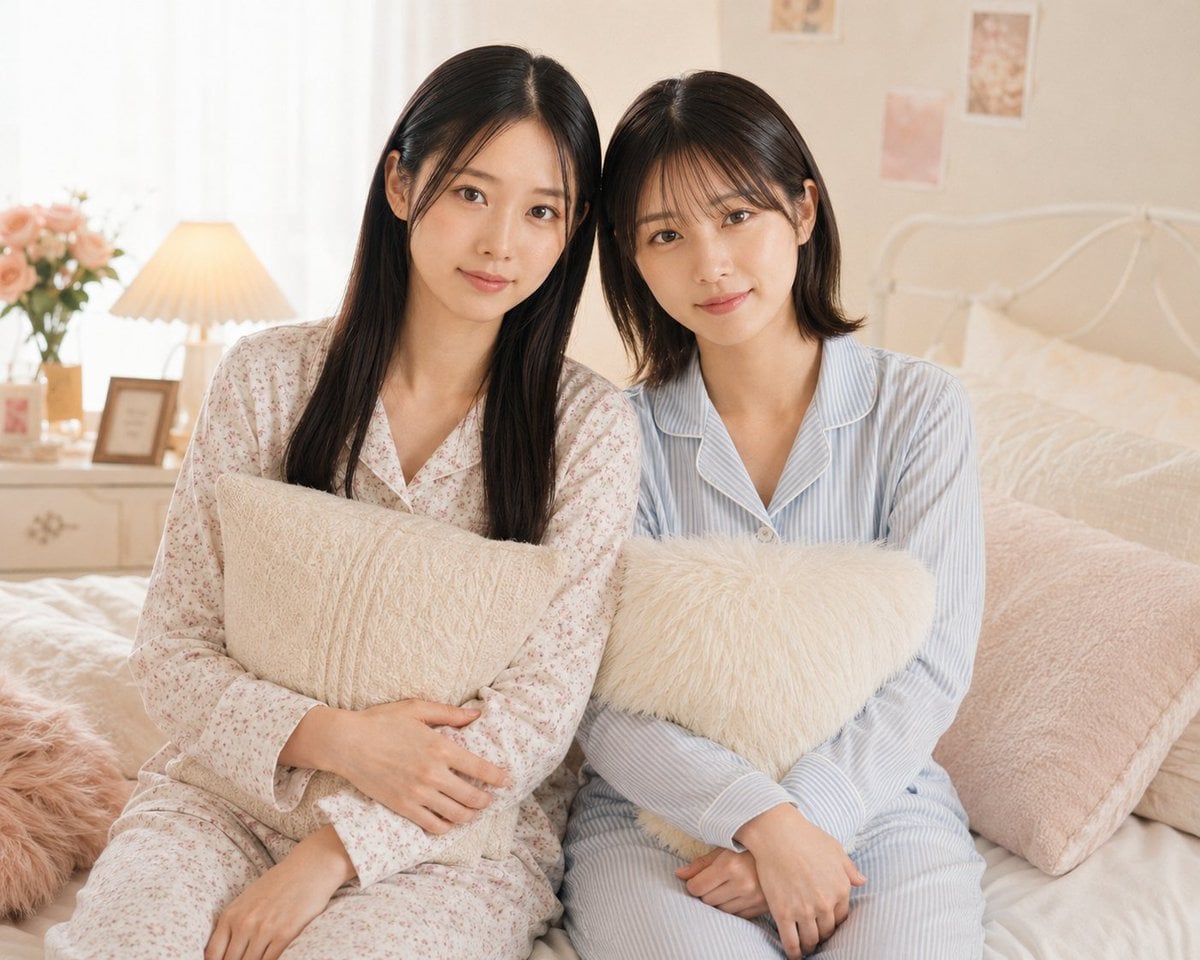
Two Women in Pastel Pajama Bedroom
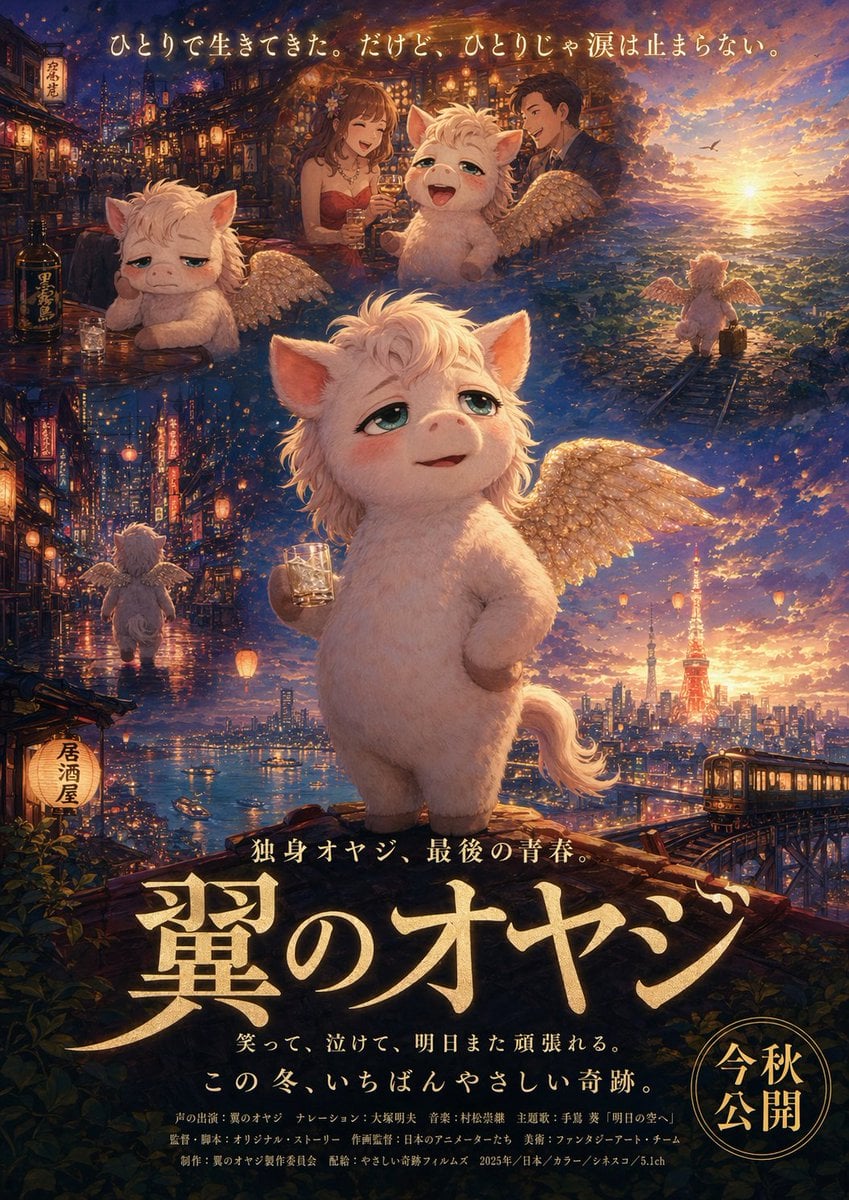
Japanese Fantasy Winged Pig Film Poster
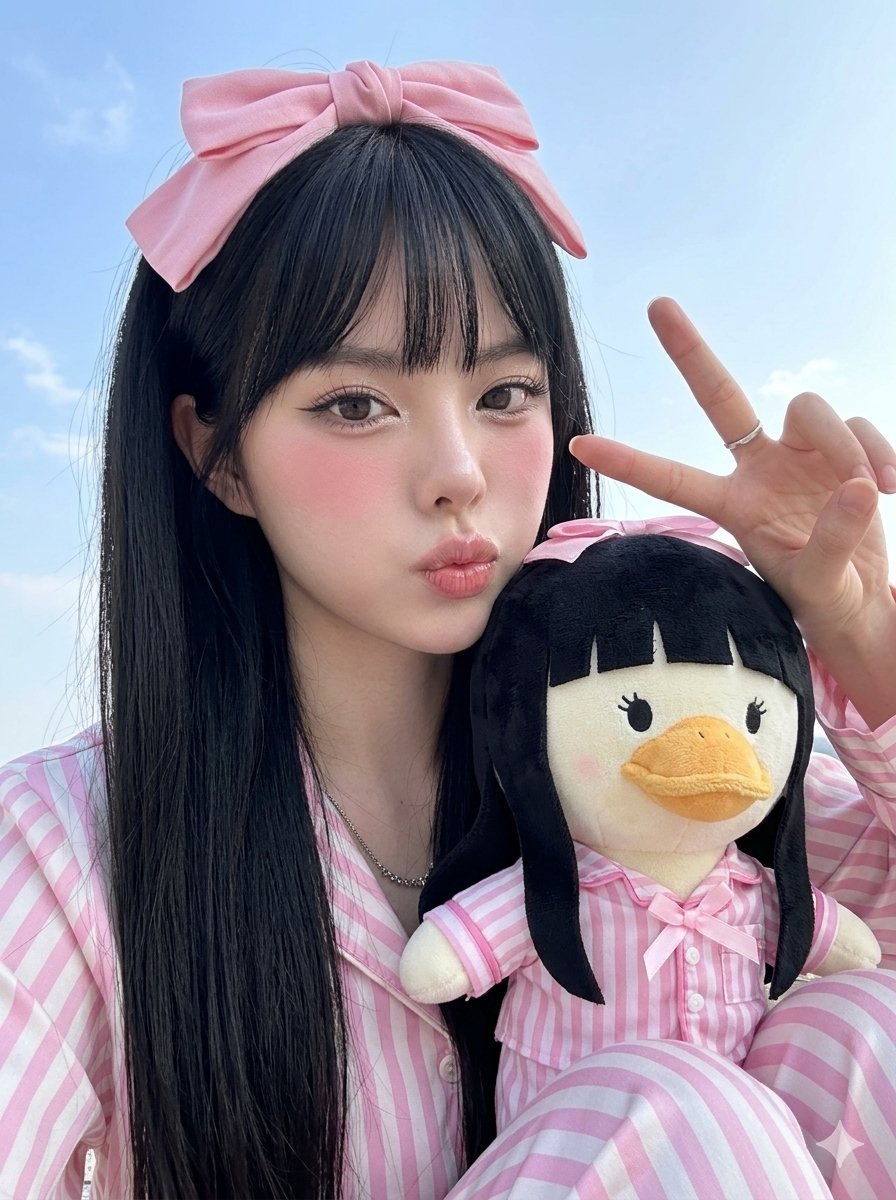
Duck Mascot Pajama Portrait
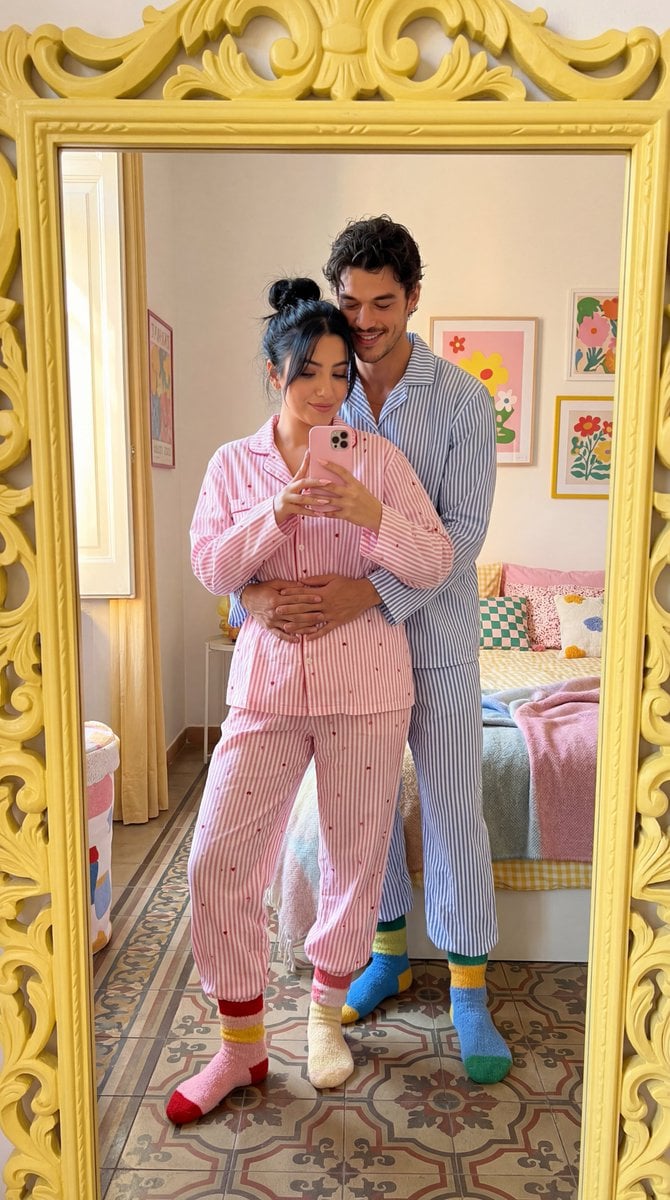
Matching Pajamas Mirror Selfie
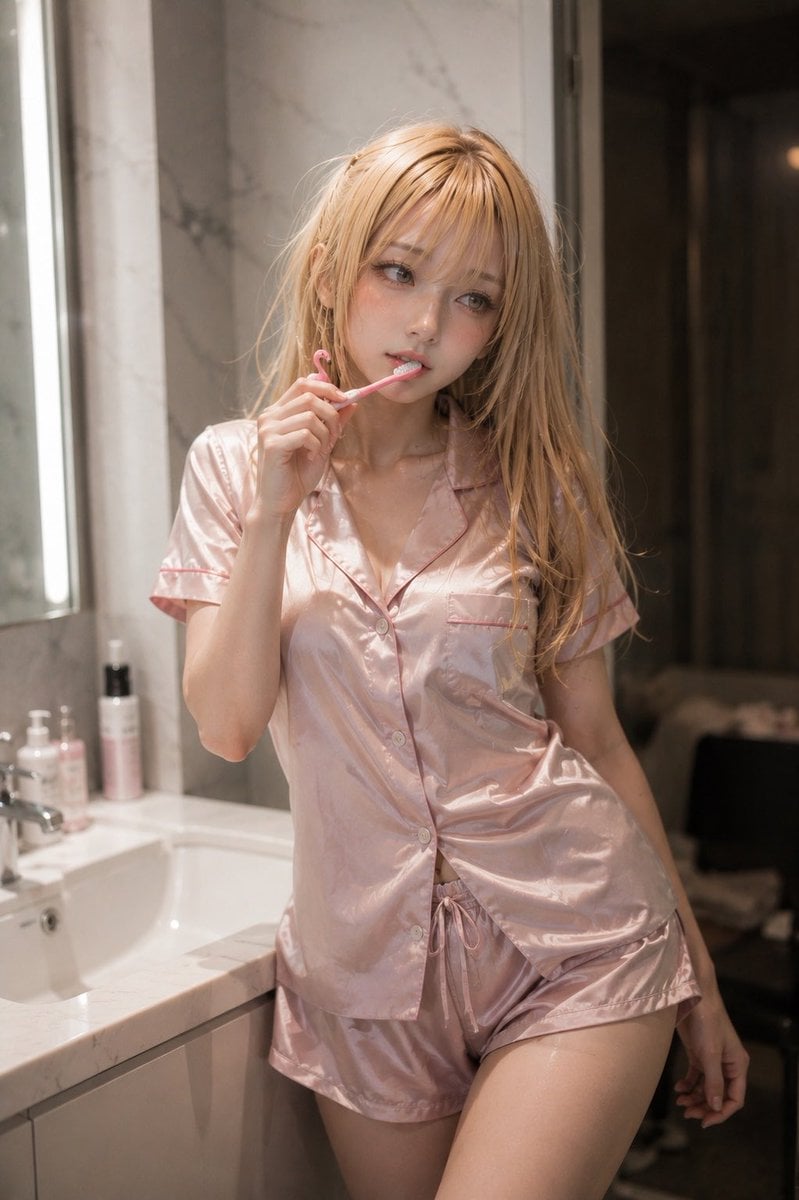
Blonde Woman in Pink Satin Pajamas
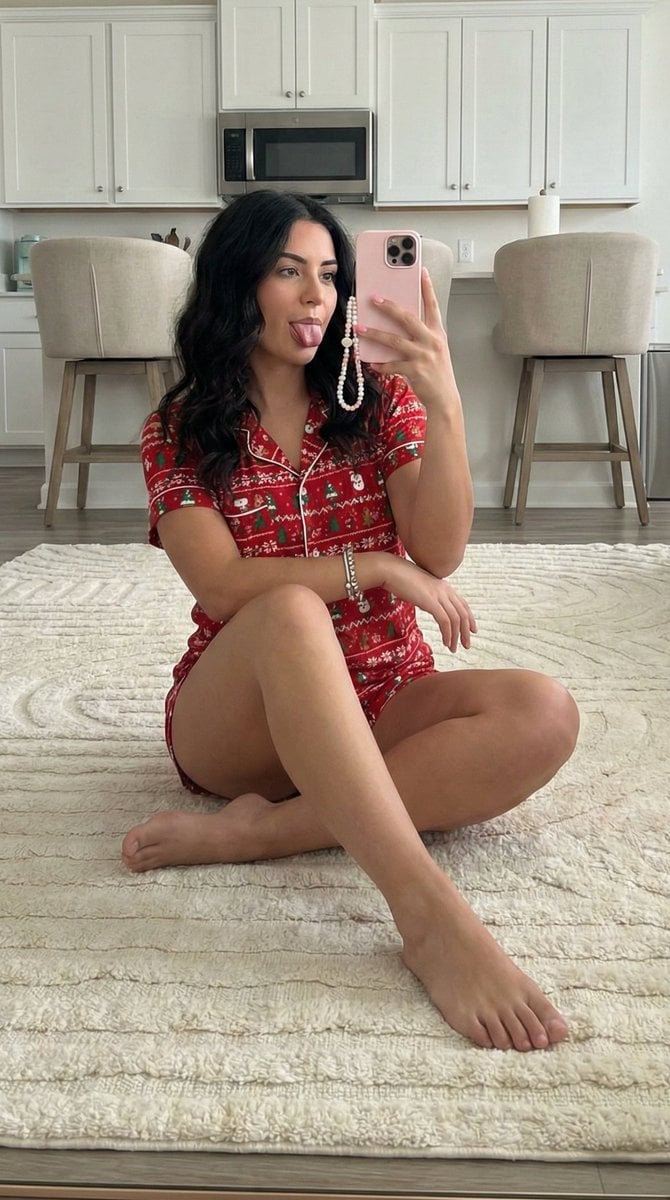
Chubby Woman Mirror Selfie in Christmas Pajamas
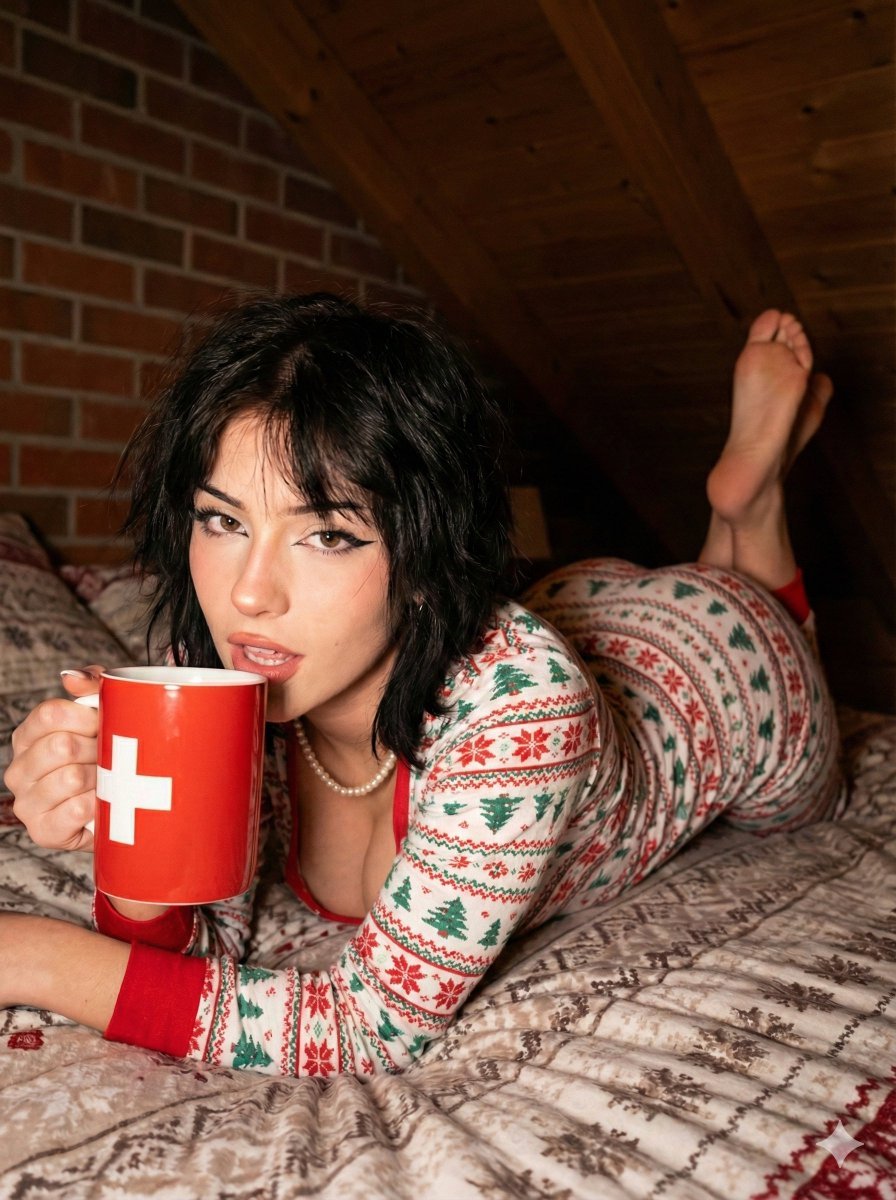
Christmas Pajama Pose with Flash Aesthetic
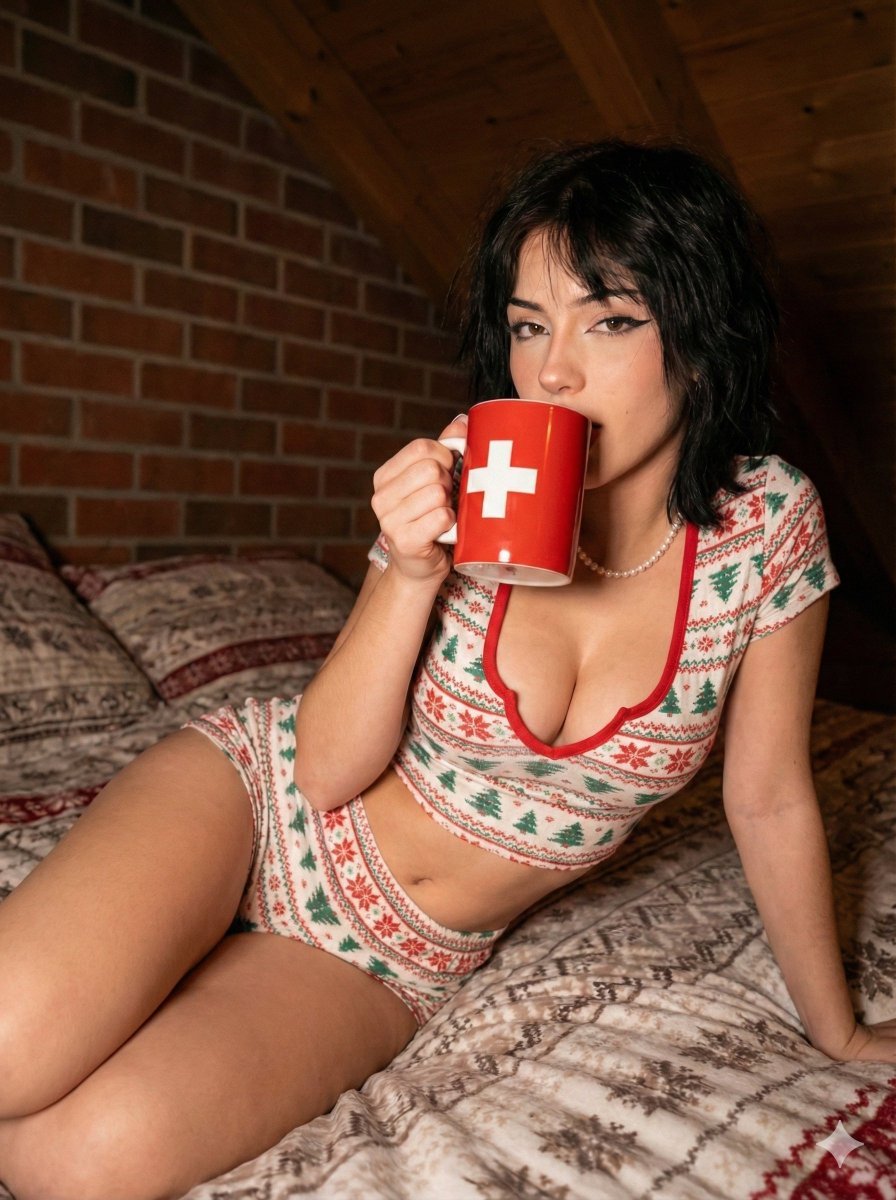
Hyper-detailed photorealistic image generation prompt for a young woman in Christmas pajamas
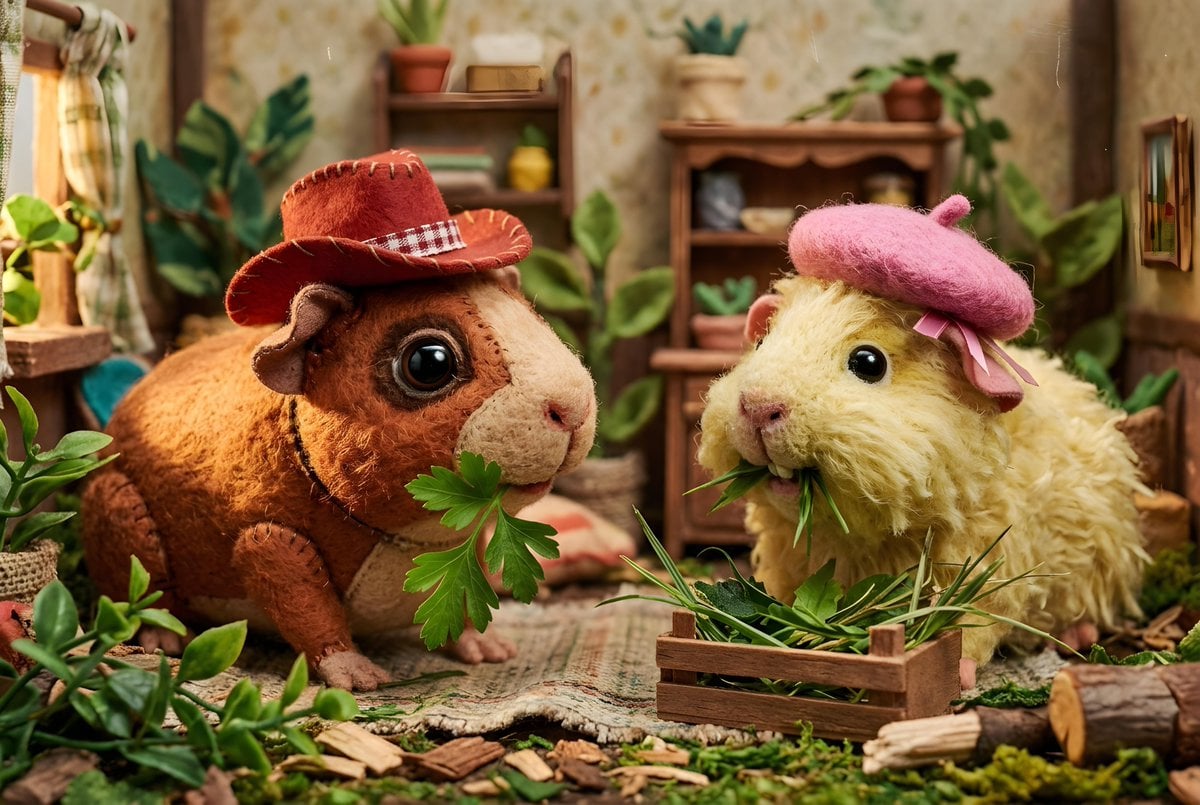
Guinea Pigs with Fashion Accessories
Make it yours
Low Battery Pig Pajama Character works as-is. These are the safest ways to change it without losing the look.
Change one field
Copy a single group, rewrite it, and generate again so you can see what that field is doing.
Keep the frame, change the subject
Hold the composition and light of Low Battery Pig Pajama Character, then swap wardrobe, props or the person for a new take.
| If the result… | Why | Fix |
|---|---|---|
| The result drifts from the preview | Too many fields changed at once. | Reuse Low Battery Pig Pajama Character as-is first, then change one group — subject, light, or setting. |
| The model over-stylizes the scene | The prose prompt leaves finish and camera underspecified. | Add one camera or lighting sentence and stay on GPT Image 2. |
More GPT Image 2 templates
Other prompts made for GPT Image 2.

Six VTuber Japanese Logo Sheet

Realistic Portrait of Woman and Deer

The Vista Modular Condo Poster

AI Model Routing Comparison Infographic

2.5D Anime Art Board

Isometric Productivity Desk Scene

New York Double Exposure Poster

Four-Panel AI Landscape Comparison

Japanese Tatami Lifestyle Magazine Cover

NESCAFÉ Coffee Map Poster
More image prompts
Fresh picks from across the catalog.
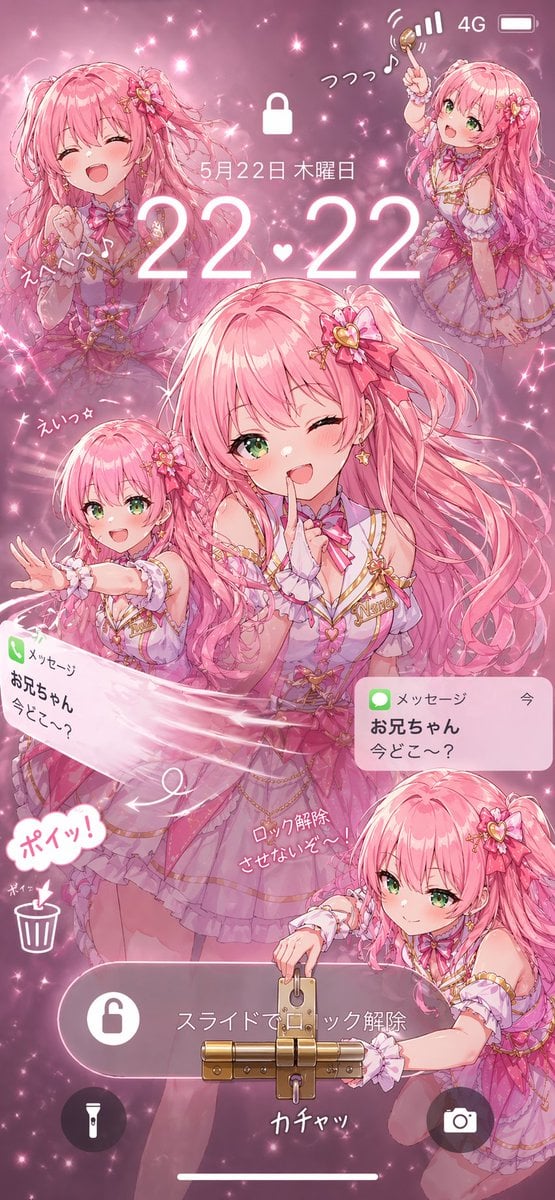
Pink Idol Anime Lock Screen
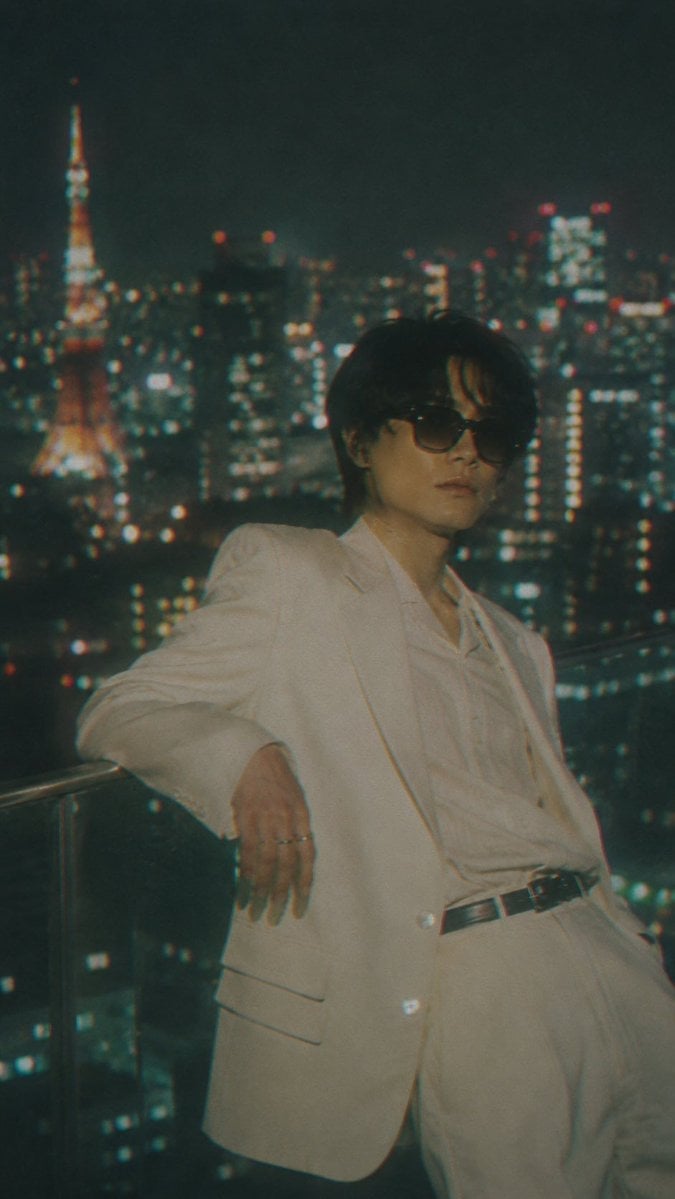
Censored Tokyo Rooftop Night Portrait
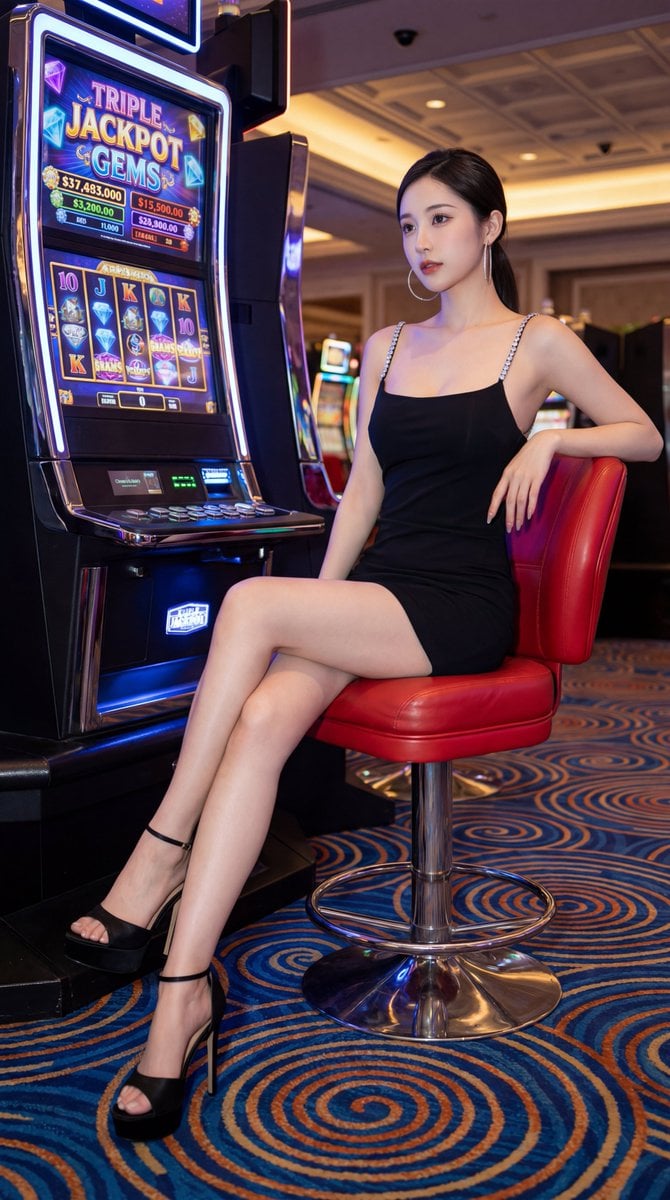
Chinese Casino Glamour Scene Prompt
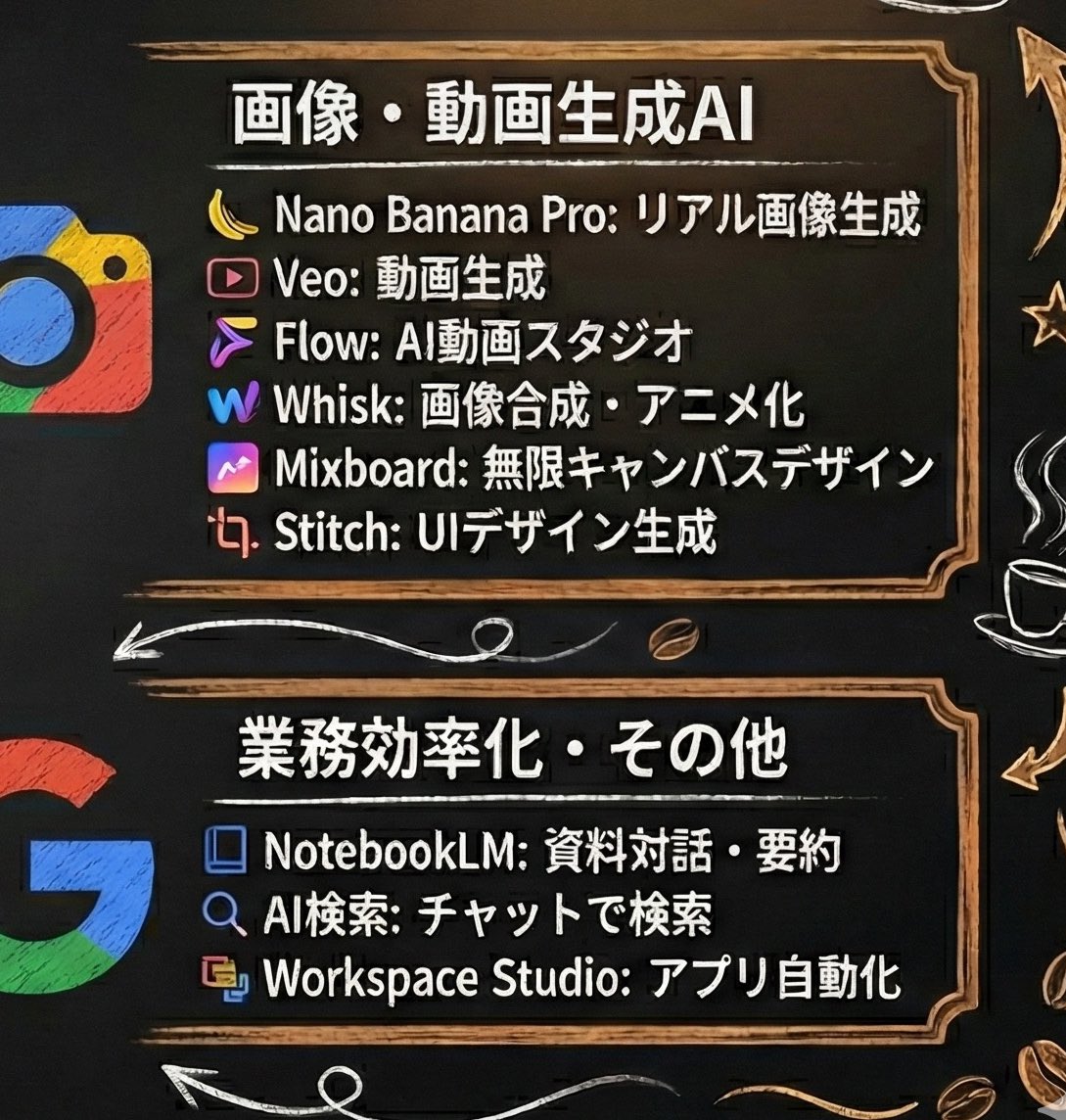
Generating Starbucks Pop-up Style Image
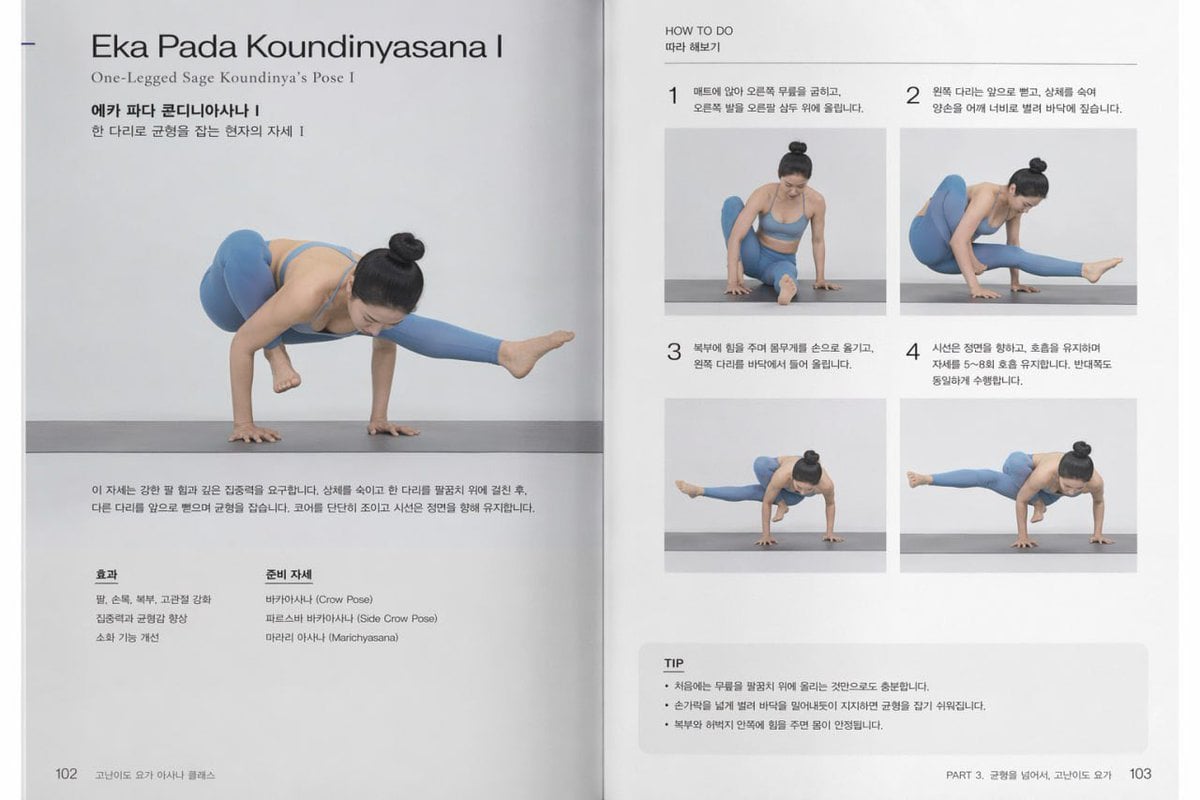
Yoga Book Two-Page Spread
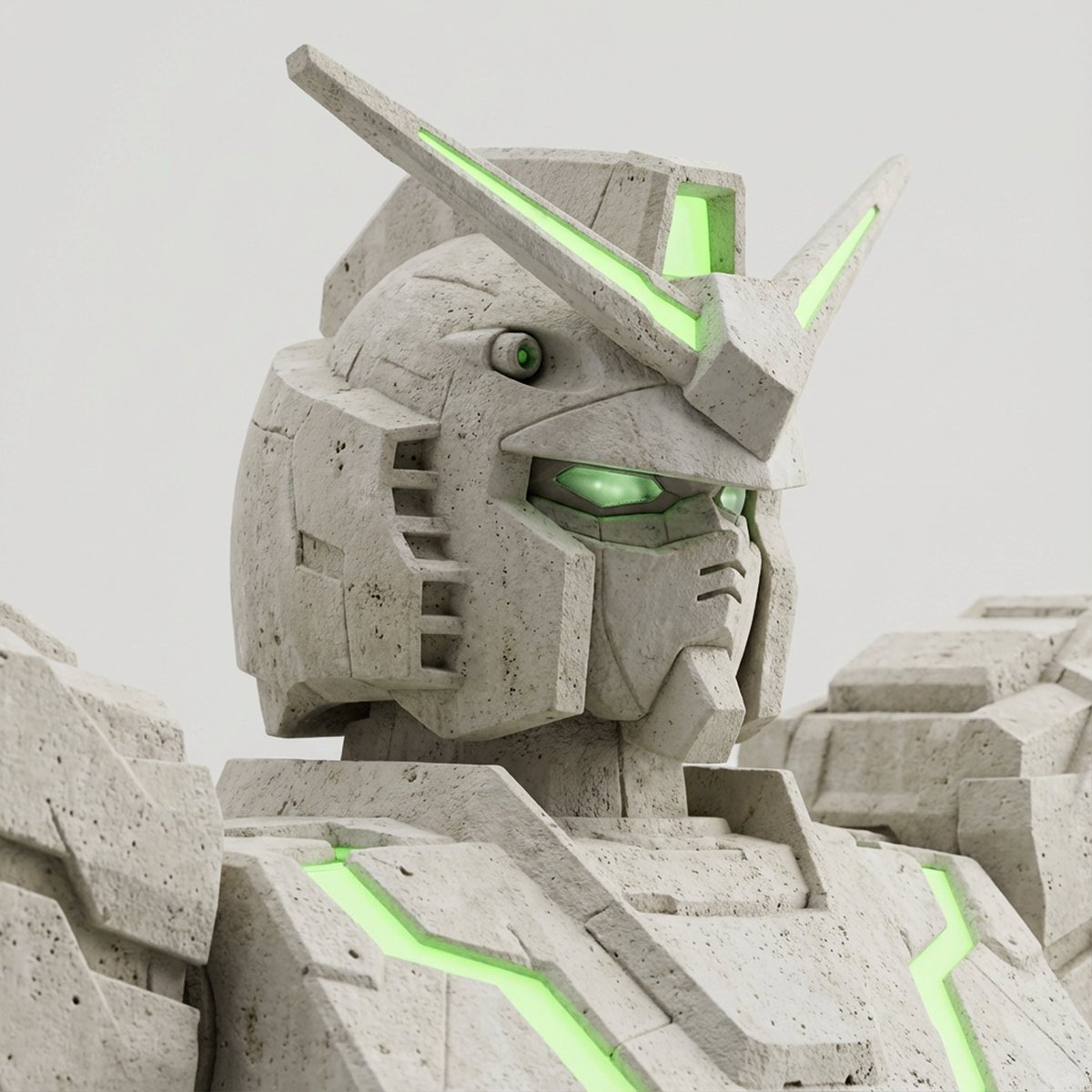
Limestone Sculpture with Neon Glow Prompt
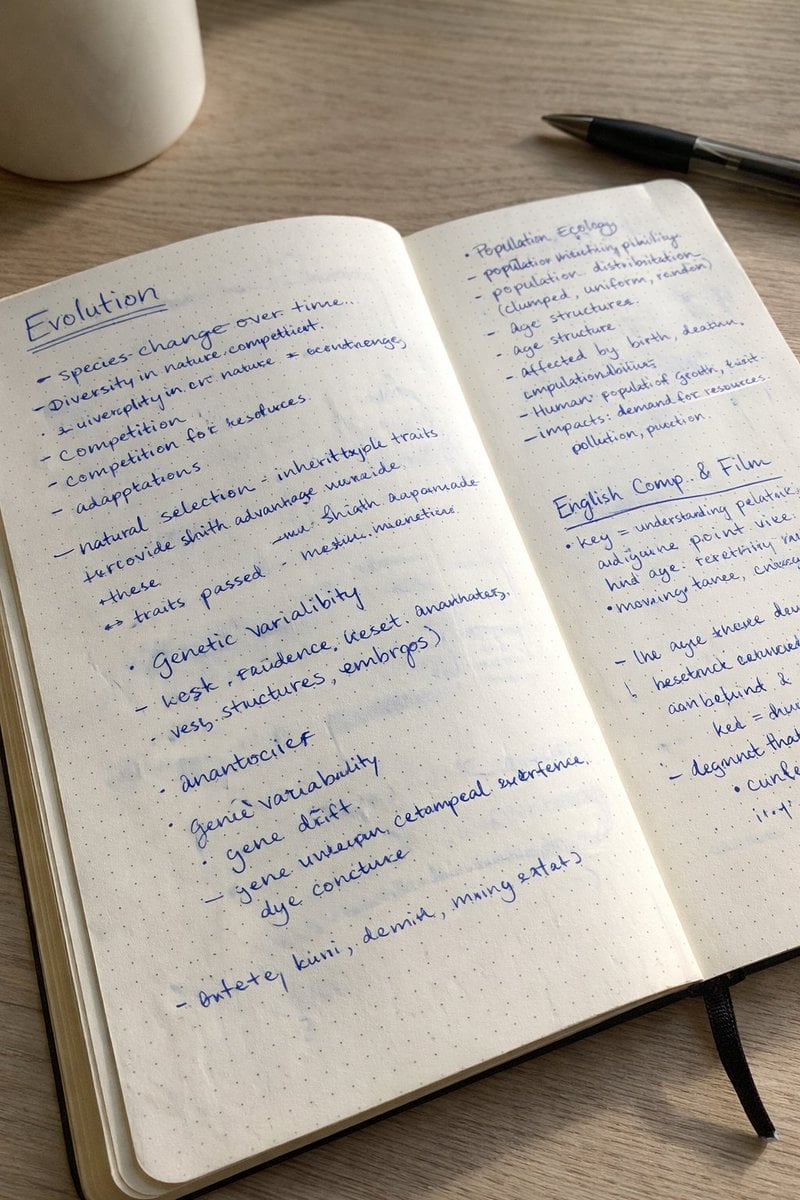
Realistic Handwritten Study Notes
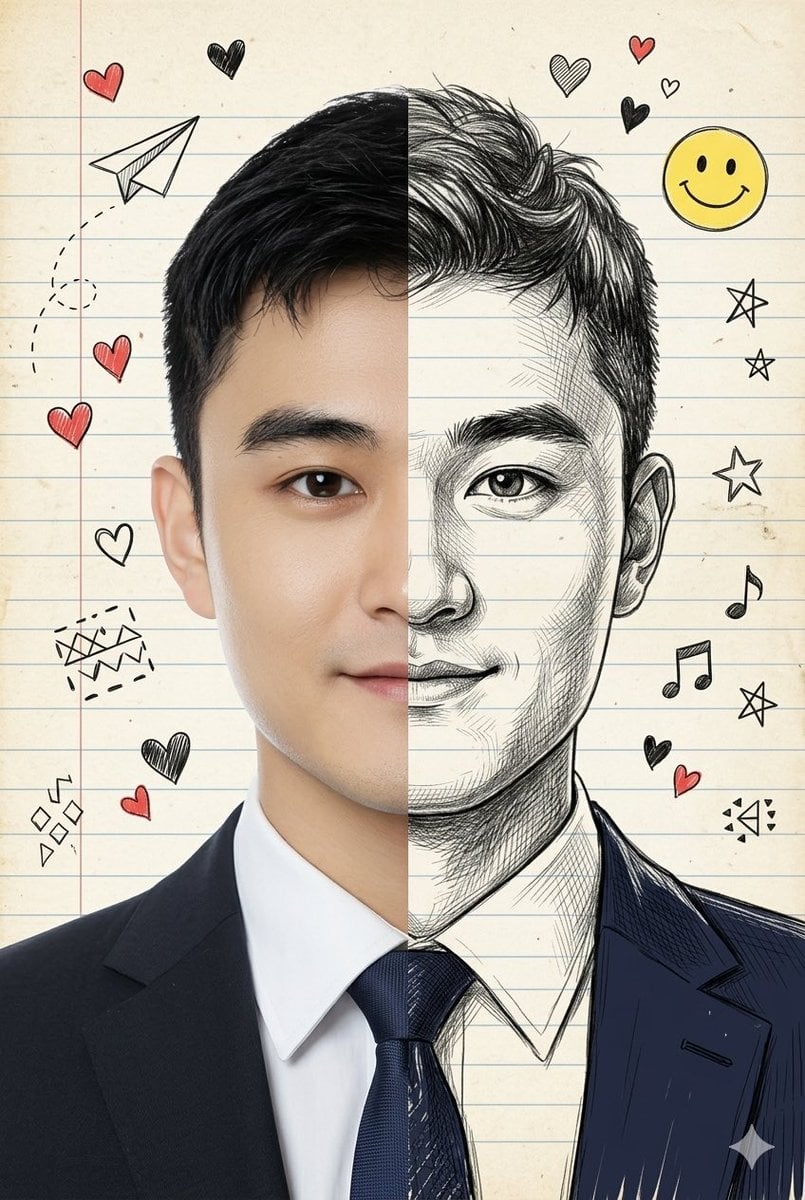
Split-View Mixed-Media Portrait (Photo and Illustration)
Cinematic Fire Effect Asset
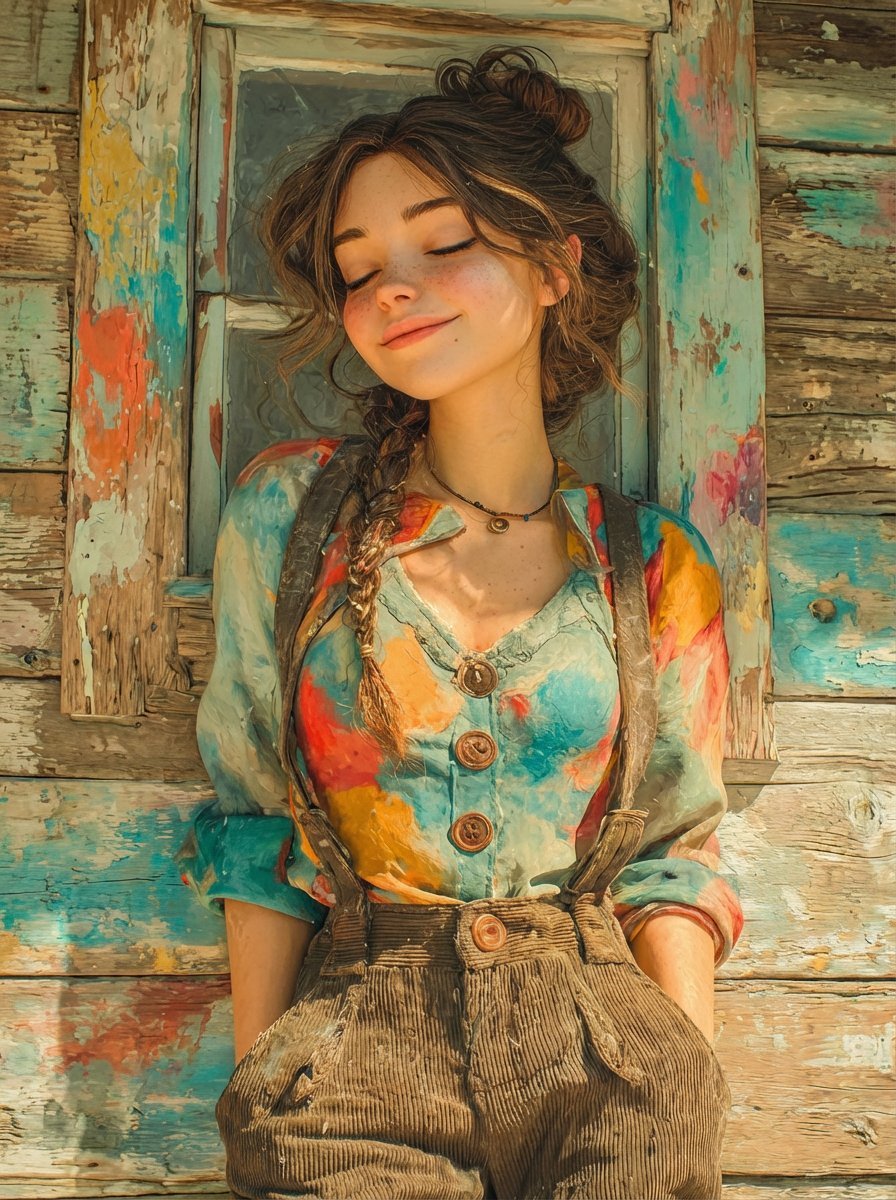
Dual Prompts: Painterly Portrait and Pixar-Style 3D Character
Browse template categories
Low Battery Pig Pajama Character questions
How do I use the Low Battery Pig Pajama Character template?
Add your photo if the template asks for one, edit the prompt if you like — the template's model and format are already selected — and press Generate. Your version opens in PicX Studio.
Can I customize the Low Battery Pig Pajama Character template?
Yes. You can change the subject, setting, lighting, mood, format, and available model controls before creating your image.
Is the Low Battery Pig Pajama Character template free?
Opening and editing this template is free. Generating uses credits, shown on the Generate button when you are signed in.
Which AI model should I use?
Start with GPT Image 2, which is the model associated with this template. You can compare another compatible model for a different finish.
Looking for something else? Browse all templates.

Your photo, any look
Thousands of ready templates for every top image and video model, from one credit balance.