
Pink Idol Anime Lock Screen
A glittery anime-style smartphone lock screen wallpaper featuring a pink-haired idol girl in five playful poses with notifications, UI elements, and a literal lock-unlocking gag.
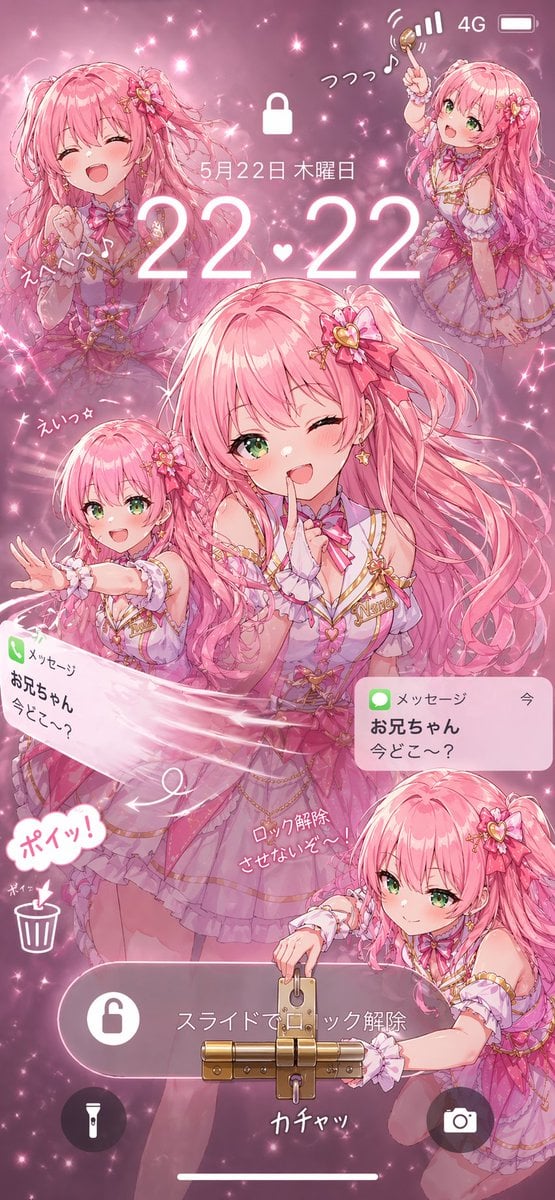
- Prompt included
- Model and format preset
- Free template
The prompt behind this image
Copy the exact prompt behind Pink Idol Anime Lock Screen, or open it in the studio and make it yours.
A highly detailed anime-style smartphone lock screen wallpaper in a vertical 9:16 composition, themed entirely in sparkling pink idol aesthetics. The scene features {argument name="character name" default="Akari"}, a cheerful teenage magical-idol girl with very long voluminous {argument name="hair color" default="pastel pink"} twin-tail hair, bright green eyes, fair skin, and a playful expressive face. She wears an ornate frilly stage costume in layered pink, lavender, and white with gold trim, ribbons, heart motifs, lace cuffs, a choker bow, star earrings, and floral heart hair accessories. The background is a dreamy glitter-filled pink haze with bokeh, sparkles, and soft glow effects. Design it as a fake phone lock screen with a large white lock icon near the top center, cellular status icons in the upper right, and the date in Japanese reading 5月22日 木曜日 above a large glowing time display reading {argument name="time display" default="22:22"}. Include 5 visible character depictions of the same girl: 1 large central half-body figure winking and holding one finger to her lips in a teasing pose, 1 upper-left bust portrait laughing with eyes closed, 1 upper-right full or three-quarter body pose joyfully raising a small wand or key-like object, 1 lower-left smaller figure partly obscured by a blurred pink rectangle over the face while reaching outward, and 1 lower-right crouching figure with another blurred pink rectangle over the face while interacting with a large physical lock. Add handwritten Japanese sound-effect style text around the figures, including playful exclamations and notes. Show 2 message notification banners styled like iPhone alerts, both from メッセージ and お兄ちゃん with the text 今どこ〜?, one tilted on the left and one upright on the right. Across the lower middle, place a rounded translucent slider bar with Japanese text スライドでロック解除 and a lock icon. Make the unlocking concept literal by attaching an oversized brass padlock and latch mechanism to the slider, with the lower-right character appearing to unlock it using a key; add nearby handwritten Japanese text suggesting lock removal and a metallic click sound. In the lower left, include 2 circular utility icons, a flashlight and a trash can, plus a comic-style speech bubble reading ポイッ!. Add a camera icon in a dark circular button at the lower right and a thin white home indicator at the very bottom. Render everything with polished glossy anime illustration quality, soft lighting, dense sparkles, layered transparency, and a cute mischievous mood, as if an idol character has taken over and physically prevented the phone from being unlocked.
How to use Pink Idol Anime Lock Screen in 3 steps
- 1Upload ImagePNG, JPG or paste
Add your photo
Upload the photo the template builds on. The prompt, model and format are already set.
- 2…a portrait of your subject in softgolden-hour light, 85mm…
Personalize
Edit the subject and creative details for your destination.
- 3Generate
Generate
Press Generate — your image is created in PicX Studio, so you can compare it with the original and refine one variable at a time.
More like this
Templates with the same subject, style or setup. Open one to see its prompt.
Anime Countryside iPhone Lock Screen
Anime Couple Segmentation UI Screenshot

Pastel Anime Idol Concert Finale
Winking Anime Idol Festival Portrait

Cel 2D Finale Fireworks

Cel 2D Garden Maze

Cel 2D Rooftop Concert

Cel 2D Bicycle Coast

Cel 2D Castle Gate

Cel 2D Kitchen Chaos

Cel 2D Carnival Ride

Cel 2D Rainy Bus Stop
Make it yours
Pink Idol Anime Lock Screen works as-is. These are the safest ways to change it without losing the look.
Change one field
Copy a single group, rewrite it, and generate again so you can see what that field is doing.
Keep the frame, change the subject
Hold the composition and light of Pink Idol Anime Lock Screen, then swap wardrobe, props or the person for a new take.
| If the result… | Why | Fix |
|---|---|---|
| The result drifts from the preview | Too many fields changed at once. | Reuse Pink Idol Anime Lock Screen as-is first, then change one group — subject, light, or setting. |
| The model over-stylizes the scene | The prose prompt leaves finish and camera underspecified. | Add one camera or lighting sentence and stay on GPT Image 2. |
More GPT Image 2 templates
Other prompts made for GPT Image 2.

Six VTuber Japanese Logo Sheet

Realistic Portrait of Woman and Deer

The Vista Modular Condo Poster

AI Model Routing Comparison Infographic

2.5D Anime Art Board

Isometric Productivity Desk Scene

New York Double Exposure Poster

Four-Panel AI Landscape Comparison

Japanese Tatami Lifestyle Magazine Cover

NESCAFÉ Coffee Map Poster
More image prompts
Fresh picks from across the catalog.

Cyberpunk Cinematic Portrait Prompt
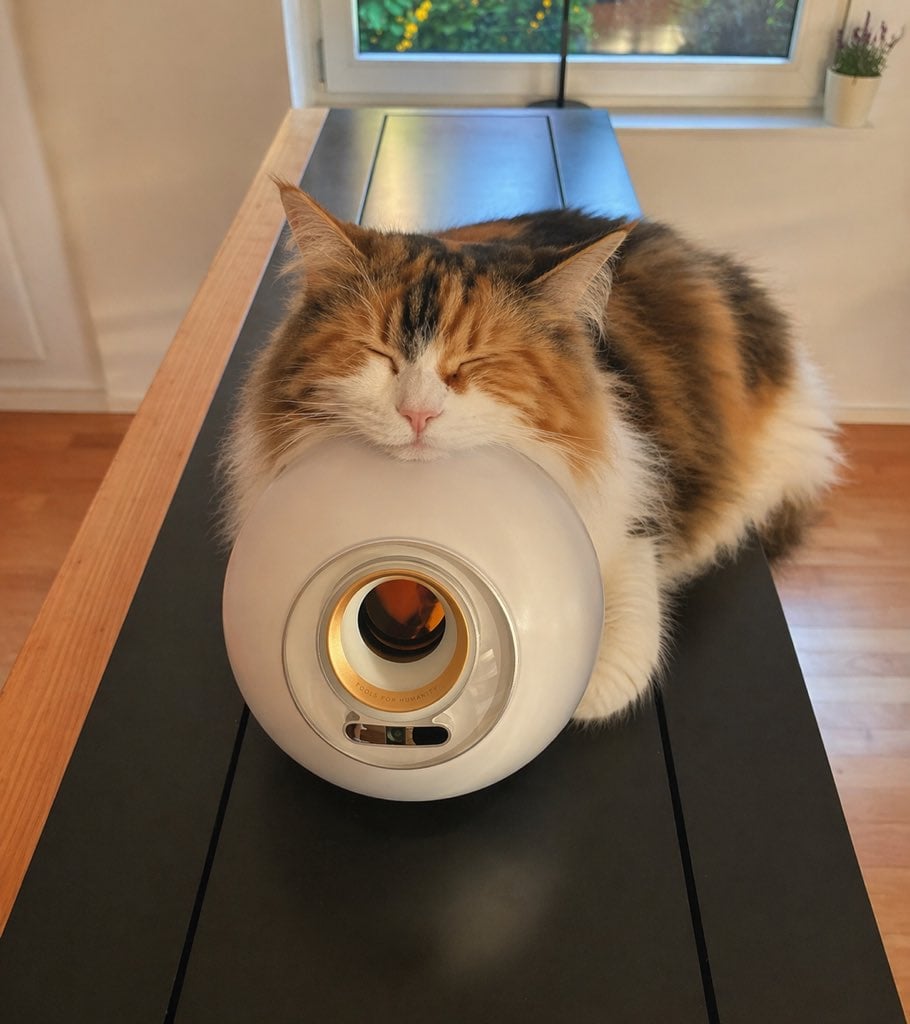
Sleeping Calico on White Appliance
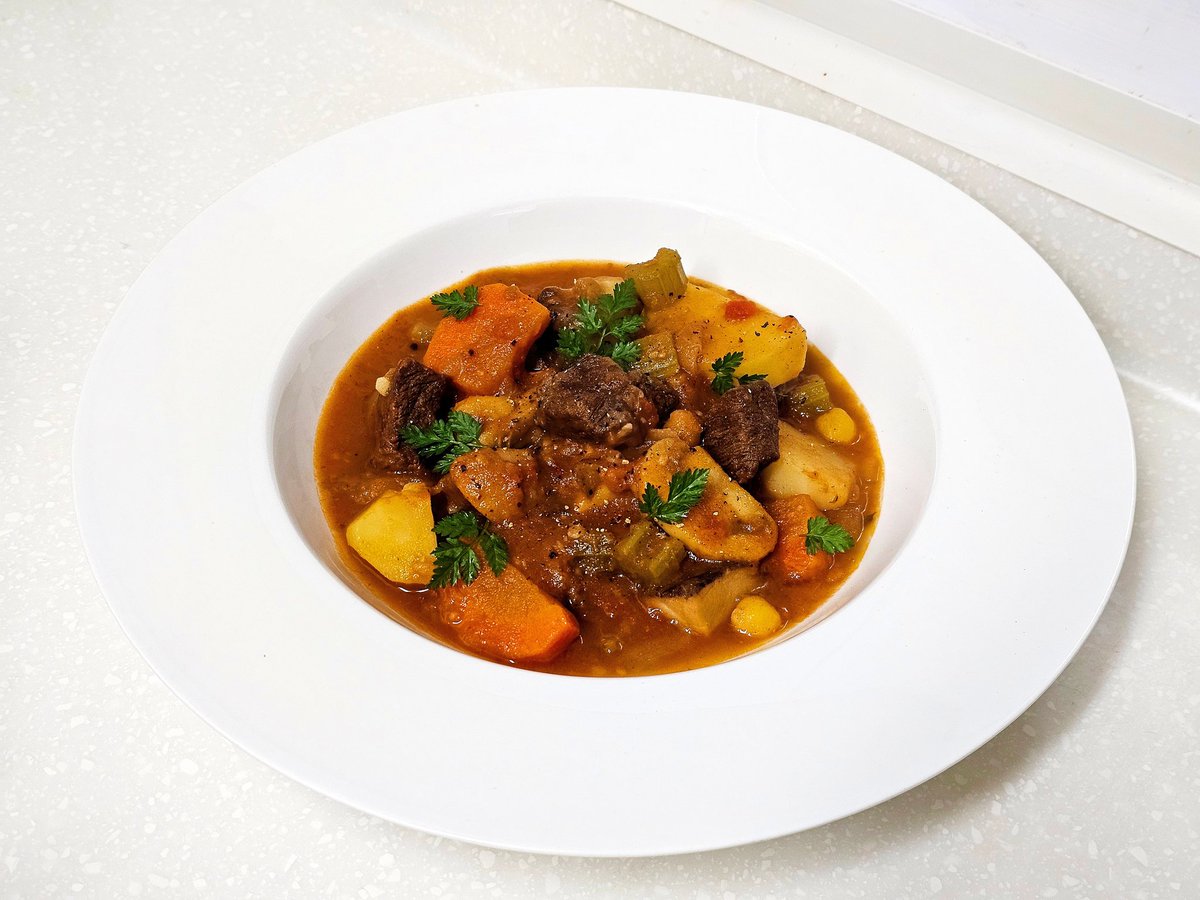
Nanako Nana's Stew Recipe Reconstruction

Google Gemini Nano Banana Pro

Heroic Dramatic Studio Portrait Prompt
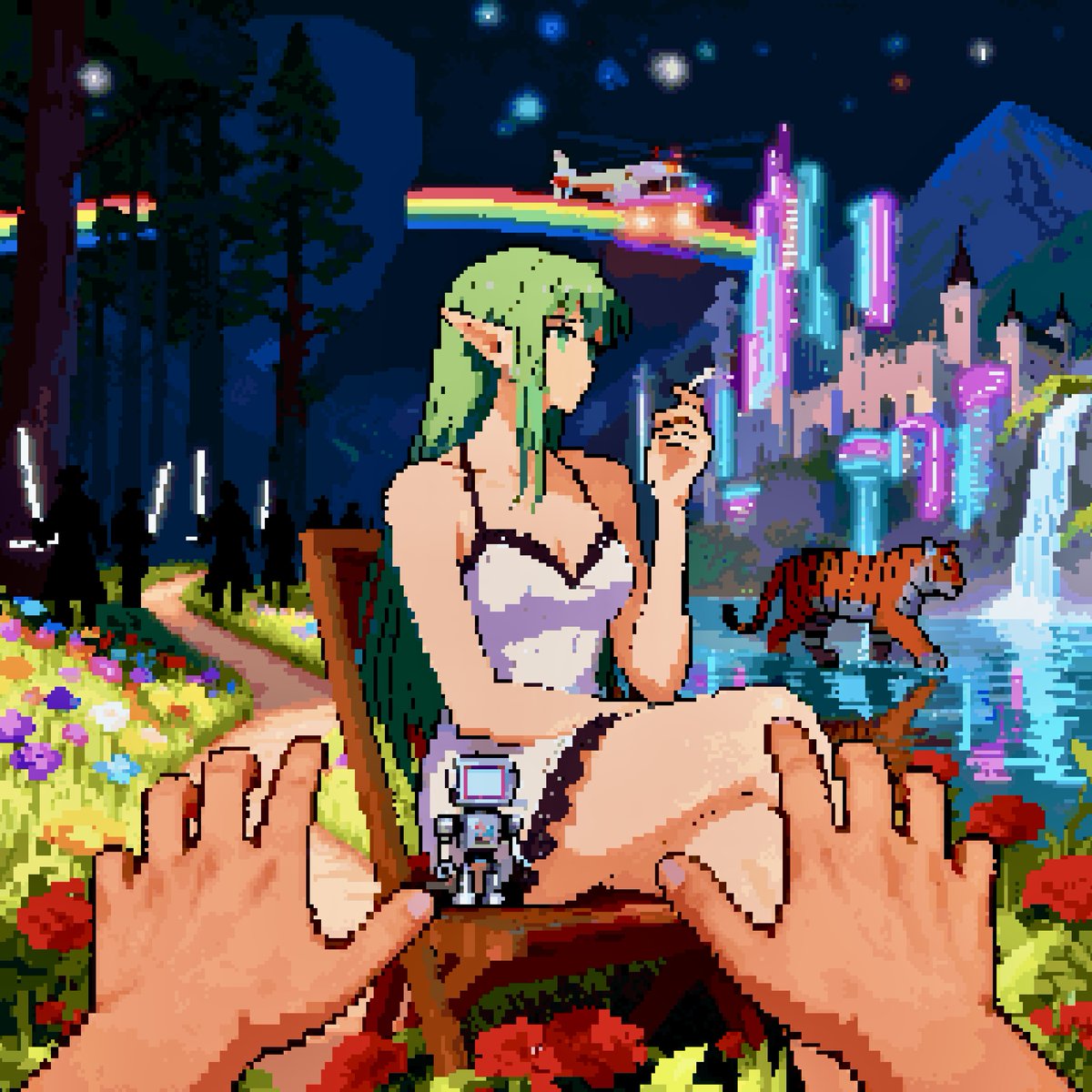
Convert image into YouTube thumbnail with OMW text

High-Contrast Monochrome Portrait Prompt

Surreal Floating Library Walker
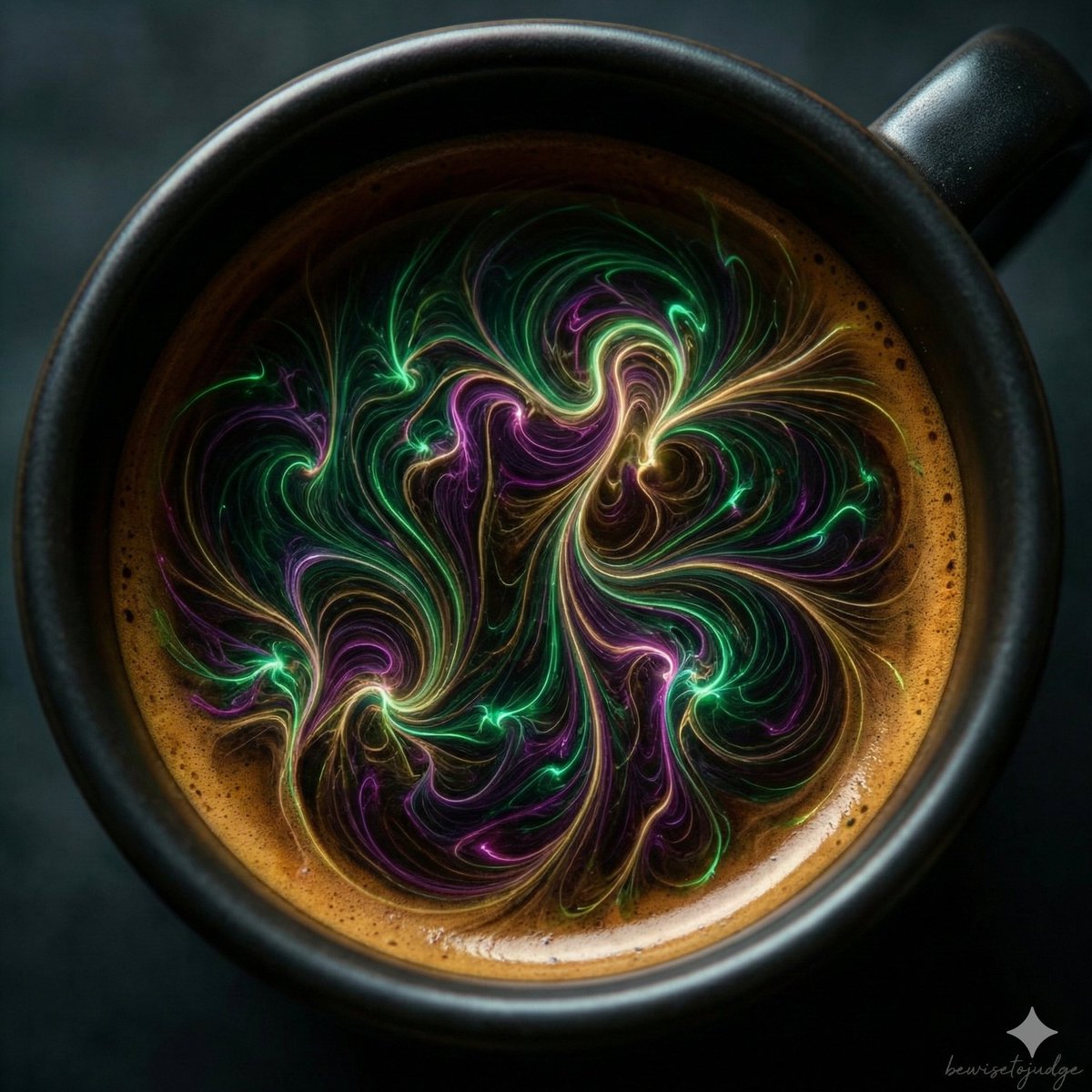
Abstract Microscopic View of Living Coffee Crema
Tarot Card Image Generation Prompt
Browse template categories
Pink Idol Anime Lock Screen questions
How do I use the Pink Idol Anime Lock Screen template?
Add your photo if the template asks for one, edit the prompt if you like — the template's model and format are already selected — and press Generate. Your version opens in PicX Studio.
Can I customize the Pink Idol Anime Lock Screen template?
Yes. You can change the subject, setting, lighting, mood, format, and available model controls before creating your image.
Is the Pink Idol Anime Lock Screen template free?
Opening and editing this template is free. Generating uses credits, shown on the Generate button when you are signed in.
Which AI model should I use?
Start with GPT Image 2, which is the model associated with this template. You can compare another compatible model for a different finish.
Looking for something else? Browse all templates.

Your photo, any look
Thousands of ready templates for every top image and video model, from one credit balance.