
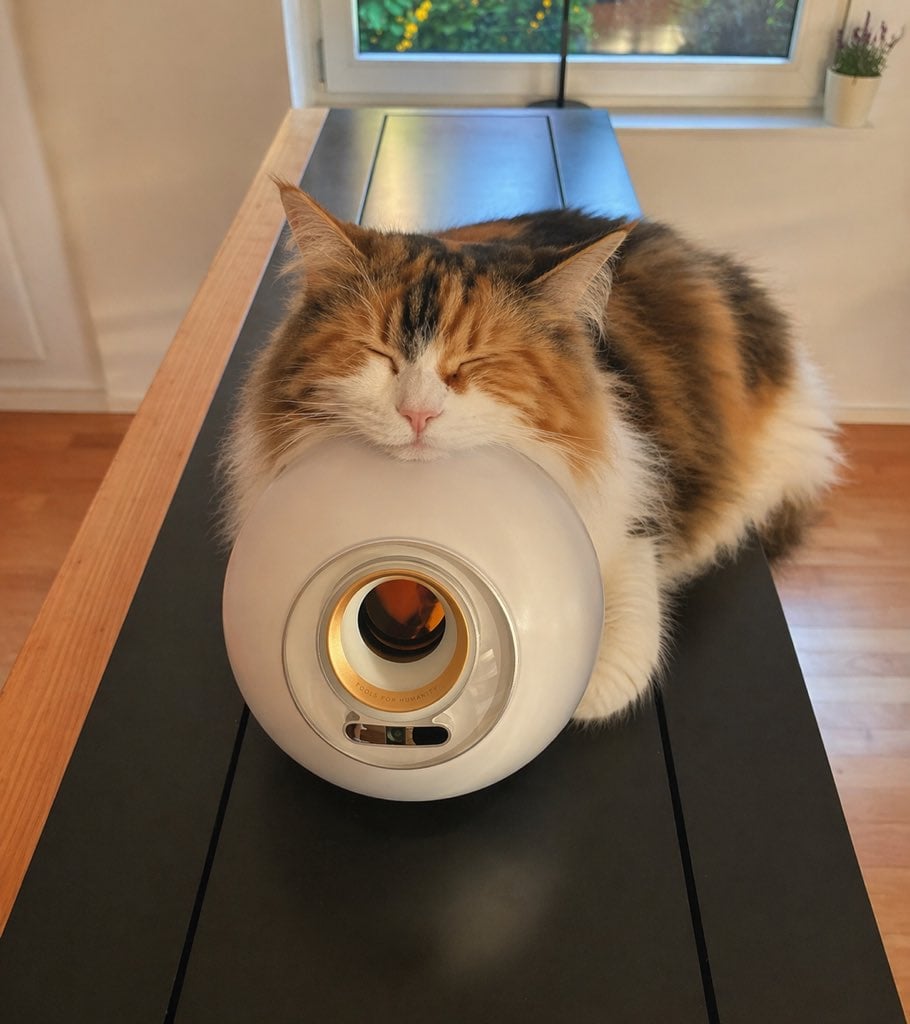
Sleeping Calico on White Appliance
A warm, realistic pet photo of a fluffy calico cat napping on a sleek white device, ideal for cozy lifestyle or home-interior imagery.
- Prompt included
- Model and format preset
- Free template
The prompt behind this image
Copy the exact prompt behind Sleeping Calico on White Appliance, or open it in the studio and make it yours.
A cozy indoor lifestyle photo of a fluffy long-haired calico cat sleeping with its eyes closed and its chin gently resting on top of a glossy white cylindrical appliance shaped like a rounded tube, viewed from the front at table height. The cat has a thick tricolor coat with orange, black, and white fur, a white muzzle, pink nose, large pointed ears, and a very soft, plush appearance. Its body is draped behind and around the appliance on a long matte-black tabletop with natural light wood edges, creating a centered composition with the appliance in the foreground and the cat filling the upper half of the frame. The appliance has a circular front opening with a metallic inner ring and a small oval control window near the bottom. The setting is a warm, sunlit modern home interior with a window directly behind the subject, soft daylight coming in, a pale wall, warm wooden floor, and 1 small potted plant on the windowsill at the top right. Shallow depth of field, gentle warm color grading, realistic fur detail, natural reflections on the appliance, calm sleepy mood, high-resolution candid pet photography.
How to use Sleeping Calico on White Appliance in 3 steps
- 1Upload ImagePNG, JPG or paste
Add your photo
Upload the photo the template builds on. The prompt, model and format are already set.
- 2…a portrait of your subject in softgolden-hour light, 85mm…
Personalize
Edit the subject and creative details for your destination.
- 3Generate
Generate
Press Generate — your image is created in PicX Studio, so you can compare it with the original and refine one variable at a time.
More like this
Templates with the same subject, style or setup. Open one to see its prompt.

Woman in Mall with Chanel Bag - Heart Gesture

Outdoor Cafe Portrait — White Ruched Top Nano Banana
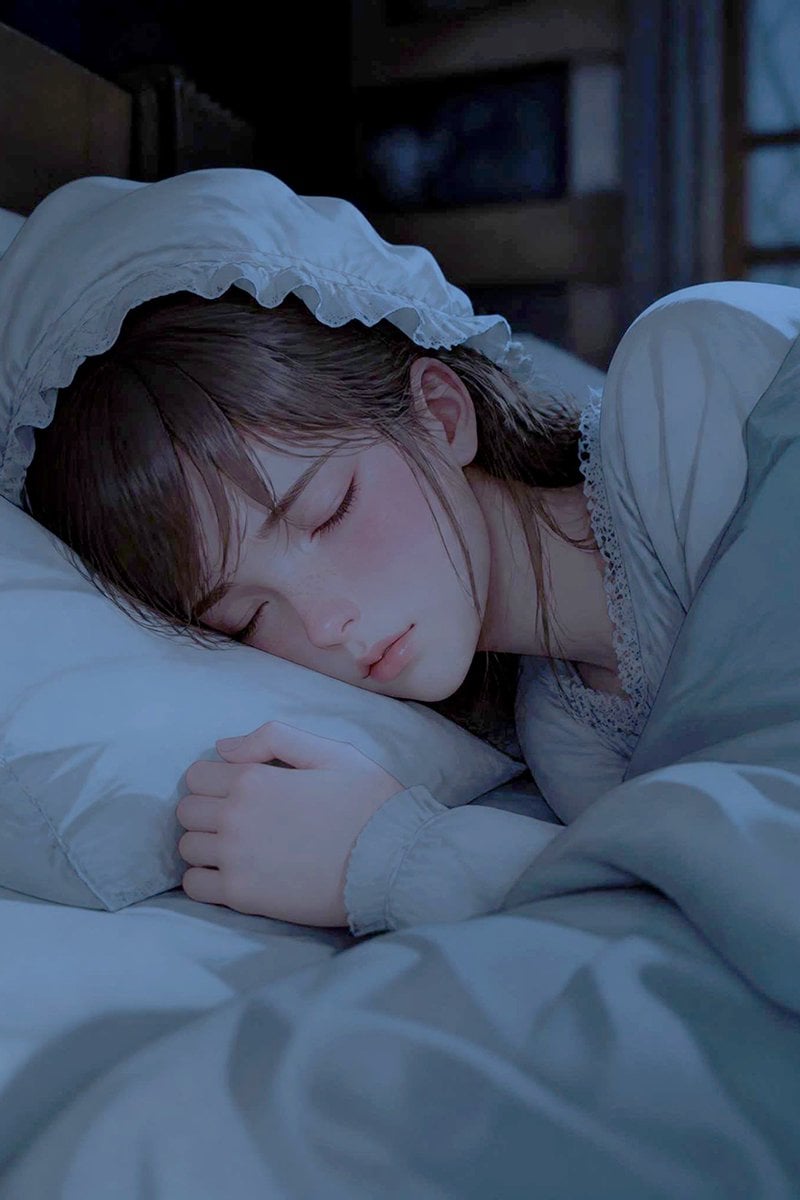
Sleeping Woman in Nightcap
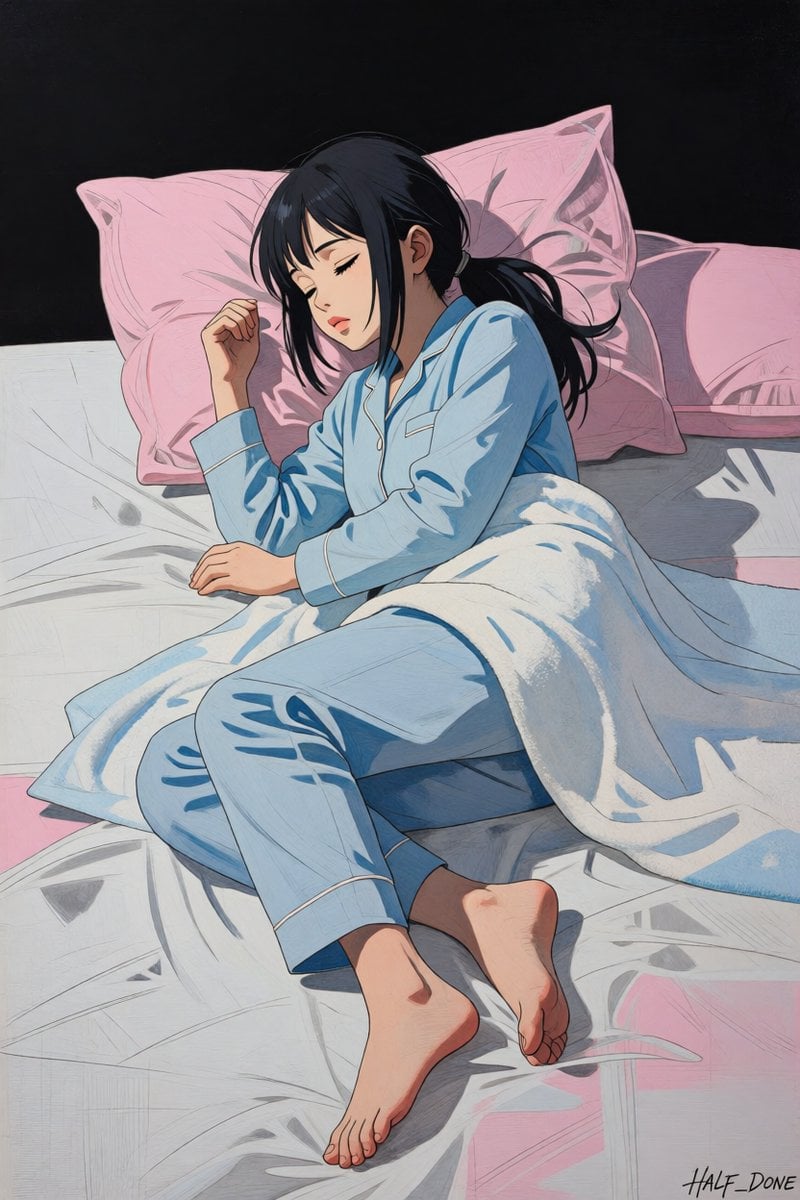
Sleeping Girl in Pitch-Black Room

Mitarashi Calico Cat and Hamster

Anime Classroom Sleeping Student Scene

Faceless Anime Man Holding Calico Cat

Sleeping Girl on Chalk Doodle Court
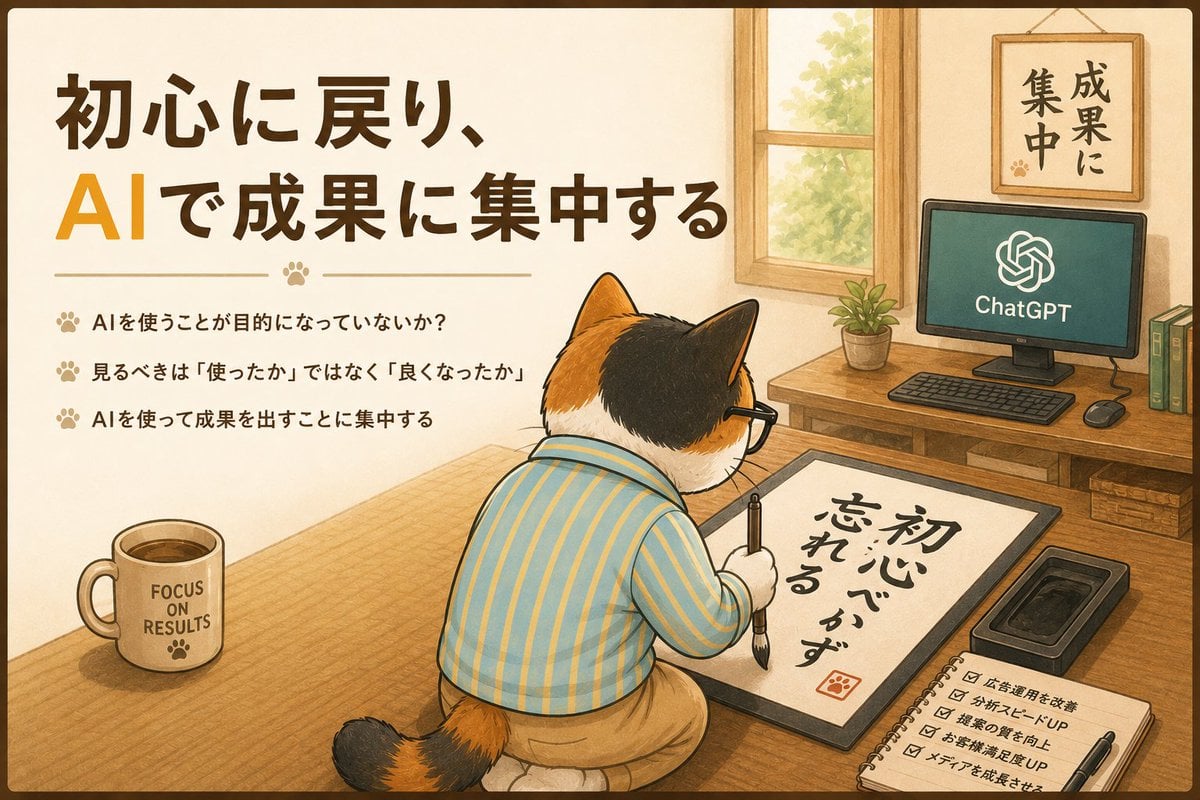
Calico Cat AI Focus Poster

Anime Girl Sleeping on Stolen Moon

Sleeping Girl on Moon Rock

Sleeping Anime Star Witch
Make it yours
Sleeping Calico on White Appliance works as-is. These are the safest ways to change it without losing the look.
Change one field
Copy a single group, rewrite it, and generate again so you can see what that field is doing.
Keep the frame, change the subject
Hold the composition and light of Sleeping Calico on White Appliance, then swap wardrobe, props or the person for a new take.
| If the result… | Why | Fix |
|---|---|---|
| The result drifts from the preview | Too many fields changed at once. | Reuse Sleeping Calico on White Appliance as-is first, then change one group — subject, light, or setting. |
| The model over-stylizes the scene | The prose prompt leaves finish and camera underspecified. | Add one camera or lighting sentence and stay on GPT Image 2. |
More GPT Image 2 templates
Other prompts made for GPT Image 2.

Six VTuber Japanese Logo Sheet

Realistic Portrait of Woman and Deer

The Vista Modular Condo Poster

AI Model Routing Comparison Infographic

2.5D Anime Art Board

Isometric Productivity Desk Scene

New York Double Exposure Poster

Four-Panel AI Landscape Comparison

Japanese Tatami Lifestyle Magazine Cover

NESCAFÉ Coffee Map Poster
More image prompts
Fresh picks from across the catalog.
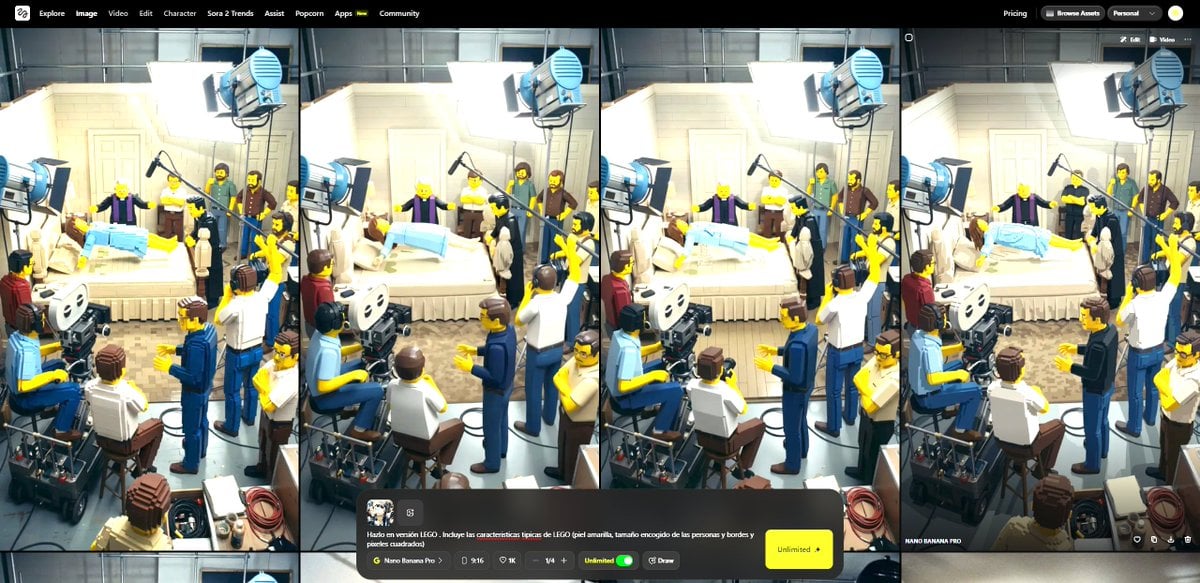
Transform Image into LEGO Version

Cinematic Pilates Scene in Central Park

Walk in the Breeze to a Cafe

Matrix Digital Void Product Shot
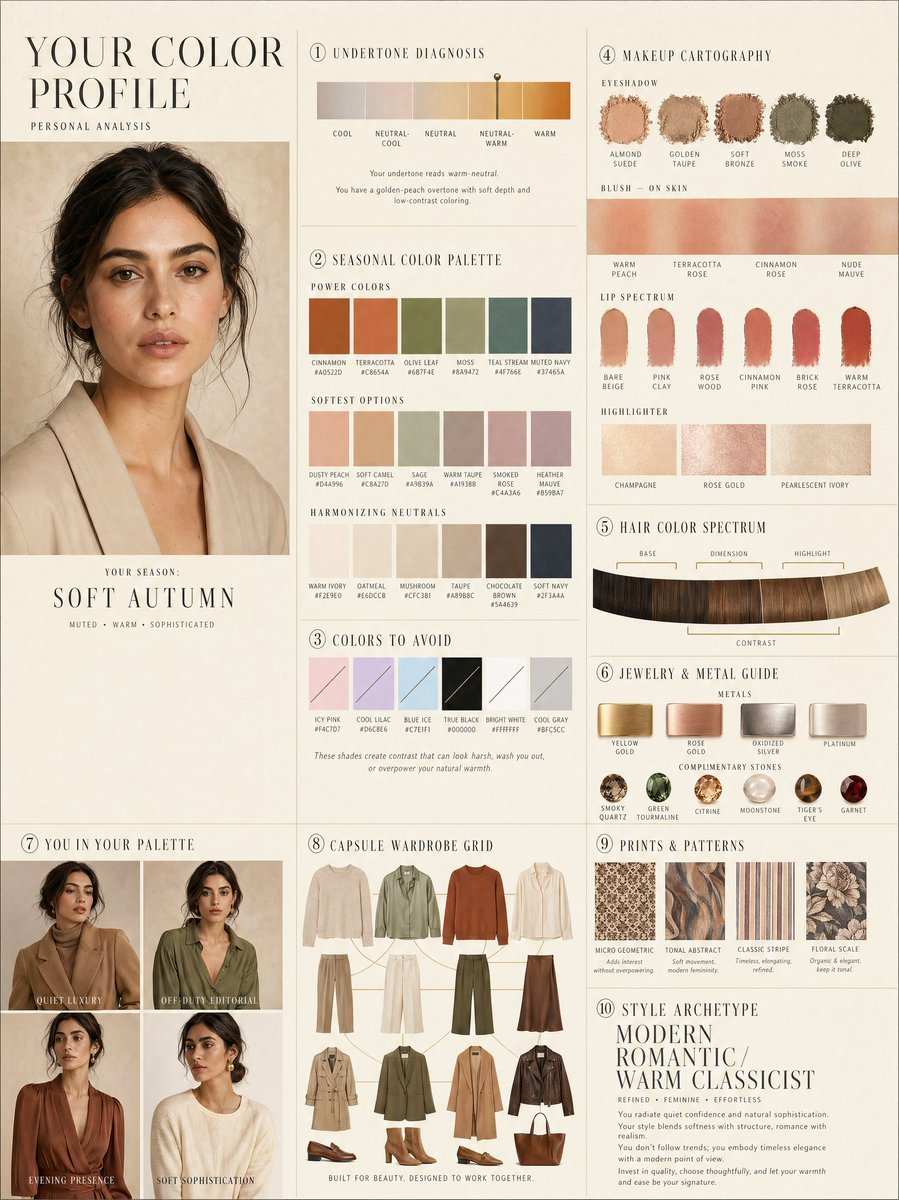
Luxury personal color profile layout
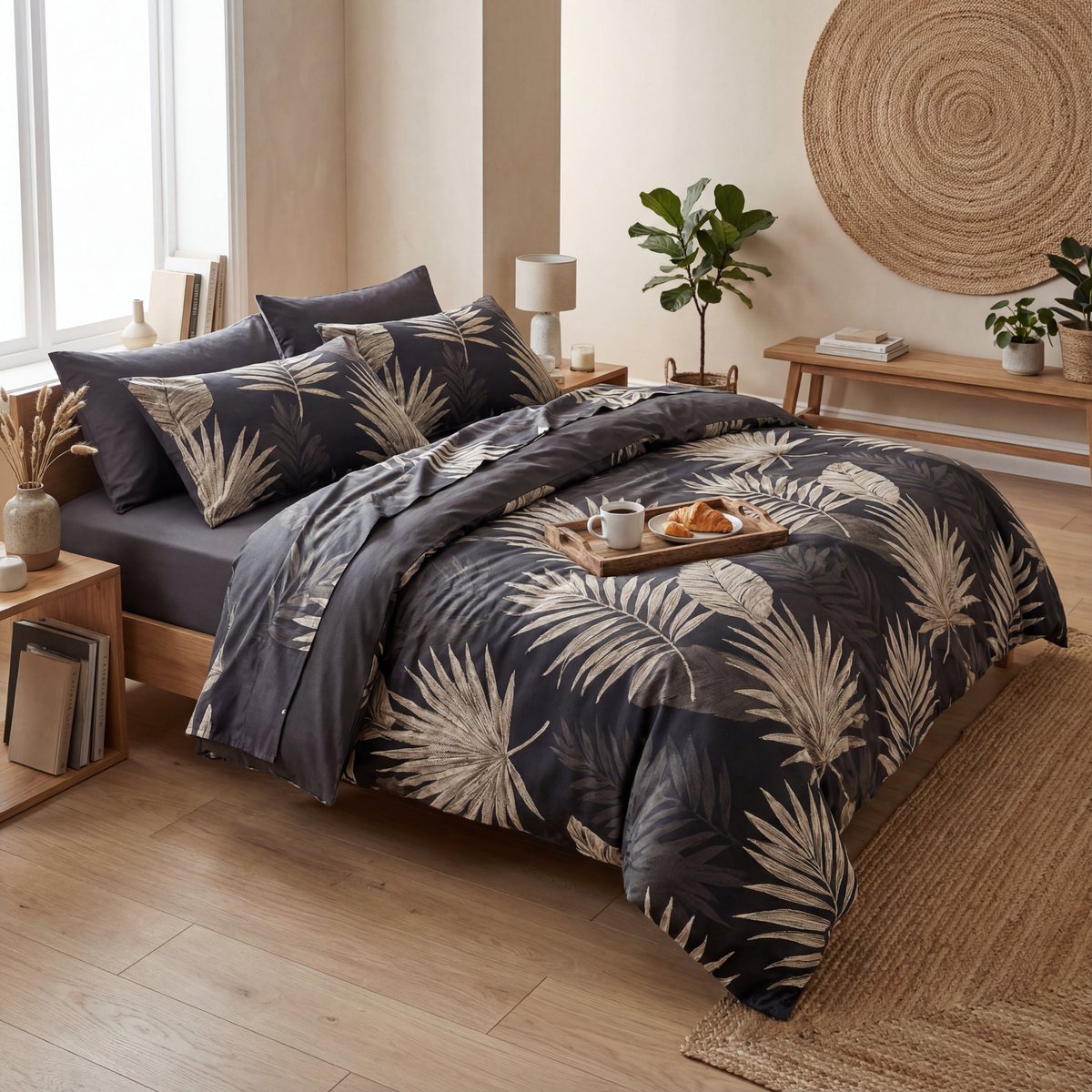
Prompt for premium visuals using Nano Banana Pro
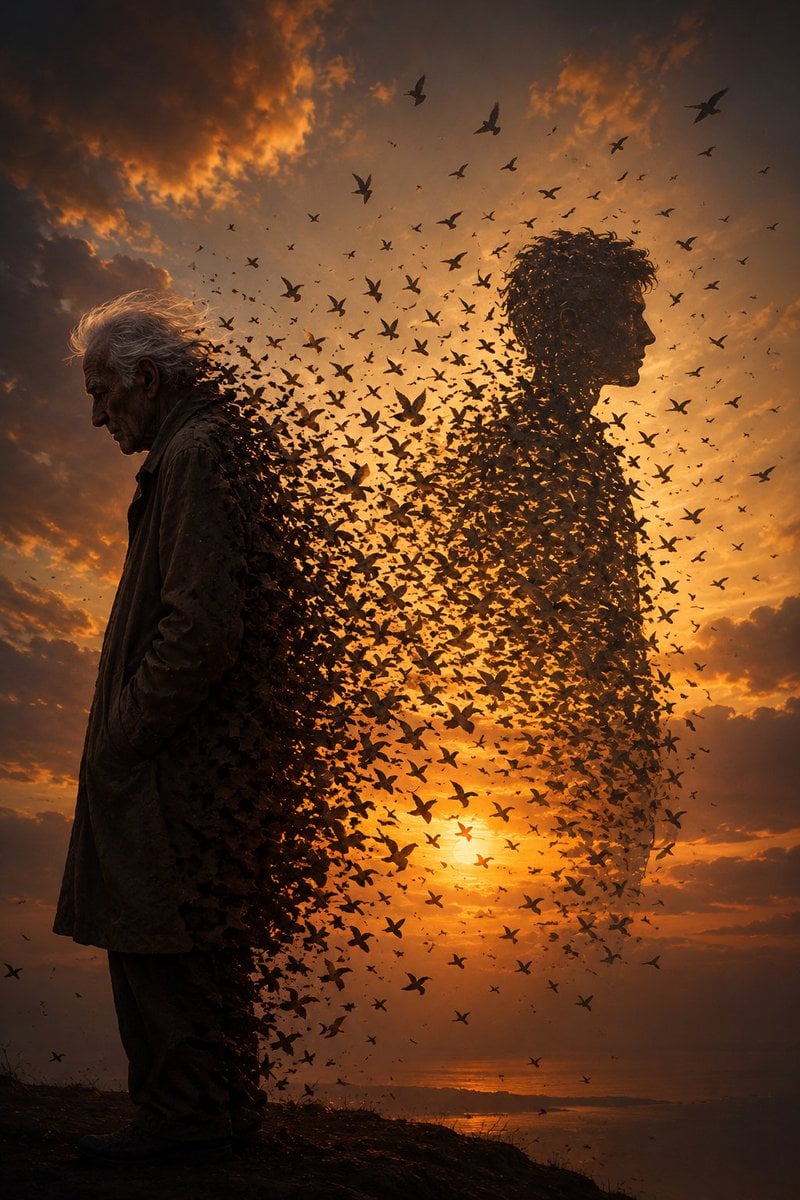
Elderly Man Dissolving Into Birds

Storyboard Grid Generation Prompt

New Year 2026 Cinematic Photo with Text Overlay
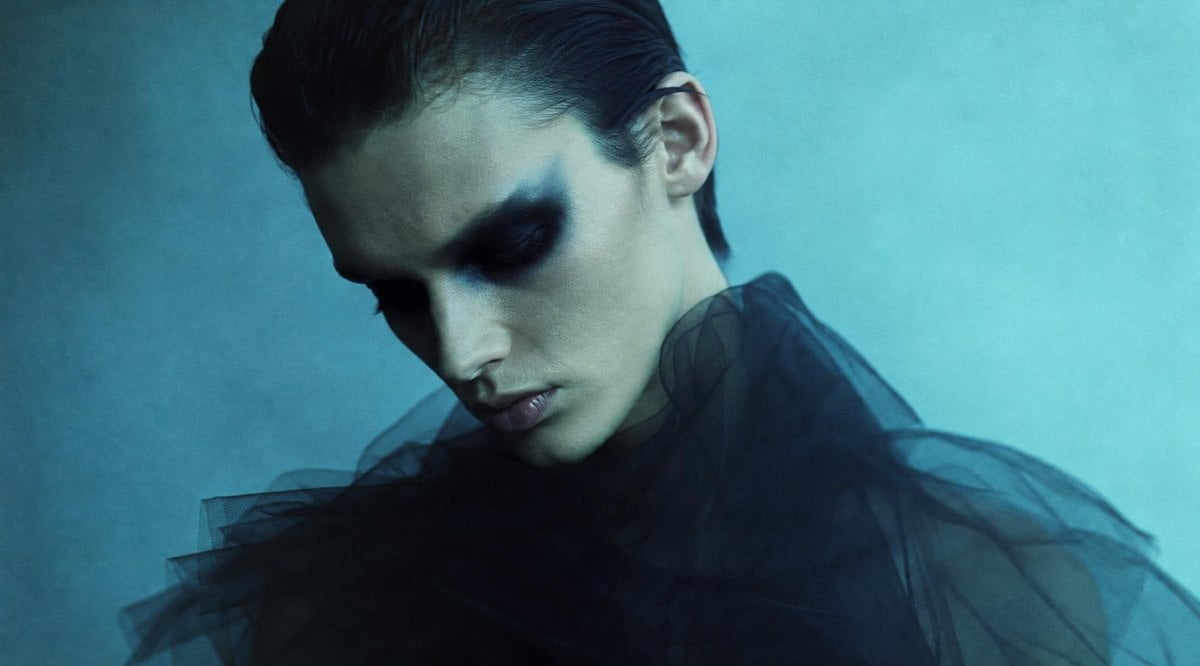
Anonymous Teal Fashion Portrait
Browse template categories
Sleeping Calico on White Appliance questions
How do I use the Sleeping Calico on White Appliance template?
Add your photo if the template asks for one, edit the prompt if you like — the template's model and format are already selected — and press Generate. Your version opens in PicX Studio.
Can I customize the Sleeping Calico on White Appliance template?
Yes. You can change the subject, setting, lighting, mood, format, and available model controls before creating your image.
Is the Sleeping Calico on White Appliance template free?
Opening and editing this template is free. Generating uses credits, shown on the Generate button when you are signed in.
Which AI model should I use?
Start with GPT Image 2, which is the model associated with this template. You can compare another compatible model for a different finish.
Looking for something else? Browse all templates.

Your photo, any look
Thousands of ready templates for every top image and video model, from one credit balance.