How do I use the Sleeping Girl on Moon Rock template?
Edit the prompt in the box under the preview — the template's model and format are already selected — and press Generate. Your version appears right on this page.
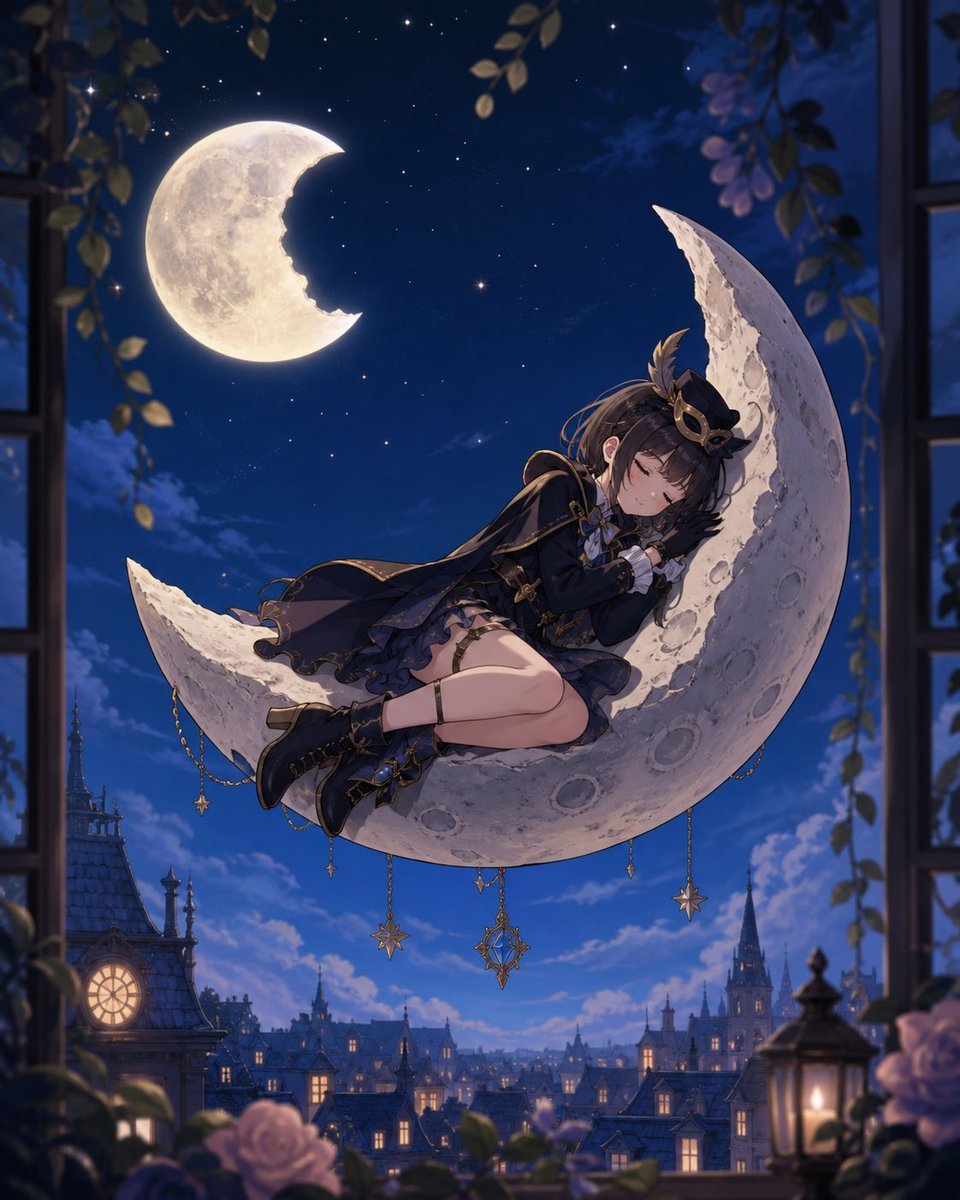
A dreamy storybook-style illustration of a child sleeping on a floating moon fragment beneath a cratered crescent moon in a starry sky.

This template uses your photo — add one with the + button.
Create a whimsical children’s storybook illustration of a small {argument name="character age and gender" default="young girl"} peacefully sleeping on her side atop a floating broken slab of pale yellow moon rock in outer space. The character has {argument name="hair color and style" default="black hair in a high ponytail tied with a red scrunchie, with straight bangs"}, closed eyes, rosy cheeks, and a gentle smile, resting her head on folded arms. She wears a {argument name="outfit" default="black-and-yellow striped short-sleeve shirt under blue denim overalls"} and {argument name="shoes" default="yellow sneakers with white soles"}. Behind her, show a huge warm golden crescent moon with visible craters, shaped as if a bite or chunk has been taken from its inner edge, matching the rocky platform beneath her. The background is a deep navy star-filled night sky with many tiny white stars, a few brighter sparkling stars, and soft purple clouds near the edges. Use a charming hand-painted digital illustration style, soft watercolor-like textures, rounded cute proportions, warm moonlight, dreamy bedtime atmosphere, gentle shading, clean composition, and vertical portrait framing.
Create a whimsical children’s storybook illustration of a small {argument name="character age and gender" default="young girl"} peacefully sleeping on her side atop a floating broken slab of pale yellow moon rock in outer space. The character has {argument name="hair color and style" default="black hair in a high ponytail tied with a red scrunchie, with straight bangs"}, closed eyes, rosy cheeks, and a gentle smile, resting her head on folded arms. She wears a {argument name="outfit" default="black-and-yellow striped short-sleeve shirt under blue denim overalls"} and {argument name="shoes" default="yellow sneakers with white soles"}. Behind her, show a huge warm golden crescent moon with visible craters, shaped as if a bite or chunk has been taken from its inner edge, matching the rocky platform beneath her. The background is a deep navy star-filled night sky with many tiny white stars, a few brighter sparkling stars, and soft purple clouds near the edges. Use a charming hand-painted digital illustration style, soft watercolor-like textures, rounded cute proportions, warm moonlight, dreamy bedtime atmosphere, gentle shading, clean composition, and vertical portrait framing.
Edit the prompt in the box under the preview — the template's model and format are already selected — and press Generate. Your version appears right on this page.
Yes. You can change the subject, setting, lighting, mood, format, and available model controls before creating your image.
Opening and editing this template is free. Generating uses credits, shown on the Generate button when you are signed in.
Start with GPT Image 2, which is the model associated with this template. You can compare another compatible model for a different finish.
Follow a topic to a crawlable collection of related PicX Studio templates.