
Cinematic Rocky Waterfall Valley
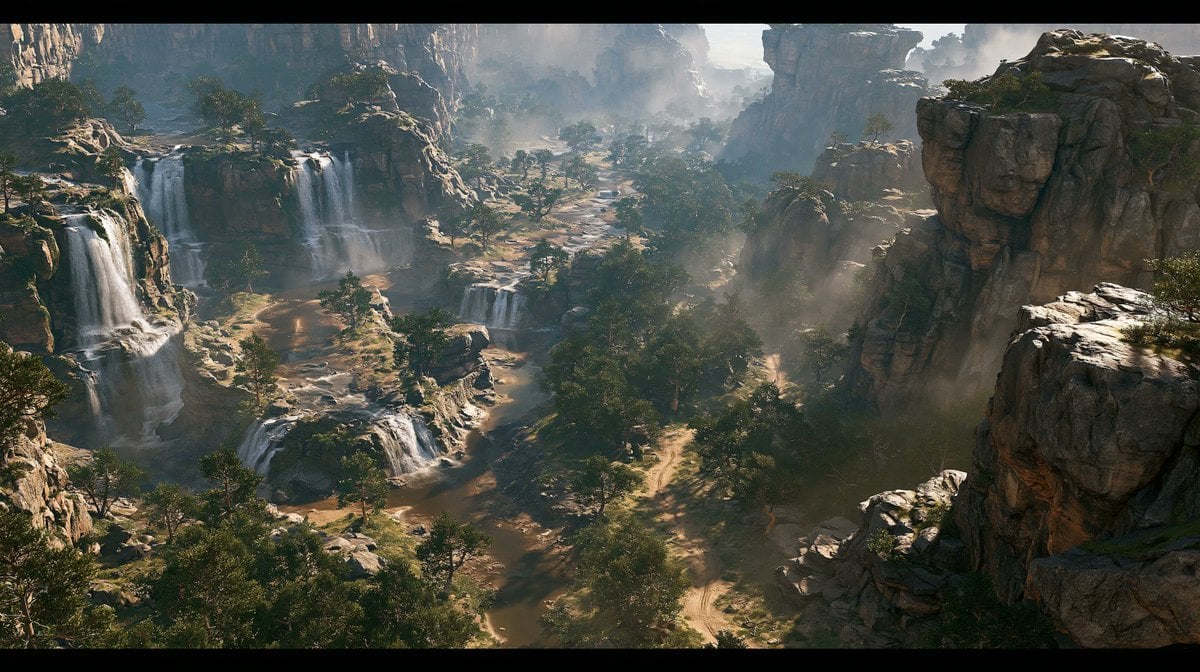
A photorealistic ultra-wide cinematic landscape prompt for generating an epic rocky valley with layered waterfalls, forests, paths, and atmospheric mist.
- Prompt included
- Model and format preset
- Free template
The prompt behind this image
Copy the exact prompt behind Cinematic Rocky Waterfall Valley, or open it in the studio and make it yours.
Create a cinematic photorealistic extreme-wide landscape of a vast rocky valley seen from a high elevated viewpoint, framed in an ultra-widescreen movie aspect ratio with thin black letterbox bars. The valley is filled with massive weathered stone formations and steep canyon cliffs on both sides, with layered waterfalls cascading down the left and center rock terraces into shallow pools and streams below. Include exactly 6 prominent waterfall drops: 3 large vertical falls on the left cliff, 1 broad mid-distance fall near the center-left, and 2 smaller stepped falls in the lower middle foreground. Add scattered trees and dense forest patches throughout the valley floor, winding natural dirt paths and streambeds weaving between rocks, warm sandy ground, and rugged boulders. Soft mist and waterfall spray should float above the water and drift between the rocks, especially in the center distance and right-side canyon. Use dramatic natural daylight with hazy atmosphere, sun rays filtering through mist, strong depth, realistic textures, cinematic color grading, high detail, and an epic environmental concept-art feel. No people, no buildings, no text, no animals, no modern objects.
How to use Cinematic Rocky Waterfall Valley in 3 steps
- 1Upload ImagePNG, JPG or paste
Add your photo
Upload the photo the template builds on. The prompt, model and format are already set.
- 2…a portrait of your subject in softgolden-hour light, 85mm…
Personalize
Edit the subject and creative details for your destination.
- 3Generate
Generate
Press Generate — your image is created in PicX Studio, so you can compare it with the original and refine one variable at a time.
More like this
Templates with the same subject, style or setup. Open one to see its prompt.
Frozen Waterfall Sunlit Crystal Landscape
Anime Cyclists at Forest Waterfall

Mystical Waterfall Fantasy Portrait
Mystical Woman by Cascading Waterfall
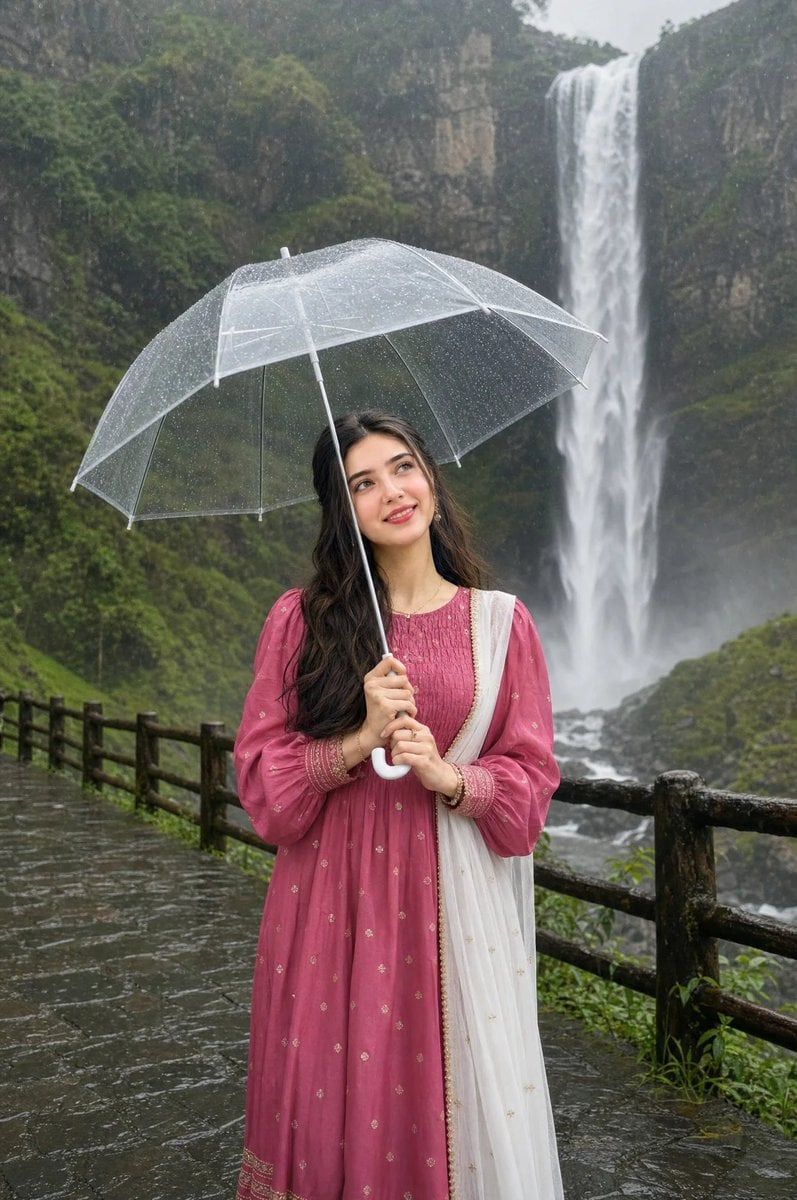
Woman in Pink Lenga at Waterfall
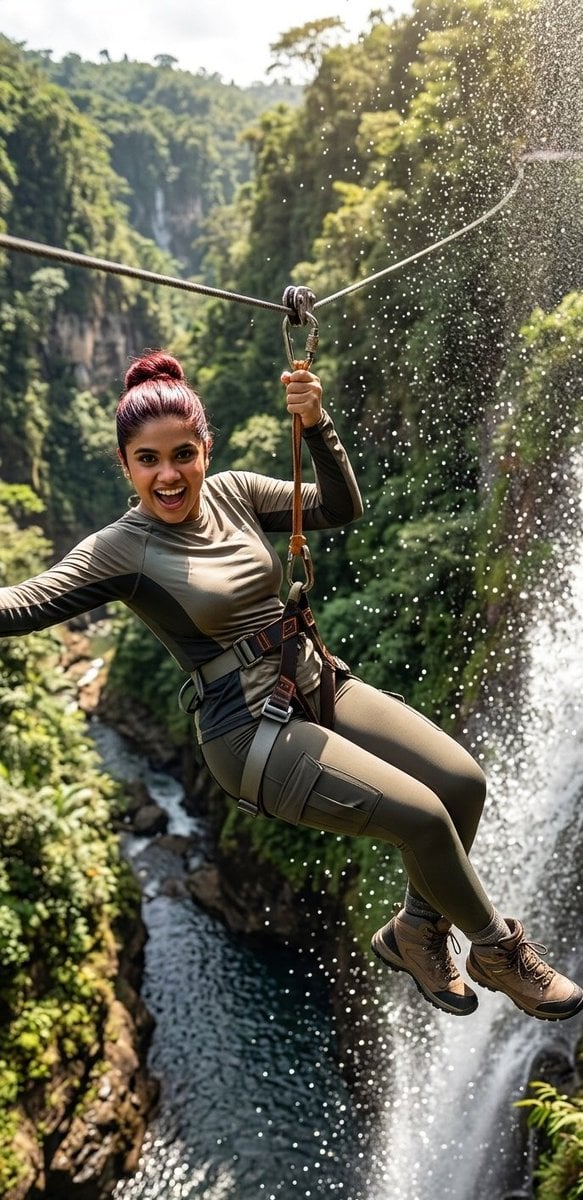
Waterfall Zipline Adventure Action Shot
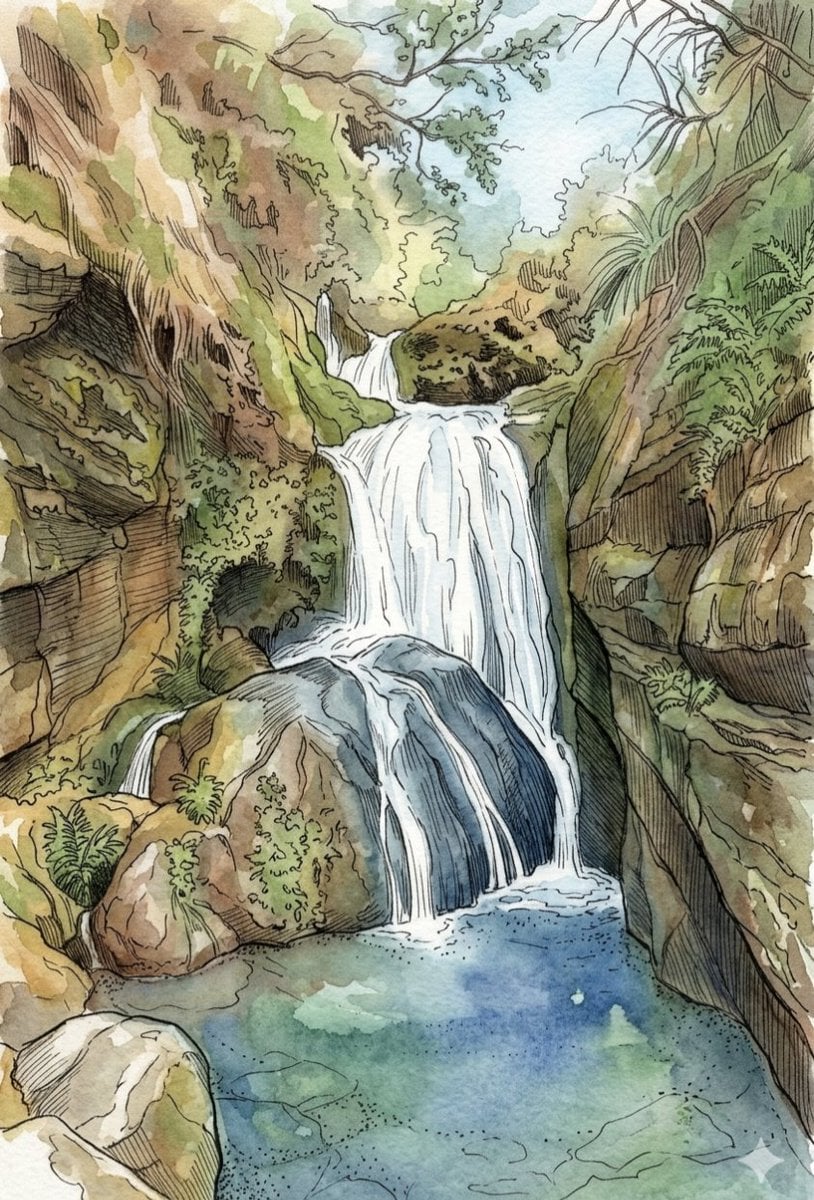
Tropical Oasis Waterfall Watercolor Illustration
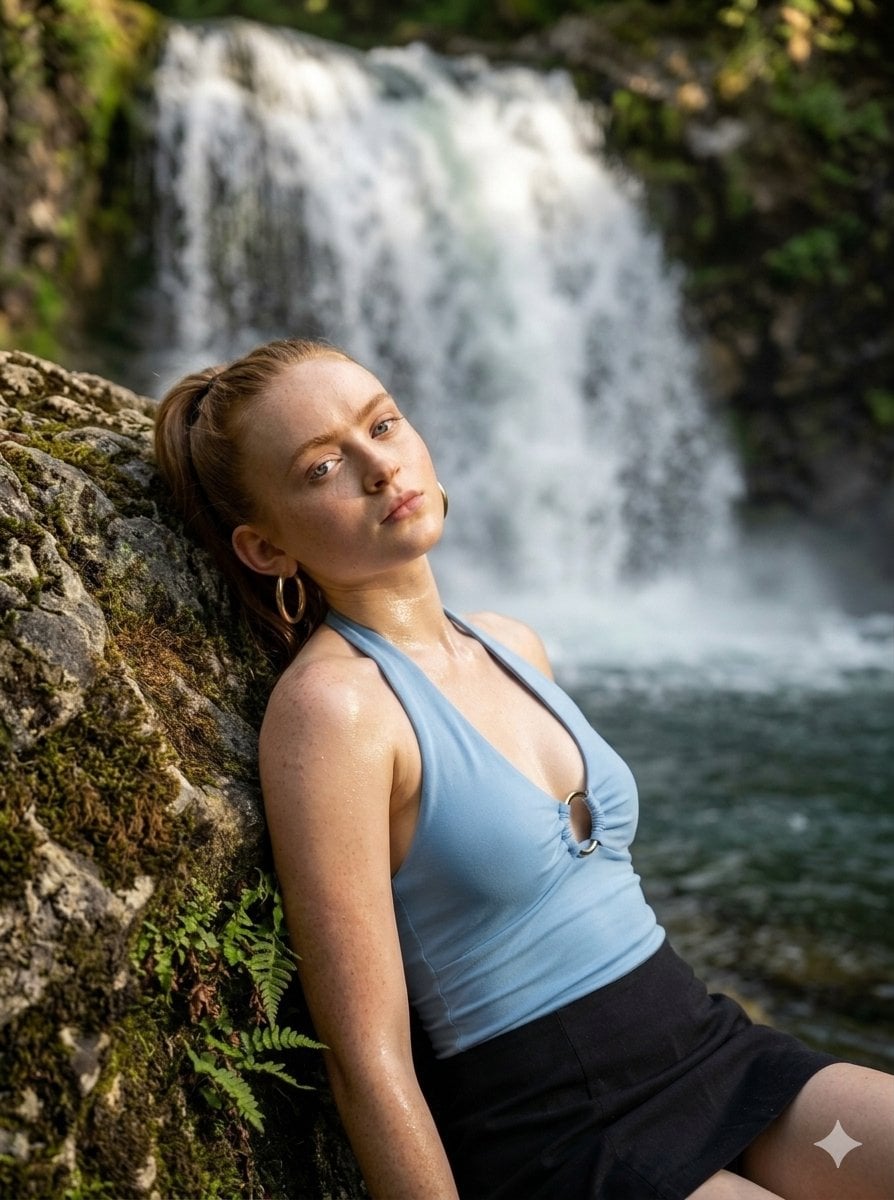
Tranquil Wilderness Waterfall Portrait
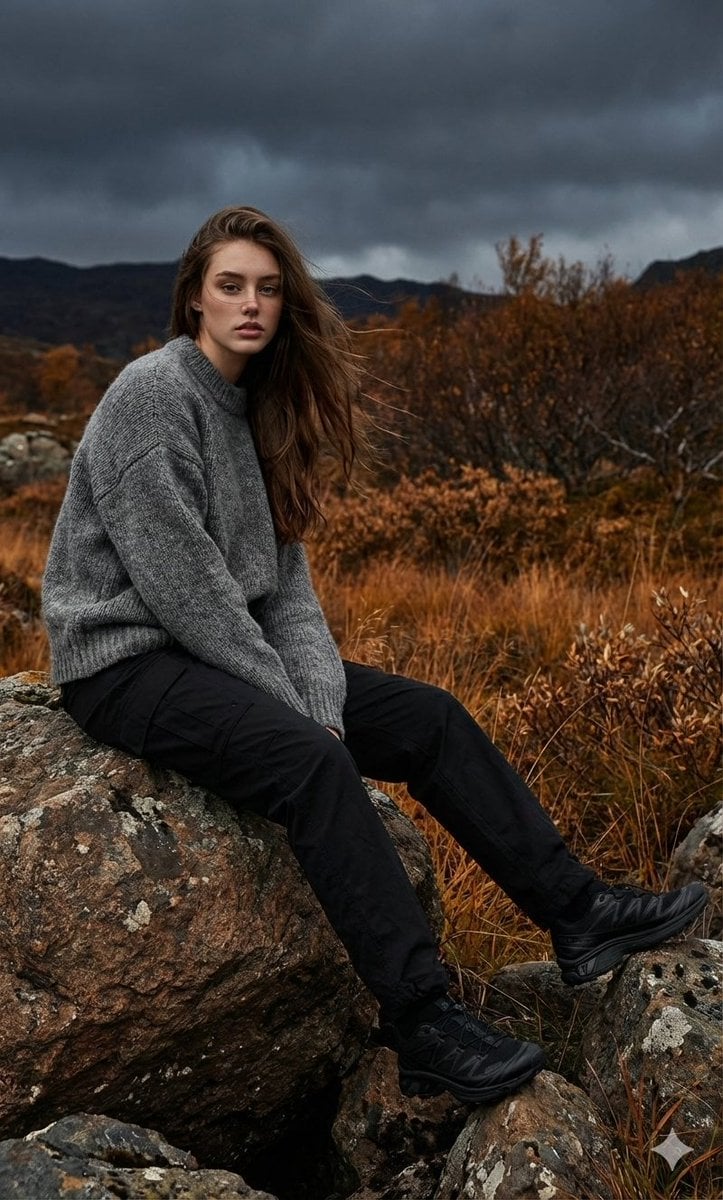
Cinematic Fashion Shoot in Rocky Landscape
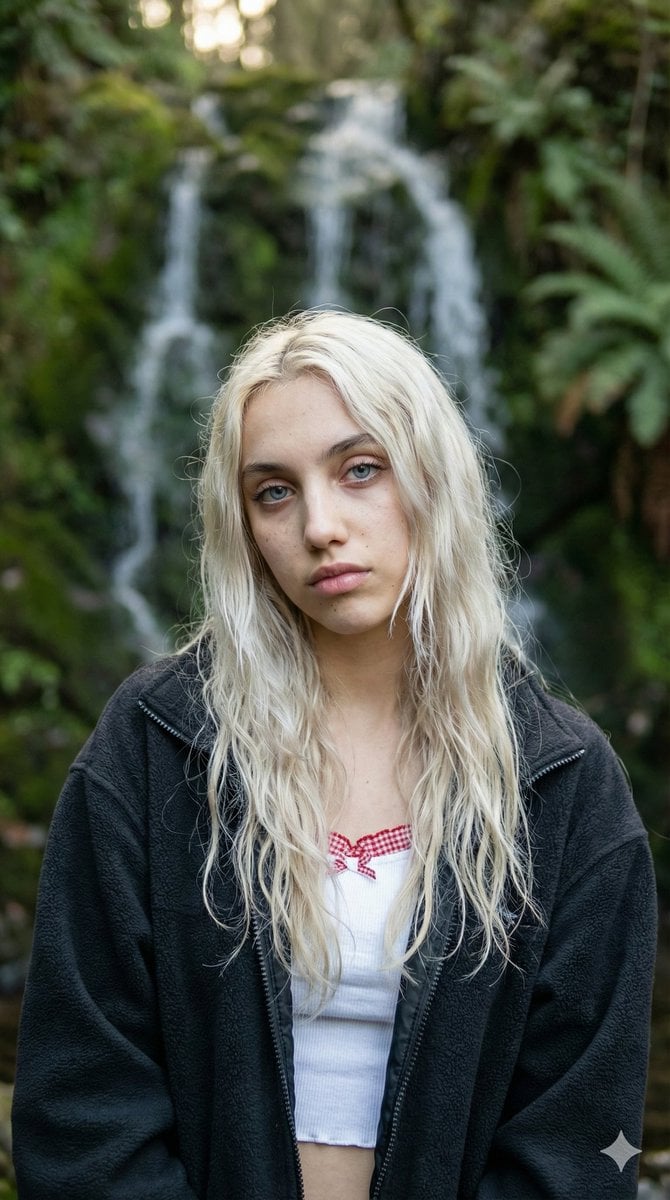
Ethereal Waterfall Selfie Portrait with Natural Imperfections
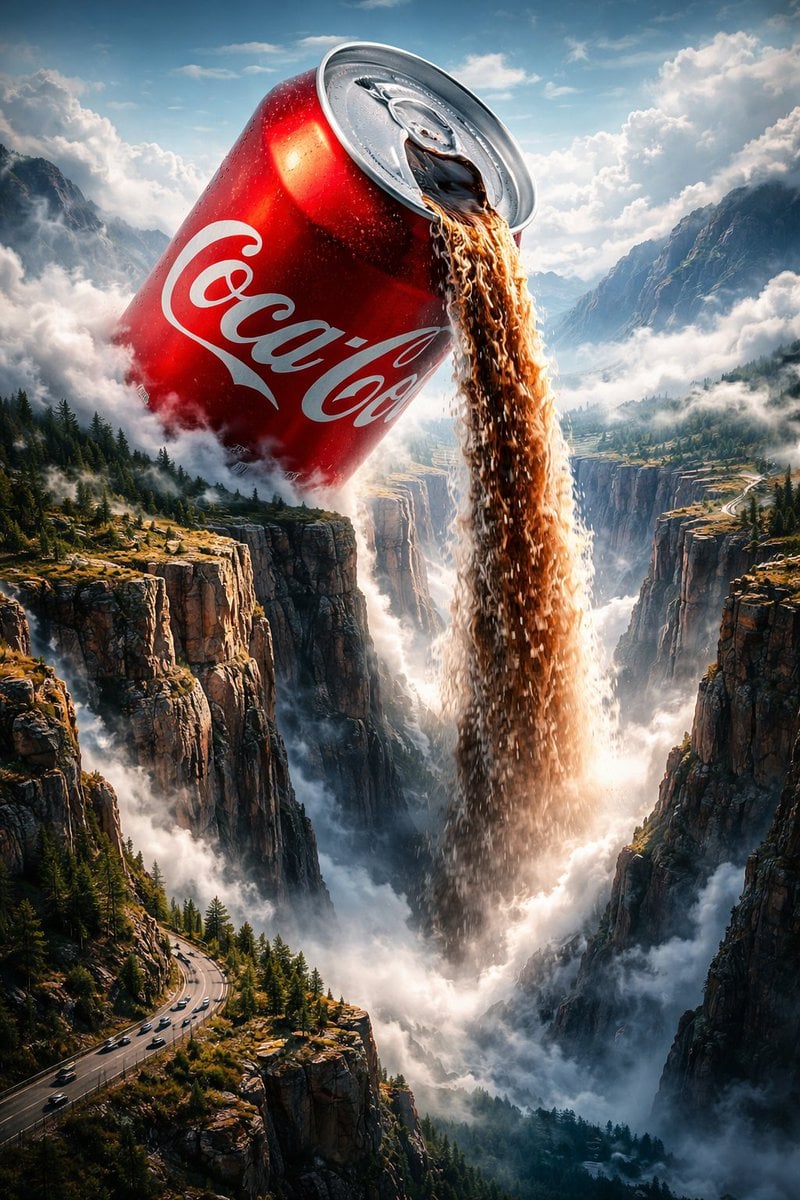
Surreal Epic Coca-Cola Waterfall Landscape
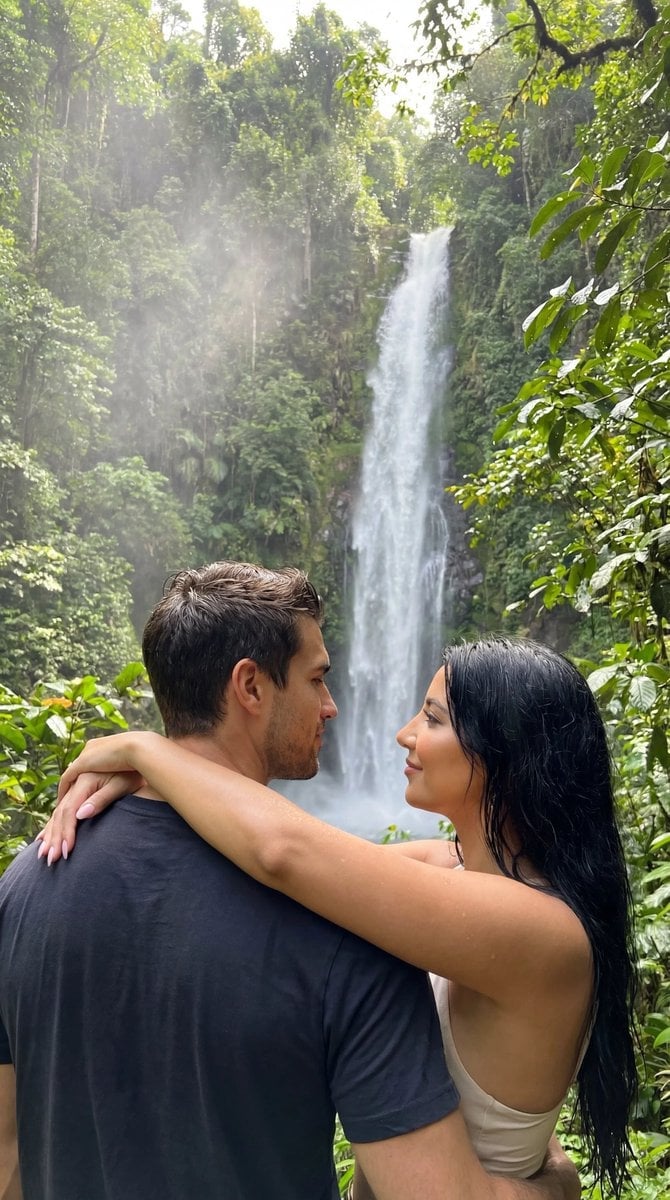
Photoreal Tropical Waterfall Embrace
Make it yours
Cinematic Rocky Waterfall Valley works as-is. These are the safest ways to change it without losing the look.
Change one field
Copy a single group, rewrite it, and generate again so you can see what that field is doing.
Keep the frame, change the subject
Hold the composition and light of Cinematic Rocky Waterfall Valley, then swap wardrobe, props or the person for a new take.
| If the result… | Why | Fix |
|---|---|---|
| The result drifts from the preview | Too many fields changed at once. | Reuse Cinematic Rocky Waterfall Valley as-is first, then change one group — subject, light, or setting. |
| The model over-stylizes the scene | The prose prompt leaves finish and camera underspecified. | Add one camera or lighting sentence and stay on GPT Image 2. |
More GPT Image 2 templates
Other prompts made for GPT Image 2.

Six VTuber Japanese Logo Sheet

Realistic Portrait of Woman and Deer

The Vista Modular Condo Poster

AI Model Routing Comparison Infographic

2.5D Anime Art Board

Isometric Productivity Desk Scene

New York Double Exposure Poster

Four-Panel AI Landscape Comparison

Japanese Tatami Lifestyle Magazine Cover

NESCAFÉ Coffee Map Poster
More image prompts
Fresh picks from across the catalog.

Ibaraki Travel Guide Cover
Ultra-Photoreal Candid Street Romance Film Still

Pastel Bunny Girl Street Walk

Faceless Fire Wizard Anime Scene

Cyberpunk Neon Rim Lighting Portrait
Cyberpunk City Night Scene

Viral Thumbnail: Excited pointing, avocado toast, “Done in 3 Minutes!”
Infographic about past image model failures

Stone-Carved Statue Prompt for Nano Banana Pro
1960s Retro Advertising Poster
Browse template categories
Cinematic Rocky Waterfall Valley questions
How do I use the Cinematic Rocky Waterfall Valley template?
Add your photo if the template asks for one, edit the prompt if you like — the template's model and format are already selected — and press Generate. Your version opens in PicX Studio.
Can I customize the Cinematic Rocky Waterfall Valley template?
Yes. You can change the subject, setting, lighting, mood, format, and available model controls before creating your image.
Is the Cinematic Rocky Waterfall Valley template free?
Opening and editing this template is free. Generating uses credits, shown on the Generate button when you are signed in.
Which AI model should I use?
Start with GPT Image 2, which is the model associated with this template. You can compare another compatible model for a different finish.
Looking for something else? Browse all templates.

Your photo, any look
Thousands of ready templates for every top image and video model, from one credit balance.