
Ibaraki Travel Guide Cover
This prompt generates an elegant illustrated Japanese travel magazine cover for Ibaraki, suitable for tourism posters, editorial covers, or regional guidebook artwork.

- Prompt included
- Model and format preset
- Free template
The prompt behind this image
Copy the exact prompt behind Ibaraki Travel Guide Cover, or open it in the studio and make it yours.
A refined Japanese travel guide magazine cover illustration in a soft watercolor-and-ink editorial style, vertical A4 layout, airy pastel palette, elegant tourism-poster composition. The cover headline is dominated by very large serif blue text reading {argument name="main title" default="IBARAKI"}, with large Japanese title text below reading "茨城県 旅行ガイド" and a pale pink cursive English subtitle reading "Ibaraki Travel Guide". At the top left, include two lines of small Japanese copy about nature, history, scenery, and gourmet travel in Ibaraki, accented with a tiny pink cherry blossom icon. At the top right, place a large circular badge with fine dotted border containing Japanese text and the phrase "完全保存版" in the center with a small ribbon flourish underneath. The main subject is a young Japanese woman shown from the chest up, placed slightly right of center, facing left in three-quarter view. She has a chin-length wavy bob in deep dark brown to black, delicate loose strands, soft natural texture, and a calm neutral expression. She wears a light blue cardigan over a white ruffled blouse with a high gathered neckline, plus a thin beige shoulder bag strap. Her face is intentionally obscured by a plain vertical rectangular gray censor block centered over the face area. Surround her with a collage of iconic Ibaraki scenery blended seamlessly into the cover art: a vast field of blue nemophila flowers across rolling hills in the upper right with a Ferris wheel in the distance and tiny visitors along the ridge; a traditional temple or pavilion among pink cherry blossoms at mid-right; a bright waterfall and landscaped stream at lower right; a torii gate standing in shallow ocean water at sunset in the lower left; and a mountain landscape near the bottom left center. Add abundant blue flowers in the foreground along the bottom edge and soft pink cherry blossoms framing the right side. Along the left side, include exactly 7 vertically stacked destination list entries in Japanese, each with a colored heading line and smaller descriptive subtext: "国営ひたち海浜公園", "偕楽園", "袋田の滝", "大洗磯前神社", "筑波山", "水郷・霞ヶ浦", and "グルメ・カフェ・おみやげ". At the lower left, place a blue circular badge with white Japanese text reading "モデルコース 4" and smaller itinerary copy below. At the lower right, include exactly 3 horizontal white label tabs with Japanese text and small icons: "絶景スポット", "ご当地グルメ", and "おみやげセレクション". Add a pink ribbon banner near the bottom right with small Japanese promotional text. Use a clean white background for the upper left, elegant magazine typography, delicate linework, dreamy spring atmosphere, polished tourism-cover design, high detail, premium print look.
How to use Ibaraki Travel Guide Cover in 3 steps
- 1Upload ImagePNG, JPG or paste
Add your photo
Upload the photo the template builds on. The prompt, model and format are already set.
- 2…a portrait of your subject in softgolden-hour light, 85mm…
Personalize
Edit the subject and creative details for your destination.
- 3Generate
Generate
Press Generate — your image is created in PicX Studio, so you can compare it with the original and refine one variable at a time.
More like this
Templates with the same subject, style or setup. Open one to see its prompt.

Japan Travel Brochure Poster

Miniature Travel Diorama Postcard

Boardwalk Fashion Portrait
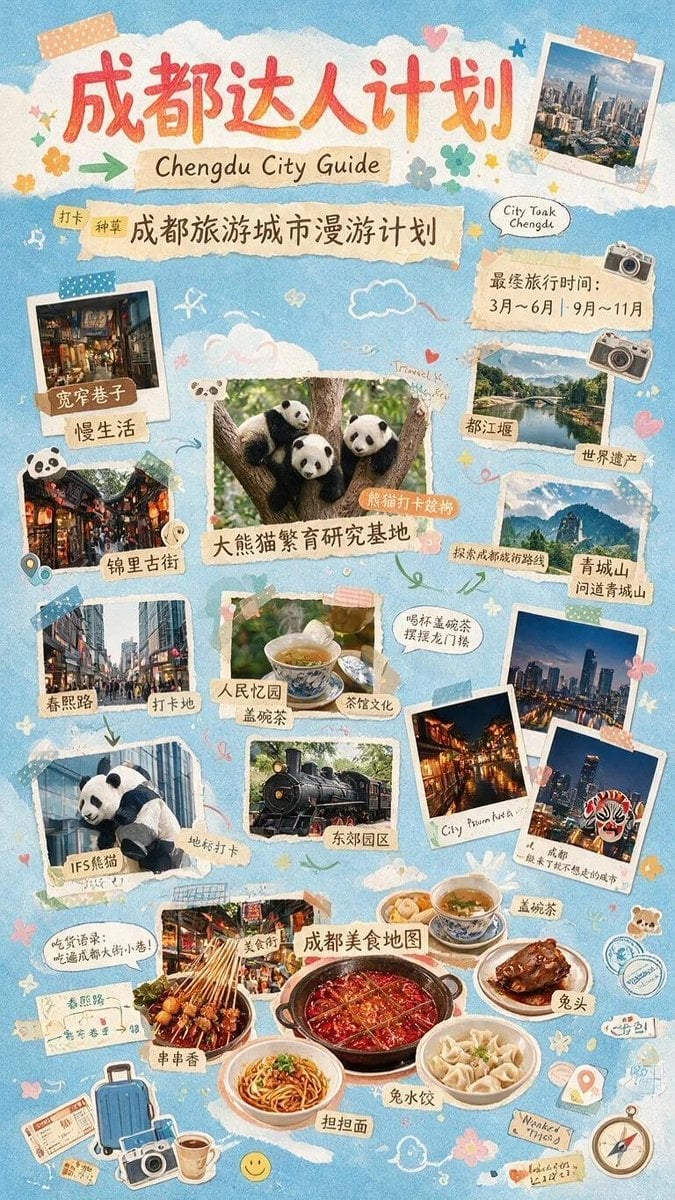
Chengdu Scrapbook Travel Guide Poster

Clay Miniature Landmark Travel Diorama
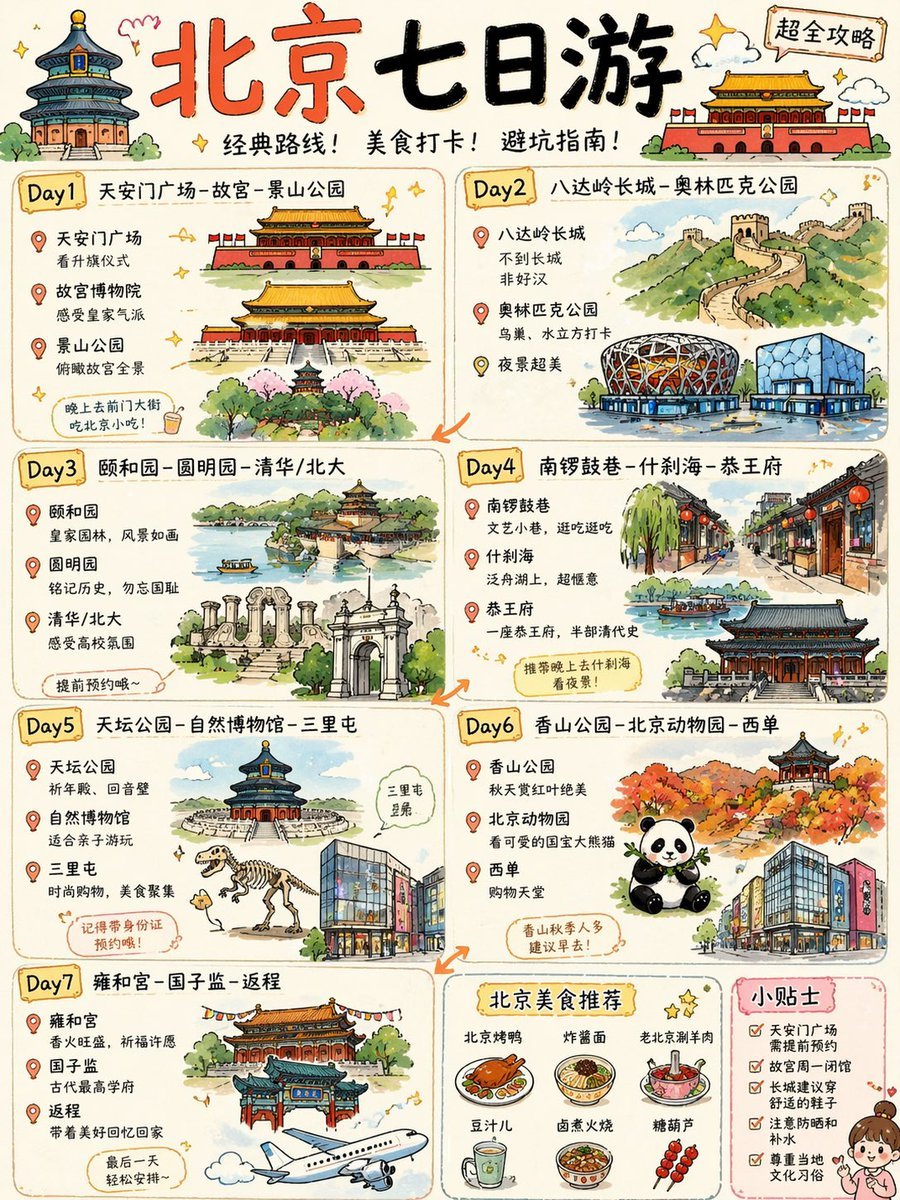
Cute Beijing 7-Day Travel Guide Poster
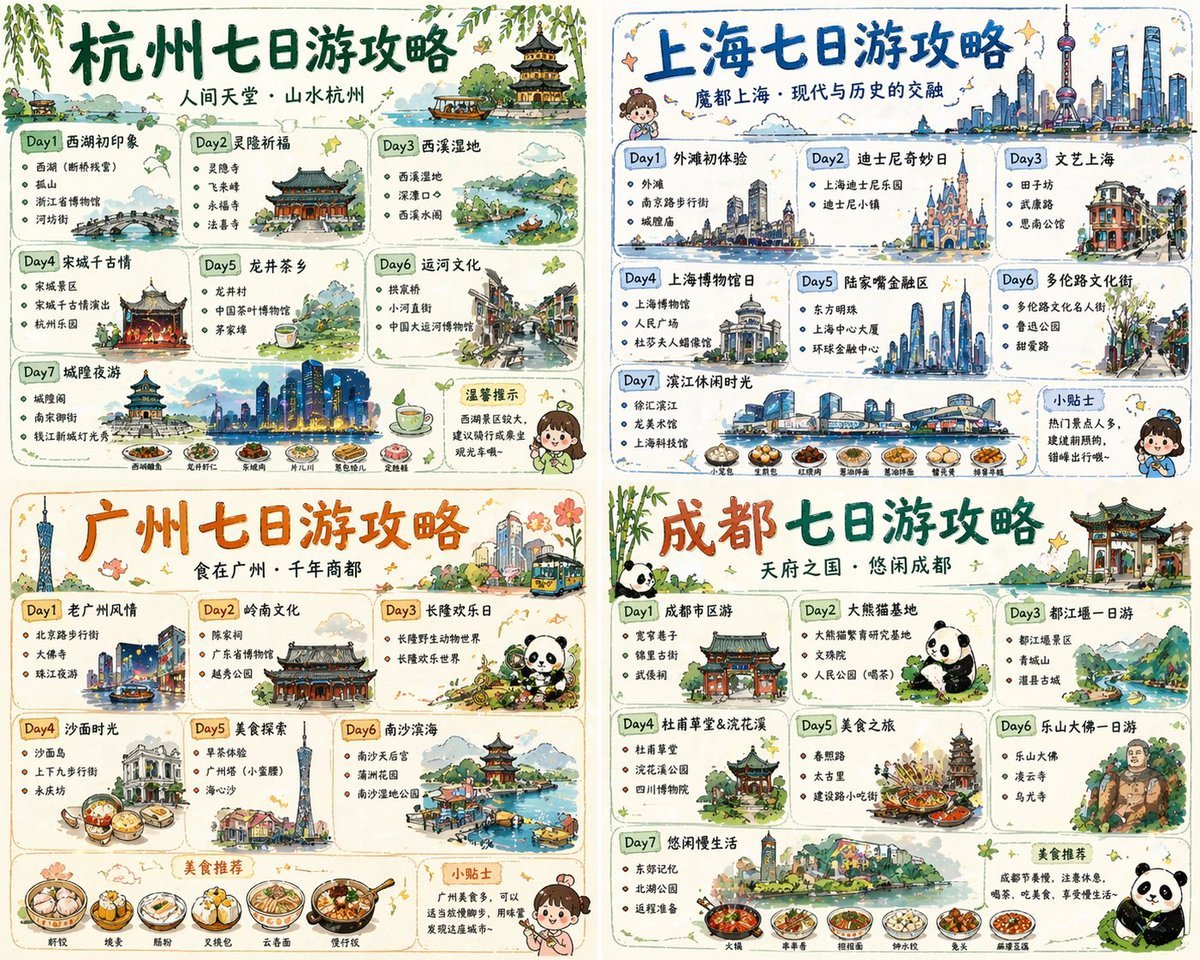
Four-City Chinese Travel Guide Poster Set
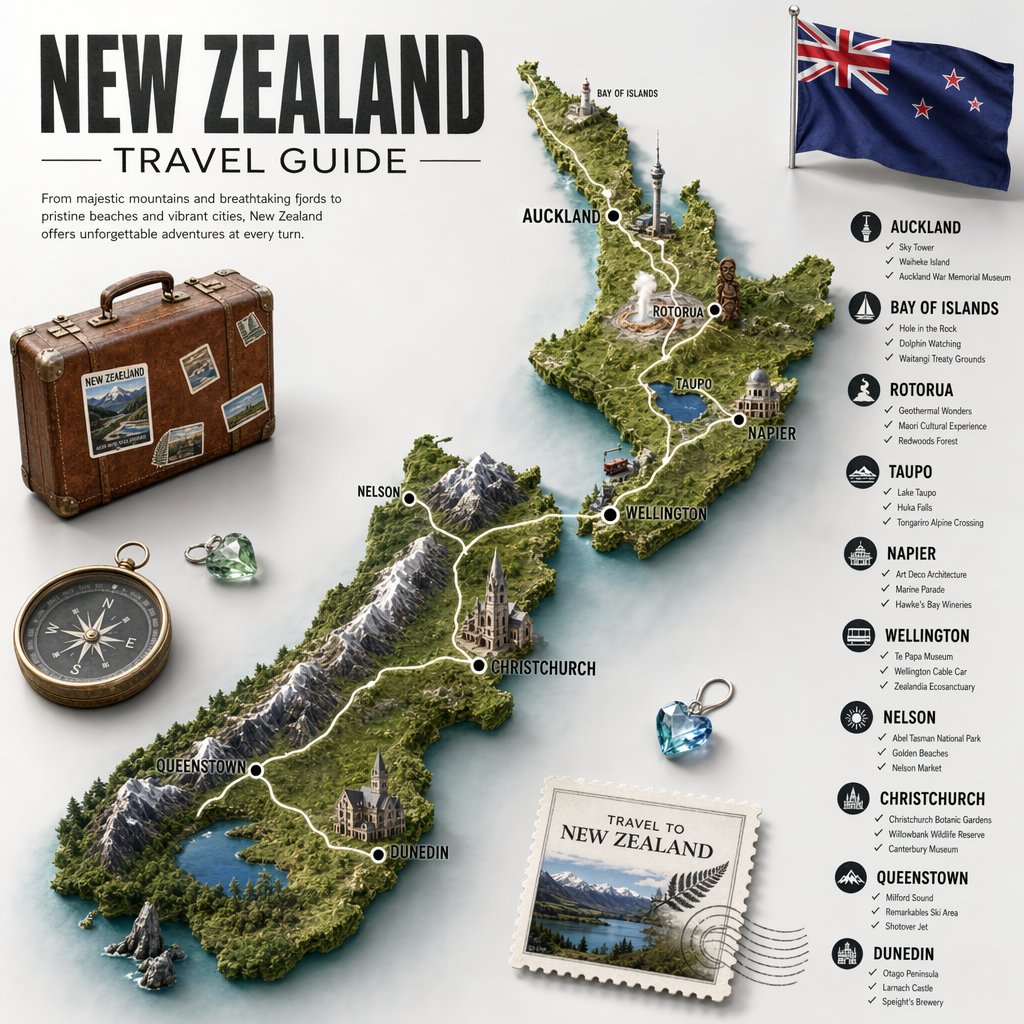
New Zealand Travel Guide Poster
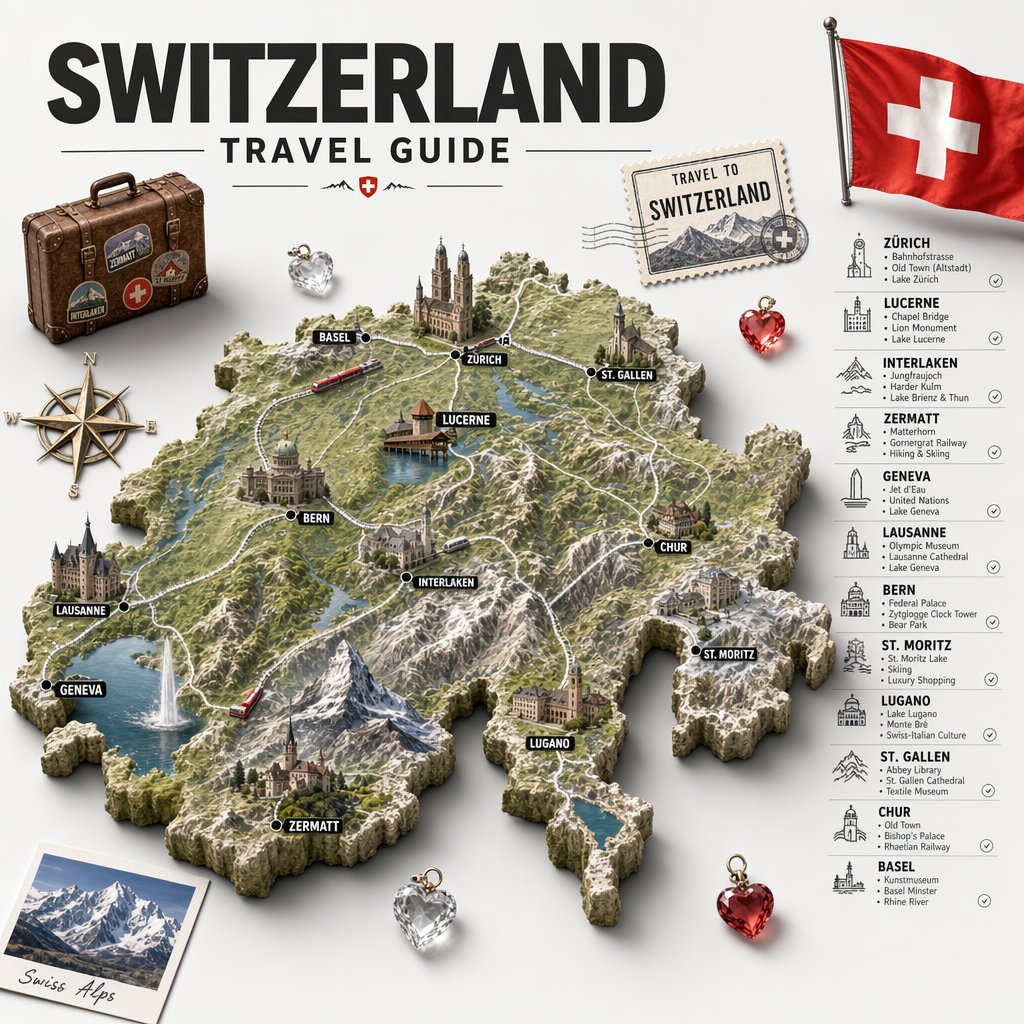
Swiss Travel Guide Relief Map Poster

Travel Poster Graphic Collage

untitled

9 Grid Travel Profile Photo Series
Make it yours
Ibaraki Travel Guide Cover works as-is. These are the safest ways to change it without losing the look.
Change one field
Copy a single group, rewrite it, and generate again so you can see what that field is doing.
Keep the frame, change the subject
Hold the composition and light of Ibaraki Travel Guide Cover, then swap wardrobe, props or the person for a new take.
| If the result… | Why | Fix |
|---|---|---|
| The result drifts from the preview | Too many fields changed at once. | Reuse Ibaraki Travel Guide Cover as-is first, then change one group — subject, light, or setting. |
| The model over-stylizes the scene | The prose prompt leaves finish and camera underspecified. | Add one camera or lighting sentence and stay on GPT Image 2. |
More GPT Image 2 templates
Other prompts made for GPT Image 2.

Six VTuber Japanese Logo Sheet

Realistic Portrait of Woman and Deer

The Vista Modular Condo Poster

AI Model Routing Comparison Infographic

2.5D Anime Art Board

Isometric Productivity Desk Scene

New York Double Exposure Poster

Four-Panel AI Landscape Comparison

Japanese Tatami Lifestyle Magazine Cover

NESCAFÉ Coffee Map Poster
More image prompts
Fresh picks from across the catalog.
Event Photo Synthesis Illustration
Old Photo Restoration to DSLR Portrait

Product Photography Poster with Liquid Splash and Text Overlays
Flash Photography Birthday Portrait Prompt
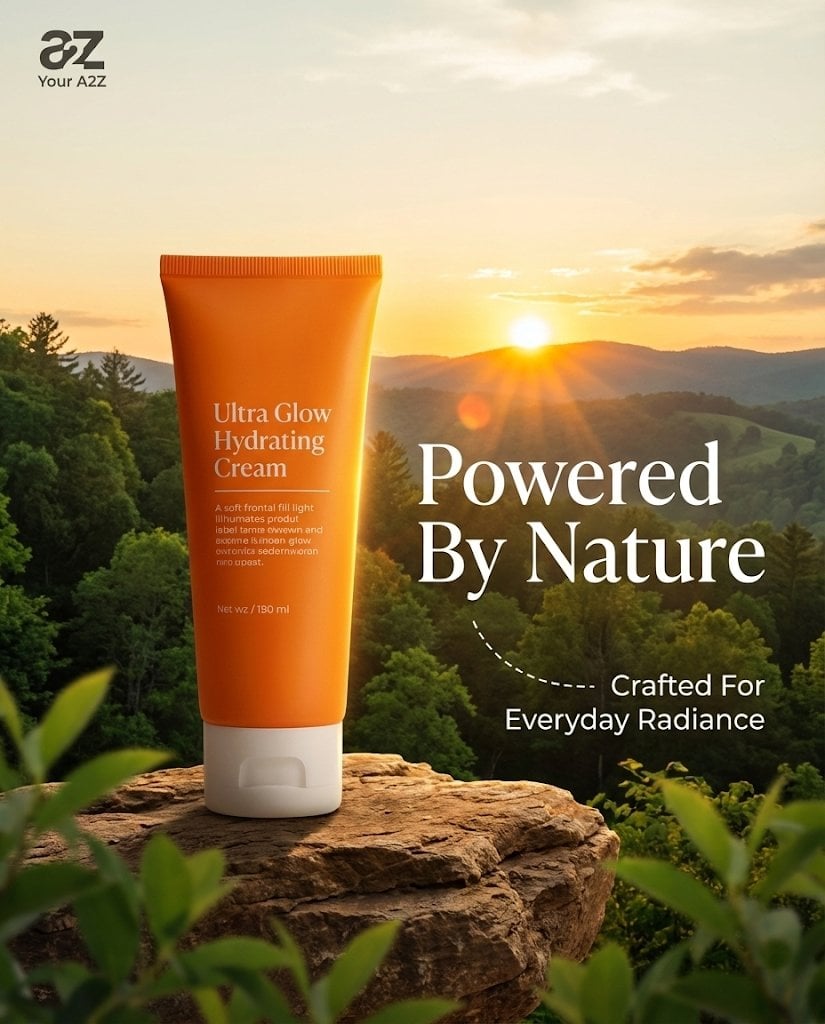
Golden Hour Product Photography on Rugged Rock
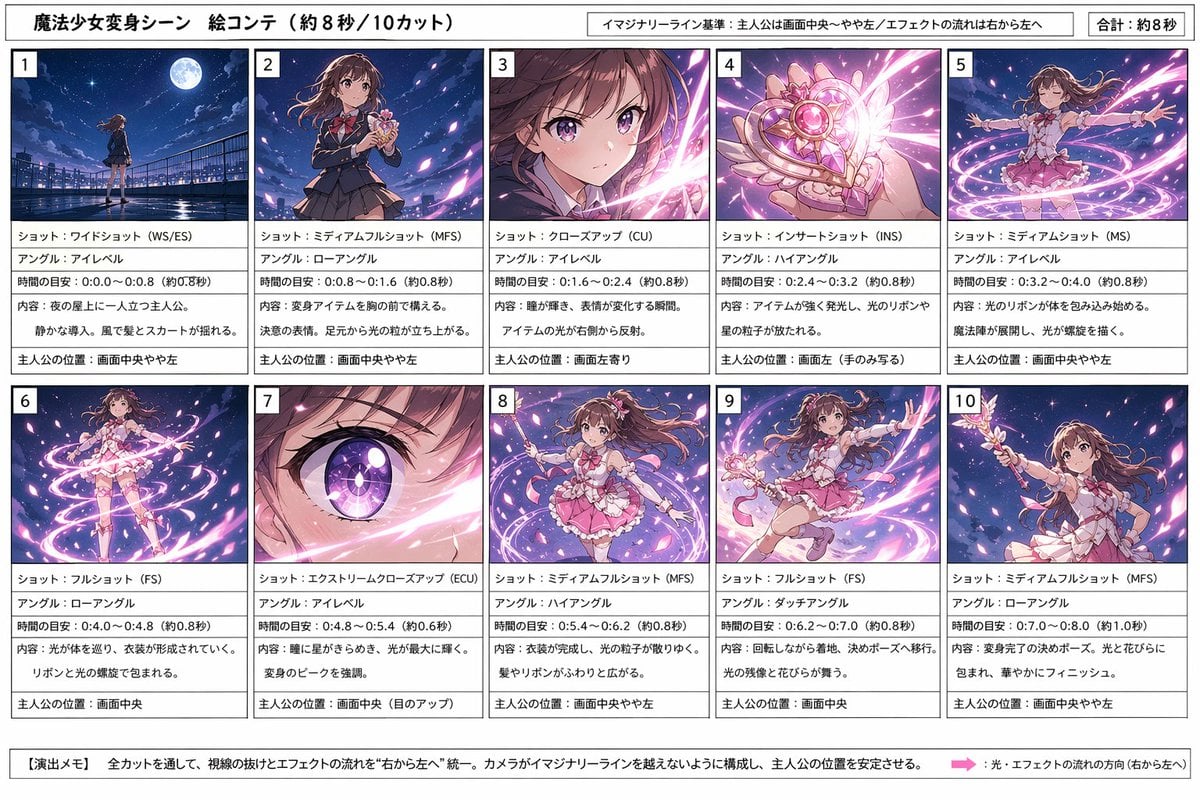
Magical Girl Transformation Storyboard
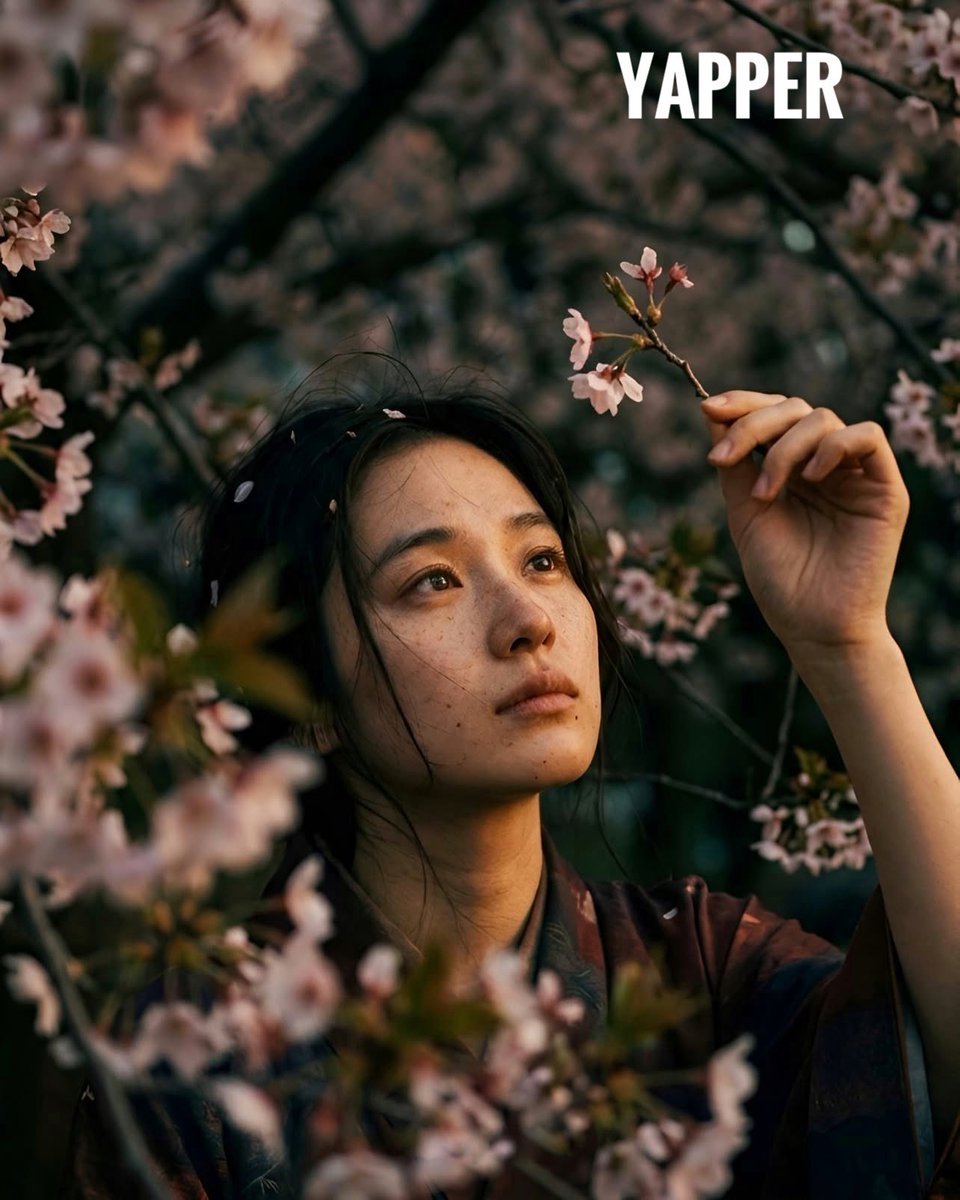
Japanese woman in vintage kimono under cherry blossoms
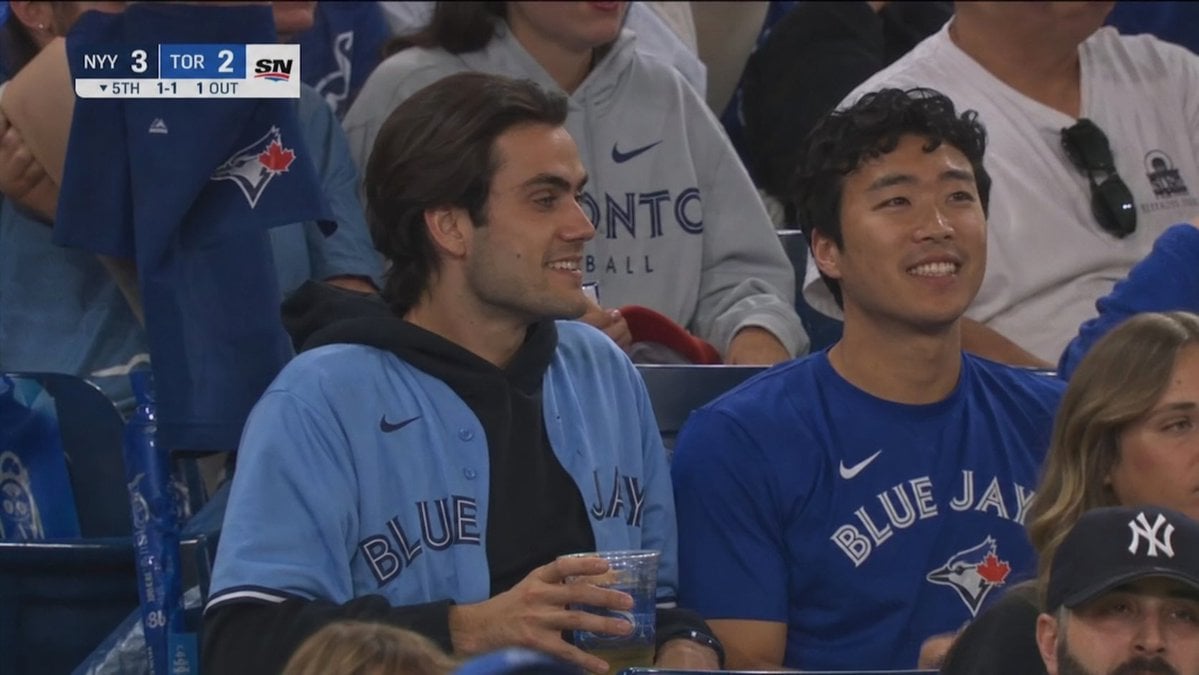
Blue Jays Broadcast Crowd Shot
Seedance - Epic Fight Scene

Soft Spring Cherry Blossom POV Portrait
Browse template categories
Ibaraki Travel Guide Cover questions
How do I use the Ibaraki Travel Guide Cover template?
Add your photo if the template asks for one, edit the prompt if you like — the template's model and format are already selected — and press Generate. Your version opens in PicX Studio.
Can I customize the Ibaraki Travel Guide Cover template?
Yes. You can change the subject, setting, lighting, mood, format, and available model controls before creating your image.
Is the Ibaraki Travel Guide Cover template free?
Opening and editing this template is free. Generating uses credits, shown on the Generate button when you are signed in.
Which AI model should I use?
Start with GPT Image 2, which is the model associated with this template. You can compare another compatible model for a different finish.
Looking for something else? Browse all templates.

Your photo, any look
Thousands of ready templates for every top image and video model, from one credit balance.