
Blue Jays Broadcast Crowd Shot
Generates a realistic Sportsnet-style TV screenshot of anonymized fans watching a Toronto Blue Jays baseball game.
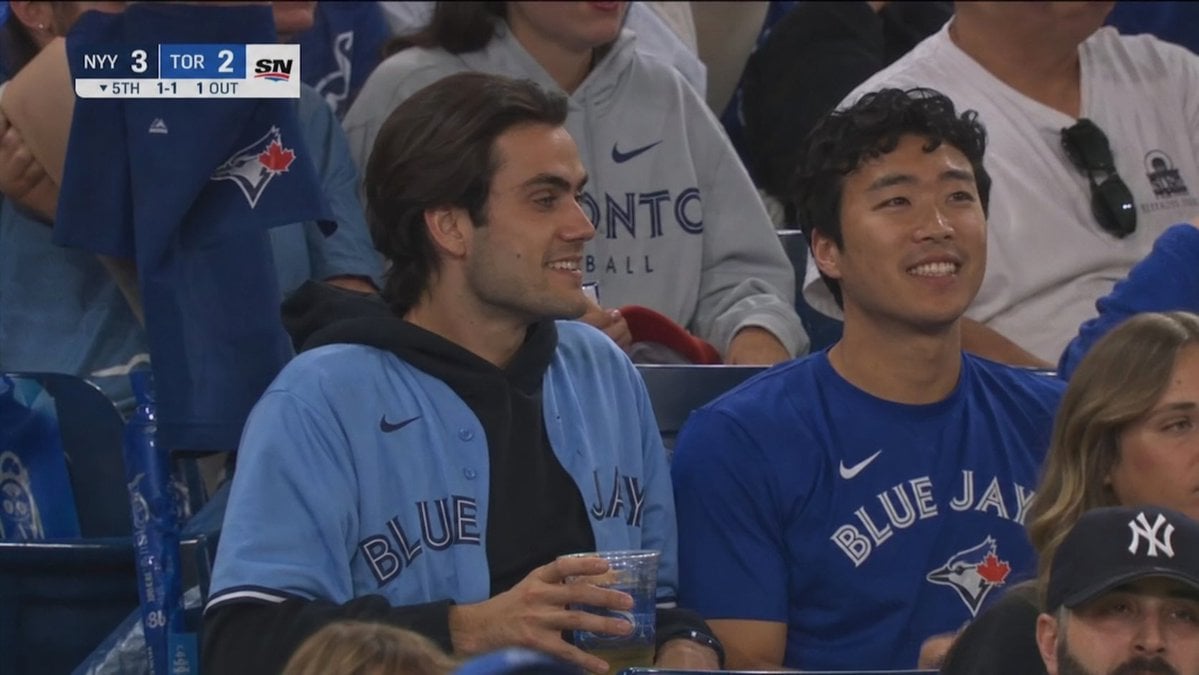
- Prompt included
- Model and format preset
- Free template
The prompt behind this image
Copy the exact prompt behind Blue Jays Broadcast Crowd Shot, or open it in the studio and make it yours.
Create a realistic broadcast TV screenshot from a Major League Baseball crowd shot at a {argument name="team name" default="Toronto Blue Jays"} home game, framed in a 16:9 HD sports-telecast crop with shallow stadium lighting and slight compression blur. The scene shows two young adult male fans seated side by side in the lower bowl, both faces anonymized by flat medium-brown rectangular blocks. The left fan has medium-length dark hair and wears a light powder-blue Blue Jays button-up jersey over a black hoodie, holding a clear plastic cup of beer with both hands near his lap. The right fan has short curly dark hair and wears a royal-blue Blue Jays Nike T-shirt, sitting upright and looking toward the field. Around them are other spectators in blue, white, and gray clothing, including a person behind them in a gray Toronto hoodie, a fan at left wearing a blue Blue Jays jersey with the bird-and-maple-leaf logo, and partial foreground heads at the bottom and right; include exactly 3 visible anonymized face blocks total, two large blocks over the central fans and one partial block on the right edge. Add an authentic TV scoreboard bug in the upper-left corner with a dark blue and white Sportsnet style: {argument name="away team abbreviation" default="NYY"} score {argument name="away score" default="3"}, {argument name="home team abbreviation" default="TOR"} score {argument name="home score" default="2"}, the Sportsnet SN logo on the right, and a lower line reading "▼ 5TH 1-1 1 OUT". Make it look like a paused live broadcast crowd reaction shot, not a posed photo, with realistic stadium seats, team logos, natural shadows, and telephoto lens perspective.
How to use Blue Jays Broadcast Crowd Shot in 3 steps
- 1Upload ImagePNG, JPG or paste
Add your photo
Upload the photo the template builds on. The prompt, model and format are already set.
- 2…a portrait of your subject in softgolden-hour light, 85mm…
Personalize
Edit the subject and creative details for your destination.
- 3Generate
Generate
Press Generate — your image is created in PicX Studio, so you can compare it with the original and refine one variable at a time.
More like this
Templates with the same subject, style or setup. Open one to see its prompt.
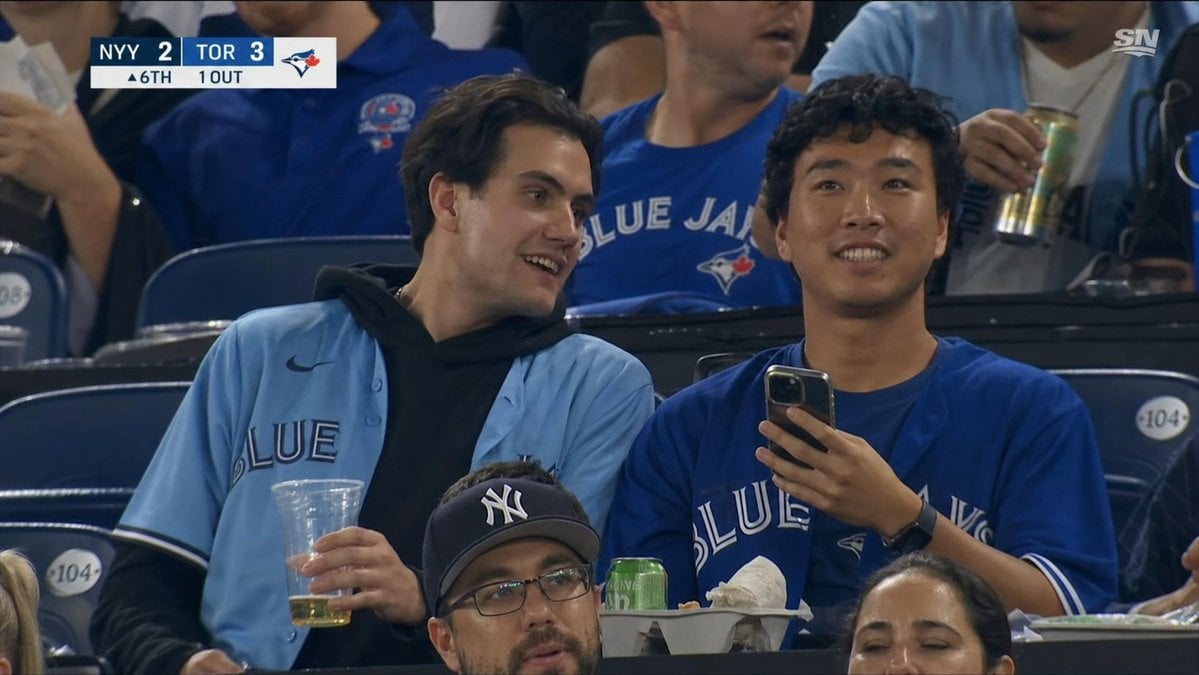
Blue Jays Broadcast Crowd Screenshot

Cinematic Street Fashion Portrait Motion Blur Crowd

Monochrome Portrait Jersey Accent Poster
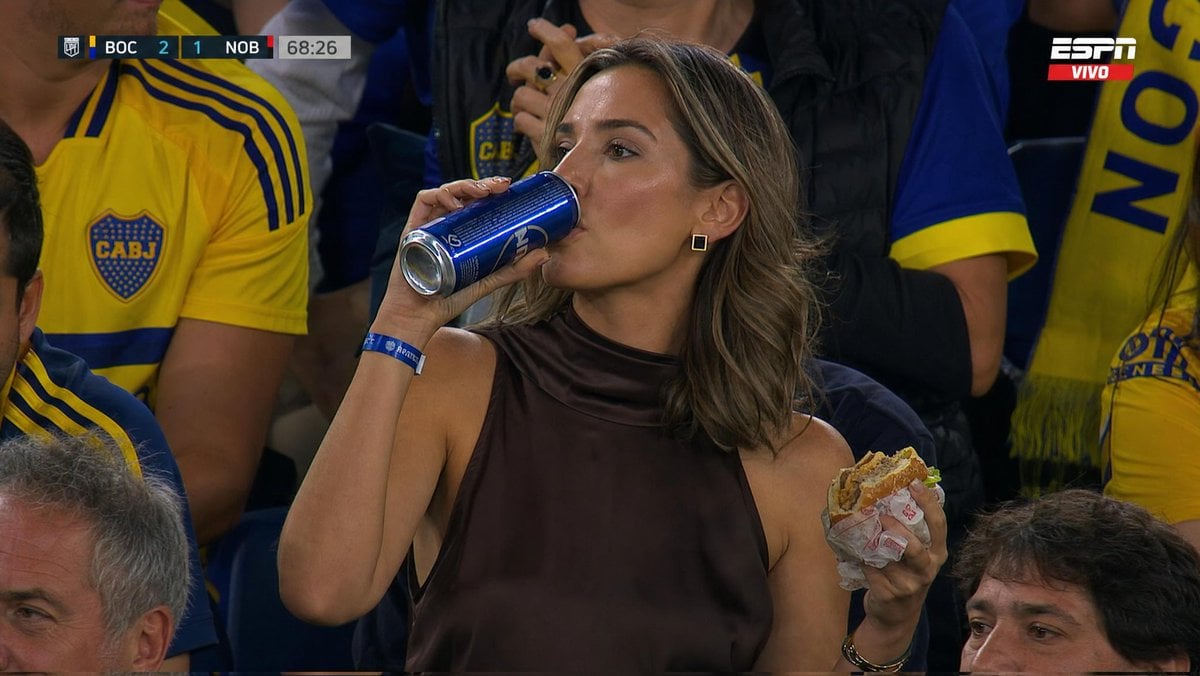
Stadium Crowd Sports Broadcast Portrait

Cosmetic Tube Product — Nano Banana 2

Nano Banana - Evening Champagne Blue
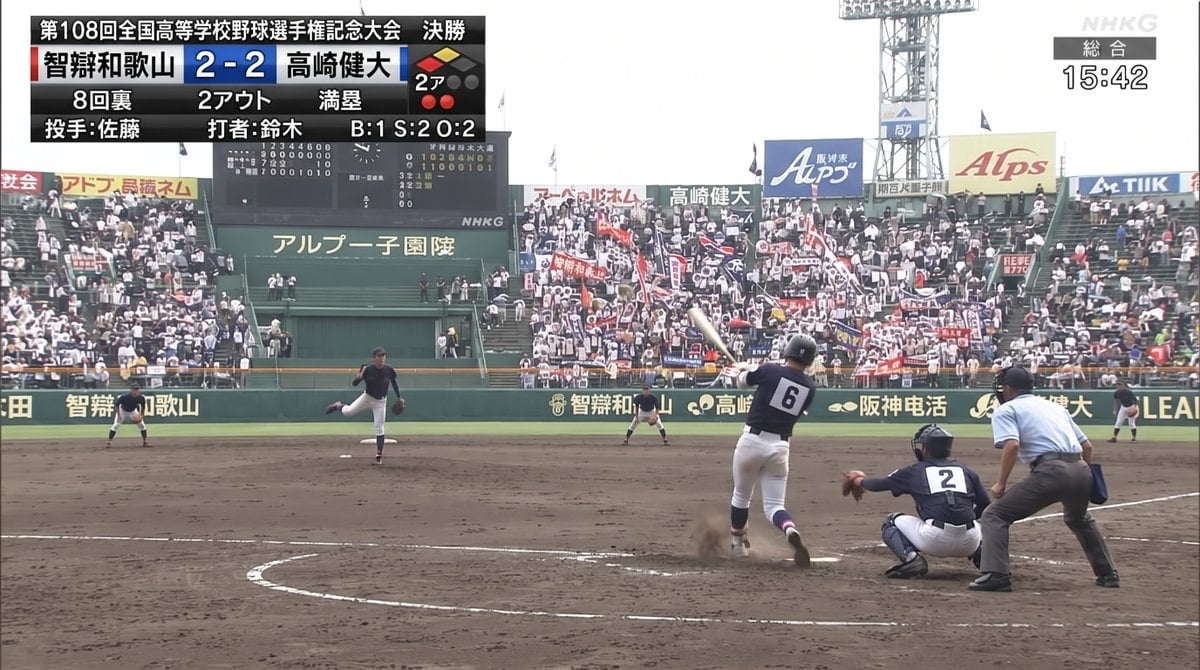
Koshien Baseball Broadcast Screen
Holographic Car Blueprint Wireframe
Premium Match Day Broadcast Poster
Red and Blue Fantasy Sword Clash
Crystal Palace Blue Gown Contact Sheet
Blue Decora Anime Girl Poster
Make it yours
Blue Jays Broadcast Crowd Shot works as-is. These are the safest ways to change it without losing the look.
Change one field
Copy a single group, rewrite it, and generate again so you can see what that field is doing.
Keep the frame, change the subject
Hold the composition and light of Blue Jays Broadcast Crowd Shot, then swap wardrobe, props or the person for a new take.
| If the result… | Why | Fix |
|---|---|---|
| The result drifts from the preview | Too many fields changed at once. | Reuse Blue Jays Broadcast Crowd Shot as-is first, then change one group — subject, light, or setting. |
| The model over-stylizes the scene | The prose prompt leaves finish and camera underspecified. | Add one camera or lighting sentence and stay on GPT Image 2. |
More GPT Image 2 templates
Other prompts made for GPT Image 2.

Six VTuber Japanese Logo Sheet

Realistic Portrait of Woman and Deer

The Vista Modular Condo Poster

AI Model Routing Comparison Infographic

2.5D Anime Art Board

Isometric Productivity Desk Scene

New York Double Exposure Poster

Four-Panel AI Landscape Comparison

Japanese Tatami Lifestyle Magazine Cover

NESCAFÉ Coffee Map Poster
More image prompts
Fresh picks from across the catalog.
Surreal Miniature Tesla Showroom
Cinematic Action Scene: Explosion Behind High-Speed Car
Detailed Product Still Life Photography Prompt
Nano-kun's Daily Life: Melting Ice Comic Strip Prompt
Luxury Urban Street Portrait
Censored Vintage Smoking Film Still
Retro Anime Endless Summer Street
Tokyo Expressway Fashion Editorial
Tower defense mobile app design mockup grid
Fisheye Cyberpunk City Portrait
Browse template categories
Blue Jays Broadcast Crowd Shot questions
How do I use the Blue Jays Broadcast Crowd Shot template?
Add your photo if the template asks for one, edit the prompt if you like — the template's model and format are already selected — and press Generate. Your version opens in PicX Studio.
Can I customize the Blue Jays Broadcast Crowd Shot template?
Yes. You can change the subject, setting, lighting, mood, format, and available model controls before creating your image.
Is the Blue Jays Broadcast Crowd Shot template free?
Opening and editing this template is free. Generating uses credits, shown on the Generate button when you are signed in.
Which AI model should I use?
Start with GPT Image 2, which is the model associated with this template. You can compare another compatible model for a different finish.
Looking for something else? Browse all templates.

Your photo, any look
Thousands of ready templates for every top image and video model, from one credit balance.