
Retro Anime Endless Summer Street
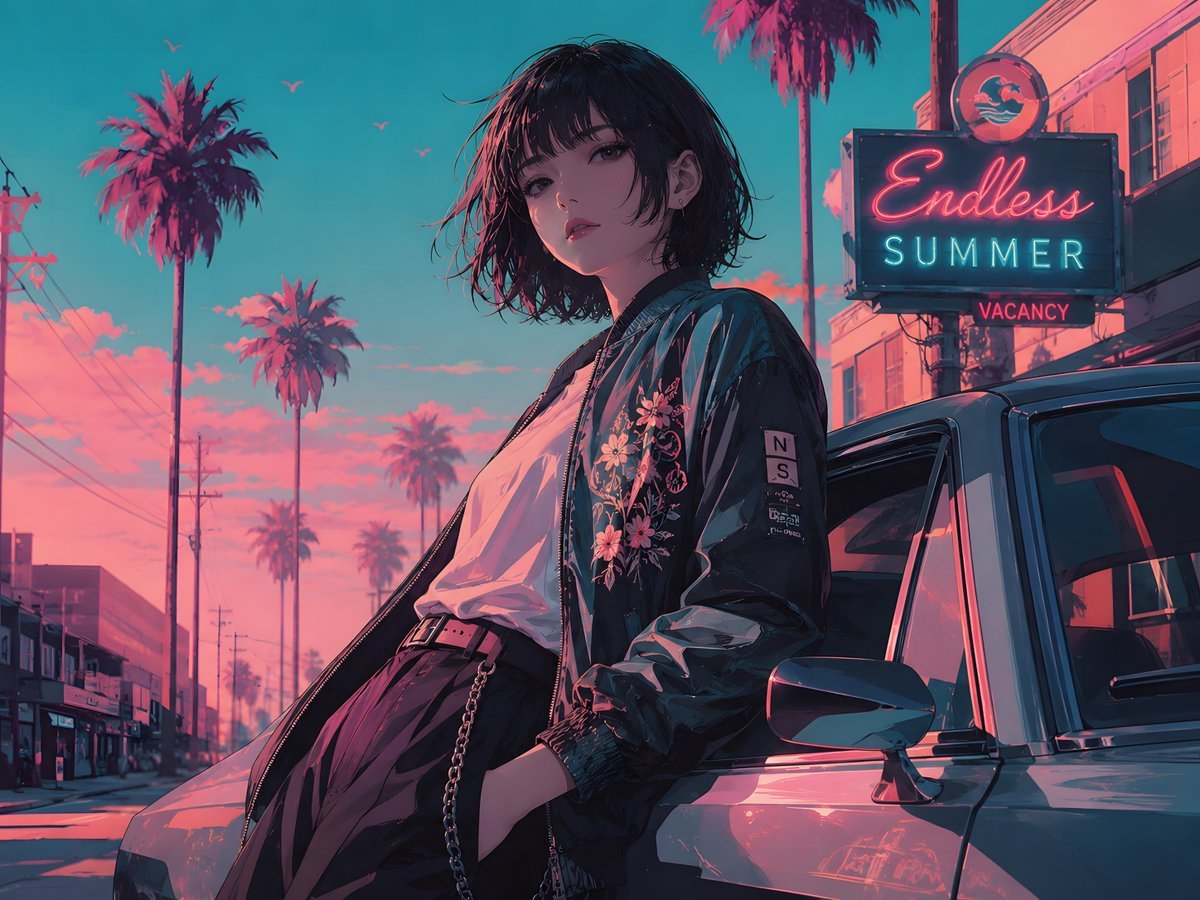
A cinematic vaporwave anime scene of a stylish woman by a classic car under palm trees and neon motel signage, ideal for city-pop poster art.
- Prompt included
- Model and format preset
- Free template
The prompt behind this image
Copy the exact prompt behind Retro Anime Endless Summer Street, or open it in the studio and make it yours.
Create a cinematic retro anime illustration of a young woman leaning against a classic car on a palm-lined street at sunset, with a neon motel sign in the background reading {argument name="sign text" default="Endless SUMMER"} and a smaller red sign reading “VACANCY.” The scene should feel like an 1980s city-pop summer postcard in teal, cyan, magenta, and hot pink lighting. The woman has {argument name="hair style" default="short messy black bob hair"}, a relaxed confident pose, one hand in her trousers pocket, wearing a glossy dark bomber jacket with floral embroidery on the chest and a small sleeve patch, a loose white T-shirt, high-waisted dark pleated trousers, a belt, and a hanging chain accessory. Her face is intentionally obscured by a soft dark square gradient censor block, while the rest of her body and outfit remain detailed. Place her in the foreground slightly right of center, standing beside a reflective silver-gray vintage car with the driver-side door area and side mirror visible. In the background, show exactly 6 tall palm trees at varying distances, telephone poles and wires along the left side, low roadside buildings, a few small birds in the sky, and glowing pink clouds against a turquoise dusk sky. Use dramatic rim lighting, glossy reflections on the car and jacket, detailed anime linework, painterly shading, high contrast neon glow, wide landscape composition, and a nostalgic vaporwave atmosphere. No watermark, no extra readable text besides the motel sign and vacancy sign.
How to use Retro Anime Endless Summer Street in 3 steps
- 1Upload ImagePNG, JPG or paste
Add your photo
Upload the photo the template builds on. The prompt, model and format are already set.
- 2…a portrait of your subject in softgolden-hour light, 85mm…
Personalize
Edit the subject and creative details for your destination.
- 3Generate
Generate
Press Generate — your image is created in PicX Studio, so you can compare it with the original and refine one variable at a time.
More like this
Templates with the same subject, style or setup. Open one to see its prompt.











Make it yours
Retro Anime Endless Summer Street works as-is. These are the safest ways to change it without losing the look.
Change one field
Copy a single group, rewrite it, and generate again so you can see what that field is doing.
Keep the frame, change the subject
Hold the composition and light of Retro Anime Endless Summer Street, then swap wardrobe, props or the person for a new take.
| If the result… | Why | Fix |
|---|---|---|
| The result drifts from the preview | Too many fields changed at once. | Reuse Retro Anime Endless Summer Street as-is first, then change one group — subject, light, or setting. |
| The model over-stylizes the scene | The prose prompt leaves finish and camera underspecified. | Add one camera or lighting sentence and stay on GPT Image 2. |
More GPT Image 2 templates
Other prompts made for GPT Image 2.

Six VTuber Japanese Logo Sheet

Realistic Portrait of Woman and Deer

The Vista Modular Condo Poster

AI Model Routing Comparison Infographic

2.5D Anime Art Board

Isometric Productivity Desk Scene

New York Double Exposure Poster

Four-Panel AI Landscape Comparison

Japanese Tatami Lifestyle Magazine Cover

NESCAFÉ Coffee Map Poster
More image prompts
Fresh picks from across the catalog.
Luxury Private Jet Photoshoot Prompt for Stylish Young Woman

Augmented Reality UI Overlays on Food Items
Nano Banana Pro Science Prompt Template
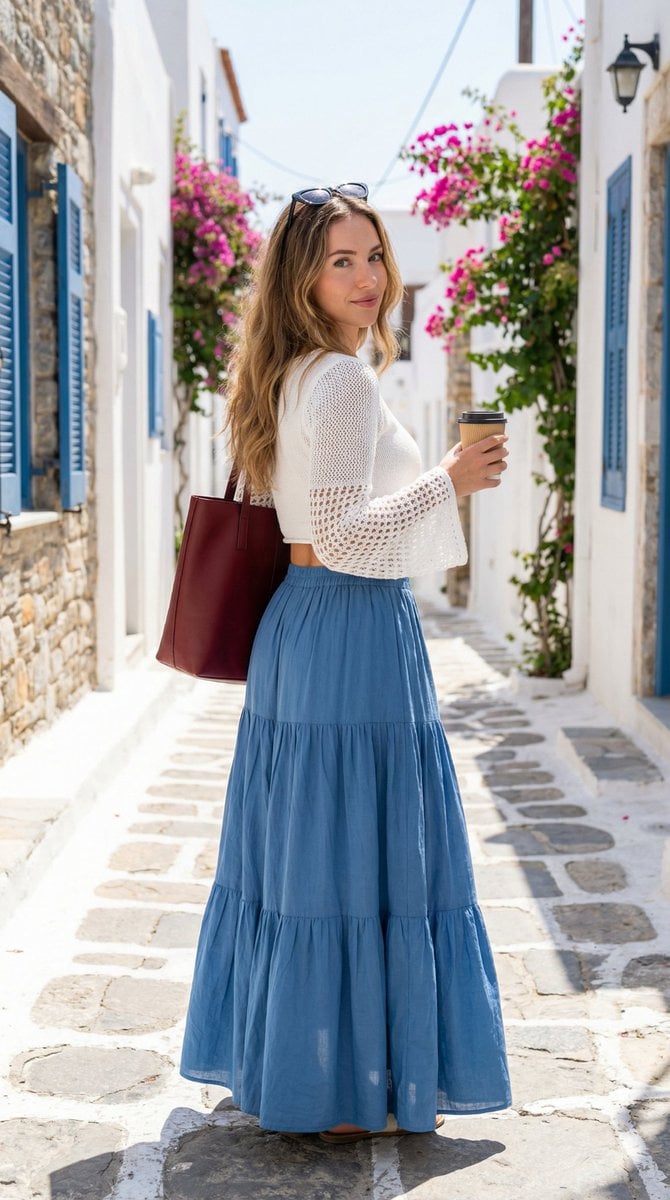
Mediterranean Fashion Lifestyle Portrait Prompt
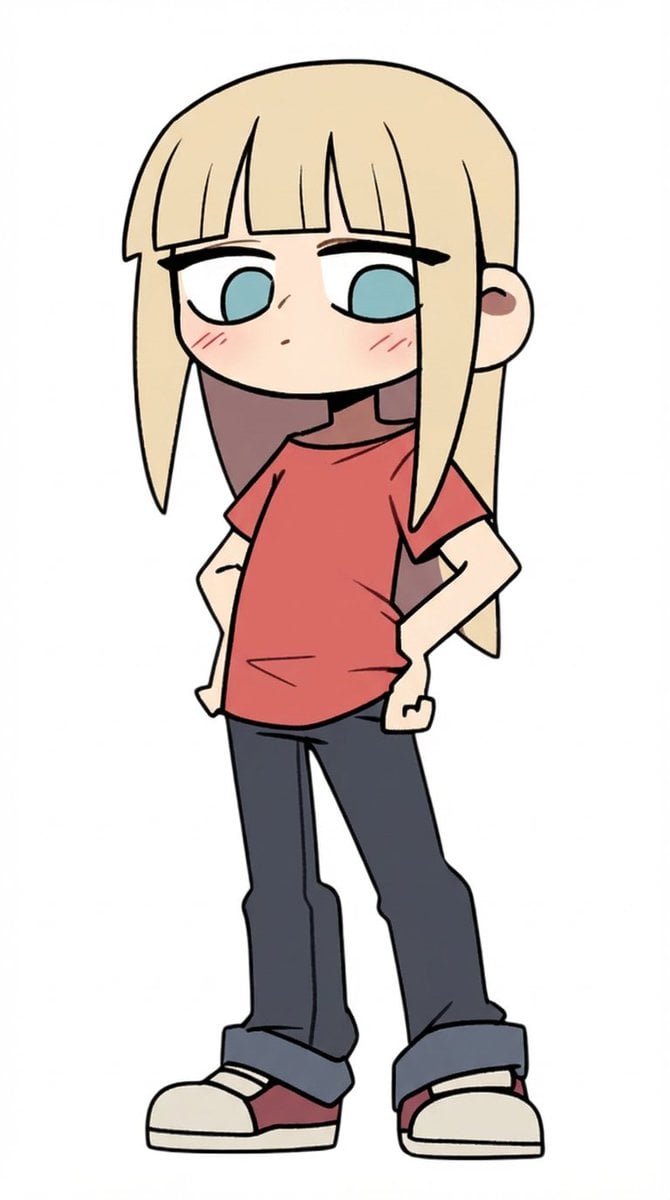
Character Refinement Prompt (Japanese Instructions)
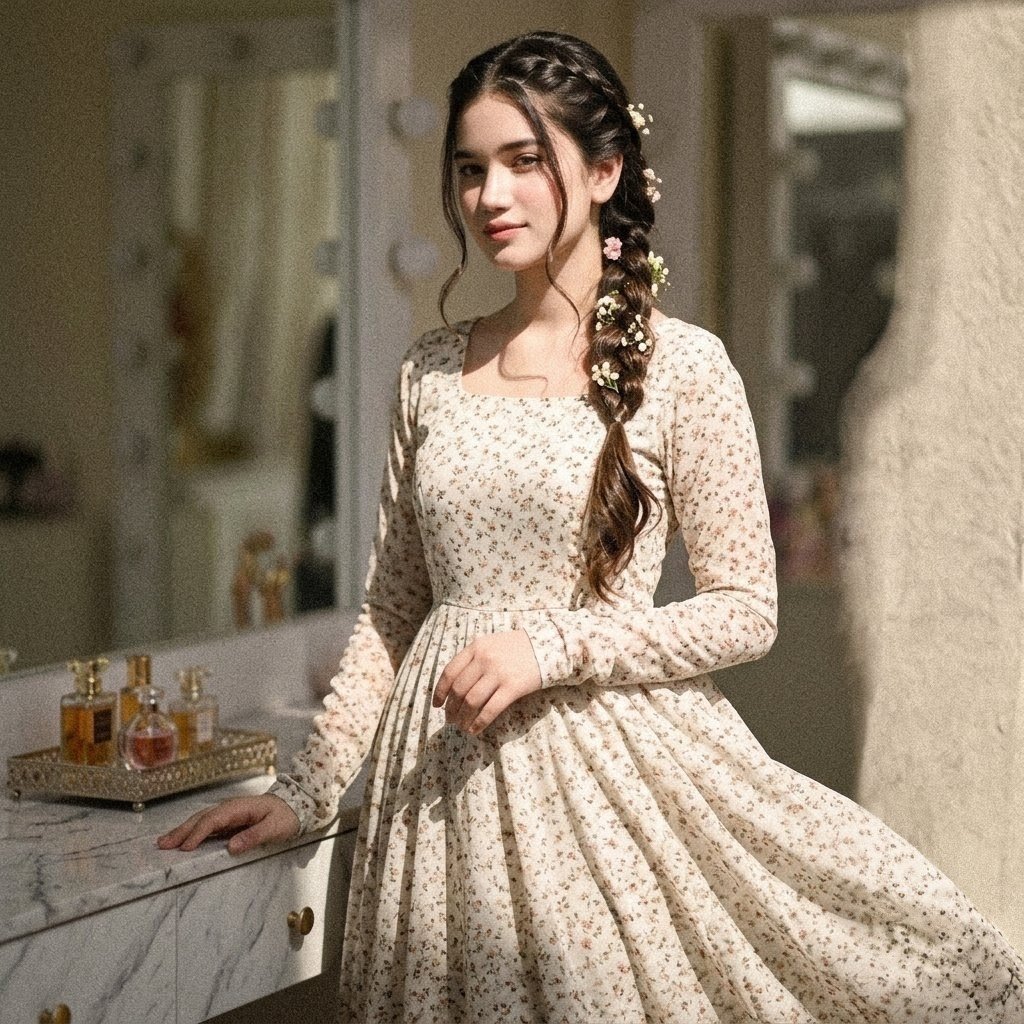
Vintage Floral Pakistani Dress Portrait
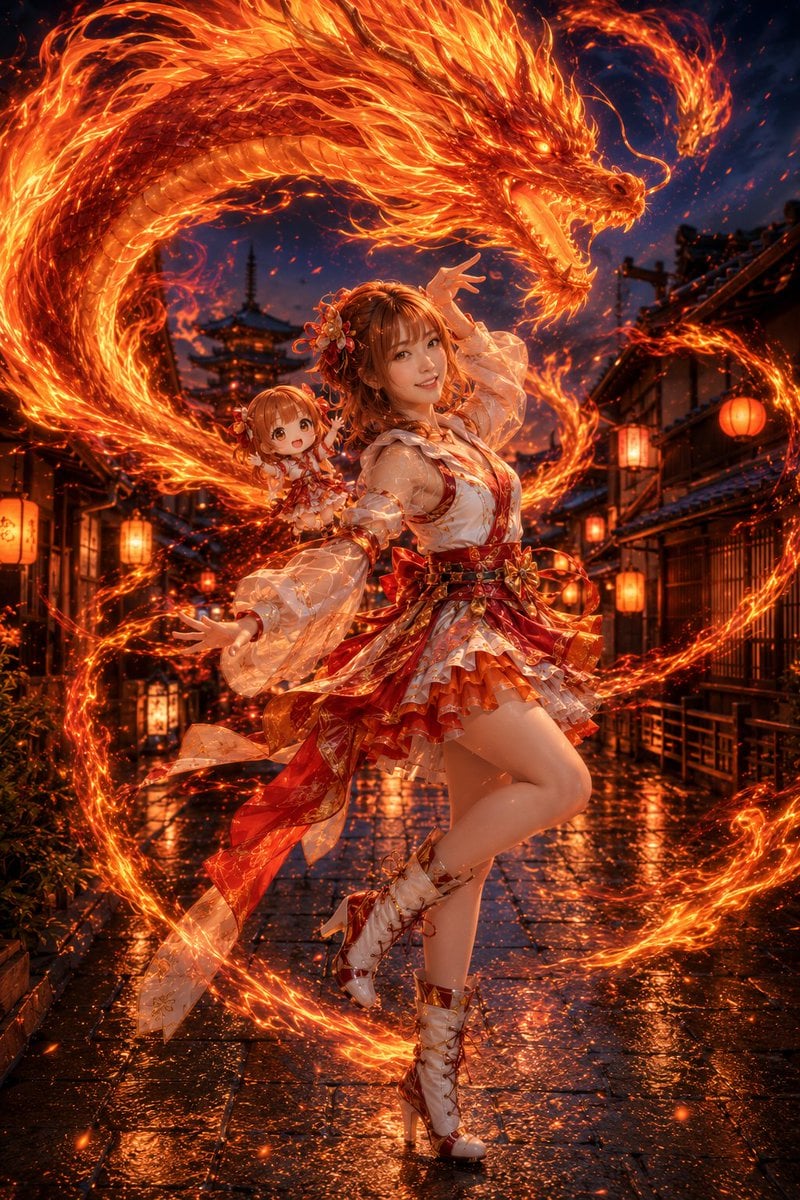
Fire Dragon Magic Girl in Old Kyoto
Sporty Outdoor Portrait with Turkey Soccer Kit
Japanese Film Aesthetic Portrait
action movie hollywood movie hollywood fight scene... (IMAGE-NANO_BANANA)
Browse template categories
Retro Anime Endless Summer Street questions
How do I use the Retro Anime Endless Summer Street template?
Add your photo if the template asks for one, edit the prompt if you like — the template's model and format are already selected — and press Generate. Your version opens in PicX Studio.
Can I customize the Retro Anime Endless Summer Street template?
Yes. You can change the subject, setting, lighting, mood, format, and available model controls before creating your image.
Is the Retro Anime Endless Summer Street template free?
Opening and editing this template is free. Generating uses credits, shown on the Generate button when you are signed in.
Which AI model should I use?
Start with GPT Image 2, which is the model associated with this template. You can compare another compatible model for a different finish.
Looking for something else? Browse all templates.

Your photo, any look
Thousands of ready templates for every top image and video model, from one credit balance.