How do I use the Anime Summer Street Poster template?
Edit the prompt in the box under the preview — the template's model and format are already selected — and press Generate. Your version appears right on this page.
This prompt generates a polished vertical anime-style ensemble poster of a pirate-themed friend group eating ice cream in a sunny city street, ideal for fan-art key visuals, event posters, and stylish promotional…

This template uses your photo — add one with the + button.
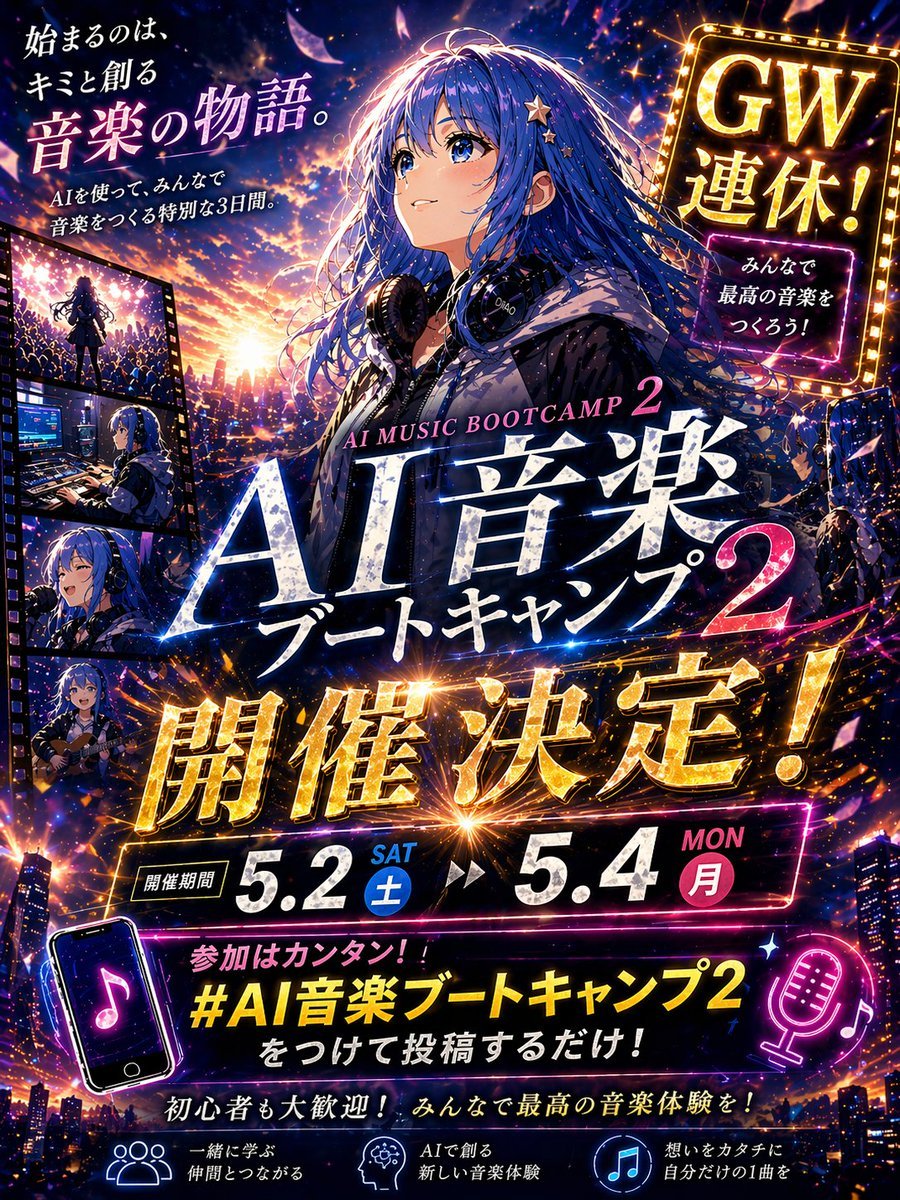
A high-energy vertical anime street poster inspired by a pirate adventure crew, designed like a stylish summer campaign key visual in a modern Japanese shopping street under a vivid blue sky with fluffy white clouds. Show exactly 8 characters grouped closely in the foreground and midground, all happily eating colorful ice cream cones while walking through the city. Center front: a young man in a wide straw hat, oversized red graphic T-shirt, blue shorts, and a black crossbody waist bag, holding a mint-blue ice cream cone. Front left: a green-haired young man in a black oversized graphic shirt with green lettering and layered necklaces, eating ice cream. Front right: a small chibi-like reindeer mascot character wearing a large pink hat with a white X, black and pink streetwear jacket, and holding a blue-and-pink ice cream cone. Right midground: a long-nosed smiling young man in a cap and casual streetwear, loudly laughing with an ice cream cone; behind him a tall skeleton man with a large black afro, crown-like hat, purple hoodie, sunglasses, and an ice cream cone. Left midground: an orange-haired young woman in a cropped white tank top and jeans holding ice cream; behind center-left a blond young man in a blue shirt with a relaxed pose and ice cream; center-right a dark-haired young woman in a purple outfit with sunglasses on her head holding ice cream. The mood is cheerful, summery, fashionable, and adventurous. Make the composition feel like a premium anime tourism or retail poster with dramatic perspective from street level, dense urban signage, shop windows, hanging signs, and branded poster panels. Add large brush-script title text across the top reading {argument name="headline text" default="ONE PIECE"} in huge white paint strokes, with a yellow handwritten subtitle reading {argument name="subtitle text" default="Straw Hat Crew"}. On the upper left, stack poster text blocks reading exactly: "STRAW HAT CREW", "2024", "WE GO! TOGETHER! NEW WORLD!". On the right side, add a vertical street sign reading "New World". Include a pink hanging sign reading "ICE CREAM" with a skull emblem. Add pirate-skull hat emblems in the corners and on storefront signage. At the lower left, place white handwritten script reading "Enjoy! Ice Cream" with a small smiley, and beneath it smaller bold text reading "一起去吃冰淇淋吧!". At the lower left edge add small text: "I'M GONNA BE KING OF THE PIRATES!". At the lower right add "ONE PIECE 2024", a barcode, and tiny caption text "STRAW HAT CREW SUMMER ICE CREAM". Use glossy anime illustration rendering, bold cel shading, crisp line art, rich fabric folds, detailed accessories, vibrant summer lighting, cinematic contrast, poster-grade typography, and a polished commercial key art finish. Aspect ratio 2:3 portrait.
A high-energy vertical anime street poster inspired by a pirate adventure crew, designed like a stylish summer campaign key visual in a modern Japanese shopping street under a vivid blue sky with fluffy white clouds. Show exactly 8 characters grouped closely in the foreground and midground, all happily eating colorful ice cream cones while walking through the city. Center front: a young man in a wide straw hat, oversized red graphic T-shirt, blue shorts, and a black crossbody waist bag, holding a mint-blue ice cream cone. Front left: a green-haired young man in a black oversized graphic shirt with green lettering and layered necklaces, eating ice cream. Front right: a small chibi-like reindeer mascot character wearing a large pink hat with a white X, black and pink streetwear jacket, and holding a blue-and-pink ice cream cone. Right midground: a long-nosed smiling young man in a cap and casual streetwear, loudly laughing with an ice cream cone; behind him a tall skeleton man with a large black afro, crown-like hat, purple hoodie, sunglasses, and an ice cream cone. Left midground: an orange-haired young woman in a cropped white tank top and jeans holding ice cream; behind center-left a blond young man in a blue shirt with a relaxed pose and ice cream; center-right a dark-haired young woman in a purple outfit with sunglasses on her head holding ice cream. The mood is cheerful, summery, fashionable, and adventurous. Make the composition feel like a premium anime tourism or retail poster with dramatic perspective from street level, dense urban signage, shop windows, hanging signs, and branded poster panels. Add large brush-script title text across the top reading {argument name="headline text" default="ONE PIECE"} in huge white paint strokes, with a yellow handwritten subtitle reading {argument name="subtitle text" default="Straw Hat Crew"}. On the upper left, stack poster text blocks reading exactly: "STRAW HAT CREW", "2024", "WE GO! TOGETHER! NEW WORLD!". On the right side, add a vertical street sign reading "New World". Include a pink hanging sign reading "ICE CREAM" with a skull emblem. Add pirate-skull hat emblems in the corners and on storefront signage. At the lower left, place white handwritten script reading "Enjoy! Ice Cream" with a small smiley, and beneath it smaller bold text reading "一起去吃冰淇淋吧!". At the lower left edge add small text: "I'M GONNA BE KING OF THE PIRATES!". At the lower right add "ONE PIECE 2024", a barcode, and tiny caption text "STRAW HAT CREW SUMMER ICE CREAM". Use glossy anime illustration rendering, bold cel shading, crisp line art, rich fabric folds, detailed accessories, vibrant summer lighting, cinematic contrast, poster-grade typography, and a polished commercial key art finish. Aspect ratio 2:3 portrait.
Edit the prompt in the box under the preview — the template's model and format are already selected — and press Generate. Your version appears right on this page.
Yes. You can change the subject, setting, lighting, mood, format, and available model controls before creating your image.
Opening and editing this template is free. Generating uses credits, shown on the Generate button when you are signed in.
Start with GPT Image 2, which is the model associated with this template. You can compare another compatible model for a different finish.
Follow a topic to a crawlable collection of related PicX Studio templates.